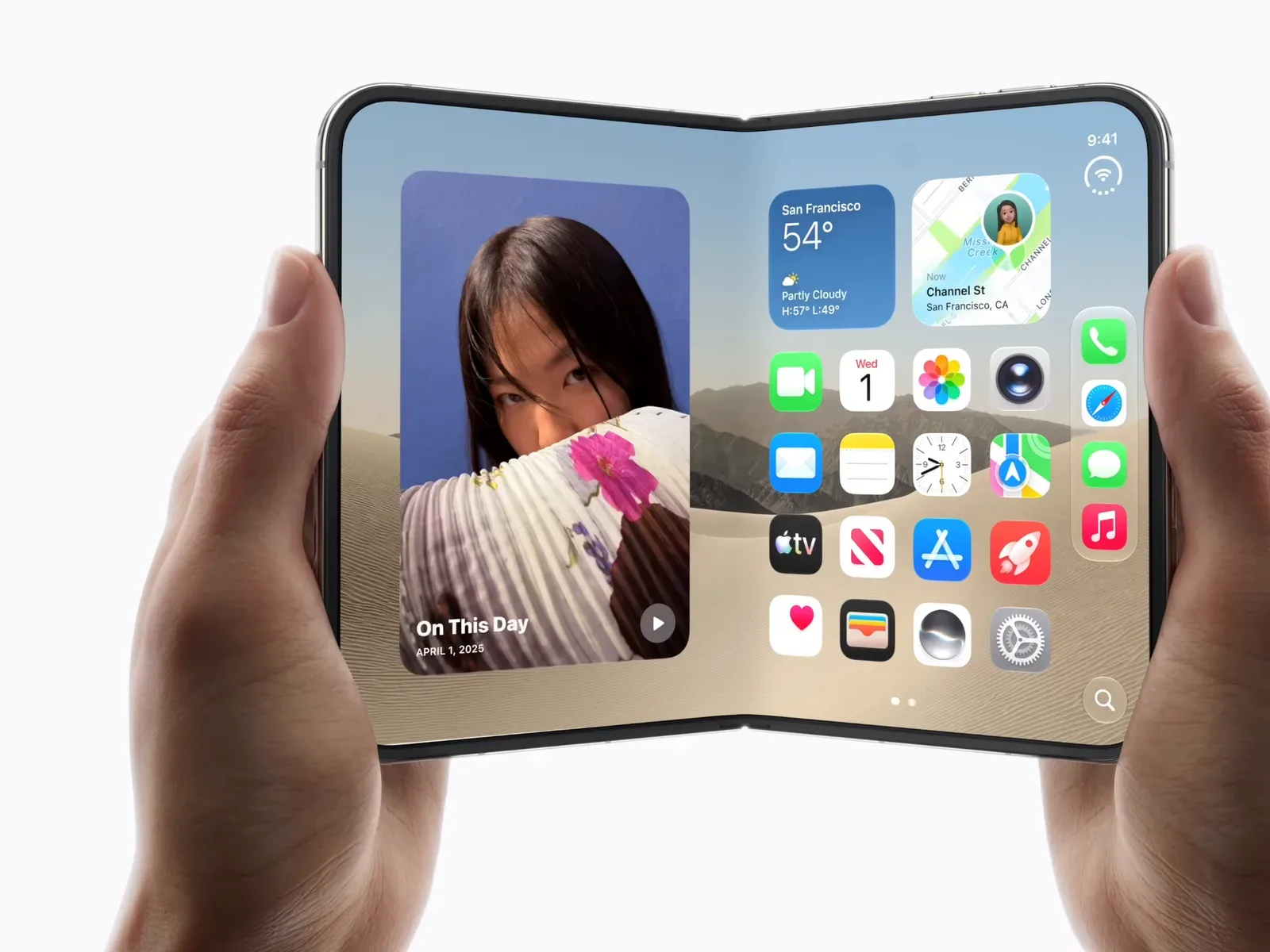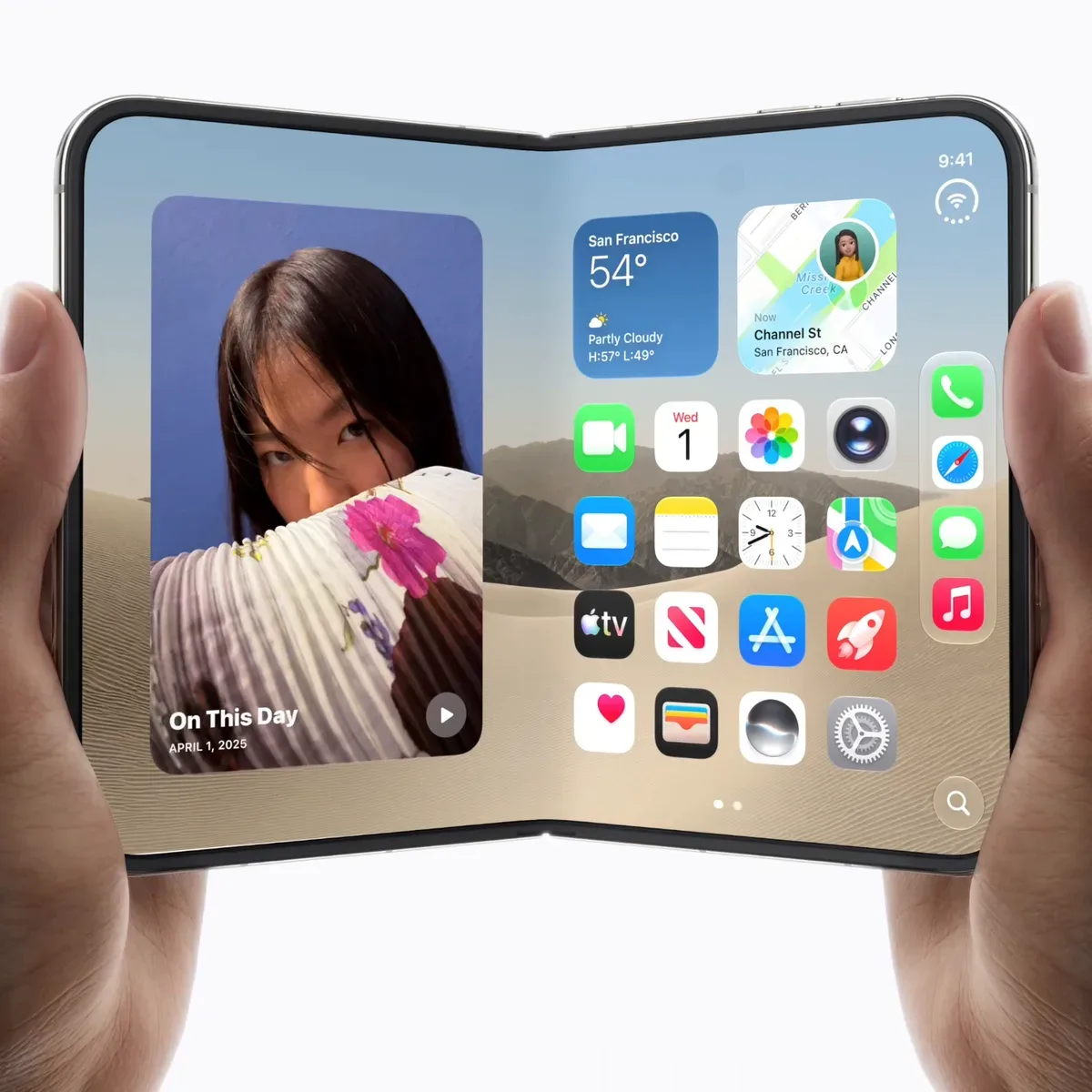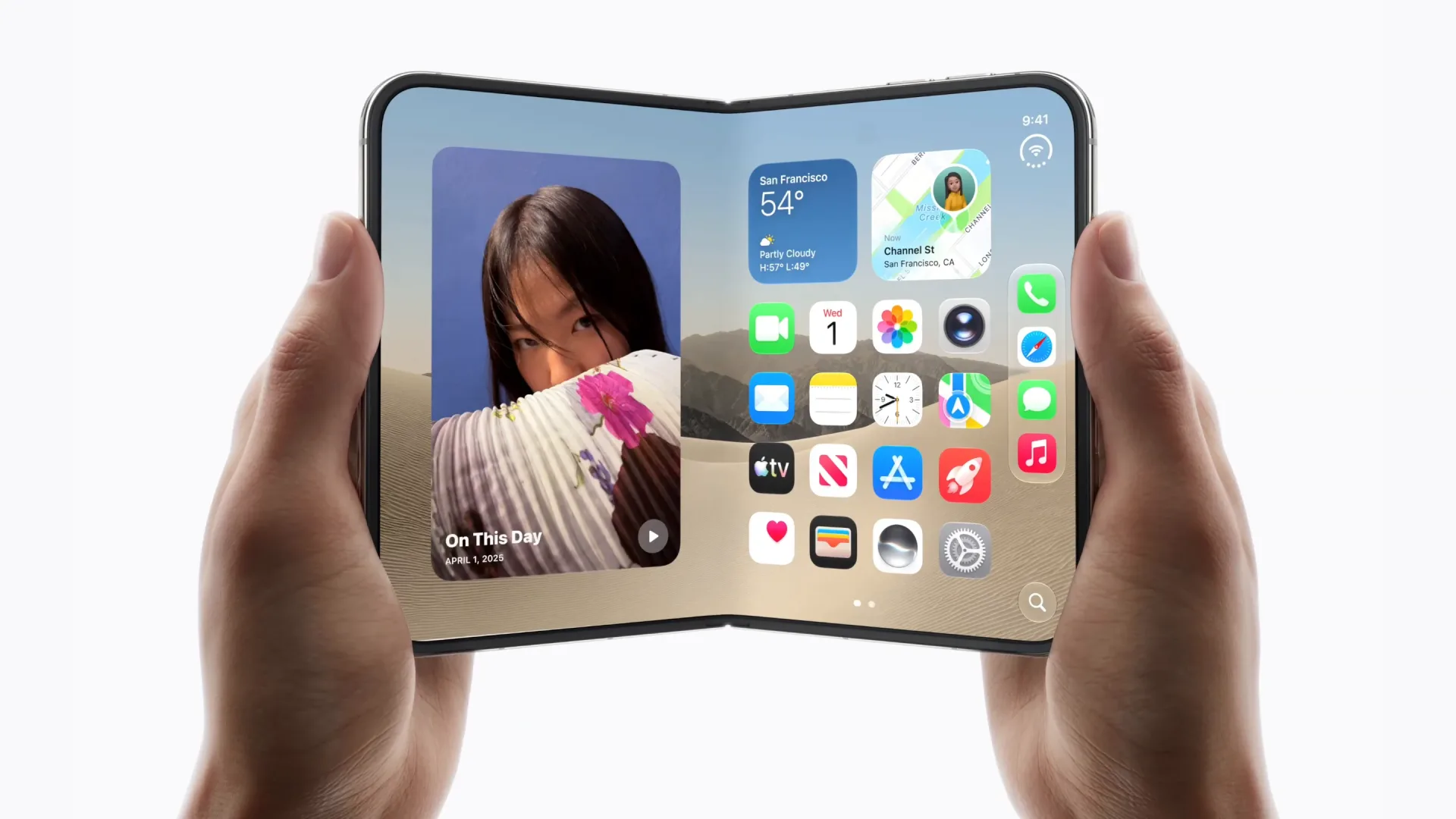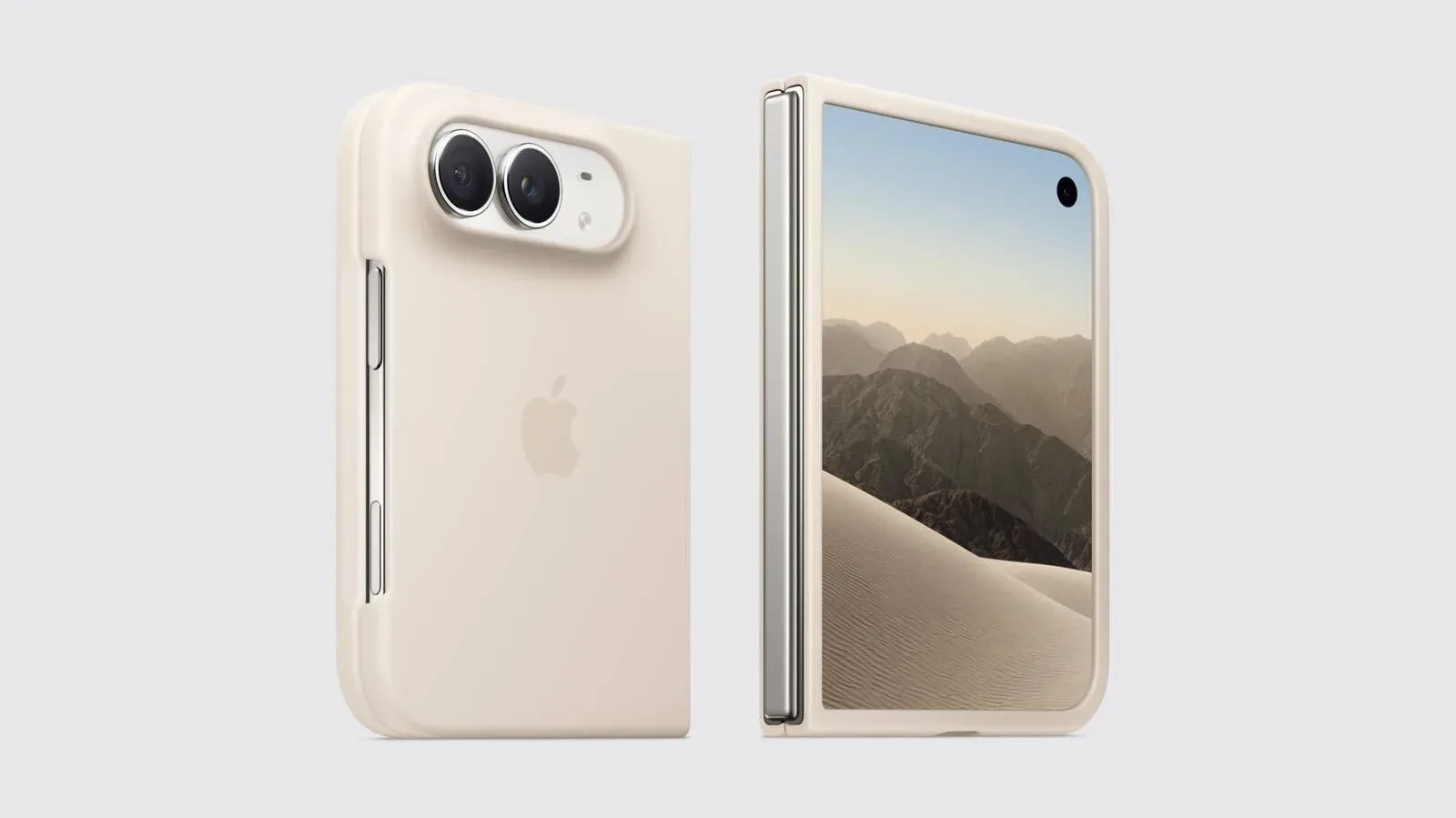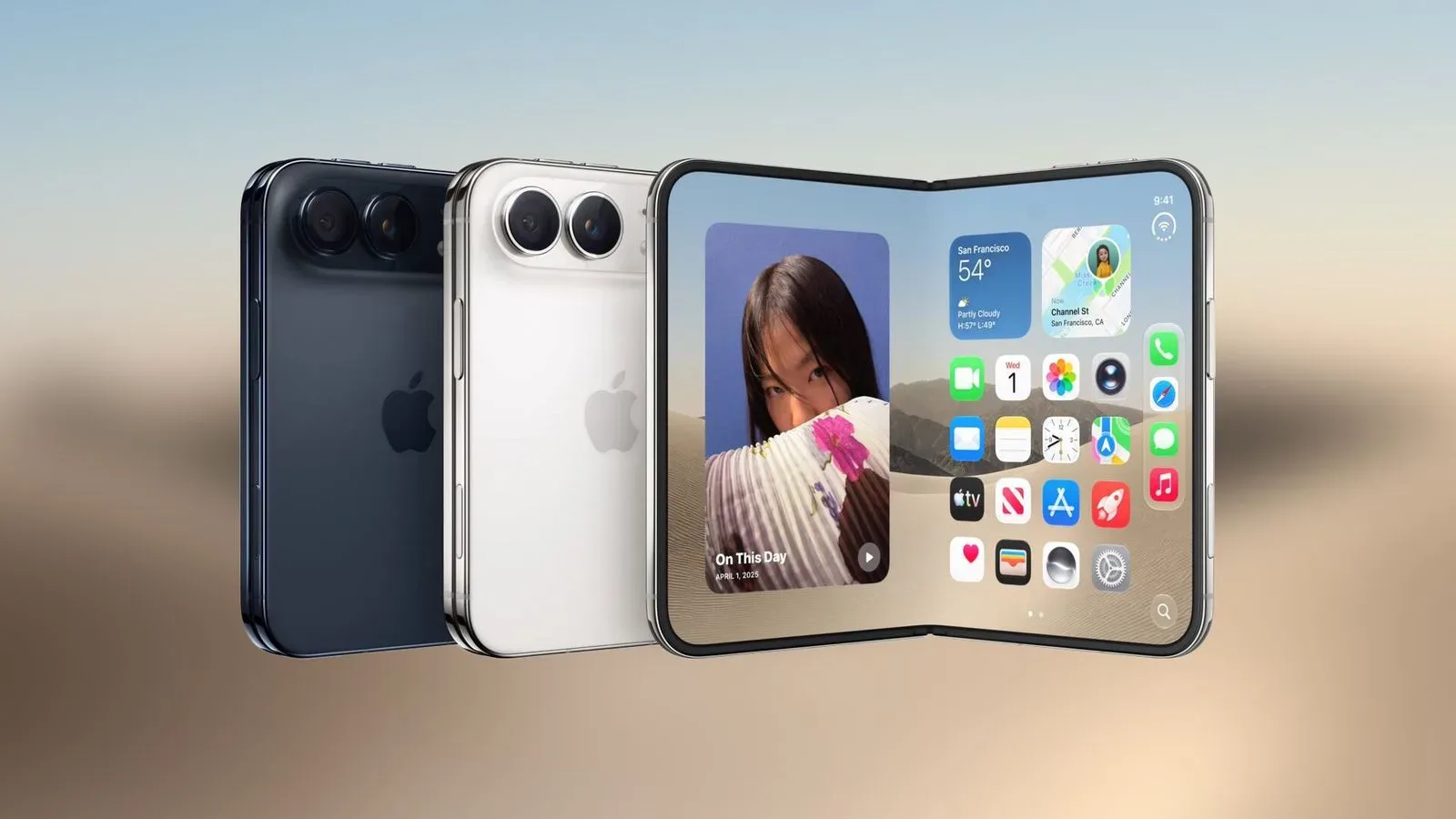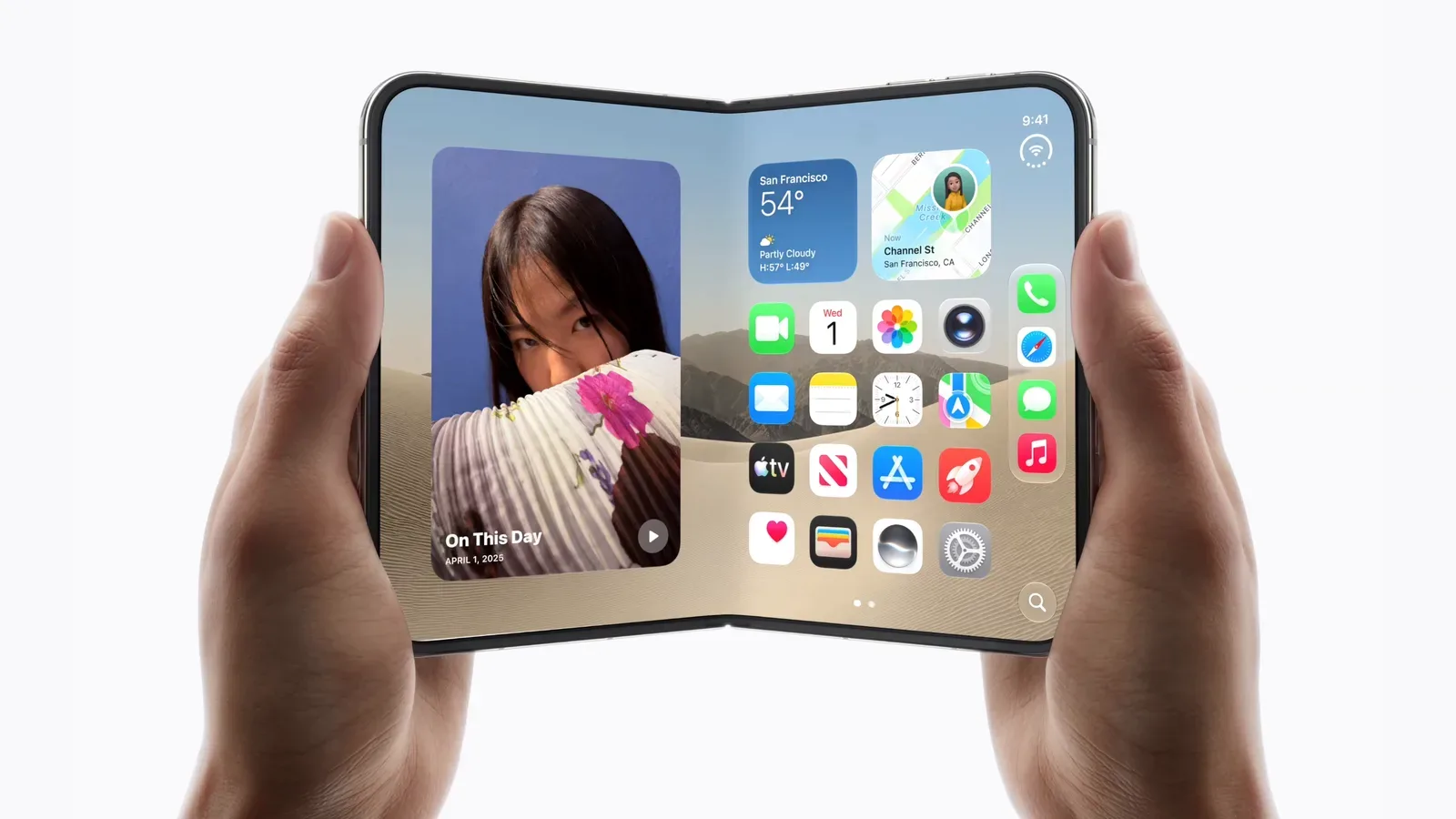
The iPhone Duo’s apparent biggest adjustment is not a camera setting, a new gesture or a spec-sheet compromise. It is the act of getting into the phone.
Early review coverage points to a consistent concern with the handset’s return to Touch ID: the fingerprint reader itself may authenticate successfully, but its intended interaction can feel slower and more demanding than the Face ID routine many iPhone users now expect. That distinction matters. A biometric system is not judged only by whether it recognizes its owner; it is judged by how often it interrupts the tiny actions that fill a day.
In this case, the side-button sensor appears to use a deliberate pause. A touch initially leaves the user on the Lock Screen, where notifications can be seen. Keeping a registered finger on the button proceeds to the Home Screen. Apple’s explanation is that the behavior offers consistency with other Touch ID devices while allowing the phone time to wake and present Lock Screen notifications.
That is a coherent design goal. But the early reaction suggests the implementation may create a perceptual problem: even if fingerprint matching is technically quick, a deliberate wait can make the whole unlock sequence feel slow. For people used to raising an iPhone and letting Face ID authenticate in the background, the shift is less about raw speed than the loss of an almost invisible habit.
The pause is doing a job, but users may not want that job done for them
There is a sensible logic behind keeping someone briefly on the Lock Screen. Notifications are useful, and an immediate leap into the Home Screen could mean users miss information they meant to check. Touch ID on a side button also has to balance two different intentions: a person might simply be holding or waking the phone, or they might explicitly be trying to unlock it.
The trouble is that intention is not always neatly conveyed by a finger resting on a button. Several reviews characterize the hold-to-continue behavior as an extra piece of friction repeated throughout the day. One reviewer described seeking a way to disable the delay and not finding one. Another found that the system was mostly painless after about a week of adjustment. Those views are not necessarily contradictory. Habits can become manageable without becoming preferable.
There is reportedly a faster sequence: wake the iPhone Duo, swipe up, then touch the sensor. That route can unlock immediately. It could be useful for owners who want to move through the Lock Screen without waiting for the designed hold. Yet it is also an example of why the criticism has traction. A workaround that adds a wake, swipe and touch may be reliable, but it is not as passive as simply looking at a phone already in hand.
Touch ID here means biometric authentication using a saved fingerprint. Face ID is facial authentication, letting the phone recognize the user’s face as they look at it. Both are intended to protect access without asking for a passcode every time. The key ergonomic difference is where the user’s attention and hand must be. With Face ID, the user naturally faces the display; with the iPhone Duo’s Touch ID implementation, they need an enrolled finger to make clean contact with the side button and sometimes need to maintain that contact.
Why an unlock change becomes a bigger lifestyle change
Unlocking is a high-frequency action. It happens when a phone comes out of a pocket, comes off a desk, is picked up from a table, or is checked between other tasks. A one-second or even sub-second interruption can therefore become conspicuous because it recurs constantly. One reviewer framed the issue as a tiny annoyance experienced roughly 50 times a day. That is not a benchmark for every owner, but it neatly explains the scale of the complaint.
The physical realities of fingerprints further complicate the transition. Early assessments note potential trouble after washing hands and when fingers are slightly greasy. Cold-weather gloves also present an obvious limitation: a user generally has to remove a glove to use a fingerprint reader. Face-based authentication does not impose that exact requirement, though the supplied reporting does not establish how every face-covering or lighting scenario compares.
Hand position is another practical concern. One reviewer found the side button particularly comfortable in landscape orientation, implying that portrait use may take more deliberate finger placement. That will vary with grip, hand size and how a person picks up the device, so it should not be read as a universal verdict. Still, it underlines the larger theme: Touch ID requires a specific physical input, while Face ID made authentication feel closer to a glance-based background process.
There is also the matter of unintended contact. A review described recurring haptic error feedback caused by accidental side-button presses while moving or picking up the phone. Haptic feedback is the small vibration used to confirm an action or signal a failed one. In principle, an error buzz helps explain why an attempt did not work. In practice, repeated vibrations can make users newly aware of every false attempt—and can turn a side button from an unobtrusive control into a noisy point of friction.
Apple Pay may be where muscle memory is most exposed
Unlocking the phone is only one part of authentication. The return to Touch ID changes how some people approach Apple Pay as well. Review feedback specifically notes the difficulty of unlearning the expectation that a glance will confirm a payment. That does not mean payments cannot be authenticated; it means a long-established motion has been replaced by a button-and-finger action.
This is the sort of change that can be disproportionately noticeable in public. A person paying at a terminal often wants the transaction to feel immediate and predictable. If they have to remember which finger is registered, orient the device so that finger reaches the side button, and hold it correctly, they may initially feel slower even when the phone is functioning as designed.
The supplied reviews do not establish a universal failure rate for Touch ID or Apple Pay, and buyers should resist treating individual accounts as lab results. They do establish something more useful for prospective owners: users transitioning from a recent Face ID iPhone should expect their learned payment and unlock habits to change.
Apple Watch unlock looks like a meaningful escape hatch
For users who own and wear an Apple Watch, there is an alternative. The iPhone Duo can be unlocked with the watch, and one early assessment found that route faster than Touch ID and said it removed much of the resulting friction. Another reviewer went further, arguing that iPhone Duo buyers would want to wear an Apple Watch.
That option could be valuable, but it should be understood as an alternative rather than a reason to assume the side-button reader will disappear from daily use. Not every prospective iPhone Duo owner owns an Apple Watch, wants to wear one continually, or can rely on it in every situation. The available reporting does not provide broader details about setup requirements or every circumstance in which watch-based unlocking works, so those questions remain outside the evidence at hand.
Still, the existence of a faster-feeling companion-device route changes the purchase calculation for some buyers. Someone already accustomed to an Apple Watch may have a smoother path into the iPhone Duo than someone who expects the handset alone to replicate the effortless feel of Face ID.
Reliable does not always mean invisible
Not all early impressions are negative. One review called Touch ID quick and reliable, while another said that after a week it was mostly painless once the user remembered to use it. These are important counterweights to the harsher reactions. The iPhone Duo’s authentication method may prove perfectly workable for many people, especially those with prior comfort using fingerprint sensors.
But “works quickly and reliably” and “feels like a step backward” can both be true. Reliability describes whether an enrolled fingerprint is recognized. Friction describes the broader experience: the pause after contact, the need for a particular finger, wet or greasy hands, gloves, accidental sensor touches, and the changed payment ritual. Face ID’s advantage in these accounts is not merely that it can unlock; it is that it has trained people to spend less conscious attention on authentication.
That makes the iPhone Duo a particularly personal purchase decision. Buyers who disliked facial authentication or already prefer a physical biometric gesture may welcome Touch ID’s return. Buyers who regularly check phones with messy hands, wear gloves, use Apple Pay frequently, or prize quick pocket-to-screen access should pay closer attention to the tradeoff. The early reviews portray Touch ID as usable, not unusable—but clearly more visible in day-to-day life than Face ID has become.
What prospective iPhone Duo owners should weigh
- Expect an adjustment period: The intended hold behavior appears different from the instant, glance-led routine of Face ID.
- Consider your usual environments: Wet hands, greasy fingers and winter gloves are repeatedly raised as situations where fingerprint authentication can be less convenient.
- Think about Apple Pay: If you pay by phone often, the need to authenticate with a registered finger may be one of the most noticeable habit changes.
- Apple Watch ownership may matter: Watch-based unlocking is presented as a potentially quicker alternative, though it is only useful to people who want to wear one.
- Separate speed from feel: Positive reports of reliable performance do not erase the possibility that the delay and extra gesture will feel slower than a Face ID iPhone.
The conversation around the iPhone Duo’s Touch ID is also a reminder that phone compromises are not always visible in promotional images or specification tables. Authentication is infrastructure for the rest of the device experience. When it becomes more deliberate, users notice.
That broader scrutiny may be especially relevant for people considering the Duo for heavier tasks. Reports around long gaming and camera sessions on iPhone Duo have already put attention on how demanding use affects the device. The Touch ID discussion adds a different, more mundane question: how does the phone feel in the seconds before any of those sessions begin?
Early consensus is not that Touch ID is broken. It is that Face ID set a high bar for disappearing into a user’s routine, and the iPhone Duo asks its owner to think about authentication again. For some, a week may be enough to make that ordinary. For others, the repeated hold, the occasional misread and the need to use the right finger may be the compromise they notice most.