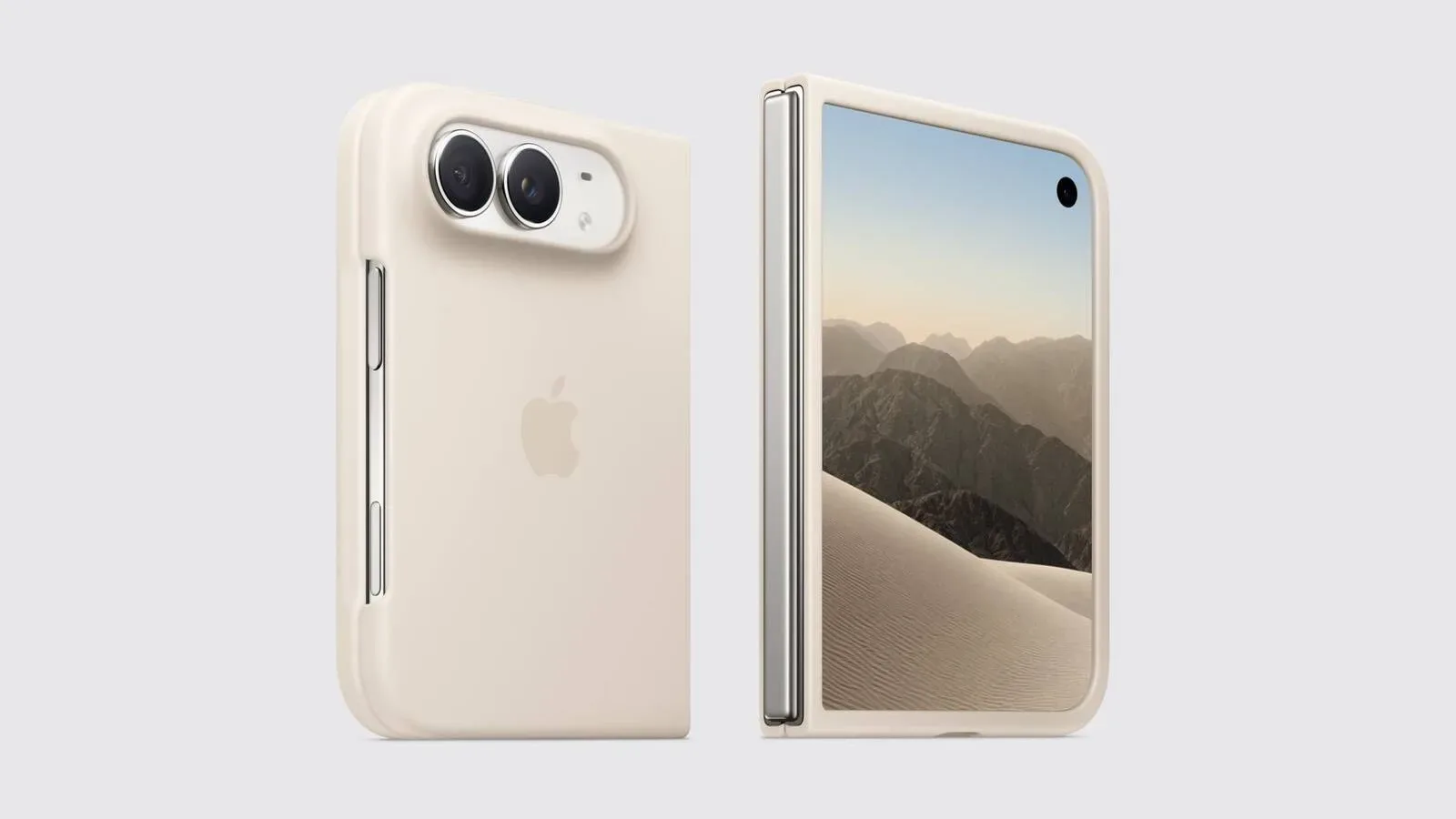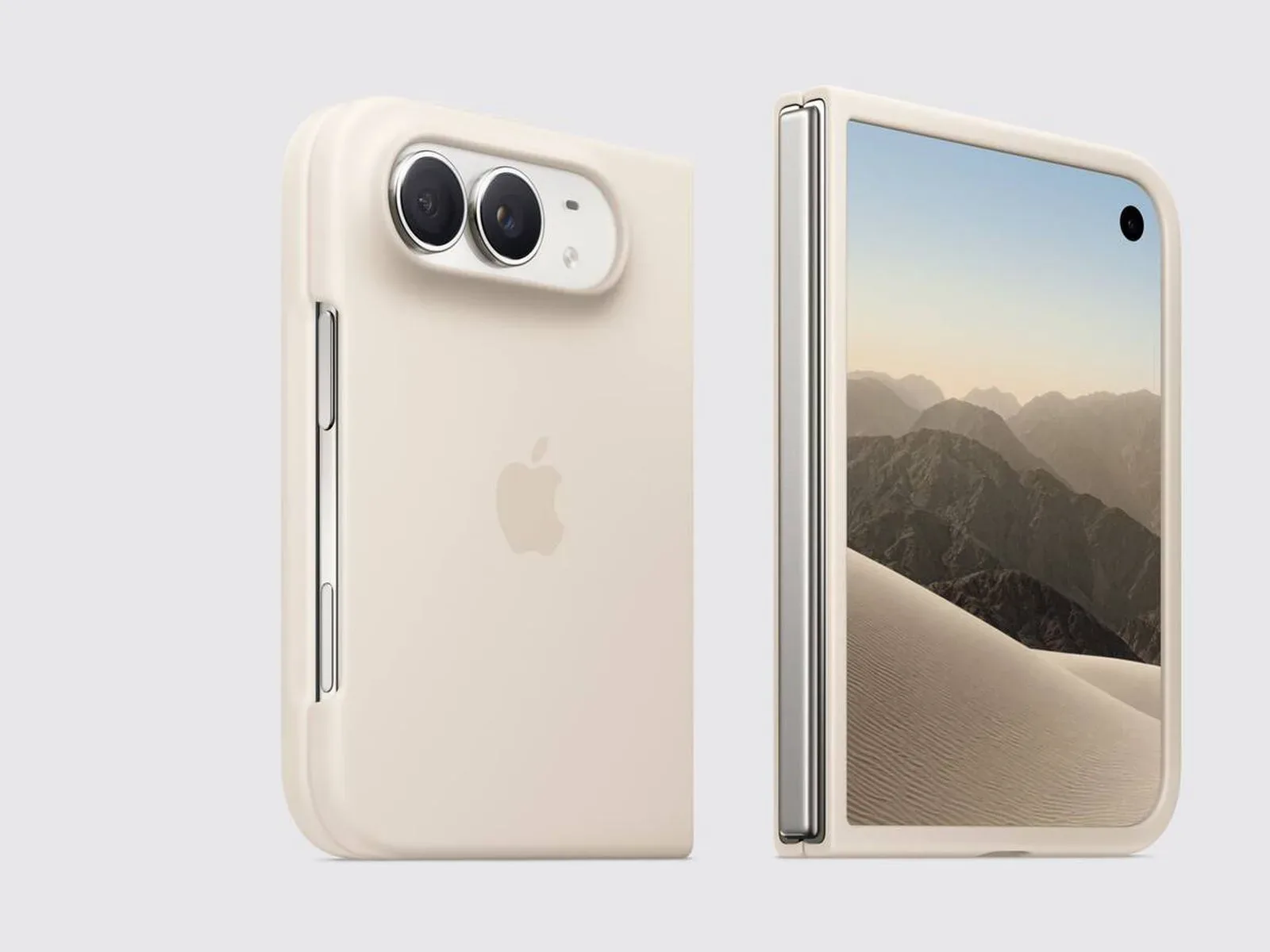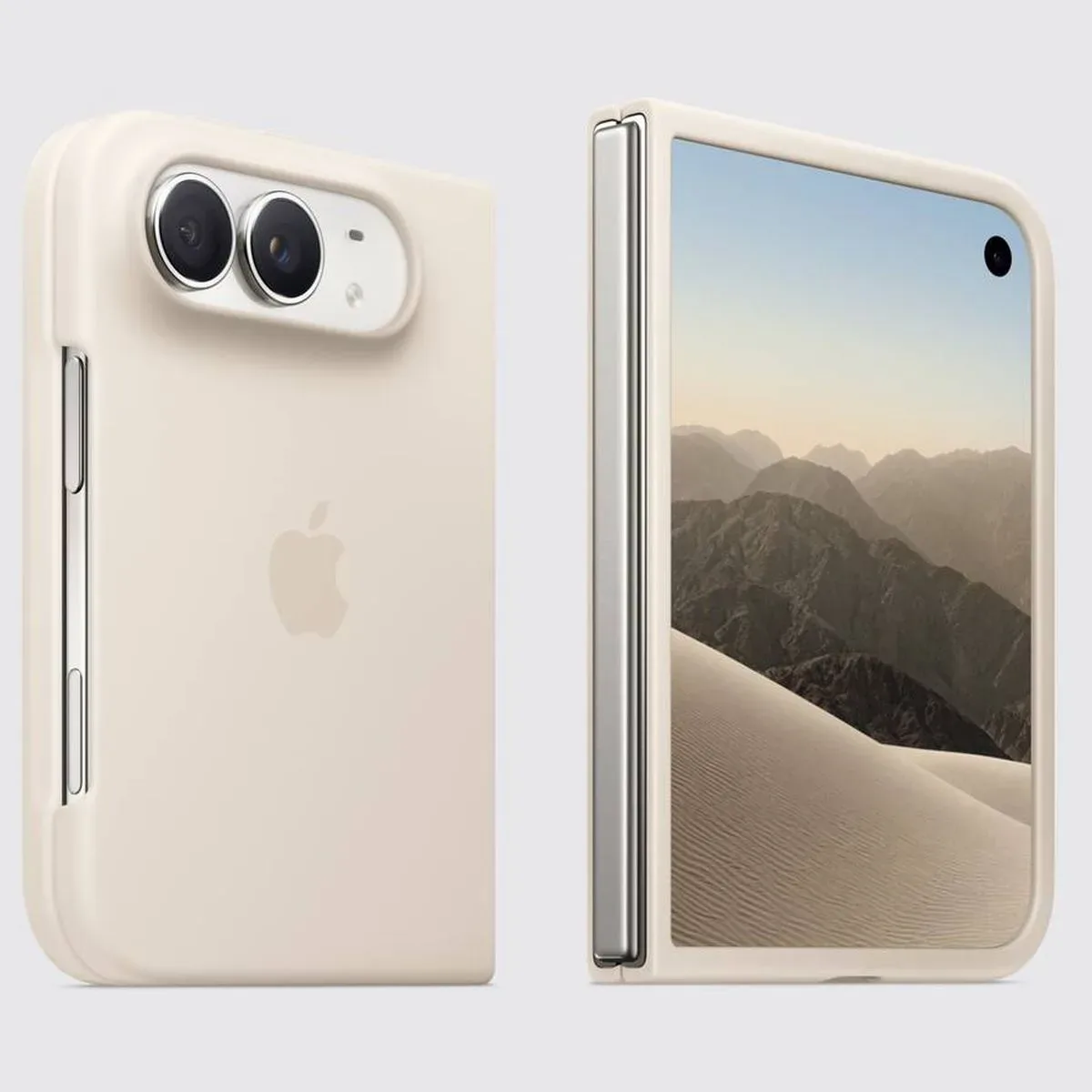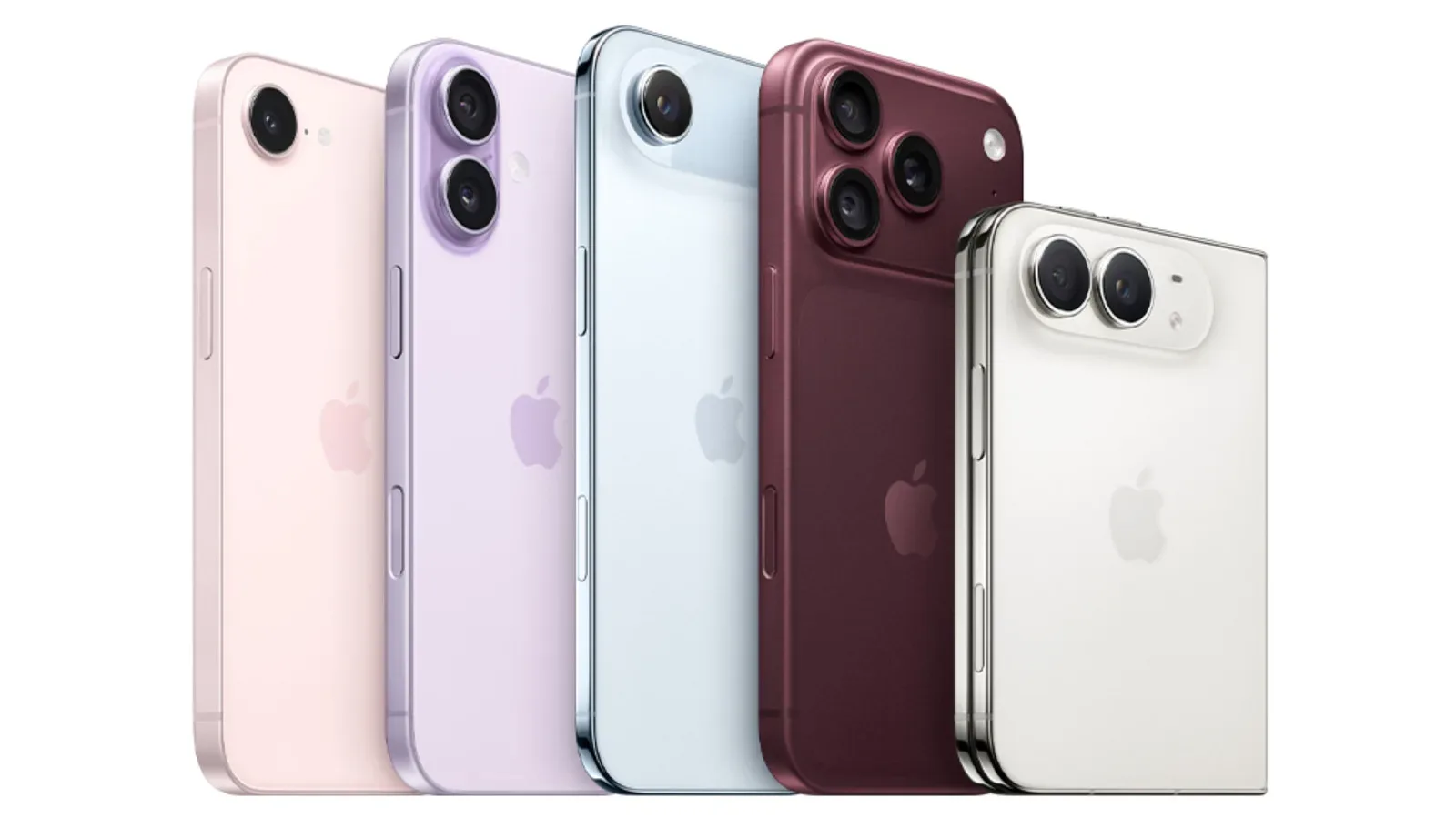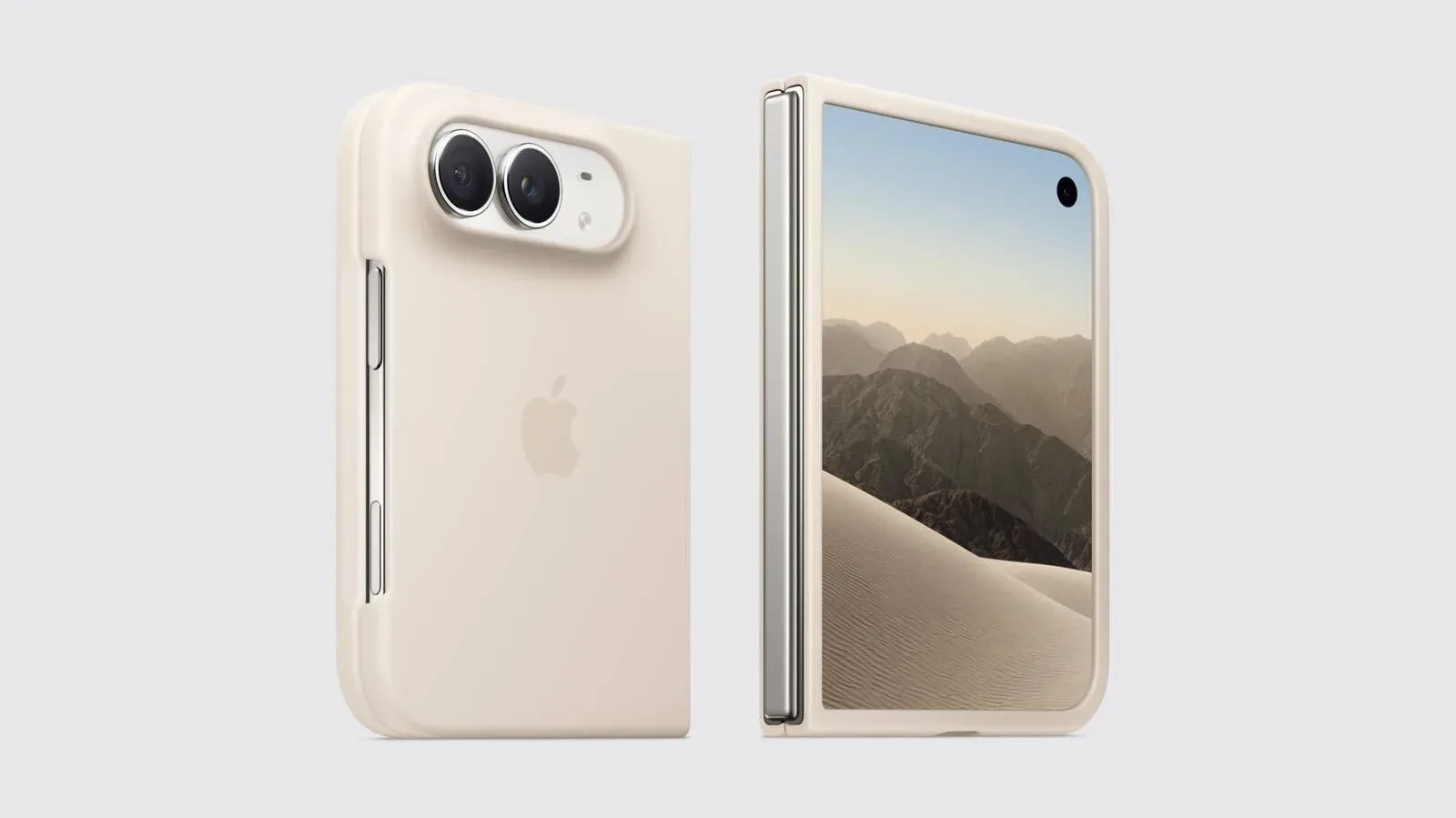
Apple’s foldable iPhone Duo is taking a noticeably different route to phone authentication: there is no Face ID on the device. Instead, the iPhone Duo places Touch ID in its side button, giving owners a fingerprint-based way to authenticate whether the handset is folded shut or opened out.
That is the headline hardware decision, but it is not the entire unlocking story. People who use an Apple Watch will also be able to opt for an unlocking method that does not require pressing the side button. The watch can unlock the iPhone Duo without a direct button press, offering a hands-free alternative alongside Touch ID.
For a device defined by changing shapes, that pairing is especially worth noting. A foldable phone may be closed in one moment, partially opened in the next, and spread into its larger-screen form shortly afterward. Putting the fingerprint reader in the side button means the same authentication control is available across those positions. Meanwhile, Apple Watch unlock gives owners who already wear the companion device another route into the phone.
Touch ID takes the primary role
Face ID has become closely associated with the modern iPhone experience, so its absence from iPhone Duo will be a meaningful adjustment for anyone accustomed to looking at a handset and moving on. The iPhone Duo’s solution is Touch ID built into the side button, a placement familiar from some other Apple hardware. Rather than turning to a front-facing biometric system, the Duo relies on the physical edge of the device for fingerprint authentication.
The practical advantage described for this setup is consistency. Whether iPhone Duo is open or closed, the side-button Touch ID system is available for authentication. That matters because it avoids making owners think of the outer and inner displays as requiring separate unlock habits. The button remains a single, predictable point of contact even when the rest of the device changes configuration.
There is also a straightforward interaction difference between facial and fingerprint authentication. Face ID is designed around the phone recognizing its owner’s face; the Duo instead asks for a deliberate touch on a specific control. Neither approach makes the other disappear as a preference. The important detail for prospective Duo owners is simply that Face ID is not part of this model’s feature set, and Touch ID is the on-device biometric method being provided.
That decision gives iPhone Duo its own authentication identity within the wider iPhone family. Buyers should approach it expecting the side button to be more than a sleep or wake control: it is also the fingerprint reader. As with any change to a familiar interface, some people may prefer the directness of touching a button, while others may miss the face-based process they have used on other iPhones.
Apple Watch adds the no-press option
Touch ID is not the only option, however. An Apple Watch owner can choose to have the watch unlock iPhone Duo without needing to press anything. This is the feature that softens the impact for users who value an unlock process that happens with less active input.
It is also an option rather than a replacement for the side-mounted sensor. The iPhone Duo still includes Touch ID in the side button, so the watch-based route does not turn fingerprint authentication into an all-or-nothing proposition. Instead, it expands the device’s authentication choices for people who already have Apple’s wearable in their daily setup.
That distinction is useful when considering who benefits most. Someone without an Apple Watch will use the iPhone Duo’s side-button Touch ID arrangement. Someone with an Apple Watch can opt into the hands-free unlock behavior. The feature is therefore a meaningful convenience addition, but it is tied to owning the watch; it is not a universal substitute for Face ID across every iPhone Duo purchase.
For users who often move between their phone, watch, and other Apple devices, the arrangement also continues Apple’s emphasis on connected-device functions. The watch is not merely adjacent hardware in this case. It can become part of how an iPhone Duo owner reaches the home screen, while the button-mounted fingerprint reader remains available in either folded state.
A foldable-specific question of access
Authentication on a foldable is not just a matter of which biometric technology is present. The device’s physical form creates a separate question: can the unlock method remain easy to reach before and after the phone is opened? Apple’s side-button choice appears aimed squarely at that concern. Since the button is on the edge, it can be used whether the Duo is closed or unfolded.
That may be more important than it sounds in a product category where handling changes frequently. With a conventional slab phone, the same front surface is generally always in front of the user. A foldable introduces an outer state and a larger, opened state. Keeping Touch ID on a side button means the biometric control is not dependent on one particular display being the active surface.
The Apple Watch option adds a different kind of flexibility. It potentially removes the need to reach for that button at all, provided the owner has chosen that setup and is wearing the watch. In other words, the iPhone Duo’s authentication design is built around two distinct ideas: a reachable physical biometric control for every form factor, and a companion-device route for users who want less direct interaction.
Neither detail changes the core fact that Face ID is absent. But together, they clarify that the iPhone Duo is not limited to one awkward unlock flow simply because it does not use facial recognition. It has a hardware-based Touch ID method, plus an Apple Watch-assisted alternative for eligible users.
What buyers should keep in mind
For people deciding whether the iPhone Duo’s authentication approach suits them, the clearest question is personal routine. Those who prefer fingerprint authentication may see the side button as a familiar, practical answer that works when the device is open or closed. Those who have become attached to unlocking by looking at an iPhone should recognize that the Duo will not offer that same Face ID behavior.
Apple Watch ownership is the other key consideration. The watch unlock feature is positioned as a convenience for people in Apple’s wearable ecosystem, not as a capability inherent to the phone alone. Buyers without a watch should evaluate the Duo as a Touch ID iPhone. Buyers with one have an additional, press-free option available to them.
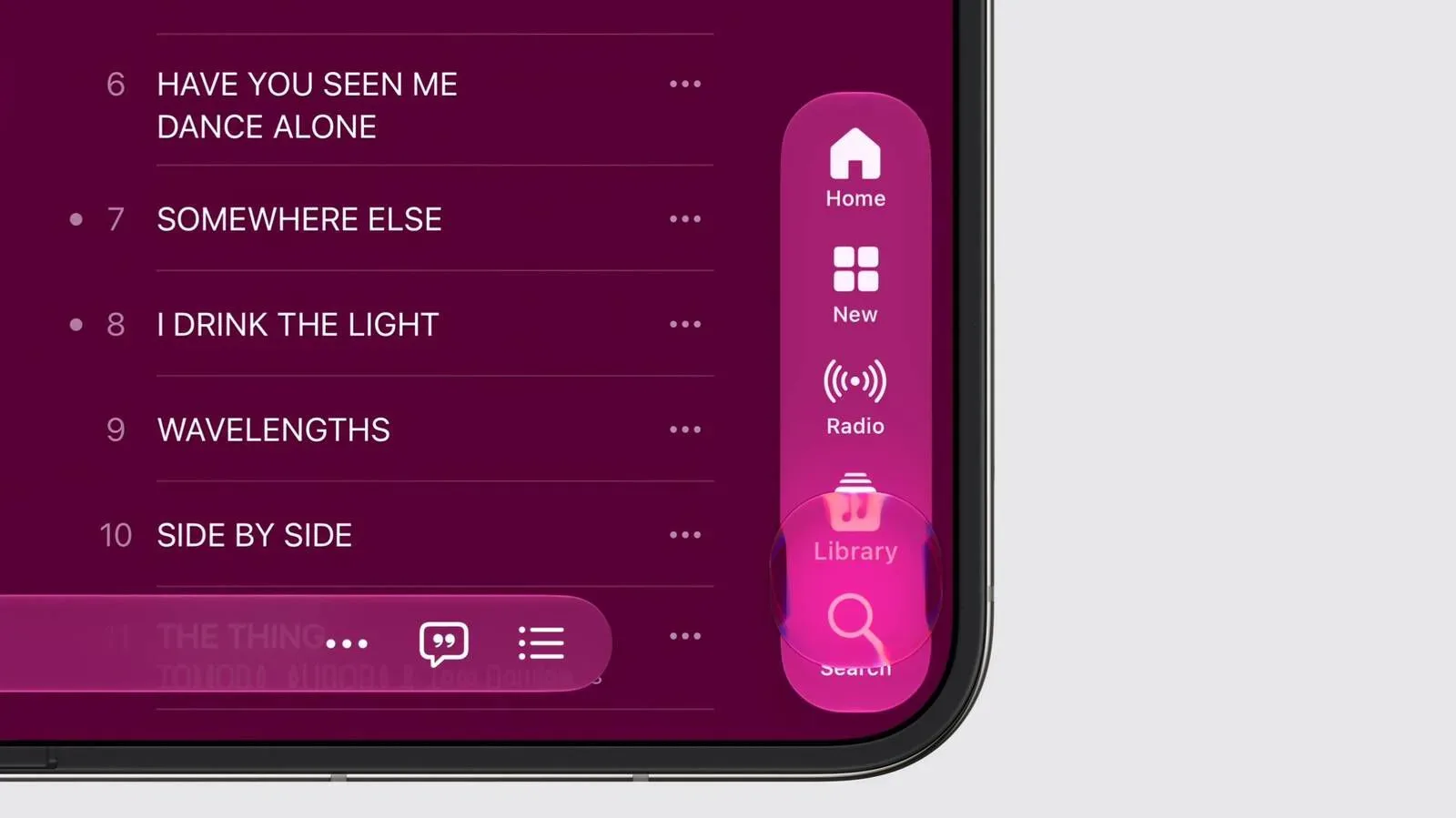
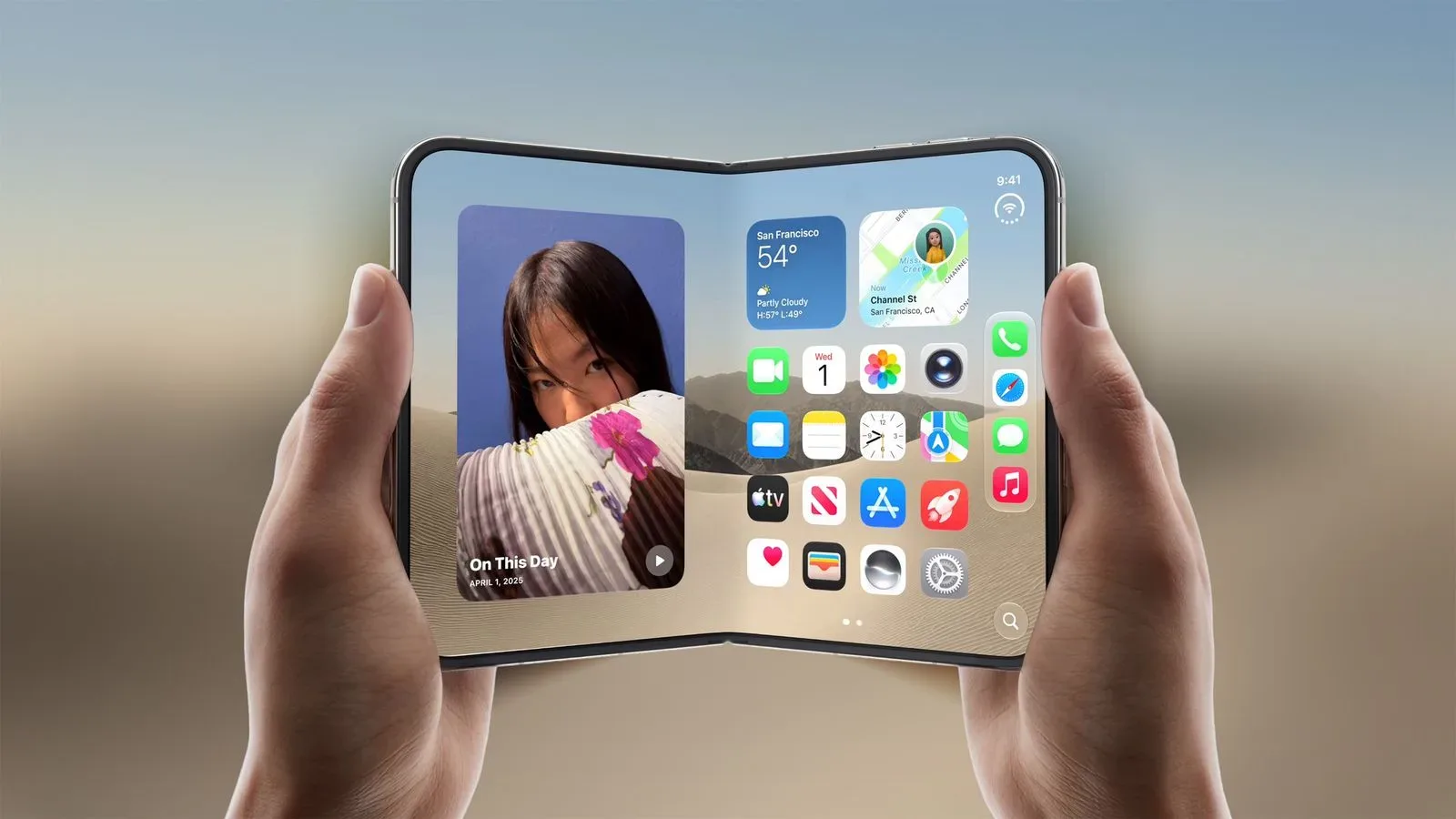
It is worth separating those authentication details from the rest of the foldable conversation, too. The iPhone Duo’s larger two-screen design has already been associated with interface changes in iOS 27’s sideways iPhone Duo layout. The unlock system is a more foundational interaction, though: it is the first recurring step before someone gets to those screens and software features.
Apple has also given the launch timing for people planning around an upgrade. iPhone Duo pre-orders begin at 5:00 a.m. Pacific Time on Friday, October 16. Availability follows on Friday, October 23. No pricing information is included with these authentication details, so potential buyers will need to look elsewhere for the complete purchase picture.
The important trade-off is clear
iPhone Duo does not try to replicate the standard Face ID experience. Its design instead centers Touch ID in the side button, allowing fingerprint authentication with the phone folded or unfolded. For Apple Watch owners, the optional watch-based unlock feature supplies a second path that requires no button press.
That makes the Duo’s approach less about a single biometric technology winning out and more about matching access to the device’s unusual shape. A side-mounted reader remains usable across configurations, while the watch can handle unlocking for users who choose the additional convenience. For anyone considering Apple’s foldable, that is the authentication trade-off to understand before pre-orders open on October 16.