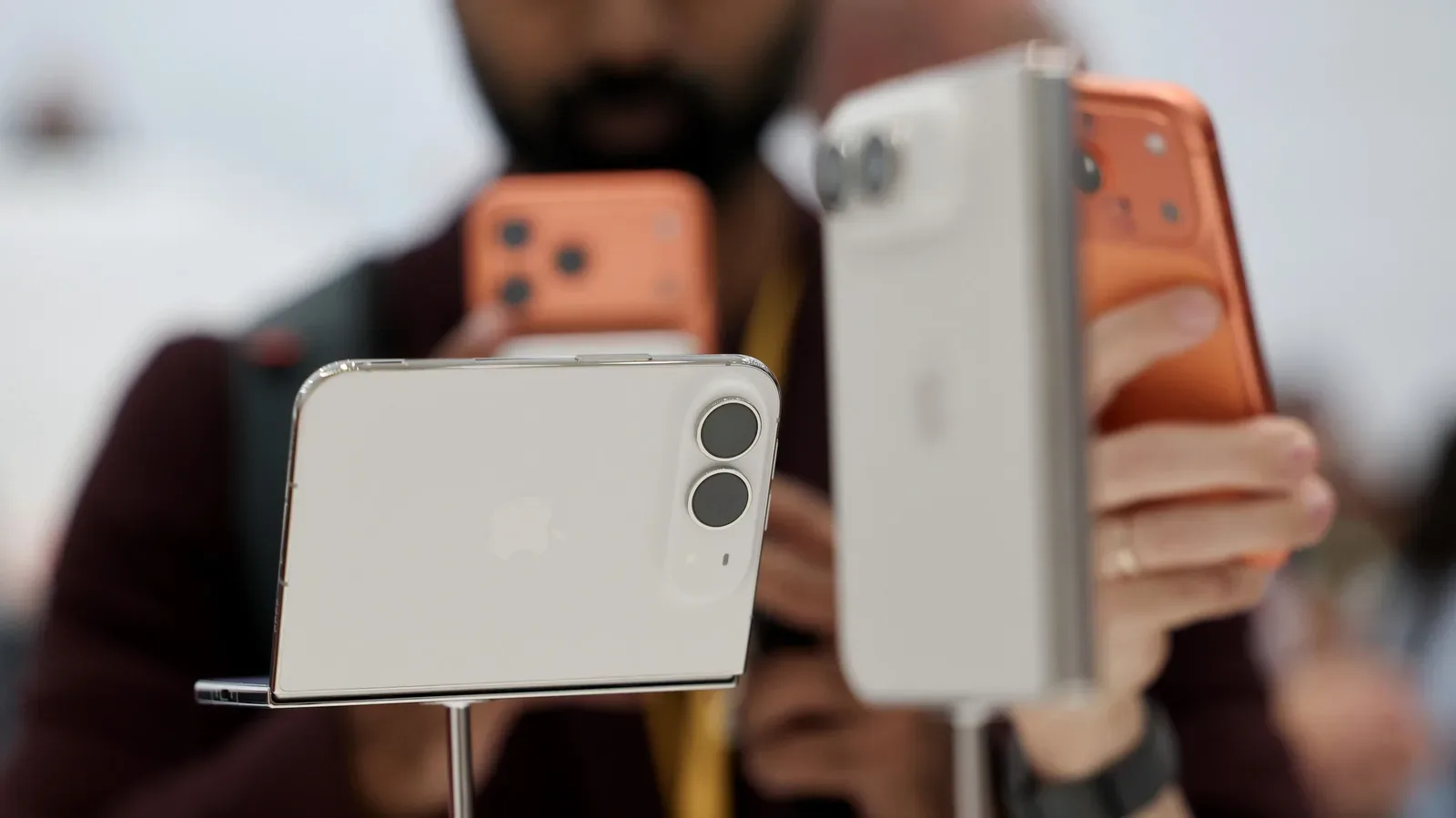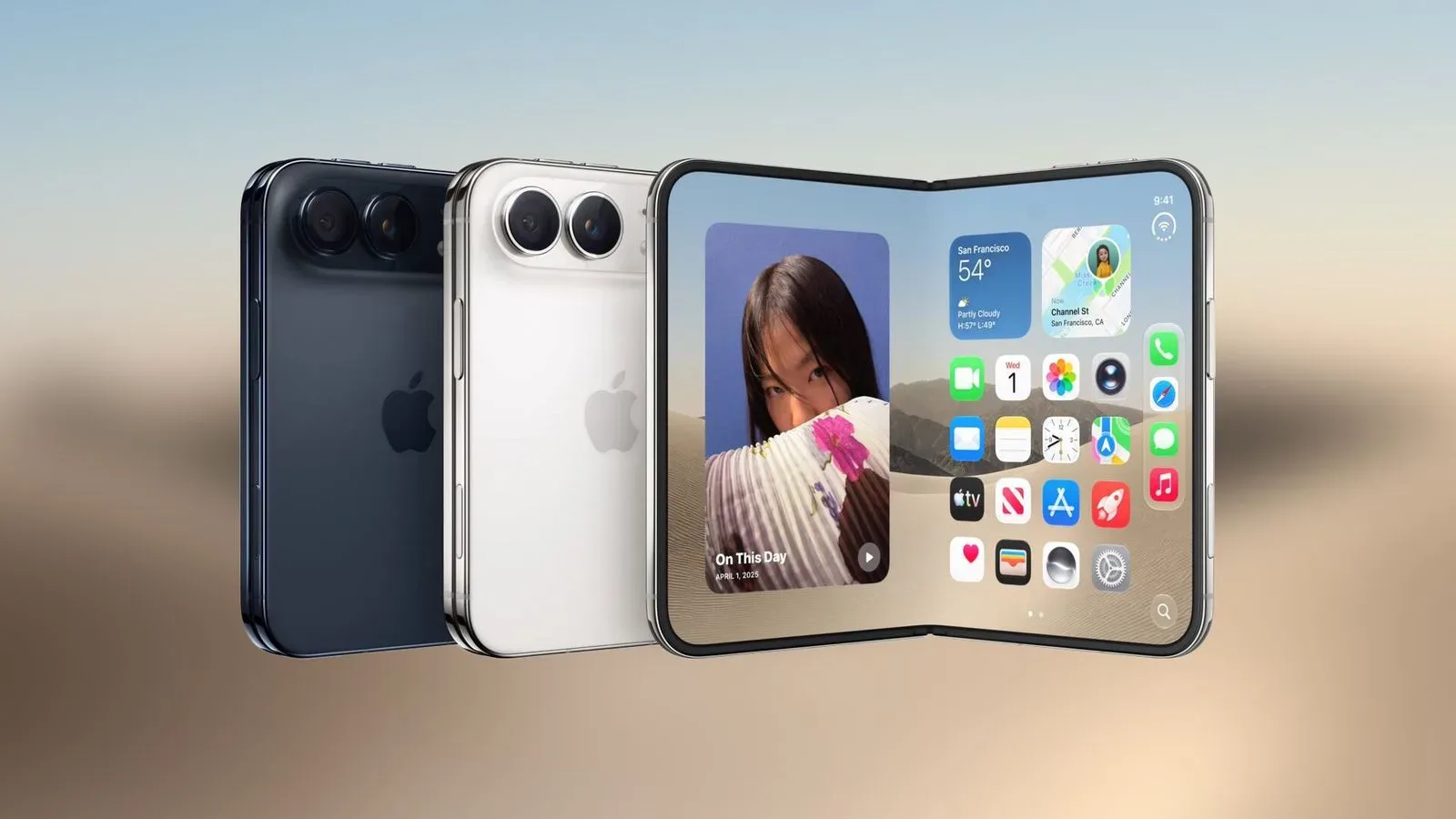
Foldable phones have always presented software with a mildly rude question: are you a small phone, a large phone, or a tiny book that demands everyone stop pretending it is either? With iPhone Duo, Apple’s first foldable iPhone, iOS 27 is taking the third answer seriously. The operating system has been rebuilt to alter its interface in real time as the device folds, opens, and moves between its two displays.
That does not simply mean enlarging apps when more screen is available. Apple’s described changes suggest that iOS 27 is reorganizing some of its most familiar furniture around the unusual geometry of a foldable. Controls usually planted along the bottom are being sent to the side, the open device presents two Home Screen pages, and even familiar system markers such as the status bar and Dynamic Island have been reworked for the Duo’s layouts.
For game fans and gadget obsessives, that is the meaningful part of this news. Hardware folds are attention-grabbing on their own, but a foldable device succeeds or fails on whether the interface makes each physical position feel intentional. A screen crease may be a mechanical problem. A Dock stranded in the wrong place is the kind of thing that makes somebody angrily unfold a phone at 2 a.m.
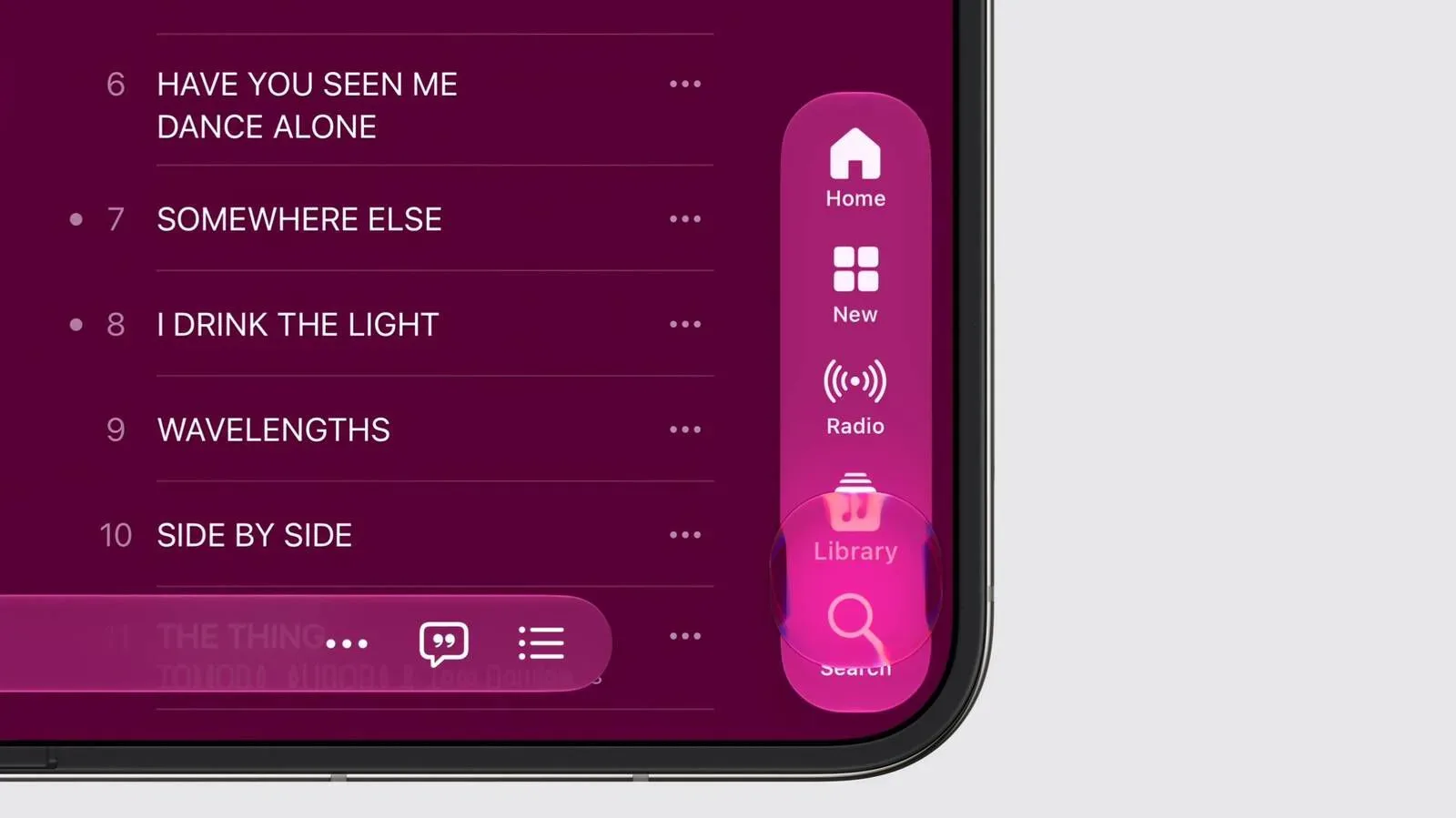
The bottom bar is taking a side quest
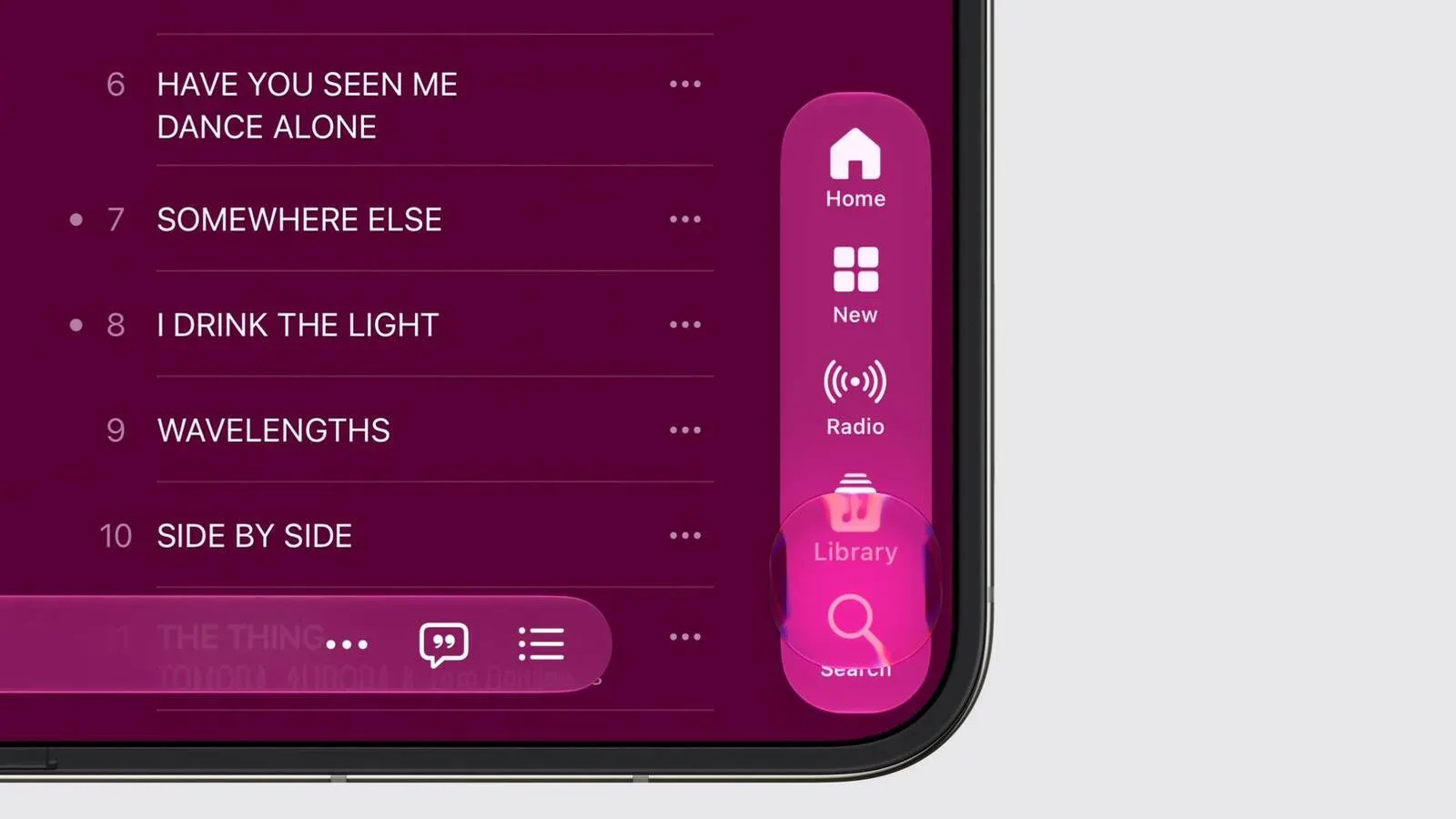
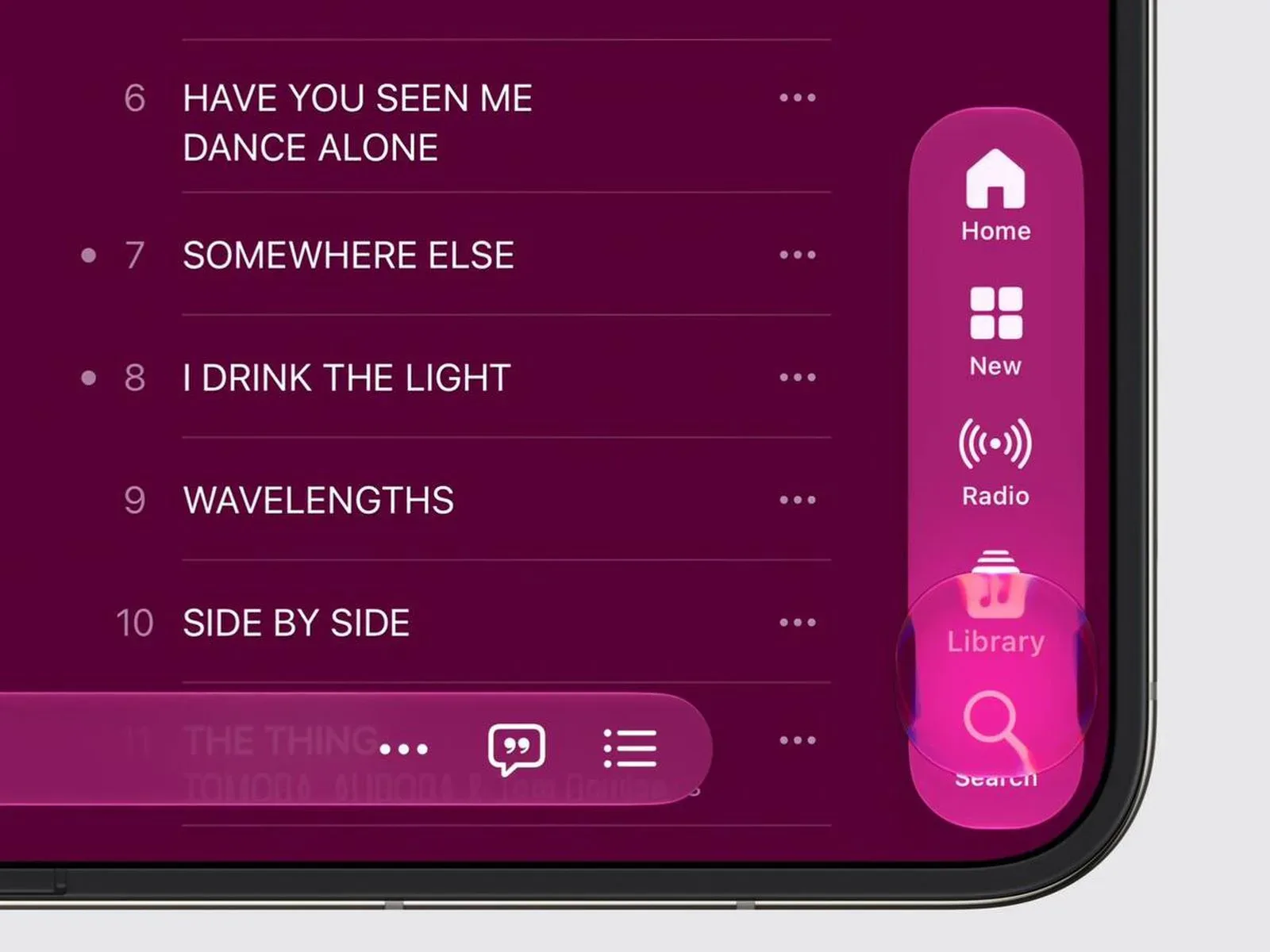
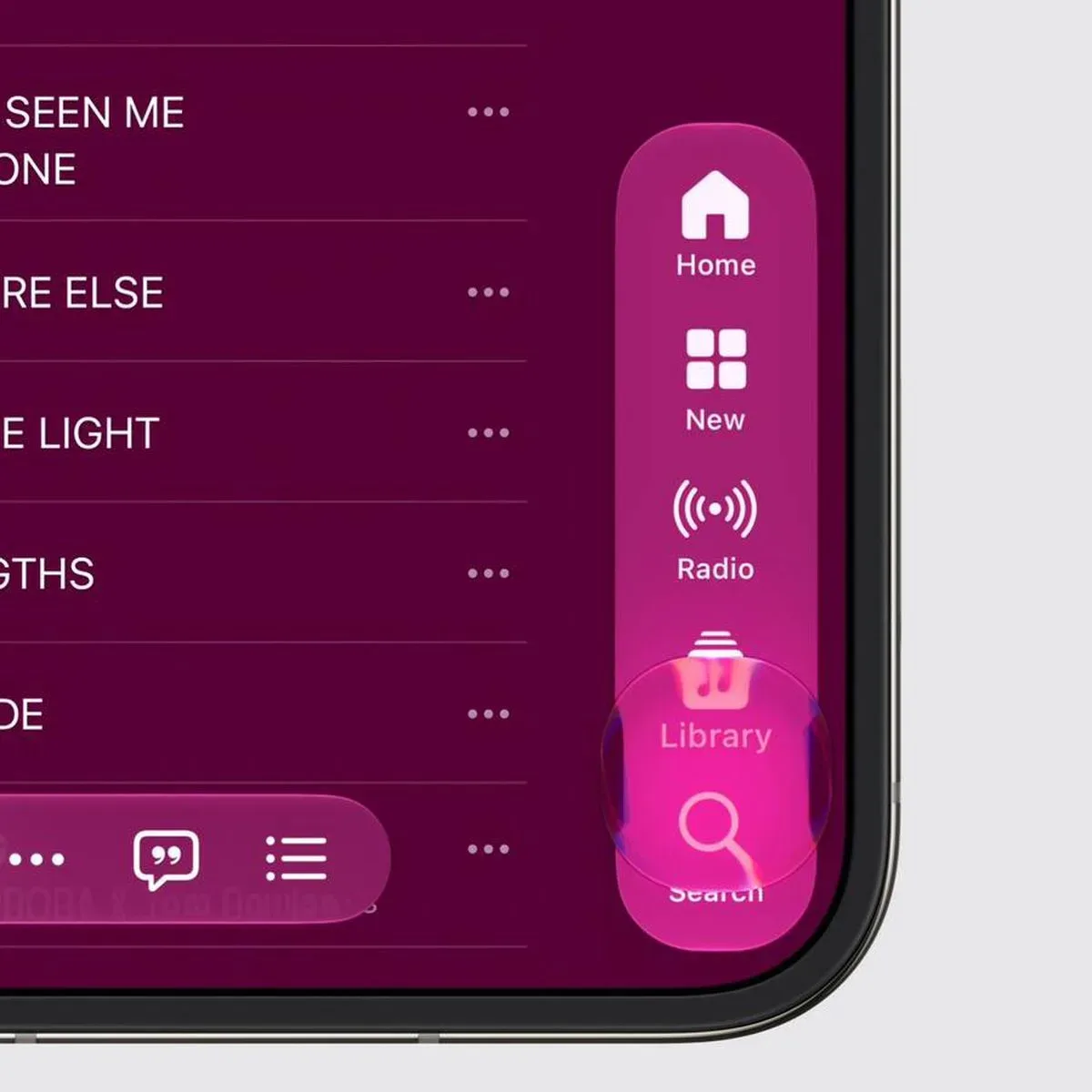
On iPhone Duo, Lock Screen controls, the Dock, and app navigation elements sit beside the display rather than stretching across its lower edge. Apple says this is intended to preserve more vertical room for content. It is a simple-sounding relocation with broad consequences, because the bottom edge has been prime iPhone territory for years: it is where navigation, app access, and quick actions are generally expected to live.
That expectation becomes less useful when a device is shaped differently. In a foldable layout, a conventional bottom bar can consume a noticeable strip of usable space or compete with the central fold and different holding positions. Shifting these controls sideways appears designed to leave taller content areas available, whether the Duo is showing a page, a feed, a camera view, or an app built around vertical scrolling.
The adjustment also points to a different visual priority for iOS 27. Instead of treating the foldable interior like one giant ordinary iPhone display, the software is acknowledging its width and its dual-panel character. The question will not be whether users can find a control eventually; it will be whether the revised placement becomes natural quickly enough to avoid the old muscle-memory duel between thumb and interface.
Two Home Screen pages when the Duo is open
Opening iPhone Duo reveals two Home Screen pages. That is a notably direct use of the device’s expanded state. Rather than describing the interior as merely a more spacious version of a single page, Apple is presenting it as a paired canvas.
There are several practical implications, even if Apple has not detailed every behavior here. A two-page arrangement could make the transition from folded to open feel less like a magnification trick and more like gaining a second working area. It also gives the Home Screen a structure that fits the device’s physical design: two sides, visible together, rather than one interface that has been stretched until its icons need a map and trail mix.
Apple has not specified how individual third-party apps will use the open displays or which multitasking behaviors accompany the two-page Home Screen. Those are details worth separating from the confirmed interface description. What is clear is that iOS 27 has an explicit open-state Home Screen design rather than relying only on a larger grid.
Status information goes round, while Dynamic Island goes vertical
The status bar is also receiving a structural rethink. Apple describes it as a circular, flexible system that sits in a corner of the screen. This shifts status information away from a long horizontal strip across the top, a format that makes immediate sense on a traditional rectangular phone but may be less elegant across changing foldable orientations and display states.
The Dynamic Island, meanwhile, runs vertically along the side of the outer display. That is perhaps the clearest signal that the Duo’s external screen is not simply being treated as a miniature copy of a normal iPhone front. A vertical Dynamic Island changes where ongoing activity and system alerts occupy space, aligning them with the side-oriented controls Apple is using elsewhere.
It is easy to imagine this as iOS learning to stand sideways without becoming confused about it. The more serious point is that system UI has to avoid stealing the most valuable part of a compact outer display. The choice of a side-running Dynamic Island may be Apple’s answer to that constraint, though the company’s description does not provide dimensions or explain every interaction.
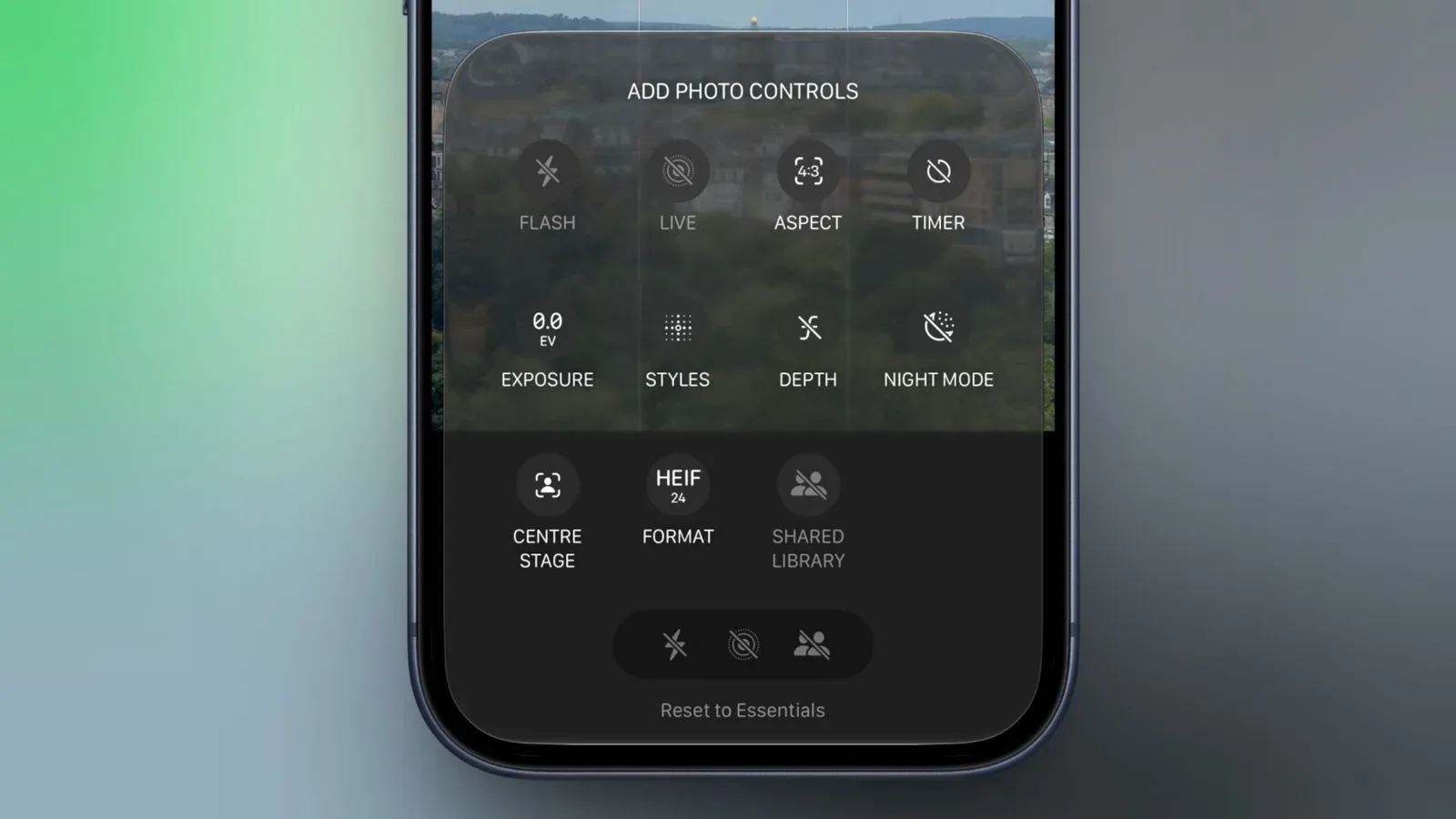
Apple has already been revising iOS 27’s camera interface in other ways, including customizable Camera controls that can trim the toolbar. The Duo-specific work adds a different challenge: controls must work across a folding product with more than one usable viewing surface.
Outer-display features have a social angle
Apple has named three iPhone Duo features that make use of the outer display: Duo Preview, Kid Cue, and Duo FaceTime. Each is built around the idea that the person holding the device is not always the only person who needs to see it.
Duo Preview provides a live camera preview on the outside display, allowing the person being photographed or recorded to check their framing before the picture is taken. That is a logical application for a foldable with displays on both sides, particularly for rear-camera shots where the subject normally has no immediate way to see the composition.
Kid Cue plays Peanuts animations on the outer display to draw a child’s attention. The premise needs little explanation to anyone who has tried to take a photo of a small child while holding a device, a snack, and the rapidly diminishing hope of capturing one frame without a blur. Apple specifically identifies Peanuts animations for this feature; it has not outlined further characters, animation options, or settings in the information provided.
Duo FaceTime lets people standing near the caller join a conversation through the outer display. The wording suggests an effort to make a call more inclusive of people in the same physical space, rather than forcing everyone to crowd behind the main screen or remain entirely off-camera. Apple has not supplied further specifics about participant limits, layout behavior, or whether the feature requires particular call conditions.
All three features underline the same broader idea: iPhone Duo’s second display is meant to participate, not merely wait around as a notification window. The outside panel can help subjects frame a shot, catch a child’s eye, and bring nearby people into a FaceTime call. That makes the device’s folding form factor part of the interaction rather than an expensive hinge between two otherwise separate screens.
When iPhone Duo is scheduled to arrive
Pre-orders for iPhone Duo are set to begin at 5 a.m. Pacific on Friday, October 16. Availability is scheduled to start one week later, on Friday, October 23. Apple has not provided a price in the details covered here, nor has it outlined every iOS 27 behavior for apps and multitasking on the foldable.
Still, the initial interface plan is specific enough to show that iOS 27’s role is larger than simple screen resizing. The side-mounted Dock and navigation elements, corner-based circular status system, vertically oriented outer-display Dynamic Island, and two-page open Home Screen are all deliberate responses to a device that changes shape in use.
Whether these changes become instantly intuitive will be answered only once iPhone Duo reaches users. For now, Apple’s description makes the pitch plain: this is not an iPhone that happens to fold. It is an iPhone whose software has been rearranged so folding is part of the routine—right down to the Dock taking a permanent detour from the bottom of the screen.