Apple’s iOS 27 Release Candidate includes a practical change for anyone who spends more time arranging camera settings than actually taking a photo: the built-in Camera app can now have its controls customized. The addition arrives late in the iOS 27 testing cycle, but it gives users a way to decide which shortcuts deserve a spot in the app’s upper interface and which ones can quietly leave the party.
The new option was included in the Release Candidate seeded to developers on Wednesday, September 10. It follows earlier reporting that a more configurable Camera experience was planned for iOS 27, although the feature had not appeared in the beta releases until this point. With the public rollout of iOS 27 currently set for Monday, September 14, the Release Candidate offers the clearest indication yet of how the finished feature is expected to work.
It is a small change in the grand scheme of a phone operating system, but one with a potentially outsized quality-of-life effect. Camera apps tend to juggle controls needed by radically different people: someone taking a quick picture of a receipt may only want Flash and a timer, while a user shooting portraits, low-light scenes, or carefully framed social posts may routinely reach for additional options. A single fixed layout has always meant somebody’s favorite button was one tap too far away.
How the iOS 27 Camera customization works
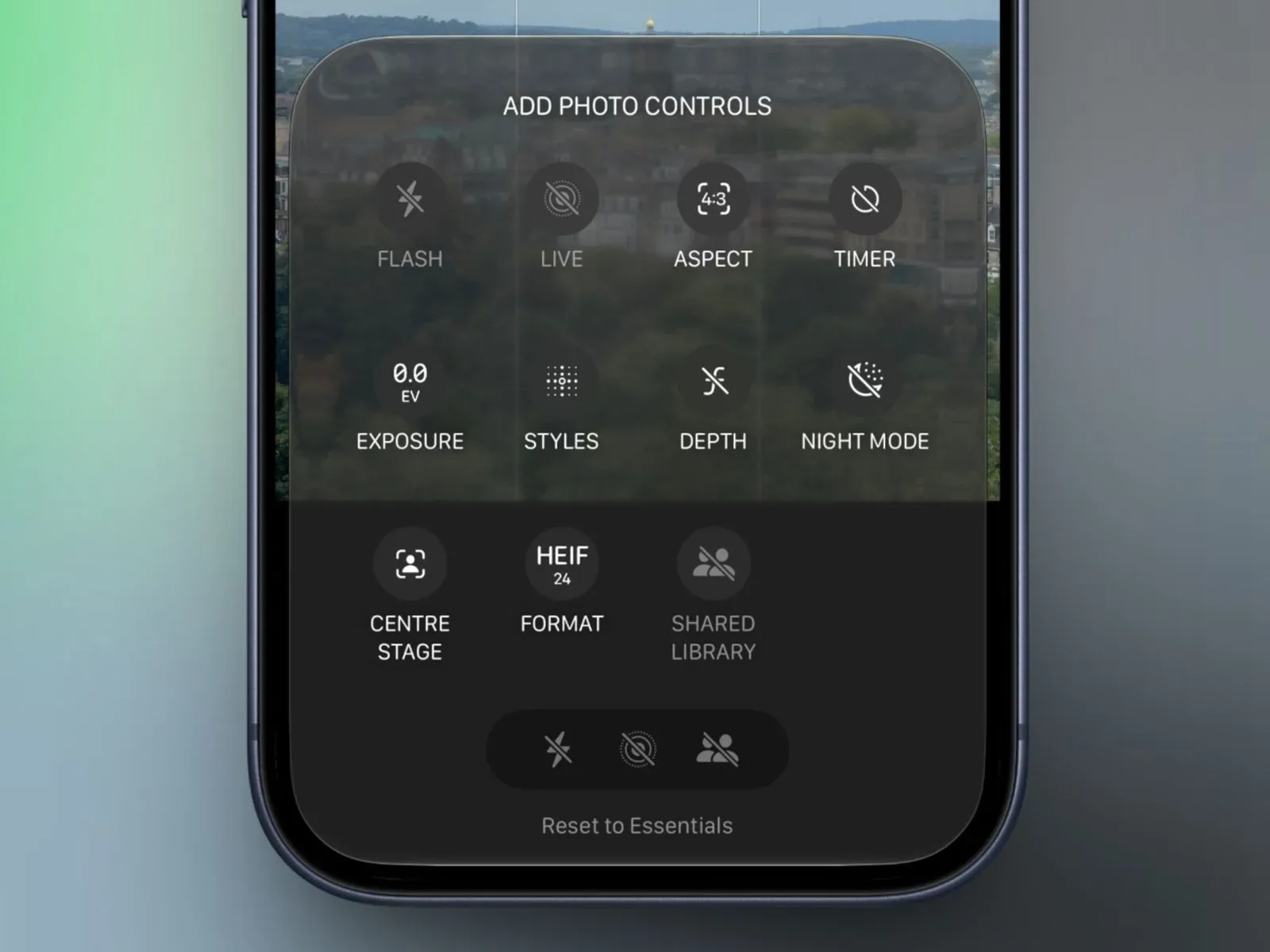
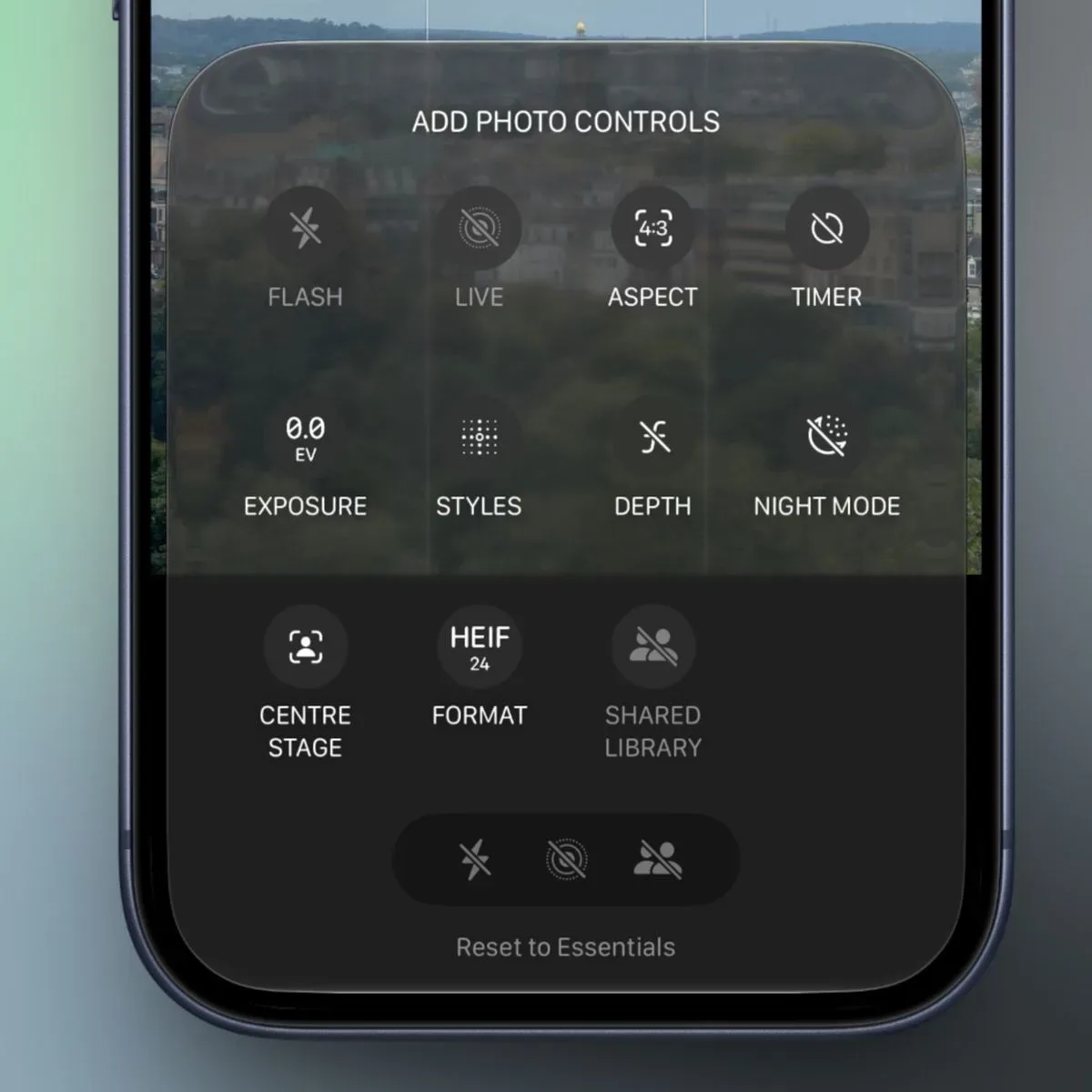
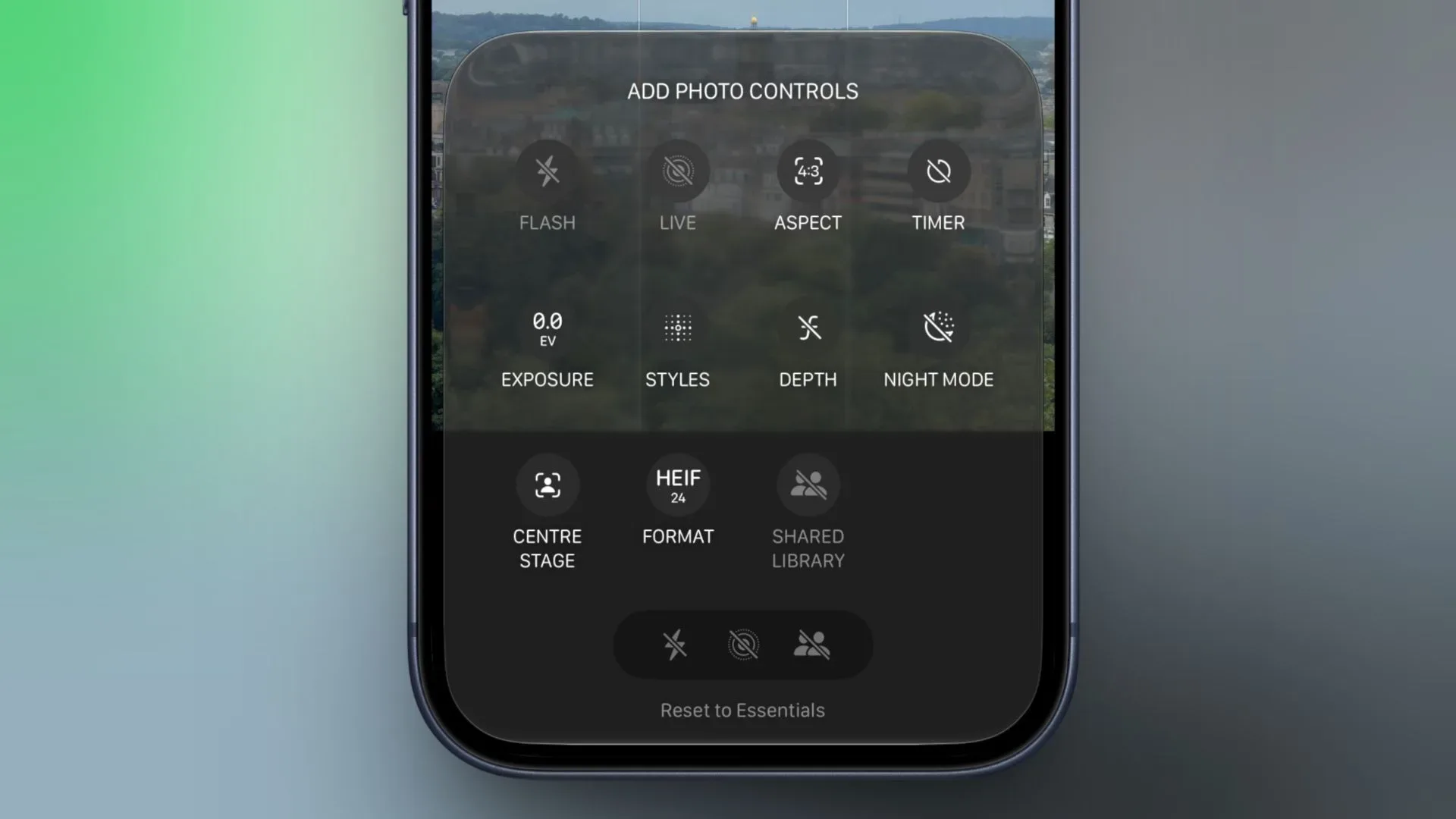
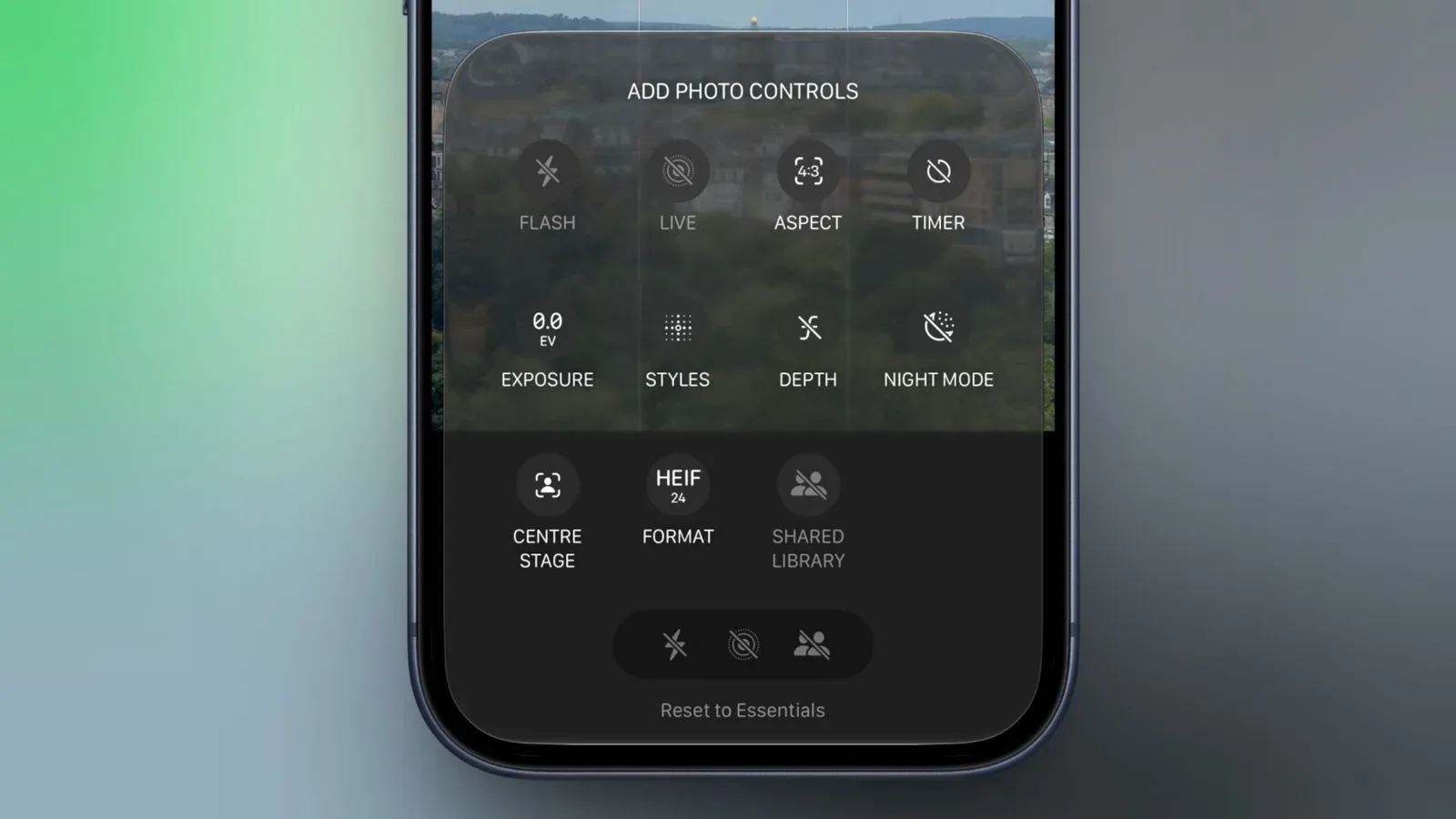
Within the Camera app, users begin by selecting the control represented by an icon containing six circles at the bottom-right of the interface. A new Edit button appears at the top-left. Selecting it opens an Add Photo Controls tray, where the app presents its available camera shortcuts in a widget-like arrangement.
From that tray, controls can be added to or removed from the upper portion of the Camera interface. Once the desired collection is in place, tapping Done in the top-right confirms the arrangement. The setup appears designed to be direct rather than buried in the broader Settings app, which makes sense: this is a change to the shooting workspace, and it can be adjusted from that workspace.
There is also a fallback for anyone who gets a little too enthusiastic while decluttering. At the bottom of the tray is an option labeled “Rest to Essentials”, which restores the default group of controls. Whether that wording remains exactly the same in the public release is not established here, but its intended job is clear: it returns the interface to the essential starting set.
Controls that can be added or removed
The selection of available buttons depends on the iPhone model. The controls identified in the iOS 27 Release Candidate are:
- Flash
- Live Photo
- Aspect Ratio
- Timer
- Exposure
- Styles
- Filters
- Depth Control
- Night Mode
- Center Stage
- File Format
- Shared Library
That list covers a useful mix of immediate capture choices and more specialized tools. Flash, Live Photo, aspect ratio, timer, and exposure are the sort of settings many users may want ready without opening extra panels. Styles and Filters serve different creative preferences, while File Format is a more technical consideration for people who care about the kind of image their phone records. Shared Library is also a distinctly workflow-oriented shortcut rather than a photographic adjustment.
Other selections are inherently more dependent on the hardware in hand and the way a person shoots. Depth Control is relevant to depth-effect photography; Night Mode matters for darker environments; and Center Stage is associated with supported camera capabilities. Apple’s model-dependent approach is important because it avoids suggesting that every iPhone will expose every single button. Customization is being made broadly available, but the specific tray is not necessarily identical across the range.
A better fit for different kinds of camera users
The biggest advantage is not that iOS 27 adds another setting. It is that the system turns a previously fixed row of settings into something that can better reflect habits. A person who nearly always photographs food, pets, friends, collectibles, or family moments may prioritize a different combination than someone documenting items for sale, building an image library, or taking more deliberate shots.
For a minimal layout, the essentials might be Flash, Live Photo, timer, and exposure. Someone who prefers a more composed setup could make aspect ratio and Styles easier to reach. A user who commonly switches between image formats could place File Format in a prominent position instead of treating it as an occasional adjustment. The point is not that one layout is objectively best; it is that the Camera app no longer has to insist that the same hierarchy suits every use case.
There is a modest gaming-adjacent lesson here, too. Players are accustomed to remapping controls, rearranging HUD elements, and removing visual clutter from games. The same philosophy translates neatly to an everyday camera interface: put the actions used most often where the thumbs and eyes expect them, and keep the less common material available without letting it dominate the screen. No one is claiming an iPhone Camera toolbar is a raid UI, but both benefit from a little housekeeping.
The feature may also prove handy for people who use their iPhone camera while cataloging collections. Depending on the task, a quick timer, exposure adjustment, format choice, or sharing destination may matter more than a menu crowded with every possible photo tool. The ability to reset to essentials makes experimentation less intimidating, because the default arrangement is not permanently lost after a few rounds of button shuffling.
Availability is expected to extend beyond the newest Pro phones
Apple has unveiled the iPhone 18 Pro and iPhone 18 Pro Max, but the customizable Camera controls do not appear to be restricted to those newly announced models. The current indication is that the iOS 27 feature will be offered across iPhone models that can run iOS 27, with the available control list varying based on the phone’s capabilities.
That distinction matters. A feature tied only to the newest Pro hardware would make the revised Camera app a narrow upgrade. Instead, the interface customization itself appears to be an operating-system-level improvement, while advanced controls remain constrained by whether a particular device supports them. In other words, the toolbox can be rearranged widely, even if not every phone owns every tool.
The timing also places this addition alongside a broader wave of Apple-related software and hardware discussion. For another iOS 27-related development, see our coverage of code that suggests Visual Intelligence search partners could add sponsored shopping results. The Camera change is much less about search and much more about control, but both show how iOS 27 is continuing to shape the everyday interfaces people use most.
What remains unchanged
The Release Candidate details describe customization of the controls, not a complete redesign of the iPhone Camera app or new image-processing promises. Apple has not, in the information available here, attached new camera quality claims, revised sensor specifications, or performance figures to this particular update. The meaningful change is access and arrangement: users can decide which compatible functions sit at the top of the Camera UI.
That limitation is worth keeping in mind amid annual iPhone excitement. The update does not make every iPhone capable of Night Mode, Depth Control, Center Stage, or other model-specific features. It simply makes the supported set of available Camera controls more personal. Sometimes software progress is a giant new capability; sometimes it is the operating system finally agreeing that you really do not need to see the same button every single time you open the camera.
With iOS 27 scheduled for public release on September 14, eligible iPhone owners should soon be able to examine the new Edit option themselves. For users who have wanted the Camera app to behave a little less like a rigid control panel and a little more like a configurable toolkit, this is one of those welcome changes that may be noticed most when it is no longer there to annoy them.