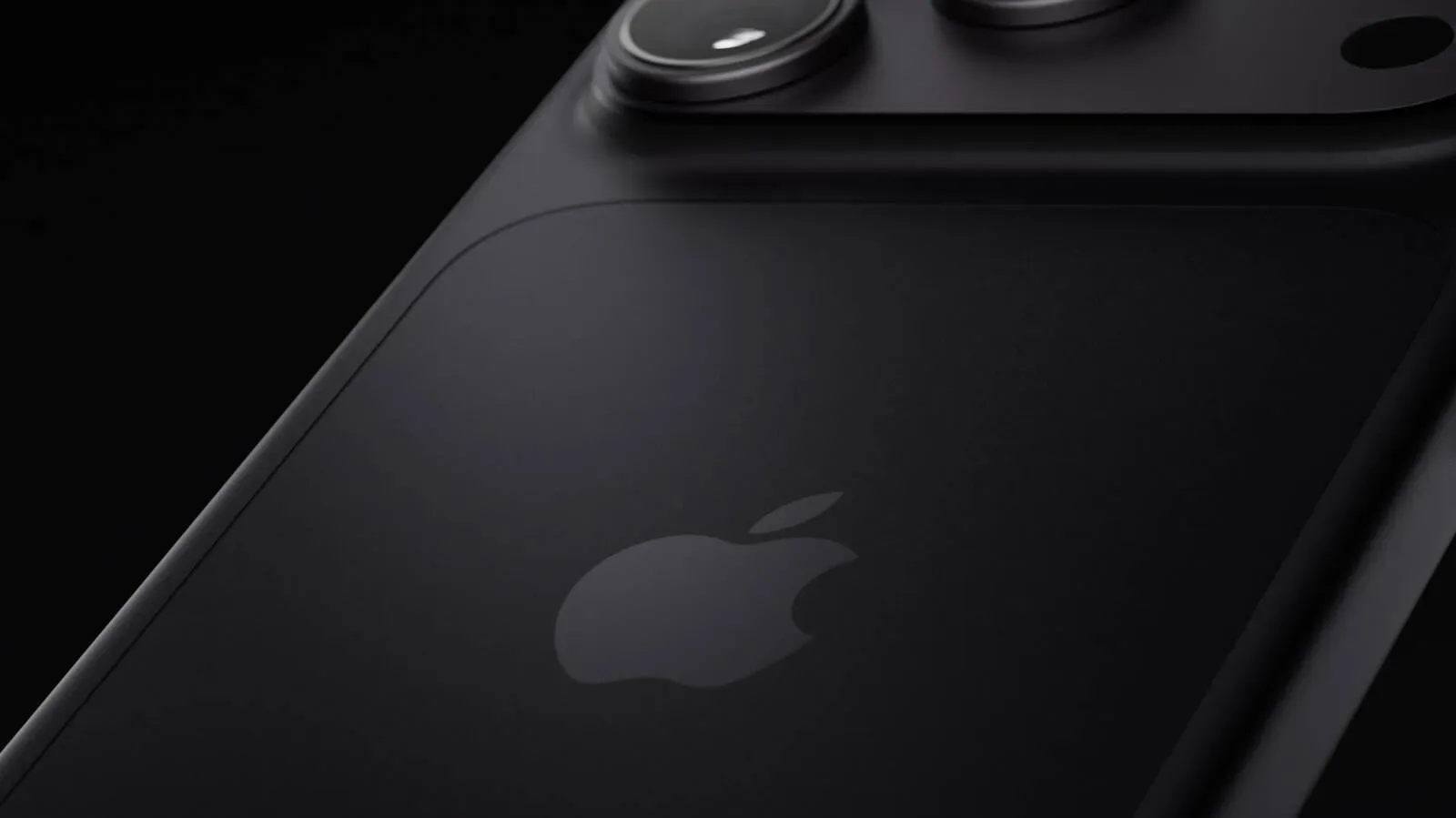
Apple’s iPhone 18 Pro camera proposition is not simply about another jump in megapixels or a longer list of computational effects. Its most consequential additions are about decisions normally hidden from a phone user: how much light enters the lens, how motion is rendered, what color balance is locked in, and whether an edited image can be meaningfully connected back to the moment its sensor recorded.
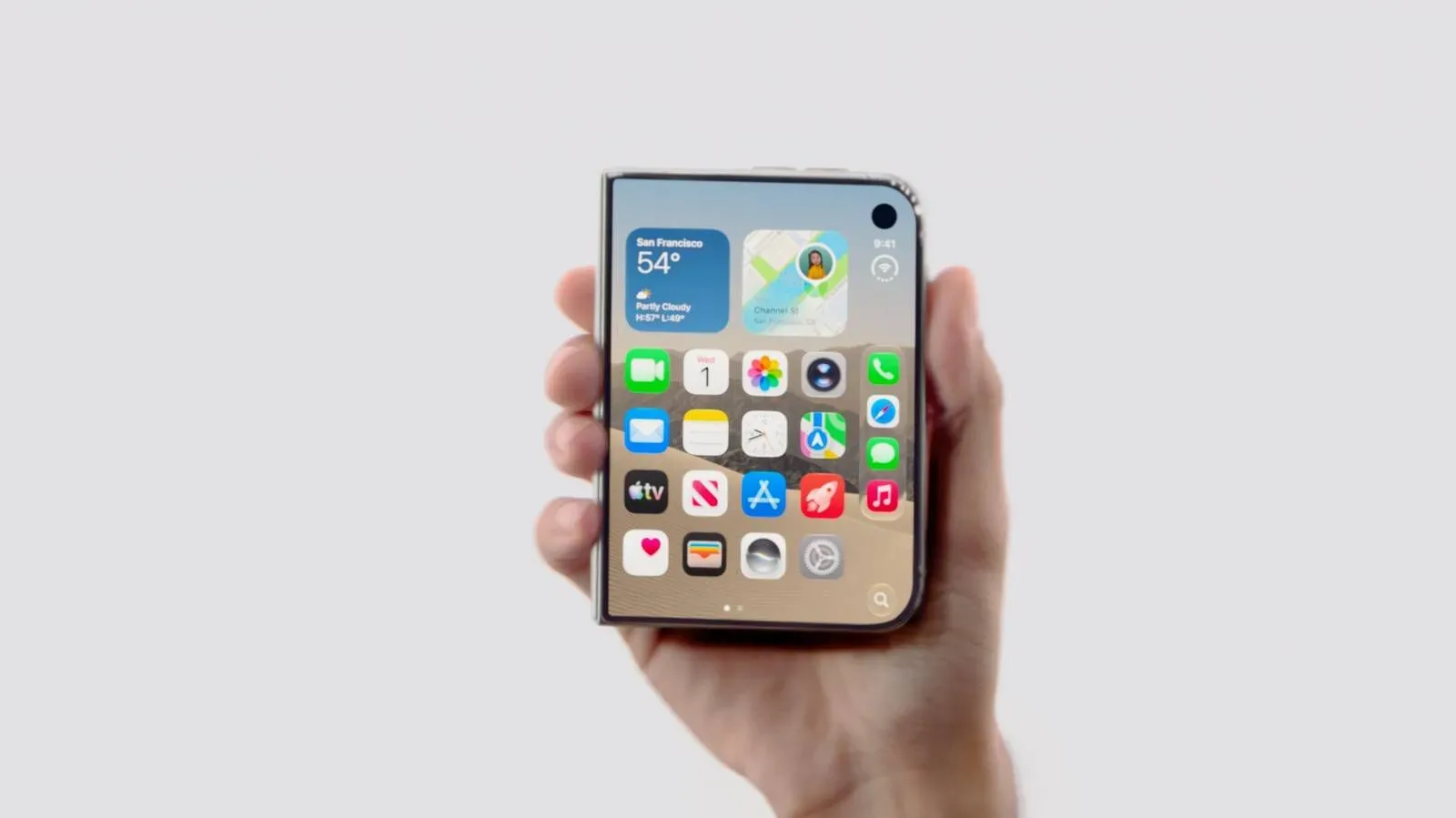
That makes the iPhone 18 Pro a potentially more substantial upgrade for people who treat a phone as a serious camera rather than a convenient automatic snapshot machine. The headline tools are a variable aperture on the Main camera, manual Pro Controls in the built-in Camera app, updated Photographic Styles, and Apple Reference Image. Each addresses a different part of the photographic process. Together, they suggest a split between two philosophies in Apple’s latest phones: the Pro model gives the photographer more control over capture, while the folding iPhone Duo uses its design to make taking and reviewing pictures easier for people in front of and behind the lens.
Why a variable aperture changes more than brightness
An aperture is the opening through which light reaches a camera sensor. Its f-number is counterintuitive: a lower number represents a wider opening, while a higher number represents a narrower opening. The iPhone 18 Pro can open as wide as ƒ/1.48 and close down to settings including ƒ/2.8 and ƒ/4.0. It defaults to ƒ/1.8, which is close to the fixed aperture used by the iPhone 17 Pro, though the new sensor and image processing also affect pictures taken at that default setting.
On a phone, aperture has practical creative consequences. At ƒ/1.48, more light reaches the sensor. That can assist indoor photography, permit shorter exposures in Night mode, and in some scenes reduce the need for Night mode entirely. A shorter exposure matters when subjects are moving: more available light can make it easier to avoid the blur caused by people shifting position during a dimly lit shot.
Closing the aperture has a different benefit. With a setting such as ƒ/2.8 or ƒ/4.0, a group photo can retain better sharpness across people standing at different distances from the camera, assuming there is sufficient light to make up for the smaller opening. That is a useful corrective to the common assumption that a wider aperture is always the superior option. For a portrait of one person indoors, gathering more light may be the priority. For a group arranged over several rows outdoors, a narrower aperture can be the more useful choice.
Video is another clear use case. In bright conditions, a narrower aperture can allow a slower shutter speed. Shutter speed is the length of time each frame is exposed. Faster shutter speeds freeze movement; slower speeds create blur as subjects or the camera move. When used deliberately in video, that blur can make motion look more natural rather than rigid or excessively crisp. The important point is not that one shutter speed is universally correct, but that variable aperture gives the photographer another route to an appropriate exposure without surrendering the intended motion treatment.
Pro Controls bring core camera settings into the native app
The new Pro Controls provide manual adjustment of aperture, shutter speed and white balance, along with a live histogram in Apple’s native Camera app. Users can also pin their most-used controls at the top of the viewfinder. That placement is a practical detail with outsized importance: a control that requires multiple menus is much less useful when a moment is passing.
A histogram is a graph that visualizes the distribution of brightness values in an image. In simple terms, it gives a shooter information that can be harder to judge from a bright phone display alone. It is not an automatic guarantee of a good photograph, but it can help someone make a more informed exposure choice before pressing the shutter.
Manual shutter-speed control makes the trade-off between clarity and blur explicit. Someone photographing rapid action may prefer a faster shutter speed to freeze it. Someone aiming for intentional motion blur can select a slower value. Automatic camera systems routinely make those decisions for the user; access to the setting is valuable because the desired result varies from shot to shot.
White balance controls how a camera interprets the color of ambient light. Its purpose is not merely technical correction. Locking or adjusting white balance can prevent automatic processing from pushing greenery too blue, for example, and it can keep a consistent appearance across several video clips. Consistency is especially relevant when footage from the same scene will be edited together. An automatic system that continually reinterprets color can leave adjacent clips looking mismatched even when they were captured moments apart.
These controls do not make automatic photography obsolete. They instead create a clearer choice. Casual users can still allow the camera to decide, while photographers and videographers can intervene when the automatic result conflicts with an intended look. The move also places foundational capture tools within the app people already use, rather than treating them as the preserve of separate workflows.
Styles aim for editable character, not a permanent filter
Photographic Styles 3 expands the aesthetic side of the iPhone 18 Pro. It offers adjustments to tone and color designed to preserve skin tones, plus Soft Skin, Glow and Film textures. Grain can be used alongside any of those textures, effect strength can be changed, and the selected style can be revised after a picture has been taken.
The Film option is intended to evoke elements associated with analog photography, including grain and a glow around bright highlights. That intent is notably broader than simply overlaying grain. The look has been compared against images from a film SLR using Kodak Portra 400, a useful reminder that a digital interpretation of film character is an aesthetic choice rather than proof that a phone has become a film camera.
The ability to adjust a style after capture is the more meaningful practical feature. It lowers the stakes of choosing an appearance in the moment. A photographer can make an image with a certain visual direction, then revise the strength or change the style later without having to regard the first choice as permanent. For users building a consistent visual identity across posts or video-adjacent stills, that flexibility may be more helpful than any single preset.
Reference Image responds to an editing-era question
Apple Reference Image may be the iPhone 18 Pro’s most distinctive camera feature because it addresses trust as well as image quality. When enabled before a photo is taken, it signs data from the new Main camera sensor at capture. The result is a secure digital negative that can be compared with an editable image.
The timing matters because iOS 27’s Photos tools can substantially alter images. Reframe can modify perspective, Extend can generate scenery beyond the original borders, and Clean Up can remove larger objects. Those capabilities can be creatively useful, but they also make it harder for viewers to know where ordinary editing ends and generated or removed content begins.
Reference Image does not prohibit editing, nor is that its stated role. It gives photographers a way to retain evidence of what the sensor captured alongside the version they choose to share or develop. That distinction is significant for anyone whose work depends on being able to substantiate an original image while retaining legitimate editing freedom. The constraint is equally significant: the mode must be enabled before the shot. A user cannot reconstruct that capture record afterward for an image that was not made with Reference Image active.
For everyday family photos, the feature may be unnecessary. For a photographer, documentarian, or anyone who anticipates questions around an image’s original state, it creates a more deliberate workflow. It is a camera feature whose value is not necessarily visible in the final pixels, but in the record behind them.
The iPhone Duo makes a different camera argument
The iPhone Duo’s camera specifications and feature omissions clarify the division. Its system includes a 48-megapixel Main camera with a fixed ƒ/1.6 aperture and the same 48-megapixel Ultra Wide camera as the iPhone 18 Pro. The Main camera shares a 26mm focal length, ƒ/1.6 aperture and Hybrid Focus Pixels with the iPhone 17e. That overlap has prompted questions about why a phone positioned at the highest end shares apparent camera characteristics with an entry-level device.
There is an important caveat: Apple has not disclosed enough sensor information to establish that the Duo and iPhone 17e use identical hardware. The Duo also includes sensor-shift optical image stabilization, which the 17e lacks. Sensor-shift optical image stabilization moves the sensor to counteract small camera movements; it is a hardware approach intended to help keep images steadier.
Still, on the camera-specific checklist, the Duo gives up substantial territory to the iPhone 18 Pro. It does not have a dedicated Telephoto lens, variable aperture, manual Pro Controls, Reference Image, ProRAW or ProRes. A dedicated telephoto lens offers a distinct long-reach camera rather than relying on the Main or Ultra Wide perspective. ProRAW and ProRes are professional-oriented formats, and their absence reinforces that the Duo is not positioned as the device with Apple’s broadest capture toolkit.
Its strengths come from the folding form factor. Smart Take can capture a group image when everybody is posing. Kid Cue uses animations on the external display to attract a child’s attention. Duo Preview allows the subject to see a live view of an image made with the rear camera. The phone can also stand partly open for hands-free shooting.
Those are not minor conveniences. Duo Preview, in particular, changes the dynamics of portrait-making because the person being photographed can respond to framing in real time. A partially open device can serve as its own support for a timed photo or other hands-free shot. Smart Take and Kid Cue address familiar challenges in family pictures: a group settling into a pose and a child looking toward the camera at the right moment. The Duo’s value proposition is therefore less about maximum manual control and more about removing friction from situations where composition, participation and timing are the real obstacles.
Who has the stronger upgrade case?
The iPhone 18 Pro’s camera case is strongest for people who will use its additional choices. Variable aperture has recognizable applications in low light, group shots and video motion. Pro Controls give direct access to the settings that determine exposure and color. Reference Image creates a capture-time record for those who need one. Photographic Styles 3 offers a post-capture route to a deliberate look without locking it in at the shutter press.
By contrast, the iPhone Duo appears better suited to someone who values a folding phone’s shooting positions, subject-facing preview and family-oriented aids over telephoto reach, pro formats and sensor-authenticated capture. It may make a photo easier to take, even where the 18 Pro provides the deeper set of tools for shaping that photo.
Neither approach makes the other irrelevant. A useful camera is the one that fits the situation. But the contrast makes the decision clearer than a generic specification race: choose the iPhone 18 Pro for more authority over how an image is exposed, colored, rendered and documented; choose the Duo for a design that changes how people can participate in the act of taking it. Readers tracking broader iPhone 18-related issues can also see reports of AT&T calls, texts and data failures affecting some U.S. iPhone 18 Pro Max owners.
Looking beyond this generation, Apple is rumored to be developing a custom image sensor that could arrive as soon as next year in a 20th-anniversary iPhone. That remains unconfirmed. For now, the notable shift is already here: the iPhone 18 Pro is making a case that a phone camera can offer not only polished automatic results, but also meaningful, accessible control over the decisions behind them.