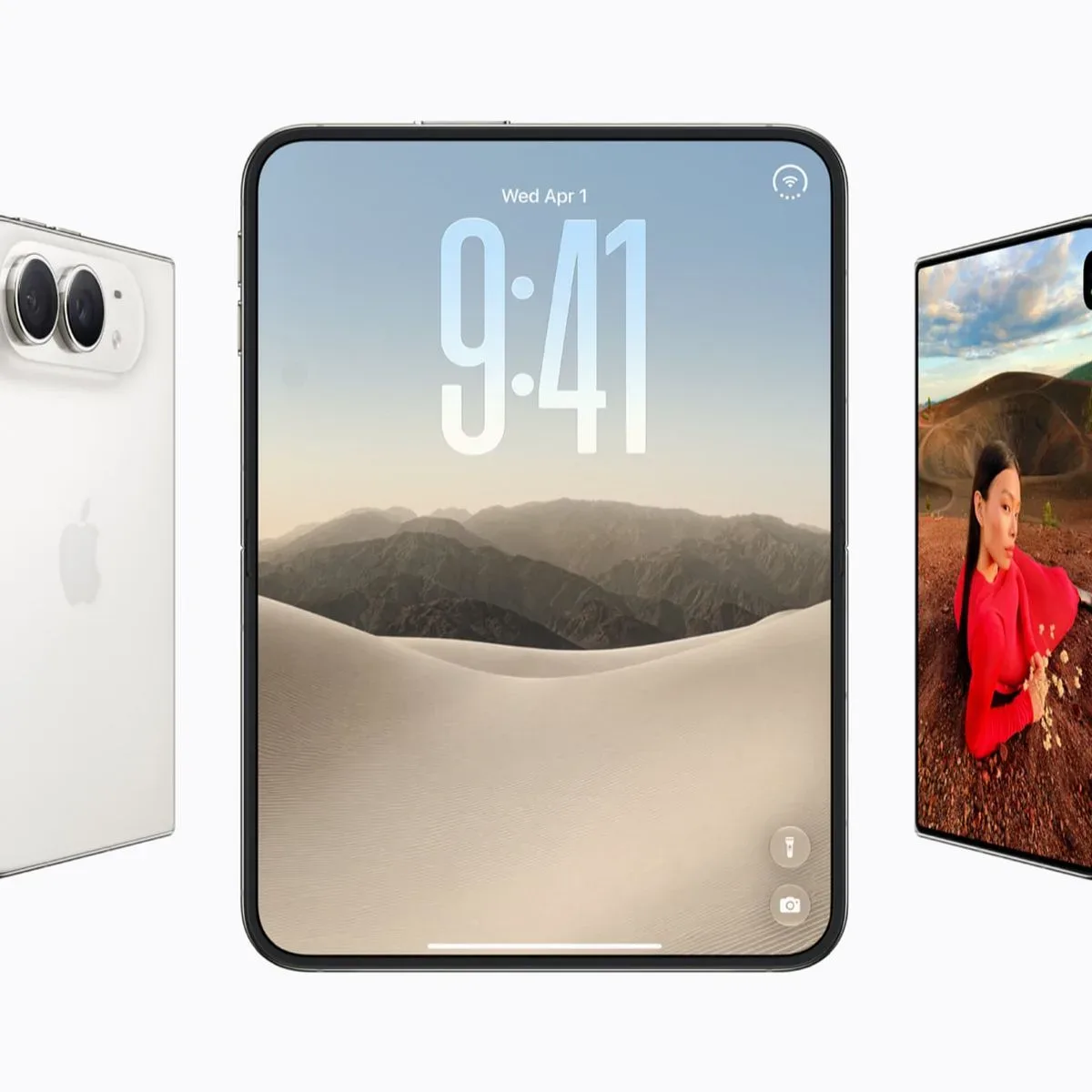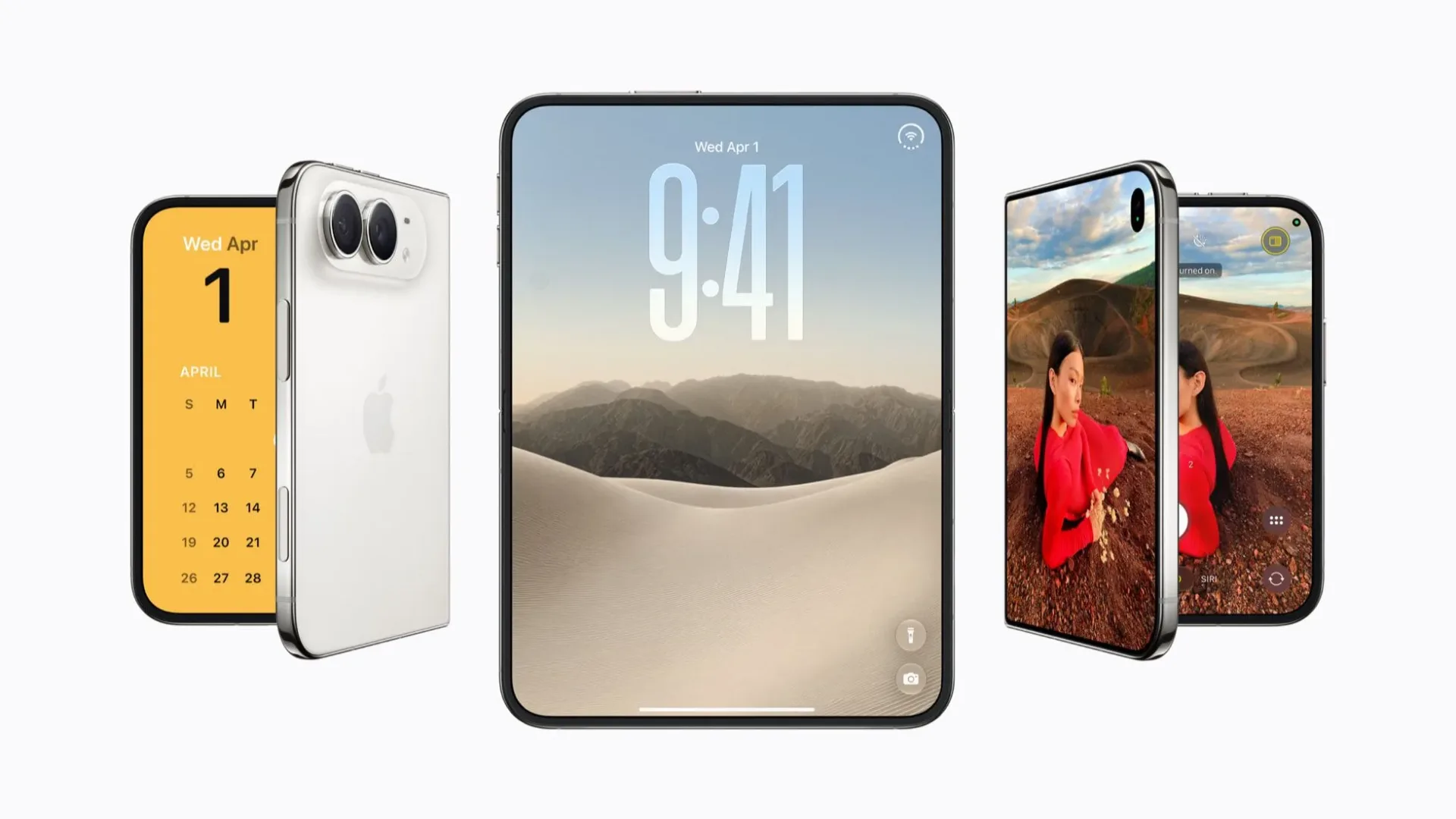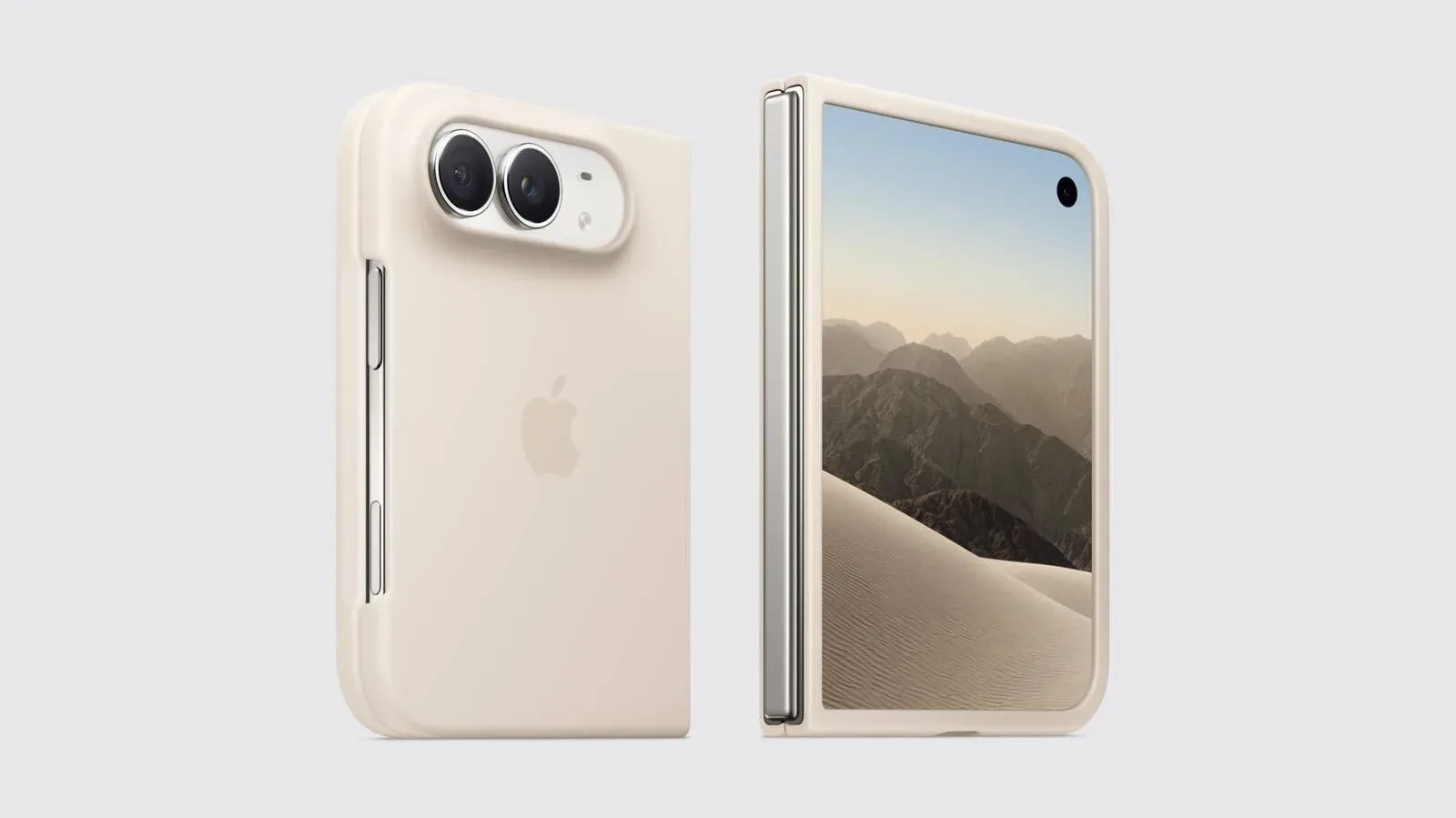
Apple’s App Store listings have begun showing built-in apps running on the iPhone Duo, offering a more practical look at the device’s software approach just days before its October 23 release. The images matter because they move beyond broad product imagery and into the quieter question that will define everyday use: what does a familiar phone app do when it has substantially more room to work with?
The early answer is not a single rigid layout. Apple’s own apps appear to use the iPhone Duo’s display in two broad ways. Some use a landscape-oriented, iPad-like arrangement with sidebar navigation. Others prioritize a larger uninterrupted canvas for viewing content. Preview and Markup are particularly useful examples, with bottom-mounted tool palettes shown alongside navigation elements or sidebars.
That is a small set of evidence, but it establishes an important design direction. The iPhone Duo interface appears intended to be more than enlarged phone software. It is being presented as a flexible workspace where navigation, content and editing controls can occupy separate parts of the screen rather than competing for the same narrow column.
A landscape interface changes the hierarchy of an app
On a conventional phone, most apps must make a constant trade-off. A sidebar is usually hidden behind a button, editing tools may cover the content being edited, and large media or documents often require a separate full-screen mode. There simply is not much room to expose every useful control at once.
The App Store images indicate that the iPhone Duo gives Apple’s apps room to rearrange those priorities. In a landscape layout, a sidebar can remain visible as persistent navigation while the main pane stays devoted to the current document, image or other content. Put plainly: the app can show users where they are, what they are looking at and what they can do next at the same time.
A sidebar is the vertical navigation area typically used for moving among folders, sections, files or app destinations. It is familiar from larger-screen computing interfaces because it lets people switch context without leaving the main view. Its presence in these screenshots suggests that apps with lots of destinations or material may benefit especially strongly from the Duo’s expanded workspace.
Not every task needs that structure, however. The screenshots also show apps using the full screen for greater viewing space. That distinction is sensible: a navigation-heavy task benefits from a persistent sidebar, while an image, document, video-like view or other content-centered activity can benefit more from a clean, larger display.
The key point is that the Duo’s software does not appear to treat every extra pixel as a reason to cram in more buttons. Apple’s layouts appear to alternate between structure and focus depending on what an app is trying to help someone do.
Preview and Markup reveal the editing model
Preview is among the most telling built-in apps shown in the listings. The screenshots depict a bottom palette for selecting tools, potentially paired with a sidebar, a navigation bar or both. That arrangement puts the document or image at the center while locating editing options at the display’s lower edge.
A tool palette is a grouped set of controls for a specific task. In Markup, those tools generally concern drawing and annotation: selecting a drawing implement, making edits or adding visual marks to material on screen. The value of a palette is not merely that it keeps tools available. On a larger display, it can make those tools accessible without taking over the content area.
Markup is consequently a useful preview of how the iPhone Duo could handle creative and productivity-oriented software. An editor needs enough visible space to judge an image or document, but also needs controls close at hand. The screenshot approach suggests a three-part layout can emerge when needed: content in the main area, navigation at the side and tools at the bottom.
That is also a significant departure from the usual phone compromise, where editing interfaces can feel like a sequence of temporary overlays. A bottom palette does still occupy screen space, of course, but the Duo’s larger canvas may allow it to coexist with the material being edited rather than continually displacing it.
There is an important limit to what can be concluded from static images. They show layout, not responsiveness, comfort, speed or how easily controls can be reached in real use. They cannot establish whether a palette remains fixed, collapses when unnecessary or adapts based on orientation. They do, however, show the intended visual grammar: prominent working space, with controls distributed around it rather than stacked into a single crowded interface.
Multitasking is promised, but not illustrated here
The screenshots do not show two apps placed side by side. They also do not demonstrate multiple windows from the same app, with Safari given as an example of a supported option. Those omissions are worth emphasizing because multitasking is one of the most consequential elements of any device positioned between phone-like portability and larger-screen workflows.
Side-by-side app use means two separate apps can be visible at once. That could be relevant when referencing material while writing, communicating while browsing, or comparing information across two services. Multiple windows within one app describes a different capability: instead of switching between separate apps, a user can keep more than one workspace from a single app available. For a browser, that could mean more than one Safari window rather than only one active browsing view.
The distinction matters because these are different kinds of multitasking. One is about combining tasks across apps; the other is about maintaining parallel contexts within an app. The App Store images confirm neither workflow visually, so readers should resist filling in the blanks with assumptions about exactly how the feature will look or behave.
Still, the presence of sidebar-based app interfaces and the stated options for side-by-side apps and multiple Safari windows point in the same broad direction. Apple appears to be building for a device that can support more sustained sessions than a standard single-column phone experience, while preserving the ability for an app to go full screen when content needs the attention.
Why the built-in apps set the baseline
First-party apps often establish the visual and functional expectations for a new device category. They show developers where controls may live, when sidebars are appropriate and how an expanded canvas can be used without turning an interface into a miniature desktop. In that respect, these screenshots are not only a preview of Apple’s apps. They are a public template for the type of adaptation third-party software may pursue after the device arrives.
That does not mean every app will immediately offer a tailored iPhone Duo layout. The available information only indicates that a large wave of third-party app updates is expected when the device launches. It does not identify which apps will be updated, what features they will add or whether those updates will use the same layout conventions seen in Apple’s software.
For users, the practical question is likely to be less about whether every app has a sidebar and more about whether the apps they use most take meaningful advantage of the screen. An adaptation can be useful when it makes reading easier, leaves more room for the primary task, keeps vital navigation visible, or improves access to creative tools. It is less compelling if it simply stretches a phone interface across more space without rethinking the relationship between content and controls.
The early Apple examples at least show several approaches rather than a one-size-fits-all answer. A viewer can go edge to edge. A navigation-intensive app can allocate a side region. An editing app can reserve a bottom strip for tools. That flexibility could prove more important than any one individual layout.
What to watch for at launch
The iPhone Duo is scheduled to launch Friday, October 23, with media reviews and first impressions expected as soon as the day before. Those accounts should provide the information the screenshots cannot: how the layouts feel in motion, whether the switch between app modes is intuitive and how effectively third-party updates make use of the available room.
Until then, the App Store material offers a deliberately narrow but revealing picture. Apple’s built-in apps appear to approach the Duo as a canvas that can alternate between immersion and organization. The company is leaning on horizontal layouts, persistent navigation where it serves the task and bottom palettes for editing tools. Just as importantly, the images leave the headline multitasking features largely unseen, so the real test will be whether that extra workspace reduces friction rather than merely adding visual complexity.
For another Apple-device maintenance question that does not need a calendar reminder, see whether restarting an Apple Watch regularly is actually useful.