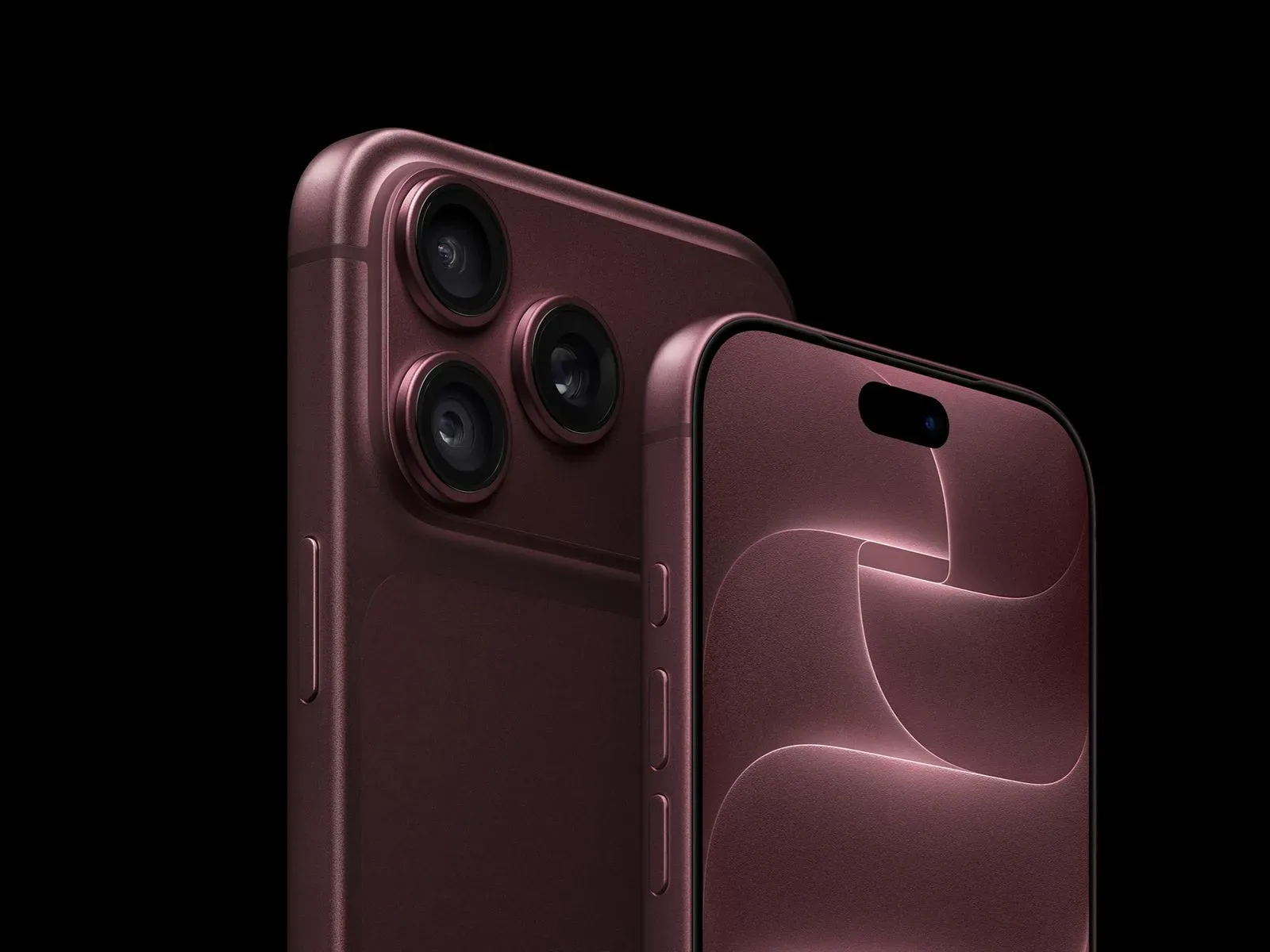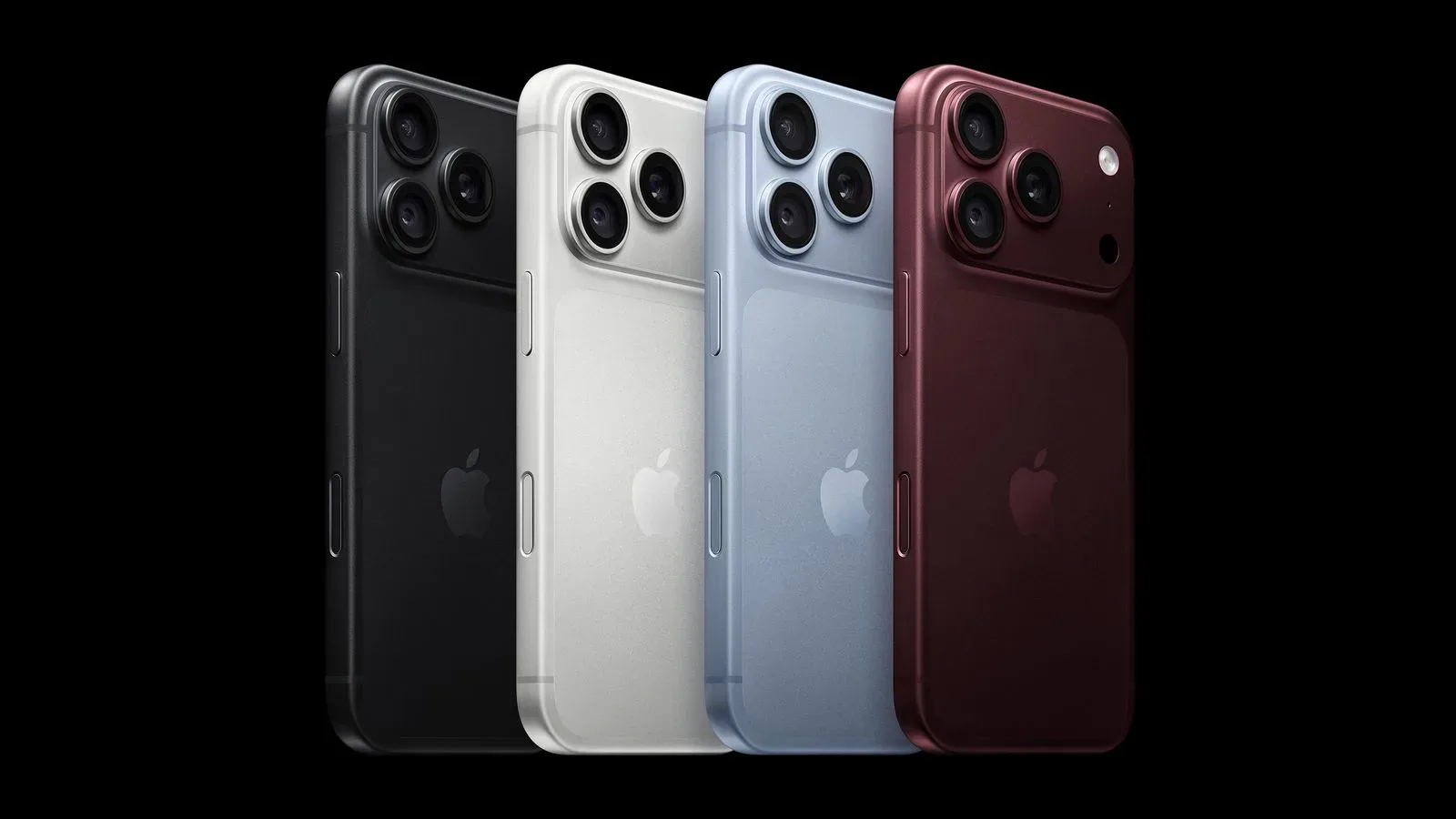
Some iPhone 18 Pro and iPhone 18 Pro Max owners are reporting an unwelcome extra sound effect: intermittent crackling, ticking, popping or clicking from the phone’s earpiece speaker. The accounts do not establish a cause, a scale for the problem, or a definitive remedy. They do, however, describe a pattern worth watching for anyone with one of the new handsets.
Many of the complaints place the sound at the earpiece speaker rather than the main bottom speaker. That distinction matters. The earpiece is the small speaker used for calls held to the ear, but it can also participate in audio playback depending on the phone’s audio behavior. A noise there can therefore be noticeable not only during calls, but during otherwise ordinary interactions with the device.
The symptoms are not being described in exactly the same way by every owner. Some say they hear the sound consistently. Others say it arrives at particular moments: while using apps, scrolling webpages, receiving notifications, bringing up the keyboard, making a call over a cellular connection, rapidly changing display brightness, or switching Airplane Mode on and off. That variability is central to why the issue remains difficult to pin down.
What iPhone 18 Pro owners are hearing
“Crackling” can mean several different things in everyday use, so it is useful to separate the reported descriptions without assigning them a diagnosis. A crackle usually suggests a brief rough or distorted burst of sound. A pop or tick is more like a short transient noise, while clicking implies repeated short sounds. All have been used to characterize the reported behavior.
What has not been established is whether every report reflects the same underlying problem. The shared observation that both iPhone 18 Pro models may be affected is notable, but it does not by itself prove a common hardware fault or a common software bug. Reports from individual owners can identify a possible pattern; they cannot determine the failure rate across all shipped devices.
Still, the alleged triggers make the issue more complicated than a speaker that only distorts at high volume. Notifications, keyboard activity, app use, network-related calling, brightness adjustments and Airplane Mode are very different actions from a user’s perspective. The common factor may be an audio-state change, a system event, or something else entirely. That is analysis, not a confirmed explanation.
Why the reported triggers matter
Airplane Mode disables the phone’s wireless radios, and turning it on or off changes the device’s connectivity state. Cellular calls obviously involve those radios as well. Meanwhile, raising or lowering brightness quickly is a display action, and summoning the keyboard or receiving a notification is a software-interface event. When an unexpected noise seems associated with several system changes, it can point investigators toward software interactions or power-management behavior—but it does not rule out a physical component issue.
In plain terms, a reproducible trigger is more useful than a one-off sound. An owner who can make the earpiece click by performing the same sequence repeatedly has a clearer record of the problem than someone who only hears it unpredictably. Reproducibility also helps separate the reported fault from normal operational sounds, such as an intentional notification tone or audio beginning and ending.
There is an important caveat: repeated association is not proof of causation. If a tick happens around the same time as a brightness change, that does not demonstrate that the display control caused it. It may merely occur during a broader device-state transition. Until Apple identifies the behavior or issues documentation addressing it, the precise mechanism is unknown.
iOS 27.0.1 does not appear to be the answer
Apple released iOS 27.0.1 on September 28, one day before these reports were published, to address an issue that could make iPhone 18 Pro models restart when Face ID authentication failed. Its release notes did not list an earpiece or speaker correction.
Early owner feedback also indicates that installing iOS 27.0.1 has not resolved the crackling or popping for affected phones. That is useful information, but it should not be overstated. It means the update is not currently regarded as a fix for this specific complaint; it does not prove that software is uninvolved. A later update could potentially address the problem if it is software-related, while a hardware issue would need a different remedy.
Software releases often contain focused fixes, and a patch for one restart condition should not be assumed to alter every part of the device’s behavior. Here, the release notes named the Face ID-related restart problem and did not claim a speaker fix. Owners should therefore avoid treating the update as confirmation that their particular noise is expected, fixed, or unrelated.
Replacement reports add uncertainty, not an answer
Some owners say they returned an iPhone 18 Pro and encountered the same behavior on the replacement. That makes a simple isolated-defect explanation less satisfying for those users, but it is not enough to settle the matter. Replacement reports do not tell us whether the devices had an identical cause, whether the same settings and usage conditions were involved, or how frequently the behavior appears across the broader product line.
For owners, the practical takeaway is that a replacement may not guarantee a different outcome if the behavior stems from a wider software or design-level issue. Conversely, it would be premature to conclude that replacements can never help. The available accounts support uncertainty, not a universal rule.
Practical steps for affected owners
Without a confirmed fix, the most constructive approach is careful documentation. This is not a promise that the issue can be solved at home, and it should not substitute for official support. It can, however, make the report clearer if an owner seeks assistance.
- Record the circumstances: Note whether the sound comes from the earpiece, what app or system action was underway, and whether audio was otherwise playing.
- Try only safe, ordinary reproduction steps: If the sound seems linked to a notification, keyboard appearance, a cellular call, Airplane Mode, scrolling, or brightness changes, note which action precedes it. Do not force rapid or repeated behavior simply to provoke the issue.
- Check the installed iOS version: iOS 27.0.1 is relevant context, though early accounts say it has not helped with the reported speaker sound.
- Capture evidence when possible: A short recording that includes the action and audible result may be helpful, although small intermittent noises can be difficult to capture.
- Describe the symptom precisely to support staff: “Intermittent tick from the earpiece when toggling Airplane Mode” is more actionable than simply saying the phone sounds strange.
Owners should also avoid declaring a device defective based solely on a single unexplained sound. The reported concern is the recurring or trigger-linked nature of the noise. Likewise, they should not assume that a quiet phone is necessarily unaffected by every possible issue; the current reports concern a narrow set of audio symptoms.
What to watch next
The key missing information is whether Apple recognizes the earpiece reports, whether the company determines that a software change is involved, and whether a future iOS release specifically addresses the behavior. A detailed support response or update note would provide far stronger evidence than anecdotal accounts alone.
For prospective buyers, this is a reason to pay attention rather than a basis for broad conclusions about every iPhone 18 Pro. Anyone weighing a major technology purchase may also find a general timing-and-research checklist useful before committing, particularly around big retail events; see this guide to planning a smarter tech purchase around Prime Big Deal Days.
At present, the most accurate description is simple: a group of iPhone 18 Pro and iPhone 18 Pro Max owners report earpiece crackling or popping under a range of conditions; iOS 27.0.1 does not list a fix and has not appeared to eliminate the issue in early feedback; and the root cause has not been identified.