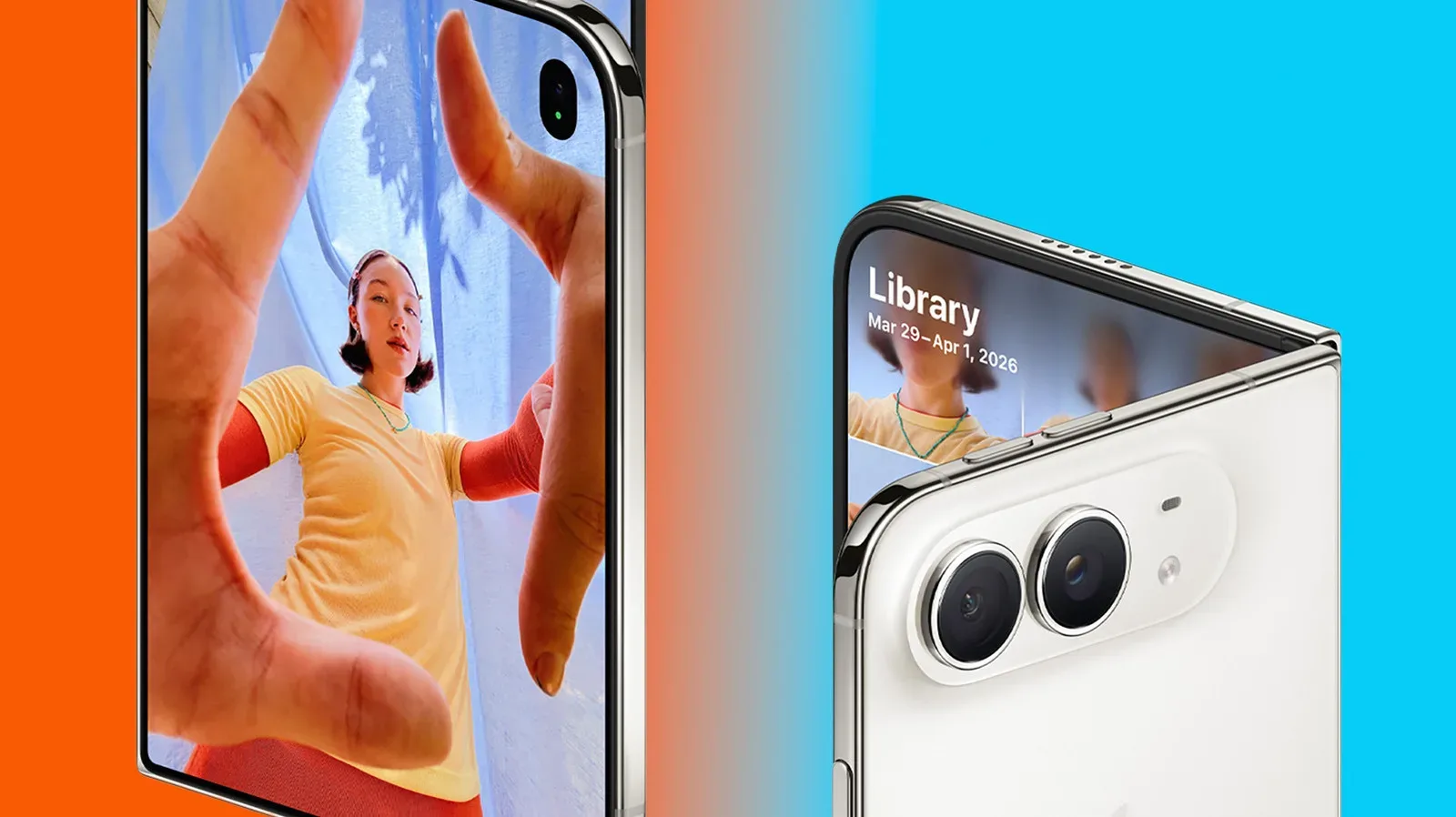
Apple’s Camera app may be preparing to trade a little of its famously simple point-and-shoot identity for a much more capable set of creator tools. References found in iOS 27 beta code indicate work on five potential additions: exposure scopes, focus peaking and highlight alerts, repeated self-timer captures, manual-focus controls, and processing designed to account for a variable camera aperture.
That list deserves the usual beta-code asterisk in bold. None of these options is available to users in the current iOS 27 betas. Code can reveal experiments, infrastructure, or features planned for later rather than functions guaranteed for the next public release. Apple could ship all of them, reserve some for future updates, limit them to particular hardware, or never expose them as consumer-facing controls at all.
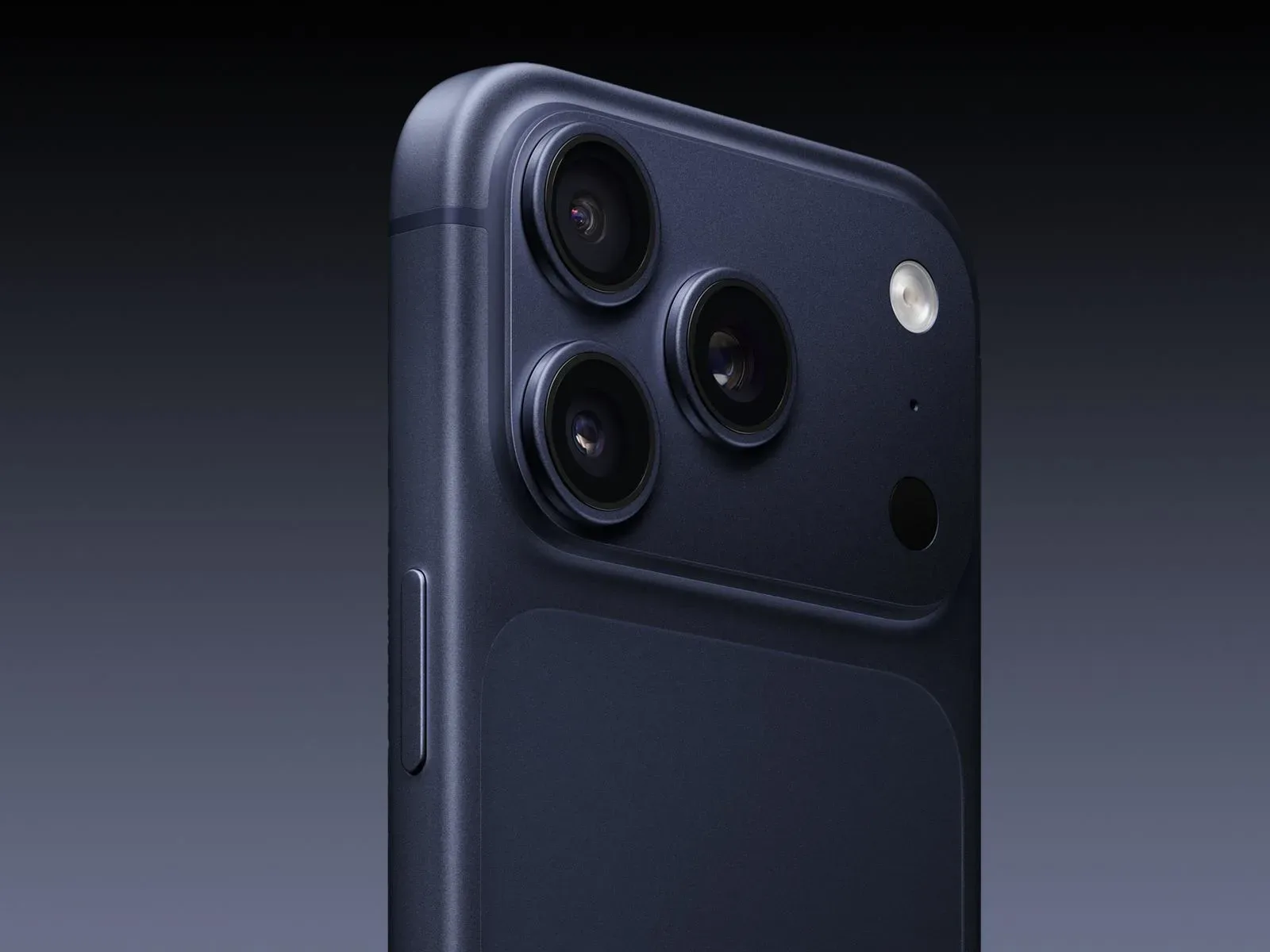
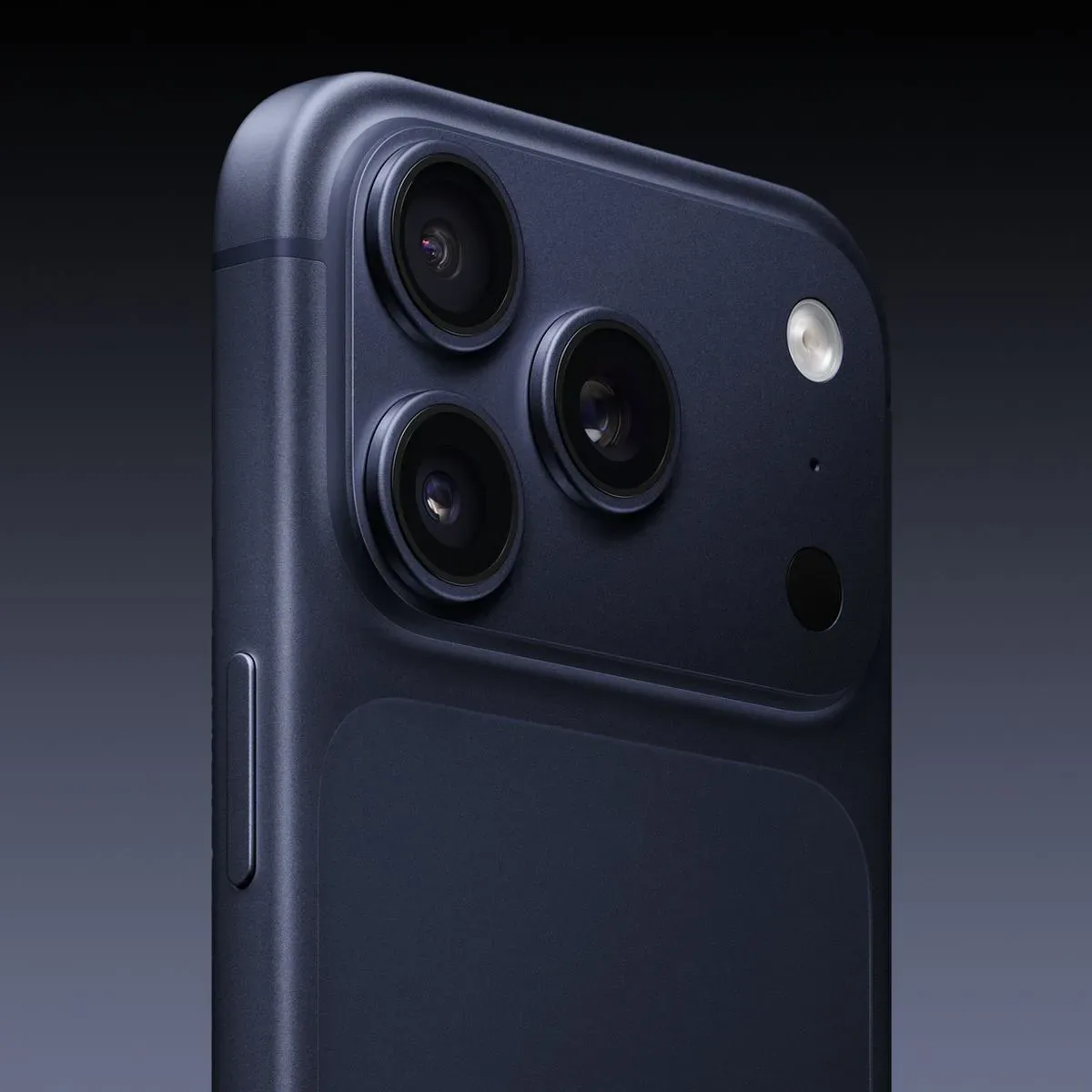
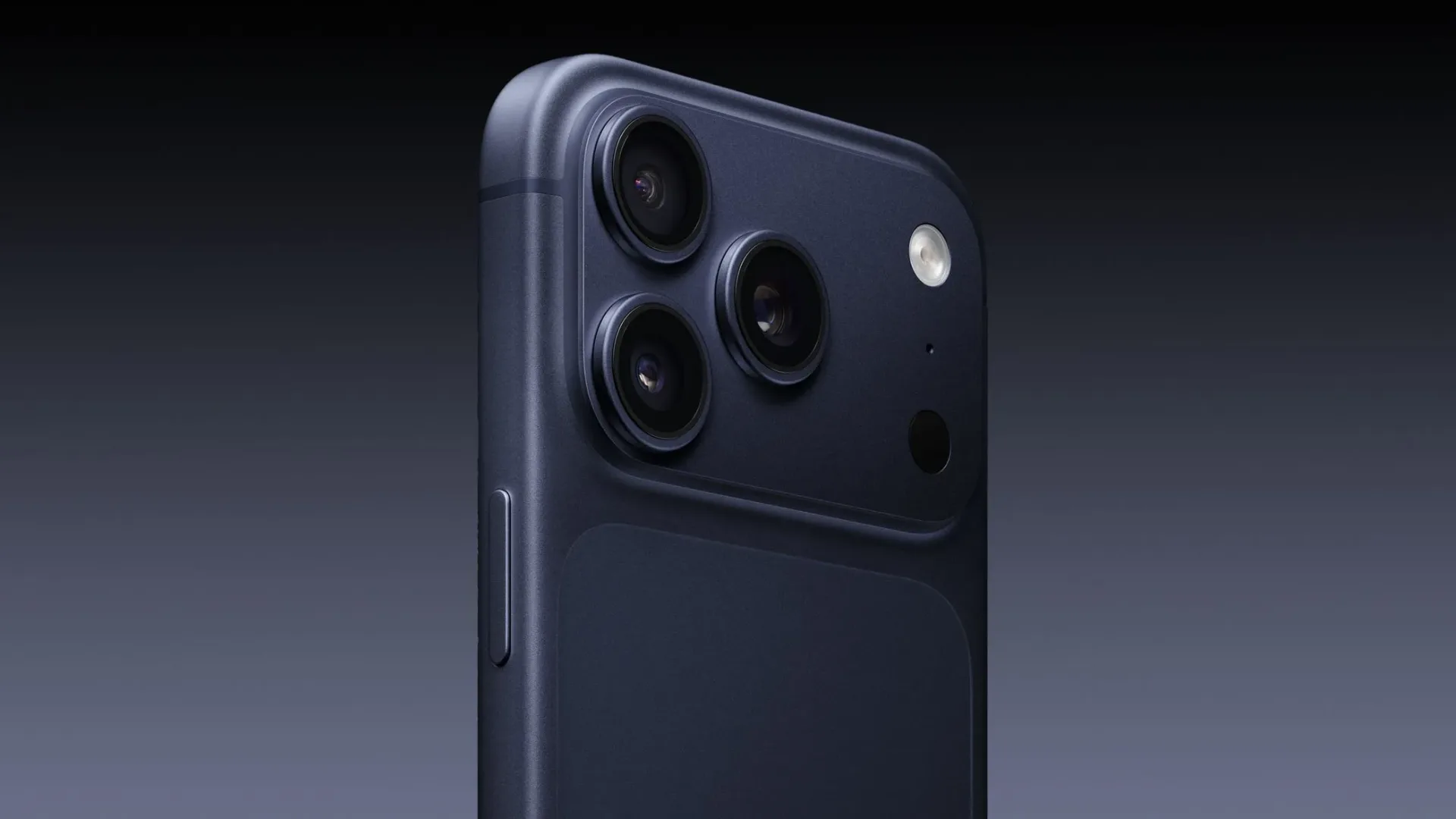
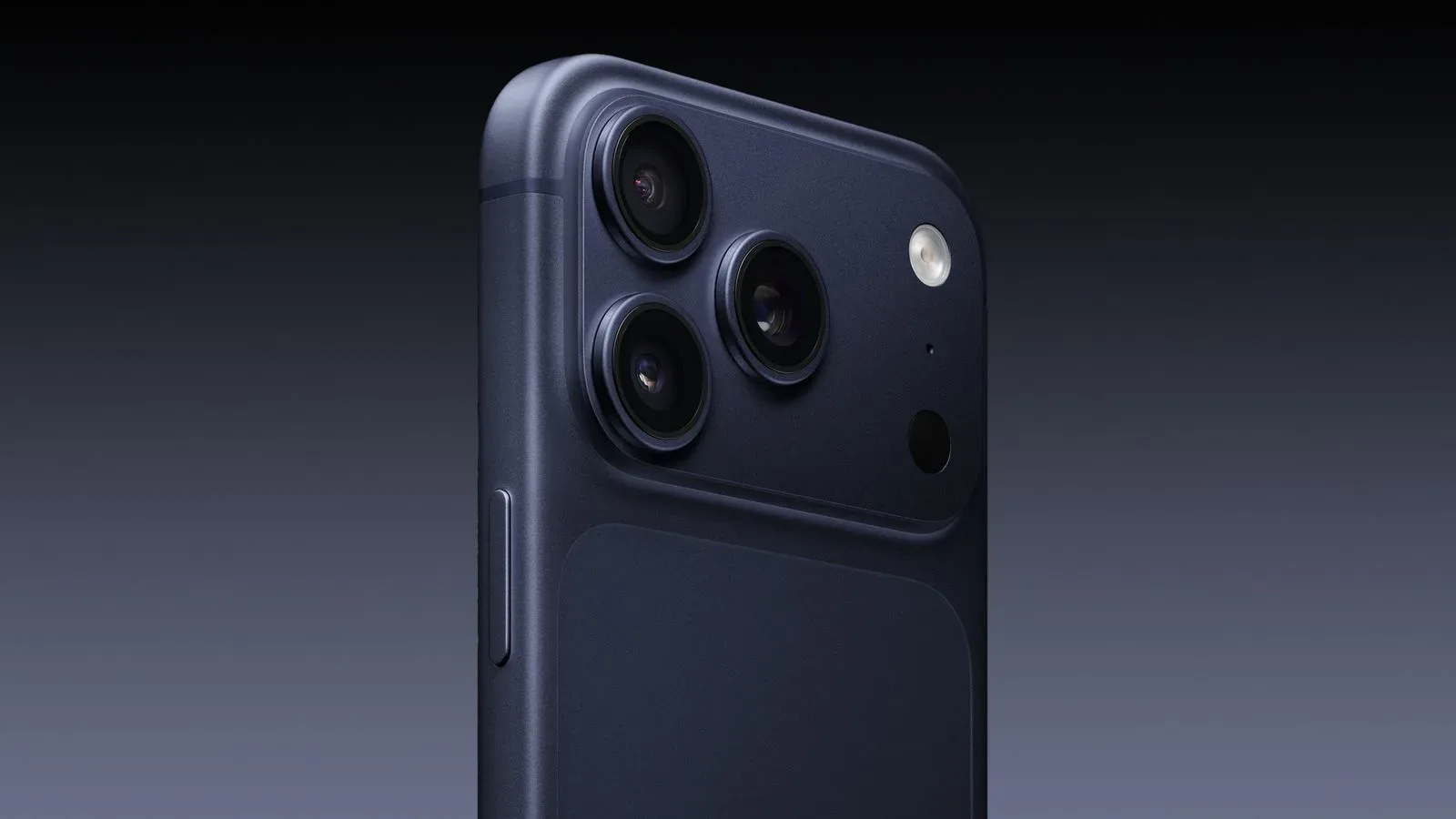
Still, taken together, the references paint an interesting picture. The iPhone Camera app has generally leaned on automation, with more detailed capture controls living in specialist apps such as Final Cut Camera. The newly spotted material suggests Apple could bring several familiar photography and video-production aids directly into the standard shooting experience—potentially in time for the iPhone 18 Pro, which is widely expected to gain a variable-aperture main camera.
Exposure scopes could put better lighting decisions on the iPhone screen
One of the clearest professional-camera concepts in the code is support for exposure scopes: a histogram and waveform display. Neither sounds especially glamorous, but both help a photographer judge whether the image contains enough usable detail in bright and dark areas before the shutter is pressed.
A histogram is a graph representing the distribution of brightness across a frame. Information pushed far toward one side may indicate shadow areas that are very dark; information crowded on the other can signal bright regions at risk of losing detail. It is a compact way to assess exposure even when ambient light makes a phone display hard to trust.
A waveform provides related exposure information but preserves a sense of where brightness exists within the image. Rather than treating the frame as one big pile of pixels, it maps luminance in relation to the picture’s horizontal layout. For someone filming a person against a sunlit window, for example, that extra spatial context can make it easier to see whether the window, face, or another part of the frame is being pushed too far.
These are not the sort of tools every casual snapshot needs. But their inclusion would make sense for mobile creators who already use an iPhone for short videos, event coverage, social clips, or carefully staged photos. They could also offer an on-phone alternative to guessing whether an image looks properly exposed only because the display brightness has been turned up.
Focus peaking and overexposure warnings may improve shot confidence
Another group of references concerns overlays that sit directly on the camera preview. Focus peaking identifies high-contrast edges that are currently sharp, outlining them in a selected color. It is a common aid on dedicated cameras and in video-focused software because it gives immediate visual feedback about focus placement.
That can be particularly useful where autofocus chooses the wrong subject, hunts between foreground and background, or simply does not express the shooter’s intent. A bright contour around a person’s eye, a product logo, or a miniature figure’s face is much easier to read at a glance than relying only on a small preview image.
The code also points to warnings for clipped highlights: portions of a scene that have become so bright that the recorded image may have little or no recoverable detail. The warning could use a solid color, a blinking color treatment, stripes, or a checkerboard pattern. The exact appearance, if Apple ever ships it, remains unknown.
It is worth separating a warning from a cure. A highlight indicator cannot magically restore detail once a scene exceeds what the camera can capture. What it can do is help someone react in time—by changing exposure, reframing, adding light elsewhere, or accepting the blown-out area as a deliberate creative choice. For gamers and collectors photographing reflective boxes, glossy cards, console shells, and display cases, that could be more useful than it initially sounds. Glare has a remarkable talent for turning a carefully framed collectible shot into an accidental picture of a ceiling lamp.
A self-timer that keeps firing could make group shots less awkward
The most broadly useful proposed improvement may be repeated self-timer photography. Today’s familiar timer behavior yields one delayed photo. The functionality described in the beta code would allow several timed shots in succession.
The notable detail is timing: after one picture is taken, the next countdown would begin immediately rather than waiting for the prior image to finish saving. That should enable a tighter run of captures, which is useful when everyone is trying to hold a pose, fit into a group frame, or get a pet to look vaguely in the direction of the lens for more than half a second.
Repeated timer shots also have a quieter practical benefit. They reduce the pressure placed on a single “perfect” exposure. A few consecutive frames offer more chances to avoid blinking, motion blur, a badly timed gesture, or the one friend who inexplicably looks away at the exact moment the camera fires.
Manual focus is present in the groundwork, but current iPhones appear excluded
The code also contains evidence of a control for manually setting and locking focus. Such a feature has precedent in Apple’s Final Cut Camera app, where more direct capture controls are part of the product’s purpose. A manual-focus interface was apparently present during iOS 26 development as a focus slider, but that slider was removed in the first iOS 27 beta.
The underlying focus-locking machinery has not vanished. However, the available indications suggest Apple has restricted it to devices that ship with iOS 27 or later. In practical terms, that means the capability would not function on currently available iPhones, even if it later appears in the standard Camera app.
That restriction is an important clue, but not a full explanation. It could reflect a hardware distinction, an effort to reserve a flagship feature for new models, or simply unfinished software that Apple has not decided how to present. Until a final feature list and compatible devices are confirmed, manual focus should be viewed as promising groundwork rather than an iPhone 18 Pro guarantee.
If introduced, manual focus could give users a firmer answer to one of phone photography’s recurring irritations: autofocus locking onto the wrong thing. It would be handy for close-up product images, dramatic rack-focus video, shooting through glass, or scenes with busy foreground objects. It would not replace good autofocus for fast action, but choice is often the real feature.
Variable-aperture correction may be the strongest iPhone 18 Pro clue
The most hardware-specific discovery is a change to image processing that can adjust lens corrections based on aperture position. A variable aperture lets a lens opening become wider or narrower instead of remaining fixed. That can affect light intake and depth-of-field behavior, but it also changes optical characteristics that computational photography needs to correct.
The iOS 27 implementation can reportedly blend among as many as four reference points to produce smoother corrections at different aperture settings. Put simply, rather than applying one fixed correction profile, the camera pipeline could adapt as the lens changes its opening.
This is why the finding has drawn particular attention around the iPhone 18 Pro. A variable-aperture main camera has been widely anticipated for that model, and aperture-aware correction would be a logical companion to such hardware. Yet logical is not the same as confirmed. The presence of supporting software does not establish the final iPhone 18 Pro camera design, nor does it tell us whether an eventual variable aperture would be exclusive to the Pro model or how Apple would expose its controls to users.
What to watch as iOS 27 moves closer to release
The immediate takeaway is not that five shiny camera toggles are definitely arriving in September. It is that iOS 27 contains signs of a more ambitious camera direction, spanning basic convenience, advanced monitoring, deliberate focusing, and new hardware-aware processing.
Feature access will matter as much as feature existence. Apple may put some options in an advanced menu, reserve others for Pro devices, retain a clean default interface, or distribute the work across the Camera app and Final Cut Camera. Compatibility restrictions around manual focus already show that not every underlying capability is necessarily meant for every iPhone.
For now, iPhone owners should treat the findings as a useful preview of possibilities, not a release checklist. Those who are also sorting out their broader Apple-device setup can find a practical guide on stopping Apple CarPlay from auto-connecting to an iPhone. As for the camera roadmap, future iOS 27 beta changes and Apple’s eventual hardware details will determine which of these behind-the-scenes tools graduate from code references to something photographers can actually tap.