iOS 27 gives CarPlay a meaningful batch of upgrades, but the practical question for drivers is less “what did Apple add?” than “which of those additions can my own dashboard actually use?” The answer falls into three clear groups: features that work with existing CarPlay vehicles, features that require cooperation from the carmaker, and a more advanced Siri experience limited by iPhone compatibility and access.
That distinction matters because CarPlay is not a self-contained car operating system. It is an iPhone interface projected into a vehicle, so some improvements can be delivered entirely by the phone. Others need the vehicle to report information or accept data through its own infotainment and instrument systems. iOS 27, released September 14, includes examples of both—and the most attention-grabbing option is also the one least likely to appear immediately in a current car.
The iOS 27 features most CarPlay drivers can use
The broadest changes are phone-side updates. If a vehicle already supports CarPlay and the iPhone can run iOS 27, these do not require a new head unit, manufacturer update or special vehicle integration.
Home Screen widgets can move into CarPlay
CarPlay is no longer confined to a small built-in set of widgets. Compatible widgets from an iPhone’s Home Screen can be placed on the CarPlay dashboard. This makes the dashboard more flexible, although it is worth being precise about what that means: a widget is a compact information or control panel, not a full version of an app.
Drivers can manage this layout on the phone by going to Settings > General > CarPlay, selecting their car, and opening Widgets > Add Widgets. Widgets can be rearranged by dragging them, removed individually, and used with Smart Rotate and Widget Suggestions. Smart Rotate is the setting that can change which widget is foregrounded; Widget Suggestions can offer relevant options automatically.
In practical terms, the value is personalization rather than a wholesale redesign of the driving experience. A CarPlay setup can show the information a driver wants available at a glance without requiring repeated trips through app screens. Compatibility remains important, however: the widget has to be compatible in the first place.
Audio finally gets direct scrubbing
The Now Playing view gains a proper progress bar in iOS 27. Instead of repeatedly tapping skip controls to reach a point in a song or podcast, the listener can drag along the timeline. This is commonly called scrubbing: directly moving playback backward or forward through an audio track.
CarPlay also receives a persistent mini-player that retains artwork and playback controls while the user browses elsewhere. These are modest interface changes, but they address a familiar problem with long audio: getting back to a particular section without relying on a chain of jumps. Drivers should still make any adjustment only when it is safe to do so and within local rules, but the basic control is more direct than before.
Apple Music filters make libraries less blunt
Apple Music in CarPlay can now filter a library across playlists, albums, artists and songs. Examples include narrowing the view to Favorites or showing All Playlists. The improvement is about reducing the amount of browsing needed to locate a category of music rather than changing the underlying library.
Apple has indicated that third-party music apps can adopt the filtering approach as well. That wording is important: it describes an option for app developers, not a guarantee that every music service will immediately expose the same controls in CarPlay. As with many platform updates, the interface capability can arrive first, with individual apps adopting it on their own schedules.
New Celosia wallpapers are cosmetic—but widely available
CarPlay now shares the “Celosia” visual treatment used in iOS 27 and macOS 27. The wave-like artwork uses overlapping curves and soft shadows reminiscent of layered petals or folded paper, and CarPlay offers it in 14 colors.
There is no functional change attached to a wallpaper, yet the shared design does underline a wider attempt to give Apple’s platforms a common visual language this year. For drivers, it is simply an immediately accessible customization option rather than something tied to their car’s hardware.
Maps language becomes more conversational
Natural-language navigation search now extends to Apple Maps in CarPlay. Rather than treating route preferences as a buried configuration task, drivers can ask Siri for directions that avoid toll roads, highways and other route conditions.
Natural-language search means making requests in ordinary phrasing instead of supplying an exact command structure. The useful outcome is straightforward: route constraints can be part of the spoken request. The precise result will naturally depend on the route and what options are available, but iOS 27 makes those preferences more accessible through CarPlay.
Wireless CarPlay receives phone-side reliability work
Apple says iOS 27 improves the dependability of wireless CarPlay, alongside GPS accuracy and navigation heading detection. Heading detection is the system’s sense of which direction the vehicle is facing or traveling, an important input for presenting navigation correctly.
Because these are described as phone-side changes, no new car hardware is required. This is a useful distinction from features that depend on the vehicle itself: a wireless connection that behaves more consistently is the sort of improvement an existing CarPlay owner may receive through the iPhone update alone.
Video in CarPlay is not simply an iOS update away
Video browsing inside CarPlay has a substantial condition attached: the vehicle manufacturer must certify AirPlay video integration. AirPlay is Apple’s system for sending media from one device to another compatible display or receiver. In this case, it is not enough for the iPhone to be on iOS 27; the car must participate in the arrangement.
The restriction is rooted in vehicle status. Video playback works while the vehicle is parked and changes to audio when the driver shifts into drive. For that to happen, the car needs to share its drive state with iOS. In other words, the phone needs a trustworthy indication of whether the car is stationary or being driven, and that is information the vehicle integration must provide.
The practical takeaway is simple: do not expect video browsing to appear in an existing CarPlay vehicle just because iOS 27 is installed.
As of September 17, no manufacturer had announced plans to support this integration. The parked-only rule also means the feature should not be understood as unrestricted in-car video playback. Its usefulness, if and when supported cars arrive, is specifically tied to time spent parked.
Route sharing needs deeper vehicle integration, too
iOS 27 also lets navigation apps pass route information to a car’s native screens, including its infotainment display or digital instrument cluster. The shared data can include EV charging stops and range information.
This is potentially more consequential than a new dashboard layout because it could let navigation extend beyond the usual CarPlay area and appear where the vehicle presents its own driving information. But it has the same fundamental dependency as video: the car must support it. A phone cannot unilaterally turn a manufacturer’s instrument cluster into a new destination for route data.
For electric-vehicle routing, charging stops and range are particularly relevant pieces of trip information. Still, support is the deciding factor. Drivers should treat this as an integration to watch for in compatible vehicles, not a universal CarPlay capability available the moment iOS 27 is installed.
The upgraded Siri has an iPhone gate and an access gate
The enhanced Siri experience is another case where the software update alone is not the whole checklist. iOS 27’s Siri can handle back-and-forth conversation in the car, and those chats sync to the Siri app on the iPhone so they can be continued later.
It requires an iPhone that supports Apple Intelligence. It also requires access through a Siri AI waitlist. Eligible users can join that waitlist in Settings > Siri on the iPhone.
There are therefore two separate constraints to keep in mind. First is hardware eligibility: not every iPhone supports Apple Intelligence. Second is availability: even a compatible phone does not bypass the waitlist. This is different from widgets, audio scrubbing, wallpapers and the Maps refinements, which are presented as immediate iOS 27 CarPlay changes for existing CarPlay vehicles.
Voice conversations in third-party CarPlay apps will arrive app by app
Apple has supplied developers with a voice-control template that any category of CarPlay app can use for voice conversations. A template here is a prepared framework for developers, intended to make a particular kind of interaction easier to implement consistently.
Its existence does not mean every installed CarPlay app suddenly supports richer voice interactions. Each app maker still has to adopt it. The result is likely to be gradual and uneven: one service may add voice conversations while another retains its earlier behavior. That is a normal implication of a developer-facing platform feature, and it is why the capability is best viewed as an opening rather than a finished, universal CarPlay change.
A sensible iOS 27 CarPlay checklist
Drivers deciding whether the update changes their daily setup can separate the features into a short, realistic checklist:
- Existing CarPlay car plus iOS 27: look for compatible Home Screen widgets, audio scrubbing, the mini-player, Apple Music filters, Celosia wallpapers, improved Maps requests and wireless reliability improvements.
- Apple Music alternatives: understand that third-party adoption of the new filters is possible, not promised.
- Video browsing: look for explicit automaker support for certified AirPlay video integration; no manufacturer support had been announced as of September 17.
- Native car-screen routing: confirm that the vehicle supports route sharing before expecting directions, charging stops or range to appear on built-in displays or the instrument cluster.
- Conversational Siri: check both Apple Intelligence support on the iPhone and Siri AI waitlist access.
- Future voice features: watch individual CarPlay apps, since developers must implement Apple’s voice-control template themselves.
The larger lesson is that CarPlay now has a more visible split between improvements made by the iPhone and features that cross the boundary into vehicle systems. The former group offers tangible benefits today, especially for personalization, media playback and navigation requests. The latter could be more ambitious, but needs automakers and app developers to participate before it becomes useful in a particular driveway.
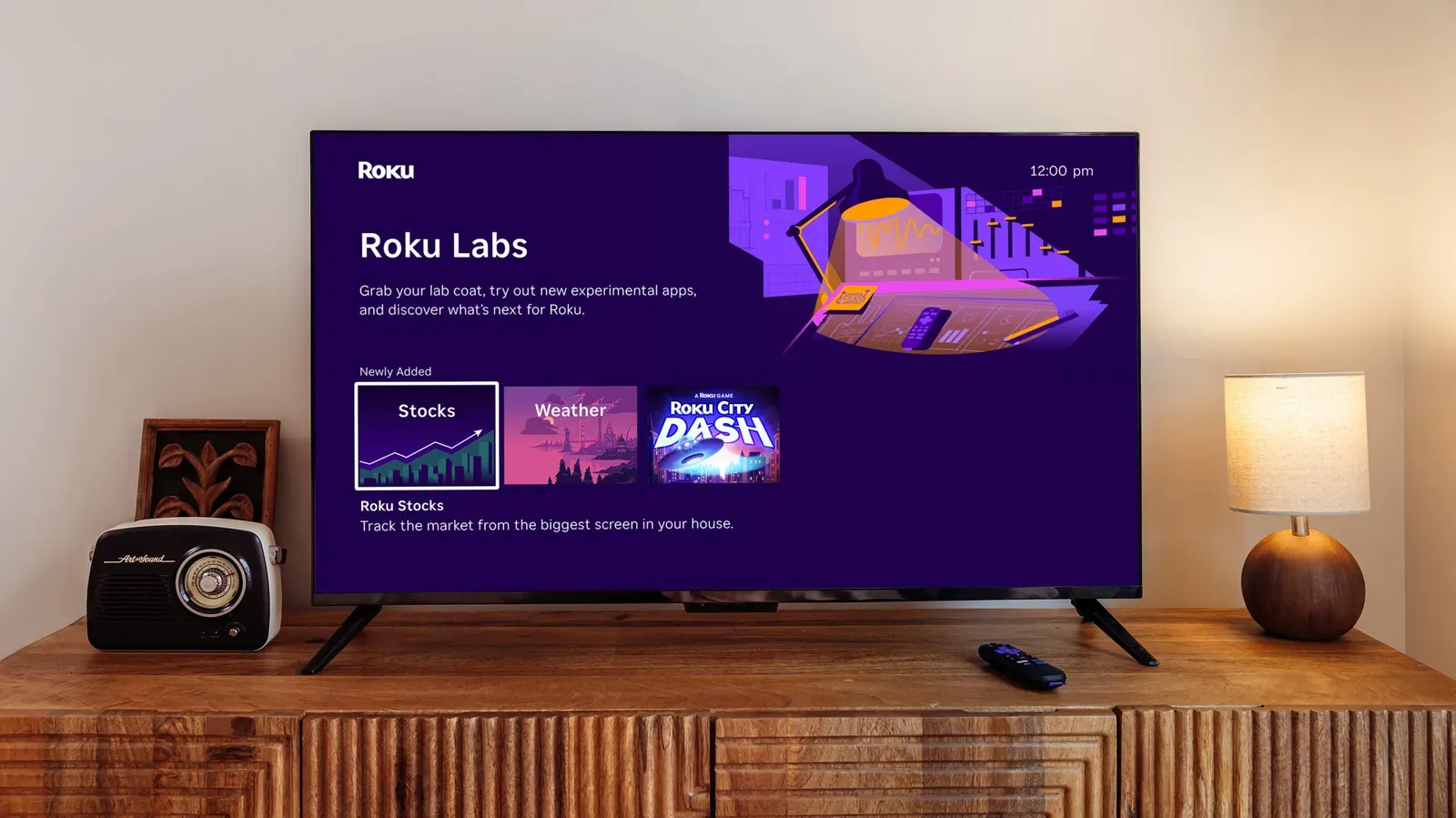
That divide is increasingly common across connected devices. For another example of platform owners opening experimental software capabilities, see Roku Labs opening experimental apps to Roku owners. In CarPlay’s case, the key practical rule remains more immediate: update the iPhone for what the phone can deliver, but verify the car for anything that needs the car to cooperate.