Siri AI is getting a substantially larger to-do list in iOS 27.3. The new version, now available to developers, broadens the assistant’s ability to carry out actions within and across a long list of Apple apps rather than merely answer a question or open the relevant software.
The practical shift is simple: Siri AI is being positioned more directly as an action layer for routine device management. Mail cleanup, Safari tab maintenance, file organization, weather-list changes and several other jobs can be requested conversationally. Apple also says users can ask Siri AI what is possible in a particular app, an important discovery feature when the number of available commands is expanding beyond the obvious basics.
For players and general device users alike, that could mean less bouncing between menus for minor housekeeping. It is not a game feature, and the announced tools do not describe any specific gaming integrations. But it is an operating-system change that could affect the everyday setup around games: organizing files, controlling notifications, managing messages and clearing the browser clutter that tends to accumulate around guides, patches, clips and news.
Which apps Siri AI can work with in iOS 27.3
Apple lists expanded Siri AI capabilities across Calendar, Files, Finder, Journal, Mail, Maps, Messages, Music, Notes, Photos, Preview, Reminders, Safari, Shortcuts and Weather.
That breadth matters because these are not all the same kind of app. Some hold information, such as Notes and Photos; some manage communications, including Mail and Messages; some organize work, including Calendar and Reminders; and others control files or browsing. Siri AI’s usefulness will depend on the action a person wants to complete, the app in question and whether the assistant understands the request as intended.
The clearest examples supplied for iOS 27.3 are specific, practical commands:
- Mail: unsubscribe from mailing lists and undo a recently sent message.
- Weather: add locations to a weather list and control weather notifications.
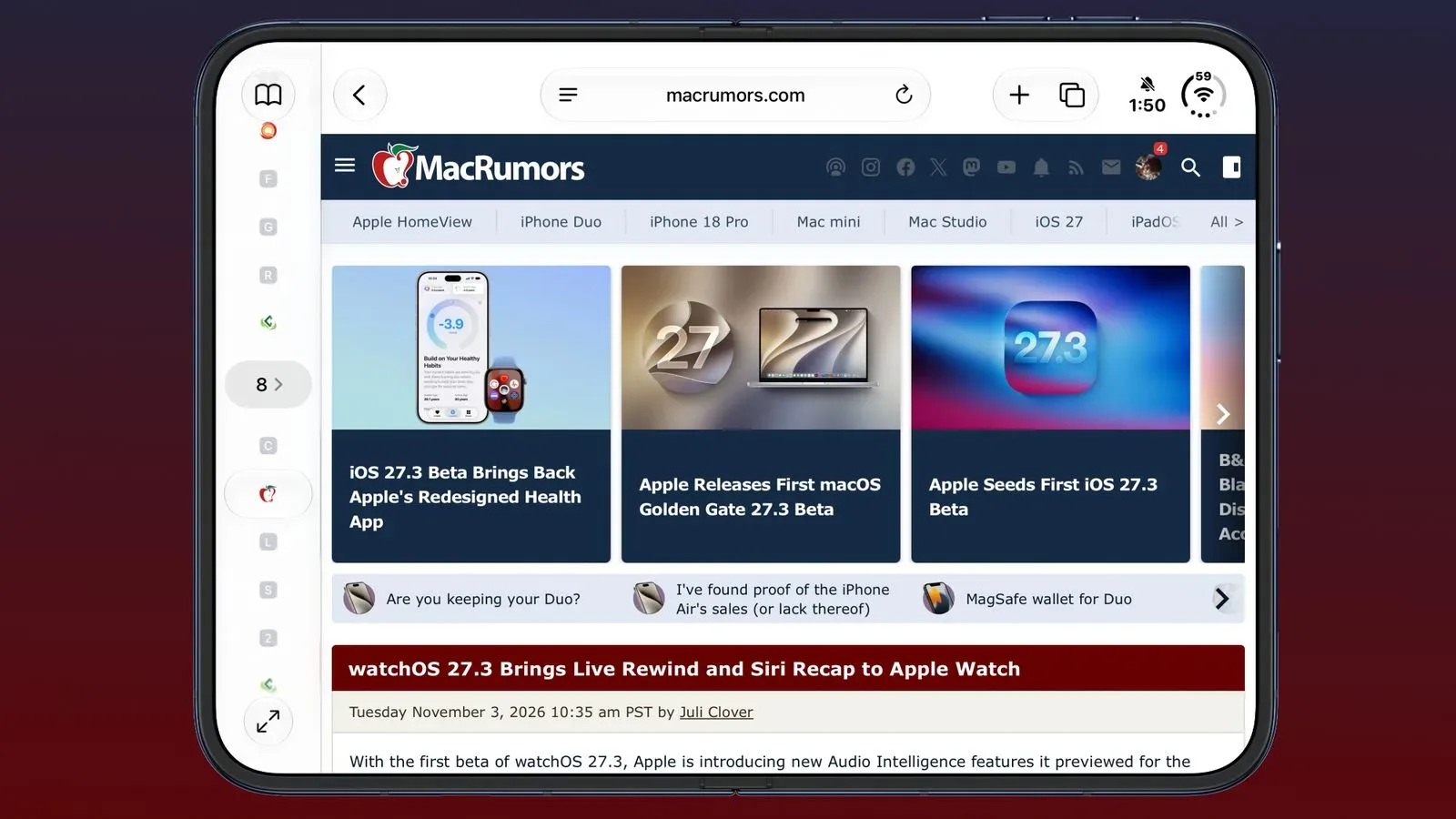
- Safari: clear browsing history, manage tabs and windows, save an article to Reading List, and close duplicate tabs.
- Files: organize content and delete files that have not been accessed for a specified period.
Each example involves an action that ordinarily takes several taps or clicks and, in some cases, a little navigation knowledge. Unsubscribing from mail means finding the relevant control. Clearing duplicate browser tabs means locating and comparing the tabs first. Putting those requests behind a natural-language instruction is the intended convenience.
What “across apps” means—and what it does not promise
Apple says Siri AI can handle more complicated tasks in and across apps. The distinction is meaningful. An in-app action stays within one application, such as adding a place to Weather. An across-app task implies that an assistant can potentially coordinate actions involving more than one app.
However, the announced details do not provide a complete menu of cross-app workflows, nor do they identify every combination of applications that will work. It would be premature to assume any instruction can be stitched together freely. The confirmed point is that iOS 27.3 enlarges Siri AI’s range across the named apps and introduces a framework through which developers can expose actions of their own.
There is also a sensible reason to treat this as a convenience feature rather than automatic housekeeping. A request to delete older, unused files can be helpful, but deletion is inherently higher stakes than making a list or closing a browser tab. Users should be precise about what they ask Siri AI to do and pay attention to the scope of actions involving personal files, messages, browsing records or notifications.
Safari and Mail are the most immediately recognizable upgrades
Among the supplied examples, Safari has perhaps the most immediately visible quality-of-life improvements. Browsers are an easy place for administrative debris to pile up: repeated tabs, old windows, articles saved for later and a history users may want to remove. Siri AI gaining controls for tabs, windows, Reading List and history puts several separate browser chores under one conversational entry point.
Closing duplicate tabs is especially notable as a narrowly defined task. It is the type of small frustration people understand instantly, yet may not always take the time to fix manually. That does not make it revolutionary, but it is a useful illustration of where assistant-driven controls can be more valuable than a generic “open Safari” command.
Mail’s additions similarly target recurring management work. Unsubscribing from lists addresses inbox maintenance, while undoing a recently sent message gives Siri AI an action with an obvious time-sensitive use. The announcement does not specify limits, timing or exact interaction flow for undoing sent mail, so users should not infer details beyond the stated capability.
Those changes arrive alongside other iOS 27.3-related Apple software updates, including adaptive Gym Strength Plans in Fitness+. Together, they suggest iOS 27.3 is being used to add new system-level and app-level behavior rather than only polish existing screens.
Files, Finder and the appeal of routine organization
The expanded coverage includes both Files and Finder. Apple specifically identifies file organization and deletion based on a period of non-access as examples in Files. This is the sort of task where language can be clearer than navigation: a person often knows the outcome they want—tidy up material they no longer use—without knowing which sorting or filtering controls lead there.
Still, “not accessed” is not the same as “unimportant.” Older documents, saved artwork, archived projects and other material may remain valuable despite sitting untouched. The announcement establishes that Siri AI can take this kind of action; it does not establish how it will surface a proposed deletion set or what safeguards will be used in every circumstance. The responsible use case is therefore a deliberate cleanup request, not blind automation.
For anyone who keeps local media, screenshots, downloads or work-in-progress material on an Apple device, the expansion could reduce friction around organization. It could also make it easier to begin a task that users then review manually. The value is not necessarily that an assistant makes choices better than a person, but that it can turn a plainly stated intent into the right app action more quickly.
Developer Preview: App Intents are the key technical term
The other major part of the iOS 27.3 news is a Developer Preview that allows developers to connect their apps to Siri AI. Apple says any app can bring its content and actions directly into Siri AI through App Intents.
In this context, an App Intent is a developer-defined description of something an app can do. Rather than Siri AI needing to guess its way through an arbitrary app interface, a developer can make a supported action available in a structured form. Apple says Siri AI can complete any custom action that a developer implements.
The practical implication is significant, with an equally important qualification. The capability is available for developers to adopt; it is not a guarantee that every third-party app will gain Siri AI controls immediately, or that every app will choose to expose the same depth of functions. Support will depend on each developer implementing relevant custom actions.
Apple also says there are now skills that can teach Siri AI to combine several actions into one experience. Here, “skills” refers to a way of enabling multi-action behavior, not a promise of a single universal command that works identically everywhere. The underlying direction is toward workflows: a request can involve a sequence of supported actions instead of one isolated button press.
That model could eventually be useful for software that has repeatable tasks, but the current announcement does not name third-party apps or provide concrete examples of custom multi-action flows. The important confirmed detail is the expansion of the developer pathway and the ability for implemented custom actions to be completed by Siri AI.
More languages join Siri AI support
iOS 27.3 also expands Siri AI to Traditional Chinese, Vietnamese, Turkish and Norwegian. Language availability is not a cosmetic detail for an assistant built around requests in natural language. A task-oriented voice or text interface is only as accessible as its ability to understand and respond in the languages people actually use.
The announcement does not outline whether every individual app action will behave identically in every newly added language, so that level of parity should not be assumed. What is confirmed is that Siri AI itself is expanding to these four languages as part of iOS 27.3.
What to watch as iOS 27.3 develops
Because iOS 27.3 is currently available to developers, this is the stage where implementation matters. Apple’s own apps supply the immediate set of expanded capabilities, while the Developer Preview creates the route for outside developers to define their own actions through App Intents.
For users, the most useful habit may be the simplest one Apple highlights: ask Siri AI what can be done within an app. That turns an expanding command set into something discoverable instead of requiring people to memorize every possible instruction.
The update’s promise is not that Siri AI suddenly replaces normal app interfaces. It is that a growing number of ordinary tasks—cleaning an inbox, organizing files, controlling Weather notifications or sorting out duplicate Safari tabs—can begin with intent rather than menu hunting. Whether that becomes genuinely indispensable will rest on reliable execution, clear boundaries for sensitive actions and the choices developers make as the App Intents preview reaches more software.