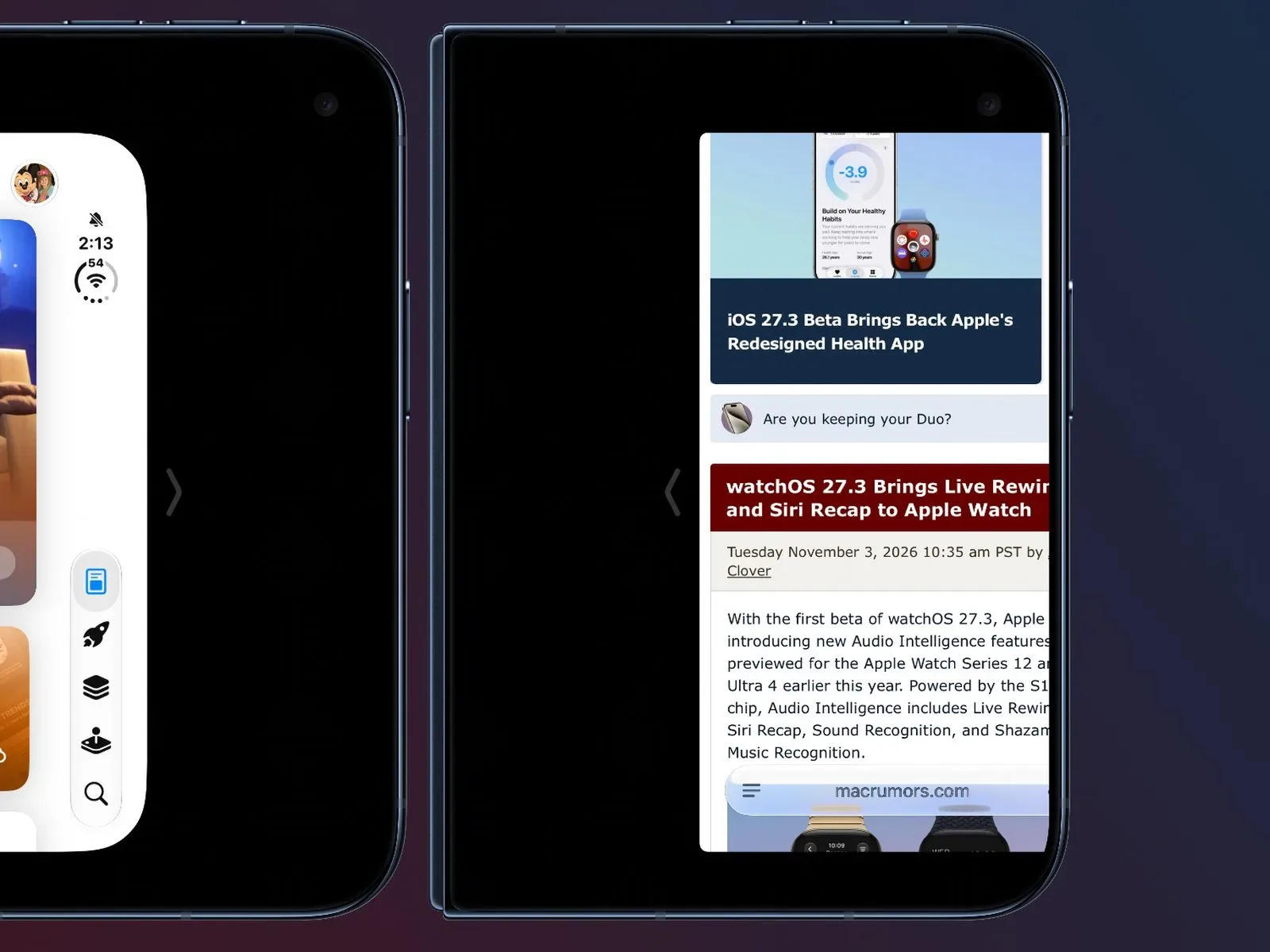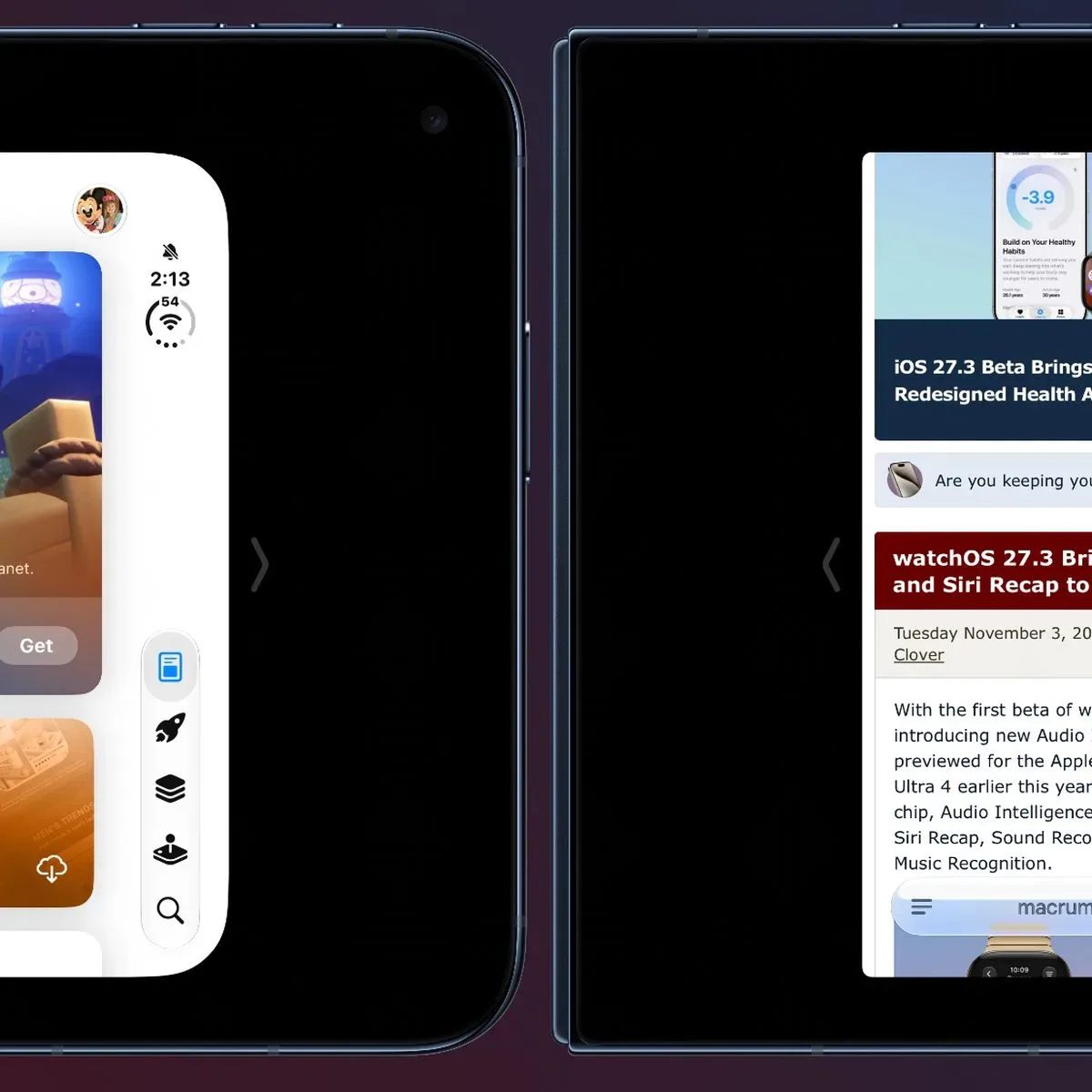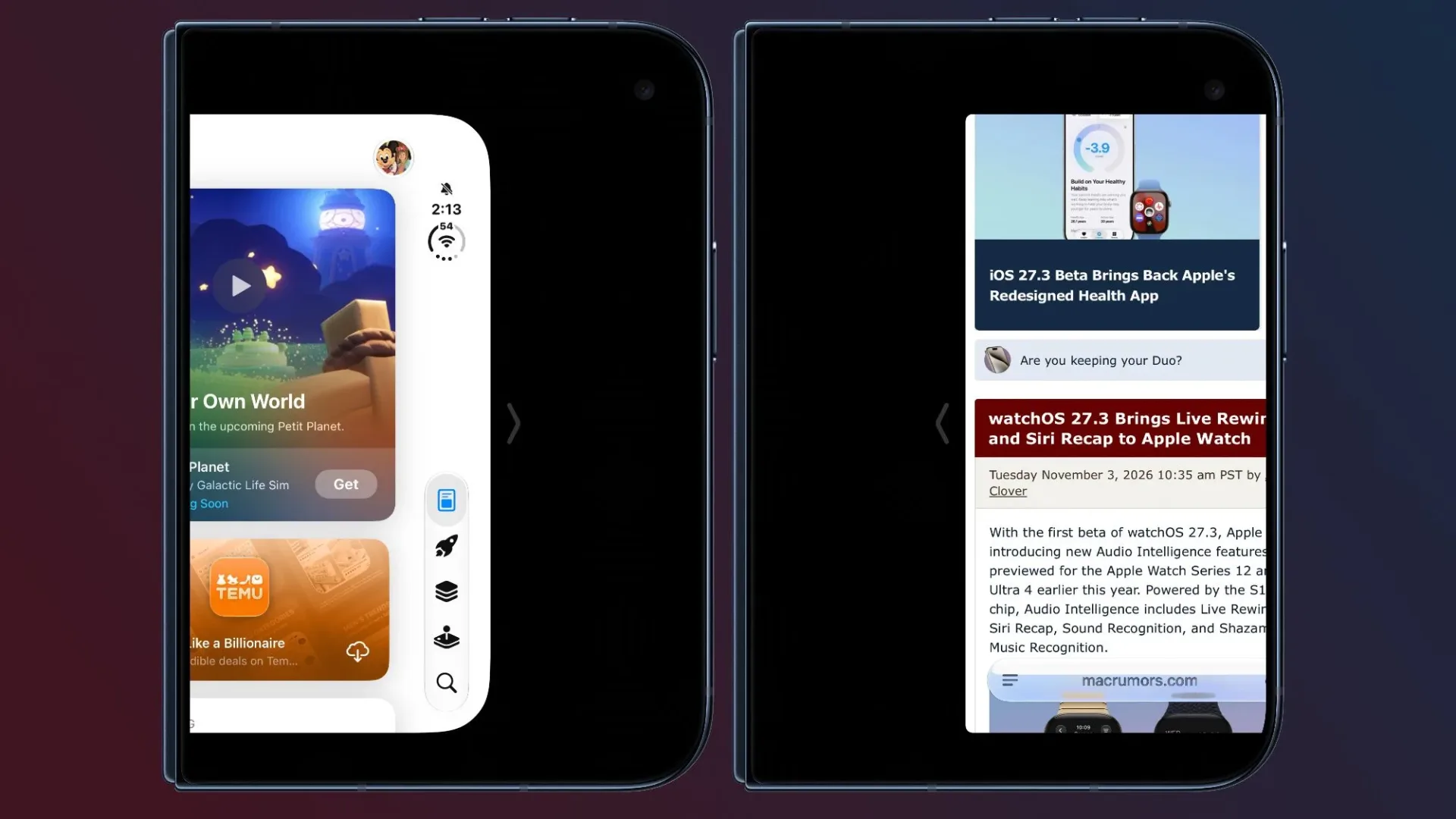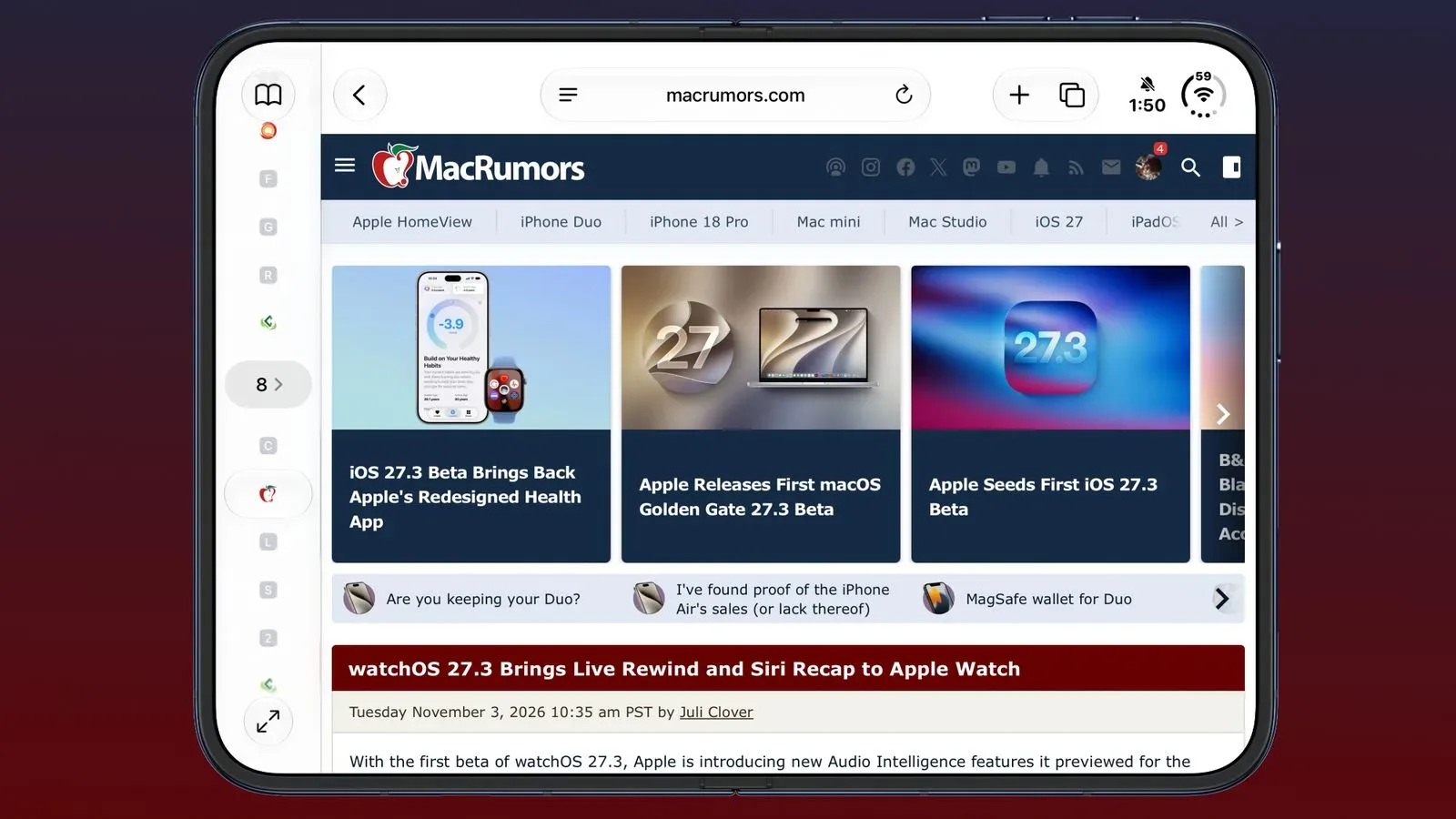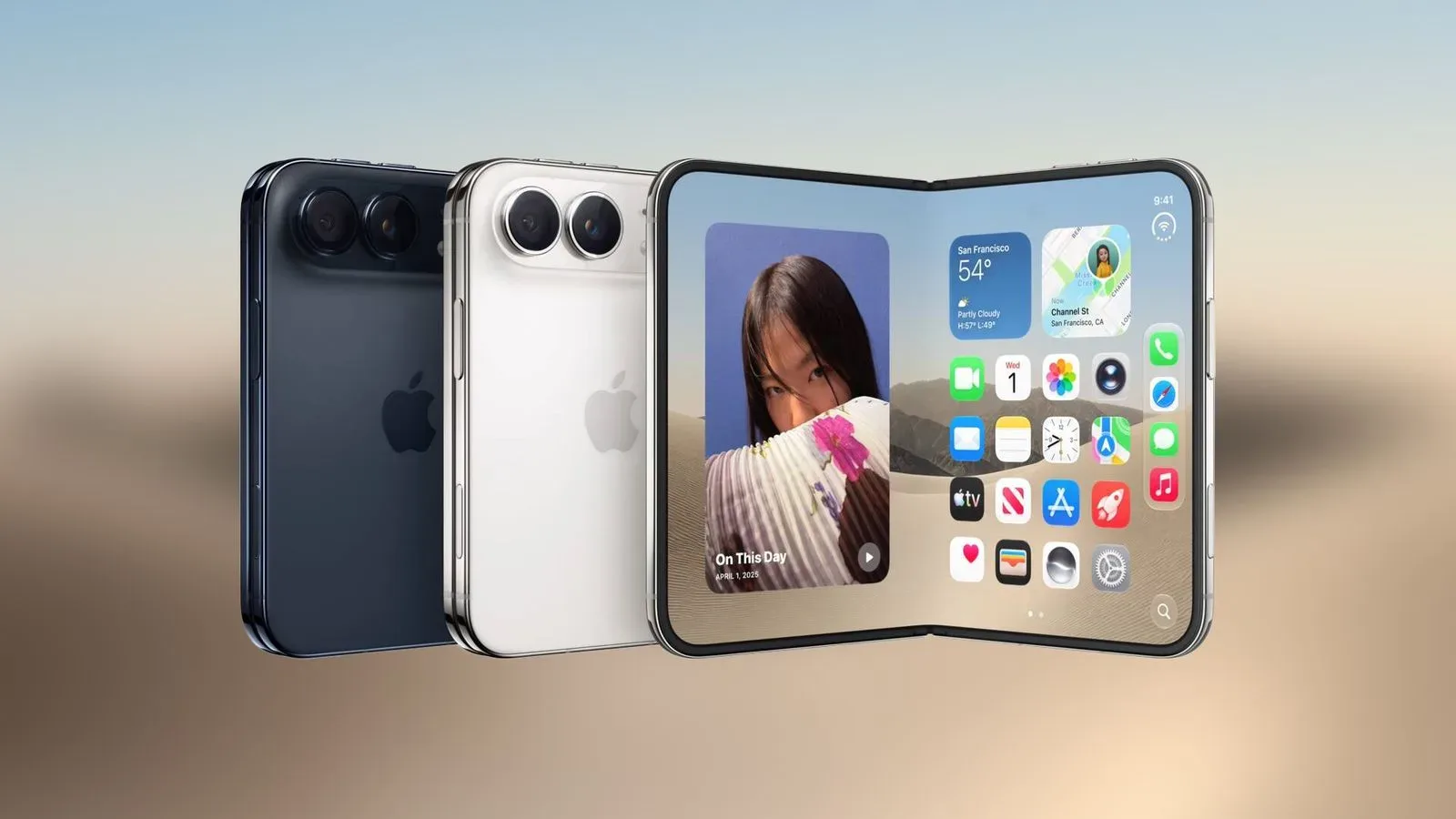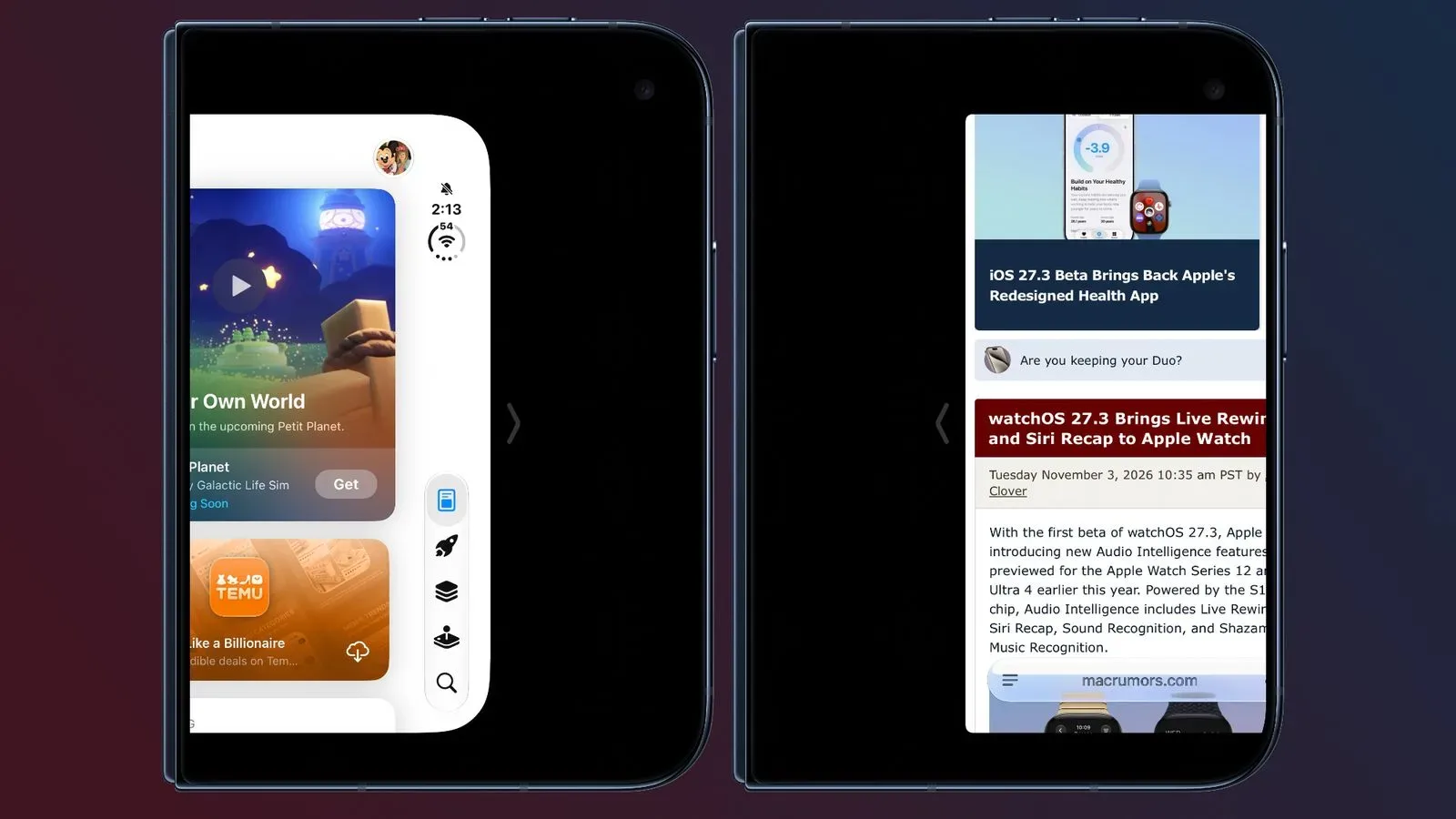
Apple’s iOS 27.3 beta extends Reachability to the iPhone Duo, adding a small but potentially meaningful one-handed control option for the device’s outer display. When the iPhone Duo is closed, users can move the content shown on that external screen toward the left or right side, bringing it closer to the thumb holding the handset.
It is a narrowly focused addition, but it addresses a very ordinary problem in modern phone use: a screen can be physically compact yet still place a button, tab, or piece of interface chrome just beyond the comfortable arc of a thumb. On a device designed to be used both open and closed, the closed-state outer display is likely to invite quick interactions—checking a notification, handling a short reply, changing a track, or opening an app momentarily. Reachability is intended to make those moments require less grip-shuffling.
How Reachability works on the closed iPhone Duo
The new behavior applies when the iPhone Duo is closed. A short swipe inward from either side shifts what is on the outer display in that direction:
- A short swipe left from the left edge moves content left.
- A short swipe right from the right edge moves content right.
In practical terms, the gesture lets a person choose the nearer side of the display rather than forcing their thumb to stretch across the panel. The feature does not change the app itself, resize its controls, or permanently alter the screen layout. It shifts the displayed content to make a temporary interaction easier to reach.
That distinction matters. Reachability is an accessibility and ergonomics tool, not a new multitasking mode or an app-specific layout system. The point is reducing the distance between a thumb and the controls already on screen.
Where to enable or disable it
Reachability is enabled by default after updating to the iOS 27.3 beta. Anyone who wants to check the setting or turn the behavior off can find it here:
Settings > Accessibility > Touch > Reachability
Putting the control under Accessibility is appropriate: the setting can help users with limited hand mobility, smaller hand spans, or a preference for keeping a firmer one-handed grip. But it is also useful as a conventional convenience feature. Accessibility options frequently become broadly practical interface choices precisely because they acknowledge that there is no single “normal” way to hold a phone.
A small gesture with a real gaming use case
For mobile players, the relevance is less about changing how a full game is played and more about the many short interactions that surround games. Closed-device use can involve tapping a game notification, answering a message from a teammate, checking a companion app, starting audio, or dealing with a login prompt before getting back to play.
Reachability could make those outer-display actions more comfortable when the device is being used casually in one hand. That is especially true when a person is standing, carrying something in the other hand, or trying not to change their grip on the phone. It is not a substitute for game-level control customization, and there is no indication that it changes touch controls inside any particular title. Instead, it is operating at the system-display level: move the on-screen content closer, then interact as normal.
The broader design lesson is familiar to anyone who has played on a handheld device. Hardware dimensions alone do not define comfort. The position of interface elements, the hand holding the device, and the direction from which a finger approaches the screen all matter. An edge gesture that repositions the active content is a straightforward way of accommodating those variables without asking every app developer to create separate layouts.
What “outer display” means here
The outer display is the screen available while the iPhone Duo is closed. That detail sets this version of Reachability apart from a general request to make every interface smaller or lower on every screen. The beta’s stated behavior is specifically tied to the device’s closed state and its external panel.
Users should therefore avoid assuming the feature changes the experience while the device is open. The information available only describes the short left- or right-edge swipes on the outer display when the iPhone Duo is closed. It also does not establish how individual apps will look while shifted, whether every interface element responds identically, or whether the behavior will change before wider software availability.
Those are normal boundaries to keep in mind with beta software. A beta is a pre-release version of an operating system, meaning its features can be adjusted, removed, or refined before a final public release. The presence of Reachability in iOS 27.3 beta confirms that Apple is testing the capability for iPhone Duo; it should not be read as a guarantee of final behavior beyond what the current build provides.
Why the default setting matters
Enabling Reachability by default gives iPhone Duo owners a chance to encounter the tool naturally rather than requiring them to search through settings first. That can be valuable for a feature whose purpose is immediate physical convenience: a person may only recognize its benefit when they are already holding the phone awkwardly.
There is a trade-off, however. Edge gestures can be easy to trigger by accident, particularly for users whose normal grip begins near the sides of the outer screen. Apple has included a clear opt-out route in Touch settings, so anyone who finds the motion disruptive can disable it. That control is more important than it may sound. A useful accessibility feature should be adjustable rather than becoming another mandatory gesture to remember.
The left-or-right design also avoids presuming a particular dominant hand. Users can shift the content toward whichever side is more reachable in the moment. Someone holding the device in their left hand may favor one direction; someone who switches hands or holds it differently while seated may favor the other. The feature’s utility comes from that flexibility, not from a one-size-fits-all position.
Part of a broader iOS 27.3 beta picture
Reachability on iPhone Duo is one of several reported iOS 27.3 beta changes. Elsewhere in the beta, Safari is gaining options including vertical tabs, adaptive dark mode, and additional Siri control; those Safari changes are covered here. Together, these additions point to a release that touches both high-visibility software tools and the quieter details of everyday device handling.
The iPhone Duo update belongs firmly in the latter category. It does not promise a new app, a dramatic visual redesign, or a headline-grabbing hardware capability. It simply gives users a quick way to bring closed-screen content within easier thumb range. Yet these friction-reducing changes are often the ones that become most noticeable over repeated use, because they affect actions performed dozens of times without much thought.
For now, iPhone Duo owners on the iOS 27.3 beta can try the feature with the device closed, use a short inward swipe from the desired edge, and decide whether its shifted display position suits their grip. If it does not, the Reachability toggle remains available in Accessibility settings.