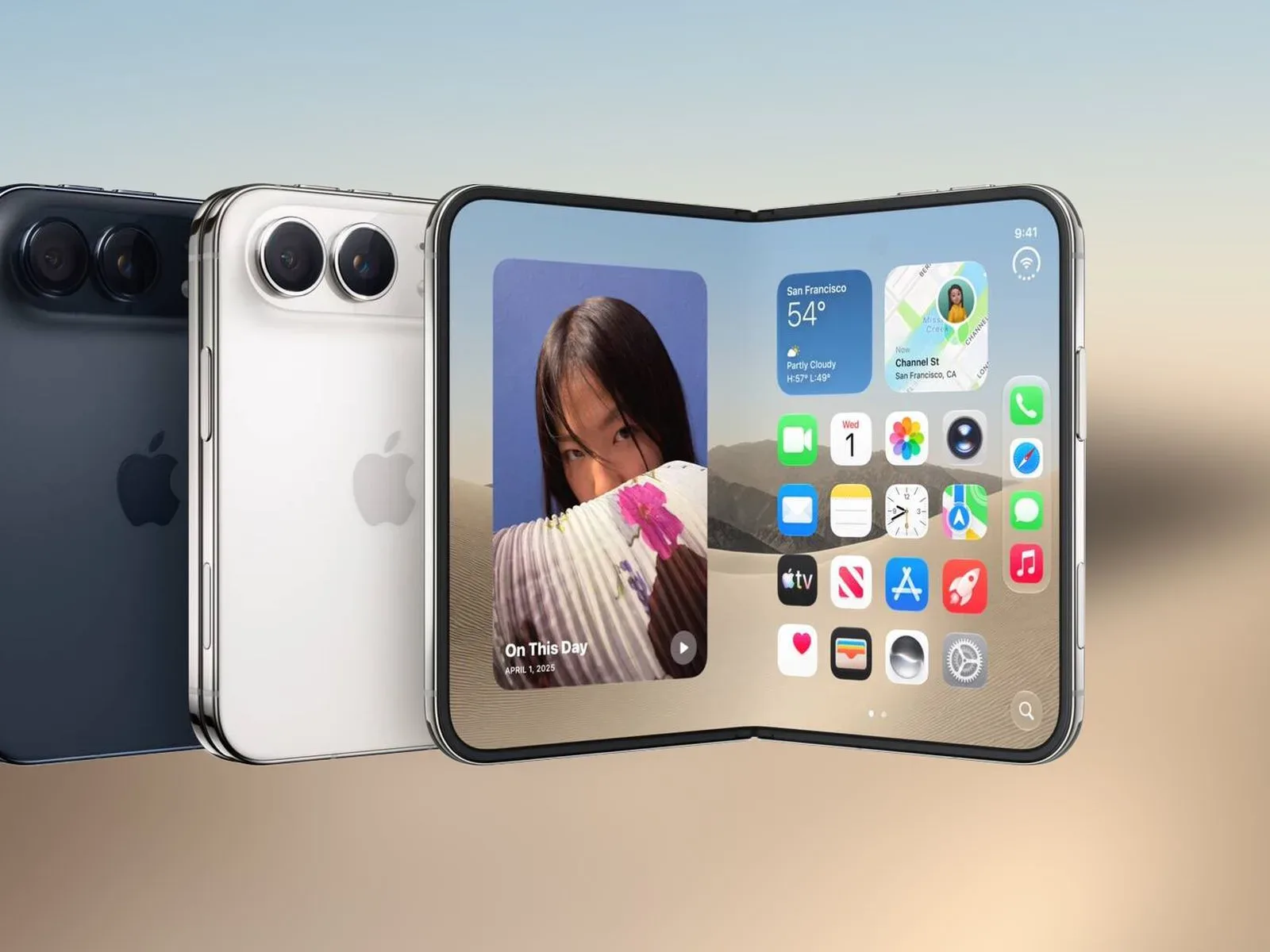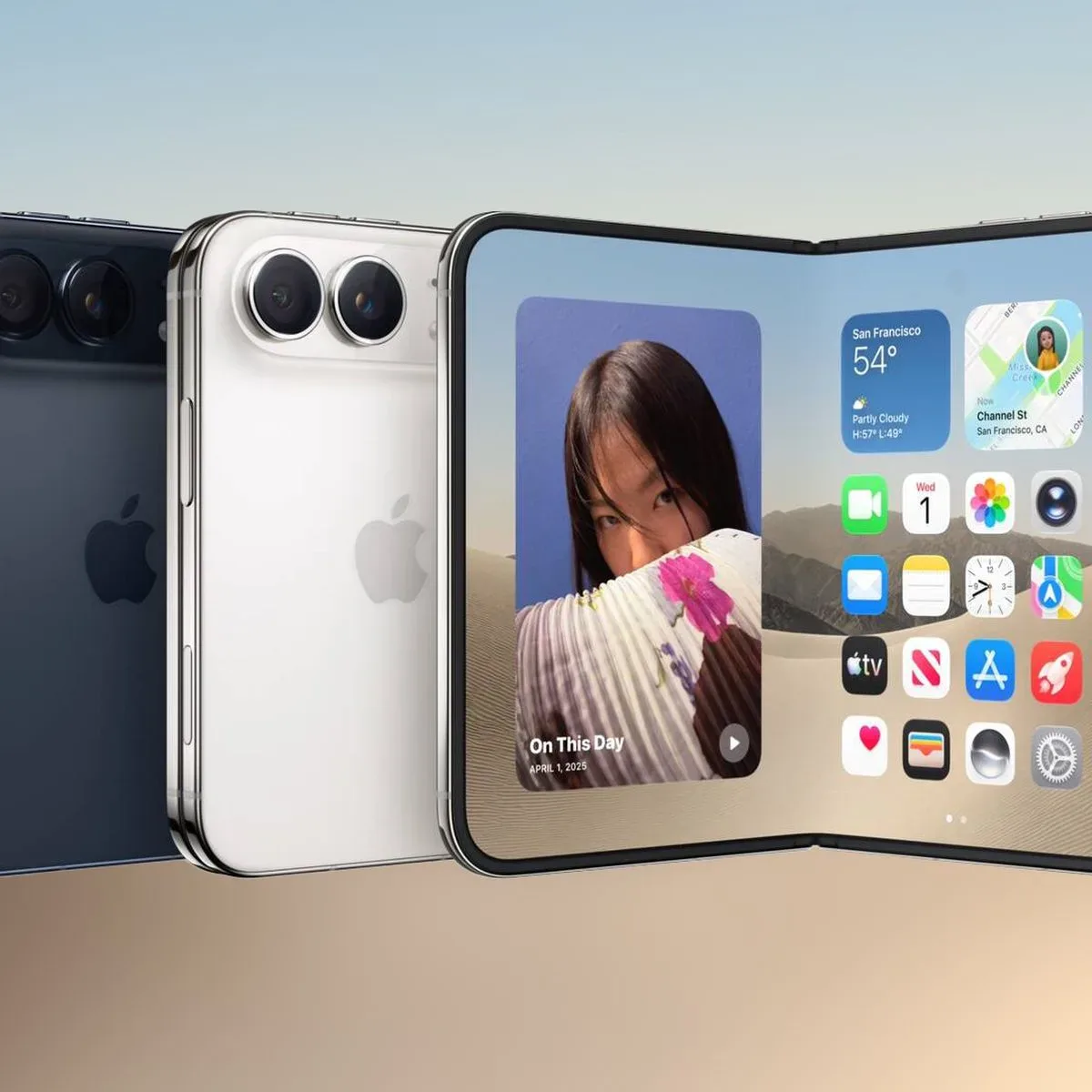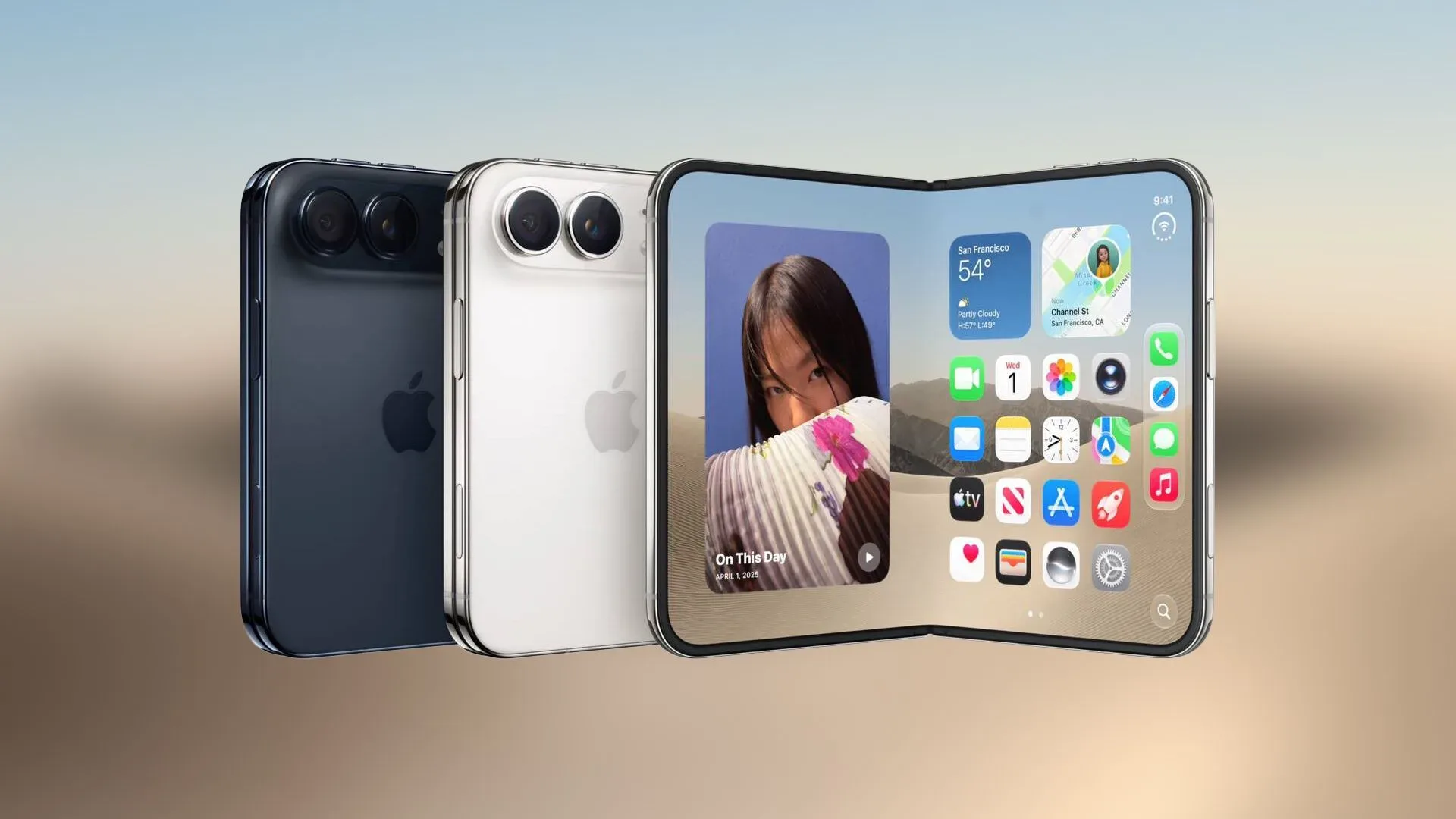
Apple plans to add Reachability support to the iPhone Duo in a software update later this year. It is a small feature with a very practical purpose: making controls near the top of a display easier to access when a person is using their phone with one hand.
On other iPhone models, Reachability works when the user swipes down from the bottom edge of the screen. Rather than scrolling a page or changing the app’s layout permanently, the action brings the upper half of the interface lower temporarily. That puts buttons, navigation areas, and other top-of-screen elements closer to a thumb’s natural range.
What Reachability does
Reachability is an accessibility setting, meaning it is designed to reduce a physical barrier to using a device. In this case, the barrier is screen height. Modern phone interfaces commonly place important controls at the top of the display, while one-handed use generally gives a thumb its easiest reach near the lower portion.
When Reachability is triggered, the top half of the current interface shifts downward. The feature does not replace a one-handed mode inside an individual app; it is an operating-system-level adjustment intended to help across the interface. The basic gesture is also straightforward: swipe down along the screen’s bottom edge.
That distinction matters because a large screen does not automatically make every part of an app convenient to touch. More display area can provide room for text, media, multitasking, or larger controls, but the uppermost parts of that space can still be difficult to reach while holding the device in one hand. Reachability addresses that particular ergonomics problem without requiring the user to change grip or use a second hand for every interaction.
Why it matters for iPhone Duo
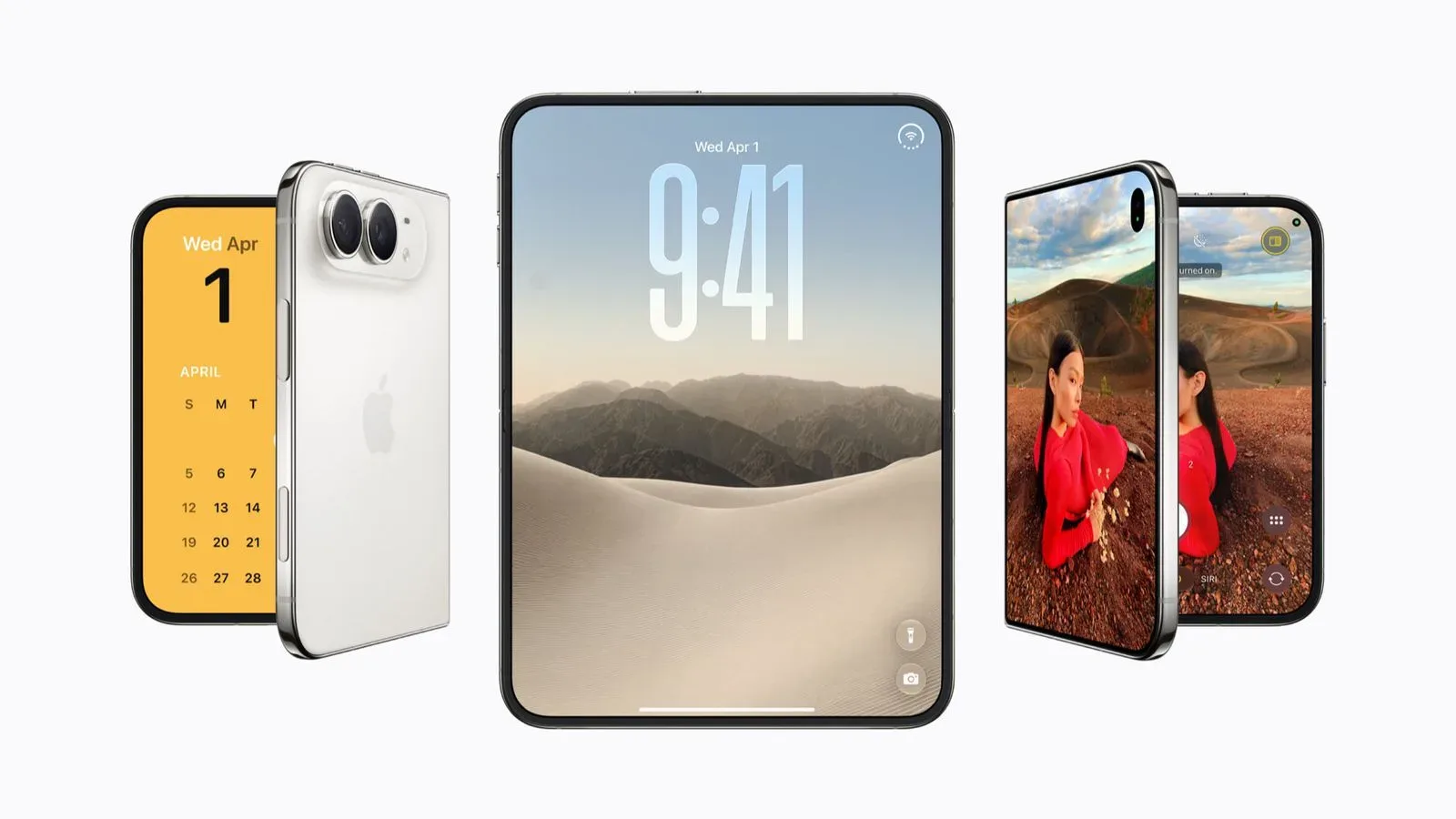
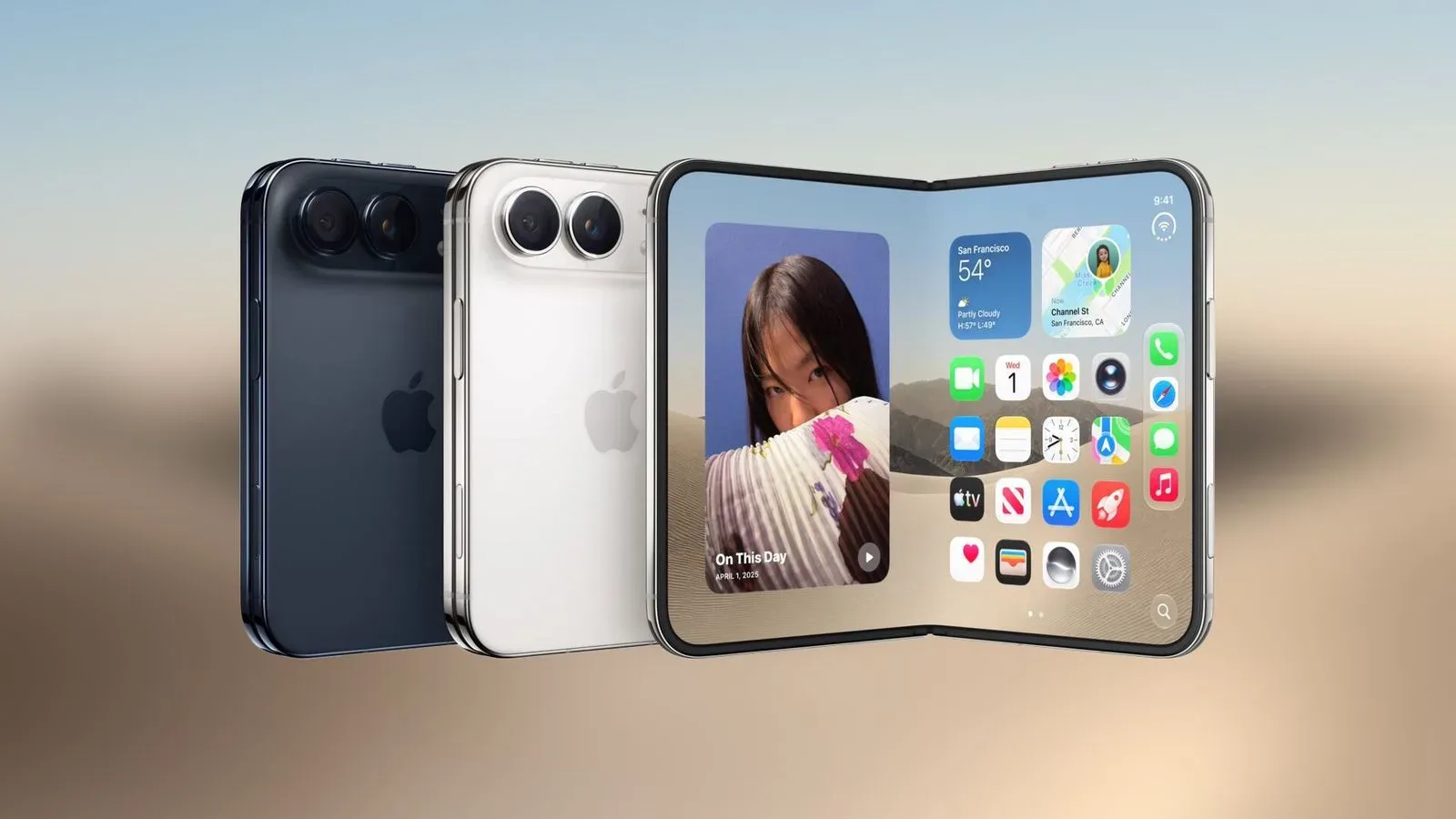
The iPhone Duo has inner and outer displays, creating an open question around the upcoming implementation. Apple has said Reachability is coming later this year, but it has not clarified whether the feature will work on both displays.
That detail is important. A dual-display device can be used in more than one physical state, and the demands of one-handed navigation may differ depending on which screen is active. If Reachability arrives on both the inner and outer displays, the feature could offer consistent behavior across those modes. If it is limited to one screen, users would need to understand when the gesture is available and when it is not.
For now, support on either or both displays remains unconfirmed. It is reasonable to expect that the feature could be useful across the device, but expectation is not confirmation. The only firm point is that Reachability support is planned through a later software update.
A familiar feature, but one that changes daily usability
Reachability is already available on other iPhone models, so its planned arrival on iPhone Duo is not the debut of a brand-new interaction system. Instead, it is the extension of an existing accessibility tool to a device with a different display arrangement.
That makes the update notable less for novelty than for coverage. A phone’s usability is built from repeated, ordinary actions: opening a menu, reaching a back control, tapping a search option, or dismissing an interface element near the top. A feature that shortens the reach for those actions can matter more in daily use than a flashy feature used only occasionally.
It also reflects a useful accessibility principle: options made for users who have a specific need can improve convenience for many others. Someone with limited hand mobility may rely on Reachability, while another person might turn it on simply because they are carrying something, commuting, or holding the phone with a less secure grip. The function serves the same underlying goal in each case—bringing interface elements into a more manageable position.
What users should expect from the gesture
The planned feature follows the Reachability behavior found on other iPhones. Users swipe downward at the bottom edge of the display, and the upper part of the interface moves down. The feature is intended to make top-screen controls easier to reach, not to shrink everything on the screen permanently.
- Input: a downward swipe from the bottom edge of the display.
- Effect: the upper half of the interface is lowered.
- Purpose: easier access to controls near the top of the screen with one hand.
- Status for iPhone Duo: planned for a software update later this year.
- Unconfirmed detail: whether Reachability will be available on the inner display, outer display, or both.
Owners should therefore treat Reachability as a forthcoming software convenience rather than a feature that is necessarily present at the moment. The timing is described only as later this year, with no more precise release window provided.
What remains unknown ahead of the update
The key unknown is display coverage. Since iPhone Duo includes both inner and outer screens, Apple’s eventual implementation will need to establish where the bottom-edge gesture can be used. The available information does not specify whether each display will receive Reachability support.
There are also no stated details on setup, any iPhone Duo-specific changes to the gesture, or whether behavior will differ between display states. Until Apple provides those specifics, it would be premature to assume that the feature will operate identically on every screen and in every use mode.
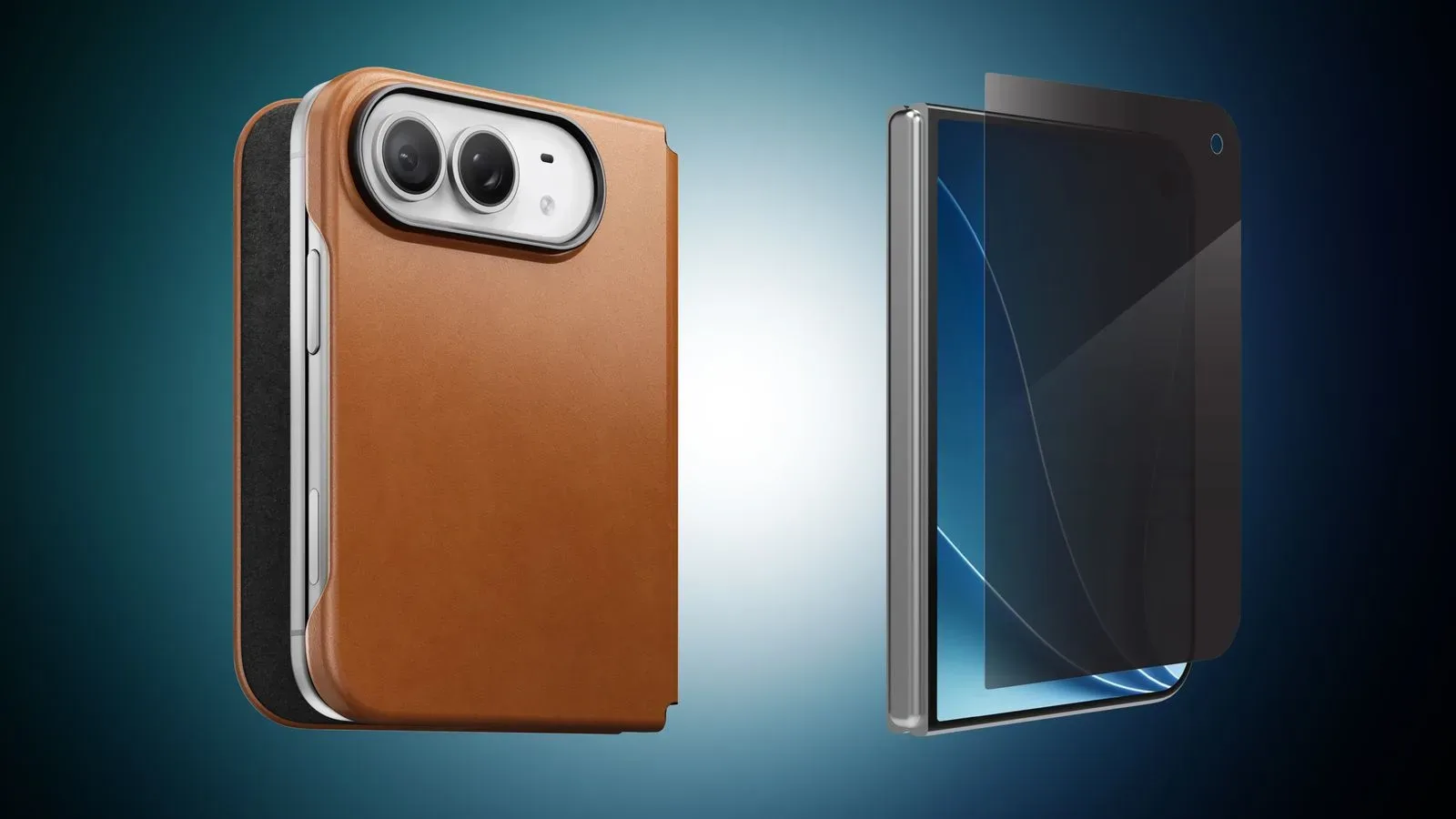
For prospective owners looking at how the device will fit into everyday handling, it is also worth keeping hardware protection separate from software accessibility. iPhone Duo case and screen protector options concern the device’s physical setup, while Reachability is about reducing the distance to on-screen controls.
The practical takeaway
The upcoming update is a focused quality-of-life addition. Reachability will give iPhone Duo users the same basic option available on other iPhones: a quick way to pull top-of-screen interface elements down for easier one-handed access.
Its value will depend partly on how Apple handles the device’s two displays. That question remains unanswered, but the feature’s intended role is clear. Reachability is not about adding more content to the screen; it is about making the content already there easier to touch when the user’s hand cannot comfortably reach the top.