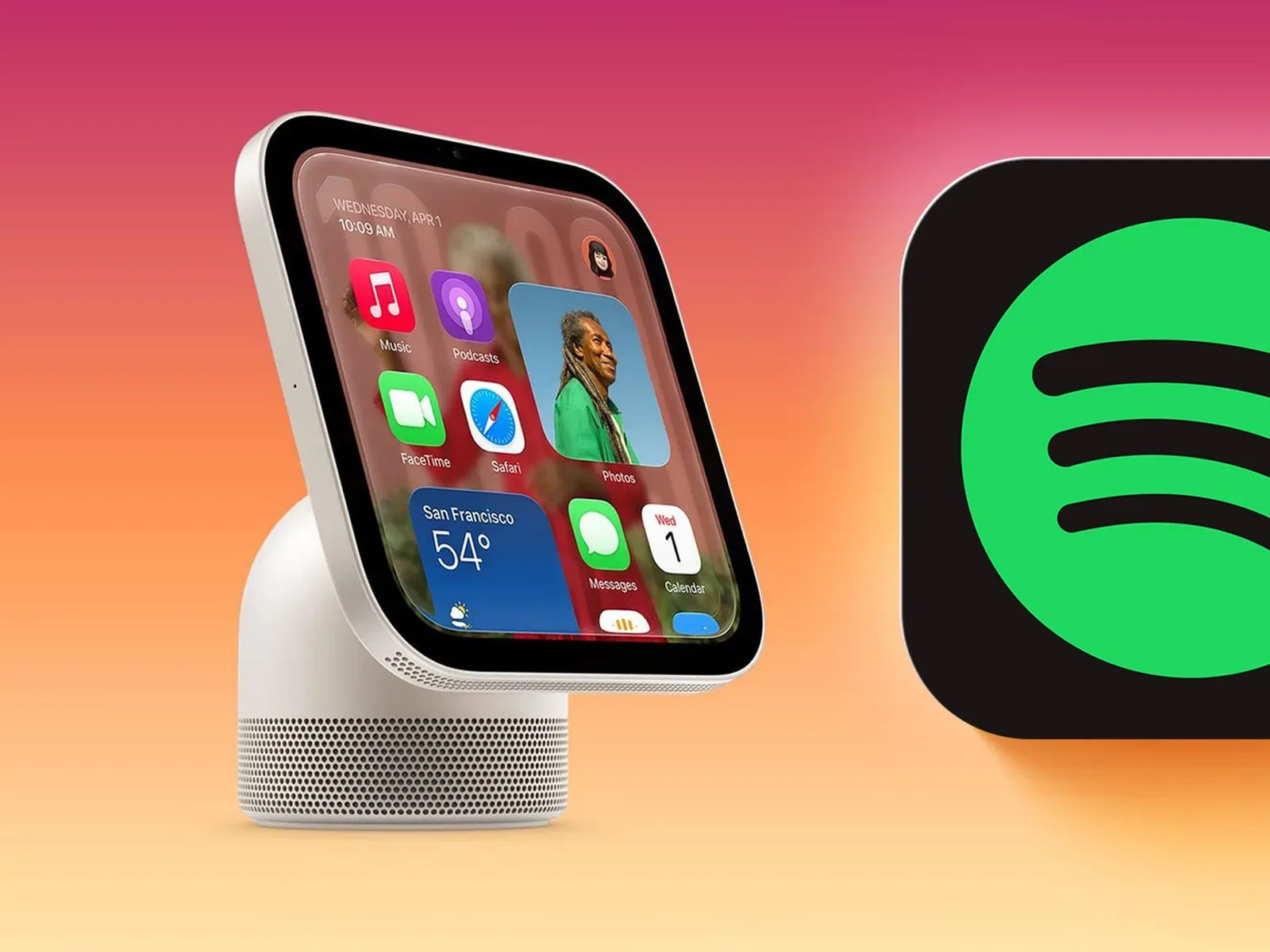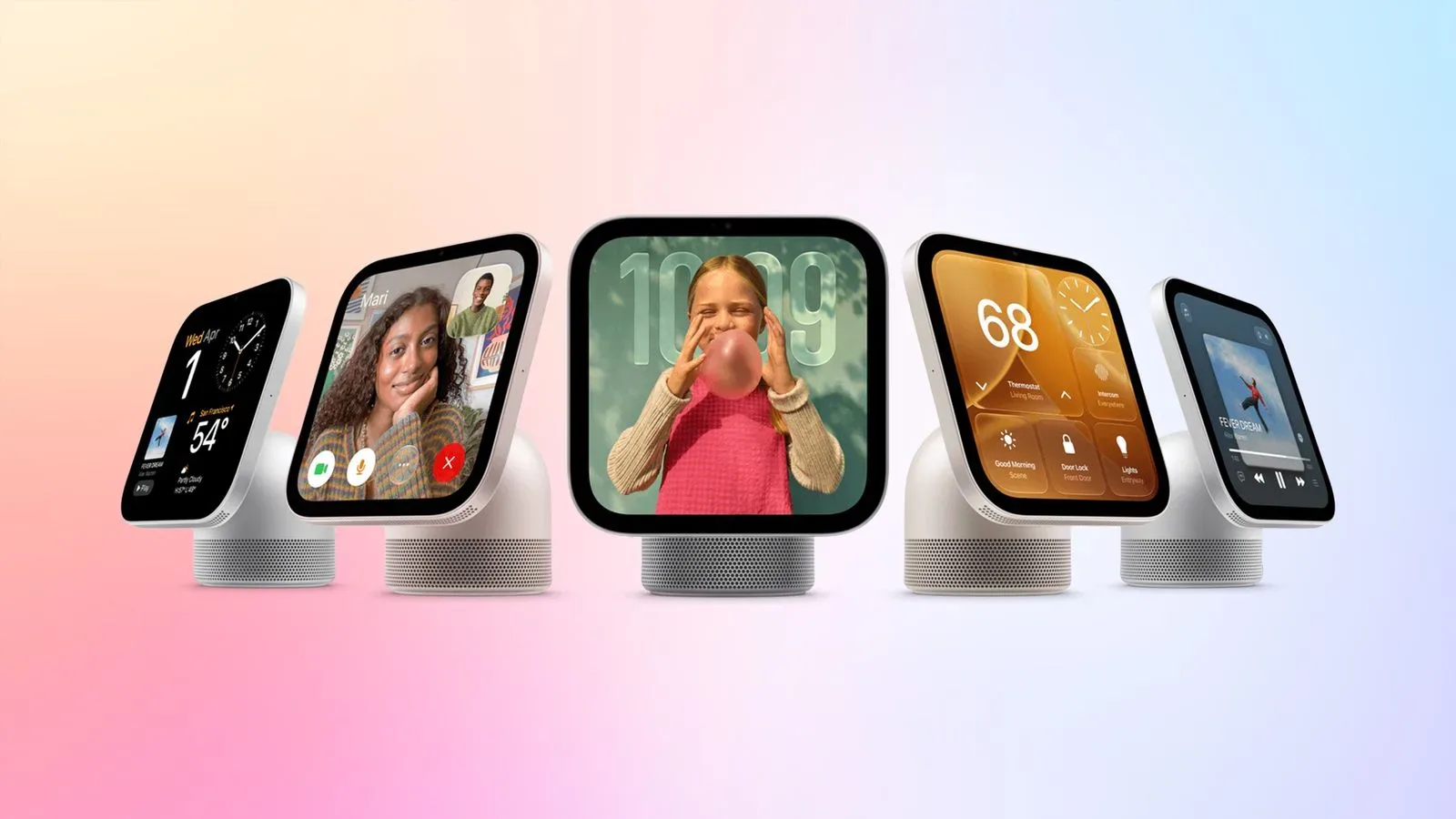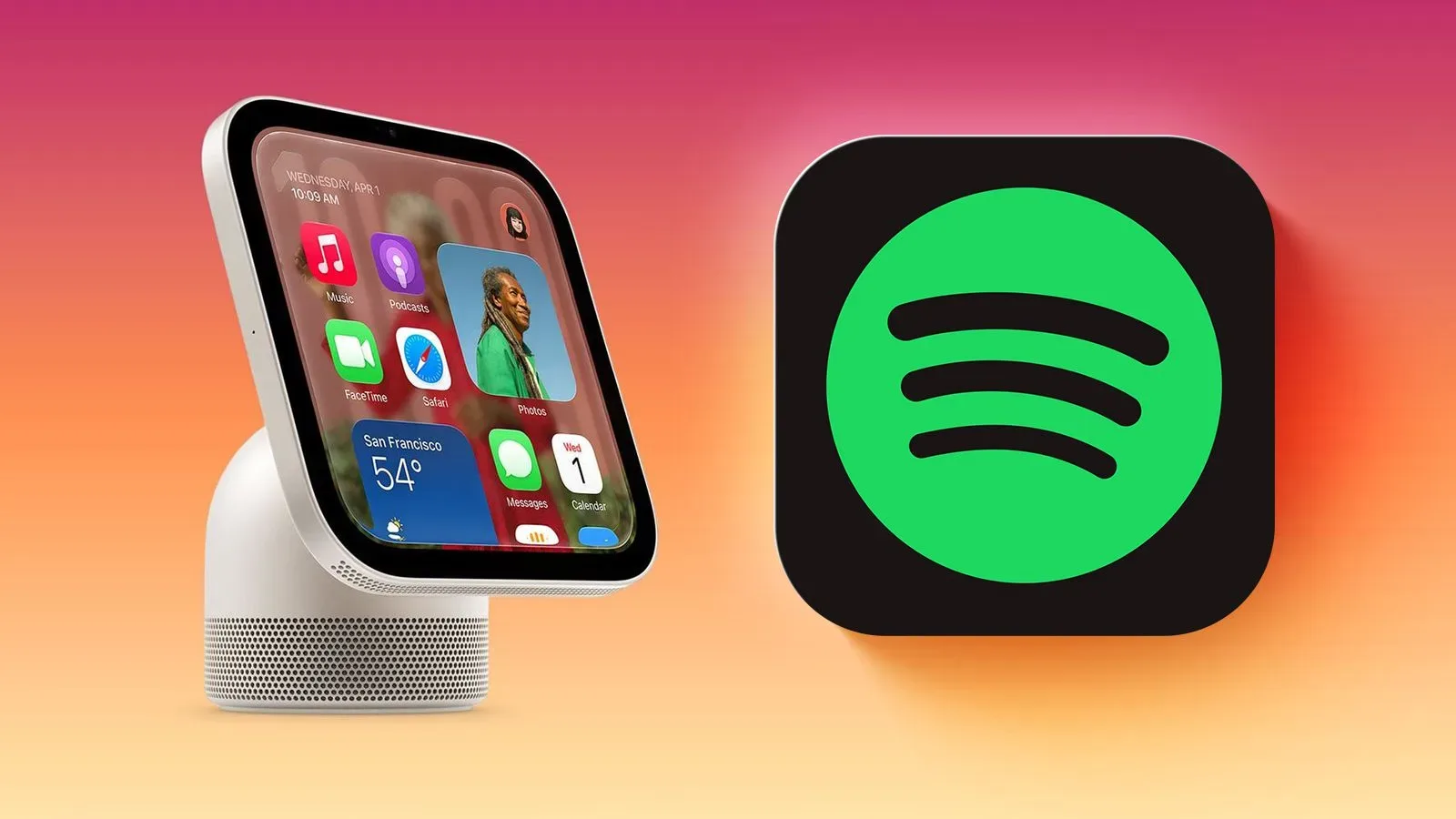
Apple’s new HomeView smart home hub may not have an App Store of its own, but it is not limited entirely to Apple’s built-in software. The device can automatically mirror compatible audio and video apps from a nearby paired iPhone when those apps support CarPlay. That arrangement opens the door to third-party services including Spotify without requiring a separate HomeView version of the app.
A video posted to Mastodon by Broadcasts developer Steve Troughton-Smith offers an early look at Spotify running on a virtualized HomeView environment. Virtualized means the HomeView software is being run in a simulated computing environment rather than shown operating on retail hardware. It is useful for illustrating the interface and the apparent compatibility path, but it is not the same thing as a real-world demonstration of performance, connection behavior, or every final device limitation.
A smart display without a conventional app marketplace
The significant part of HomeView’s setup is the split between its native software and the apps it can surface through an iPhone. HomeView does not offer an App Store, so users cannot approach it like a tablet, search for Spotify, and install a dedicated HomeView app. Instead, Apple’s approach relies on a paired iPhone being nearby and on an app already meeting the requirements for CarPlay support.
CarPlay is Apple’s interface system for making selected iPhone apps available through a vehicle’s built-in display. In HomeView’s case, compatible CarPlay audio and video apps can be mirrored automatically from the paired phone. The supplied information says this requires no modifications from the app developer. In practical terms, that potentially gives HomeView a wider starting catalog than its native app list alone, while avoiding a separate development track specifically for the smart home hub.
Spotify is the most recognizable third-party example shown so far. The video demonstrates its appearance within virtualized HomeView software, and Spotify fits the stated category of supported third-party audio and video apps. However, the available details do not establish precisely which features will be available, how the interface will behave on physical HomeView hardware, or whether every CarPlay-compatible app will be equally suited to this format. Compatibility should therefore be read as an app-category capability, not a promise that every iPhone app can run on HomeView.
What HomeView includes natively
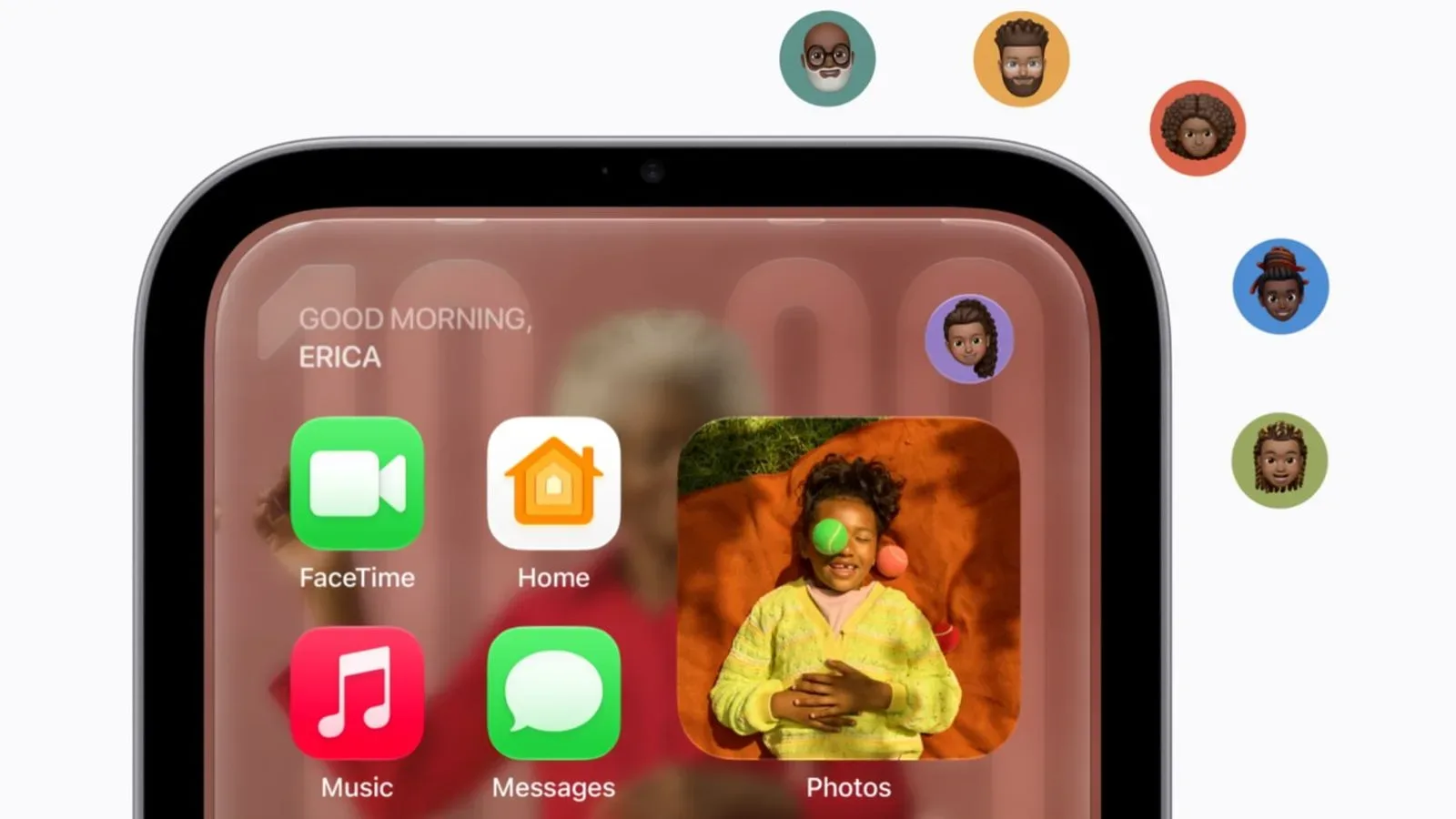
HomeView’s own app lineup covers a mixture of household coordination, communication, media, information, and basic utilities. Its listed built-in apps are:
- Alarms
- Calendar
- FaceTime
- Find My
- Home
- Intercom
- Messages
- Music
- Podcasts
- Reminders
- Safari
- Settings
- Timers
- Weather
- World Clock
That list outlines the device’s intended role clearly enough: HomeView is designed as a shared household screen rather than a broadly programmable general-purpose computer. Alarms, timers, weather, calendars, reminders, and world clocks handle routine scheduling and reference tasks. Home, Find My, and Intercom point to smart-home and household communication functions. FaceTime and Messages add direct contact tools, while Music and Podcasts provide Apple’s first-party entertainment options.
Safari is notable because it provides a web browser, but it should not be confused with an app marketplace or evidence that web apps and iPhone apps will function interchangeably. The provided details establish Safari as one of HomeView’s native apps and identify CarPlay mirroring as the route for select phone-based audio and video apps. They do not describe a broader installation system.
The iPhone is part of the feature, not just the setup process
HomeView’s CarPlay-based app support is dependent on a nearby paired iPhone. That is a meaningful practical distinction. A dedicated HomeView app, if the platform had supported one, could theoretically be installed and managed on the hub itself. The CarPlay route instead makes the phone an active part of delivering the app experience.
For households that already keep a paired iPhone nearby, this may be a straightforward trade: no extra HomeView download is needed, and developers do not need to create a bespoke version of their existing CarPlay app. For anyone expecting a standalone streaming display that works independently of a phone, the dependency is equally important to understand before treating Spotify availability as identical to availability on a television, phone, or computer.
The wording around automatic mirroring also suggests a deliberately streamlined handoff. Rather than describing a manual casting flow or a separate account login on HomeView, the feature is framed as HomeView reflecting eligible apps from the paired phone. Apple has not, in the supplied details, spelled out the user controls for selecting apps, what happens when the iPhone is no longer nearby, or how media continuity works across devices. Those are questions that remain open rather than gaps users should fill with assumptions.
Which iPhone experiences can come across
Alongside Spotify and other supported third-party audio and video apps, the stated CarPlay-enabled choices available from iPhone include Apple Music Classical, Apple News, Apple TV, and Audiobooks. This is a small but revealing group. It extends HomeView beyond the native Music and Podcasts apps while keeping the available experiences focused on listening, viewing, and reading-oriented media.
- Apple Music Classical
- Apple News
- Apple TV
- Audiobooks
- Supported third-party audio and video apps, including Spotify
There is a difference between a native app and a mirrored app that matters here. A native app is included directly in HomeView’s own software list. A mirrored app remains tied to the paired iPhone and is presented through the CarPlay compatibility system. Both may be visible on the HomeView display, but they arrive there through different technical and product paths.
That distinction is also why the lack of an App Store should not be interpreted as a lack of all third-party options. HomeView does not need a separate Spotify listing for Spotify to appear. At the same time, the absence of a store means discovery, installation, and compatibility work differently from devices built around downloading apps directly.
What the Spotify demonstration does—and does not—settle
The virtualized Spotify footage settles one basic point: HomeView’s CarPlay mirroring framework can present Spotify in the simulated environment. It gives prospective buyers a concrete example of how a major non-Apple audio service may look within the new device’s software.
It does not establish every operational detail. The demonstration does not, on its own, confirm final hardware responsiveness, playback behavior, support for every Spotify control, or the breadth of third-party app compatibility at launch. Nor does it alter the stated requirement for a nearby paired iPhone. Those boundaries are worth keeping in view because “Spotify on HomeView” is an easy shorthand, while the underlying arrangement is more specific: Spotify appears through iPhone-based CarPlay mirroring rather than through a downloadable HomeView application.
For developers, the no-modification detail is arguably the larger platform story. If an existing CarPlay-enabled audio or video app can be mirrored to HomeView without extra changes, Apple has reduced the immediate barrier to appearing on the hub. For users, that could mean familiar services reach the screen sooner than they would under a conventional app-store model. It also places CarPlay support at the center of the compatibility question: an app’s presence on iPhone alone is not identified as sufficient.
Availability and what to check before buying
HomeView is available to pre-order now and is scheduled to launch on Friday, November 13. The Spotify example is encouraging for listeners who prefer services beyond Apple Music, but potential buyers should keep the confirmed scope in mind. The device has a defined native app set, and its third-party media pathway is based on CarPlay compatibility and a paired nearby iPhone.
A sensible checklist is therefore simple:
- Confirm that the iPhone intended for use can be paired with HomeView.
- Check whether the desired audio or video service supports CarPlay.
- Recognize that this is mirroring, not a downloadable HomeView app.
- Separate the virtualized Spotify demonstration from confirmation of final on-device behavior.
HomeView’s model is a focused one: built-in Apple tools for core home-screen duties, supplemented by a phone-connected layer for compatible media apps. Spotify’s appearance makes that design easier to picture, even if it does not turn HomeView into an open app platform. For more Apple-related business context, see the latest look at Apple’s hardware-focused quarter.