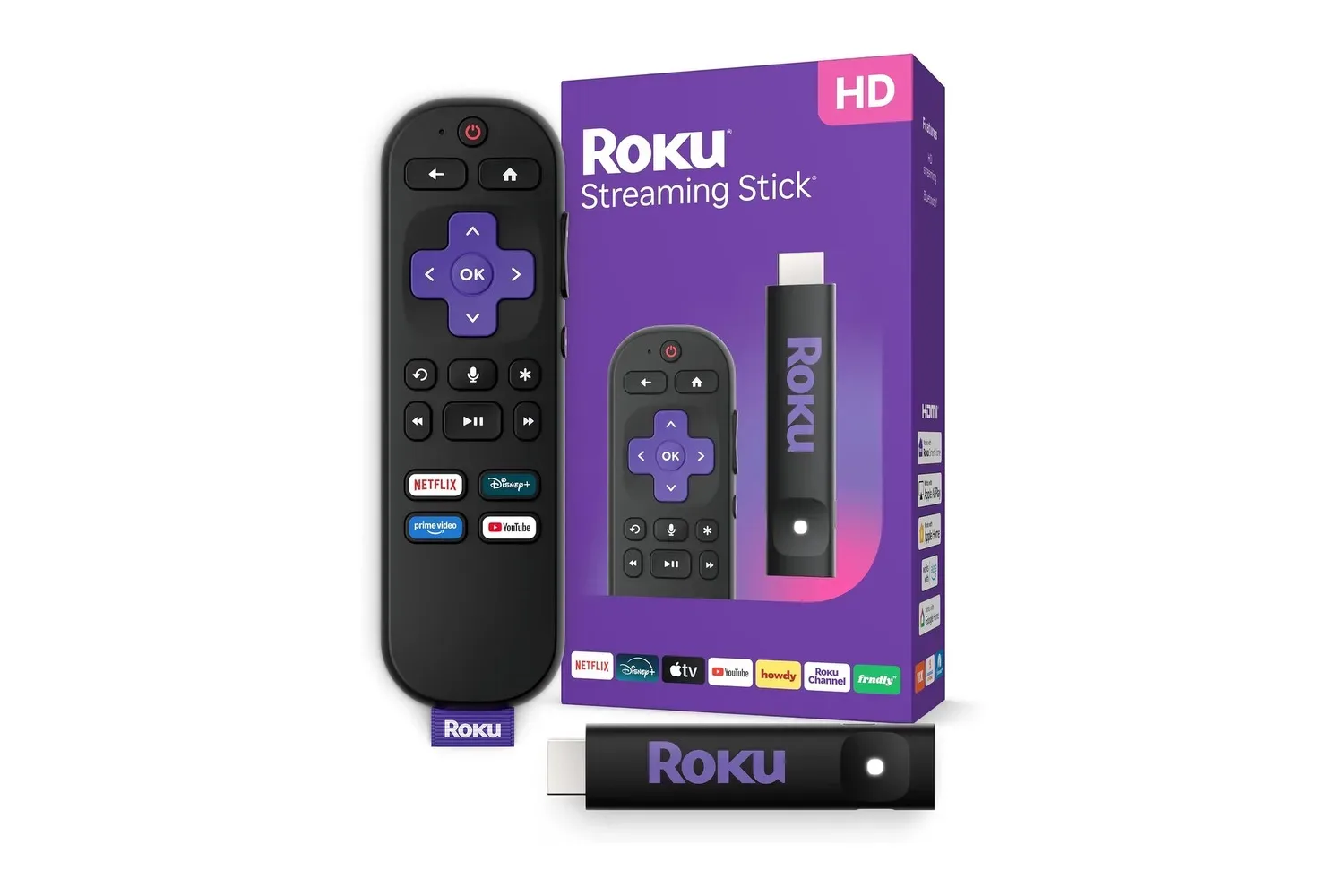
Not every television needs to be retired just because its built-in software has become a little creaky. Roku’s Streaming Stick HD with Voice Remote is currently listed at $24, reduced from $40. That is a $16 reduction, or 40% off the stated price, for a compact device designed to add modern streaming apps to an HDTV with an available HDMI input.
The pitch is refreshingly straightforward: plug the stick into HDMI, power it with the included USB cable, connect it to Wi-Fi, and use Roku’s interface to reach streaming services and free live television. For a guest-room screen, an older main-room TV, or a display that has HDMI but no worthwhile smart-TV experience, the little stick is trying to be the technological equivalent of finding an extra controller exactly when friends arrive.
There is one important ceiling to understand before treating this as a universal TV upgrade: this is an HD device. Its maximum stated video output is 1080p, also written as 1920 x 1080 pixels. That makes it aimed at HDTV owners and viewers who are content with Full HD, rather than people specifically seeking a 4K streaming upgrade.
The $24 proposition: streaming without a new television
A streaming stick is a small media player that connects directly to a television’s HDMI port. HDMI is the common connection that carries picture and sound from a device to a TV. In practical terms, it lets the Roku supply the software interface and apps while the television remains the screen.
Roku says the Streaming Stick HD can turn nearly any HDMI-equipped television into a smart TV. “Smart TV” in this context means the display gains access to internet-connected video apps rather than relying only on broadcast, cable hardware, or an external disc player.
At the listed $24 price, the strongest case is not that it transforms every screen into a premium home-theater centerpiece. It is that it can restore convenient app access to a TV that is otherwise still perfectly usable. A secondary television in a bedroom, office, or guest space is an especially natural fit for a device with this feature set and resolution target.
The hardware’s slim form is also intended to avoid blocking neighboring HDMI ports. That detail can matter on sets with tightly packed connections, particularly when an owner still needs ports for a game console, sound equipment, or another video source. The stick can sit behind the TV rather than claiming shelf space, keeping the setup visually uncluttered.
What the Streaming Stick HD includes
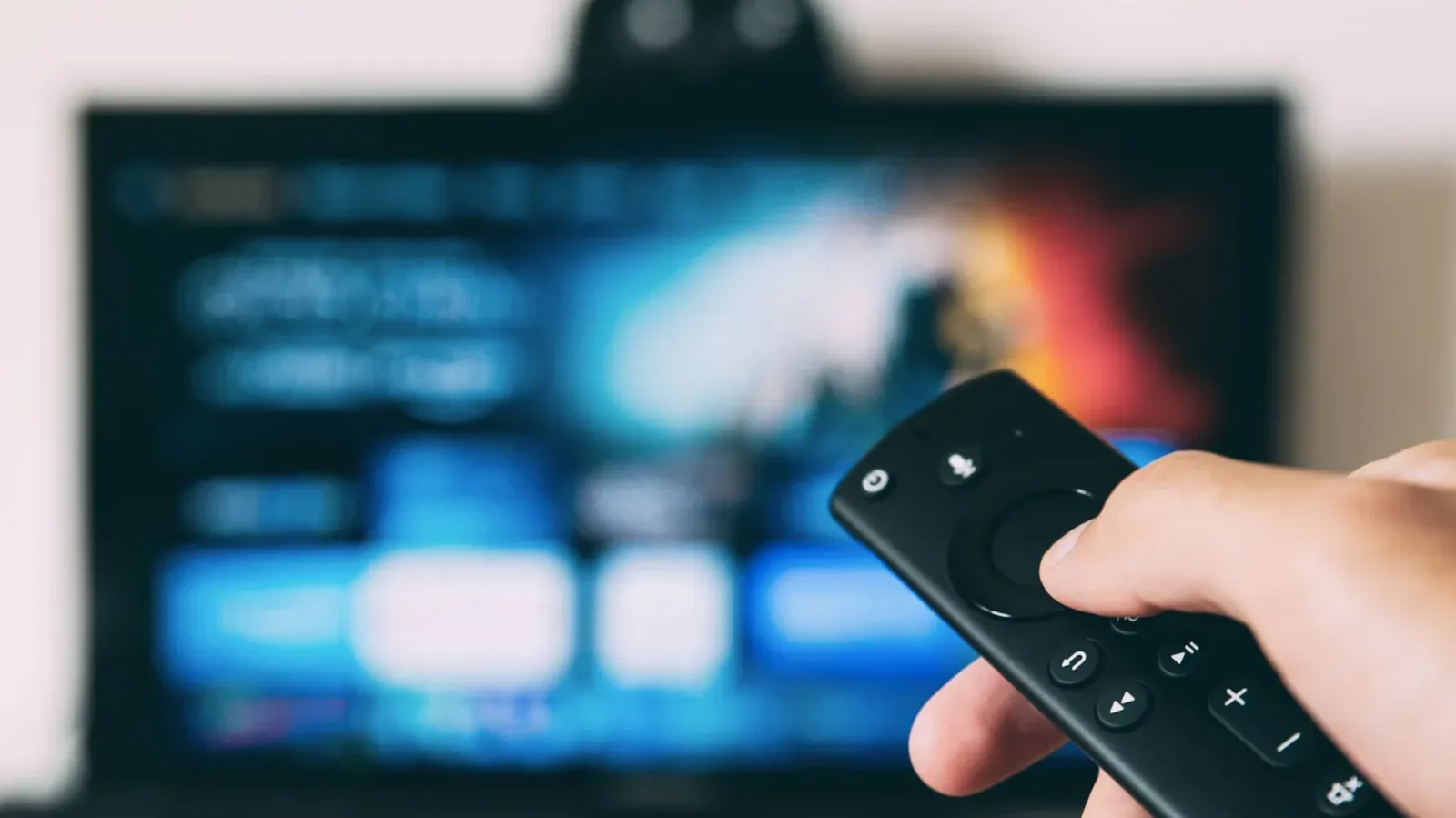
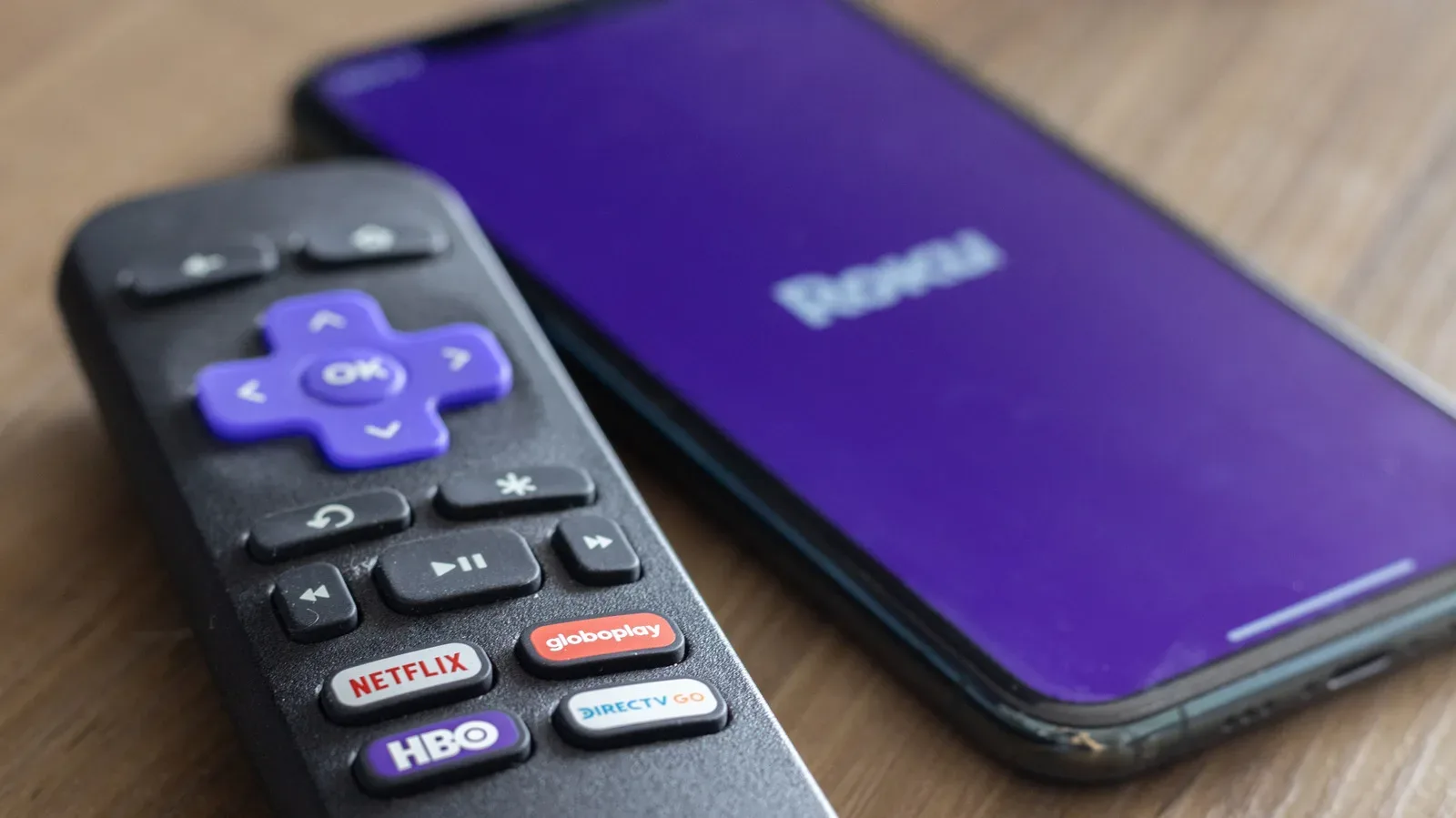
The included voice remote does more than navigate the Roku menus. It can control the compatible television’s power and volume, reducing the chance that a simple watch session begins with a two-remote scavenger hunt. Batteries are preinstalled, so the remote is ready to use out of the box.
Voice search allows users to look for titles and genres by speaking into the remote. This is useful for finding something to watch without entering every letter through an on-screen keyboard. The remote also includes shortcuts for supported popular streaming services, offering direct access without first browsing through the Roku home screen.
Roku lists access to major subscription apps including Netflix, Prime Video, Hulu, Disney+, and Apple TV+, among others. Access to an app should not be confused with access to its paid catalog: a streaming device provides the route to a service, while subscriptions or other viewing requirements remain separate where applicable.
Alongside paid services, Roku says the platform includes more than 500 free live TV channels spanning programming such as news, sports, and weather. “Live TV” generally means scheduled channel-style streams, rather than a viewer choosing a specific episode from an on-demand library. For someone trying to add no-extra-cost viewing options to a room, that distinction makes the free channel lineup a meaningful part of the package.
Power over USB is a small but useful design choice
The Streaming Stick HD uses one USB cable for power and is designed to draw that power from the TV’s USB port. That can make installation cleaner because it does not require a separate wall outlet or a spare power brick. Fewer cables may be particularly welcome behind a wall-mounted set, where access to outlets is often more annoying than plugging in the HDMI connector itself.
That convenience still depends on the television having a usable USB port. Prospective buyers should check the rear or side panel of the TV before assuming the fully cable-light arrangement will work in their setup. The core compatibility requirement is also unchanged: the television needs an available HDMI input.
The installation sequence described for the device is simple:
- Connect the Streaming Stick HD to an open HDMI input on the television.
- Attach the supplied USB cable to the stick and the television’s USB port.
- Connect the Roku to a wireless router.
- Use the remote and on-screen setup to begin accessing apps.
The stick supports dual-band Wi-Fi. In plain terms, that means it can connect across two Wi-Fi frequency bands rather than being limited to one. Roku presents this as part of the device’s fast and reliable wireless connection. A stable home wireless network remains central to streaming, because video apps need that internet connection to load and play their programming.
Phone control is useful when the remote disappears into the sofa dimension
The Roku mobile app provides an alternative means of controlling the Streaming Stick HD. It can be useful as a backup when the physical remote cannot be found, but its most practical advantage may be text entry. Typing an episode title, search term, email address, or password on a phone keyboard is generally more direct than selecting letters one by one on a TV screen.
That backup-control role has value beyond a minor convenience. A streaming device is less frustrating when setting up a new service does not turn password entry into a slow, cursor-driven ritual. The phone app gives users another route through that step while retaining the dedicated remote for everyday watching.
The device also supports Alexa and Google Home voice-assistant ecosystems, plus Apple AirPlay and HomeKit. These labels describe compatibility with other connected-device systems. Apple AirPlay lets users share photos, videos, and music from iOS or macOS devices to the television through the Roku. That could be useful for putting personal media from an iPhone, iPad, or Mac on the larger screen.
HomeKit is Apple’s connected-home framework, while Alexa and Google Home refer to voice-assistant ecosystems. The relevant takeaway is compatibility: the streaming stick is built to work alongside households that already use one of those platforms, rather than forcing its owner into a single voice-control arrangement.
Who should consider this deal—and who should pause
The listed discount makes the most sense for buyers with a 1080p TV, or for anyone whose priorities are compact installation, app access, voice search, and a low upfront price. It is also a tidy option for an older display that remains functional but lacks the streaming services a household wants to use.
Its portability adds another use case. The small stick can be tucked behind a television at home, packed away when unnecessary, or carried for travel. That does not change what the device is—a 1080p streamer—but it does make the hardware easier to move than a larger set-top box.
Buyers seeking 4K output should pause before purchasing, because the stated maximum here is 1080p. Likewise, anyone without an open HDMI input has a compatibility problem that a low price cannot solve. The product’s appeal is precision rather than excess: it is for getting familiar streaming functionality onto an existing HD television with minimal physical clutter.
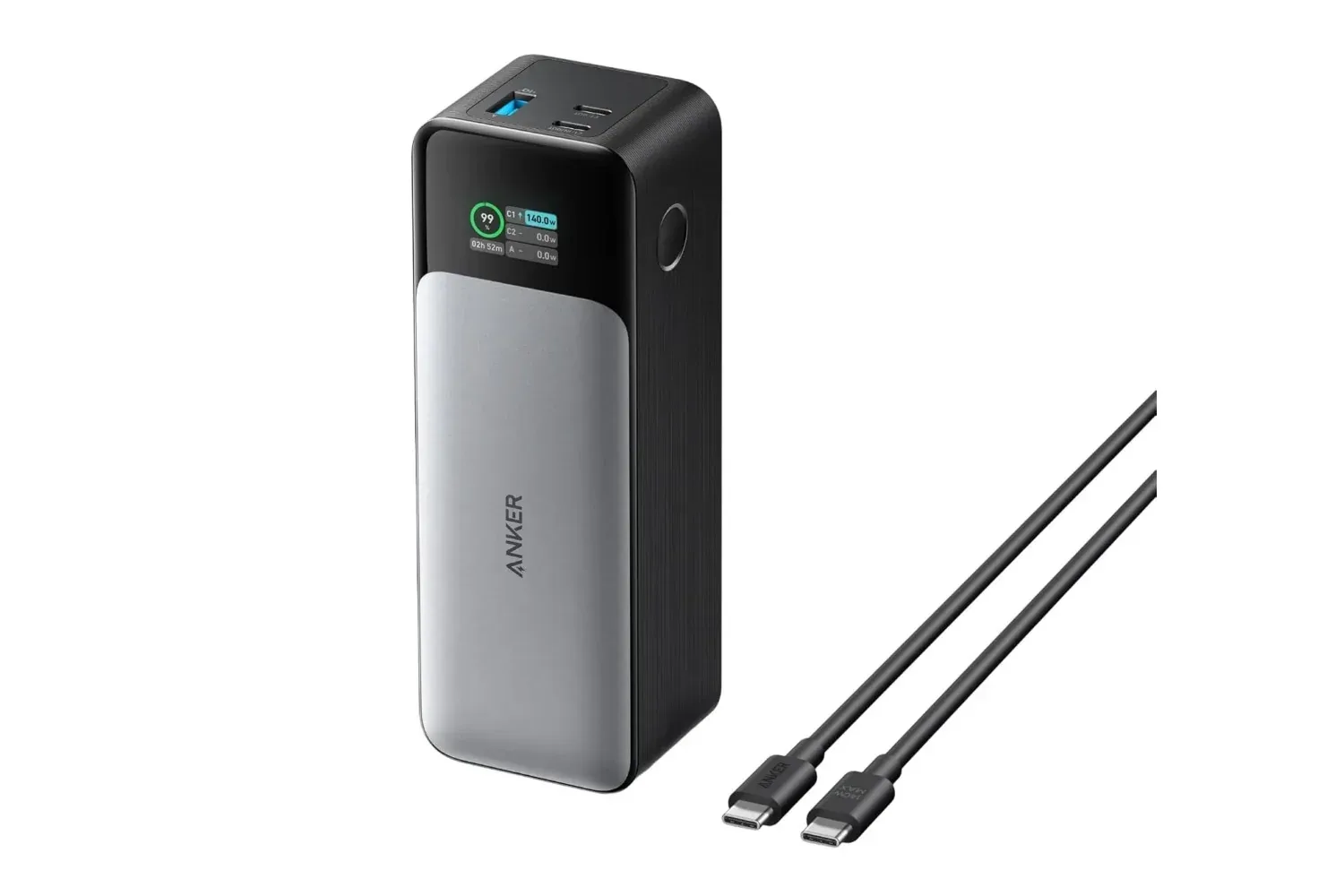
For people building out a travel-friendly or compact entertainment kit, power planning is part of the equation too. A TV USB port can handle this stick’s stated setup, while larger mobile hardware can demand far more capacity; that distinction is useful context when considering devices such as a high-output travel power bank built for laptops and longer gaming days.
Bottom line on the listing
At $24, down from $40, Roku’s Streaming Stick HD with Voice Remote is a narrowly defined but practical upgrade: Full HD streaming, major video apps, more than 500 free live TV channels, dual-band Wi-Fi, a TV-controlling voice remote, and phone-based backup control in a device that can be powered through the TV’s USB port.
The joke is that “smart” television can sometimes feel like a dubious stat roll on an aging screen. This stick does not change the panel’s resolution or turn an old HDTV into a 4K model. What it can do is give that TV an easier route to current streaming services and connected-home features without demanding another outlet, another shelf, or the expense of replacing the display itself.
Shop the products
Check current price, model and availability at the retailer.