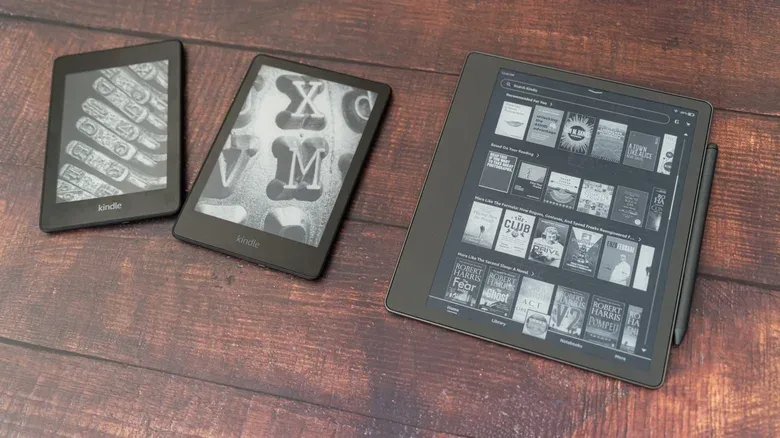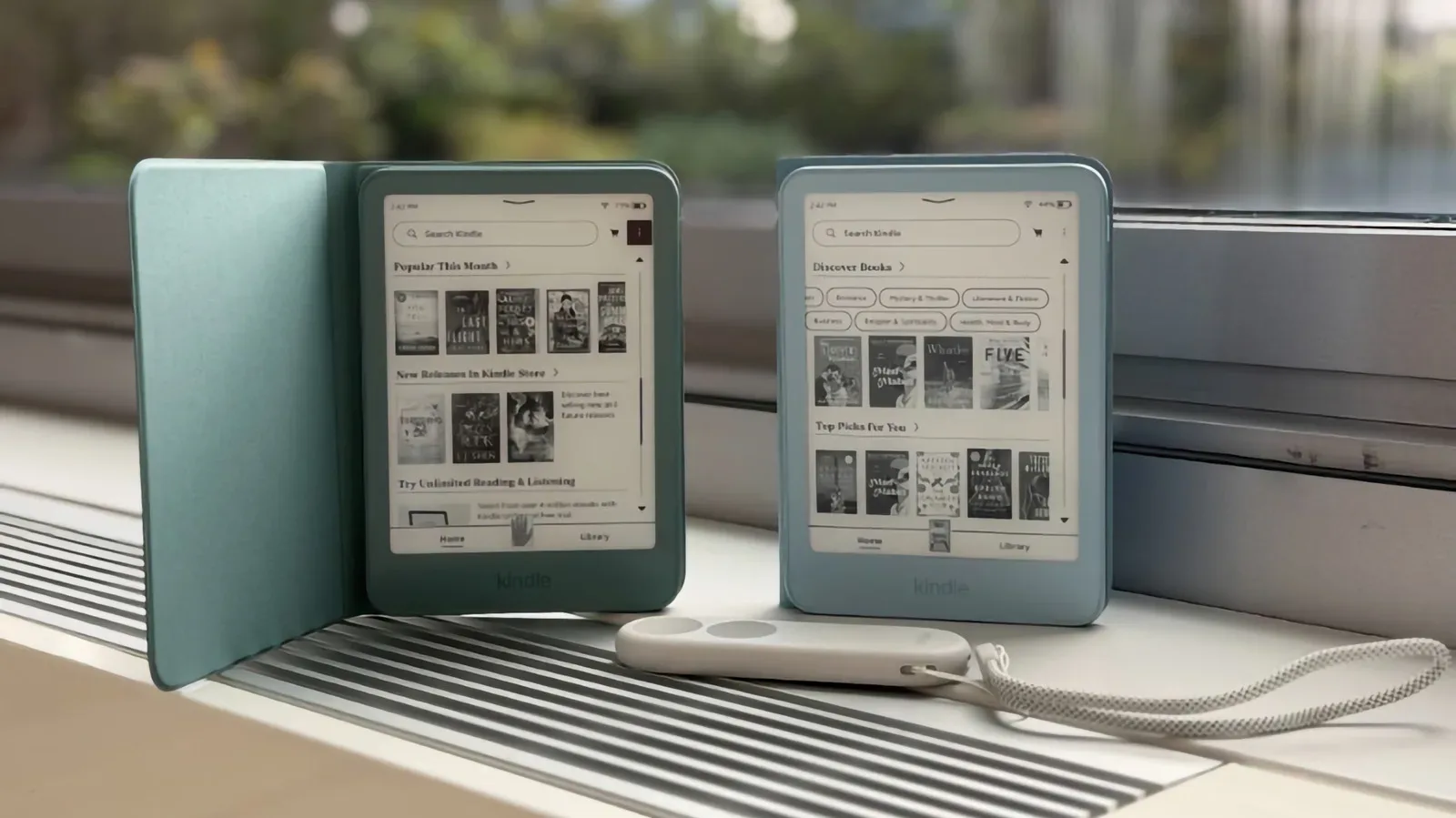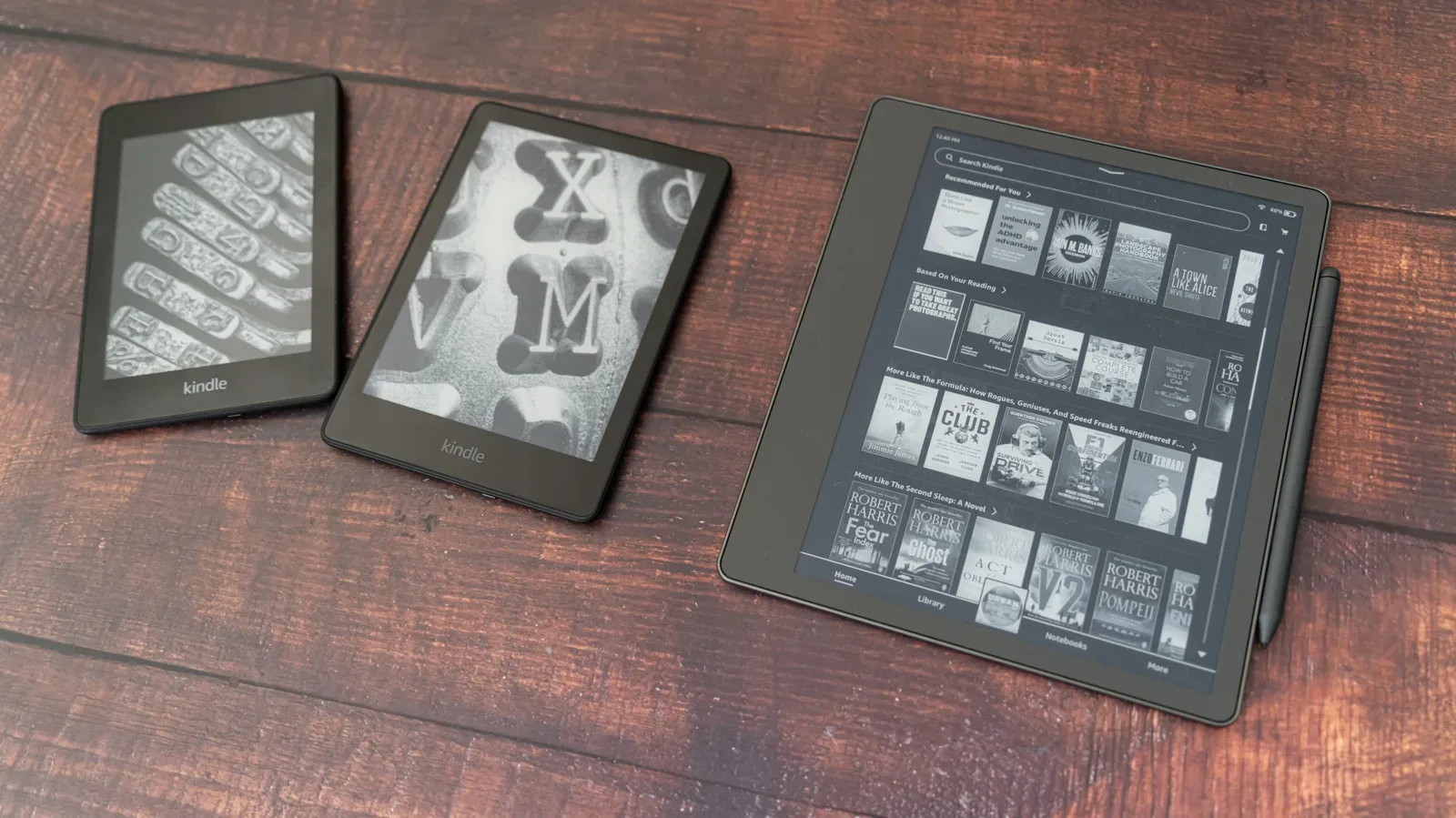
An aging Kindle does not automatically become e-waste the moment its online support ends. Amazon has ended software support for Kindle devices released before 2013, cutting off their ability to purchase, borrow or download new books through its service. That is a significant limitation, but it is not the same as a dead device.
For owners of early Kindle hardware, the practical question is less “Does it still work?” than “What can it still do safely?” The answer is: quite a bit, provided the device remains registered and its owner is willing to transfer files by cable rather than depend on cloud delivery. Older Kindles can also be repurposed as unusually efficient grayscale displays for simple information dashboards. And if neither reading nor tinkering appeals, responsible recycling remains preferable to tossing a working electronic device in the bin.
Which Kindle models are affected?
The change applies to Kindle models released in 2012 or earlier. The affected group includes the original Kindle, Kindle 2, Kindle DX, Kindle Keyboard, Kindle 4, Kindle Touch, Kindle 5 and the first Kindle Paperwhite. Kindle debuted in 2007, so some of these readers have had exceptionally long runs.
Amazon has said the move affects about 3% of its active users and pointed to the age of the technology involved. Models released in 2013 or later continue to support new purchases and borrowing downloads. That includes newer Paperwhite hardware, the seventh through twelfth generations of the basic Kindle line and the Kindle Voyage, which arrived in 2014.
The divide matters because “support ended” can sound like a device has been remotely switched off. That is not what has happened here. The affected readers can still open books that are already stored on them. Their limitation is access to newly delivered cloud content, not the basic act of rendering a book on their screens.
First priority: preserve access to the Kindle you have
If an older Kindle is still logged into its account and contains books you want to read, leave it that way. It can continue reading downloaded titles while it remains registered. Do not deregister it or factory-reset it merely to troubleshoot the loss of download support: those actions could leave the reader unable to regain account access.
This is the key distinction between two very different paths:
- Keeping the Kindle: retain its current registration and locally stored library, then use cable-based file transfers for additional compatible reading material.
- Giving up or recycling the Kindle: erase personal information with a factory reset before it changes hands or enters an e-waste stream.
That boundary is easy to miss because a reset is normally sensible advice for an old gadget. Here, it should be treated as a final disposal step, not routine maintenance. Once support has ended, preserving the device’s present state has real value.
Your wider Kindle library is not confined to the retired hardware. The account and library can still be accessed through the Kindle mobile apps, desktop software and browser-based reading option. In other words, the old reader may lose its place as a storefront endpoint without making the associated book collection disappear from every other device.
Sideloading gives an old reader a practical reading future
The most useful option for a pre-2013 Kindle is sideloading. In plain terms, sideloading means copying files directly from a computer to a device over a USB data cable, rather than sending them through an online platform. It is the difference between putting a document into a folder yourself and waiting for a cloud service to deliver it.
This avoids the unavailable wireless delivery route. It also restores some independence to a reader whose official store connection is no longer useful. A computer, a suitable USB data cable and compatible reading files are the essentials.
Calibre is an open-source program designed to organize, format and transfer ebooks between devices. For an old Kindle owner, it can act as the desktop hub for a personal library: books and documents live on the computer, and selected files can be moved to the e-reader when wanted. The program can also handle personal documents and PDFs for Kindle use.
“Personal documents” is an important phrase here. An old Kindle does not need to be limited to titles previously acquired through its former online connection. A reader may have PDFs, documents or legally obtained ebook files that they want to keep in one low-distraction reading device. Public digital book repositories including Open Library and Project Gutenberg offer free material in PDF form, providing another potential source of reading matter.
A sensible preservation routine
- Keep the old Kindle registered if you intend to continue using the books already on it.
- Install Calibre on a computer and treat that computer as the main home for your personal ebook files.
- Connect the Kindle with a USB data cable and transfer compatible files directly.
- Keep backup copies on the computer rather than letting the Kindle become the only location for PDFs or documents.
That final step is especially important. The reader may be long-lived, but it is old hardware and no longer receives software support. A backup does not make the device more modern; it ensures that a device failure, loss or accidental reset does not take the only copy of a document with it.
There is a broader lesson in this approach. Cloud services are convenient, but a cable transfer and a local backup provide a more direct form of control. That tension is appearing across consumer technology, including the ongoing discussion around the capabilities and expected lifespan of phones such as the reported iPhone 18e. With an old Kindle, the choice is unusually clear: the online storefront role has been reduced, while local file handling remains useful.
Turn the slow-refresh display into a dashboard
Reading is not the only purpose for an old Kindle. Its paper-like display consumes power slowly, which makes it suited to information that does not need fast, colorful animation. A clock, calendar or household dashboard is a better fit than anything that expects the rapid updates of a phone, tablet or monitor.
The described method relies on an external home server built with a small computer such as a Raspberry Pi. A companion script can format selected information as a simple grayscale image. The Kindle then wakes on a schedule, obtains the updated image over Wi-Fi and displays it.
Several technical terms are doing a lot of work in that short description:
- Home server: a computer on a home network that performs an ongoing task, rather than being used only when someone is sitting in front of it.
- Raspberry Pi: a compact computer that can be used for small, focused projects such as running a script.
- Script: a set of automated instructions that carries out repeatable work—in this case, preparing a display-friendly image.
- Grayscale image: an image built from shades between black and white, matching the limited visual character of an older Kindle screen.
This is a repurposing project, not a plug-and-play feature. It requires setting up the separate computer, using a free companion script available through GitHub and configuring the Kindle to fetch a new image on a timer. It will therefore be most attractive to people comfortable experimenting with home technology.
Its appeal is straightforward: a device designed to show static pages for extended periods is naturally suited to static, glanceable information. The low-power display becomes the feature rather than the compromise. A calendar or clock does not need a bright video-capable panel, and a Kindle’s restrained grayscale look can be appropriate for information that is meant to sit quietly in the background.
When recycling is the better option
Not every old Kindle needs to become a project. A reader with a failing battery, physical damage or no remaining place in a household can be retired responsibly. Before giving it away, shipping it away or taking it to a local e-waste option, erase it.
On the device, go to Settings, then choose Reset to Factory Defaults. That is the appropriate time to reset: when you are certain you no longer need the device and have already preserved any personal files elsewhere. The reset helps remove the personal account connection before disposal.
Afterward, local e-waste programs are one route, and Amazon also accepts devices sent back to it. People affected by the support change may receive a 20% discount on a replacement through Amazon. Those looking beyond Amazon can consider e-reader alternatives from Boox and Kobo.
The more useful framing is not that every old Kindle deserves indefinite service. Some will be ready for recycling. But software support ending does not, by itself, erase the value of a device that can still read its stored library, display locally transferred documents or perform one simple job exceptionally well. For a product built around calm, durable reading, that is a fairly dignified second act.