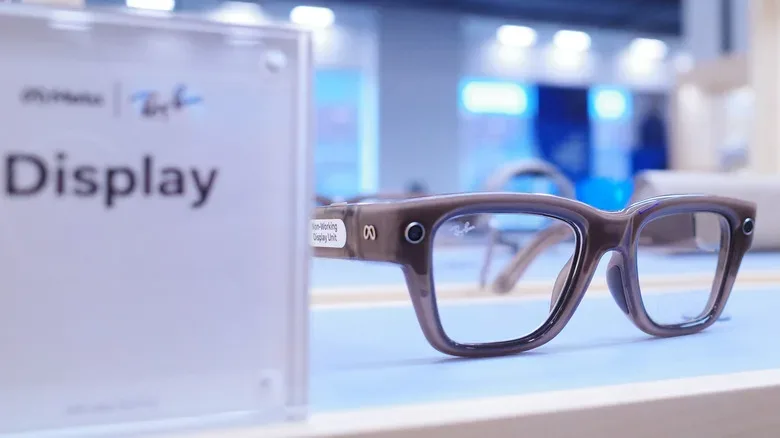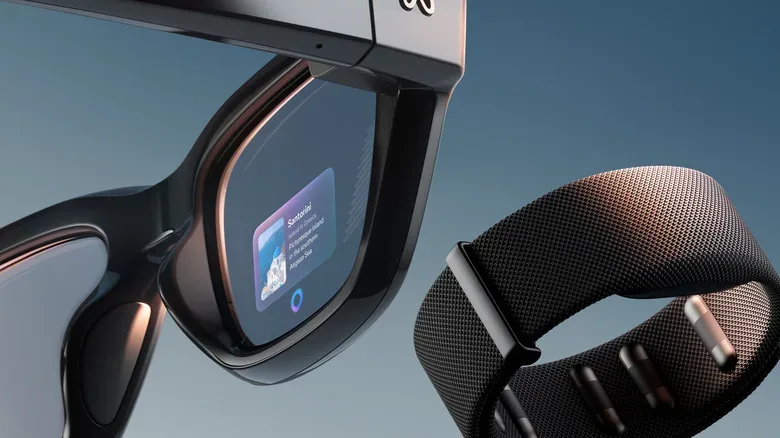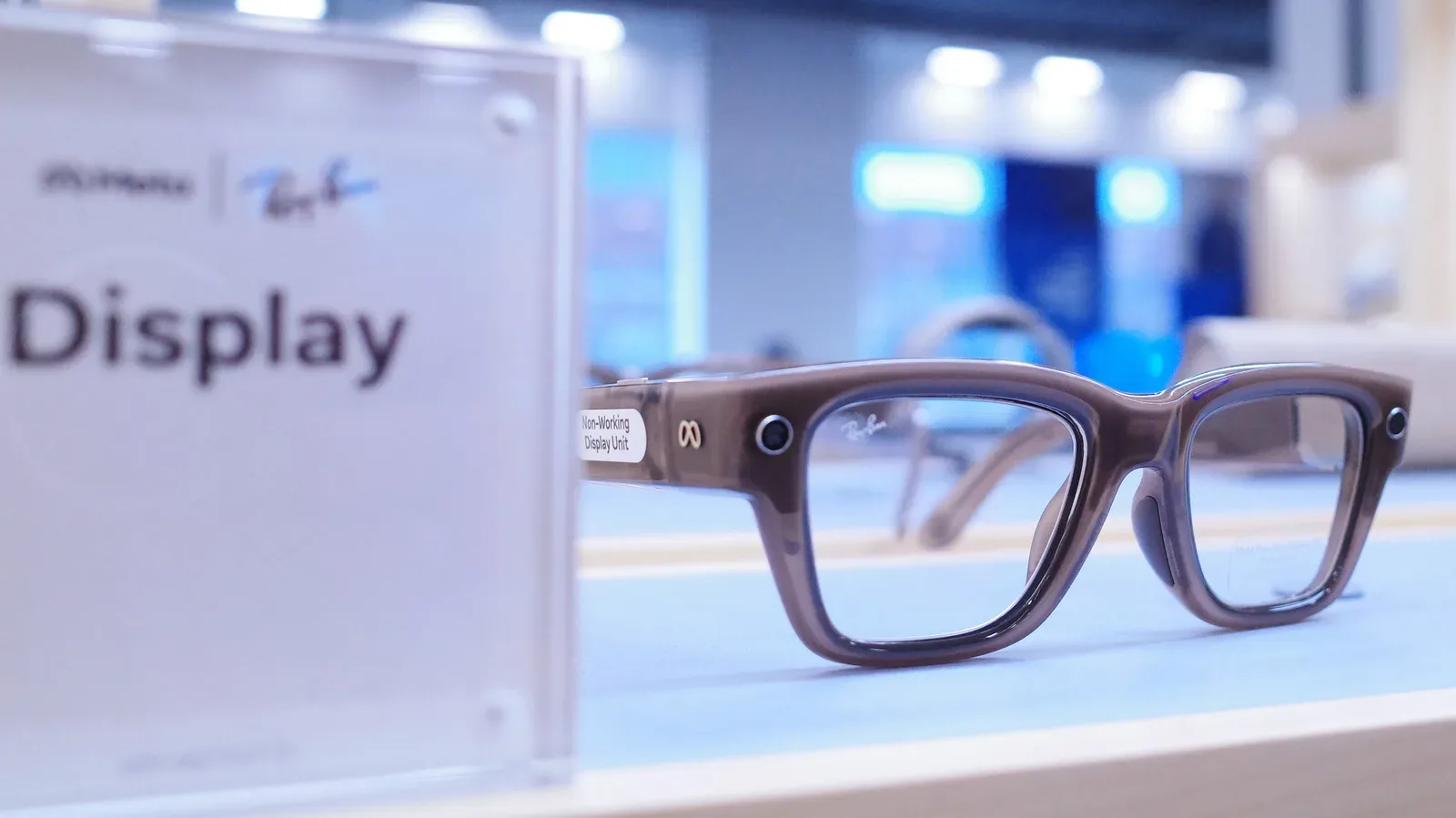
Smart glasses make a convincing pitch when your hands are full: take a call, hear a message, ask a quick question, and leave the phone in a pocket. In a car, however, the very feature that makes display-equipped glasses interesting can become an unwelcome extra screen competing for the driver’s attention. Meta Ray-Ban Display glasses include an Audio Only option intended to remove that visual element, and the companion Meta AI app can automate the switch with Driving Detection.
The key distinction is simple. Audio Only turns the glasses’ display off entirely. That means the wearer can still use supported hands-free audio functions, including calls and brief voice requests, without visual information appearing in their field of view. It is a practical setting for anyone who wants the glasses on during a journey but does not want another feed of alerts, interface elements, or display content entering the equation.
It is not a substitute for attentive driving, a phone navigation system, or a vehicle’s integrated route guidance. Meta’s display glasses are not built to supply driving navigation. Their navigation support is for pedestrians, not motorists, so drivers should rely on the GPS system designed for the car or use their phone only in a safe, legal, properly mounted manner.
What Audio Only changes on Meta Ray-Ban Display glasses
Audio Only is exactly what its name promises: it removes the visual display component while leaving audio-based interaction available. The result is closer to using a non-display pair of AI glasses than using a tiny heads-up interface. Calls and voice commands can remain accessible, but the screen itself is no longer asking to be noticed.
That is an important difference from merely ignoring a notification. A display that is technically active can still flash, update, or draw the eye at the wrong moment. Disabling it takes the visual interruption out of the routine rather than asking the driver to repeatedly decide not to look.
There is a less dramatic benefit, too: not powering the display during a drive may preserve battery for later. For people who wear the glasses across a full day, that can matter. The more meaningful upside remains reducing screen exposure during an activity that demands awareness of road conditions, signage, pedestrians, cyclists, and other vehicles.
How to enable Audio Only and Driving Detection
Meta has placed the relevant controls in the Meta AI app. The setup process is short, though labels can vary slightly as app interfaces are updated. The stated path is:
- Open the Meta AI app on your phone.
- Enter Settings.
- Select your paired glasses.
- Open Device Settings.
- Enable Audio Only.
- Turn on Driving Detection.
Once Driving Detection is active, the glasses use their onboard sensors to identify when the wearer is in a moving vehicle. When that condition is detected, the system disables the display. After the trip ends and the wearer exits the vehicle, the display is designed to become available again automatically.
The app may request additional permission as part of this process. That request is tied to the phone sensor access needed for Driving Detection to function. Anyone enabling the feature should read the permissions prompt and ensure they are comfortable granting the access required for the automation.
Automatic behavior is valuable because it reduces one more pre-drive checklist item. A person does not need to remember to dig through settings at the curb, nor do they have to depend on a last-second decision after the engine starts. Still, detection systems are best treated as assistance rather than an excuse to stop using judgment. If the display remains on when it should not, switch it off manually before moving.
A voice command is available for manual control
Audio Only can also be changed directly through voice. The command is:
“Hey Meta, turn on audio only.”
To restore the display outside the car, use:
“Hey Meta, turn off audio only.”
This manual route is useful in situations where Driving Detection is not enabled, where a wearer wants the display darkened before a trip starts, or where they simply prefer to determine when visual functions are available. Ideally, make any change while parked rather than attempting to troubleshoot wearable settings while driving.
Do not treat the glasses as a driving GPS
The most important limitation is also the clearest one: Meta Ray-Ban Display glasses do not offer real-time driving directions. They currently support pedestrian navigation, which is a different job with different safety demands. A walking-oriented interface does not need to manage highway speeds, lane-by-lane instructions, traffic conditions, complex intersections, or the rapid timing of a turn in unfamiliar city traffic.
Even a well-designed display would need detailed automotive navigation features before it could be responsibly positioned as a primary driving tool. Drivers generally need reliable map context, current traffic information, lane guidance, route recalculation, and prompts delivered at the right moment. Those requirements are why purpose-built in-car navigation and conventional smartphone mapping remain the sensible choices.
Wearable displays are often discussed alongside the broader race to put more computing in front of users throughout the day. That same tension appears in products rumored to bring more intelligent interfaces into homes; for example, reports surrounding future Apple TV and HomePod Mini hardware have likewise centered on a more capable Siri experience. The lesson for cars is not that every device should become another dashboard. It is that the setting determines whether immediate access to information is helpful or hazardous.
Why the setting is worth considering beyond safety
The obvious reason to use Audio Only in a vehicle is to eliminate a display-based distraction. But the mode also creates a cleaner boundary between an always-connected wearable and the task in front of the driver. Notifications are engineered to be noticed. In the wrong place, that design goal is exactly the problem.
- Fewer visual prompts: the display is off rather than merely left unattended.
- Hands-free communication remains possible: calls and supported voice interactions do not necessarily require reaching for a phone.
- Potential battery savings: keeping the display disabled can reserve power for later use.
- Less notification pressure: a drive can become a break from constantly checking visual updates.
- Automatic restoration: Driving Detection is designed to bring display access back after leaving the vehicle.
Those benefits do not mean every audio interaction is automatically safe. A lengthy call, complicated voice exchange, or any conversation that takes a driver’s focus away from the road can still be distracting even when no screen is involved. Audio Only addresses the visual side of the issue; it does not erase the need to keep interactions brief and sensible.
A useful boundary for a screen-equipped wearable
Meta’s approach acknowledges a reality that applies to plenty of connected devices: a feature can be useful in daily life and unsuitable in a particular context. Display glasses may make sense for walking, quick communication, and pedestrian-oriented guidance, but driving demands a different standard. The ability to blank the screen automatically is therefore more than a convenience toggle. It is a boundary between a wearable’s visual layer and a situation where eyes should stay on the road.
For Meta Ray-Ban Display owners, the practical routine is straightforward. Enable Audio Only and Driving Detection in the Meta AI app, approve any necessary sensor permissions after reviewing them, and use the voice command only when manually changing modes is appropriate. Then keep route planning on a proper driving navigation system. The glasses can continue handling limited audio tasks without turning the commute into a bonus level full of avoidable visual distractions.