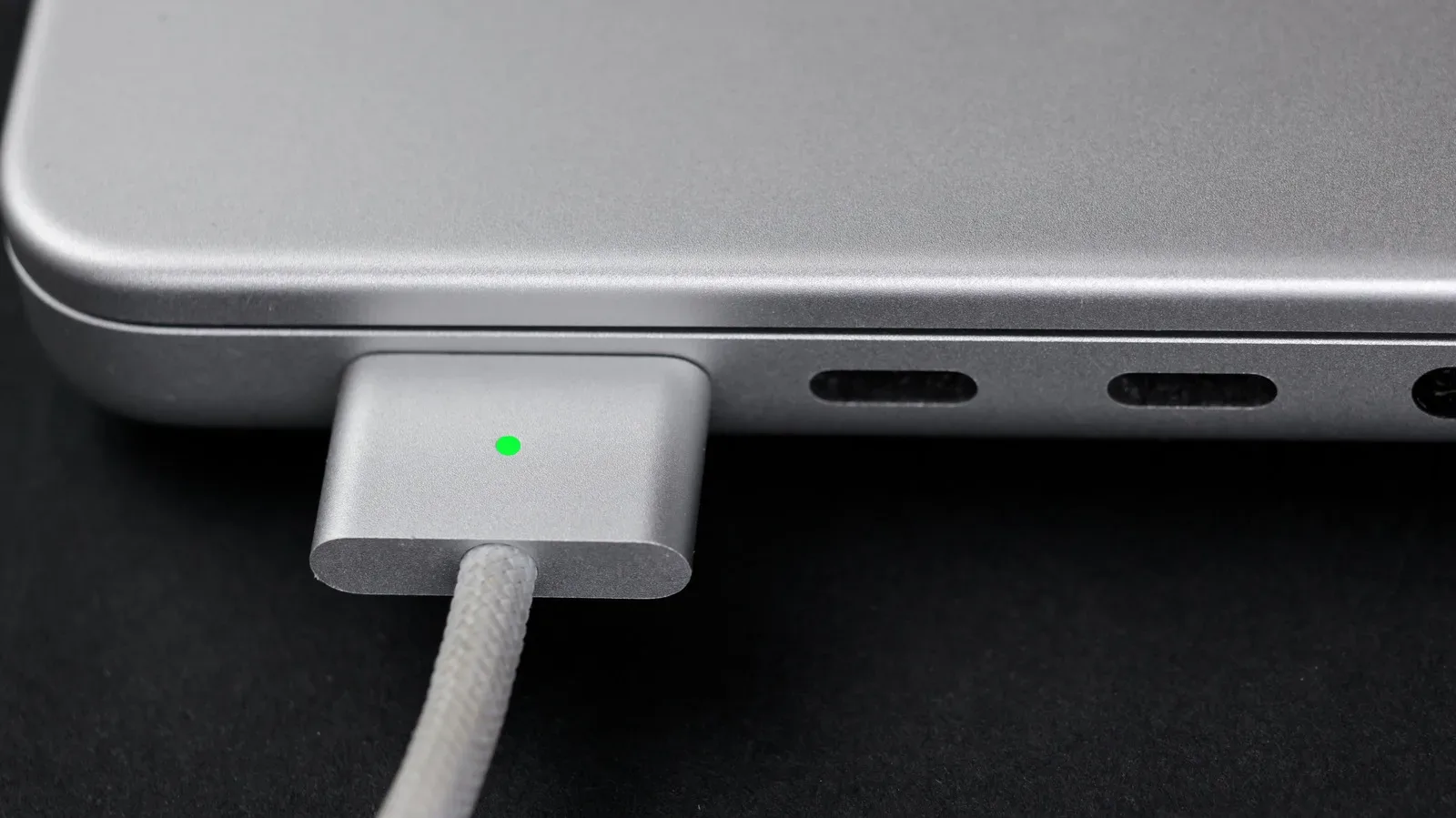
A MacBook charging cable does not normally inspire passionate debate—until somebody catches a foot on one and a very expensive laptop suddenly auditions for a floor-based physics experiment. That is the central appeal of Apple’s MacBook MagSafe system: it is designed to detach magnetically when the cable gets yanked. USB-C charging, meanwhile, brings a different kind of appeal: a broadly used connector that can potentially power a MacBook, phone, tablet and other gear from one travel-friendly setup.
Both methods can be useful on compatible MacBooks, but they solve different problems. MagSafe emphasizes a dedicated, quick-release charging connection and can leave every USB-C port open for peripherals. USB-C prioritizes flexibility, especially for people who want to carry fewer cables. Choosing between them is less about declaring one universal winner and more about matching the connector to the desk, bag and charging hardware in front of you.
First, MacBook MagSafe is not iPhone MagSafe
The shared name can make this more confusing than it needs to be. MagSafe on modern iPhones is associated with a magnetic accessory and charging arrangement built around Qi-based wireless charging. MacBook MagSafe is a wired charging connector. It is small, proprietary and magnetic, but it does not work like the iPhone’s circular rear-mounted system.
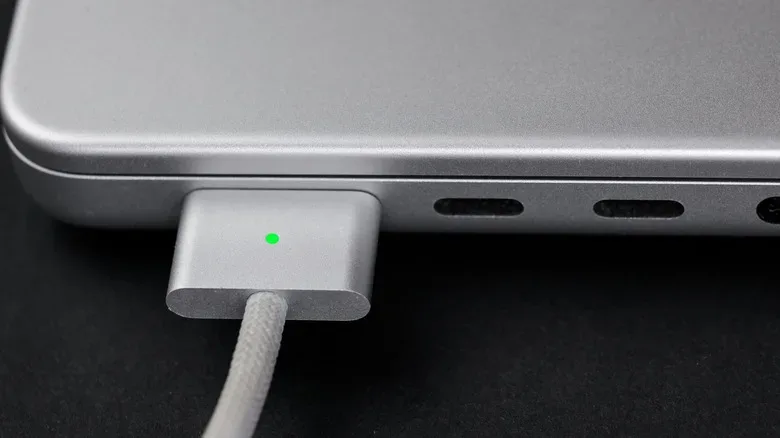
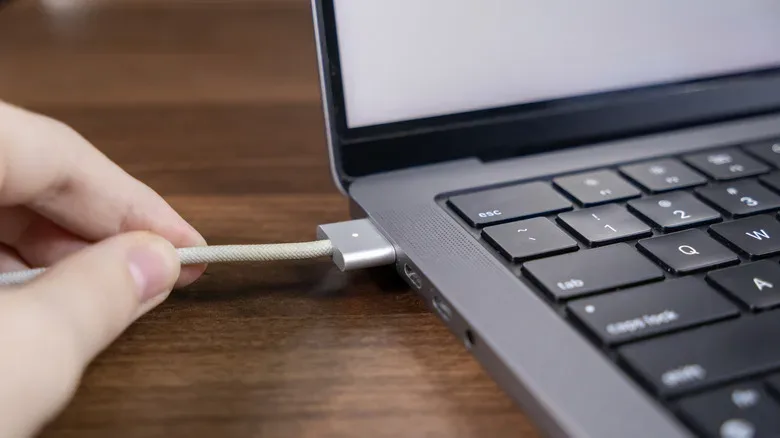
For a MacBook, the basic routine is straightforward: bring the MagSafe connector near the laptop’s charging port and the magnets guide it into place. If the cable is pulled sharply, the connector is intended to release rather than turn the whole computer into a projectile. That is an especially valuable feature in busy homes, shared workspaces and gaming corners where controllers, headset leads, pets and human legs all compete for cable-management supremacy.
Apple has used several MacBook MagSafe generations over time. The current version is MagSafe 3, but the different generations are not interchangeable merely because they share a name. Their physical designs and power capabilities vary, so owners should confirm the exact MacBook model and compatible connector before treating an older cable as a universal spare.
Why MagSafe is the easy default at a desk
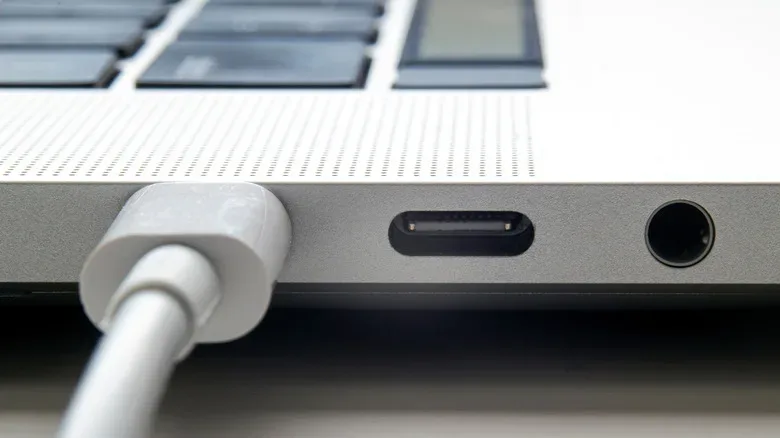
MagSafe’s headline advantage is safety. A USB-C cable must be inserted into a port, creating a conventional physical connection. If that cable becomes snagged, the laptop may be pulled along with it. The result could be damage to the computer, the connector, nearby equipment or the pride of whoever insisted the cable was “totally out of the way.”
MagSafe reduces that risk by making detachment part of the design. It cannot eliminate every accident—nothing can defeat every strange angle, force or furniture layout—but it is purpose-built for the most familiar cable-trip scenario.
There are practical benefits beyond the breakaway connection:
Related coverage includes MagSafe vs. USB-C for MacBook Charging: Speed, Safety and Flexibility.
- USB-C ports stay available. A separate MagSafe charging port means USB-C ports can be used for displays, storage, adapters, controllers, Ethernet docks or other accessories.
- Charging setup is simple. With the appropriate Apple power adapter and MagSafe cable, there is less need to untangle the sometimes baffling world of USB-C cable ratings.
- It is a dedicated MacBook solution. Someone who mostly charges at one desk can leave the appropriate adapter and cable in place rather than constantly borrowing the same USB-C lead used for every other device.
For owners of a 2021 MacBook Pro, a 2022 MacBook Air or a later applicable model, MagSafe can support charging at up to 140W when paired with the correct power adapter. Apple sells a $99 adapter intended to enable that faster charging arrangement. In the right supported configuration, a MacBook can reach 50% charge in around 30 minutes.
That last clause matters: wattage is not a decorative number printed on a box. Fast charging depends on the computer, cable and adapter all supporting the required capability. A MagSafe connector alone does not make every MacBook charge at the same rate, and a higher-rated adapter does not automatically override the limits of the model being charged.
USB-C wins the packing-light contest
USB-C is the more universal option. Rather than carrying a Mac-only MagSafe lead plus another cable for a phone or tablet, a traveler may be able to pack one capable USB-C charger and cable for several devices. That can be a meaningful quality-of-life upgrade when space is scarce or when the bag already contains a mouse, headphones, handheld hardware and the ominous tangle of cables that appears after every trip.
For Apple-device households, USB-C can potentially cover a MacBook, iPhone, iPad and other USB-C-equipped products. It is also useful in offices and venues where USB-C power is more readily available than a specific MagSafe setup. The ability to charge through either method gives compatible MacBooks welcome redundancy: a forgotten MagSafe cable does not necessarily mean a dead laptop if an appropriate USB-C charger is nearby.
USB-C has a second advantage for certain newer MacBook Pro owners. MacBook Pro models released after November 2023 can charge at up to 240W through USB-C, provided the correct cable and power adapter are used. For users who prioritize the highest supported USB-C charging capability, that makes the supposedly general-purpose port a notably powerful option.
The flexibility comes with homework. USB-C describes the connector shape, not a guarantee that every cable handles the same amount of power. A common USB-C baseline is 60W, while specialized cables can support up to 100W or 240W. Apple also sells a 240W USB-C cable. If fast charging is the goal, shoppers need to examine the power rating of both the cable and adapter instead of assuming that two USB-C ends tell the complete story.
The USB-C specification trap: matching the whole chain
USB-C is convenient precisely because so many devices use it, but that convenience can conceal major differences between products. A cable that is perfectly adequate for charging a phone can be a poor match for a power-hungry laptop. Likewise, an adapter may have a high maximum output while the particular port in use, cable chosen or MacBook model prevents the setup from reaching that figure.
Before buying a USB-C replacement cable specifically for a MacBook, check these points:
- MacBook compatibility: Confirm that the laptop can charge through USB-C and identify its relevant charging limits.
- Adapter output: Verify that the charger can provide the needed wattage for the desired charging speed.
- Cable power rating: Look for a cable rated for the power level required. Do not assume a random USB-C cable is suitable for high-wattage charging.
- Your intended use: A low-wattage spare for emergency charging is different from a primary cable meant to maximize fast charging.
This is not an argument against USB-C. It is an argument for reading specifications before a purchase turns into an expensive piece of cable-shaped disappointment. The same broader-device considerations apply when sorting out Apple connectivity issues; our practical guide to iMessage, RCS and SMS troubleshooting explores another instance where knowing which standard is doing what can save time.
Which setup makes sense for different MacBook owners?
Choose MagSafe as the regular desk cable if accidental tugs are a realistic risk, if you want USB-C ports free for other hardware, or if you prefer a dedicated setup with fewer charging-spec decisions. It is the sensible everyday choice for a stationary workstation, especially where the charger lives behind a desk and the cable crosses any path people might walk.
Choose USB-C for travel and shared-device charging if minimizing what goes into a bag matters most. A properly rated USB-C cable and adapter can be a compact solution for several current devices, and it may be the most practical fallback away from home.
Keep both available if the budget and routine permit. This is the least dramatic but most adaptable answer. Use MagSafe at the main desk, where its magnetic release and dedicated port are most useful. Carry USB-C when its broader compatibility pays off. A MacBook does not require its owner to pledge allegiance to one connector forever; it benefits from having two workable routes to power.
The key question is not “Which connector is best in every situation?” It is “Which connector removes the most friction from this situation?”
In short, MagSafe is the specialist: safer around cable hazards, straightforward to connect and capable of fast charging with compatible Apple hardware. USB-C is the multi-tool: potentially more powerful on certain newer MacBook Pro models and far more useful when one charger must serve multiple devices. The smart charging kit is the one that recognizes both jobs—and prevents a charging cable from becoming the final boss of the room.