Apple and LG’s reportedly co-developed smart-home accessory range may be built around a particularly phone-first idea: walk up to a thermostat, lock or doorbell with an iPhone and get the relevant controls without first digging through an app. Leaked implementation details describe a feature called Proximity Control, plus a separate pairing process that could transfer setup credentials to an accessory before it has power.
The prospective LG range is said to include a thermostat, temperature sensor, deadbolt lock, wired video doorbell and several security cameras. None of the product specifications or leaked software behavior should be treated as final. The proximity feature is reportedly still changing between beta releases, and the accessories themselves are not expected to arrive for at least several months. Still, the details sketch out how Apple may want its Home experience to work: less like a menu of tiny device tiles and more like an interface that appears when a person is physically standing beside the thing they want to control.
What Proximity Control is said to do
For supported accessories, bringing an iPhone close to the hardware—or tapping it against the accessory—could surface a contextual shortcut. On iPhones with Dynamic Island, thermostats may offer an “Open Controls” choice in that interface. A camera or doorbell would instead present a camera viewer, reflecting the more immediate purpose of those products.
The reported interaction is not limited to Dynamic Island-equipped handsets. iPads and iPhones without the feature would reportedly receive a notification that remains visible for 30 seconds. That matters because it suggests the core feature is proximity recognition, not a Dynamic Island exclusive; Dynamic Island is simply one possible way of displaying the result.
A Home app setting is expected to let owners disable proximity controls after configuration. That is a sensible detail in principle. A shortcut appearing near a device can be convenient when someone wants to adjust a thermostat or quickly check a visitor at the door. It could become distracting in a home where household members repeatedly pass a sensor, thermostat or camera. A simple off switch would preserve the traditional app-based route for people who prefer it.
Earlier development versions reportedly included an option that would open accessory controls automatically. The currently enabled approach in iOS 27.2 is said to require an explicit prompt before controls open. That shift is significant even if it looks minor. Requiring a tap gives the user a clearer moment of consent and reduces the chance that merely walking near an accessory changes the screen’s focus. It also makes the feature feel less like an interruption and more like an offered shortcut.
The technical pieces: NFC and Bluetooth Low Energy
The reported system combines NFC and Bluetooth Low Energy, commonly shortened to BLE. NFC is the extremely short-range wireless technology used for tap-based interactions. Its very limited range makes it well suited to identifying a specific nearby object when the phone is deliberately brought close. BLE is designed for low-power wireless communication and can broadcast a signal over a longer distance than NFC.
In this case, the accessory is said to use an identifier stored on an NFC tag alongside a BLE broadcast. Put simply, the NFC portion may help establish that an iPhone is interacting with one particular physical product, while BLE supports the broader nearby-device behavior. The first tap could also give Dynamic Island feedback as setup starts.
The combination offers a practical answer to a familiar smart-home nuisance: identifying exactly which device a phone should address. A house may have multiple cameras, sensors and rooms of accessories. A proximity system needs to distinguish the item in front of the user from other hardware on the same network. The leaked approach appears intended to associate physical closeness with the correct Home control or camera view.
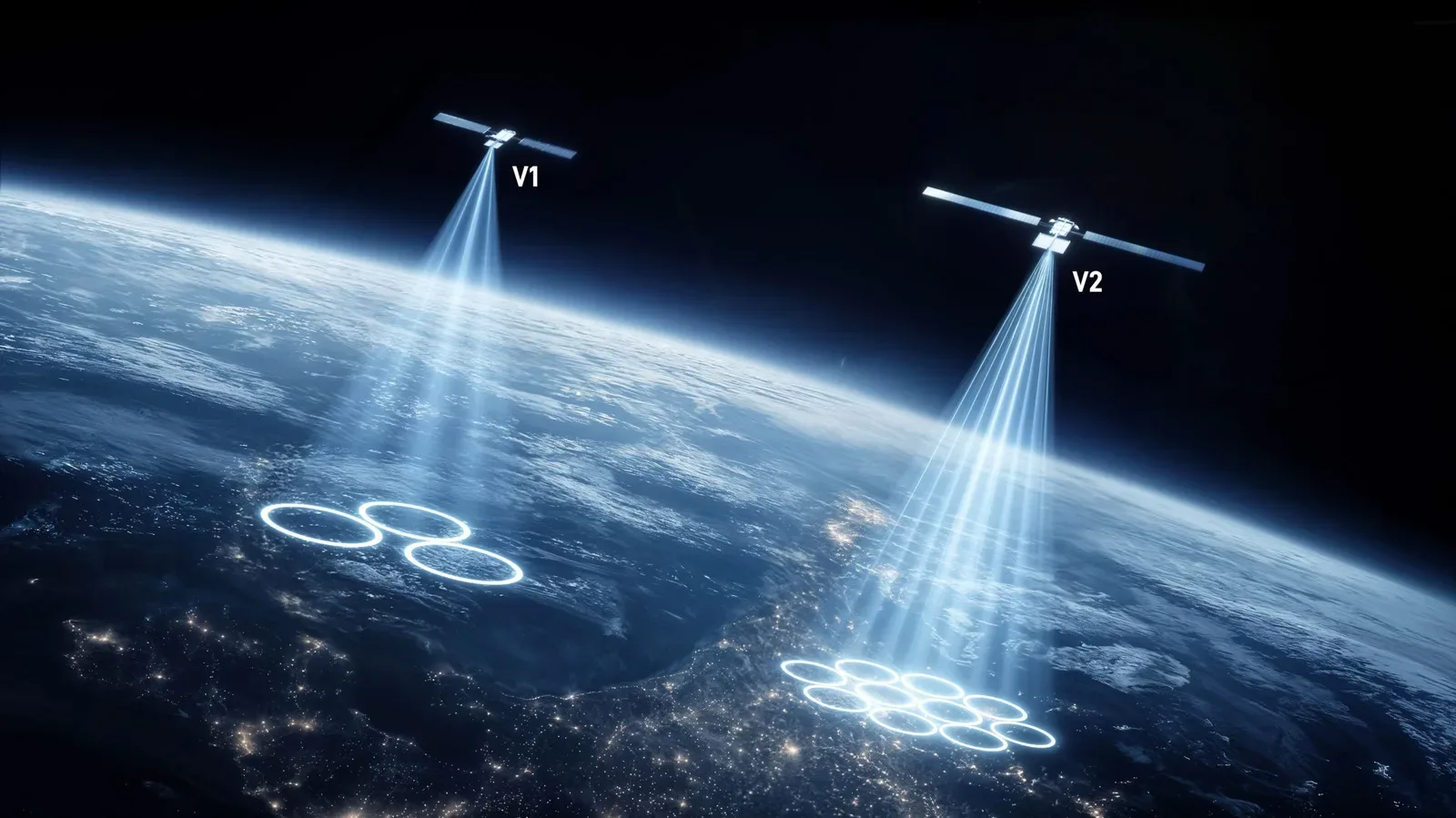
Wireless setup is becoming strategically important well beyond smart homes, as shown by the broader attention being paid to connectivity and spectrum in consumer technology. Spectrum ambitions around Starlink’s mobile role are a very different case, but they underline the same larger point: the invisible connection layer increasingly shapes how consumer products are discovered, configured and used.
Starting setup before an accessory has power
The second reported capability is arguably the more unusual one. It would allow an iPhone to begin pairing an accessory while that accessory is unpowered. The phone would transfer its pairing identity and network credentials by NFC into the device’s secure element. When the accessory later receives power, it could join Wi-Fi or Thread and allow a home hub to complete Matter setup.
A secure element is a protected hardware component intended to store or handle sensitive credentials. In this reported process, it would give the accessory somewhere to retain the identity and network information received while it is still otherwise inactive. The eventual powered device could then use that information to connect rather than forcing the owner to restart every step after installation.
The possible benefits are clearest for fixed hardware. A wired doorbell, deadbolt or thermostat may be positioned, mounted or wired before it is ready to switch on. If setup can genuinely begin at the point of installation, an owner could associate the device with the home before power is available, then let the rest of the commissioning process continue after it comes online. That does not mean setup becomes entirely hands-off: a home hub would still be responsible for finishing Matter setup once connectivity is established. But it could eliminate a frustrating gap between physical installation and digital configuration.
Thread is a low-power networking technology commonly used by smart-home devices, while Matter is a smart-home interoperability standard intended to help compatible platforms and accessories work together. In the reported LG flow, Wi-Fi or Thread would be the route used after power arrives, and Matter setup would be completed through the home hub. The pre-power NFC transfer would be an earlier preparation step, not a replacement for the accessory’s eventual network connection.
A HomeKit-specific route alongside standard Matter pairing
The leak says the unpowered setup method would be exclusive to HomeKit. LG is said to replace the secure element’s Matter NFC applet with a HomeKit applet, despite iOS 27 supporting standard Matter NFC as well. An applet, in this context, is a small function within the secure element that handles the relevant NFC setup behavior.
That distinction is important for anyone trying to parse the compatibility implications. The reported HomeKit-specific pre-power route does not mean normal Matter pairing disappears. Conventional Matter pairing is expected to remain available after the accessory is powered on. Instead, the special convenience is said to belong to the HomeKit path, while the broader standard remains an option when the hardware is live.
In practical terms, this could make the Apple route feel especially polished for iPhone households, while still leaving a standard post-power setup route in place. Whether that ends up being a meaningful advantage will depend on the final screens, the reliability of device recognition and how much installation friction it actually removes. A setup innovation only helps if people can understand when to tap, what information is being transferred and what still needs to happen after the device powers up.
Why the interface choices matter
Smart-home controls often face a basic usability problem: there are plenty of ways to reach a device, but none may be the obvious one in the moment. A user can open an app, invoke a voice assistant, use a widget, visit a wall control or, in some cases, interact directly with the device. Proximity Control would add another path that begins with the physical object itself.
For a thermostat, that could make sense when someone is already standing in front of it. For a camera or doorbell, surfacing a viewer may be more useful than exposing a generic control page because the immediate question is often visual: who is there, or what is happening outside? The reported device-specific behavior therefore suggests an effort to make the shortcut match the job of the hardware rather than treating every accessory identically.
There are limits to what can be concluded from code and leaked descriptions. It remains unclear how close an iPhone must be, how the system handles several compatible accessories in the same area, what controls will be offered for each product, or whether every listed LG device will support the feature. The reported 30-second notification window also says little about the final user experience beyond its basic duration. Those questions need final software and hardware, not inference.
What to watch next
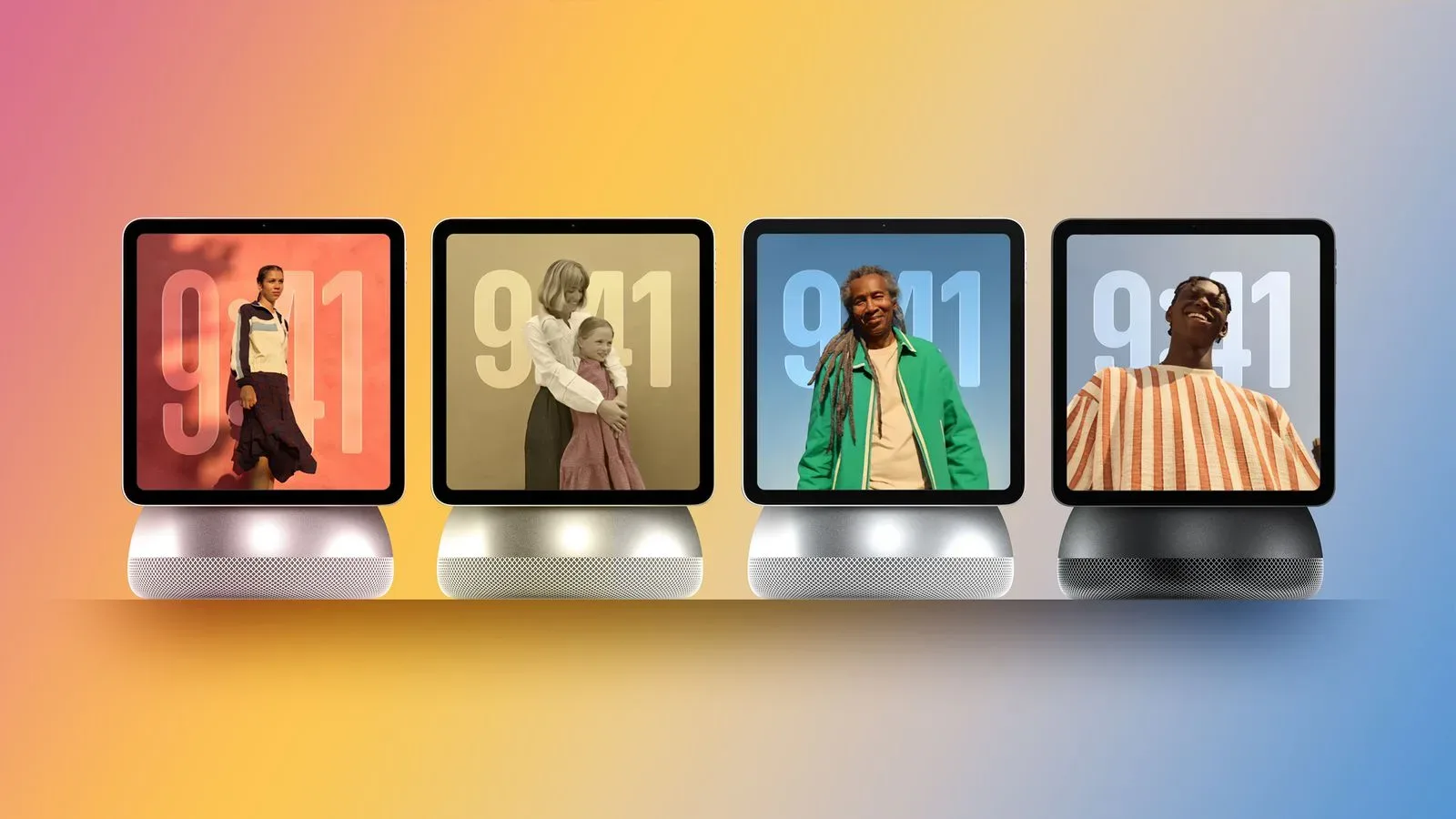
Apple has scheduled a “Welcome home” event for Tuesday, October 13. A home hub, updated Apple TV 4K and refreshed HomePod mini are expected to be announced, and the LG accessories could potentially receive an early preview. Their release is still reportedly several months away, however, so a preview would not settle the final feature set.
For now, the most useful reading is cautious: these are reported development details, not confirmed product promises. The important concept is nonetheless clear. Apple and LG may be working toward accessories that recognize when an iPhone is intentionally nearby, offer the most relevant next action, and move some of the setup work to the point before installed hardware first comes alive. If that survives development intact, smart-home onboarding may become a little less like configuring network equipment and a little more like interacting with the appliance in front of you.