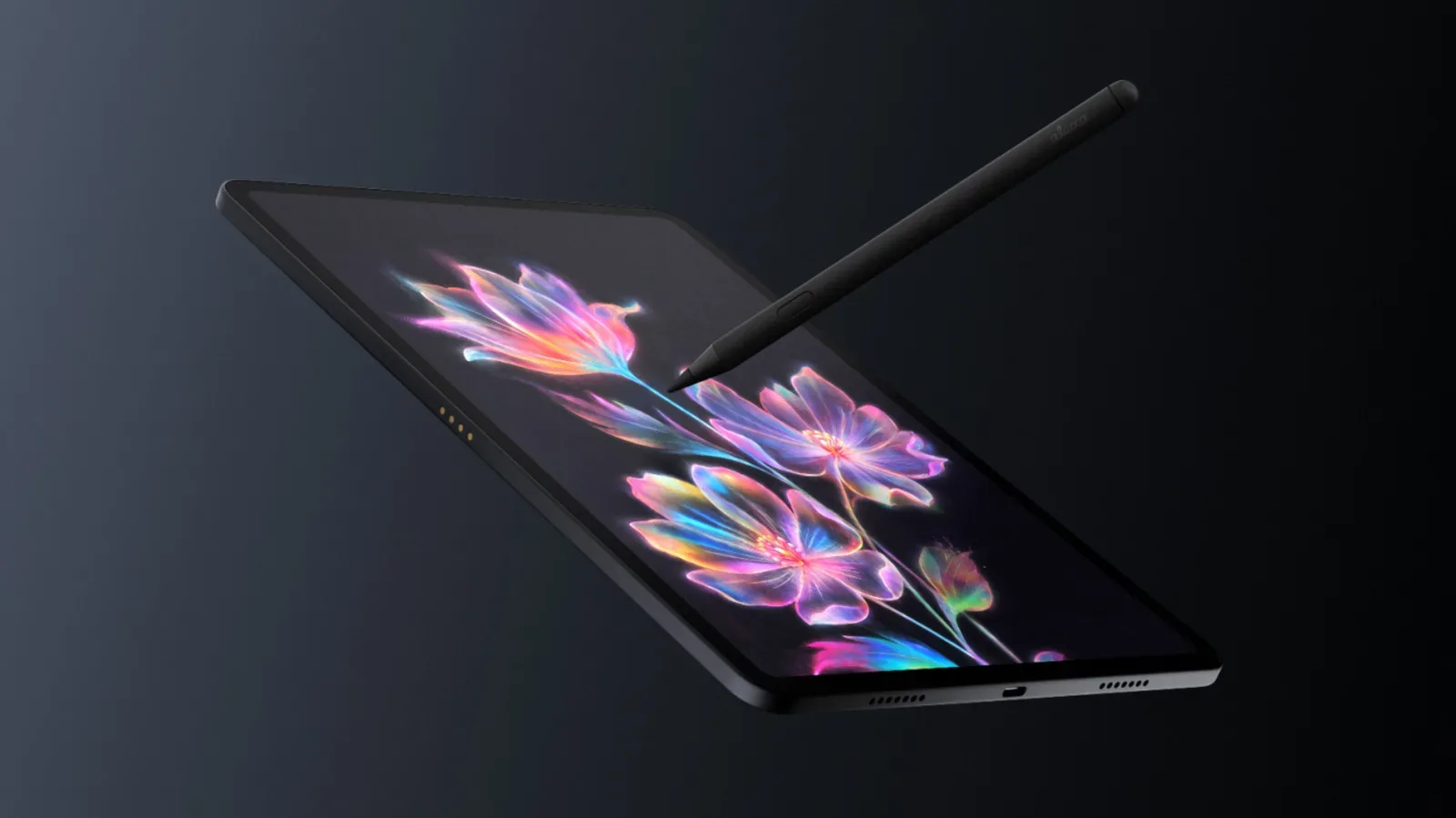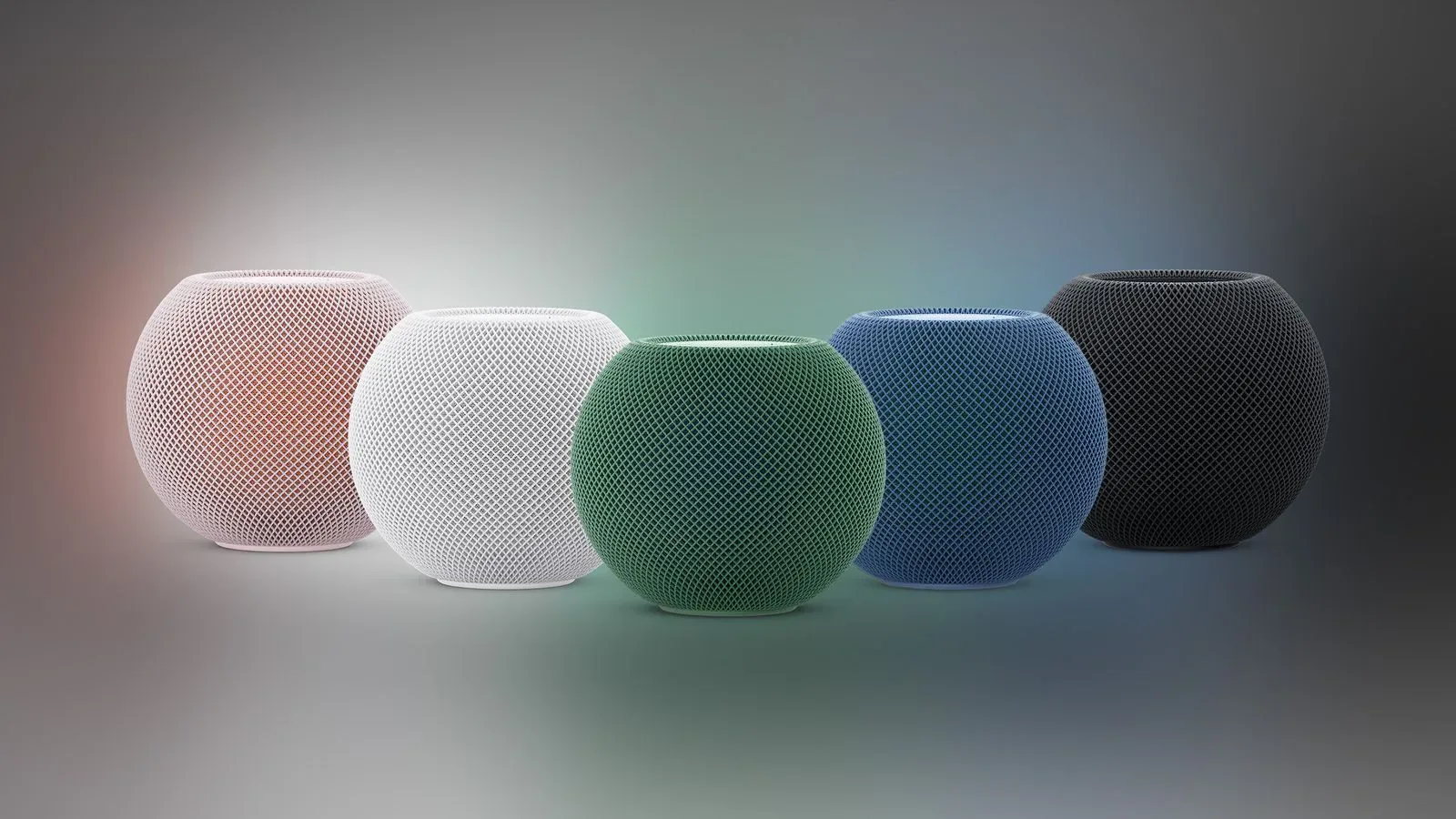
Apple’s rumored smart-home hub is expected next week, and the timing has put a long list of HomeKit and Matter accessory discounts in the spotlight. The device is said to offer direct control of HomeKit gadgets from a square 6-inch display, as well as through Siri AI. Rumors also point to four colors and an iMac G4-inspired design.
That is an appealing pitch: one visible household control point instead of a loose collection of individual apps, buttons and voice commands. But the key word is rumored. The hub’s specifications, final design, release timing and exact accessory behavior have not been established here. Shoppers should treat the current sales as accessory deals in their own right, rather than buying solely on the assumption that an unreleased controller will solve every smart-home compatibility problem.
For people already building around Apple’s Home ecosystem, the sensible question is less “What looks coolest?” and more “Which purchase fixes the most routine friction?” A two-pack of plugs may make ordinary lamps easier to control. A leak sensor can offer a focused alerting role. A lock, camera or robot vacuum costs more and deserves closer attention to setup requirements, placement and the wider ecosystem it will join.
What HomeKit and Matter mean in this context
HomeKit is Apple’s smart-home framework, used to bring compatible accessories into Apple’s Home controls. The reported hub is expected to serve as a direct interface for HomeKit gadgets.
Matter is a smart-home interoperability standard. In practical terms, a Matter-enabled product is designed around a common standard rather than being limited to one company’s smart-home platform. That does not mean every feature, setup path or control will necessarily be identical across every platform. Before making a purchase, buyers should still verify the exact product’s support, required bridge or hub hardware, and which functions are available in their preferred setup.
This distinction matters particularly for products that advertise a separate bridge, a camera hub, or Zigbee in the product name. A bridge is hardware that can connect or coordinate compatible accessories. Zigbee is another smart-home connectivity technology, and its appearance in a product listing is a useful reminder not to assume that every device operates in exactly the same way. Product compatibility claims should be checked on a model-by-model basis.
Lighting is the biggest current deal category
Lighting makes up the broadest group of discounts, spanning basic bulbs, decorative panels, outdoor hardware, lamps and string lights. It is also the easiest category in which to decide what “useful” means: choose bulbs and plugs for existing fixtures, or choose panels, rope lights and lamps when the fixture itself is part of the room’s look.
Philips Hue: starter bundles, outdoor lighting and premium fixtures
The standout entry point is a Philips Hue starter kit with one bridge and two 60W A19 bulbs for $69.99, reduced from $142.99. For someone without Hue hardware, it is a more coherent first step than buying a random assortment of bulbs, because it includes the named bridge alongside the bulbs.
Other Hue deals cover several use cases:
- Hue Calla Outdoor Pathway: $109.99, down from $149.99.
- Hue Go Table Lamp: $135.36, down from $179.99.
- 60W A19 Hue White and Color Ambiance three-pack: $134.99, down from $147.99.
- 75W Hue White four-pack: $168.00, down from $197.99.
- Hue Starter Kit with Bridge Pro and three A19 smart bulbs: $199.99, down from $259.99.
- Hue Signe Floor Lamp: $233.19, down from $362.99.
The price cuts vary considerably. The $69.99 starter kit represents the clearest stated reduction in this group, while the Signe floor lamp has the largest dollar difference among the Hue listings. Those are not automatically interchangeable values: a starter kit and an architectural floor lamp serve very different needs. A buyer looking to establish room-by-room lighting should prioritize the number and type of fixtures they actually need over the raw size of a markdown.
Govee: decorative lighting carries the steepest visible cuts
Govee’s offers lean heavily toward lighting that doubles as décor. The E12 smart light bulb four-pack is $29.99, from $49.99, making it the lowest-cost four-bulb option listed. At the other end, 100-foot permanent outdoor lights are $189.99, reduced from $329.99.
- Smart Table Lamp 2: $53.99, down from $79.99.
- Star Projector Lights: $74.98, down from $99.99.
- Hexa Light Panels: $99.99, down from $179.99.
- LED Neon Rope Light: $99.99, down from $159.99.
- Mini Light Panels: $99.99, down from $149.99.
- Sparkle String Lights: $109.99, down from $149.99.
The panels, rope light and projector are best treated as intentional visual purchases rather than universal smart-home essentials. Their value depends on the space being decorated. Outdoor permanent lighting brings an extra practical consideration: confirm the planned installation site and cable run before treating a percentage discount as the deciding factor.
Nanoleaf: small bulbs through wall-focused pieces
Nanoleaf starts with individual Essentials smart bulbs at $22.79, down from $29.99, while a four-pack costs $37.49, down from $49.99. The four-pack makes the more direct value case for a multi-fixture room, assuming all four bulbs fit the planned locations.
- Pegboard Desk Dock: $47.99, down from $59.99.
- Smart Ceiling Light: $63.99, down from $79.99.
- Smart String Lights: $69.99, down from $149.99.
- Smart Floor Lamp: $77.99, down from $119.99.
- LED Shapes Wall Lights: $124.99, down from $149.99.
- LED Mask: $129.99, down from $249.99.
For a desk or game room, the Pegboard Desk Dock, Shapes wall lights and LED Mask all make very different statements. The shared smart-light label should not obscure that they are physical design objects with different placement demands. In other smart-home news, Amazon’s recent device wave is a useful reminder that the category is increasingly a mix of displays, security equipment and connected accessories rather than just bulbs.
The inexpensive route: smart plugs and sensors
Smart plugs are comparatively low-cost ways to add app- or hub-oriented control to compatible non-smart devices. The current listings include a Tapo Apple HomeKit Smart Plug Mini two-pack at $17.99, down from $23.99; an Aqara Zigbee Smart Plug at $24.99, down from $32.99; and an Eve Energy Outlet at $39.95, down from $54.95.
The HomeKit label on the Tapo listing is particularly relevant to shoppers looking toward Apple’s rumored hub. Still, a low entry price should not become an excuse to skip basic planning: decide which appliance or lamp will use it, whether that device should be remotely switched, and whether the outlet’s physical format works for the location.
Sensors aim at monitoring rather than ambience. The Eve Water Guard is listed at $74.95, from $109.95. Aqara’s water leak sensor three-pack is $39.99, reduced from $49.39, while its temperature and humidity sensor is $15.98, down from $19.98. An Ecobee Smart Sensor two-pack is $74.99, down from $99.99.
These devices have clearer roles than a decorative light: water detection, environmental readings, or supplementary sensing. The three-pack leak option is notable because multiple locations may be more useful than a single sensor, but the right count depends entirely on the home. Buyers should map likely placement first, then select the package that matches it.
Security devices need more scrutiny than their discounts suggest
Aqara’s smart-lock reductions include the Smart Lock U100 at $124.99, down from $149.99, and the Smart Lock U50 at $99.99, down from $119.99. The price gap is modest, so the decision should not rest on cost alone. Locks are entry hardware, not merely another accessory to add to a dashboard. Confirm door compatibility and understand the product’s setup requirements before buying.
The camera range includes an Aqara Indoor Security Camera for $118.99, down from $139.99; the Camera Hub G5 Pro for $139.99, down from $199.99; Doorbell Camera Hub G410 for $99.99, down from $144.99; and G100 for $33.99, down from $39.99.
The word “hub” in two of those camera names should be read literally as a signal to check what hardware role the product plays. A central Apple display, a camera hub and any accessory-specific bridge are not automatically substitutes for one another. The appeal of a unified smart home is real, but the practical work is in knowing which components each product expects.
Robot vacuums are the biggest-ticket offers
The X11 Omnicyclone is listed for $699.00, down from $1,099.99, while the Eufy Robot Vacuum E28 is $629.99, down from $999.99. These are the highest-priced items in the selection, even after their reductions. They also have the largest stated dollar savings.
That makes them worth separating from impulse-friendly bulbs and plugs. A discount of several hundred dollars is meaningful only if a robot vacuum is already a fit for the household. The reported upcoming hub may make a broader group of accessories easier to manage, but it should not be used as a reason to buy expensive hardware without confirming its own compatibility and practical suitability.
A sensible pre-launch buying checklist
- Start with one pain point. Pick lighting, outlet control, leak monitoring, entry access, cameras or cleaning—not every category at once.
- Check the exact model. “HomeKit,” “Matter,” “Bridge,” “Hub” and “Zigbee” are meaningful labels, not interchangeable marketing words.
- Separate rumor from purchase logic. The Apple hub is expected, but its details remain unconfirmed in this report.
- Prioritize hardware that works now. A product should have a clear purpose even if plans for a new central display change.
- Compare the package to the room. Multipacks make sense only when there are enough suitable fixtures or locations to use them.
The reported Apple hub could make HomeKit control more visible and convenient, especially if its display becomes a shared household surface. For now, the practical opportunity is not to panic-buy a house full of glowing rectangles. It is to identify the few accessories that solve a real problem, verify how they connect, and use the current reductions where the fit is already clear.
Shop the products
Check current price, model and availability at the retailer.