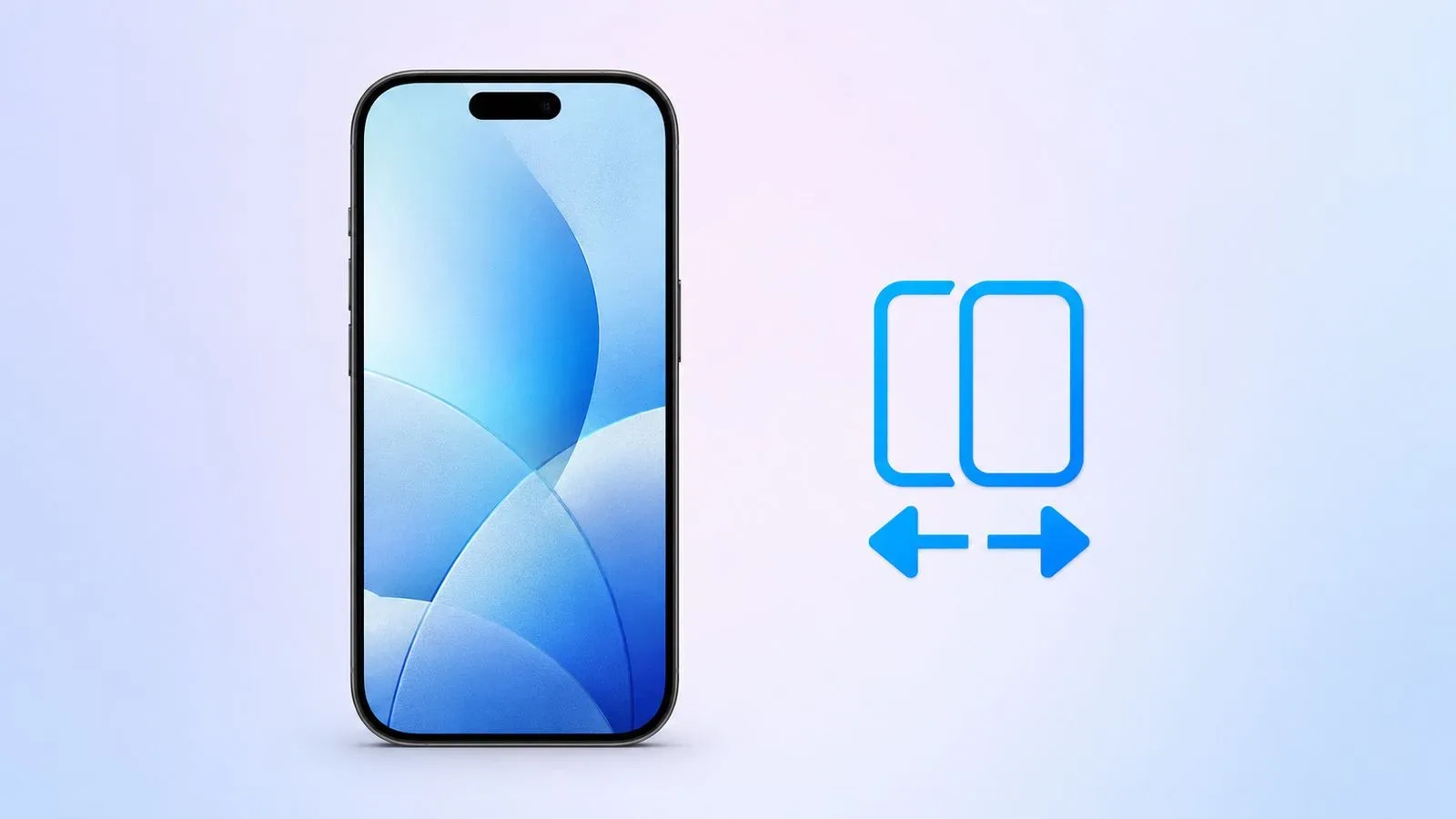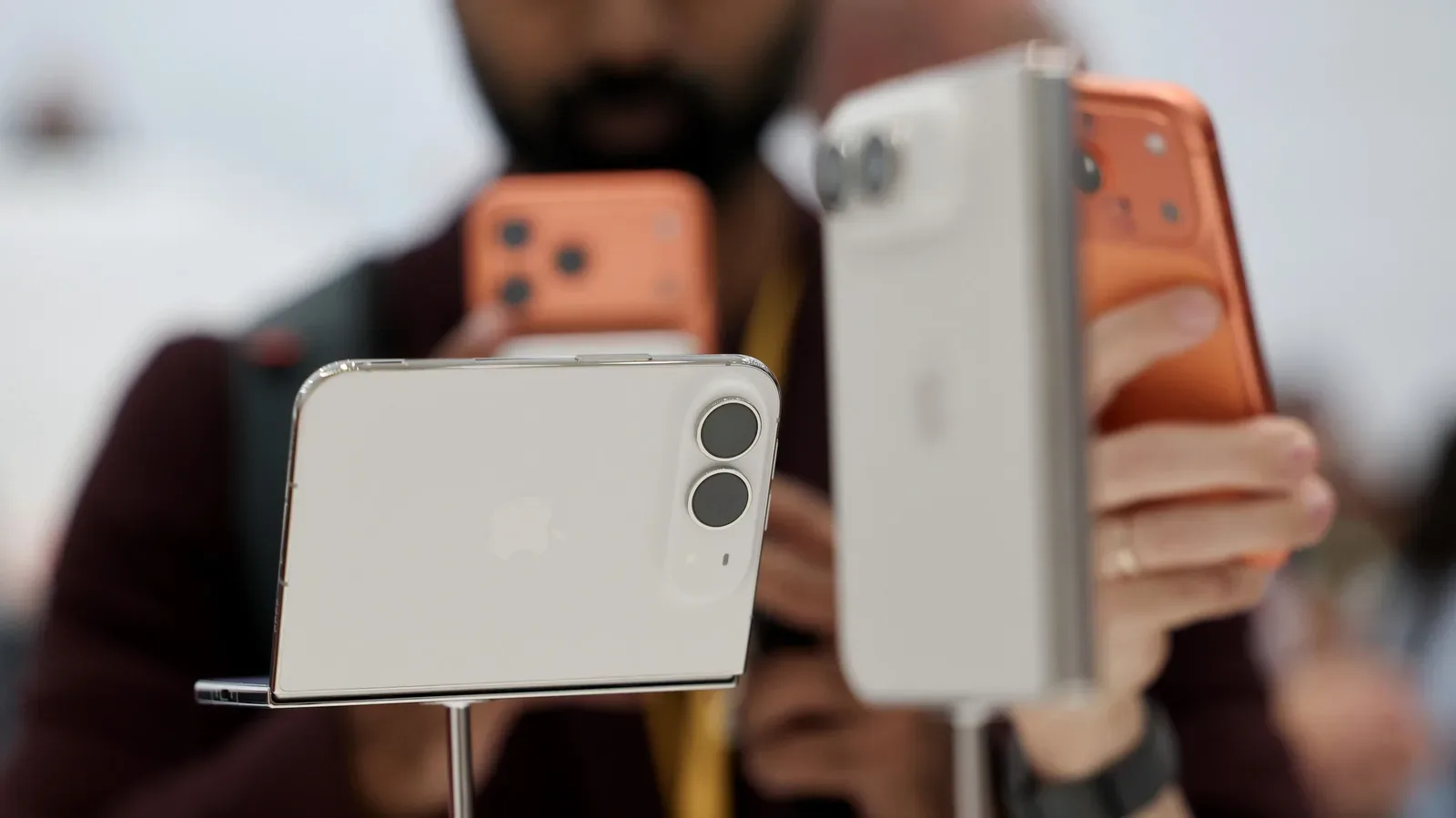
Two iPhones traditionally meant two cellular arrangements, even if one device spent most of its life in a desk drawer, travel bag or charging stand. iOS 27 introduces iPhone Handoff, a feature intended to make that split-device routine less awkward by allowing one phone number to work on two iPhones.
The premise is simple: designate one iPhone as the primary device, configure a second as the secondary device, then use either phone for calls and messages tied to the same number. The active experience is meant to be low-friction. Unlock the iPhone you want to use and a small Dynamic Island notice, positioned beneath the Wi-Fi indicator, shows that the device is active for iPhone Handoff.
That convenience is conditional, however. Both phones need iOS 27 or later, must share an Apple Account for iCloud, FaceTime and iMessage, and must be on the same Wi-Fi network during setup. Crucially, carrier compatibility is not optional. At present, T-Mobile in the United States and Telekom in Germany are the only carriers confirmed to support the feature. T-Mobile’s support carries an additional monthly charge of $5.
What iPhone Handoff is designed to do
iPhone Handoff extends a single number across a pair of iPhones rather than asking the owner to maintain separate carrier accounts for each. Once configured, it supports making and receiving calls and messages on either device using that shared number. It also works across most apps and iCloud, aiming to make the two phones feel less like separate digital lives.
Payment cards added on one device can also work on both, which matters because a secondary phone can otherwise become a stripped-down backup: useful for a signal, perhaps, but missing the everyday cards and services that make a smartphone practical. In this setup, the second iPhone is intended to be an interchangeable endpoint for the same core number and connected Apple services.
The main iPhone remains important. It holds the main eSIM and manages carrier settings. An eSIM is a digital SIM used to identify a phone on a mobile network, replacing the need for a removable physical SIM card. The two phones may each use their own eSIM as well, provided both are from compatible carriers. That qualification is a reminder that the software experience depends on mobile-network support behind the scenes.
What it does not replace
“One number, two phones” should not be read as “two perfectly identical phones.” A paired Apple Watch does not automatically move between the two iPhones through iPhone Handoff. Anyone who relies on a watch as a close companion to one particular handset should factor that into the decision about which iPhone is primary.
There are Wallet boundaries, too. Payment cards can span the pair, but some Wallet contents cannot: IDs and passes are among the items that do not work through this arrangement. That distinction is especially relevant for people planning to leave the primary device at home or carry the less expensive phone while traveling. Before relying on the secondary handset, check whether the specific Wallet items needed that day are available there.
Related coverage includes iPhone Handoff in iOS 27: Using One Number Across Two iPhones.
There is also an ownership and support consideration. Replacing one of the phones requires transferring the eSIM to the new device. And if the goal is to disable iPhone Handoff altogether, the process is not presented as a simple on-device switch; carrier contact is required.
Requirements before setup
A successful configuration begins with a short but important checklist:
- Two iPhones running iOS 27 or later.
- Both phones signed in to the same Apple Account for iCloud, FaceTime and iMessage.
- Both devices connected to the same Wi-Fi network.
- A carrier that supports iPhone Handoff.
- A decision about which phone will serve as the primary device.
The primary/secondary distinction is more than a label. The primary handset contains the main eSIM and handles carrier settings. It is sensible to choose the phone that will remain the most consistent part of the setup, rather than automatically selecting the newest or most expensive one. The correct choice depends on the owner’s routine: a person using a newer iPhone at work and an older device while out may want the device that remains most central to account and carrier management to be the primary.
Carrier support is the first question to settle, not the last. A pair of otherwise eligible iPhones does not create compatibility where the carrier has not enabled it. Only T-Mobile in the US and Telekom in Germany have confirmed support so far. More carriers may eventually participate, but that is an expectation rather than a confirmed timetable.
How to set up iPhone Handoff
Apple’s setup flow starts with the two devices physically near each other. With both iPhones ready and one unlocked, follow these steps:
- Place the two iPhones together and unlock one of them.
- Open Settings, then Cellular.
- Select Set Up Cellular/Add eSIM. If a number is already configured on that iPhone, select iPhone Handoff instead.
- Choose Use Number on This iPhone and Another.
- Tap Continue and follow the on-screen instructions, including assigning the primary iPhone.
The apparent simplicity is intentional. Rather than requiring the user to repeatedly select a line or manually redirect communications, the intended day-to-day behavior is to unlock the phone being used. The Dynamic Island status indication then acts as a quick confirmation that iPhone Handoff is active on that device.
Who is most likely to benefit
This is a specialized convenience feature, but it addresses several recognizable situations. The clearest is an iPhone migration. A person moving from an old handset to a new one can keep both available under the same number during the transition, rather than treating the outgoing device as immediately disconnected from ordinary calling and messaging.
Travel is another practical use. An older or less valuable iPhone may be the device someone prefers to carry in environments where they do not want to risk a newer model. With iPhone Handoff, that choice does not necessarily mean abandoning the primary number. The same logic applies to someone alternating between a premium iPhone and a more portable or lower-cost option, including a $2,000 iPhone Duo.
Work and personal routines may also create a case for two devices. The feature can let a professional move between different iPhones without turning the number itself into a dividing line. That does not erase every difference between the phones—Apple Watch pairing and certain Wallet items remain exceptions—but it can reduce the friction of deciding which handset is “the real phone” on a given day.
For gaming and desktop setups, the value is mostly peripheral but still understandable. A secondary phone can remain available for calls, messages and payment cards while another device is being used for play or work, without demanding a separate number. Readers refining the Windows half of that setup can also see how to enable Xbox Mode on Windows 11 and what it actually changes.
Practical limitations to weigh
iPhone Handoff does not make the second iPhone an unrestricted clone of the first. The carrier requirement narrows its immediate reach, and the current confirmed list is short. T-Mobile customers in the US should also include the $5 monthly add-on in the cost of maintaining the second-device arrangement.
The setup’s dependence on the same Apple Account is another meaningful boundary. It is built for one person’s pair of iPhones, not a way for two different people to casually share a number while retaining wholly separate Apple identities. The iCloud, FaceTime and iMessage sign-in requirement reinforces that design.
Finally, plan ahead for a hardware replacement. Because the eSIM must be transferred when one of the phones is replaced, it is worth treating that step as part of any upgrade process. Similarly, somebody considering the setup only temporarily should know that fully disabling it involves the carrier.
For people who genuinely rotate between two iPhones, iPhone Handoff can turn the spare handset into a more complete companion rather than a disconnected backup. The decision comes down to carrier availability, acceptance of its Watch and Wallet limits, and whether the benefit of one familiar number on both devices justifies the added arrangement.