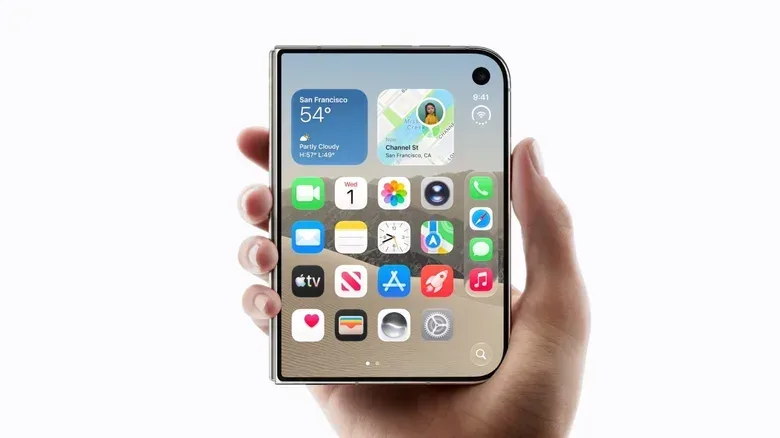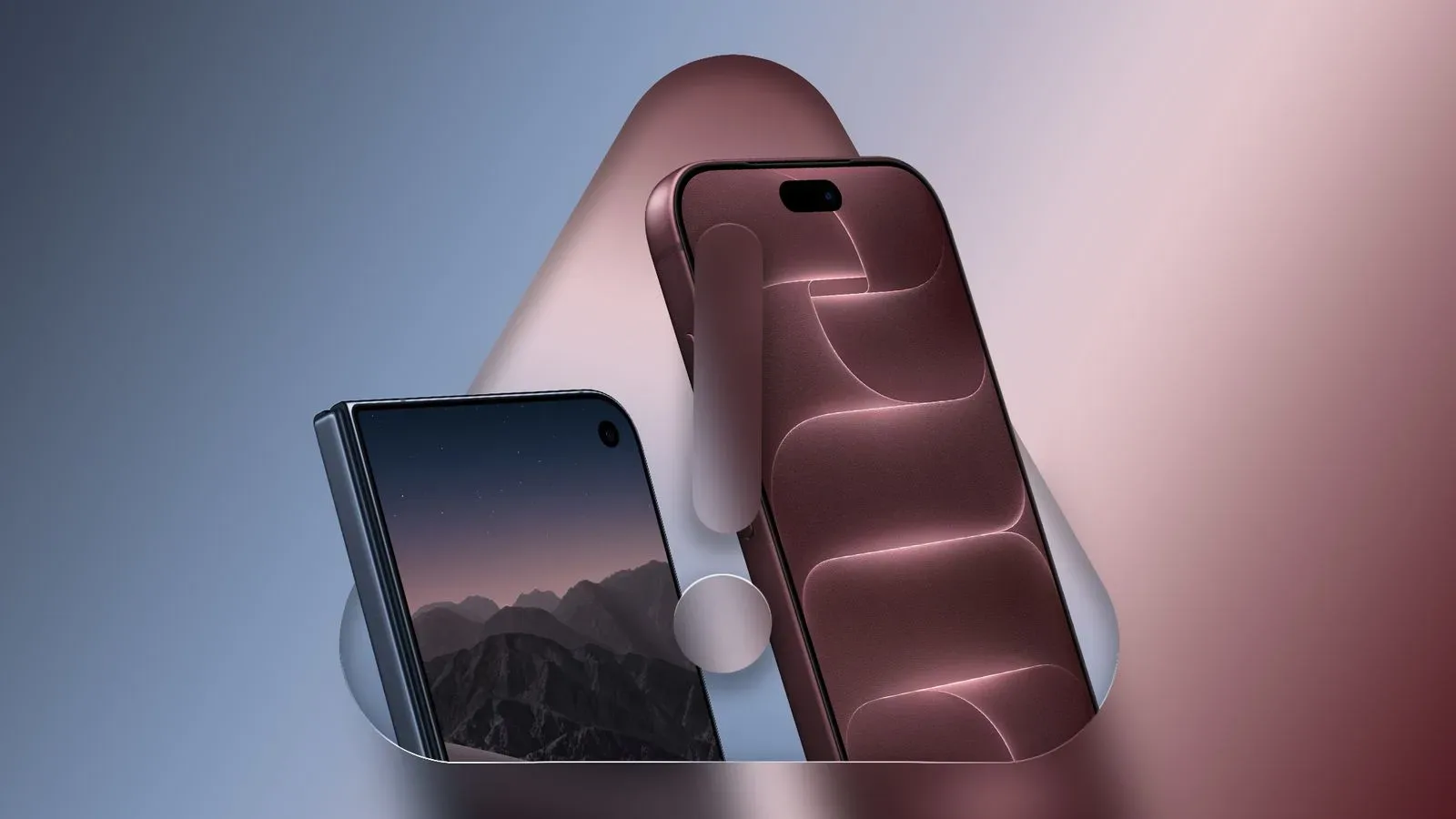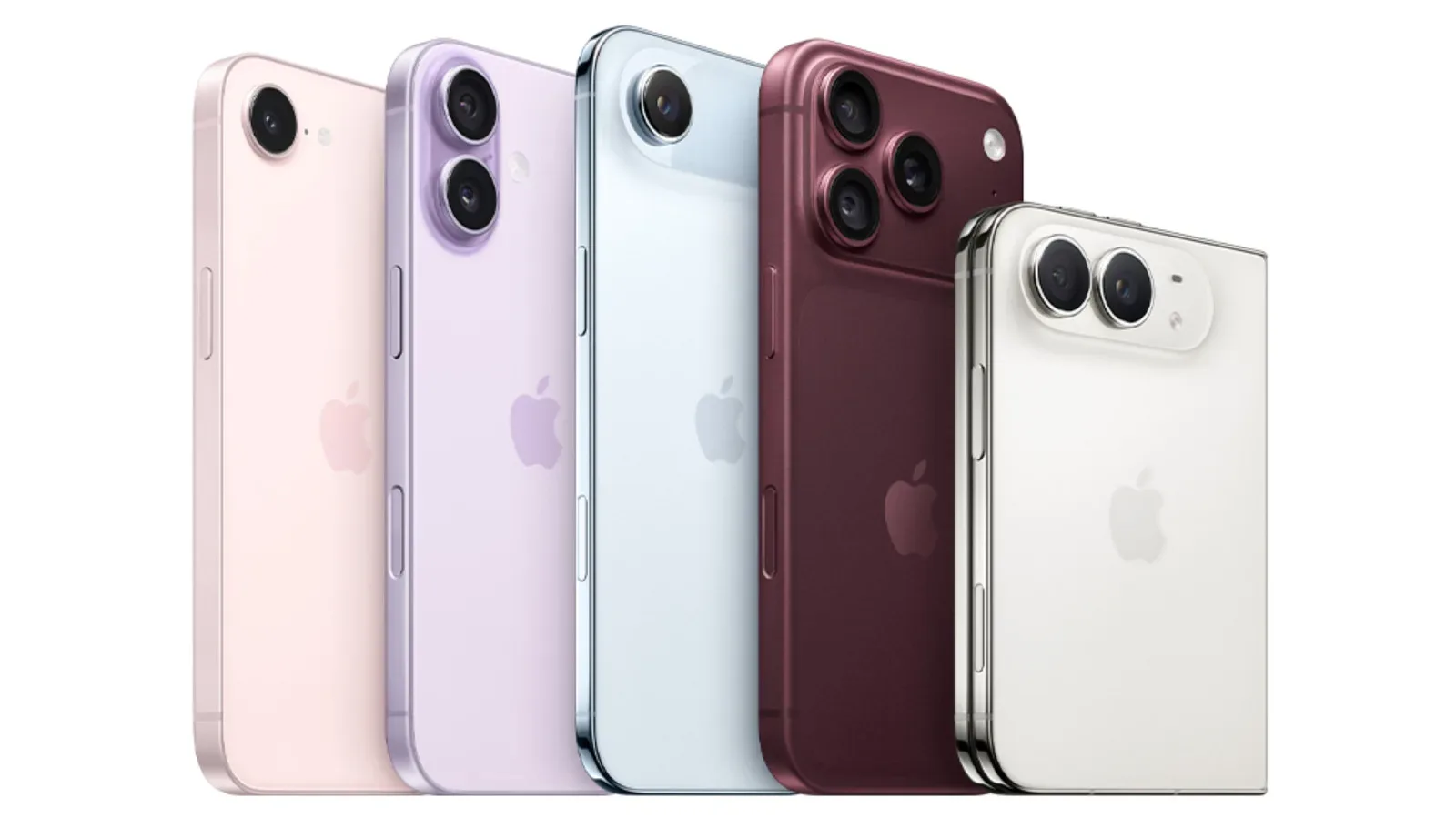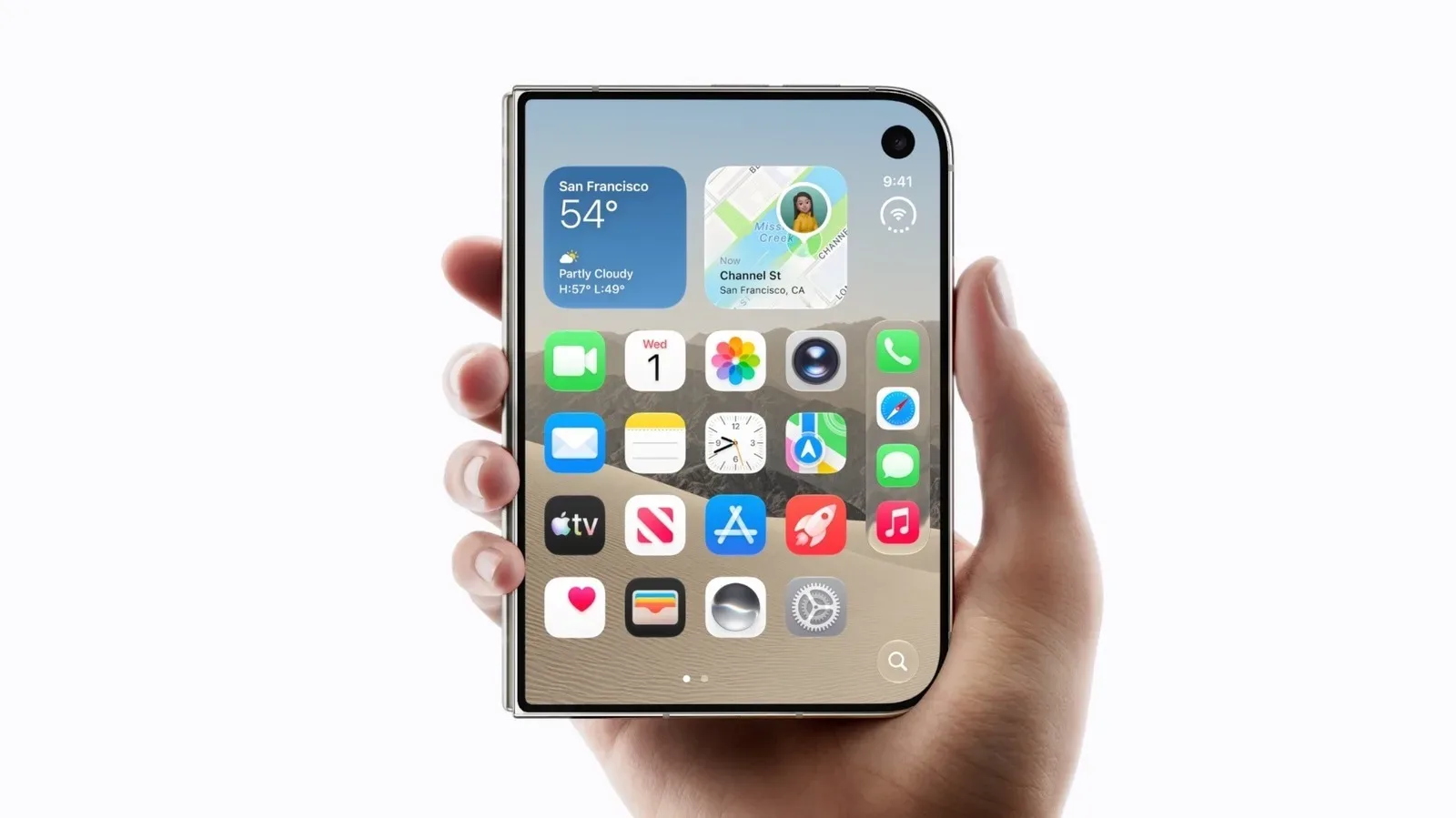
Apple’s reported iPhone Duo is not simply an ordinary iPhone with a bend in the middle. Its defining difference is software designed around an inner folding display, an outer screen and a hinge that changes how the device can sit on a desk. The result is still iOS, but an edition of iOS with some markedly less phone-like behaviors: two apps can share the inner display, controls can relocate when the handset is folded, and the camera can use the second screen as part of the shooting experience.
That is an important distinction for anyone trying to understand what a foldable iPhone would actually change. Bigger screens are useful, but the practical value depends on whether the interface knows what to do with the room. The reported Duo approach is to make the display arrangement, posture and available panels active parts of the operating system rather than treating the unfolded device as a stretched standard iPhone.
The iPhone Duo is said to arrive in October. Its software features, rather than the physical fold alone, would be the reason to consider it over a regular iPhone. There are trade-offs, particularly in photography hardware versus the iPhone 18 Pro, but the reported feature set aims at people who value flexible screen layouts, tabletop viewing and more adaptable camera framing.
Split-screen multitasking is the major break from regular iPhone behavior
The headline change is side-by-side multitasking on the internal screen. Standard iPhones have long allowed apps to remain suspended in the background, making it possible to jump back into an app without starting over. That is useful app switching, but it is not the same as viewing and operating two apps simultaneously.
The Duo would reportedly take an iPad-inspired path by letting users open two apps beside each other on its inner display. In plain terms, this means a person could keep two active app views visible at once instead of repeatedly hopping between full-screen apps. The source material does not describe the full set of eligible app combinations, detailed gestures or sizing controls, so those specifics remain unknown.
It also is not described as a full implementation of Stage Manager. Stage Manager is Apple’s floating-window multitasking system on supported larger devices. Rather than bringing that entire model to the foldable iPhone, the Duo’s reported arrangement is more focused: two apps side by side on the open inner screen. That may sound like a limitation, but it is also a clearer fit for a device that can be held as a phone one moment and opened for a larger workspace the next.
Apple is also said to keep the Home Screen accessible on one side of the inside display while an app occupies the other. Functionally, that could make choosing a second app feel less like entering a separate multitasking mode and more like picking another tool from a nearby panel. It is a small interface decision with outsized importance: split-screen features can feel cumbersome when launching the second app takes too many steps.
The relevant question for prospective buyers is not merely whether two apps fit on screen. It is whether their frequent tasks benefit from parallel views. Reading a message while referring to a webpage, monitoring a video while using an input area, or keeping a reference app visible are obvious examples of the type of workflow this design targets. A person who predominantly uses one app at a time may find the folding screen more useful for larger viewing than for multitasking itself.
A redesigned edge makes room for the inner display
On the iPhone Duo, the conventional top status area reportedly shifts to the right side. Cellular reception, Wi-Fi and battery indicators are grouped there, alongside the Dock and Dynamic Island. A status bar is the compact system area that surfaces information such as wireless signal and battery state; moving it is a deliberate layout adjustment, not simply a visual novelty.
On a wide unfolded panel, a top-spanning strip can consume valuable vertical room. Consolidating key system elements on the side is intended to preserve more of the inner display for app content. Whether individual users prefer that arrangement will be subjective, especially for people accustomed to glancing at the top edge of every other iPhone. But it demonstrates the broader software strategy: the Duo is not reportedly relying on a standard iPhone layout enlarged to fill a larger canvas.
The Apple Pencil is also said to work with the iPhone Duo, another capability not offered by regular iPhones. That support complements the larger inner screen, though the available information does not specify the Pencil models supported or how Apple will handle note-taking, drawing or other pen workflows. Still, the basic implication is clear: the device is positioned to accept more direct, large-screen interaction than a conventional iPhone.
For a useful broader look at how Apple differentiates high-end hardware by workload and audience, see our breakdown of who should actually buy an M5 Mac Studio. The products are very different, but the buying principle is similar: specialized hardware makes the most sense when its specialized capabilities match real habits.
Hinge awareness turns device posture into an interface choice
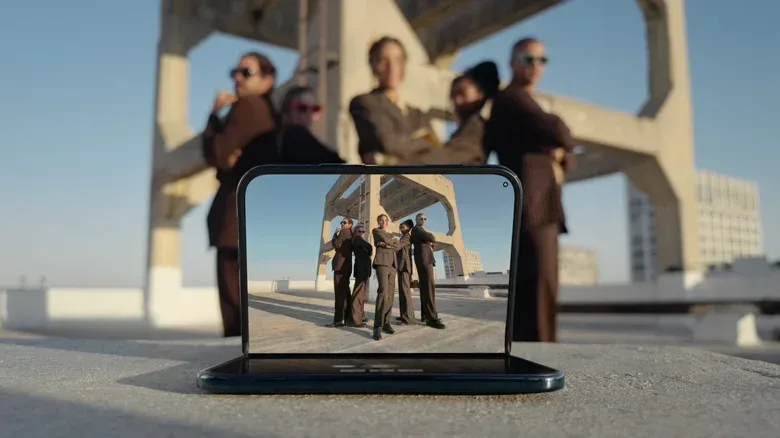
Folding the Duo in half is reported to change the software arrangement rather than merely make it smaller. In this posture, content can sit on the upper half while inputs such as a keyboard move to the lower half. That configuration resembles a compact tabletop setup: the phone can support itself while the person watches content or enters text below it.
The device is also said to use hinge awareness. This means the interface accounts for the physical fold and alters the placement of interactive controls when tapping close to the crease would be awkward. It is a technical term with a straightforward user benefit. A foldable screen has a physical division that a flat display lacks; moving buttons away from that area can help ensure that the interface remains usable in partially folded orientations.
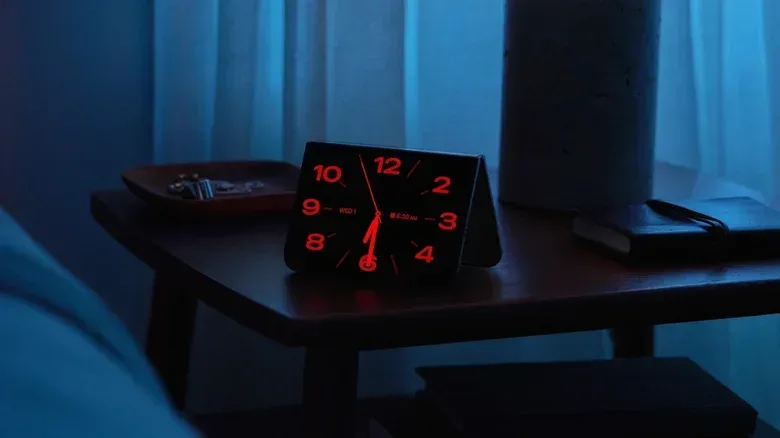
There is a separate tent mode that can turn the Duo into a table clock. The internal screen reportedly illuminates when an alarm sounds. This is a modest feature, but it illustrates why foldable software cannot be judged solely by the unfolded, full-screen view. Once a phone can stand in several positions without an extra accessory, the operating system has opportunities to offer glanceable and hands-free formats.
These modes could be valuable for desk use, recipes, video watching or alarm visibility, but the reported details should not be stretched further than they go. There is no supplied information on which apps receive tabletop-specific layouts, whether every app can adapt to the posture, or how reliably the device detects precise hinge angles. The confirmed direction is adaptation: controls and content move in response to the Duo’s physical configuration.
The outer display changes how the cameras can be used
The Duo’s camera features are likewise built around having a second screen. The external display can serve as a live preview while the rear camera is used. That is useful for filming oneself with the higher-facing rear camera setup, but it can also help a subject see the frame and adjust their pose. On a regular iPhone, the person behind the phone generally controls the view while the person being photographed has much less feedback.
One reported tool is Smart Take, an AI-based feature that takes a photo once the subject strikes a pose. It removes the need to press the shutter or set a timer. The supplied information does not explain how the system determines a pose, what kinds of poses it recognizes, whether it can be adjusted, or where processing occurs. Those are meaningful unknowns. What is established is its intended function: automate the moment of capture around a detected pose.
Another feature, Kid Cue, places a Snoopy animation on the exterior screen to draw a child’s attention toward the camera. This is a narrowly targeted but understandable use of a cover display. Taking photos of young children often involves trying to make the camera itself interesting; the external panel gives the phone a surface facing the subject on which to display an attention-getting animation.
The approach resembles the family-focused “Made You Look” concept available on Pixel 9 Pro Fold and newer models, but Apple’s reported version uses Snoopy. The similarity is worth noting because it underscores a broader foldable-phone reality: secondary screens can improve the social mechanics of taking a picture, not just show notifications.
FaceTime would also gain a dual-camera option. The iPhone Duo is said to allow both front and rear cameras to be shown during a call, making it easier to include nearby people or surroundings without continually flipping between views. Again, the source does not establish presentation layouts, supported call conditions or whether both feeds have equal quality. The significant point is that the form factor is enabling a more expansive call framing option than the standard single-camera view.
The key trade-off: flexible software versus Pro camera hardware
The iPhone Duo is not presented as a replacement for every premium iPhone buyer. It reportedly lacks several camera capabilities available on the iPhone 18 Pro, including the new variable-aperture lens and pro controls. A variable-aperture lens can alter its aperture, the opening through which light enters the camera. Pro controls refer to more advanced camera settings aimed at users who want more manual command over shooting.
That creates a straightforward decision rather than a universal winner. Someone whose priority is advanced camera hardware and deeper photographic control may have stronger reasons to choose the iPhone 18 Pro. Someone more interested in a pocketable device that opens into a two-app workspace, stands on a table and uses an outer display for camera feedback may see the Duo’s compromises as reasonable.
The larger lesson is that foldables live or die by software choices. The reported iPhone Duo does not appear to treat its second screen and hinge as decorative additions. Side-by-side apps, relocated system elements, posture-specific controls, dual-screen photography aids and expanded FaceTime framing all point to a device whose software is meant to respond to changing physical states. Until more details are available, the exact day-to-day smoothness of that idea cannot be assessed. But the proposed differences from a standard iPhone are already unusually concrete—and they are concentrated in the places where a folding design can genuinely alter how an iPhone is used.