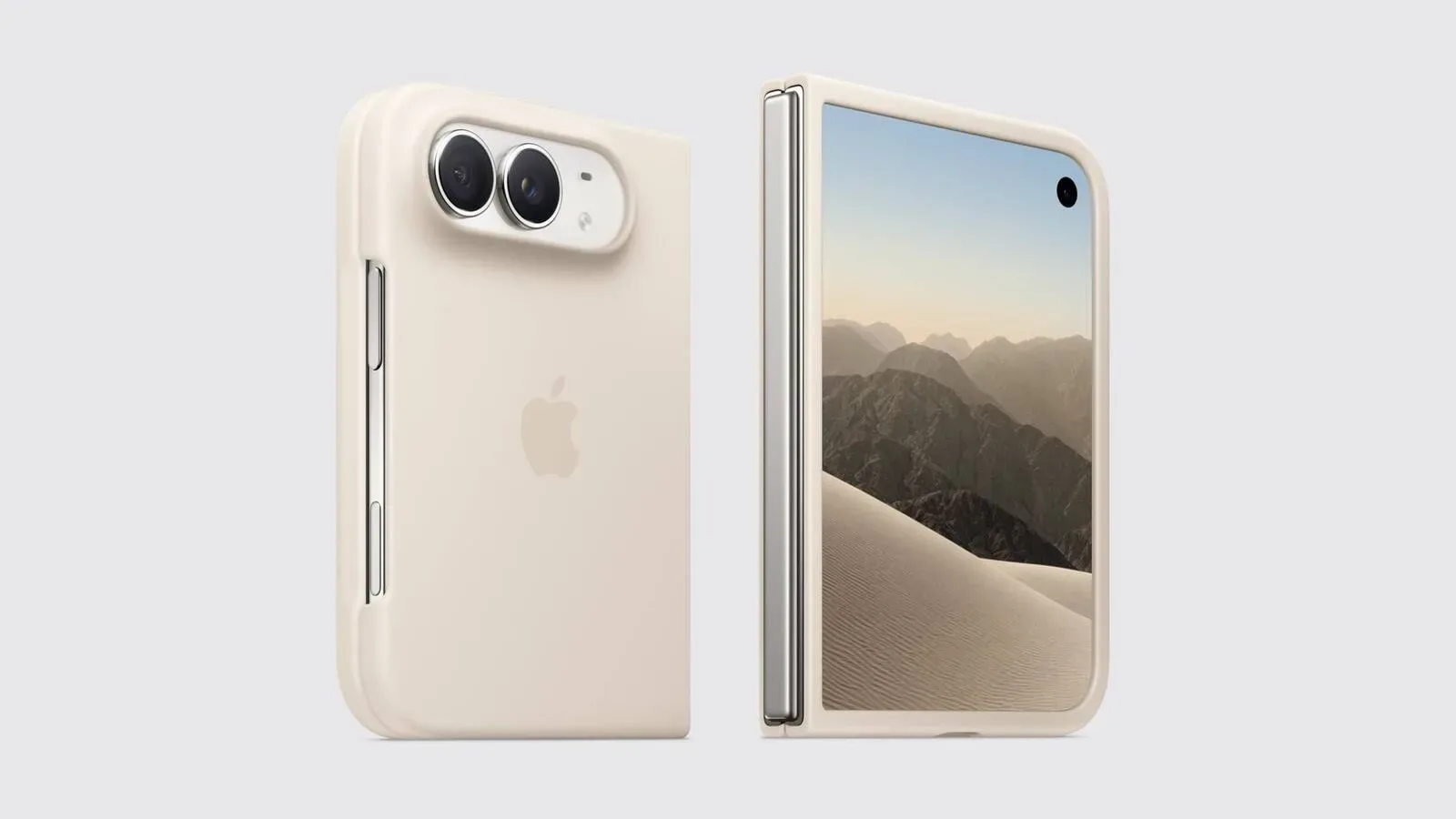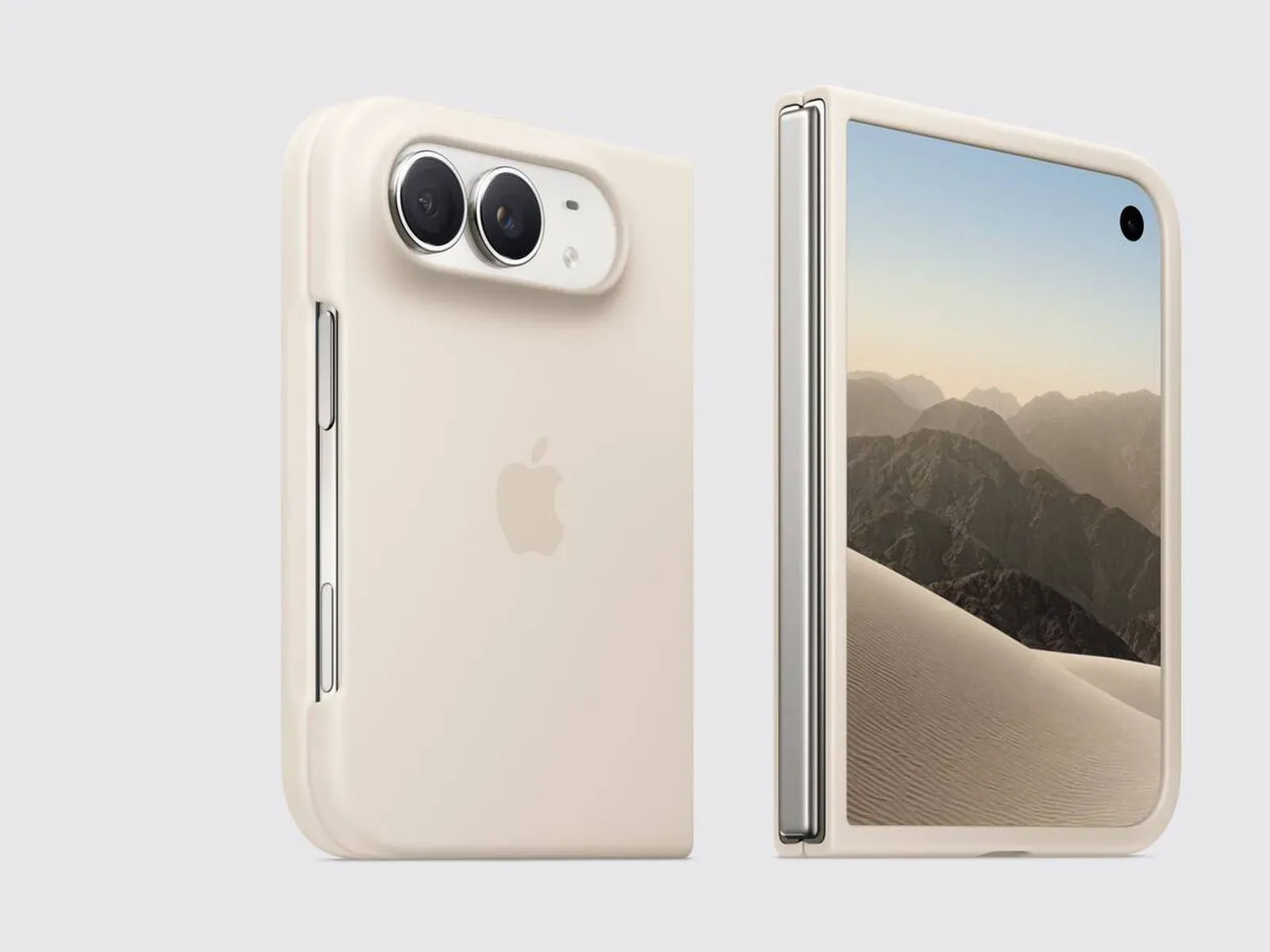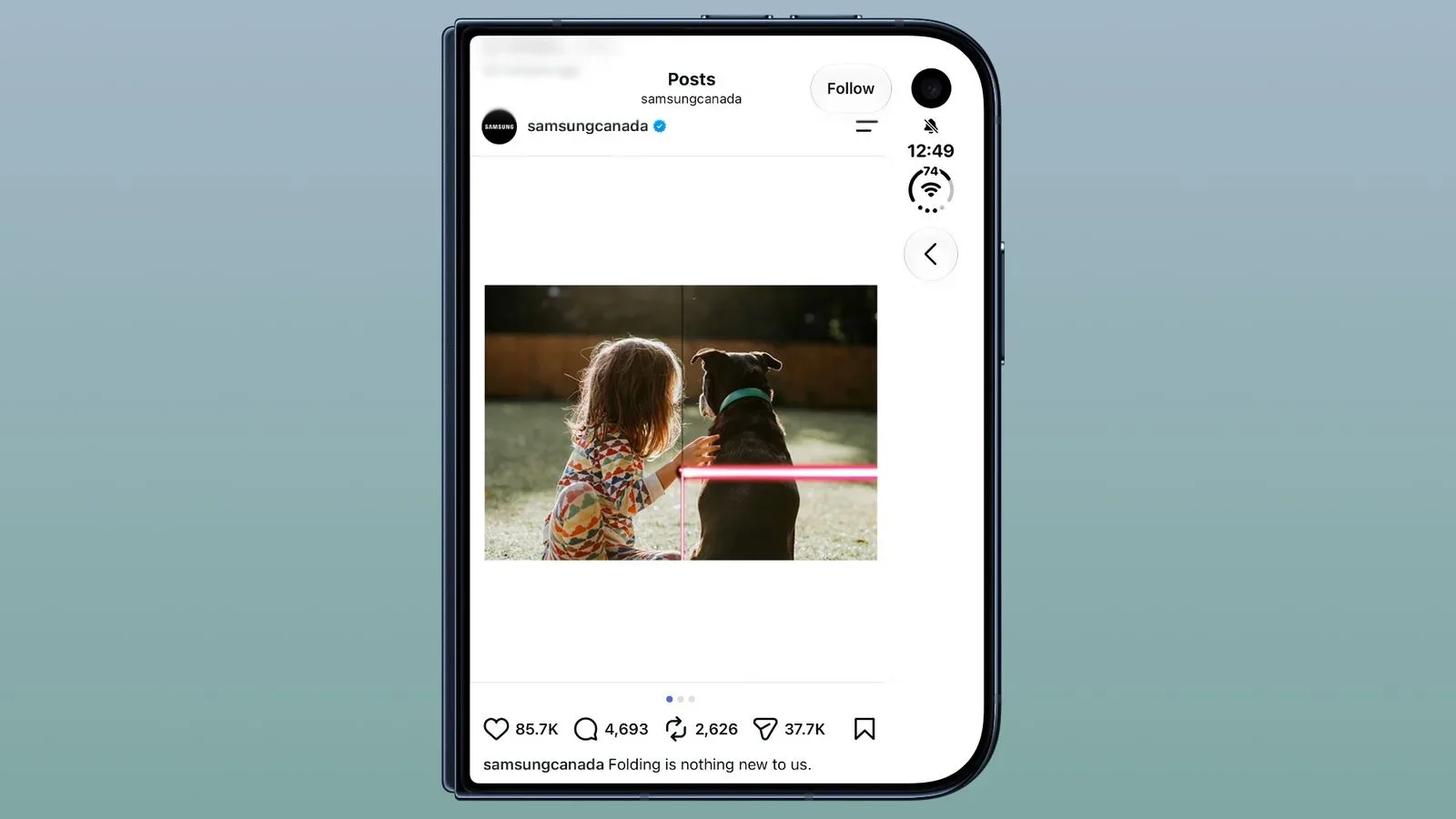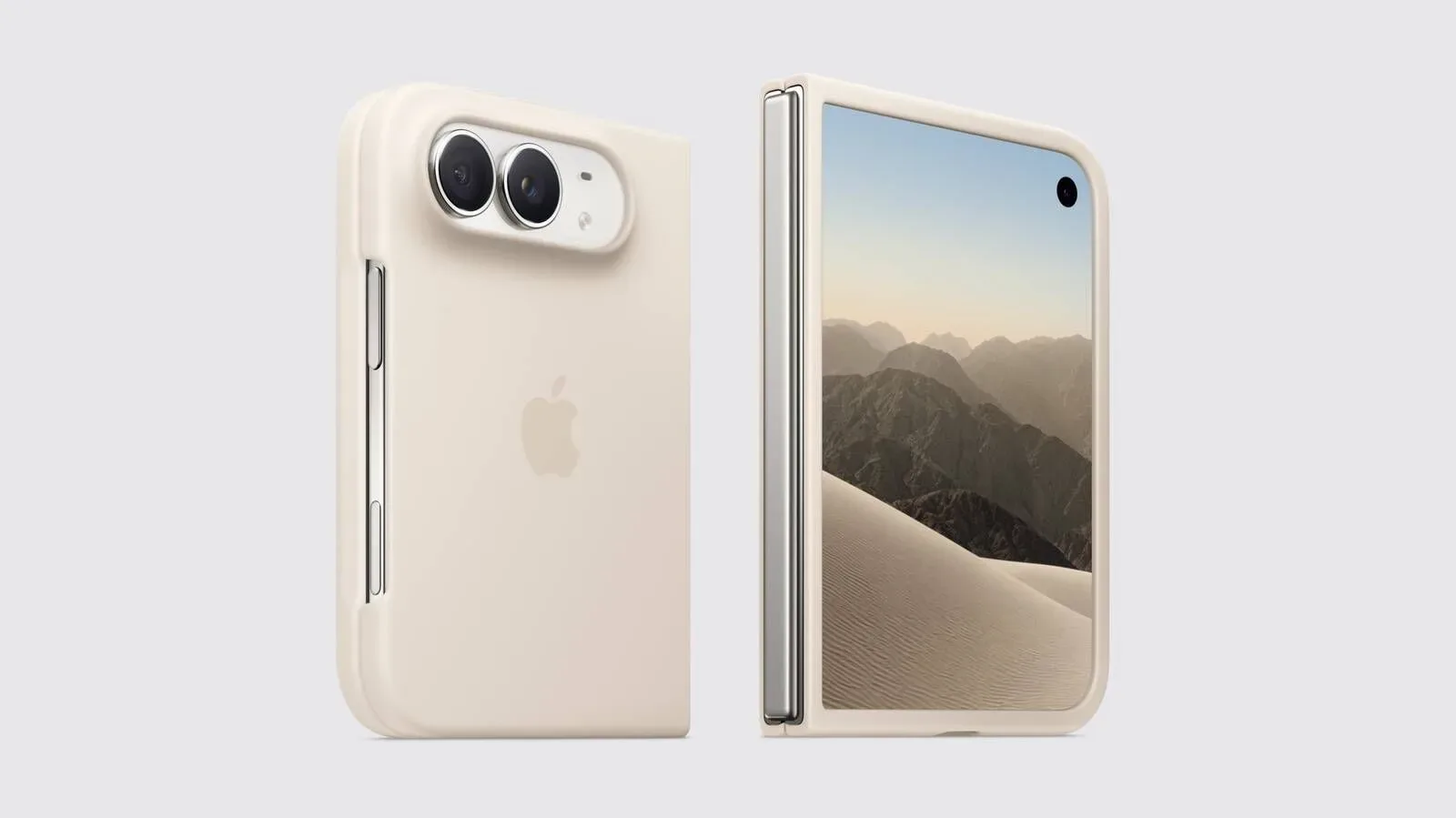
The iPhone Duo’s foldable hardware may give owners two very different canvases to work with, but one setup decision is reportedly behaving far more permanently than it should. Users can select a Display Zoom preference while setting up the device, yet the normal control for revisiting that choice is absent afterwards on iPhone Duo units running iOS 27.2.
On other iPhones, the expected route is Settings > Appearance > Display Zoom. That option ordinarily lets a user change the apparent scale of interface elements after setup. On iPhone Duo, reports indicate that the Display Zoom entry does not appear there at all. The result is an unusually high-stakes onboarding choice: select the wrong appearance during setup and there may currently be no simple settings switch to undo it.
What Display Zoom means in practice
Display Zoom is an appearance setting, not a separate accessibility tool and not merely a text-size slider. In broad terms, it changes how much interface content fits on screen and how large that content appears. A more spacious layout can show more information at once; a more zoomed layout can make buttons, labels, and other interface elements easier to see and tap.
That distinction matters on a foldable phone. iPhone Duo owners may make their initial selection while concentrating on accounts, permissions, transfers, and other setup chores rather than thinking through how the phone will feel after days of messaging, browsing, gaming, or work. A preference that looks sensible in a brief setup screen can prove less comfortable in ordinary use.
The missing menu is also more significant than an aesthetic quirk. Appearance controls shape the way a person navigates the device throughout the day. If an owner finds the interface cramped, overly large, or simply not to their taste, a setting designed to be adjustable should ideally remain available after the initial welcome screens are gone.
The reported workaround is an erase-and-setup repeat
The only currently reported method for changing the selection is to erase the iPhone Duo and go through setup again. That is a dramatically heavier process than changing a single appearance setting. An erase removes the device’s contents and settings, meaning it should not be treated casually just to experiment with a screen layout.
Anyone considering that route should recognize the practical trade-off: the reported fix is not a toggle, a restart, or a quick reset of appearance preferences. It is a full device reset followed by setup. The supplied information does not establish whether any less disruptive procedure works, so owners should be wary of unofficial claims that promise a shortcut.
For people who have not completed setup yet, the useful takeaway is simple: pause at the Display Zoom choice and give it real attention. There is no need to overthink it as though choosing a character class in a 100-hour RPG, but it is sensible to avoid rushing past a setting that may be difficult to revise later.
- Consider whether you generally prefer more information on screen or larger interface elements.
- Read the setup wording carefully before confirming the appearance choice.
- Do not assume the familiar Settings path will be available afterwards on iPhone Duo.
- If you are already unhappy with the selection, weigh the cost of an erase carefully rather than treating it as a routine adjustment.
Why the omission is especially awkward on a new form factor
Foldable devices introduce extra layout questions because they can be used with different screen sizes and orientations. That does not prove why the Display Zoom control is absent from iPhone Duo, and no explanation for the omission has been established. It does, however, make the absence more noticeable. A phone designed around an outer display and an expanded inner display gives owners more reason, not less, to expect flexibility in how the interface is presented.
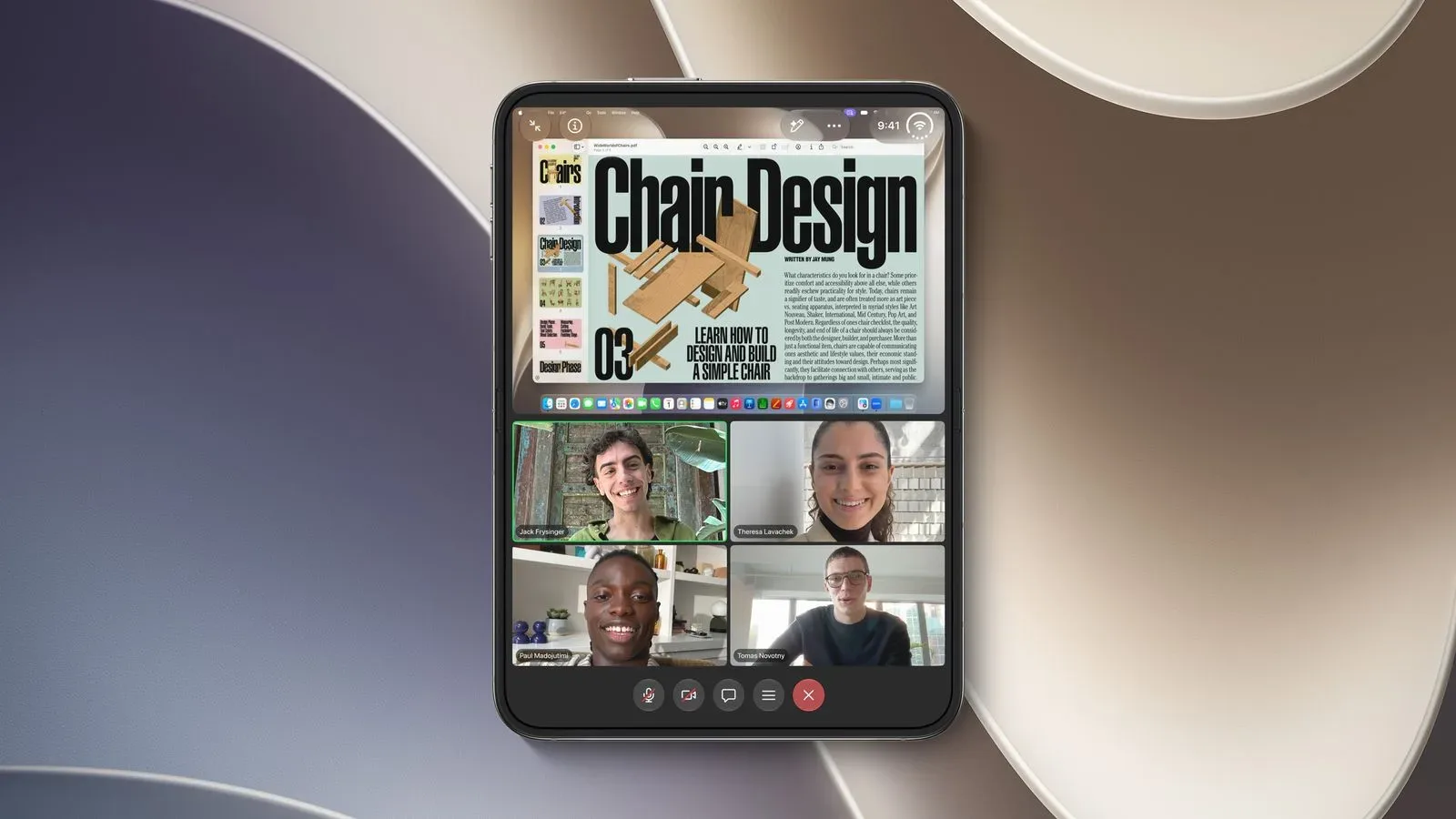
There is a related software context worth keeping in mind. App makers are actively adapting software for the handset’s larger inner screen, including recent iPhone Duo optimization work for Zoom and several Microsoft 365 apps. That makes system-level presentation choices more consequential: the display configuration can influence how effectively owners use apps that are beginning to take advantage of the foldable layout.
Still, it would be a mistake to turn that context into a technical diagnosis. The available information only supports a narrow finding: Display Zoom can be chosen during setup, the usual post-setup option is missing on iPhone Duo, and the issue remains present in iOS 27.2. There is no confirmed reason for the exclusion, no stated timetable for a remedy, and no verified indication that it is deliberate rather than an oversight.
What owners should and should not infer
The missing setting does not by itself demonstrate that iPhone Duo cannot support different display scales. Setup itself presents an appearance choice, which shows that a selection exists. The problem is persistence of control: once setup ends, users reportedly cannot return to the ordinary location and choose again.
Likewise, the report should not be read as proof that every appearance-related feature is unavailable. It concerns the specific Display Zoom option in Settings. Text size, accessibility features, app-specific display controls, and other settings are outside the provided evidence and should not be conflated with this particular limitation.
That precision is important because “zoom” can mean several things on a smartphone. Pinch-to-zoom affects content in an app or webpage. Camera zoom changes framing. Accessibility zoom can magnify parts of the display. Display Zoom, as discussed here, concerns the overall appearance scale of the interface. Solving one of those unrelated problems will not necessarily change the iPhone Duo’s selected display layout.
A small settings gap with a large quality-of-life effect
Many software frustrations are judged less by their technical complexity than by their reversibility. Users are generally willing to try an option when they know they can change it back. Removing the easy path back turns a basic preference into something that must be decided under pressure, or corrected with a device wipe.
For now, iPhone Duo owners have a clear limitation to plan around. Check the setup choice carefully, know that the regular Display Zoom page is reportedly missing in iOS 27.2, and do not erase a device without understanding the consequences. Whether the gap is intentional or temporary remains unconfirmed, but its present effect is straightforward: a normal appearance adjustment has become a one-time decision with an unnecessarily punishing reset button behind it.