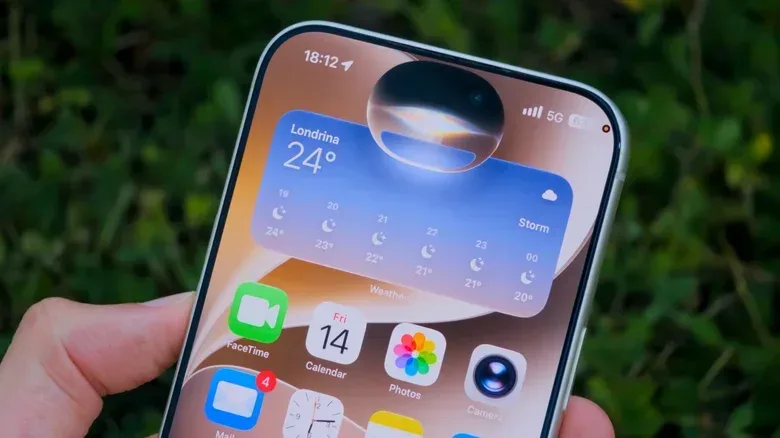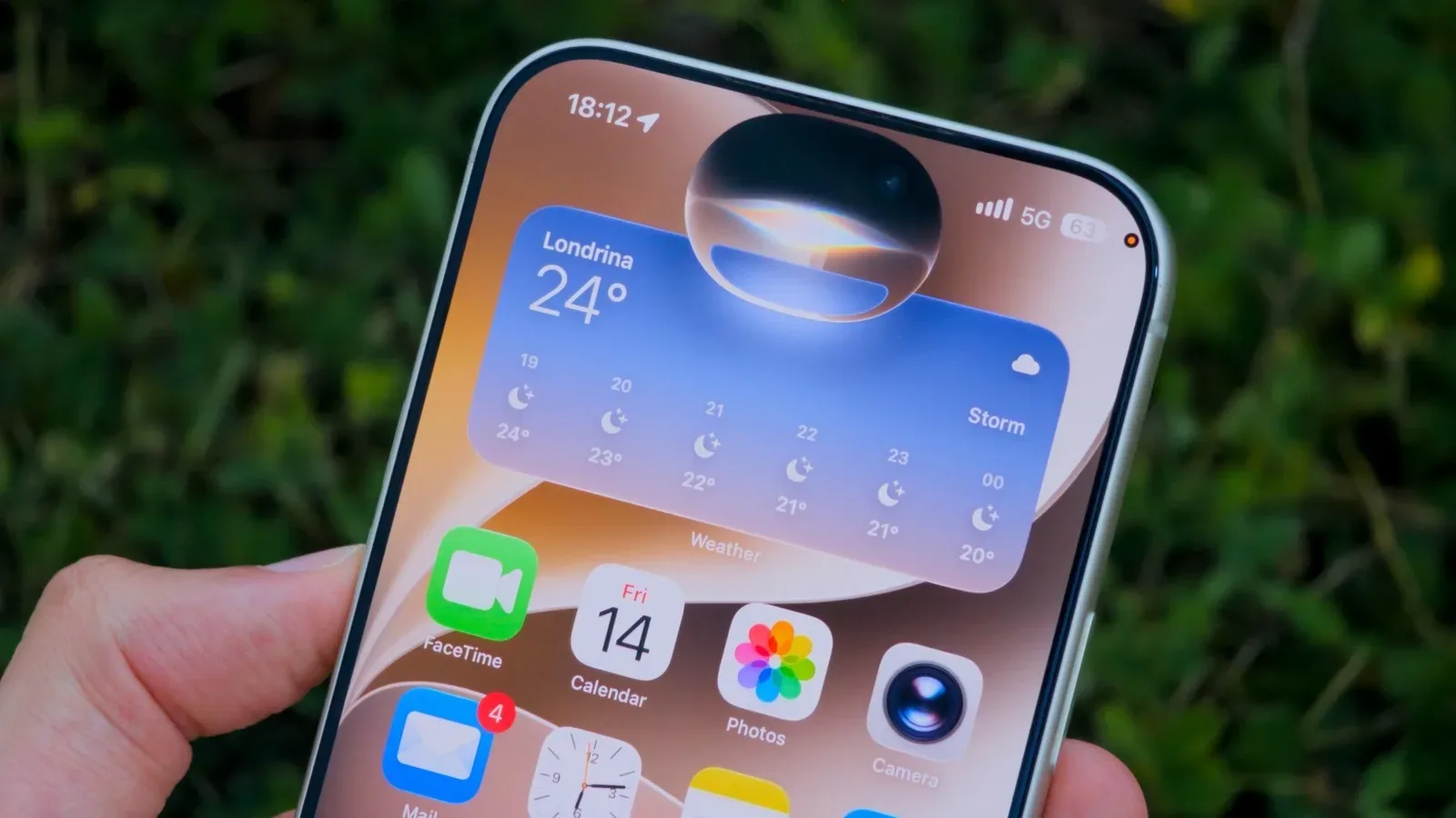
For years, Siri has occupied a familiar, mildly awkward space in the Apple ecosystem: perfectly capable of setting a timer, occasionally heroic at playing a song, and liable to treat a plainly worded request as an invitation to go searching the web. iOS 27 is positioned as a much bigger reset than a routine polish. The central change is a rebuilt Siri tied to Apple Intelligence and a feature Apple calls personal context understanding.
That phrase is more consequential than it sounds. The basic promise is not merely that Siri can formulate a more conversational answer. It is that the assistant can use information already present on a person’s device—such as email and message content—to locate a useful answer or complete an action. If it works reliably, the appeal is straightforward: less time hunting through apps, fewer searches conducted one keyword at a time, and less need to remember which conversation contained a particular detail.
It also reframes what people should expect from a voice assistant. Siri originally excelled at a narrow class of pre-defined commands: play music, create a timer, set an alarm, call a contact, or begin navigation. Those remain useful jobs, but they do not require the assistant to understand why the user is asking or how separate pieces of personal information connect. The iOS 27 approach aims at that missing layer.
What “personal context” means in everyday use
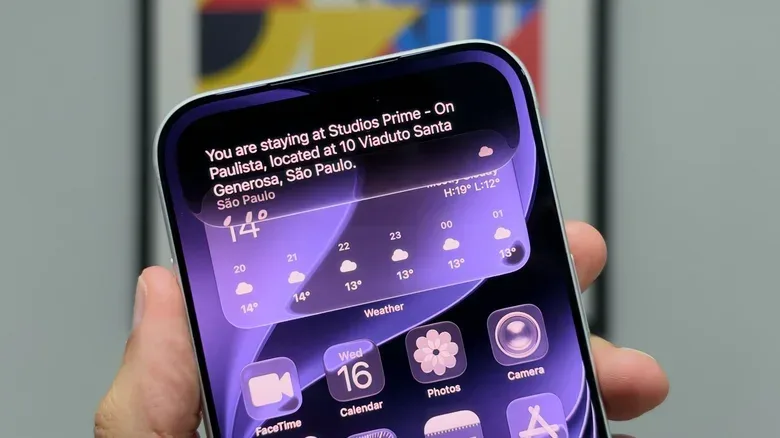
Personal context understanding refers to Siri’s ability to draw on relevant material from a user’s own device rather than requiring every request to be phrased as a rigid command. In practical terms, that could mean identifying a hotel address buried in travel email and conversations after a user arrives at an airport. Siri may then be able to place that address on the clipboard, reducing the usual chain of opening Mail, finding the confirmation, copying the address, and switching to another app.
A second example is the kind of information people know they received but cannot immediately retrieve: a friend’s recommendation for a book or song. The obstacle in these cases is rarely a lack of information. It is retrieval. The recommendation is somewhere in a message history, but the sender, exact title, or timing may be fuzzy. An assistant that can search messages in response to a natural request could turn a scavenger hunt into a short question.
This distinction matters. A conventional command-based assistant responds to an instruction that has been mapped to a known function. A context-aware assistant has to identify what the user means, determine which personal material is pertinent, retrieve the right detail, and potentially take the requested next step. Each part must be dependable. Finding the wrong hotel address or surfacing the wrong song recommendation would be more frustrating than a simple failure to respond, because the answer may look plausible at a glance.
That is why the most meaningful measure of this Siri revision will not be whether it can answer an impressive demo prompt. It will be whether it reduces friction on routine, slightly messy tasks: locating a confirmation number, recovering a recommendation, or moving a detail from one app’s information into another app’s workflow.
Setup is part of the feature, not an afterthought
After updating to iOS 27, users may see an “Optimize Search and Siri” notice in Settings. The device needs time to learn from information including emails and messages before the new Siri functions can operate as intended. Apple indicates that this processing proceeds more quickly when the phone is locked, charging, and connected to Wi-Fi.
That requirement gives the feature a practical implication that is easy to overlook: the useful version of Siri may not be immediately ready the moment an update finishes. A person expecting the assistant to locate something in their inbox moments later could encounter an incomplete experience while optimization is still underway. Leaving the device connected to power and Wi-Fi, with the screen locked, is therefore not just general device housekeeping; it directly helps prepare the data needed for personal-context requests.
It also helps explain why this Siri update is a different category of change from a new visual animation or a revised button layout. Its value depends on a background preparation process and on the assistant having enough relevant material to work with. The more a requested answer rests on information stored in mail or messages, the more the quality of Siri’s result depends on successful contextual retrieval.
From personal retrieval to broader answers
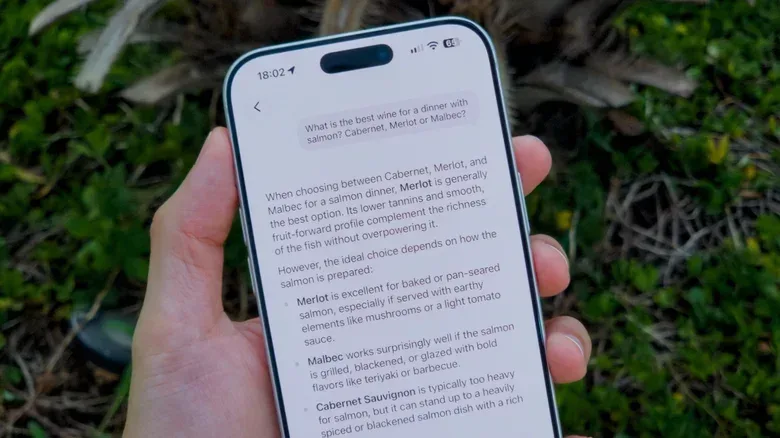
The new Siri is not limited to searching a person’s own correspondence. It can also address general-knowledge questions. One cited use case is asking for the surprise songs from a particular Taylor Swift Eras Tour concert, with Siri expected to locate those tracks in Apple Music. In that scenario, the assistant’s job is closer to finding a precise answer than retrieving a personal record.
The combination is the important part. Personal-context questions are about information that belongs to, or is relevant to, a particular user: a hotel confirmation, a discussion with a friend, a detail contained in a message. General-knowledge questions concern public information. Treating both as part of the same conversational interface makes Siri potentially more flexible, but it also makes clear that not every good result comes from the same place. A user should distinguish between Siri locating something in their private device content and Siri responding to a broader factual query.
There is also an app dimension. Siri’s Apple Intelligence capabilities can work with third-party apps, though results will depend on developers supporting the system. Flighty and Gentler Streak are among the compatible apps identified so far. That caveat deserves emphasis: third-party support is not a blanket guarantee that every app can be controlled or searched through Siri in the same fashion. Compatibility will be a deciding factor in whether the assistant becomes central to someone’s actual routine or remains most useful within Apple’s own services.
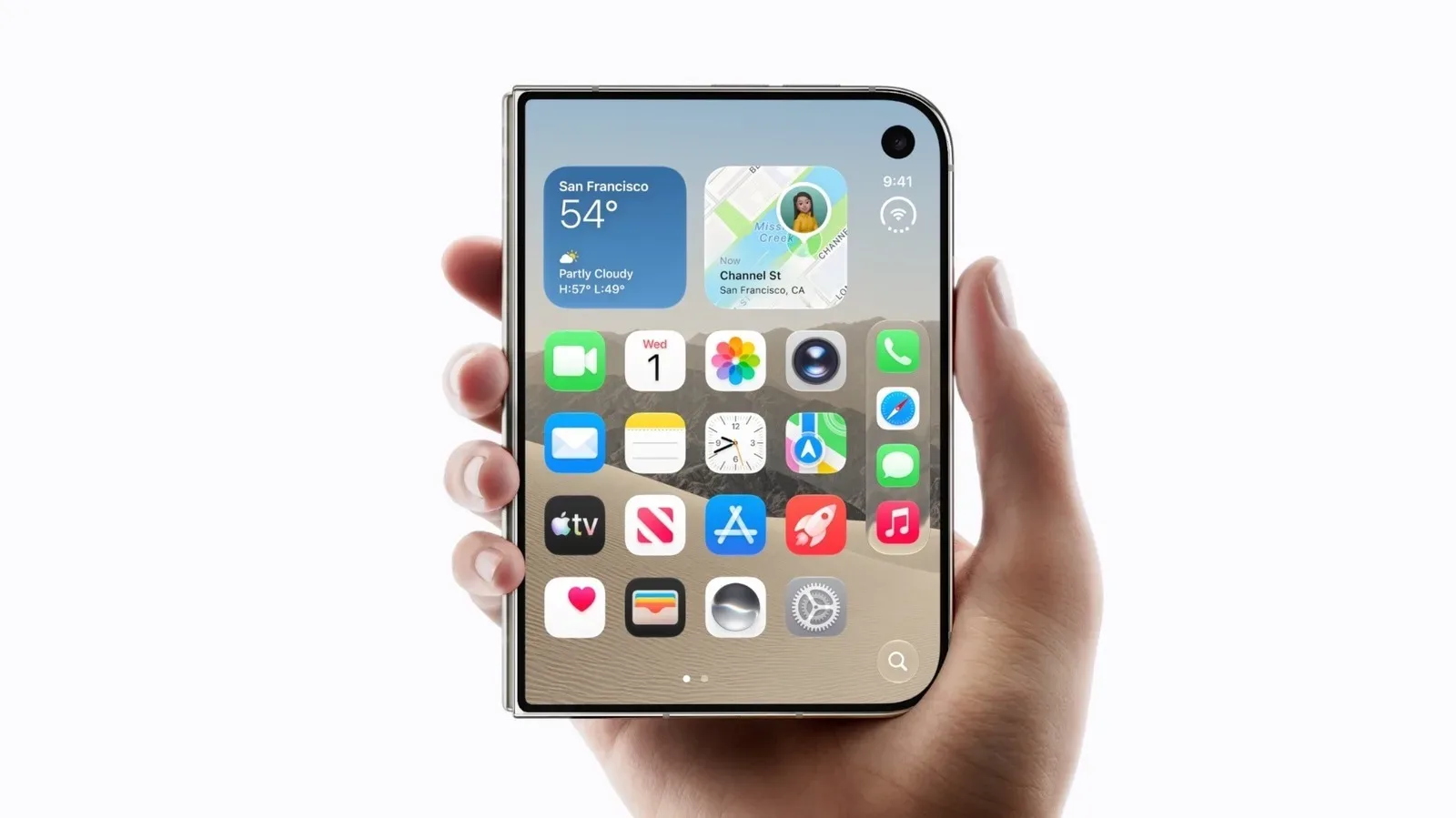
For users who follow Apple hardware more generally, that software dependence is worth keeping in mind alongside device form factors and multitasking features. Apple’s broader device strategy is also visible in reports on the iPhone Duo’s foldable software and split-app approach: interface changes matter most when developers and everyday workflows make use of them. Siri’s third-party ambitions face a similar reality.
Who can use the new Siri features?
Eligibility is a significant limitation. Updating to Platform 27 alone is not enough; the device must support Apple Intelligence. The supported hardware named for this Siri functionality includes iPhone 15 Pro models and later, as well as Macs and iPads with an M1 chip or later. The seventh-generation iPad mini with the A17 Pro is also included.
That split between software version and hardware capability is important for buyers and upgraders. A device may run the latest platform yet still not offer the feature that makes Siri’s redesign particularly notable. Anyone assessing whether iOS 27 will change their daily assistant experience should first check the exact model in hand rather than assuming a system update unlocks every Apple Intelligence function.
Language is the other immediate boundary. Siri AI is currently available only in English. Additional language support is planned to begin in October with French, Japanese, Korean, Portuguese, and Spanish. Until that arrives, the redesigned experience has a narrower practical audience than the phrase “new Siri” might suggest.
Some users may also need to join a waiting list for the new Siri and the Siri AI app. The wait is described as typically short, but it is still an extra gate between an eligible device and access. Taken together, hardware support, English-language availability, optimization time, potential wait-list enrollment, and developer adoption mean the roll-out is not a one-step proposition.
Why the change could matter more than familiar voice commands
The strongest case for iOS 27 Siri is not that it replaces searching, opening apps, or organizing information altogether. It is that it can potentially handle the small moments when those actions are disproportionately tedious. Asking for “the hotel address from my email” is a more human description of a need than manually reconstructing the app, sender, and message trail where the detail lives.
There is a modest but meaningful design shift in that idea. Rather than asking users to adapt their words to a system’s list of accepted commands, a personal-context assistant is meant to adapt to an incomplete but understandable request. That does not eliminate the need for clear requests, and it does not promise perfect answers. But it points Siri toward the role many users have expected all along: a tool that can help navigate the information already surrounding them.
For now, expectations should be calibrated. This is an Apple Intelligence feature with defined device requirements, English-only availability at launch, and third-party reach that will vary by app. Its background optimization also means patience is part of activation. Still, the examples make the intended upgrade easy to understand. Siri is being asked to move beyond the timer-and-alarm safety zone and become more useful precisely where digital life is least tidy: the email thread, the forgotten recommendation, and the address someone needs right now.