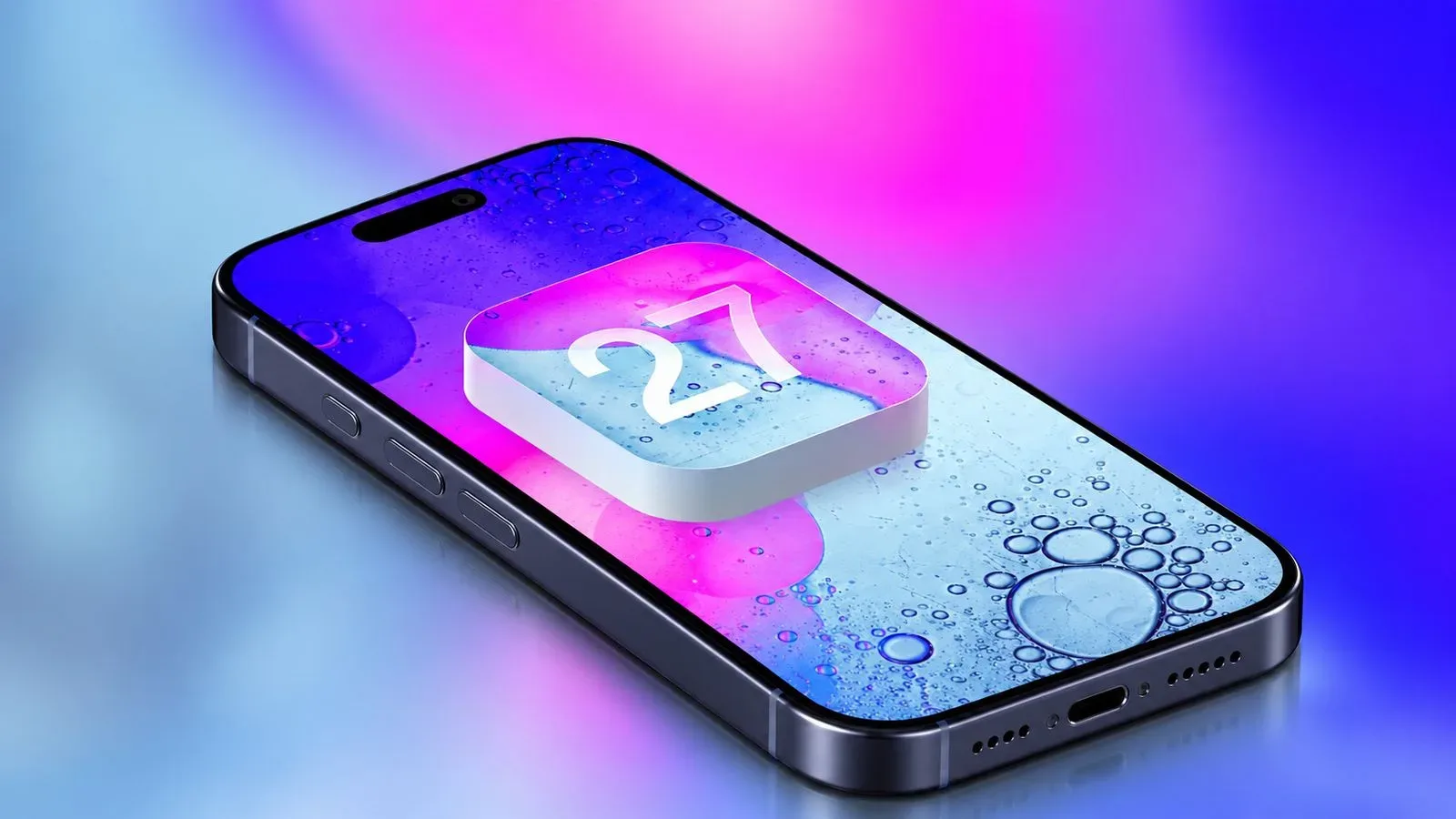
Apple’s iOS 27 rollout is scheduled for Monday, September 14, with the update expected to begin appearing at roughly 10 a.m. Pacific Time and 1 p.m. Eastern Time. Eligible iPhone owners will be able to look for it in Settings > General > Software Update.
There are more than 250 additions and changes spread across Apple’s 27-generation operating systems, but the iPhone release has a clear centerpiece: a substantially expanded Siri. The company is calling the new experience Siri AI, and it is positioned as a more conversational, Apple Intelligence-powered assistant with access to relevant personal context, awareness of what is currently on screen, and the ability to carry out actions in a wider selection of compatible apps.
For people who use an iPhone as their everyday entertainment, travel and gaming-adjacent device, iOS 27 is also notable for its changes to CarPlay, Find My, Apple Cash and the appearance of Liquid Glass. Not every addition will reach every compatible phone, however, and some will depend on region, vehicle, carrier or hardware.
Siri AI is the headline feature, with important limits
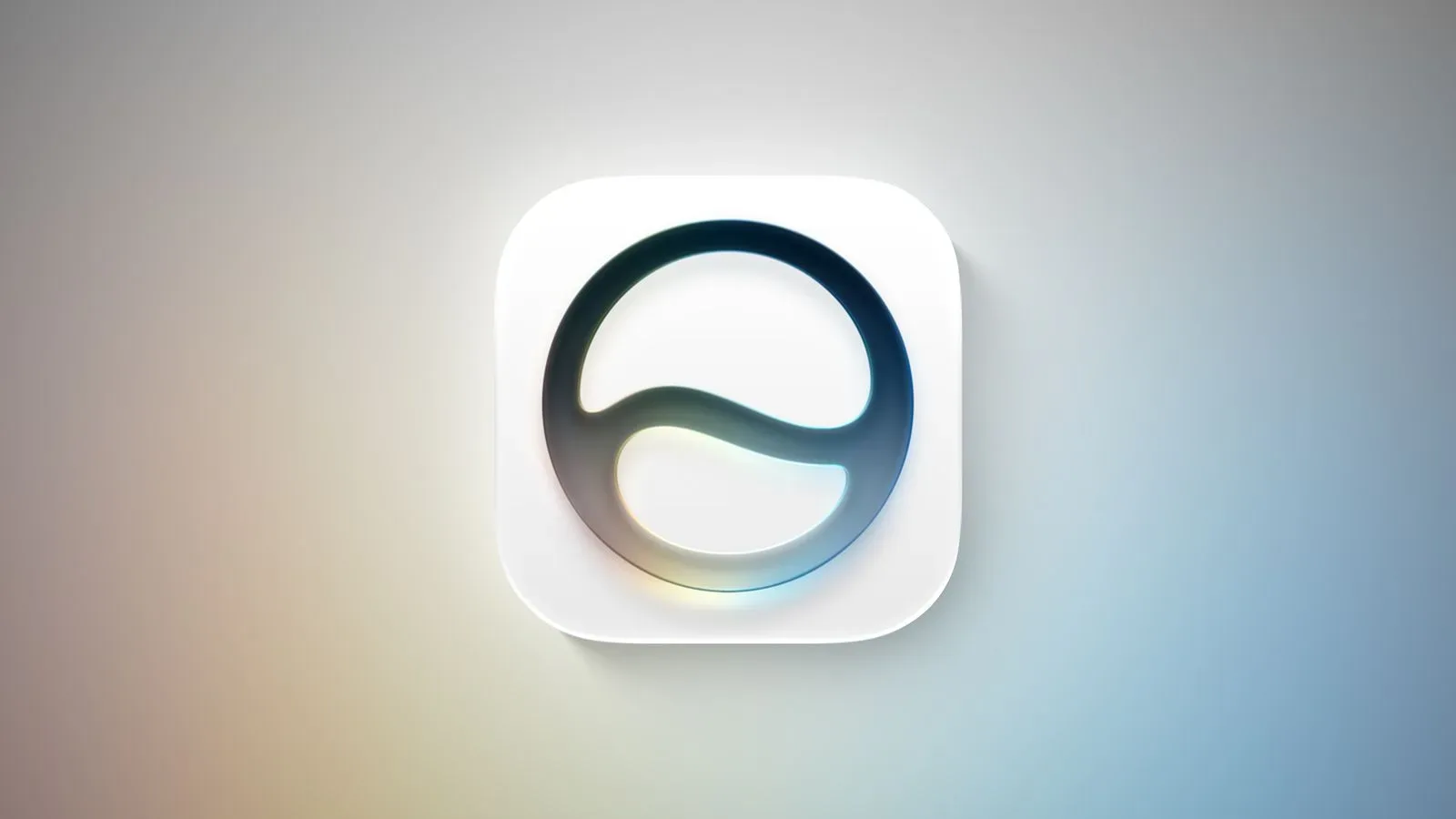
iOS 27 adds a dedicated Siri app while retaining the familiar option to invoke Siri by holding the iPhone’s side button. Apple describes Siri AI as a ChatGPT-style evolution of its assistant: one intended to field a far broader range of requests than the traditional Siri experience.
The more consequential distinction is context. Siri AI can use personal information stored on the iPhone, recognize information presented on screen, and take actions in additional apps that support its capabilities. Those ingredients matter because they shift the assistant away from isolated commands and toward requests that can draw on what the user is looking at or already has on the device.
That does not mean every iOS 27 device gets the same Siri. Siri AI and the other Apple Intelligence features require an iPhone 15 Pro or newer. The wider iOS 27 update supports phones going back to the iPhone 11 family, but eligibility for the operating system is separate from eligibility for its AI functions.
Apple says Siri AI will initially be available only in English. It will also have daily usage limits at launch, while broader access is planned as a future paid option. The company has further said the feature will not initially launch in the European Union on iOS 27, iPadOS 27 and watchOS 27 amid its regulatory dispute with the European Commission.
Those caveats are worth keeping in view before treating Siri AI as a universal iOS 27 upgrade. A supported iPhone 15 Pro-class device is necessary, but language, region and usage restrictions remain part of the launch picture.
Eight iOS 27 changes on the immediate watch list
Beyond the new Siri, iOS 27 includes several changes with very different practical requirements. Some are direct interface adjustments, while others rely on a carrier, a car maker or a financial service.
- A dedicated Siri AI app: The assistant gains its own app in addition to side-button activation. Its personal-context, on-screen-awareness and app-action functions are tied to Apple Intelligence-capable hardware.
- Additional Apple Intelligence features: Apple is grouping further AI additions into iOS 27, though the key device line is straightforward: these features are limited to iPhone 15 Pro and newer models.
- Liquid Glass customization: A new slider lets users decide how transparent or tinted the Liquid Glass visual treatment appears. It is a modest control, but one that gives people a more direct say over the look of the interface.
- Performance improvements: Apple lists performance work among the changes arriving with iOS 27. Specific performance behavior can vary by iPhone model and individual setup, so the release notes and post-update experience will be more useful than assuming one result applies to every device.
- iPhone Handoff: This feature needs participating carrier support and may carry an additional charge. T-Mobile in the United States and Deutsche Telekom in Germany are set to be the first participating carriers. T-Mobile plans to charge $5 per month. Verizon and EE in the United Kingdom are planned to add support by the end of the year, with other carriers intended to follow.
- Apple Cash receipt-based bill splitting: In Siri mode, pointing an iPhone at a receipt can surface an Apple Cash splitting action and identify receipt items. Users can select the items that belong to them, with the calculated amount including their share of tax and tip.
- More control over Find My location sharing: Before iOS 27, Find My offered three preset sharing durations: one hour, until the end of the day or indefinitely. iOS 27 adds a way to hide location, expanding the privacy controls around a feature people commonly use for coordinating with friends and family.
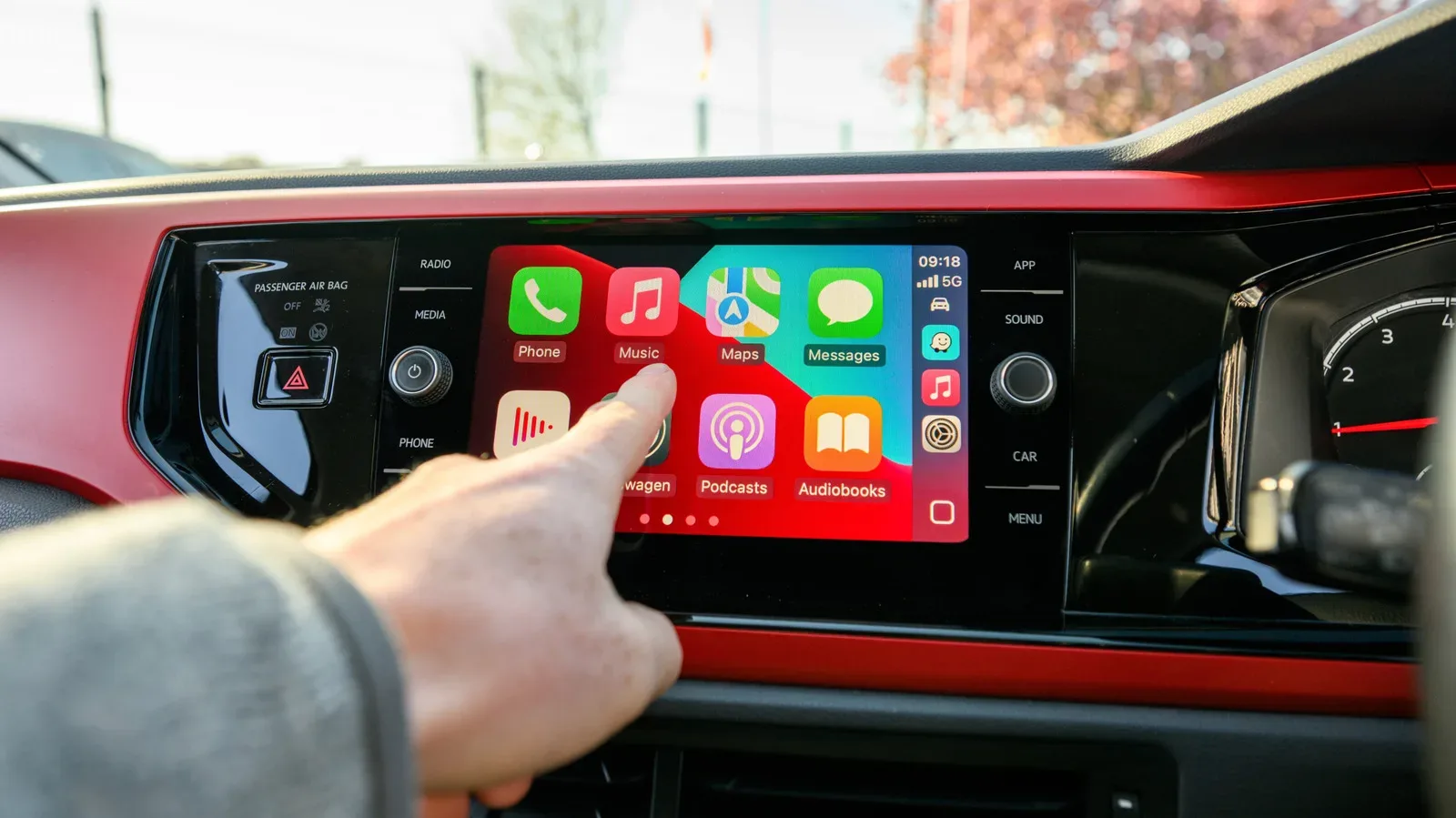
- CarPlay video browsing and playback: Developers can make CarPlay apps that browse video, and compatible iPhone apps that stream video through AirPlay can send playback to the display in a supported vehicle. Playback is restricted to when the vehicle is parked.
CarPlay’s video change is built for the parking lot, not the road
The CarPlay development is perhaps the most visibly entertainment-focused addition in this release, but it comes with a deliberately narrow safety boundary. Video is available only in new vehicles that support the capability, and only while parked. Apple’s examples include waiting at an airport or occupying time while an electric vehicle is charging.
Compatible apps can use the AirPlay video menu in iOS to select a supported car display. iOS 27 additionally opens the door for developers to build CarPlay apps with video-browsing functions, meaning the process of finding something to watch can happen within CarPlay itself rather than solely on the handset.
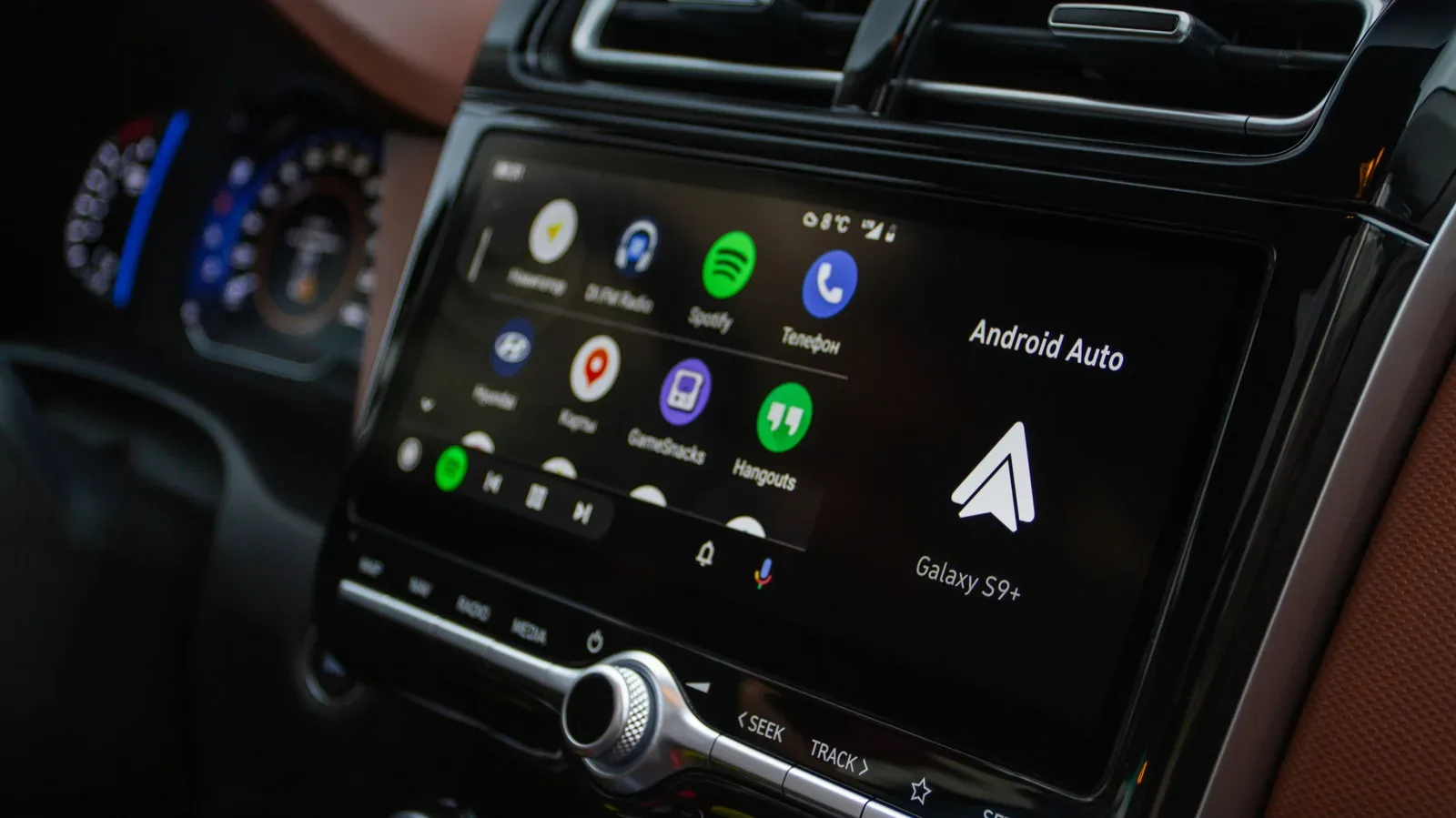
Vehicle support is expected to reach the market gradually, so installing iOS 27 alone will not add video to an existing dashboard. The car, the app and the parked status all matter. It is another example of an iPhone feature whose real usefulness rests on an ecosystem beyond the phone. For a look at a different approach to conversational assistance in the car, see our coverage of Gemini’s rollout to Android Auto.
Which iPhones can install iOS 27?
iOS 27 supports the iPhone 11 series and later, including the second-generation iPhone SE and newer SE models. The compatible lineup is:
- iPhone 18 Pro and iPhone 18 Pro Max
- iPhone Duo
- iPhone 17e, iPhone 17, iPhone 17 Pro and iPhone 17 Pro Max
- iPhone Air
- iPhone 16e, iPhone 16, iPhone 16 Plus, iPhone 16 Pro and iPhone 16 Pro Max
- iPhone 15, iPhone 15 Plus, iPhone 15 Pro and iPhone 15 Pro Max
- iPhone 14, iPhone 14 Plus, iPhone 14 Pro and iPhone 14 Pro Max
- iPhone 13 mini, iPhone 13, iPhone 13 Pro and iPhone 13 Pro Max
- iPhone 12 mini, iPhone 12, iPhone 12 Pro and iPhone 12 Pro Max
- iPhone 11, iPhone 11 Pro and iPhone 11 Pro Max
- iPhone SE, second generation and later
The practical dividing line within that list is the iPhone 15 Pro. Owners of an iPhone 11, 12, 13, 14, standard iPhone 15 or iPhone 15 Plus can install iOS 27, but they do not receive Siri AI or the other Apple Intelligence functions. That distinction makes it especially important to separate base OS compatibility from the marquee AI feature set.
What to check before the update arrives
On September 14, the first step is simply to check Software Update rather than expecting every device to display the download at the same instant. Apple expects availability around 10 a.m. Pacific / 1 p.m. Eastern, but staged availability and local conditions can affect when a particular iPhone shows the update.
Before pressing install, it is sensible to identify which iOS 27 additions actually apply. Siri AI requires an iPhone 15 Pro or later and begins in English. iPhone Handoff requires a supported carrier and could involve a recurring fee, including T-Mobile’s planned $5 monthly charge in the U.S. CarPlay video needs a compatible new vehicle and remains locked out while driving. Apple Cash bill splitting depends on the relevant Apple Cash workflow. The Liquid Glass slider and the broader iOS 27 changes, by contrast, sit closer to the core update experience.
That mix makes iOS 27 less like one giant switch and more like a menu of upgrades distributed across different iPhones and situations. The software arrives to a broad hardware range, while its most ambitious assistant tools and its most specialized connected features remain gated by the device, region and partners around it.