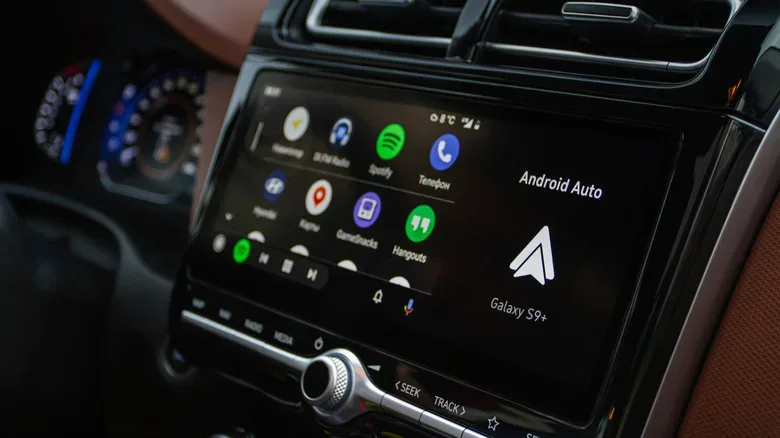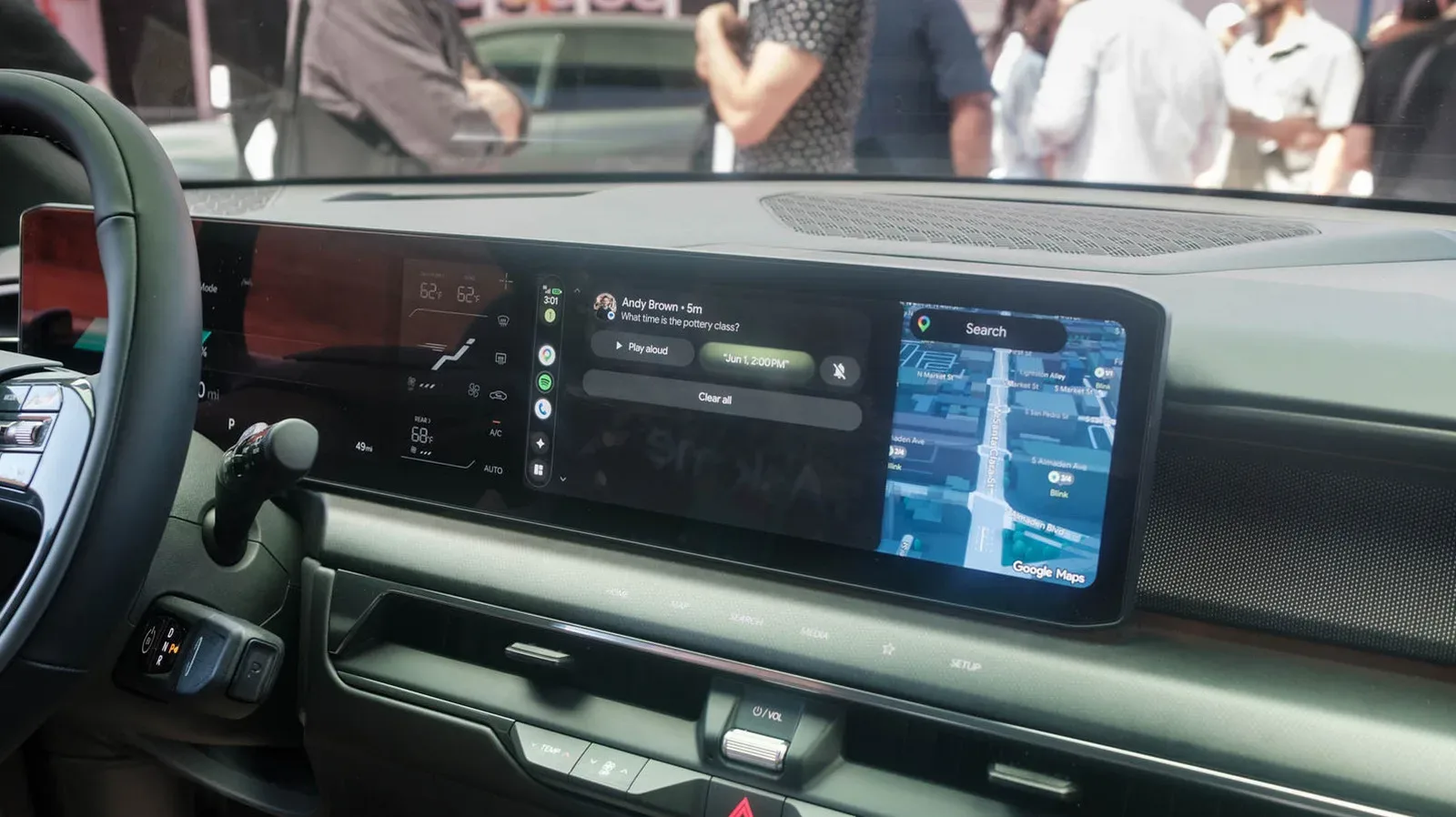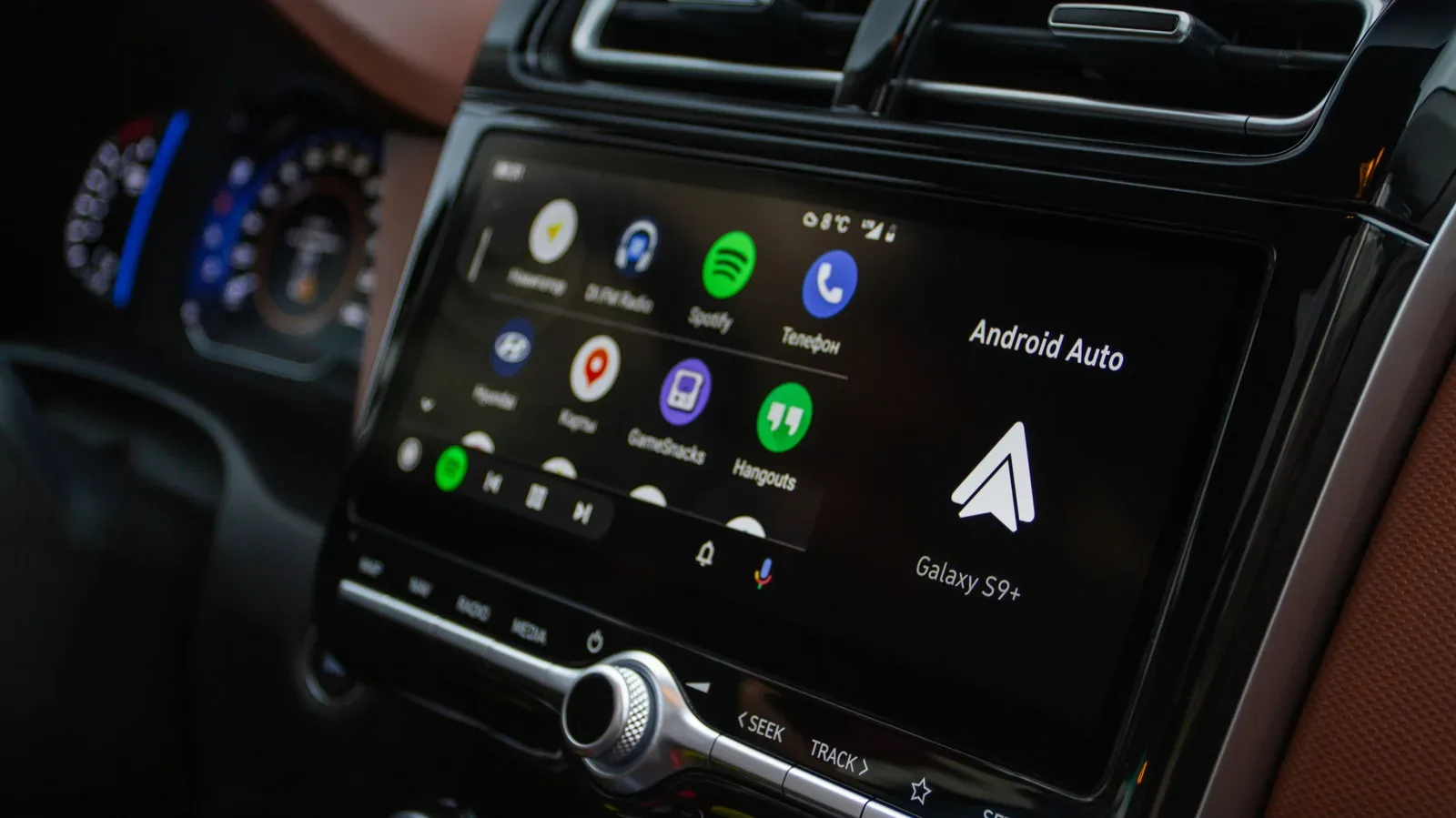
Long drives have a familiar way of turning a perfectly manageable to-do list into a boss battle. The route changes. A group chat begins producing notifications at an alarming rate. Somebody wants food, somebody else wants different food, and the playlist has entered its fifth straight song that everyone supposedly likes. Android Auto exists to keep useful phone tasks accessible through a car-friendly interface, and Gemini is now rolling out as a more conversational digital assistant within that experience.
The change matters less because it gives the dashboard another AI label and more because of the kinds of exchanges it is intended to handle. Gemini can work through requests in natural language, retain context for follow-up questions, help manage communications, make broader music requests and draw on connected Google services such as Gmail and Calendar. The practical idea is straightforward: drivers can spend less time trying to remember the precise command a voice assistant expects and more time focusing on the road.
That does not make a vehicle an autonomous spaceship, and it should not be treated as one. The driver remains responsible for driving, traffic conditions and safe decisions. But for navigation-related questions, hands-free messages and the inevitable argument over what to play next, a conversational assistant could reduce the pressure to pick up a phone at exactly the wrong moment.
Gemini is replacing the previous Assistant experience
Gemini is rolling out to Android Auto users globally as the replacement for Google’s earlier Assistant experience. It had already been available as an option for some time, so people who do not want to wait for the wider transition may be able to select it directly in their Android Auto settings.
The path provided for changing assistants is:
- Open Settings on the Android phone.
- Choose Connected devices.
- Select Android Auto.
- Open Manage your digital assistant.
- Choose Digital assistants from Google.
- Select Gemini.
Once selected, Gemini handles Android Auto voice interactions. As with any staggered software rollout, the timing and exact options visible on an individual device can vary. It is worth checking the settings rather than assuming a missing option means the feature will never arrive.
For Android Auto regulars, the important distinction is conversational flexibility. Older voice systems often reward short, highly structured requests. Gemini is positioned to accept a more ordinary back-and-forth. Instead of trying to phrase every request like a command typed into an ancient terminal, drivers can ask a question, refine it and ask about the answer without having to restate every detail.
Follow-up questions could make route planning less awkward
Consider the most normal road-trip problem imaginable: finding somewhere to eat. A driver can ask for places along the route, consider the options, choose one, then ask a follow-up about parking or reviews. The assistant is designed to carry the restaurant context into that next question, rather than requiring the user to repeat the business name after it has already been discussed.
Related coverage includes Gemini in Android Auto Brings More Natural Help to Long Drives.
That may sound minor, but it addresses one of voice assistance’s longstanding irritations. People do not naturally speak in isolated, perfectly self-contained prompts. They say things like, “What’s that place like?” or “Does it have parking?” after the topic has already been established. Context retention is meant to let the conversation proceed more like a conversation and less like filing a support ticket with a robot.
The same approach can be used for general questions that come up in the car. A passenger trying to settle a movie-credit dispute, for example, can ask whether an actor appeared in another film. Gemini is presented as capable of handling those more open-ended requests while the driver keeps attention where it belongs. No dashboard assistant can end all debates about movies, of course. It can merely provide fresh material for the next stage of the debate.
Group chats are a major test for hands-free help
Messages may be the most immediately useful part of the update, particularly when a group conversation goes from quiet to chaotic in the time it takes to merge onto a highway. Rather than reading a long chain of incoming notifications one at a time, Gemini can summarize the conversation. That gives the driver a chance to learn whether the group is sharing meaningful plans or simply discussing where one person left a hoodie.
Gemini can also draft replies, include an estimated time of arrival and translate messages in more than 40 languages. Those capabilities are potentially valuable on a drive because they address communication without needing the phone in hand. A driver can keep contacts informed about progress, respond to a time-sensitive question or bridge a language gap while remaining in the Android Auto flow.
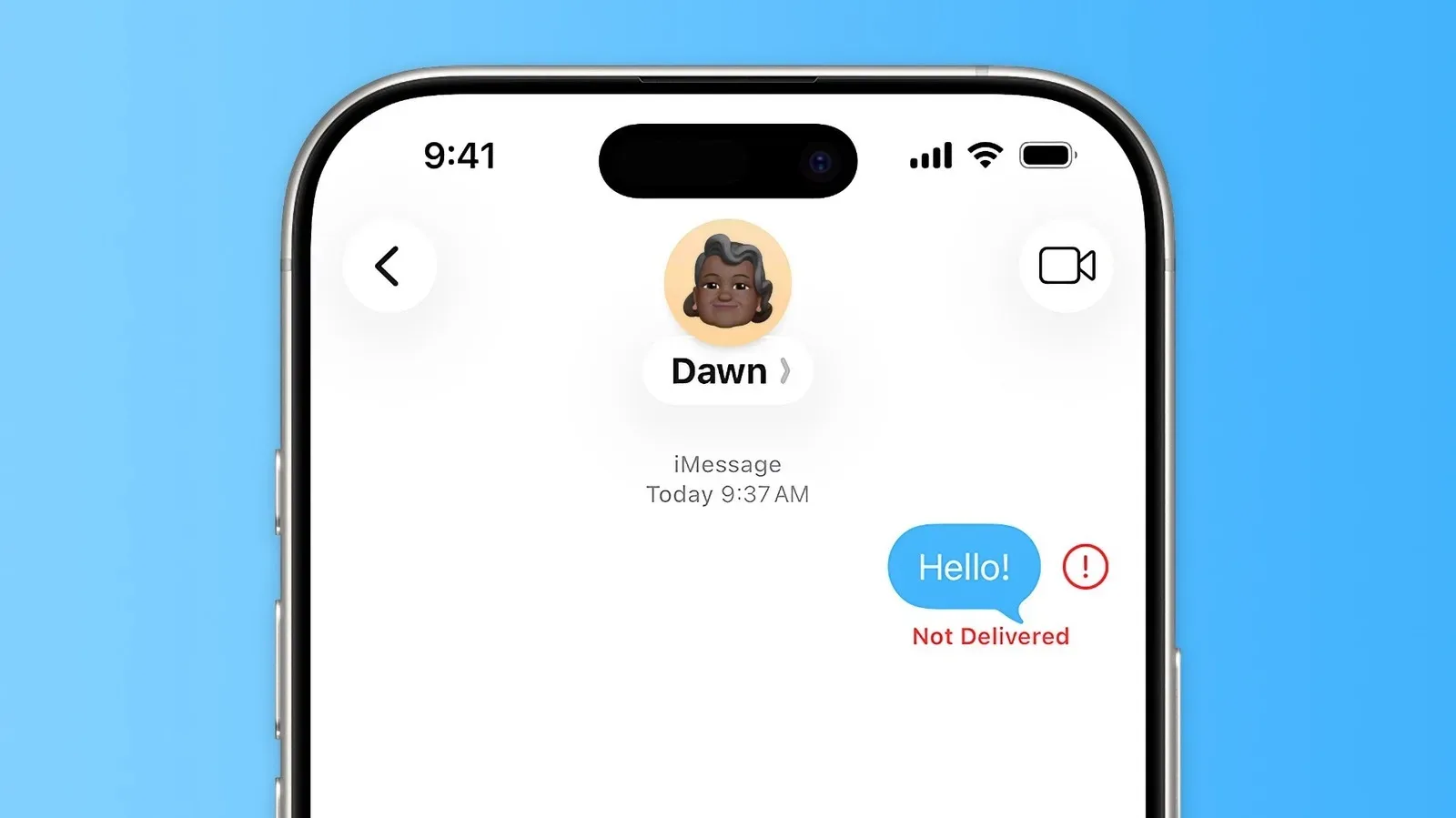
There are still sensible boundaries. A summary is not the same as reading every message, and a drafted response should be considered before it is sent. Names, destinations, timing and tone can all matter. Voice control is most helpful when it removes taps and glances, not when it encourages drivers to conduct a full office correspondence session during rush hour. Those troubleshooting communication moments can be complicated even outside a car, as our guide to iMessage, RCS and SMS delivery problems explains.
Music requests can be descriptive instead of exact
Music is another place where Gemini’s less rigid language could be welcome. Instead of only requesting a named artist, album, song or playlist, users can make requests based on mood. Someone can ask for something upbeat, something mellow, or music that creates a particular feeling. Gemini can use the person’s preferred music service to begin playback.
That is a better fit for how people often choose music on a drive. The desired soundtrack is not always a specific track. It may be a request for energetic music before a late-night stretch of highway, calmer material after an exhausting day, or a playlist that will make the cabin feel slightly more cinematic than a parking-lot stop deserves.
The feature’s usefulness will naturally depend on the connected music service and the way an individual request is interpreted. Still, the central change is clear: the request can be more expressive. It does not need to be reduced to a memorized keyword sequence just to get a song playing.
Connected Google apps extend the assistant beyond directions
Gemini’s integration with Gmail, Calendar and note-taking apps adds another category of help: recovering information that already exists in a person’s digital life. If directions or access instructions arrived in an email, Gemini can be used to locate them. If the day’s schedule is in a calendar, it can read it back. That could be useful when heading to an unfamiliar meeting, venue or appointment and the crucial detail is buried somewhere behind a crowded inbox.
It also means the Android Auto assistant is not limited to the usual trio of maps, calls and media. The car becomes a place where a driver can retrieve practical context with a voice request, rather than pulling over to dig through apps. As always, the benefit is strongest when the request is focused and when the response can be understood without creating more distraction than it saves.
A companion for the empty miles
There is a more personal side to Gemini’s role in Android Auto as well. The assistant can support open-ended conversation, brainstorming and interview rehearsal. On a long solo drive, that could mean talking through an idea, practicing likely questions before arriving somewhere important, or simply having a conversational outlet between exits.
That should not be confused with human company or reliable expert advice. It is a software assistant, and its answers may still require judgment and verification. Yet the option is notable because it reframes in-car voice interaction from a series of utility commands into something closer to a dialogue. The road remains the priority; the assistant is there to help with the loose ends that otherwise compete for attention.
Gemini’s Android Auto rollout is therefore less about one flashy function than a collection of small conveniences: asking for a restaurant and then asking about its parking, getting the useful version of a noisy group chat, responding with an ETA, translating a message, choosing music by vibe, locating a destination note and rehearsing a conversation before arrival. On their own, each task is modest. Together, they point toward a dashboard experience that asks drivers to remember fewer magic words—and ideally to touch their phones less often.