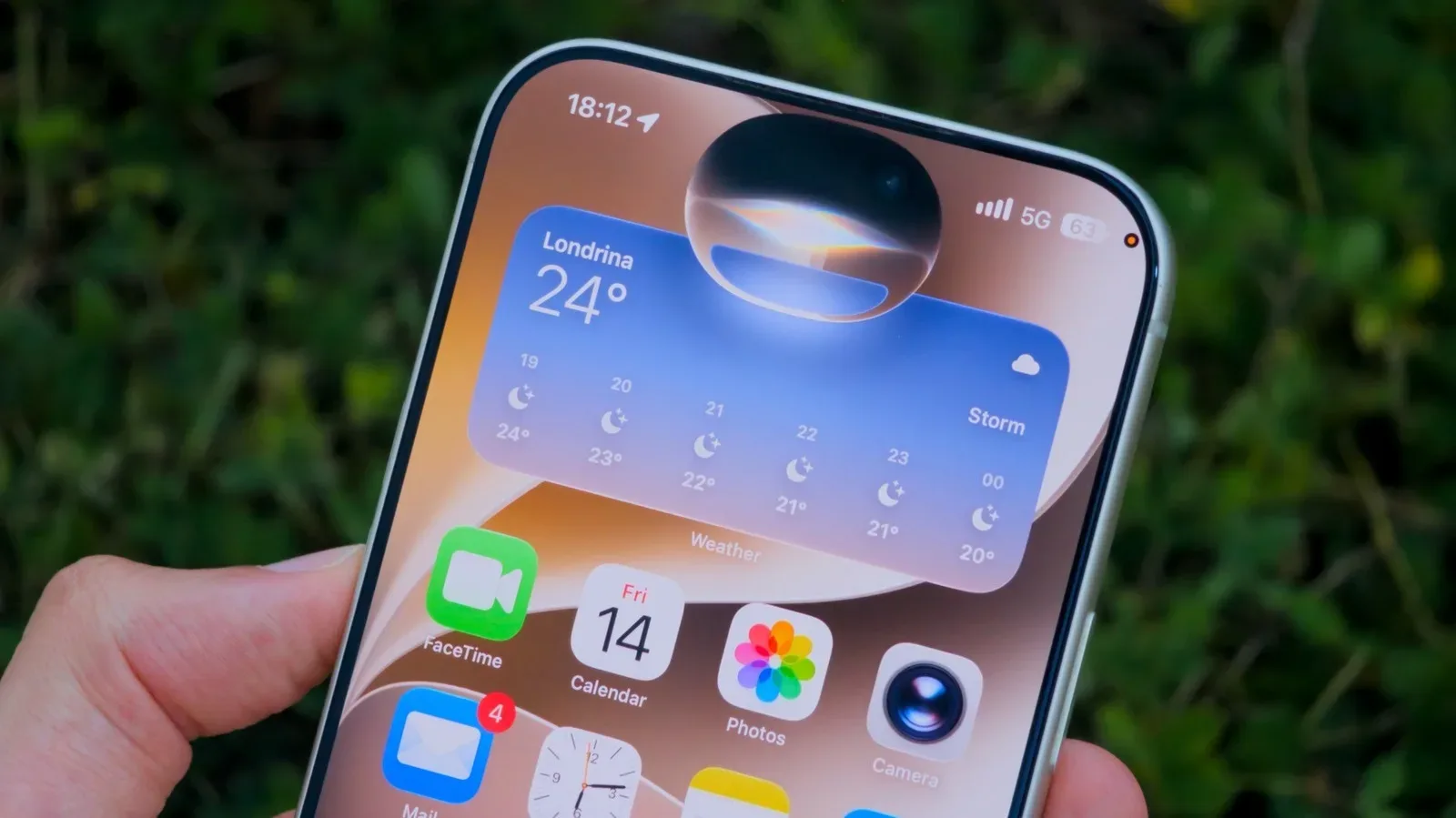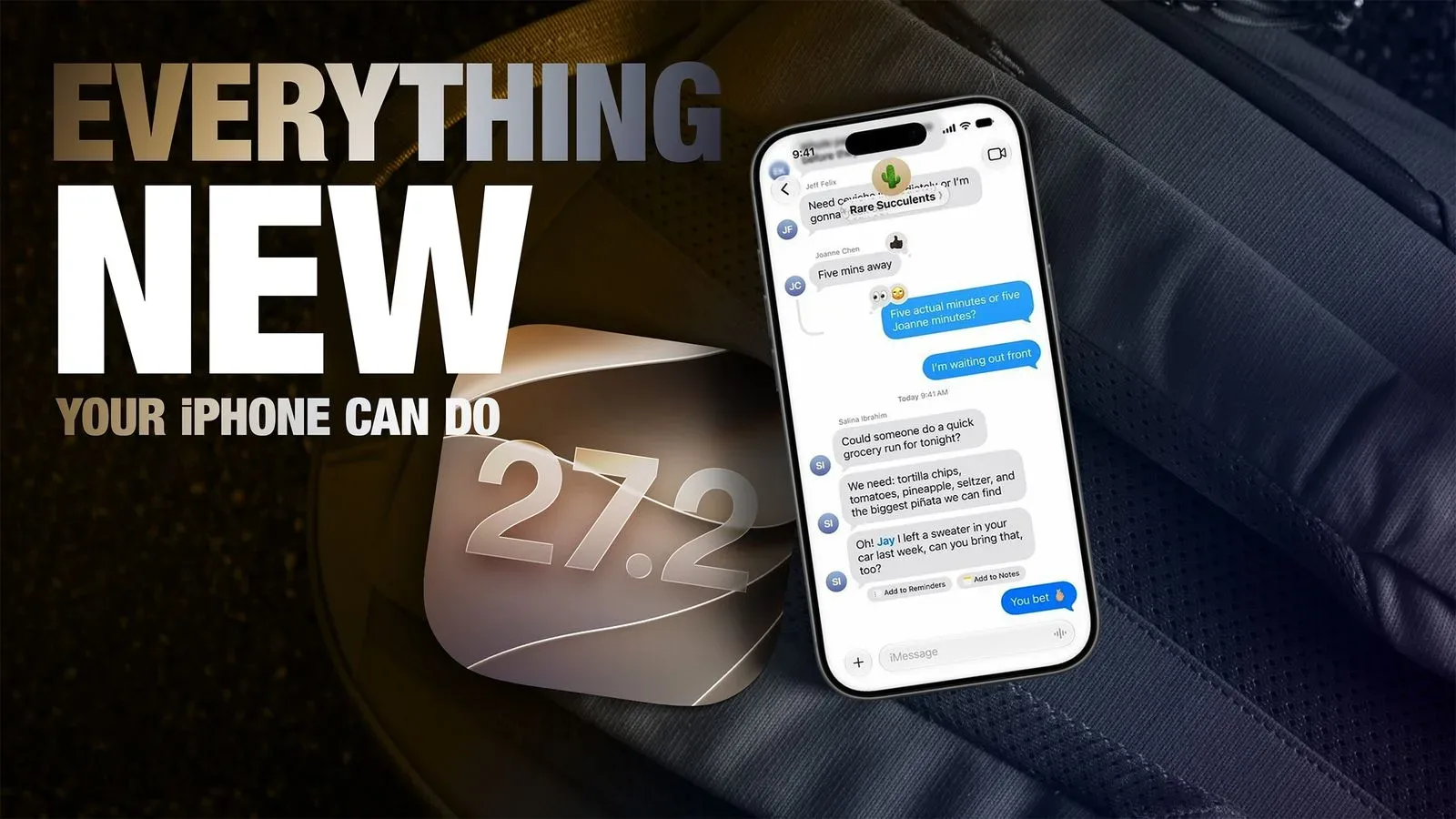
“Supported” has become a remarkably slippery word in the iPhone world. iOS 27 can be installed on devices going back to the iPhone 11, as well as the second- and third-generation iPhone SE. That is meaningful software longevity, and it means those phones are not being abandoned at the operating-system level.
But installing iOS 27 and receiving its headline experiences are no longer the same thing. The new release draws several feature boundaries: one at the iPhone 15 Pro, another around phones with 12GB of RAM, another at the iPhone 17 and iPhone Air, and a final, especially narrow one around the iPhone 18 Pro models.
That does not make an older iOS 27-capable phone obsolete. Core changes including faster performance, rebuilt search and iPhone Handoff with a supported carrier are available across compatible devices. It does mean buyers should look past the major-version number when deciding whether their current phone meets their needs. The answer depends less on whether it can run iOS 27 than on which part of iOS 27 actually matters to them.
The main divide: Siri AI and Apple Intelligence camera tools
The largest dividing line begins with the iPhone 15 Pro. Apple’s chatbot-like new Siri requires an iPhone 15 Pro or a newer model. The standard iPhone 15 and iPhone 15 Plus do not make that cut, despite sitting in the same generation as the 15 Pro.
The new assistant is intended to use personal context from messages and email, understand material currently on the screen, and research answers on the web. Those capabilities make it substantially different from a conventional voice assistant that simply turns a spoken request into a single command. Personal context, in this case, means information tied to an individual’s own communications; on-screen awareness means the assistant can take account of what is being displayed when helping with a request.
There is an important qualification even for people with eligible hardware: availability is not universal. The new Siri does not yet have an official launch date in the EU or China. Hardware eligibility, then, is only one part of the question.
The same iPhone 15 Pro-or-newer cutoff applies to several new photo and camera functions:
- Extend, an outpainting tool that generates image content beyond a photo’s original edges.
- Reframe, which changes a photo’s perspective after it has been taken.
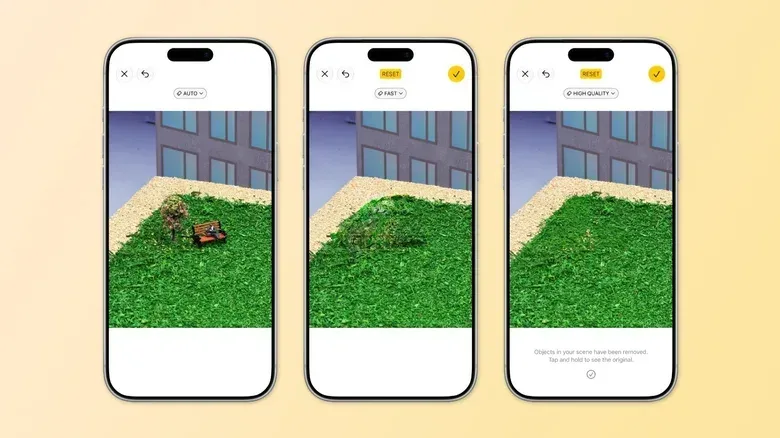
- An upgraded version of Clean Up, the object-removal tool introduced in iOS 18.
- A new Camera-based Siri mode that can identify a subject after a user points at it and presses the shutter button, then handle follow-up questions.
Outpainting is worth understanding before treating it like a routine crop adjustment. Cropping removes existing portions of an image. Outpainting does the opposite: it creates new visual material outside the original boundaries. That can be creatively useful, but it is generated content rather than recovered detail that happened to be outside the frame.
Related coverage includes 5 iOS 27 features older iPhones miss out on.
The Camera Siri mode similarly sounds like a useful recognition shortcut rather than a guarantee of expertise. It brings Visual Intelligence-style identification into the Camera app, but the feature is described as Siri trying to identify an object. For collectors, shoppers or anyone documenting an item, recognition should be a lead to investigate, not a final verification. The same caution applies to phone-based barcode results: a scan is best treated as a starting point, especially where variants, condition and provenance matter.
Why the iPhone 15 Pro threshold matters more than the iPhone 11 baseline
For many people, the iPhone 15 Pro cutoff is the one that will be felt day to day. It gates not only the revamped Siri but also the new AI-assisted photo workflow. An owner of an iPhone 11, 12, 13, 14, standard iPhone 15 or 15 Plus may receive iOS 27’s broad platform improvements while missing the tools most likely to dominate demonstrations of the release.
On the other hand, an upgrade to any iPhone from the 15 Pro onward is enough for the basics of Apple Intelligence mentioned here: Writing Tools, notification summaries and the new Siri AI. That is a more practical line for someone whose priority is AI assistance rather than every possible camera feature.
It is also a reminder that product-family labels can conceal meaningful differences. “iPhone 15” is not a sufficient answer when checking iOS 27 capabilities. The Pro designation matters. A phone can be recent, capable of installing the system and still sit outside its primary AI tier.
Expressive Siri and improved dictation have an even stricter requirement
Two seemingly modest improvements have a surprisingly limited device list. iOS 27’s expressive Siri voices, which let users alter the assistant’s emotional delivery and pace, and the improved dictation accuracy both require 12GB of RAM.
RAM, or random-access memory, is the working memory a device uses while actively running processes. It is separate from storage capacity, which is where apps, photos and files live over time. The requirement is notable because Apple does not ordinarily publish RAM totals on its consumer specification sheets. Here, however, the compatible devices have been spelled out.
The 12GB group consists of the iPhone 17 Pro, iPhone 17 Pro Max, iPhone Air, iPhone 18 Pro, iPhone 18 Pro Max and iPhone Duo. The exclusions are just as revealing: the iPhone 16 Pro, standard iPhone 17, iPhone 17e and every older iOS 27-compatible model do not receive those voice and dictation upgrades.
That makes these features a poor reason to assume a recent Pro phone gets every new Siri refinement. The iPhone 16 Pro may still qualify for new Siri AI through the iPhone 15 Pro-or-later rule, but it does not qualify for the separate 12GB-RAM voice and dictation features. iOS 27 eligibility is not one ladder. It is a set of overlapping gates.
FaceTime Dual Capture starts at iPhone 17 and iPhone Air
FaceTime Dual Capture has its own hardware tier. The feature shows video from the front and rear cameras at the same time during a FaceTime call, and requires an iPhone 17, iPhone Air or a newer device. The iPhone 17e is excluded, as are models from the iPhone 11 through the iPhone 16 Pro.
There is a welcome interoperability detail. Someone using an older iPhone can still see the dual-camera stream, provided the person they are calling is running iOS 27. They simply cannot send the same kind of dual-camera feed back.
In practical terms, this is a one-way upgrade advantage rather than a feature that breaks conversations between different generations. A family member can show both their face and what they are looking at; an older-phone participant remains part of the call. But the feature does establish another visible distinction between an iPhone that is compatible with iOS 27 and one that can create every type of iOS 27 media experience.
Manual camera controls belong only to the iPhone 18 Pro pair
The most exclusive iOS 27 camera features are manual controls for aperture, shutter speed and white balance. They are supported only on the iPhone 18 Pro and iPhone 18 Pro Max.
These terms describe three foundational photographic controls. Aperture concerns the opening associated with light entering the camera system. Shutter speed describes the length of an exposure. White balance adjusts the interpretation of color under different lighting conditions. Giving users manual access to such controls is especially relevant to photographers who want deliberate control rather than relying entirely on automatic processing.
The limitation is unusually sharp. The iPhone Duo, priced at $2,000, does not support the new Pro camera controls. Neither do the iPhone 17 Pro, iPhone Air or any earlier compatible device. In other words, neither price nor a prior Pro label is enough; the feature is specifically attached to the iPhone 18 Pro and 18 Pro Max.
What iPhone owners should actually check before upgrading
The sensible buying question is not whether iOS 27 contains exclusive features. It plainly does. The more useful question is which exclusive tier matches the task a buyer cares about.
- Keep an iPhone 11 through 14, or an eligible SE, if the core operating-system improvements are enough. These phones still receive iOS 27, including the platform-level performance, search and Handoff changes described here.
- Look at iPhone 15 Pro or newer if the priority is the new Siri AI and the Apple Intelligence photo and Camera tools, including Extend, Reframe, upgraded Clean Up and Camera-based identification.
- Check the specific 12GB models if expressive Siri delivery and better dictation are priorities. “Newer” is insufficient because several later phones remain outside this tier.
- Start at iPhone 17 or iPhone Air for FaceTime Dual Capture, while remembering that iPhone 17e is not included.
- Choose iPhone 18 Pro or 18 Pro Max only if manual aperture, shutter speed and white-balance controls are the desired feature. No other listed iPhone receives them.
The broader takeaway is straightforward: iOS 27 still offers a long compatibility tail, but its experience is increasingly modular. A device can be fully supported for installation and security of the platform while being only partially supported for its most publicized tools. That is not necessarily a reason to replace a working iPhone, particularly when the core release remains available. It is, however, a reason to verify feature-by-feature compatibility before treating a new iOS version as an automatic case for upgrading.