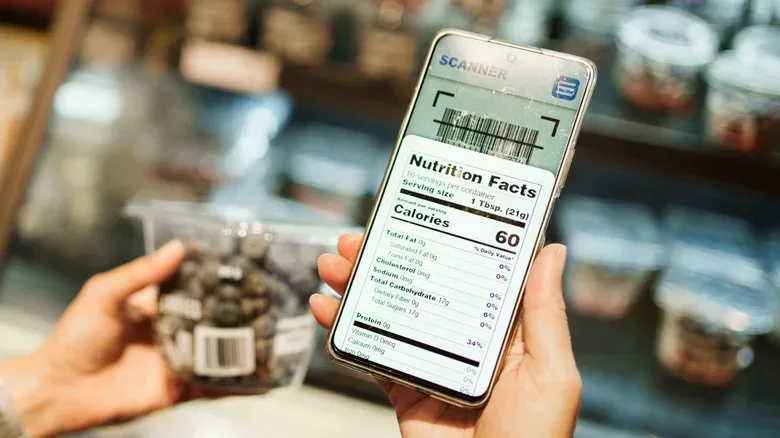
A barcode is one of the least glamorous tools in modern collecting, which is precisely why it is useful. It can turn a sealed box, a shelf tag or a product package into a quick route toward identifying an item and finding basic information such as listings or pricing. That can be handy when comparing similarly named products, checking a color or model variation, or simply working out what a seller is actually holding.
It is not a magic authenticity machine, a condition report or a complete valuation. A barcode is tied to database information, and that makes it a more concrete starting point than asking an AI tool to identify an uncoded object from a photo. But the information returned can still be incomplete, and a barcode result should not be mistaken for proof that a particular physical item is genuine, complete or worth a given amount.
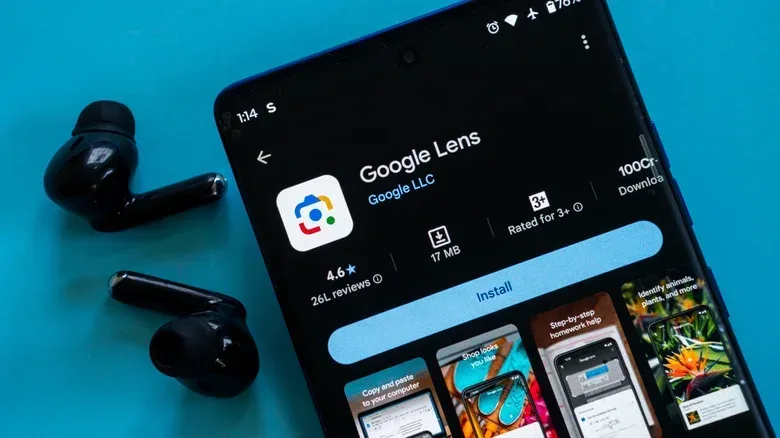
For most people, the quick route is Google Lens. It is built into most Android devices, while iPhone owners can access Lens through the Google app. QR codes are a separate matter: both major smartphone platforms can generally recognize those directly in their standard camera apps. Knowing which code is in front of the camera—and what each method can and cannot establish—keeps a simple scan from becoming an expensive assumption.
Barcode scanning: the fastest route on Android and iPhone
Google Lens is the clearest all-purpose option described here. It comes preinstalled on most Android phones and treats barcode recognition as a core function. On either Android or iPhone, users can also open Google Search and select the camera icon to launch Lens. Put the barcode in view. If a result prompt does not appear on its own, press the shutter button to search for the code.
The result may include information Google considers relevant, including pricing. That is useful for identification and comparison, but it needs context. A price shown after a scan is not automatically the price for the exact object in hand. Listings can vary by retailer, color, package configuration and other details. The useful next step is to read the returned product name and compare it with the actual package, rather than treating the first number on screen as a verdict.
For iPhone users, Google Lens requires downloading the Google app from the App Store. Apple’s Visual Intelligence may produce comparable results on iPhones that support Apple Intelligence, identified here as the iPhone 15 Pro and later. However, it is not explicitly promised as a barcode-scanning feature. In practice, that means Lens is the more clearly defined barcode route when the code itself is the information you want to search.
A simple scanning routine
- Open Google Search and tap the camera icon to enter Google Lens.
- Center the barcode in the camera view and allow the phone a moment to recognize it.
- If no automatic result appears, use the shutter button.
- Check the product name and details returned against the package in front of you.
- Use additional searches when you need information beyond the result, such as instructions, specifications or a closer comparison of listings.
This method is deliberately low-friction: no separate scanner is necessary if Google Lens is already on the phone. Android has the convenience edge because Lens is normally already there; iPhone owners can reach the same Google tool, but with the extra app-install step.
What a barcode result is actually good for
A barcode is associated with database information, so it is well suited to narrowing down the identity of a mainstream packaged product. That is a strong practical advantage over visual guesses. A photograph of a box may be poorly lit, cropped, worn or visually similar to another release. A readable code provides a more specific lookup point, after which the returned name, product art or retail references can be checked against the object.
Related coverage includes How to scan a product barcode with your phone.
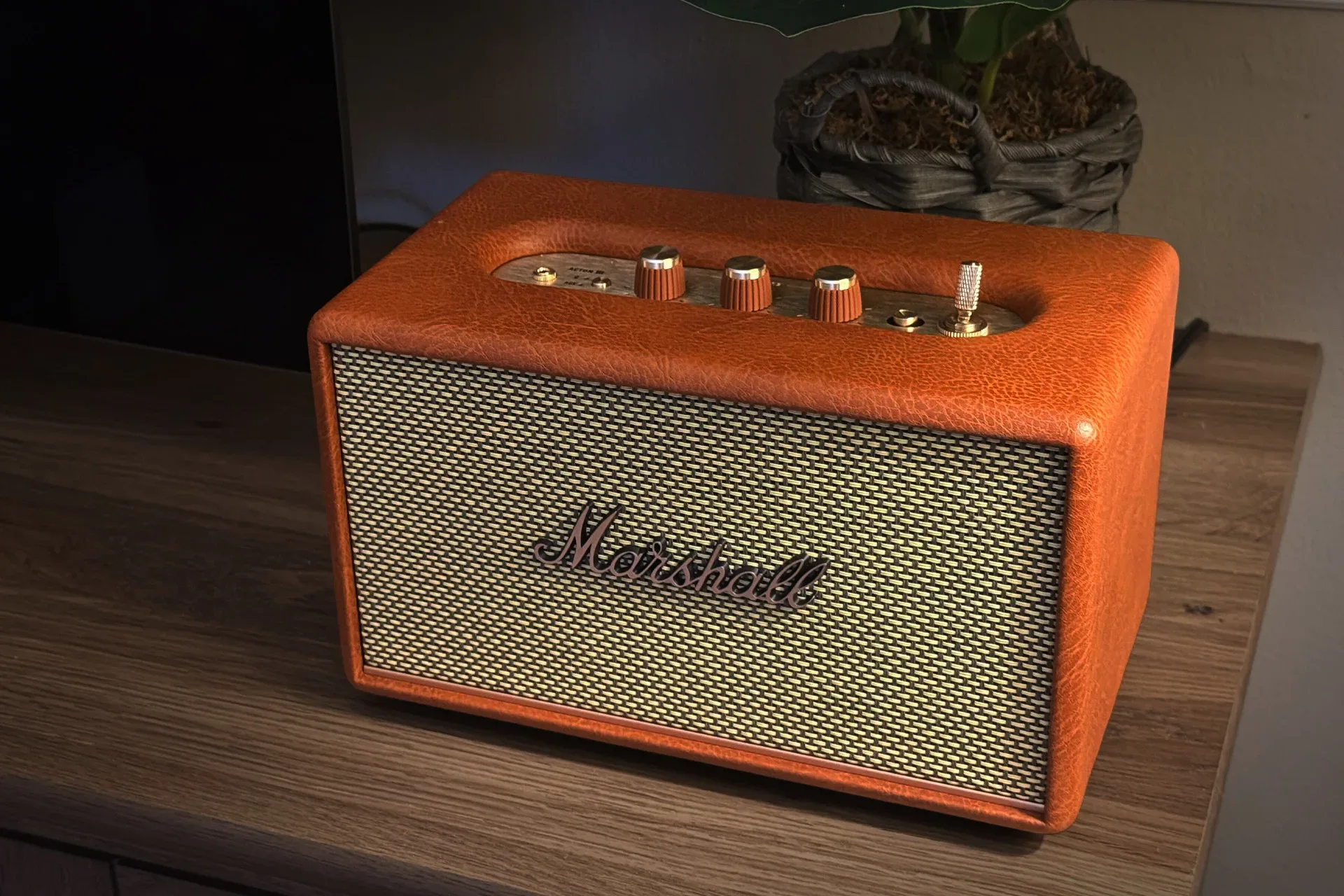
For collectors, that makes a scan useful during ordinary comparison shopping. Perhaps two products have nearly identical names, or a bargain claim hinges on a particular finish. A barcode search can help establish the item associated with a package before the buyer compares the listings. That is the same discipline behind any advertised deal: identify the exact variant first, then decide whether the displayed price applies. Our look at a Marshall Acton III listing and its color-dependent pricing illustrates why matching the specific version matters before declaring a bargain.
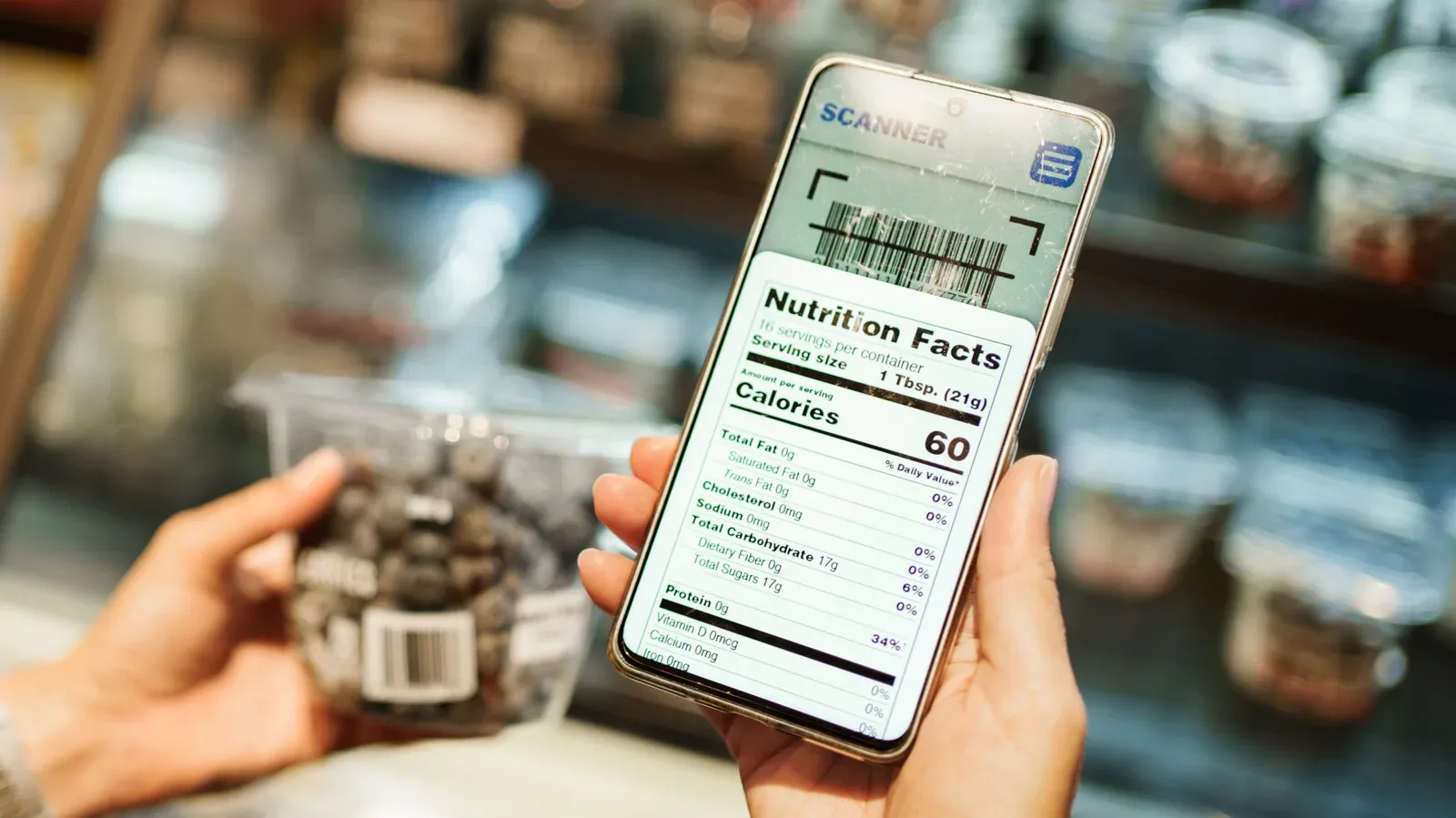
The scan can also save time in less collector-focused situations. Product details at a hardware store may reduce uncertainty while planning a repair or renovation. Food packaging can lead users toward nutrition facts that matter for managing allergens or reducing sugars and trans fats. The barcode is not inherently about shopping; it is a compact key to a product record.
What it cannot prove for a physical collectible
The important limitation is simple: a scan tells you about the record linked to a code, not necessarily every truth about the individual object being scanned. The code can be a sound starting point for identifying a product family or package, but it does not replace close inspection of the actual item and its accompanying details.
That distinction matters wherever value depends on particulars. A returned product listing may not tell you whether an item is complete, whether its packaging has damage, or whether the object matches every detail a buyer expects. It also may not answer installation questions; a store listing can identify a product without explaining how to use it. Further searches may be necessary even after a successful barcode match.
In other words, use the barcode to reduce the search space, then keep checking. Read the visible package text. Compare the version, color and included contents against what is being offered. If the result is vague or conflicts with the item, stop treating the scan as confirmation and investigate further. This is not cynicism; it is the appropriate boundary between a database lookup and inspection of a real-world object.
QR codes are not barcodes
Barcode and QR code are often used interchangeably in casual conversation, but they do different jobs in a phone workflow. If the code is a QR code and the goal is to open its linked destination, Google Search may not be needed at all. Both iPhones and Android phones can detect QR codes automatically through their camera apps, presenting a link that the user can tap.
That makes QR scanning especially quick, but it also changes what the result means. A QR code is primarily a route to a link. A barcode lookup is a route toward a database-backed product result. Neither should be confused with a broad visual identification feature that is trying to infer an object from its appearance.
There is a straightforward safety habit worth keeping: before following a QR result, look at the destination presented by the phone. The camera’s ability to recognize a code does not itself explain whether the linked page will be useful. Treat it as navigation, not an automatic endorsement of whatever waits at the other end.
When there is no readable code: useful AI, weaker certainty
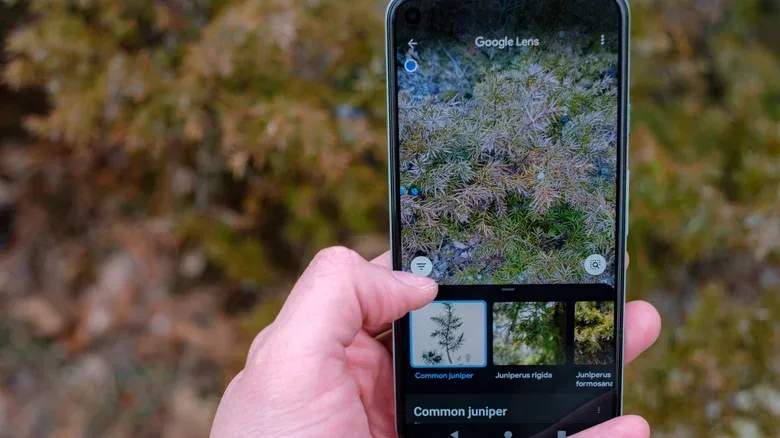
Sometimes an item has neither barcode nor QR code, or the label is too damaged to scan. Google Lens and Apple Visual Intelligence can still try to identify it using other visual clues, such as product art. That can be convenient, particularly for a preliminary search. It should also be handled with more caution.
These features rely on Google Gemini and Apple Intelligence respectively. Like other generative AI systems, including ChatGPT, they can hallucinate—meaning they can produce an answer that sounds plausible but is wrong. With a visually similar item, that weakness can turn a close guess into an incorrect identification.
The practical hierarchy is therefore clear. A barcode connected to a database is generally the firmer first clue. A visual AI identification can provide leads when the code is absent, but it needs independent verification. The more a decision depends on the exact identity of an object, the less sense it makes to rely on an AI-generated match alone.
Specialized scanner apps: choose for the job, not novelty
Google Lens is a general-purpose tool. Specialized apps can make more sense when the barcode is being used for a specific kind of record. Calorie-counting apps such as Cronometer and MacroFactor, for example, draw from common databases to log calories, protein, carbohydrates, fats, vitamins and minerals. For someone tracking food intake, that is more useful than a generic search result because the app is organized around nutritional logging.
The trade-off is that some of these apps require subscriptions or reserve useful features behind them. Before building a routine around one, check which functions are free and which are not. A barcode scan may be instant, but the surrounding service can have an ongoing cost.
There are also many free general barcode-scanner apps in the Apple App Store and Google Play. “Free” deserves scrutiny. Read user reviews before downloading, since such apps may impose intrusive advertising or collect and sell data. Google has its own privacy trade-offs, but it is at least a familiar, established option for people who already use it. The key is to make an intentional choice rather than installing the first scanner with a bright icon and a promise of instant answers.
A practical decision guide
- You have a standard product barcode: Start with Google Lens through Google Search. On most Android phones, Lens is already installed; on iPhone, use the Google app.
- You have a QR code: Open the standard camera app on either platform and use the recognized link.
- You need food and nutrition logging: A purpose-built app such as Cronometer or MacroFactor may be better suited than general search, while subscription limits should be checked first.
- The item has no usable code: Visual identification through Lens or Visual Intelligence can be a useful lead, but verify it because AI can hallucinate.
- You are considering a free scanner app: Review its reputation, ads and data practices before granting it camera access or making it part of your routine.
The best use of a phone barcode scan is modest and powerful: get a reliable first identifier with minimal effort, then do the additional checking the decision requires. For everyday products, that can be enough to find a useful listing or specification. For an item where the exact variation, contents or condition matters, it is the opening move—not the whole game.