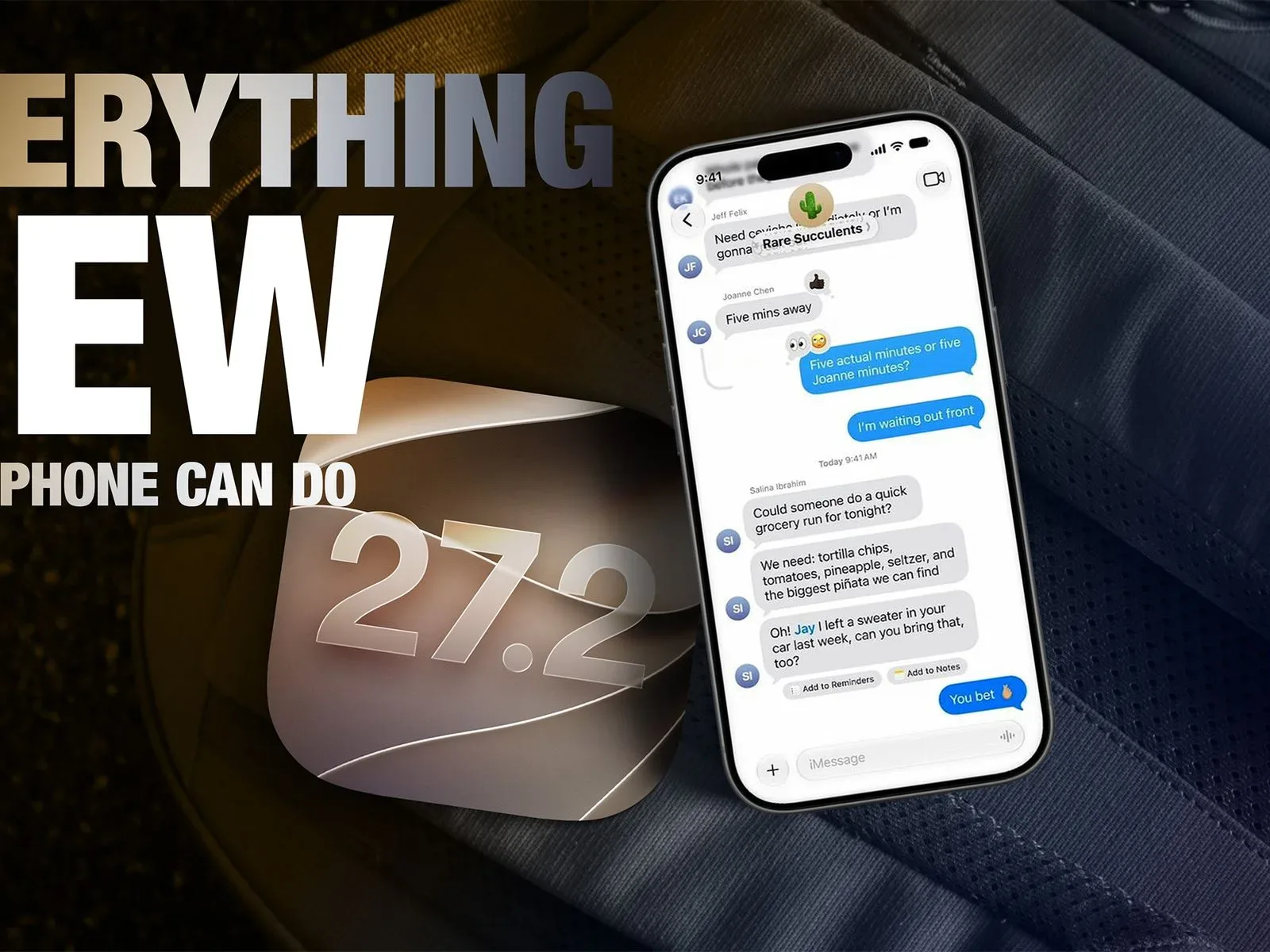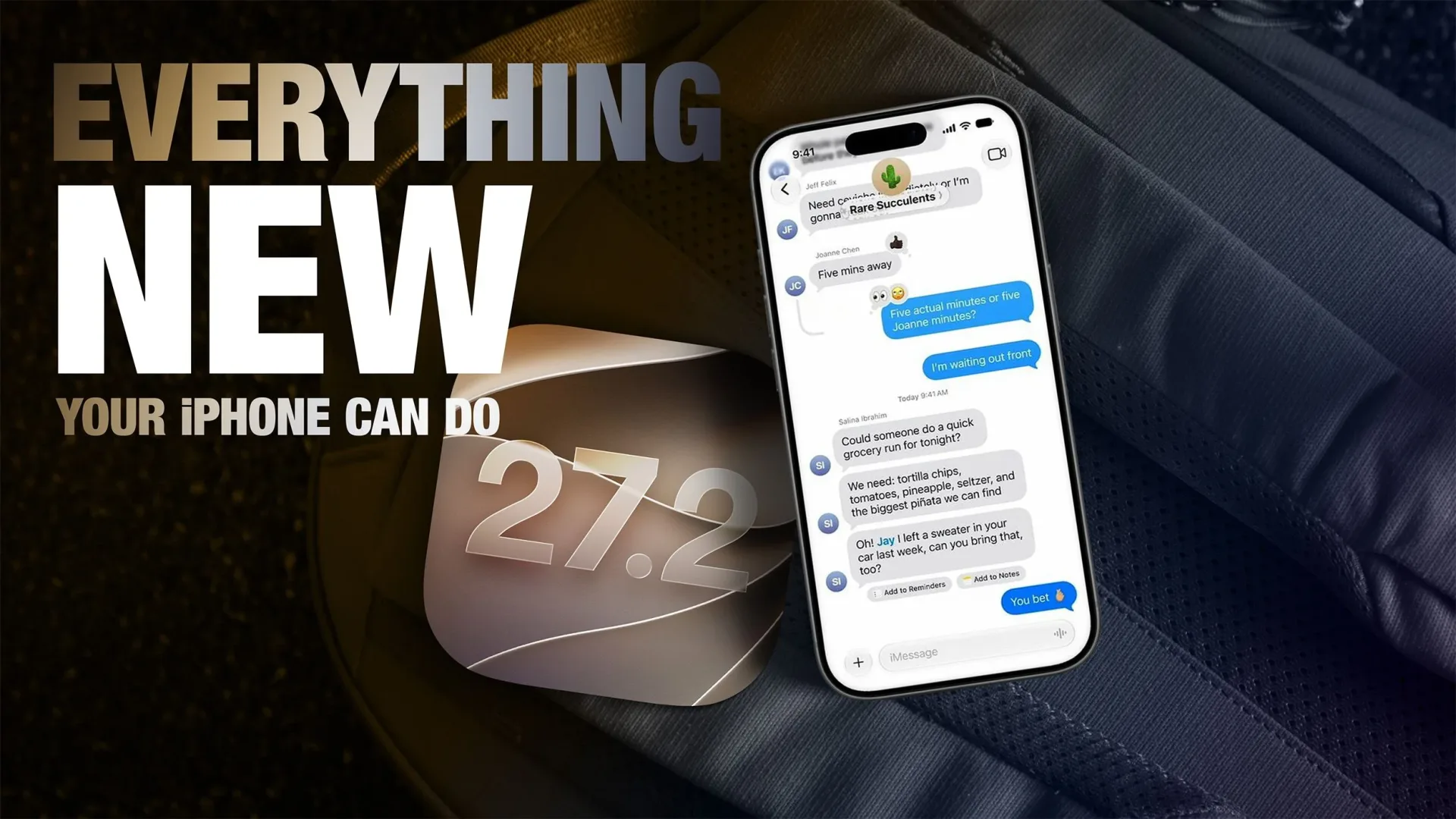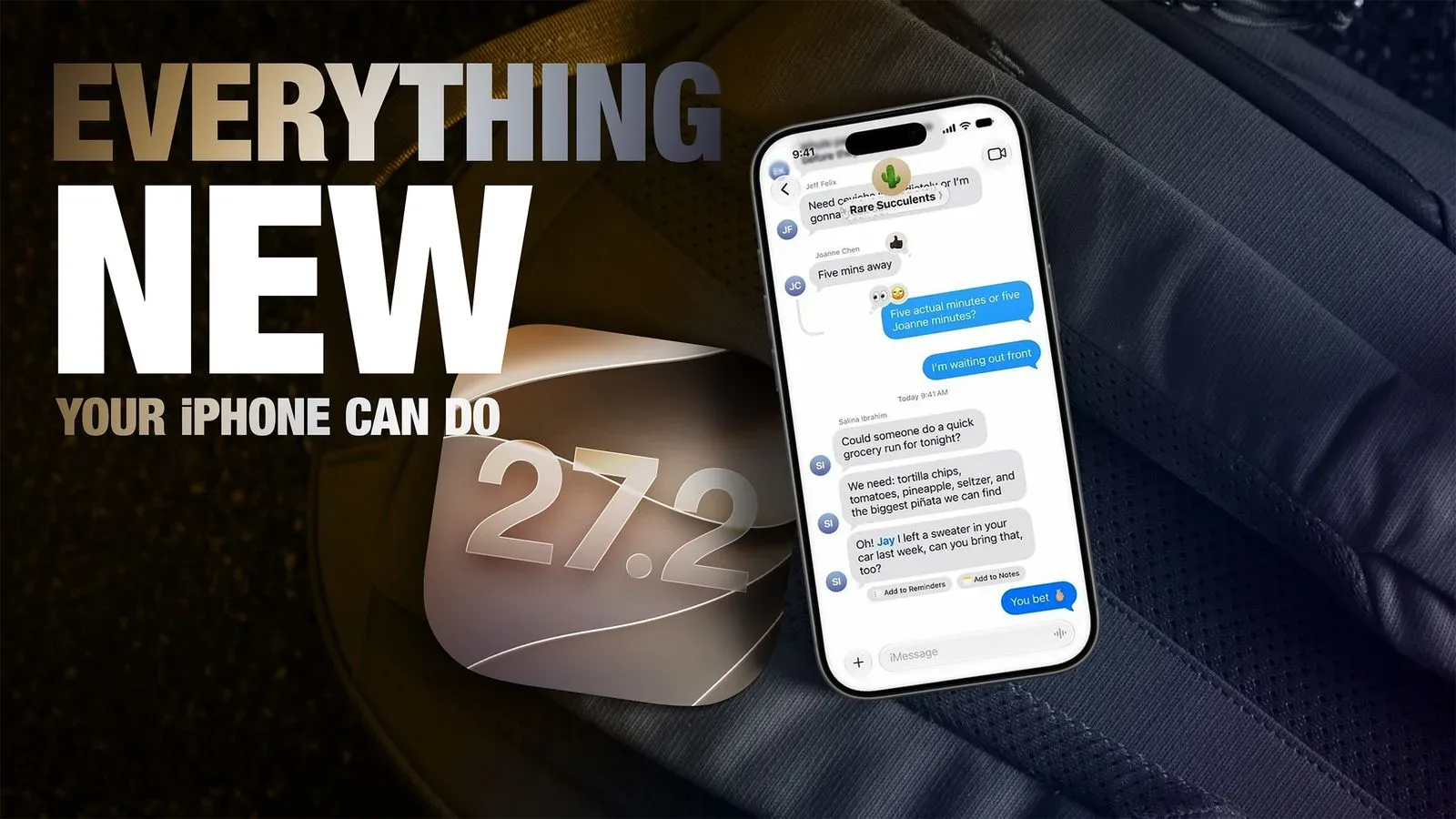
Apple released iOS 27.2 on October 26, adding a broad set of changes that range from expanded Siri capabilities to social game activity, shared-photo management and new FaceTime camera options. The update is available through Settings > General > Software Update, although Apple notes that individual features can vary by region and iPhone model.
For people who use an iPhone as both a communications device and a gaming-adjacent screen, the release is notable less for one headline feature than for how many parts of the operating system it reaches. Siri, Messages, Photos, Podcasts, Games, Apple TV and FaceTime are all named among the areas receiving additions. That does not necessarily mean every change will matter to every user, but it does make compatibility worth checking before treating iOS 27.2 as a uniform upgrade.
Siri is the center of gravity in iOS 27.2
The most substantial cluster of listed changes involves Siri and the surrounding search controls. iOS 27.2 adds the ability to ask Siri about past conversations, get answers from more personal context, use Siri in more languages, choose which apps Siri and Search can access, and copy only part of a Siri response.
“Personal context” is an important term here. In ordinary use, it means context connected to the individual rather than a general web-style query: the information and activity that could make an assistant’s answer more tailored. The supplied feature list establishes that Siri can answer from more of that context in iOS 27.2, but it does not define the boundaries of that access, identify the data involved, or explain the exact prompts supported. Users should therefore avoid assuming a particular app, conversation type or outcome is covered merely because it seems adjacent to the feature’s name.
The accompanying controls for app access are especially significant in practical terms. A feature that draws on more personal context will naturally make people more attentive to what the assistant and system search are permitted to see. iOS 27.2’s ability to control which apps Siri and Search can access gives users a stated management point for those permissions. Anyone updating should review those choices based on the apps they are comfortable making available to Siri and Search, rather than treating the default arrangement as an informed privacy decision.
The partial-copy feature sounds smaller, but it could be one of the more immediately useful refinements. Long assistant replies often contain a mixture of relevant and irrelevant text. Being able to copy a selected portion, rather than the entire response, is a basic but meaningful quality-of-life improvement for moving a detail into a note, message or search field.
Expanded language support is similarly straightforward but consequential: availability in more languages broadens who can use Siri in their preferred language. The list does not specify those languages, however, so users should check Apple’s availability information rather than infer support from the update number alone.
Messages, Photos and image provenance
Outside Siri, iOS 27.2 introduces Suggestions in Messages and lets users act on those suggestions. The available information does not spell out what the suggestions can do or which actions are supported. Still, the framing is clear: the update aims to make a suggestion actionable within the messaging flow, rather than simply presenting information for a person to handle manually.
Photos receives two distinct areas of attention. One is easier shared-album management. Shared albums can become a practical coordination tool for families, friend groups and communities, so management controls are often more valuable than flashy visual changes. The supplied information does not enumerate the management tools, but it identifies shared albums as a specific target of the update.
The other Photos-related item is the ability to spot AI-generated images. This is best understood as an image-provenance feature: a way of helping a user distinguish imagery associated with artificial-intelligence generation from other images. It should not be overstated as a universal truth detector. The feature is described as helping users spot AI-generated images, not as guaranteeing that every image can be classified or that every judgment will resolve questions of authenticity, manipulation or intent.
That distinction matters well beyond casual photo sharing. As synthetic images circulate more widely in group chats, feeds and collector spaces, an indicator can add useful context. But context is not the same thing as a complete investigation. Users dealing with an important claim, a transaction, or potentially misleading imagery should continue to assess the image’s broader circumstances rather than treating one signal as definitive.
What the update means for games and household viewing
iOS 27.2 also adds a way to see what friends are playing. The supplied information does not identify the service, privacy settings, compatible games or how activity is displayed. Even so, its inclusion in the Games portion of the update points toward a more social layer around play on iPhone: not necessarily a new game feature, but a means of making friends’ current activity visible.
For players, that can be useful in a modest, familiar way. Knowing what a friend is playing can create an easy opening to join a session, compare interests or simply discover a game that has caught someone else’s attention. Its value will ultimately depend on how activity sharing is controlled and what games participate—details not provided in the release information.
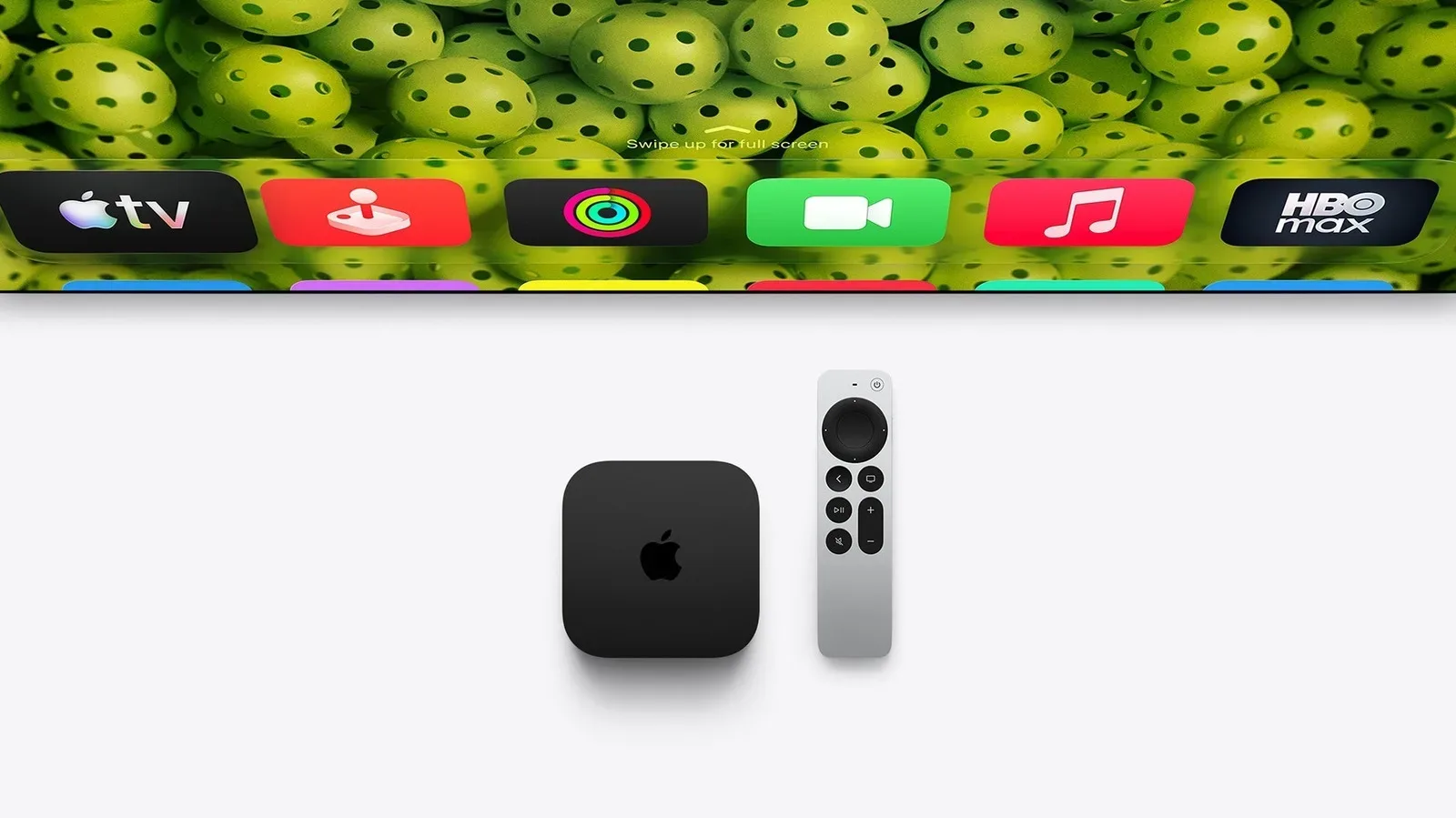
Apple TV gains support for profiles for a household. Profiles typically separate viewing identity within a shared home environment, though the feature list here does not detail how they are created or what viewing behavior is separated. The practical appeal is obvious for any household that shares a television service: individual viewers can have a clearer presence rather than everyone using one undifferentiated setup.
Another media-oriented addition is the ability to watch several live sports streams at once. Multiview, in general terms, means displaying multiple live feeds simultaneously rather than switching back and forth between them. The listing does not state which sports services, events, devices or regions support the capability, so prospective users should not assume it applies to every live sporting stream. But for the supported cases, it addresses a simple problem: following overlapping games without constantly leaving one broadcast for another.
FaceTime Dual Capture and its device limits
FaceTime receives Dual Capture, described as streaming from the front and rear cameras. In plain terms, this combines the camera facing the caller with the camera facing outward, allowing both views to be part of a FaceTime stream. It could be relevant when a caller wants to remain visible while also showing an object, scene or activity.
There is a clear hardware restriction. Dual Capture is available on the iPhone 17, iPhone 17 Pro, iPhone 17 Pro Max, iPhone Air, iPhone 18 Pro, iPhone 18 Pro Max and iPhone Duo. The inclusion of a feature in iOS 27.2 therefore should not be read as proof that an older compatible iPhone receives it. This is one of the most concrete examples in the update of why software eligibility and feature eligibility are different questions.
The iPhone Duo also receives Edge Light and Apple Pencil support. The provided details do not explain how Edge Light operates or what functions Apple Pencil support enables on the device. Those omissions are worth preserving: a feature label is not enough to establish workflow, limitations or compatibility with particular accessories. What can be said is that both additions are specifically identified for iPhone Duo in this release.
Apple’s expanding use of device-specific capabilities also arrives amid broader interest in how AI-related demands can affect the company’s hardware economics. For additional context on that separate issue, see the discussion of AI memory demand and Apple storage costs.
Small prompts designed for everyday contact
The final listed addition is an anniversary reminder for a contact during a call. It is a narrow feature, but its purpose is immediately legible: surface a relevant personal date while the person connected to that date is on the line. It reflects a recurring software design idea in iOS 27.2—bringing contextual information closer to the moment an action is being taken.
The same general pattern can be seen in Siri’s conversation and personal-context changes, actionable Messages suggestions, game activity visibility and FaceTime Dual Capture. The update is less about a single new destination app than it is about making established apps react more directly to what a person is doing.
What to check before updating
- Install path: Open Settings, then General, then Software Update to download iOS 27.2.
- Regional support: Apple says some features are not available in every region.
- Model support: Not every iPhone can use every listed capability. Dual Capture has a defined device list, and other features may also have limits.
- Siri and Search access: Review which apps are allowed to work with Siri and Search, particularly if more personal context is useful but sensitive for your own setup.
- Expectations: Treat feature names as a guide, not a substitute for exact support details. The available release information does not specify every app, service, language or scenario involved.
iOS 27.2’s theme is refinement with a few potentially meaningful shifts in how an iPhone handles context: conversational context for Siri, app-access controls for search, visible context around AI-generated images, social context around friends’ games, and dual camera context during a FaceTime call. Whether each tool is available will depend on the user’s region and device, but the update’s scope makes it worth a careful look after installation.