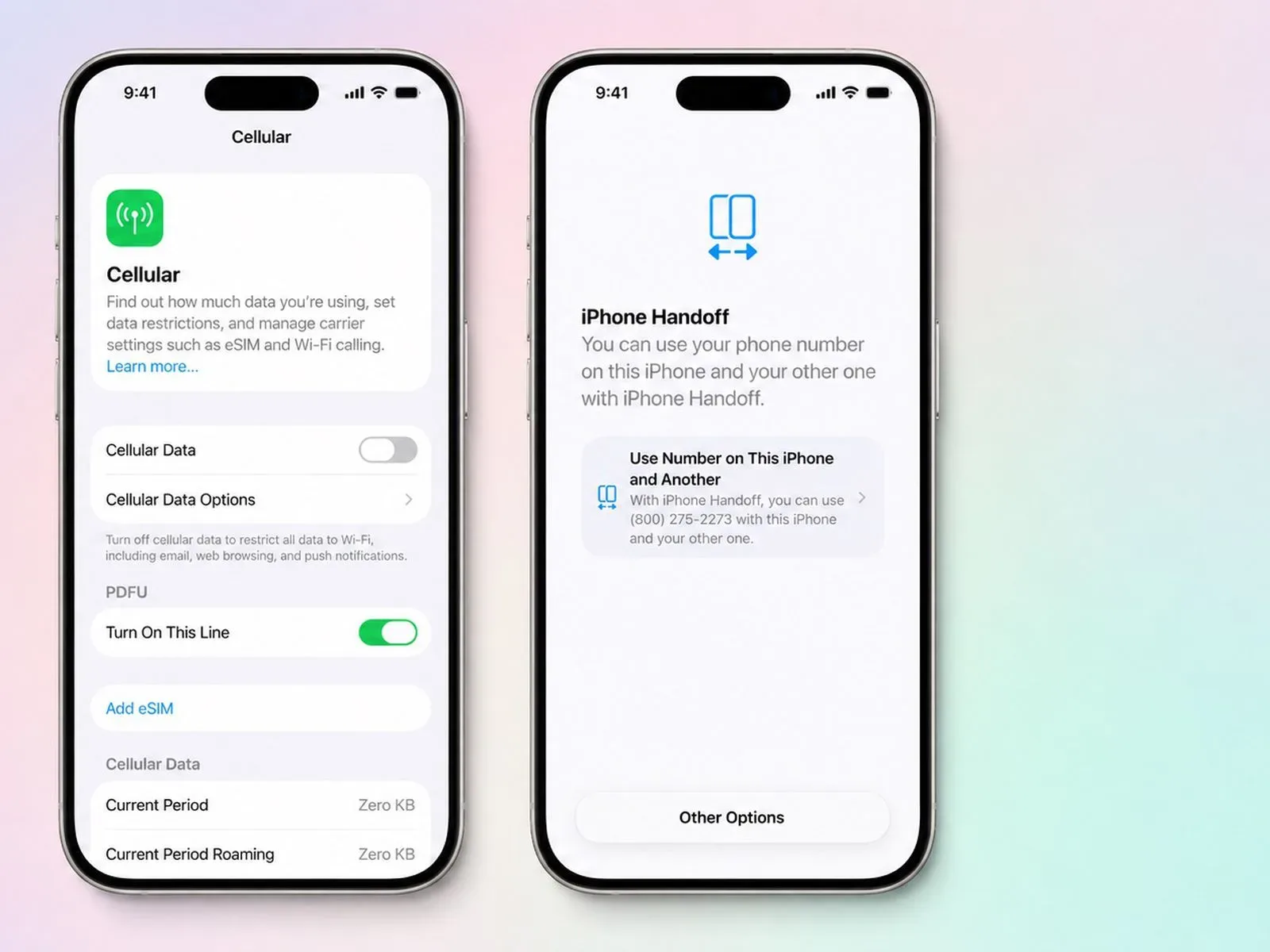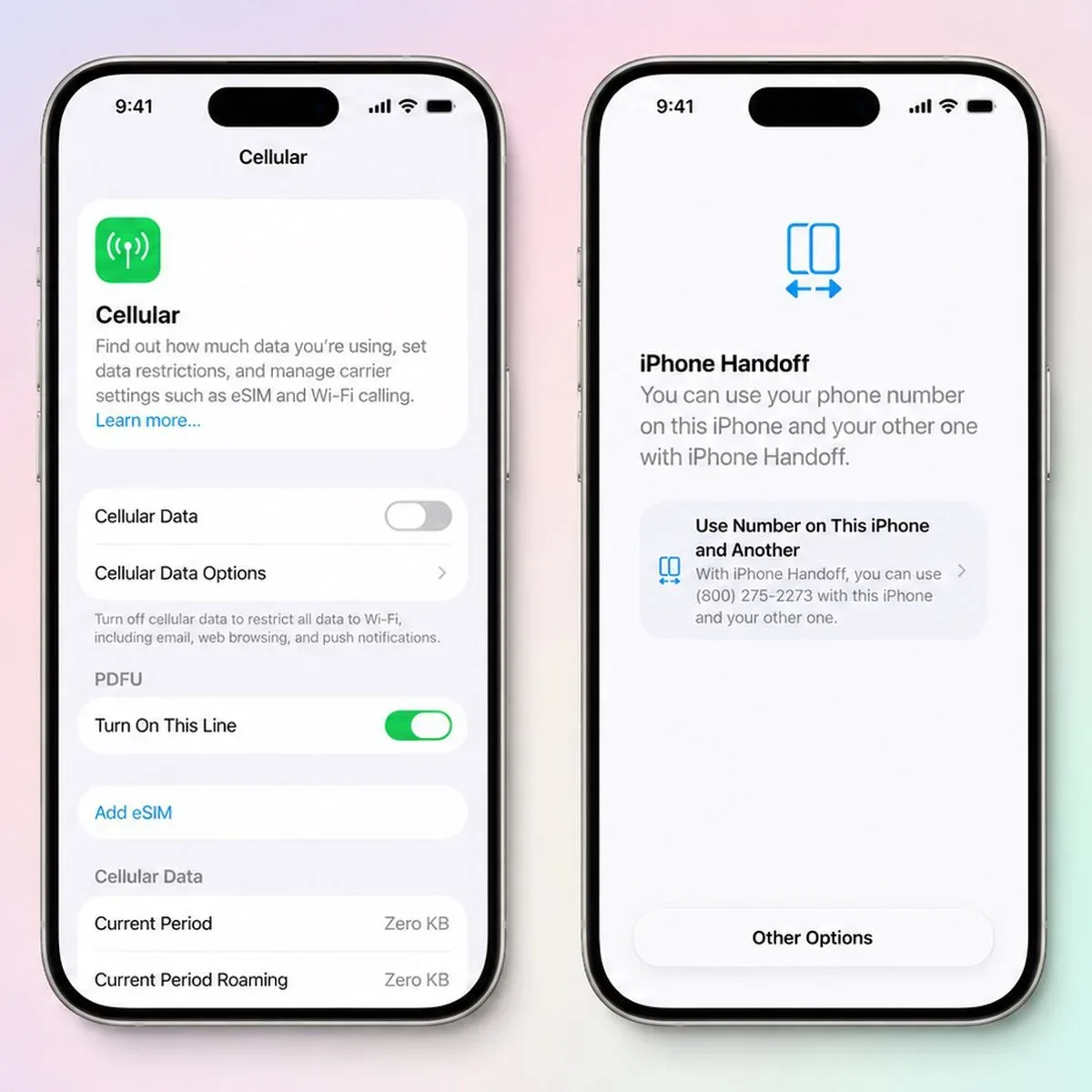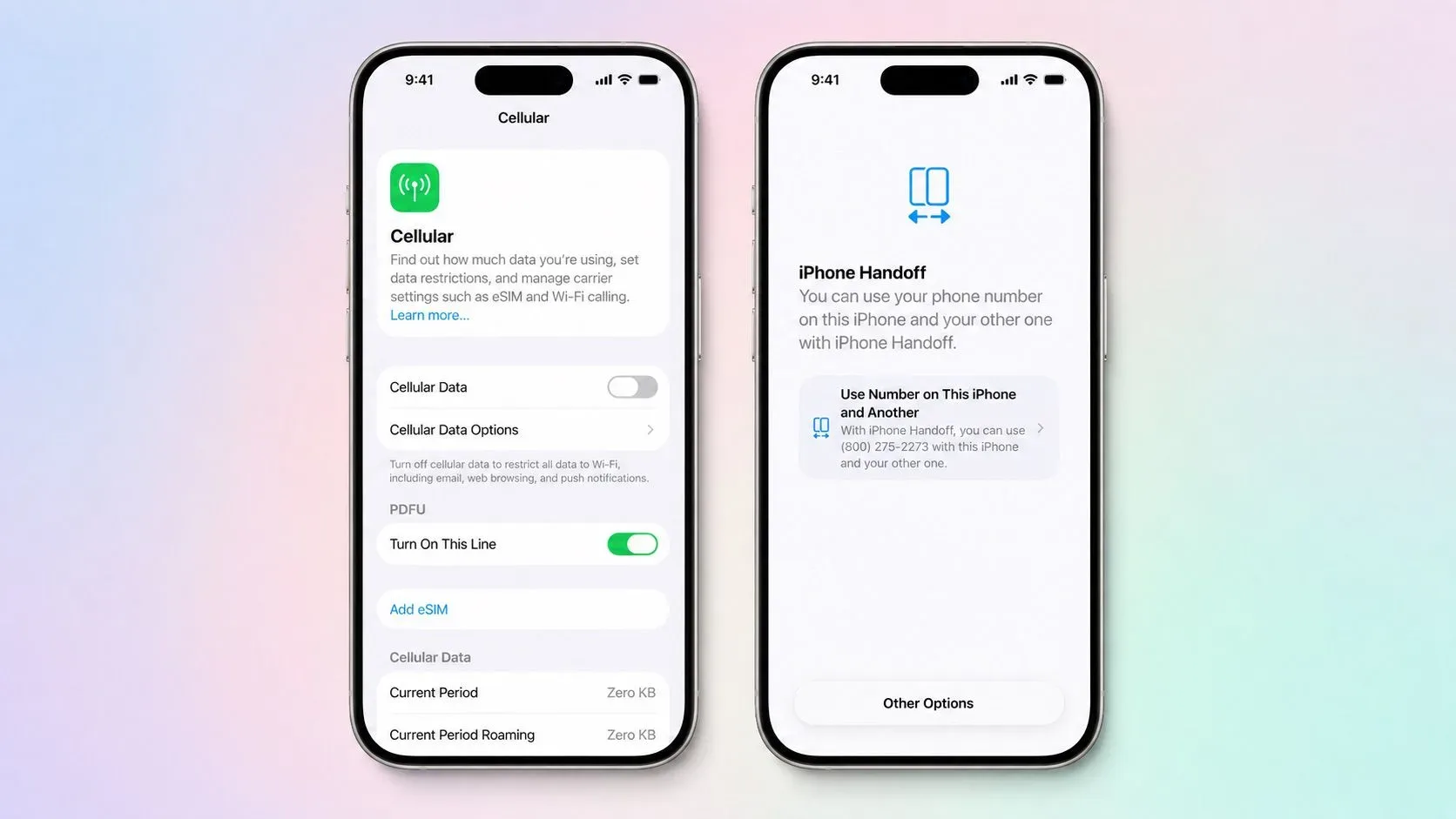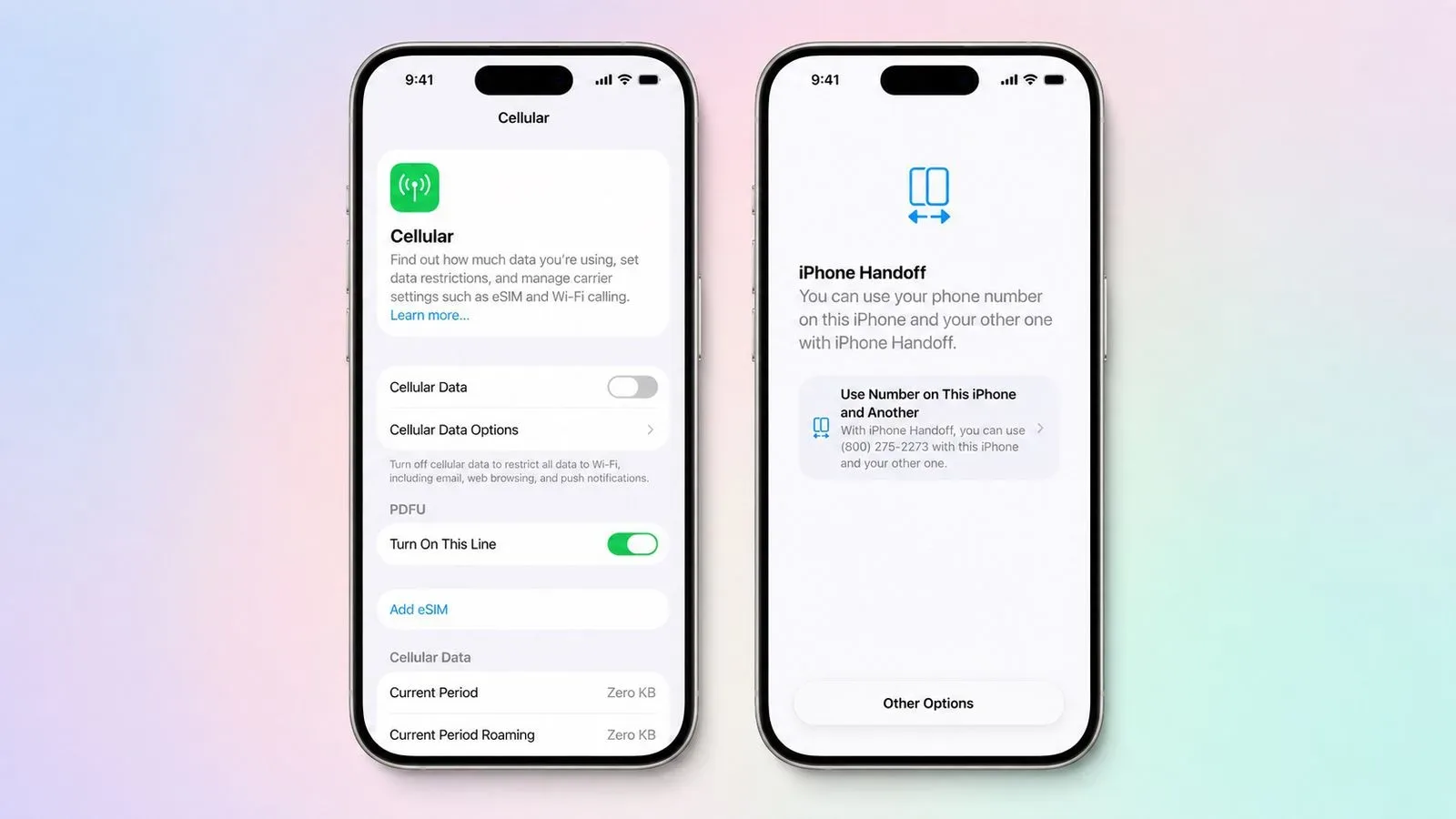
Apple is preparing a new iOS 27 feature called iPhone Handoff, an option intended for people who want to use a single phone number across two iPhones without permanently choosing one as the active device. The idea is straightforward: designate one handset as the main iPhone, another as the secondary iPhone, and let the active number move when the user unlocks one of the phones.
There is an important catch at launch. iPhone Handoff depends on carrier participation, and Apple says it will initially work only with T-Mobile in the United States and Deutsche Telekom in Germany. iOS 27 is scheduled to arrive on Monday, September 14. Apple has also warned that carrier fees could apply during setup, while T-Mobile has not yet stated what, if anything, it will charge for the service.
For gamers, collectors, convention-goers, frequent travelers, and anyone who keeps a second iPhone around for a distinct purpose, the pitch is easy to understand. One phone might be the daily driver; the other might be reserved for a backup battery, a mobile capture setup, travel, work separation, or keeping a less precious device in a bag at a crowded event. The feature does not turn two iPhones into two fully simultaneous versions of the same cellular line, though. It is a handoff system, and only one iPhone can have the number active at a given moment.
What iPhone Handoff is designed to do
iPhone Handoff allows a number to be shared between a main iPhone and a secondary iPhone. Unlocking one of the paired devices is expected to trigger the number’s move to that device automatically. Apple says users will see a confirmation reading “Switched to this iPhone” when the transition occurs.
That automatic behavior is the heart of the feature. Rather than requiring a customer to manually manage a line whenever they pick up the other phone, iPhone Handoff is meant to make the currently unlocked device the one that receives service for that number. The benefit is convenience, but the limitation is equally clear: someone cannot use the same number actively on both iPhones at the same time under this arrangement.
This distinction matters. iPhone Handoff is not presented as a second independent line, a duplicate phone-number service with simultaneous connectivity, or a way to turn both handsets into parallel primary phones. One remains the designated main device and one is the designated secondary device, with the number moving between them as the person switches phones.
The main-versus-secondary setup also affects some carrier-facing features. Call Forwarding, Caller ID, and account management can only be managed from the main iPhone. In other words, the secondary phone is built for convenient access to the shared number, but it is not an equal administrative replacement for the main handset.
Requirements before the feature can work
Apple’s requirements make this a deliberately linked two-device arrangement rather than a casual swap between any iPhones that happen to be nearby. Both phones must meet several conditions:
- Both iPhones need to run iOS 27 or later.
- Both must be connected to Wi-Fi.
- They must be signed in to the same Apple Account.
- FaceTime, iMessage, and Messages in iCloud must be enabled.
- The customer’s carrier must support iPhone Handoff.
The shared Apple Account and messaging requirements are especially notable. This is not positioned as a way to share a number between two different people who each use separate Apple accounts. It is instead for a single Apple ecosystem setup in which both phones are tied to the same user’s account and messaging configuration.
Apple says the option can be enabled while setting up a new iPhone or later through the Settings app. During new-phone setup, a current iPhone can be selected as the secondary iPhone. That terminology may initially feel backward for users who think of the newly purchased phone as the obvious primary device, but the labels matter because the main iPhone retains control over the listed carrier-management functions.
Once activated, iPhone Handoff stays enabled until the customer contacts their carrier to disable it. That carrier involvement reinforces that this is more than an iOS preference that can simply be toggled off locally whenever a user changes their mind.
Wallet, car keys, and Apple Watch are not all treated the same
Moving a phone number between devices is only one part of the two-iPhone question. Apple’s description also addresses several pieces of the wider iPhone ecosystem, with some practical restrictions.
Payment cards in Wallet and car keys can work across both iPhones. That may make the setup more workable for someone alternating devices throughout the day. However, Apple notes that some Wallet contents can be available on only one handset at a time. The examples provided are transit passes, IDs, and corporate badges. Anyone considering iPhone Handoff for commuting, office access, or digital identification should therefore check which device currently holds the item that matters before leaving home.
The Apple Watch situation is more direct: iPhone Handoff does not move an Apple Watch from one iPhone to the other. A person looking to alternate handsets should not interpret the feature as an automatic wearable migration tool. The phone number can switch, but the watch does not follow along as part of that transition.
That boundary may shape who gets the most value from the feature. A user who mainly needs a number available on a second iPhone may find the handoff model appealing. Someone whose everyday setup depends on seamless movement of every accessory, credential, pass, and device relationship may need to account for the feature’s separate rules.
Dual SIM support comes with an all-at-once switch
iPhone Handoff also supports Dual SIM, provided that both eSIMs are from carriers that support the feature. Each eSIM must be configured separately. Once configured, they do not move independently: Apple says both eSIMs switch simultaneously when the user unlocks the other iPhone.
That is potentially useful for people who carry two supported cellular lines and want their paired iPhones to maintain that same arrangement. At the same time, it means iPhone Handoff is not described as a tool for selecting just one eSIM to transfer while keeping the other number anchored to the first phone. The behavior is a combined handoff.
Carrier availability will be central here. At launch, the named support is T-Mobile in the U.S. and Deutsche Telekom in Germany. A Dual SIM customer would need both eSIM providers to support iPhone Handoff before expecting the feature to work in that configuration. The mere presence of two eSIMs is not enough.
A useful option with a narrowly defined launch
iPhone Handoff gives iOS 27 a new answer to a very particular problem: owning two iPhones while wanting one number to follow the device currently in use. It could suit a person who alternates between a compact phone and a larger model, keeps one handset protected at home, or uses a second device for certain settings without wanting to juggle separate numbers.
Still, the launch version comes with meaningful boundaries. It needs compatible carrier support, Wi-Fi, two iPhones running iOS 27 or newer, and one Apple Account with specific communications services enabled. It is limited initially to T-Mobile in the U.S. and Deutsche Telekom in Germany. One phone number is active on only one device at once, some carrier controls remain on the main iPhone, Apple Watch pairing does not transfer, and certain Wallet credentials may only work on one handset at a time.
Those details make this less of a blanket “two phones, one life” feature and more of a carefully controlled device-switching system. For prospective users, the practical questions are likely to be carrier eligibility and eventual fees, how they use Wallet credentials, whether they rely on an Apple Watch, and whether their second iPhone is genuinely close enough and connected enough for the setup requirements to fit their routine.
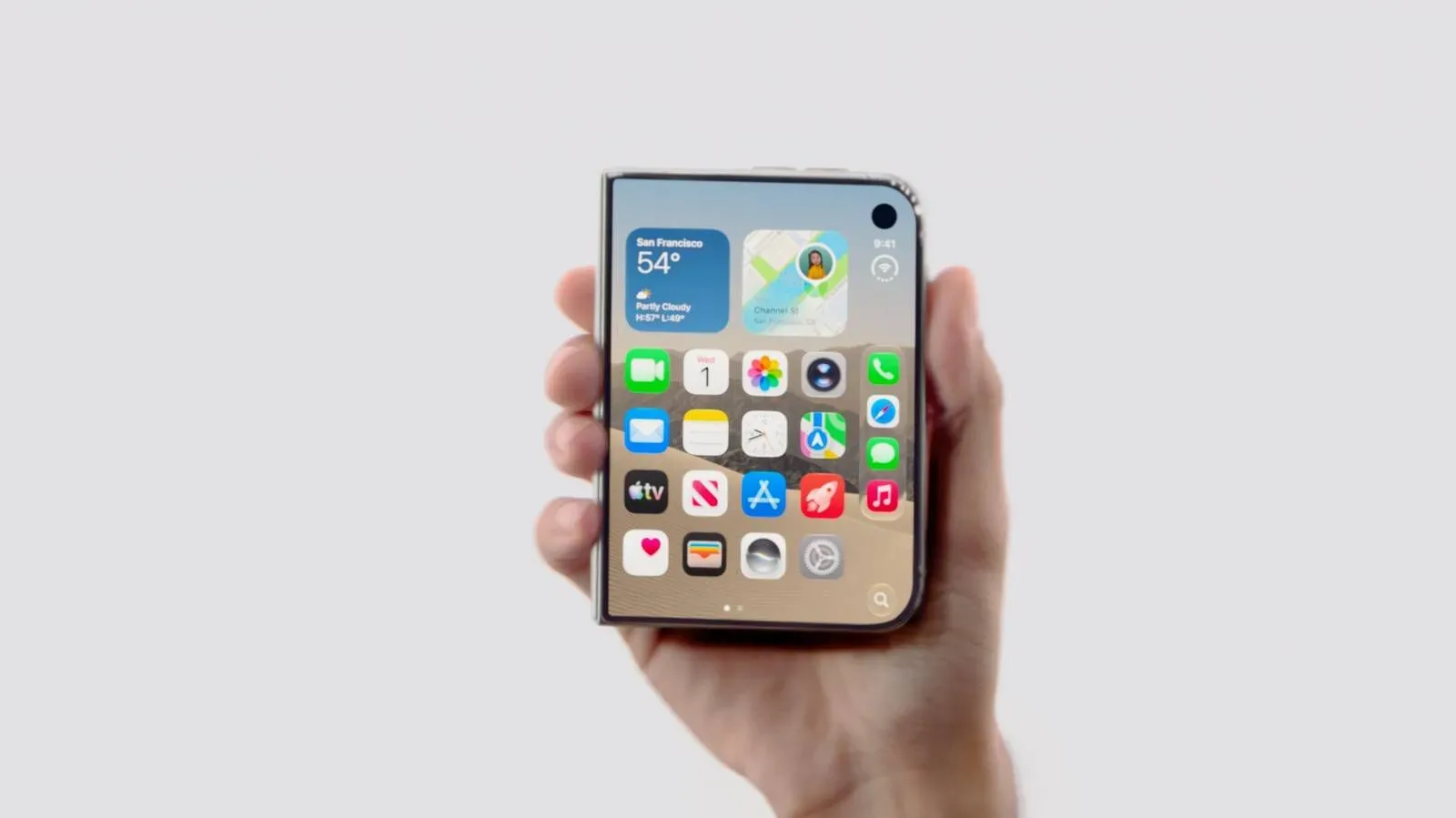
iPhone Handoff arrives amid a broader iOS 27 rollout story that also includes signs of a subsequent update window; iPhone Duo’s iOS 27.1 bundle points to an October update window. For now, Apple’s September 14 release is the key date for the initial version, while carrier expansion and T-Mobile’s pricing remain open questions.