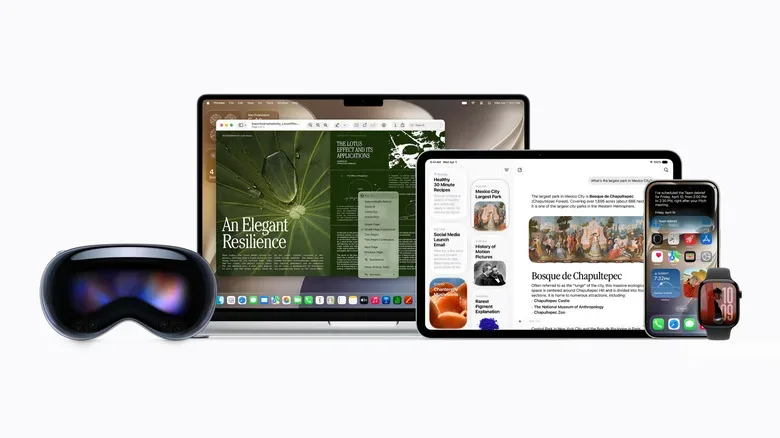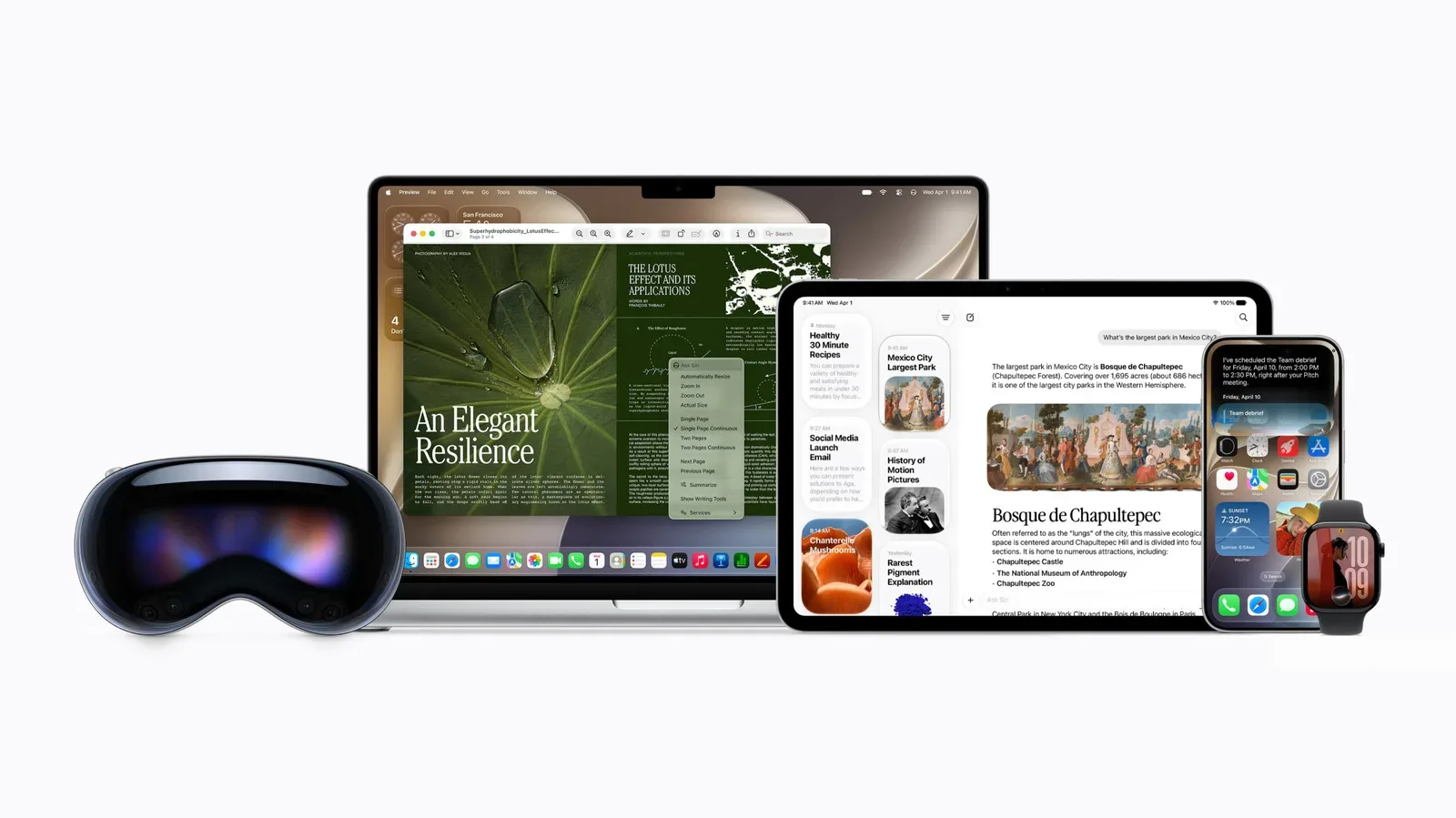
Apple’s next wave of software is scheduled to reach the public on Monday, September 14. The release slate includes iOS 27, iPadOS 27, watchOS 27, and macOS 27 Golden Gate, bringing a coordinated update to the company’s phones, tablets, watches, and computers.
The major hook is Siri AI, a substantial revision of Apple’s digital assistant that has had a long and delayed road to public release. This is not a case of every device that receives a numbered software update automatically gaining every marquee feature, though. iOS 27 may have a broader installation footprint, while Siri AI itself has notably stricter hardware requirements. For anyone deciding whether their current Apple device is ready for the new assistant, that distinction is the important one.
Siri AI is the centerpiece, not an automatic perk for every iPhone
Siri AI is positioned as the defining addition across Apple’s new software generation. The assistant is intended to handle more involved requests than the Siri many users know: questions with multiple parts and prompts requiring a sequence of actions are among the tasks it is designed to address.
Apple worked with Google, using Gemini models in training the algorithms behind Siri AI. That relationship matters because it places the new Siri within the wider AI race without changing the feature’s identity as an Apple-integrated assistant. What users will ultimately care about is much simpler than the training lineage: whether the assistant understands a request, follows its context, and completes the intended task without sending someone into a familiar loop of rewording the same sentence three times.
Early evaluation has indicated that Siri AI can answer complex questions and perform multi-step prompts. That is an encouraging starting point for a feature whose ambition is fundamentally about reducing friction. Still, real-world usefulness will come down to the everyday details: interpreting speech accurately, recognizing which app or action a request concerns, and responding reliably when a task has several steps rather than a single obvious command.
The catch is compatibility. Support for Siri AI on iPhone goes back only as far as the iPhone 15 Pro, released in 2023. In other words, an older iPhone may be able to install iOS 27 yet remain outside the Siri AI club. That may be the most consequential detail in the entire update, particularly for players, collectors, and regular phone users who tend to hang onto hardware until it has earned every last scratch on its case.
Newer iPhones are set to get a stronger Siri AI experience
Even within the compatible iPhone range, Apple is drawing another line. Devices starting with last year’s iPhone 17, iPhone 17 Pro Max, and iPhone Air have access to a more powerful on-device model. Apple says that model enables more accurate speech recognition and dictation.
That does not mean the earlier supported iPhone 15 Pro family is excluded from Siri AI. It means the experience may vary by model. This is an increasingly familiar pattern for device software: a platform update arrives broadly, a flagship AI feature needs newer hardware, and the newest hardware then receives the most capable local version of that feature.
For users, the practical takeaway is to separate two questions. First: can this iPhone run iOS 27? Second: can it run Siri AI, and if so, does it receive the enhanced on-device model? Those are related questions, but they are not interchangeable. Anyone looking for the wider iOS 27 device rollout can also see our coverage of iOS 27 compatibility for iPhone 11 and later.
The focus on an on-device model is also worth noting. Speech recognition and dictation are foundational features, not flashy extras. They determine whether an assistant feels quick and natural or like an overworked receptionist trying to decode a voice message recorded inside a washing machine. Better recognition can make an AI system feel more useful long before a user tries its most elaborate prompts.
iPad support is limited to recent hardware
The iPadOS 27 update arrives on the same September 14 date, and Siri AI again comes with a more selective list of supported devices. The assistant is limited to the latest iPad mini, plus iPad Air and iPad Pro models using an M1 chip or newer.
That makes the chipset requirement especially clear on Apple’s tablets. An iPad may still receive portions of iPadOS 27 while missing its biggest new AI component. Owners should therefore avoid treating “gets iPadOS 27” as shorthand for “gets every iPadOS 27 feature.” It is a sensible habit for major OS releases in general, but it is particularly necessary as Apple ties demanding AI capabilities to recent processors.
For the compatible iPads, Siri AI could be a natural fit for a device often used across several apps at once. Tablets occupy an odd and useful middle ground: more focused than a desktop computer, more spacious than a phone, and unusually well suited to switching between notes, browsing, creative tools, media, and games. A more capable assistant has the potential to help with that sort of multi-app routine, provided its promised ability to manage multi-step requests translates smoothly into normal use.
Liquid Glass adjustments and child-safety features accompany the AI push
Siri AI may own the headline, but iOS 27 and iPadOS 27 are not solely assistant updates. Apple is also making further refinements to its Liquid Glass design language. The information available so far describes these as tweaks rather than a wholesale replacement of the interface, which should make this feel more like continued visual tuning than a sudden menu-and-button treasure hunt.
Apple is additionally introducing a new set of child-safety features in iOS 27 and iPadOS 27. Specific tools and behavior were not detailed here, so it is too early to draw firm conclusions about how families will configure or encounter them. Their inclusion nevertheless signals that the update is trying to address practical device management alongside the attention-grabbing AI work.
Performance improvements are also promised across the board. That phrase is broad, and it does not tell us exactly which apps, animations, background tasks, or device generations will see the biggest gains. But performance claims matter with a release this extensive. An assistant can be clever, and translucent interface elements can be polished, yet neither will save an update that makes an everyday device feel slower. The September rollout will reveal how those broad improvements land across Apple’s varied hardware lineup.
macOS 27 Golden Gate puts Siri AI in Spotlight
Mac users receive macOS 27 Golden Gate on September 14 as well. Siri AI is again the primary feature, but the Mac implementation has a particularly direct home: Apple is integrating the assistant into Spotlight.
That placement is logical. Spotlight is already a central launch point for finding apps, files, settings, and information. Combining it with a more advanced assistant could turn a familiar search field into a broader command-and-query tool. Rather than treating AI as a separate destination that users must remember to open, Apple is placing it in one of macOS’s established shortcuts to getting things done.
Golden Gate also includes Mac-specific Liquid Glass refinements. Apple has highlighted uniform toolbars, edge-to-edge sidebars, and more polished window shapes and menu-bar icons. These changes sound modest individually, but desktop interfaces are collections of repeated details. A consistent toolbar or sidebar affects the visual rhythm of the system every time someone opens an app, navigates a folder, or manages a stack of windows.
That makes macOS 27’s approach easy to understand: add the high-profile intelligence feature to a core utility, then make the surrounding interface feel more unified. It is less about turning the desktop into a science-fiction control panel and more about refining the tools users already reach for.
What to check before September 14
With all four operating systems arriving on one day, September 14 will be a busy one for Apple households with several devices. The useful preparation is not complicated, but it is worth doing before the download prompts start piling up.
- Identify the exact iPhone model. Siri AI support begins with the iPhone 15 Pro, while iPhone 17, iPhone 17 Pro Max, and iPhone Air are identified as offering the stronger on-device model for improved speech recognition and dictation.
- Check the iPad’s processor and generation. Siri AI requires the latest iPad mini or an M1-or-newer iPad Air or iPad Pro.
- Keep OS eligibility separate from Siri AI eligibility. A device can qualify for iOS 27 or iPadOS 27 but not receive the new assistant.
- Expect the Mac experience to center on Spotlight. macOS 27 Golden Gate integrates Siri AI directly into the established search utility.
- Watch for the non-AI changes, too. Liquid Glass refinements, child-safety additions on iPhone and iPad, and broad performance promises are all part of this release family.
The September 14 update date is shared, but the experience will not be identical from one Apple device to the next. iOS 27, iPadOS 27, watchOS 27, and macOS 27 Golden Gate form a single software moment. Siri AI, however, is the feature that most clearly reflects the limits of the hardware underneath it. For compatible devices, it represents Apple’s long-awaited attempt to make its assistant more capable in everyday, multi-step work. For everyone else, the wider updates still bring the next round of interface, safety, and performance changes—just without the new AI party member joining the squad.