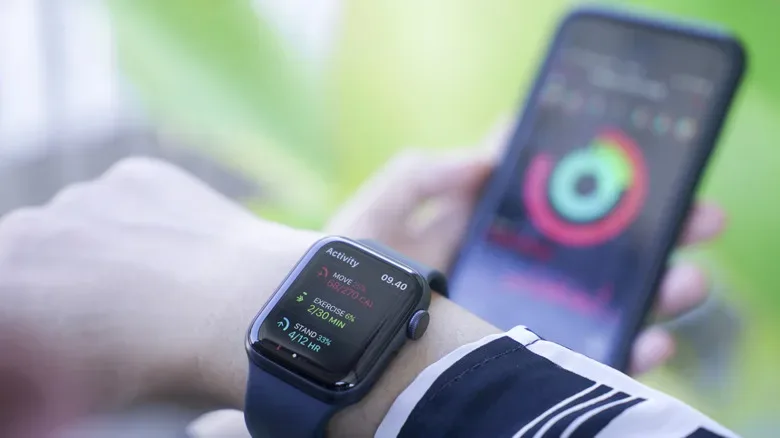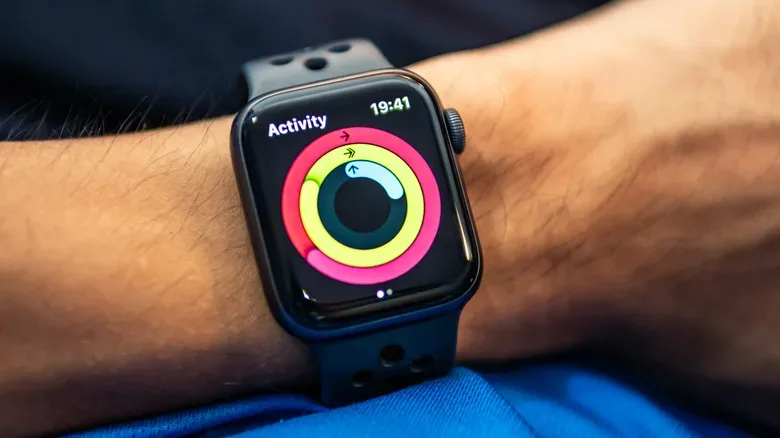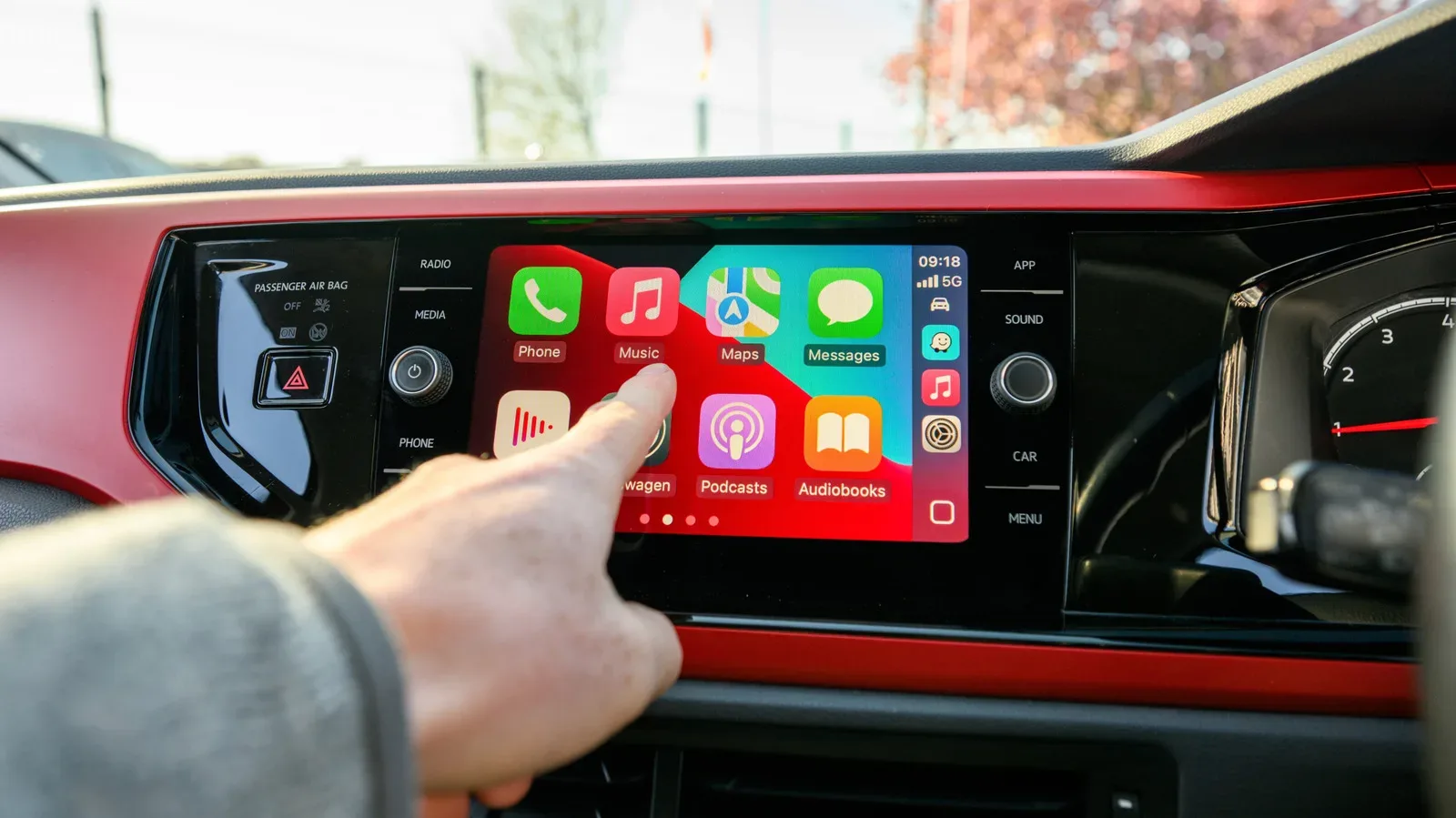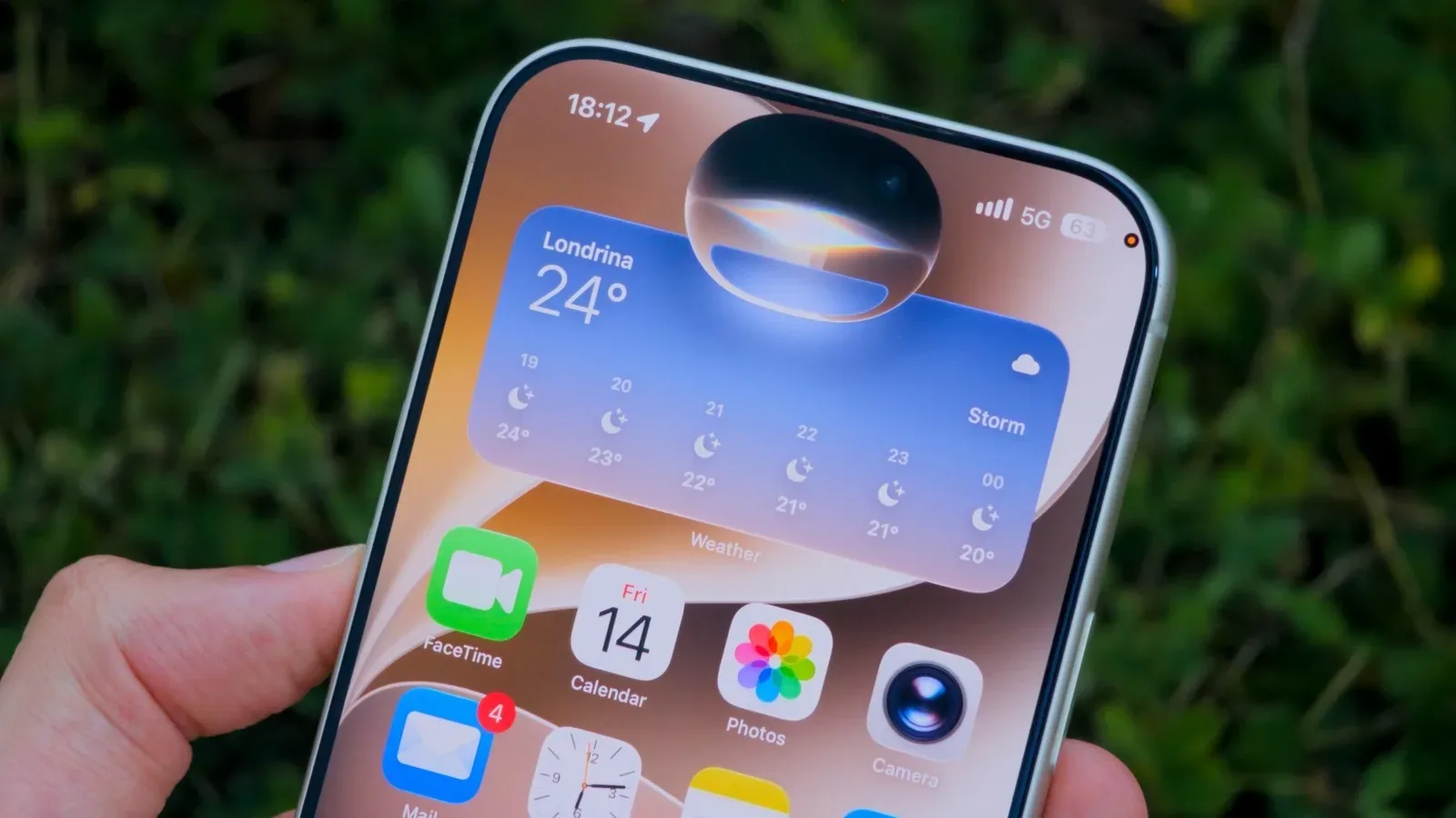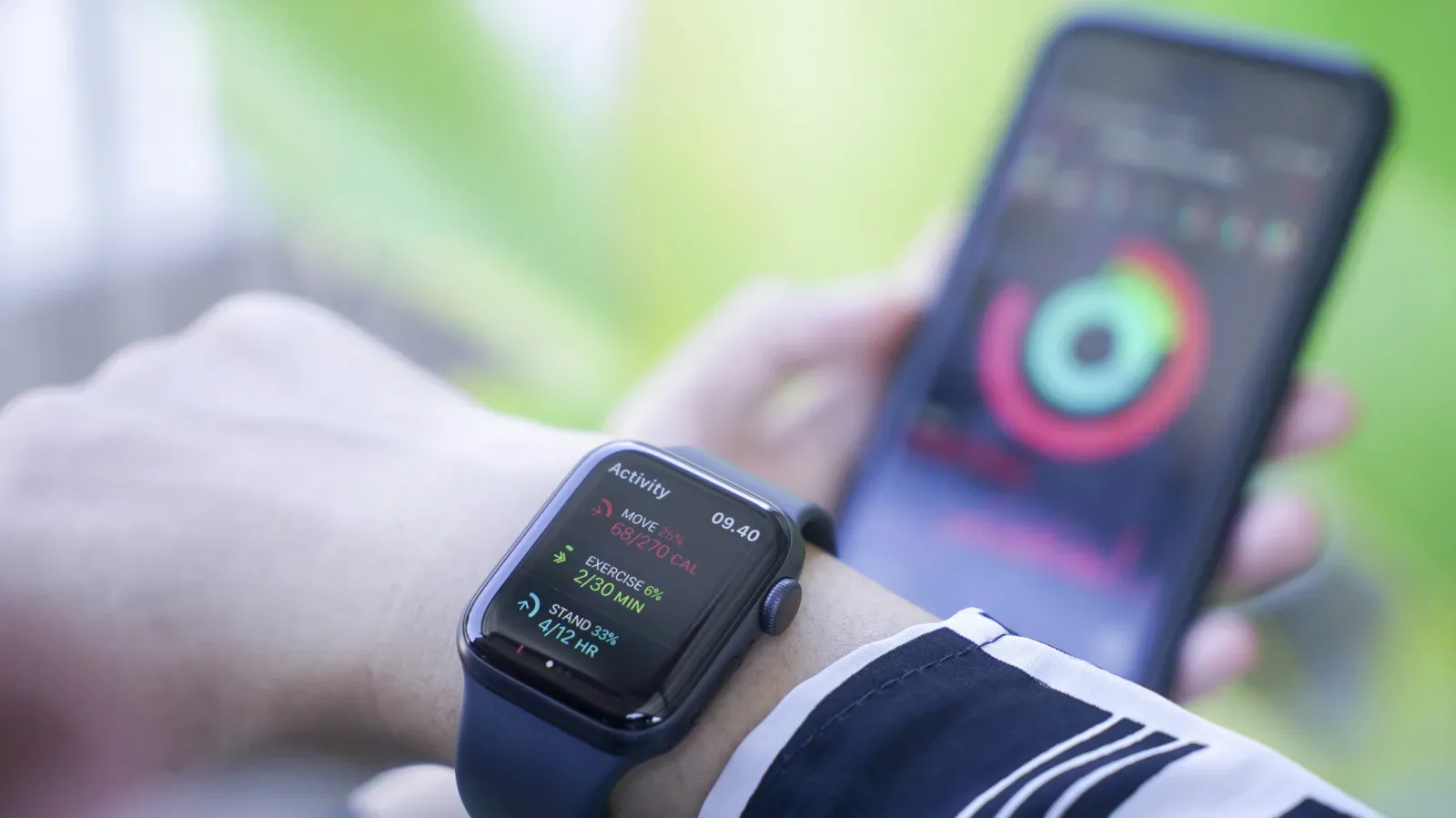
Apple’s GymKit has spent years feeling like one of those clever features that sounds futuristic right up until the moment it meets the average gym floor. Introduced in October 2017, the system was built around a simple handshake: tap an Apple Watch against a supported cardio machine, let the two devices exchange workout data, and allow each screen to benefit from the other’s information. In iOS 27, that handshake is expanding to the iPhone.
The new setup changes the roles in Apple’s fitness-device party. An iPhone running iOS 27 can now be tapped against a compatible GymKit or NFC point to begin a workout. AirPods Pro 3 provide live heart-rate information. The gym machine contributes its own measurements, while Apple’s Fitness app receives the resulting workout record. It is a more flexible arrangement for people who do not own an Apple Watch, forgot to charge one, or simply left it somewhere more relaxing than a stair stepper.
There is one critical asterisk, and it is doing a great deal of cardio: the exercise machine must still support GymKit. iOS 27 does not make every treadmill, bike, elliptical, or stair-stepper suddenly understand Apple’s workout system. The update broadens the device someone can use for a connection; it does not upgrade the equipment waiting at the other end.
What GymKit is meant to accomplish
At its core, GymKit is a two-way workout-data connection. A compatible machine can display information measured by the connected Apple device, while the Apple device can use the machine’s own reported activity details to build a more complete workout entry. Instead of relying on one gadget to estimate everything independently, the machine and the user’s Apple hardware share relevant metrics during the session.
That distinction matters. An iPhone and AirPods can still support ordinary workout tracking when the nearby gym equipment does not have GymKit integration. What they cannot do in that situation is collect the equipment’s data through GymKit. A non-compatible treadmill remains a treadmill, no matter how confidently a phone is presented to its console.
For machines that do support the feature, the process in iOS 27 is intended to resemble a familiar NFC interaction. A user taps the iPhone at the machine’s GymKit or NFC connection point, selects the workout type, and begins. The cardio categories associated with the feature include treadmills, ellipticals, stationary bikes, and stair steppers, though compatible equipment may not be limited to those examples.
The appeal is less about turning a workout into a space mission and more about reducing fragmentation. A machine may know its pace, resistance, distance, incline, or other activity information. AirPods Pro 3 can supply live heart-rate data. The iPhone becomes the display and record-keeping hub, passing information into the Fitness app. In theory, that makes the post-workout log more useful than a record assembled from disconnected devices all making their best guesses.
How the iPhone and AirPods Pro 3 arrangement works
The iOS 27 version of GymKit divides responsibilities among three pieces of hardware:
Related coverage includes iOS 27 Expands GymKit to iPhone and AirPods Pro 3.
- The iPhone starts the GymKit connection through NFC, serves as the central screen, and records the workout in the Fitness app.
- AirPods Pro 3 deliver live heart-rate data during the session.
- A GymKit-compatible cardio machine supplies the exercise-equipment metrics that an iPhone and earbuds cannot directly know on their own.
This is particularly relevant to someone who has previously needed an Apple Watch for the GymKit experience. With the iPhone route, a watch is no longer required to establish that equipment connection. That is the headline change. A person can head into a workout with a phone and AirPods Pro 3, tap into a supported machine, and have heart rate plus equipment data recorded through the same system.
However, the setup is more exacting than “bring any phone and any earbuds.” The phone needs iOS 27, and heart-rate tracking in this arrangement requires AirPods Pro 3. At present, a GymKit-supported cardio machine will disconnect from an iPhone if AirPods Pro 3 are not part of the session. The earphones are not merely an optional audio accessory here; they are part of the required chain.
That design makes functional sense given their heart-rate role, but it also reveals why the Apple Watch remains the cleaner all-in-one tool for many people. A charged watch is already on the wrist and is designed to follow a workout without requiring a phone to take center stage. The iPhone-and-AirPods approach is a useful fallback and a new entry point, not a total replacement for the wearable.
The compatibility obstacle has not disappeared
GymKit’s problem has never been difficult to explain. It requires both an Apple-side device and a compatible machine. Gym operators generally replace expensive cardio equipment slowly, while home buyers face similarly high costs when building out a personal exercise setup. A feature that depends on specific machine support can therefore remain niche even when the underlying concept is sensible.
iOS 27 removes the Apple Watch from the list of requirements for this new route, but it leaves the machine requirement untouched. That is simultaneously the update’s strength and its limitation. Existing GymKit users gain a new way to connect. Potential users whose gym has no compatible equipment gain ordinary iPhone and AirPods workout tracking, but not the GymKit data exchange itself.
It is an important difference for anyone reading “GymKit on iPhone” as “all gym machines now sync to iPhone.” They do not. The updated experience is contingent on the same equipment ecosystem as before. Before planning an elaborate workout ritual involving an NFC tap, it is worth checking whether the particular machine supports GymKit.
That broader ecosystem challenge is familiar across consumer tech: elegant software features can only travel as far as the hardware around them permits. Even fields far removed from cardio equipment face the same need to combine models, sensors, and real-world data sources; NASA and IBM’s open lunar AI model is another example of software designed to interpret specialized data rather than operate in isolation. GymKit’s scale is much smaller, of course, and its terrain is typically a gym mat rather than the Moon, but the integration lesson is similar.
Privacy and the end of a session
Workout data can feel more personal than a playlist or a payment confirmation, so the question of what remains on shared gym equipment matters. Apple’s GymKit privacy information says workout information is removed from connected equipment when the session ends, except in cases where a user is using a machine they have signed into.
That does not eliminate the need to pay attention to which account, if any, is active on a gym console. Still, the stated behavior is designed to prevent a completed session from lingering on the equipment for the next person who decides that today is finally the day for an aggressive incline walk.
Who benefits most from the change
The clearest audience is someone who has access to GymKit-compatible equipment but does not consistently use an Apple Watch. Perhaps the watch was left at home. Perhaps it is uncharged. Perhaps the user does not own one. With an iPhone updated to iOS 27 and AirPods Pro 3, GymKit offers a way to retain the machine connection and heart-rate component without the wrist wearable.
For a regular Apple Watch user, the change is more of a safety net than a reason to abandon the watch. The wearable provides a larger health and activity picture across the day and night, not just a single gym session. It is also the more compact workout companion: one device on the wrist rather than a phone plus specially compatible earbuds that must both be present and ready.
For everyone else, the announcement is best understood as an expansion with firm boundaries. iOS 27 gives GymKit a new doorway through the iPhone. AirPods Pro 3 contribute the heart-rate piece. Compatible machines remain essential, and that requirement is still the feature’s biggest barrier. The result is a genuinely helpful option when the pieces line up—not a universal command prompt for every piece of cardio equipment ever built.