There are few modern travel rituals more confident than tapping a phone against a scanner and watching the airport system nod approvingly. It feels sleek, fast, and just futuristic enough to make a person believe they have successfully defeated paperwork. That confidence gets a lot shakier, however, when a credential that was in Apple Wallet yesterday appears to have taken an unscheduled flight of its own.
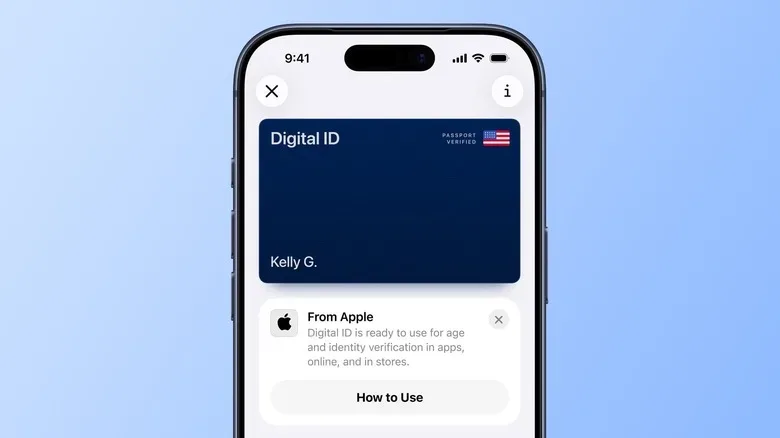
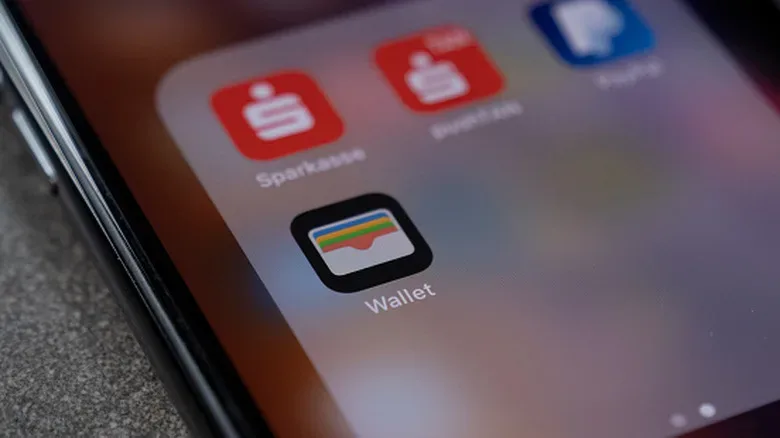
Some iPhone owners using the iOS 27 beta have reported that their Digital IDs vanished from the Wallet app. For a feature designed to make an airport checkpoint a little less fiddly, the timing of such a bug is almost comically bad. It is the digital equivalent of discovering your house key has left the keyring precisely as you reach the front door carrying six bags of groceries.
The important part is that this does not appear to mean a traveler’s passport itself has been erased from reality, nor does it turn an iPhone into an international border-crossing device. The reported remedy is comparatively straightforward: add the passport back to Wallet and the Digital ID should function again. Still, the episode offers an unusually vivid argument for treating operating-system betas as what they are: unfinished software with the potential to create problems in the exact moment people most need things to be boring.
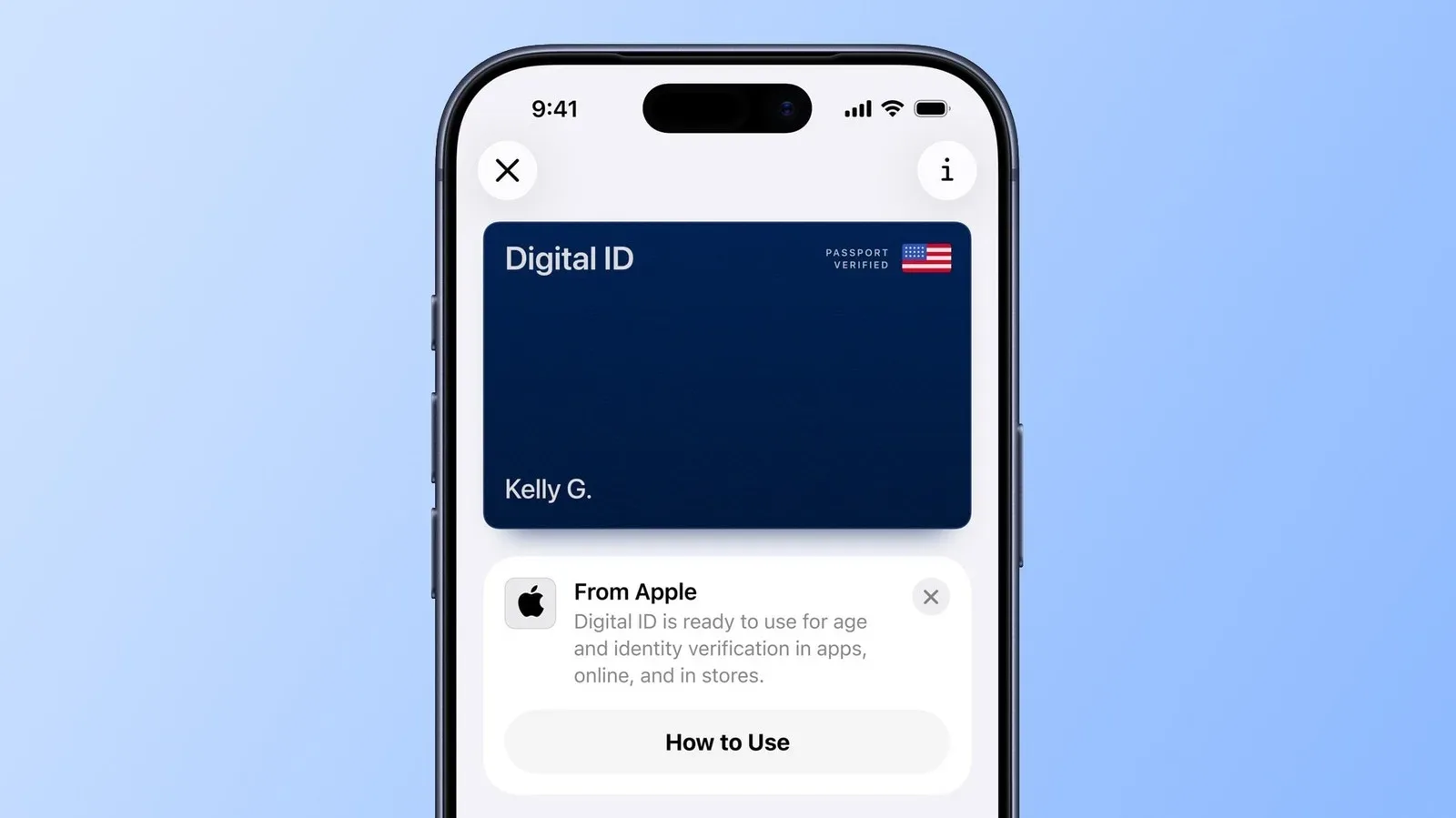
What Apple Digital ID is, and what it is not
Apple introduced Digital ID in 2025 with iOS 26. The feature allows a digital version of a passport to be added to Wallet, with the goal of making certain airport identity checks more convenient. It is supported in iOS 27, including its beta builds.
But Digital ID is not a replacement for the physical passport. That distinction deserves giant letters, a flashing sign, and perhaps a tiny airport announcer living inside every Wallet card. A Digital ID cannot be used to enter another country. Travelers still need to carry their real, physical passport for international travel and for any situation where the actual document is required.
Its specific airport use is at TSA checkpoints in more than 250 U.S. airports. That can make it a useful convenience feature for domestic checkpoint screening where it is accepted, but convenience is not the same thing as a full travel-document backup plan. The physical passport remains the main character; the phone is the helpful sidekick who may occasionally forget its own name after a beta update.
The disappearing act reported by beta users
The issue being discussed is narrowly focused but understandably alarming. Reports on X describe Digital IDs being removed from Wallet for some people running iOS 27 beta software. A traveler who expects to pull up the credential during an airport run could instead find an empty space where it used to be.
That is especially unnerving because digital credentials occupy a weird emotional category. They are often presented as simpler than carrying another card or document, yet they depend on a chain of systems behaving properly: the phone, the operating system, the Wallet app, account verification, and the particular checkpoint’s support for the feature. When everything works, it is elegantly simple. When one link decides it needs a nap, simplicity becomes a scavenger hunt.
For affected users, the reported fix is to re-add the passport to Wallet. Once the Digital ID has been added again, it should be usable as before. That solution is reassuring, but it does not eliminate the practical lesson. Re-enrolling a document might be a minor nuisance at home with a stable connection and time to spare. It is far less charming while standing in an airport line, wondering why the universe has selected today to test your relationship with software preview builds.
Why the beta warning matters more than usual here
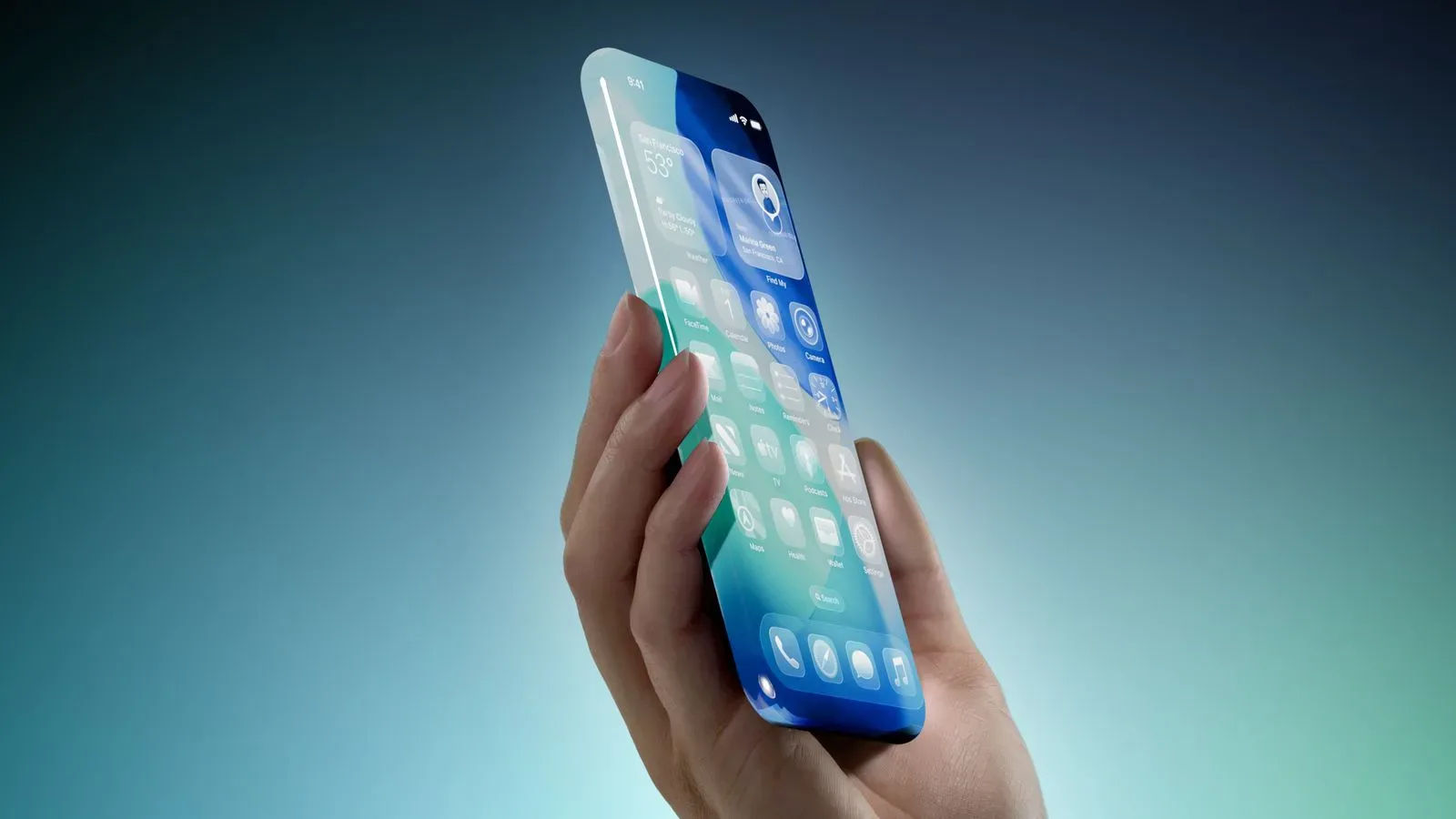
Beta software has always come with an implied waiver: you get early access, and in exchange the operating system gets occasional permission to act like a raccoon operating a control panel. The iOS 27 beta may bring welcome changes, including Siri AI features and Liquid Glass adjustments, and reports indicate performance improvements for people using the preview. Apple has emphasized speed refinement for iOS 27, and users testing it have found performance has improved substantially.
None of that changes the core status of the software. It remains a beta. Better speed does not guarantee that every app, permission, credential, accessory, service, or unusual edge case will behave flawlessly. A phone can feel amazingly quick right up until the moment an important item quietly disappears from Wallet. Software bugs are not obligated to arrive with dramatic warning music. Often they show up as one missing card, one failed sign-in, or one feature that worked last Tuesday and has suddenly become a decorative icon.
This makes Digital ID a particularly useful example because it involves a real-world task with a hard deadline. A music app crashing is annoying. A game save failing to sync is painful. A travel credential going missing just before security is the kind of bug that makes a person briefly consider returning to a paper map, a flip phone, and a messenger pigeon.
People who enjoy preview software do not have to abandon it altogether. The sensible approach is to separate experimentation from dependency. If an iOS beta is installed on a device that is also essential for work, banking, travel, authentication, or family logistics, the cost of an odd bug is higher than the thrill of seeing a new interface element a little early.
A practical travel checklist for iPhone beta users
For anyone who is currently on iOS 27 beta and expects to travel, a little advance preparation can reduce the chances of being caught in the wrong kind of side quest.
- Carry the physical passport. Digital ID does not replace it for international entry, and the physical document remains essential.
- Open Wallet before leaving. Confirm the Digital ID is still present rather than assuming yesterday’s setup survived today’s beta behavior.
- Re-add the passport if the ID is missing. The reported resolution is to add it back to Wallet.
- Do not make a beta your only plan. Keep required documents and other travel necessities available without depending on an unfinished OS build.
- Consider the spare-device rule. If new features are irresistible, a secondary iPhone is the safer playground for beta releases.
The same mindset applies well beyond airports. Wallet can hold payment cards, tickets, keys, loyalty cards, and other pieces of daily infrastructure that now feel ordinary precisely because they normally work without ceremony. A device used as a digital keychain, camera, map, authenticator, payment terminal, and boarding-pass binder is doing a lot of jobs. Installing a beta on it is not automatically reckless, but it is a choice to let a work in progress touch all those jobs at once.
There is a wider gadget-world temptation at play, too. New releases make patience feel old-fashioned. Siri AI and the Liquid Glass changes are designed to be seen and tried, and the urge to jump in early is understandable. For Apple-watchers following the company’s longer hardware and software runway, including talk around the rumored iPhone 20 anniversary ambitions, living on the latest build can feel like joining the conversation in real time.
But a beta is not a prize for bravery. It is a testing environment. The best device for testing one is usually the device whose sudden weirdness will not derail a flight, lock someone out of an account, or create a frantic search through a backpack at security.
The low-tech backup remains undefeated
The Digital ID glitch does not mean the feature is useless, and it does not suggest every iOS 27 beta user will encounter it. The reports point to a small bug with a manageable fix. Yet small bugs can have oversized consequences when they touch something people expect to be there on demand.
That is why the enduring travel advice is wonderfully unglamorous: bring the real passport, verify critical items before departure, and do not ask beta software to be the sole keeper of anything that can ruin your day. Wallet may be a superb companion at supported TSA checkpoints across more than 250 U.S. airports. The paper booklet in your pocket, meanwhile, continues its magnificent streak of not disappearing because of a software build.