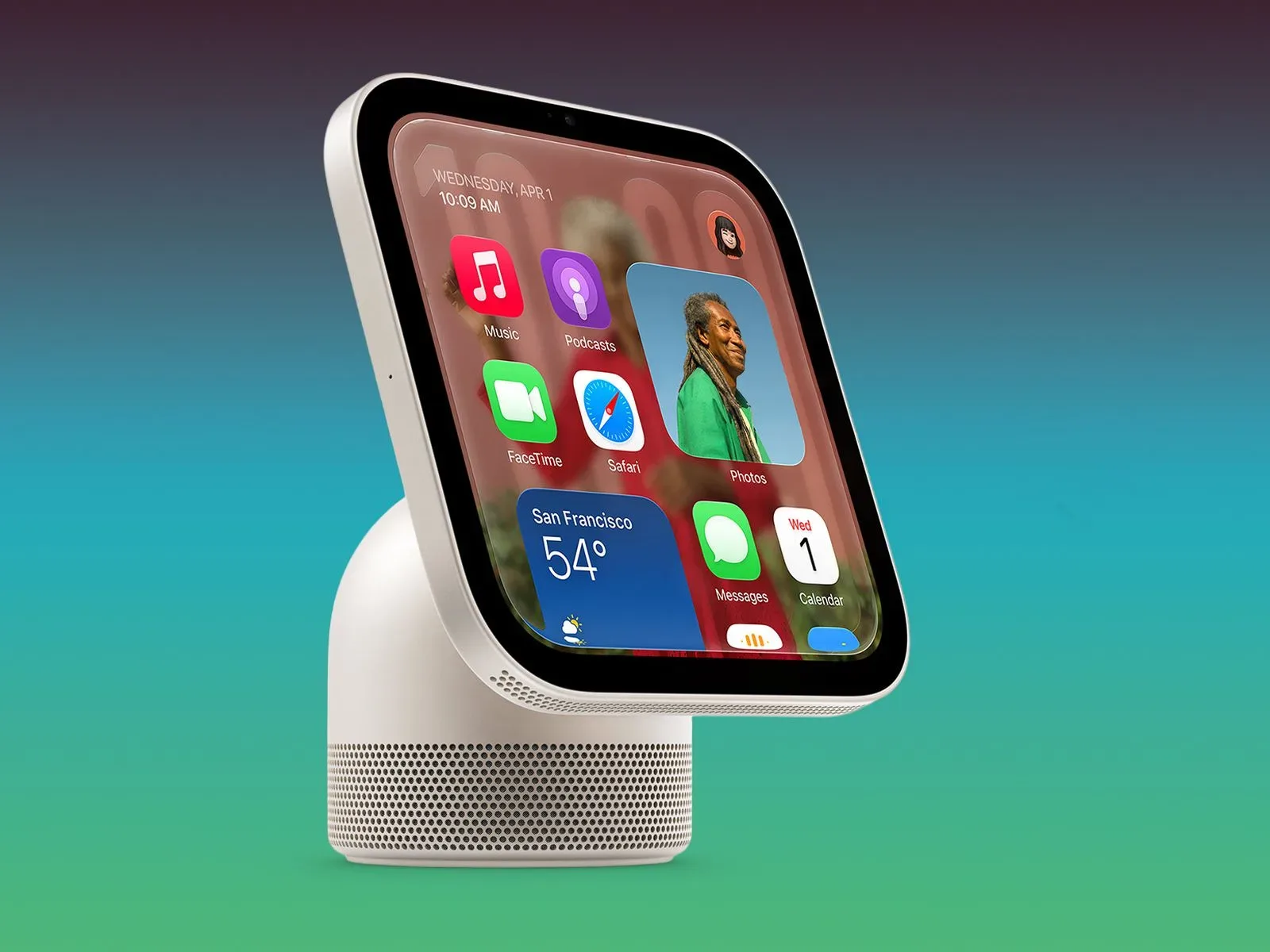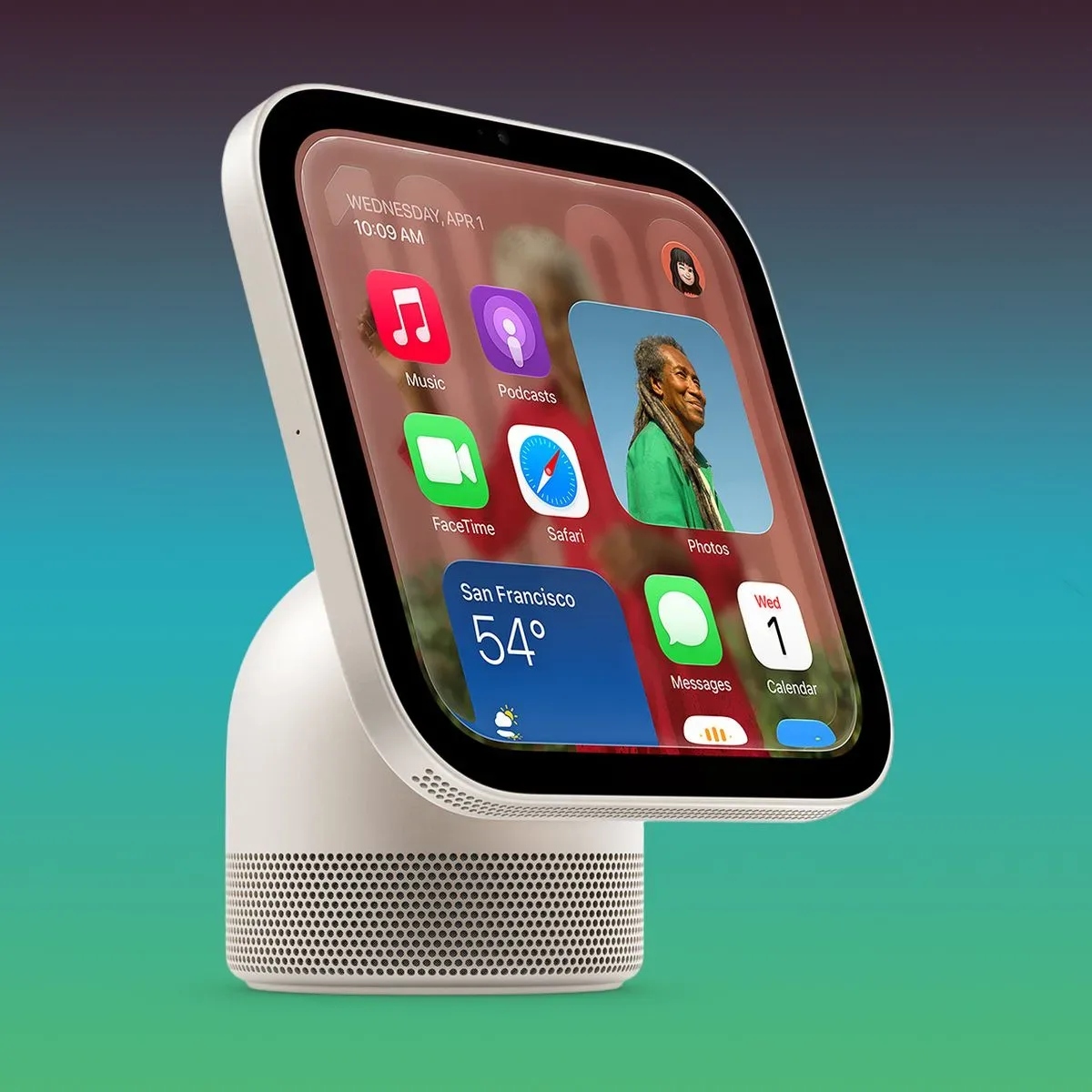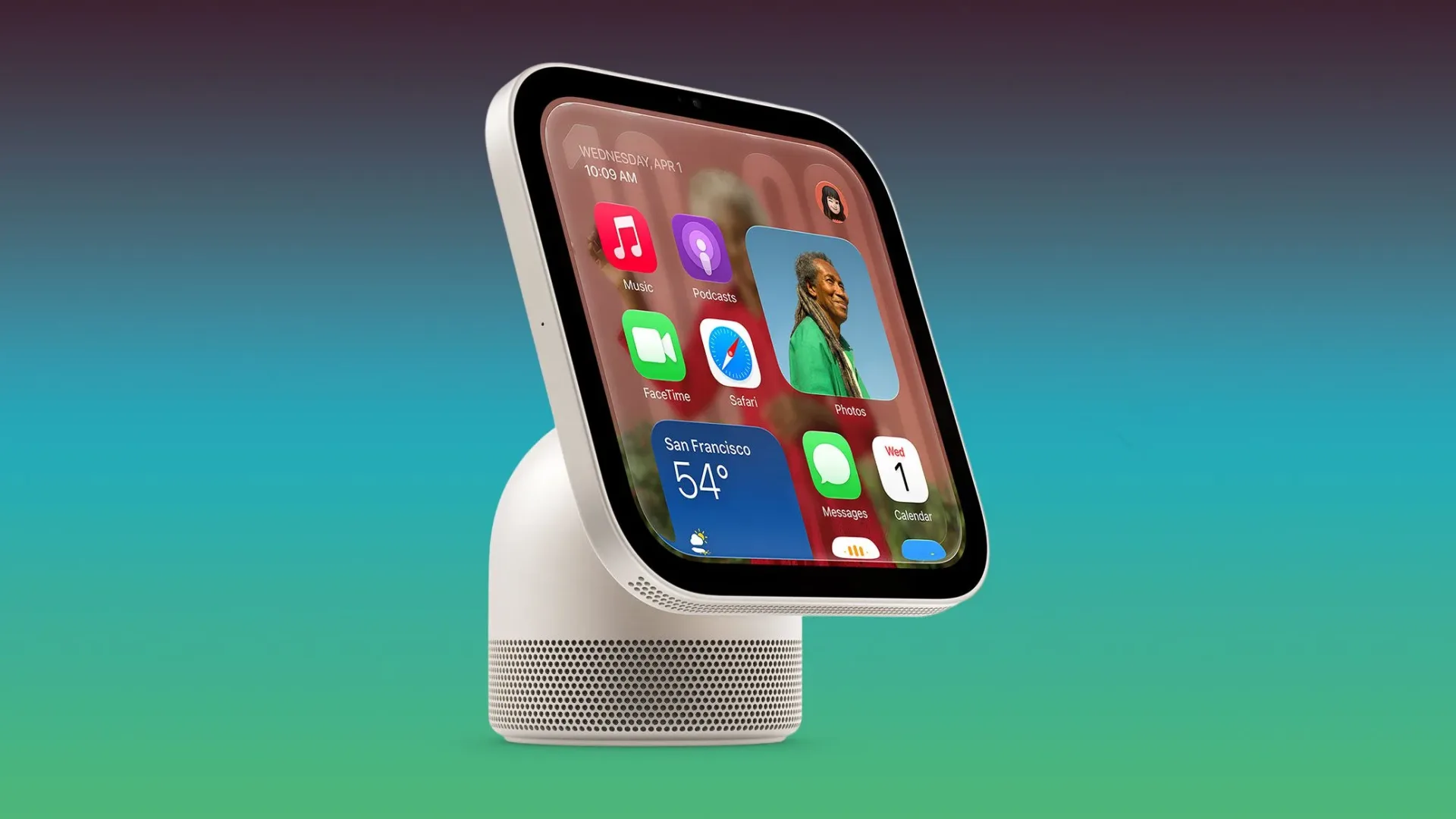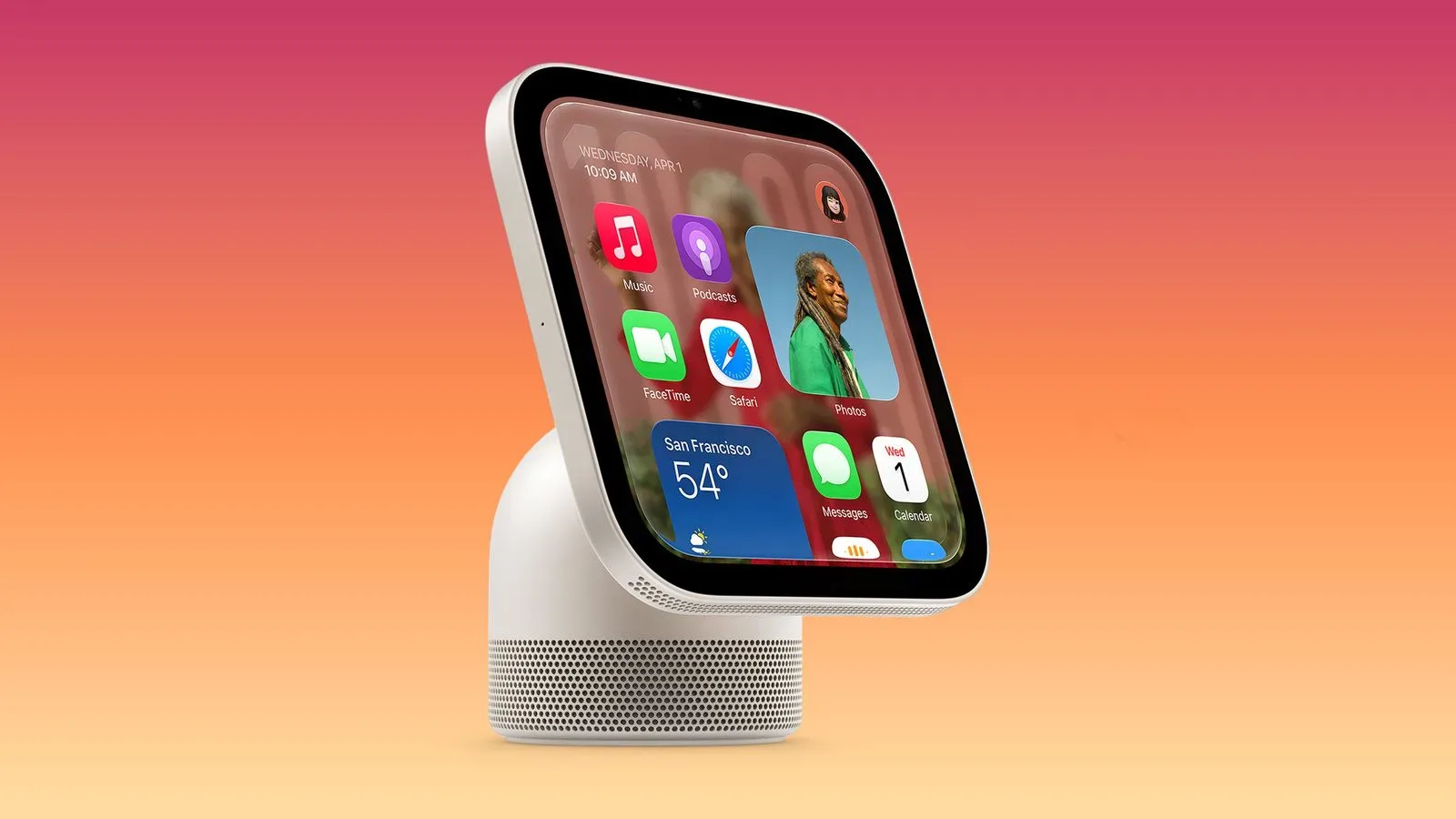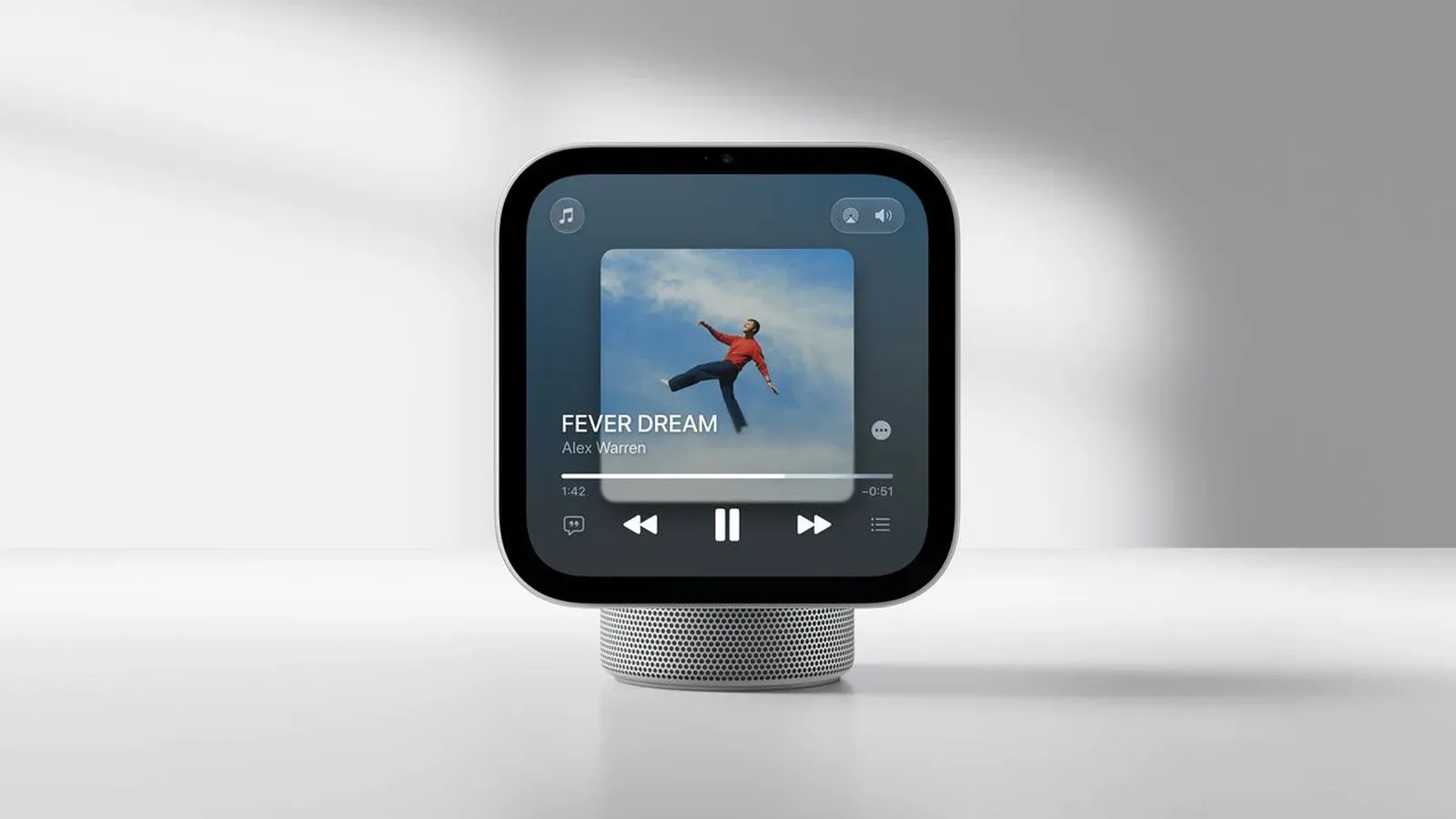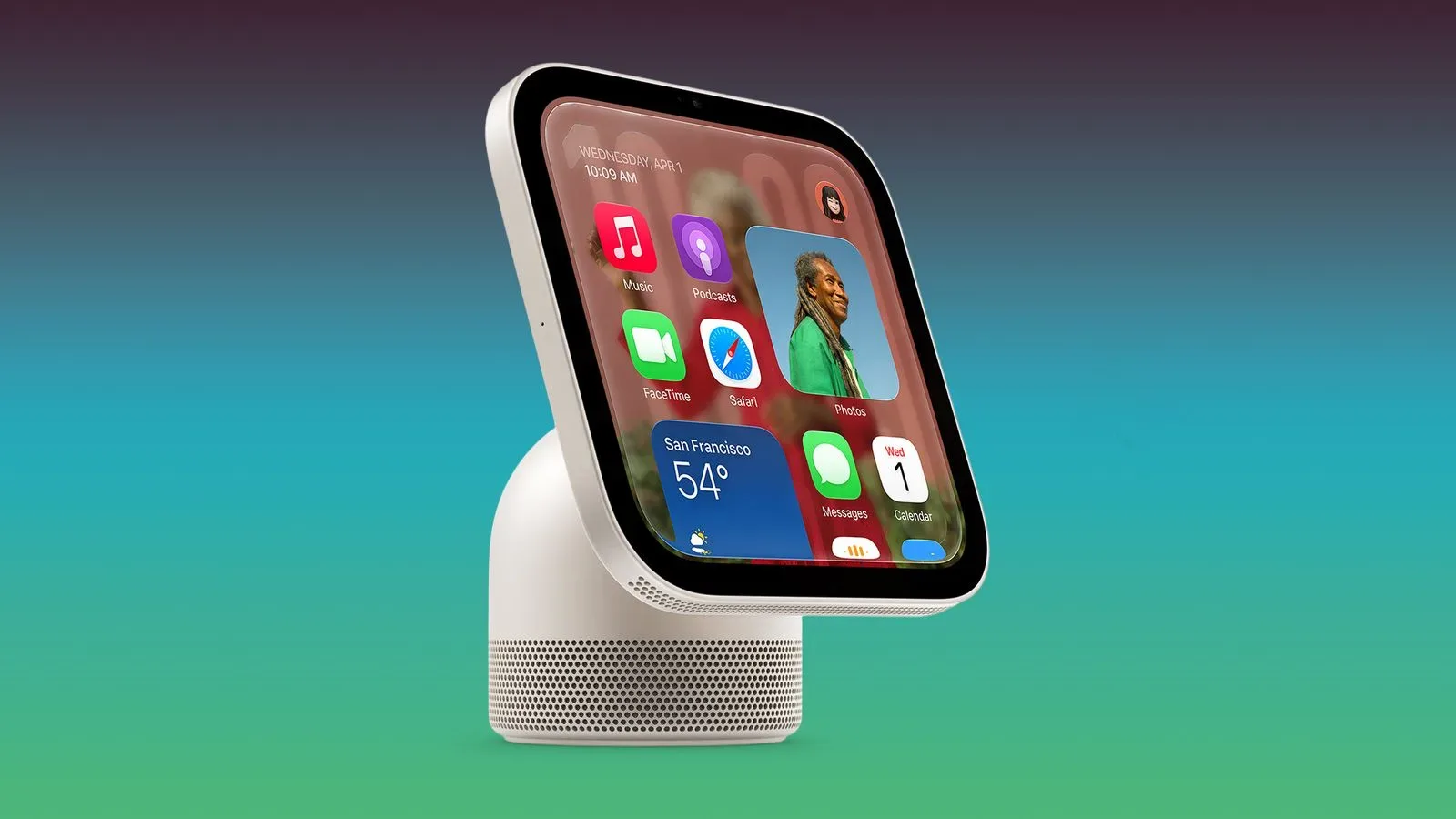
Apple’s forthcoming HomeView smart-home hub may have a second job beyond acting as a household control point: it could function as a HomeKit Secure Video camera. References found in HomeView Software 27.2 describe camera controls, video and microphone settings, household access restrictions, and multiple privacy notices.
The important caveat is as big as a boss health bar. Apple has not announced an integrated camera feature for HomeView, and software references alone do not establish that the capability will ship at launch—or that every detail represented in the code will reach users. Still, the wording is specific enough to outline how the feature could work if it appears.
HomeView is scheduled to launch on Friday, November 13, with a starting price of $299. Its early software release has already exposed other unannounced details, including wallpapers. The newly spotted camera material is therefore best read as a potentially meaningful preview, not a confirmed product-specification list.
Four modes point to a more deliberate camera setup
The discovered settings list four apparent camera modes:
- Off
- Detect Activity
- Stream
- Stream & Allow Recording
Those labels suggest a distinction between merely having the camera available, monitoring for activity, viewing a live feed, and allowing footage to be saved. That distinction matters because a camera is not one single privacy setting. A device can be physically capable of capturing an image while its software limits whether it is actively observing, transmitting a live view, or retaining video.
“Stream” generally describes a live video feed being viewed as it is captured. “Recording” means retaining captured material for later viewing. “Detect Activity” appears to indicate a mode centered on noticing movement or other activity rather than simply providing an always-open live view, though the exact behavior is not confirmed by the strings alone.
For a hub intended to sit inside a home, giving people separate choices in those areas would be consequential. A user could potentially want activity awareness while away but not want continuous streaming or recording in day-to-day home life. The mode names indicate Apple may be trying to make that choice explicit rather than burying it in a single, all-or-nothing camera switch.
Video resolution and microphone references are unusually specific
One HomeView-specific configuration reportedly selects 1080p video at 30 frames per second, together with microphone input, for HomeKit Secure Video sessions. In plain terms, 1080p refers to a video resolution commonly called Full HD, while 30fps means the camera captures 30 individual frames per second. The microphone reference suggests that sound could be part of the camera session configuration.
These details do not tell us how the eventual camera would perform in every lighting condition, whether every mode would use the same settings, or what the final interface would look like. They do, however, go beyond a generic placeholder that merely mentions a camera. A named video setting and an audio-input reference make the possibility of an actual camera function more concrete.
There is also no basis yet to treat these references as a replacement for a dedicated security camera. The software strings establish potential modes and a possible capture format, not a complete list of hardware capabilities, recording limits, field of view, storage behavior, or a final feature comparison with other devices.
Privacy signals appear built into the suspected design
The most notable part of the discovery may be the repeated emphasis on indicators and access controls. The strings suggest that only members of the home will be able to view video streams and recordings. They also indicate that HomeView would show a green light and play a sound when a stream is viewed or when recording begins. Users would receive a notification when camera settings change.
Those measures, if implemented as described, serve different purposes:
- Green light: a visible signal to people near the device that its camera is in use.
- Sound: an audible cue that may be useful when somebody is not looking directly at the hub.
- Setting-change notification: a record of the fact that camera behavior was altered, rather than a quiet change that household members might miss.
- Home-member viewing limits: a boundary around who can access streams and recordings within the home setup.
Privacy hardware and software cues are especially relevant for a screen-equipped object that may be placed in shared indoor spaces. A physical indicator can communicate something immediately to a person in the room, while an account-level alert can help household members notice a configuration change after the fact. Neither kind of signal, on its own, answers every practical privacy question, but the presence of both suggests the feature—if released—is being framed as something requiring conspicuous status feedback.
A related Home app reference adds another wrinkle: when the Home app is open on a member’s device, HomeView may take photos to refresh its camera preview. These photo refreshes would reportedly also trigger the green light. That point is worth separating from a live stream or recording session. A refreshed preview is not necessarily the same thing as continuously viewing or storing video, but it would still involve image capture, which helps explain the apparent requirement for a visible indicator.
Schedules could put the hub on different rules at home, away and asleep
The settings include scheduling options for when people are home, away, or asleep. This suggests HomeView could apply different camera behavior based on household state rather than forcing one rule at all hours.
The available wording also points to a potentially important limitation: while people are home, streaming and recording may only be enabled from the HomeView itself. If that interpretation holds in the finished feature, Apple may be drawing a line between a local, physically present interaction and remotely turning on more sensitive camera functions while the household is occupied.
That is an inference from unreleased settings text, not a confirmed rule, and the final behavior could differ. But it illustrates why implementation details will matter more than the headline claim that a hub has a camera. For households, the useful questions will be simple and concrete: Which modes operate in each schedule state? Who can change them? What happens when a person arrives or leaves? Which actions can be initiated on the device, and which can be controlled from another member’s device?
Face recognition and activity zones are expected to be configured in the Home app on iPhone. Activity zones typically mean user-defined portions of the camera’s view that receive particular attention, allowing alerts or detection behavior to focus on one part of a scene rather than everything visible to the lens. The software references do not establish exactly how these controls will operate, but they indicate that Apple may split management between the hub and the iPhone app.
What is known, what is suggested, and what remains unanswered
There are three levels of certainty here, and keeping them separate prevents a software-string discovery from being mistaken for a final launch announcement.
Supported by the software references
- HomeView Software 27.2 contains four camera-mode labels: Off, Detect Activity, Stream, and Stream & Allow Recording.
- It includes scheduling references for home, away, and asleep states.
- It includes a HomeView-specific 1080p/30fps video and microphone configuration selected for HomeKit Secure Video sessions.
- It suggests view and recording access is limited to home members.
- It references a green light, an audible signal for streaming or recording, and notifications when camera settings change.
- It references HomeView taking photos to refresh a camera preview when the Home app is open on a member’s device, with the green light present there too.
Reasonable, but still unconfirmed, implications
- HomeView may ship with a user-facing camera feature.
- The hub may be intended to support different surveillance and privacy choices based on whether people are home, away, or asleep.
- The Home app on iPhone may be the place for face-recognition and activity-zone configuration.
Questions the strings do not answer
- Whether the feature will be present on November 13.
- Whether every listed mode and schedule behavior will survive to public software.
- How the camera hardware is positioned or how much of a room it can see.
- How recording retention, notifications, and access controls will work in the finished experience.
- Whether 1080p/30fps applies universally or only to the noted HomeKit Secure Video session configuration.
That restraint is particularly important around the stated launch price. HomeView starts at $299, but the unannounced camera references cannot yet be used to judge its value as a security camera, because Apple has not confirmed that role or explained the final implementation.
Why the possibility matters for Apple households
Should the feature become public, HomeView could consolidate smart-home controls and camera-related functions in a single device. But consolidation has a trade-off: the more central a device becomes in a home, the more clearly its capture status and access rules need to be communicated. The alleged green indicator, sound alerts, membership restrictions and configuration notifications would be the meaningful parts of the story—not merely the presence of a lens or a video mode.
For people already following Apple’s wider device plans, HomeView’s software discovery also fits a broader pattern in which early clues can reveal product directions before a formal explanation arrives. Apple hardware rumors elsewhere remain fluid too, including reports around possible iPad refreshes with AI, OLED and cooling in play.
For now, prospective HomeView buyers should treat the camera idea as an unannounced possibility with detailed evidence behind it, rather than as a promised launch feature. The software points to a thoughtful set of controls if Apple enables it. The company still needs to say whether it will.