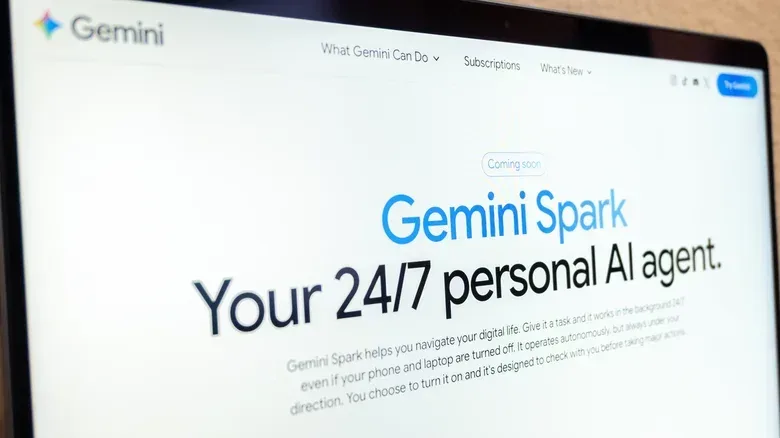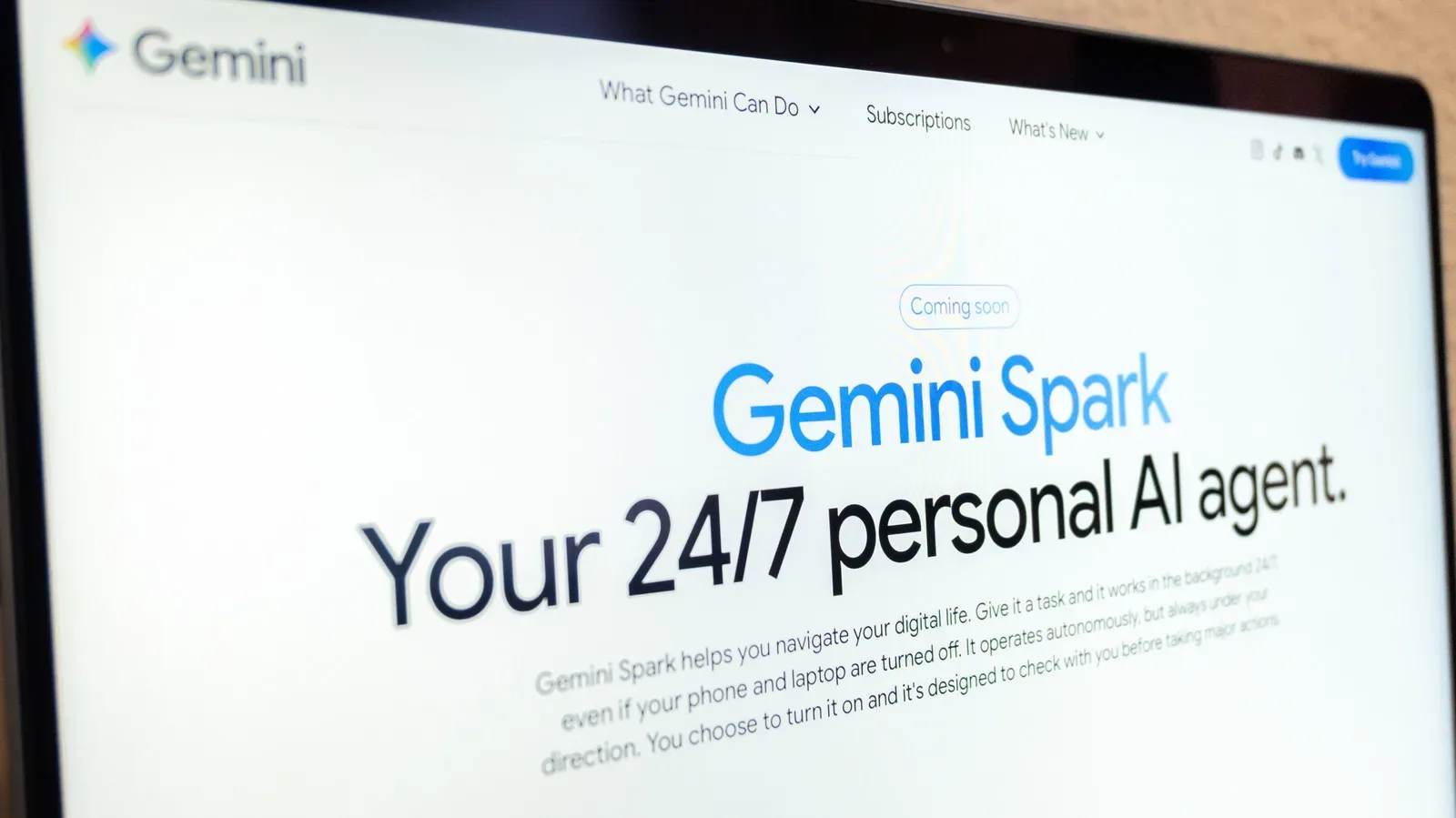
Google’s Gemini Spark is designed for the part of digital work that feels less like work and more like administrative ping-pong: reading routine messages, moving details into a tracker, creating folders, preparing recurring materials and carrying a task from one Google app to another. Spark is an agentic personal assistant, meaning it is intended to do more than answer a question in a chat window. A user gives it an objective and instructions, and Spark can take steps toward completing that objective in the background.
That distinction matters. A normal AI prompt may produce a draft, summary or list that still needs to be copied somewhere and acted upon. Spark is built around the next step: connecting an instruction to work in services such as Google Docs, Calendar, Slides and Gmail. For people already organized around Google Workspace, that can turn repetitive processes into a reusable workflow rather than a daily manual routine.
It is not, however, a license to hand every digital responsibility to a bot and wander away dramatically into the sunset. Google warns that AI can make mistakes, asks users to avoid putting sensitive information into task threads, and recommends close monitoring—especially when a task could run while the user is offline. Spark’s promise is practical delegation, not infallible decision-making.
What Gemini Spark is meant to do
Spark was announced at Google’s I/O developer conference in May. Its purpose is to take user-defined tasks and make “proactive” progress while following the task’s instructions. It also works with Personal Intelligence, a Gemini feature that uses information from Google apps to tailor suggestions.
The useful way to think about Spark is as a workflow layer. Rather than merely asking Gemini, “What should I do with these messages?”, a user can define what should happen when a relevant message arrives. One published example is a photography-services inquiry workflow: extract a client name and requested date from an email, log the lead in a Client Tracker Sheet, then create a Google Drive folder bearing the client’s name.
That is a small sequence, but it illustrates the core idea. The job has an input, a few rules, and several destinations. Email provides the input. A spreadsheet becomes the structured record. Drive gets the associated folder. Spark’s value is in making those handoffs without requiring a person to repeatedly copy text, name folders and populate columns.
Other suggested uses include making a personal email style guide from the last 50 sent responses, or setting up an internship tracker. These are tasks where an AI can help impose structure on an existing pile of information. They are also the kinds of tasks where a user can inspect the result and correct it before any error becomes costly.
Access requirements and where it works
Access is not universal. Spark requires a Google AI Pro or Google AI Ultra subscription, though certain business subscribers may also be eligible. It is unavailable to people located in the European Economic Area, Switzerland, the UK and Nigeria. Users also need to switch on Keep activity, the setting Google says allows chats to be resumed where they were left.
Related coverage includes How to Automate Everyday Tasks With Gemini Spark.
Spark can be used through the Gemini mobile app, the Gemini app on Mac and the web app. It can also work with Gemini in Chrome through auto browse for tasks such as restaurant reservations and travel-related work.
Those requirements deserve attention before anyone spends time designing a detailed automation. A well-defined workflow is only useful if the account, location and platform can actually run it. For teams, there is an additional practical concern: confirm who has subscription access and whether the same workspace setup applies to every participant before treating Spark as a shared process.
How to create a task in Spark
The basic creation flow is straightforward:
- Open Gemini on the mobile app or web app.
- Select Menu, then choose Spark.
- Enter the task in the text box, explaining both the goal and the expected actions.
- Attach a relevant file if needed, or add an item from Google Drive or a Notebook.
- Select Submit.
The short version is simple; the quality of the instruction is not. A task prompt should identify the trigger or source material, the information to extract or create, the destination for the result, and any limitations. “Organize my leads” leaves a great deal undefined. “When a photography-services inquiry arrives, record the client name and requested date in this tracker, then create a client-named Drive folder” describes a concrete chain of work.
This is not just prompt-writing ceremony. Ambiguity is dangerous when an AI is taking action rather than generating a harmless first draft. If a folder name needs a particular convention, state it. If information should be collected but not used to send a message, say so. If a task needs review before moving to a later step, set that expectation plainly. Clear boundaries make it easier for a person to inspect what happened and easier to spot behavior that does not match the intended workflow.
Use structured instructions, not vague wishes
A reliable Spark task is likely to have four elements:
- Trigger: what begins the task, such as a qualifying email or a supplied file.
- Selection rule: what information matters and what should be ignored.
- Action: the specific update, document, folder or other output required.
- Destination: where the output belongs, such as a named Sheet, Drive location or other Workspace app.
For example, “build an internship tracker” is a goal. A more actionable instruction would define which applications, emails or documents to consider, what fields belong in the tracker, and where it should live. The difference is not verbosity for its own sake. It is the difference between asking for an outcome and specifying a process that can be checked.
Monitor the work instead of assuming it is done
Google specifically emphasizes oversight. Spark may need the user to step in, including taking over an action in the browser. To review a task, go back to Menu > Spark > Tasks. That area shows the thread linked to the task, where updates can be made.
Users can also open the work panel by selecting the progress chip at the top of the thread. The panel shows completed steps, the current step and planned steps. That is one of the most important parts of the feature: it gives the user a way to compare what Spark has done—and plans to do—against what they actually intended.
In this context, monitoring is not a backup plan for rare disasters. It is part of the proper workflow. The person who assigned the task remains responsible for its consequences. Review is particularly important when Spark is working from messy natural-language material such as emails, where names, dates and requests can be worded in inconsistent ways.
The need for traceability is becoming broader than one tool. As AI systems are given more responsibility for discovery, content and community-facing decisions, clarity around how they behave becomes a trust issue. That tension is also visible in debates over AI, discovery and community trust. Spark is aimed at individual productivity rather than public platforms, but the operational lesson is similar: automated activity works best when people can see what the system is doing and intervene before a small mistake spreads.
Privacy, credentials and high-stakes tasks
There is a bright line in Google’s guidance: do not put sensitive information into the task thread. Login credentials and payment information should be entered directly by the user on the relevant website, not supplied to Gemini. That rule makes sense even when the task seems routine. A reservation or purchase flow may be convenient to automate up to a point, but authentication and payment are moments where a person should take control.
Google also cautions against scheduling tasks that are too sensitive, particularly tasks that run while the user is offline. The key question is not whether automation can technically attempt the job. It is whether an AI error—sometimes called a hallucination, when a system produces an incorrect result—could cause meaningful harm.
Low-risk automation generally produces reversible, inspectable outputs. Creating a folder, adding a draft entry to a tracker or assembling a style guide can be reviewed and amended. Higher-risk automation could involve financial commitments, sensitive personal information, irrevocable communications or decisions where a mistaken interpretation carries real consequences. Those are poor candidates for unattended execution based on the available guidance.
A cautious operating model follows naturally:
- Start with a small, reversible task.
- Inspect the task thread and work panel while it runs.
- Check whether the extracted information and created files match the original material.
- Refine the prompt when Spark’s behavior is too broad or unclear.
- Keep credentials, payment details and sensitive data out of the task thread.
- Require human action at the point where an error would be expensive or harmful.
This approach may sound less magical than “set it and forget it,” but it is more useful. The best early automation candidates are the chores a user already understands well enough to describe precisely and audit quickly.
Skills are replacing Gems for reusable instructions
Google said at the end of September that skills would replace Gemini Gems as the way users define instructions for tasks. Skills are meant to package repeated guidance that can be applied again later. A skill could tell Gemini how to prepare for presentations or how to write in a particular style.
That shift matters because repeated automation is rarely about repeating one identical prompt word for word. It is more often about carrying a stable set of preferences into different jobs. A presentation-preparation skill, for instance, can represent the user’s usual instructions without requiring them to rebuild that guidance each time.
Once a skill has been created, it can be invoked in a new task by typing a forward slash followed by the skill’s name in the prompt. The practical benefit is consistency: recurring work can begin with the same defined rules, while the user supplies the new situation or materials.
For Spark users, the sensible progression is to first prove that a workflow works under supervision, then turn the durable parts of that workflow into a skill. In other words, do not standardize a vague process. Standardize the instructions only after the desired result, limits and review points are clear.
What Spark changes—and what it does not
Gemini Spark can potentially reduce the friction between information arriving and useful organization happening. Its Workspace integration makes that especially relevant for people whose tasks already move among Gmail, Docs, Sheets, Slides, Calendar and Drive. Instead of treating AI as a separate place to ask questions, Spark presents it as a coordinator for contained, multi-step jobs.
But the human role does not disappear. Someone still has to decide what counts as a relevant email, what belongs in a tracker, how a folder should be named, which task outcomes are acceptable and where an assistant must stop for approval. Spark can execute portions of a workflow; it cannot remove the need to design that workflow responsibly.
The most promising use is therefore not total automation. It is supervised automation: delegate repeatable, low-risk administrative steps, watch the progress, revise the instructions when necessary, and keep sensitive or consequential decisions in human hands. That is a more grounded version of an AI assistant—and probably the one most likely to save time without creating a new kind of inbox cleanup later.