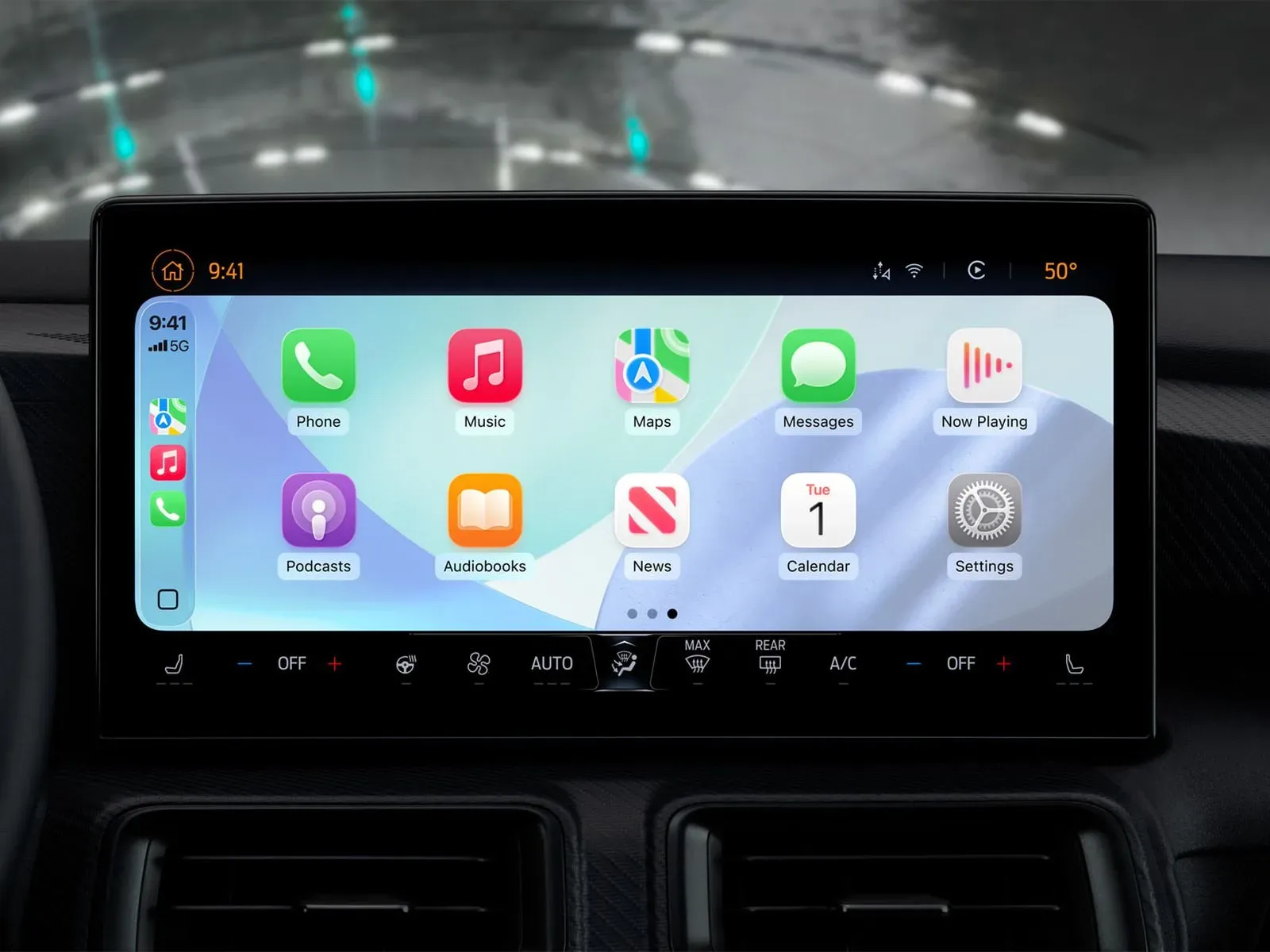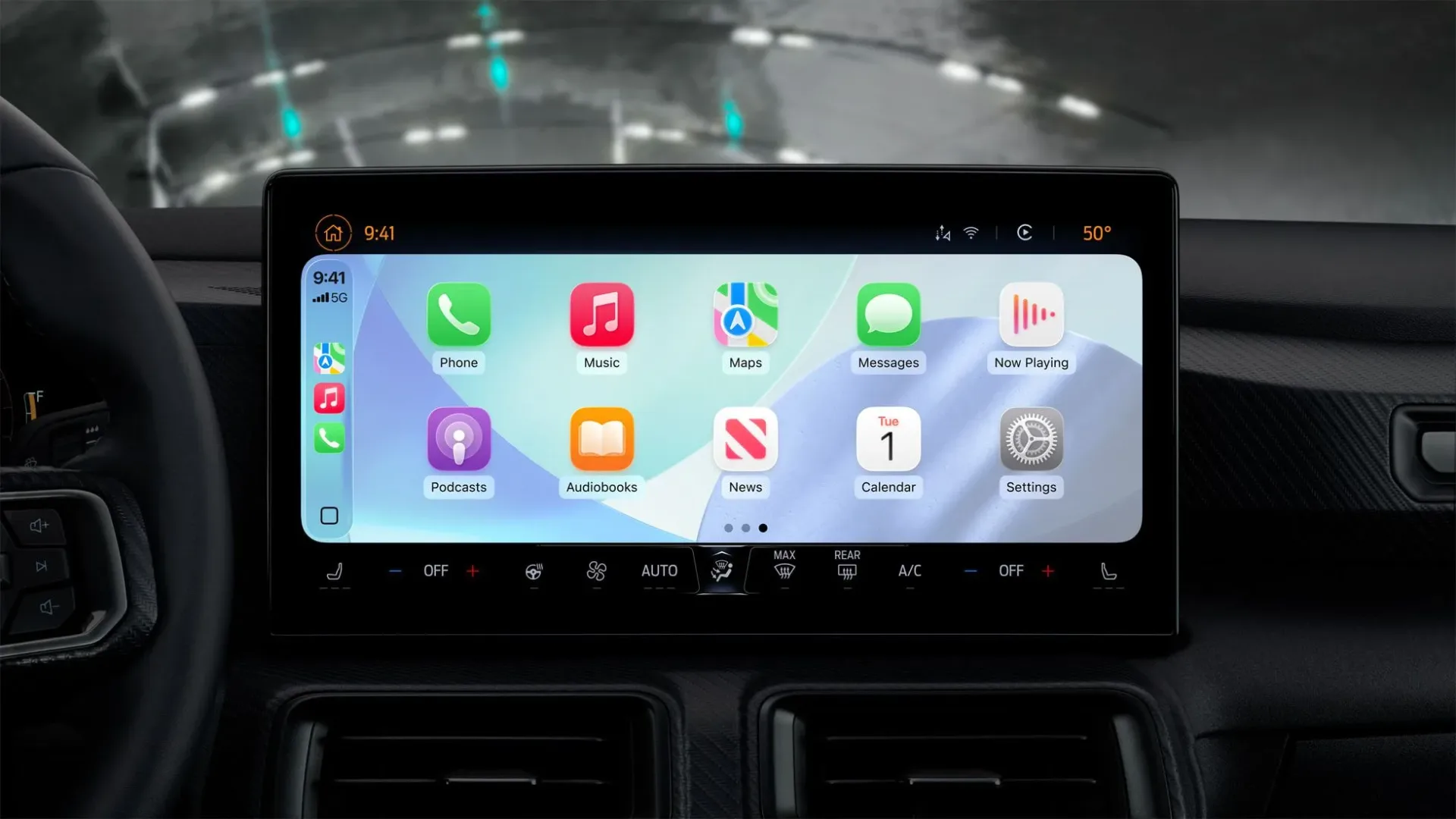
The dashboard has gained another conversational passenger, and—crucially—it is one that is not allowed to grab the wheel, change the radio, or begin an unsolicited lecture about your route choice. Anthropic has added Apple CarPlay integration to its Claude app for iPhone, making the AI assistant available through compatible in-car infotainment systems.
The integration is live. It arrives after Apple introduced support for third-party chatbot apps in CarPlay with iOS 26.4, establishing a more formal route for AI conversation apps to appear in a setting where attention is scarce and every extra tap can be a bad idea.
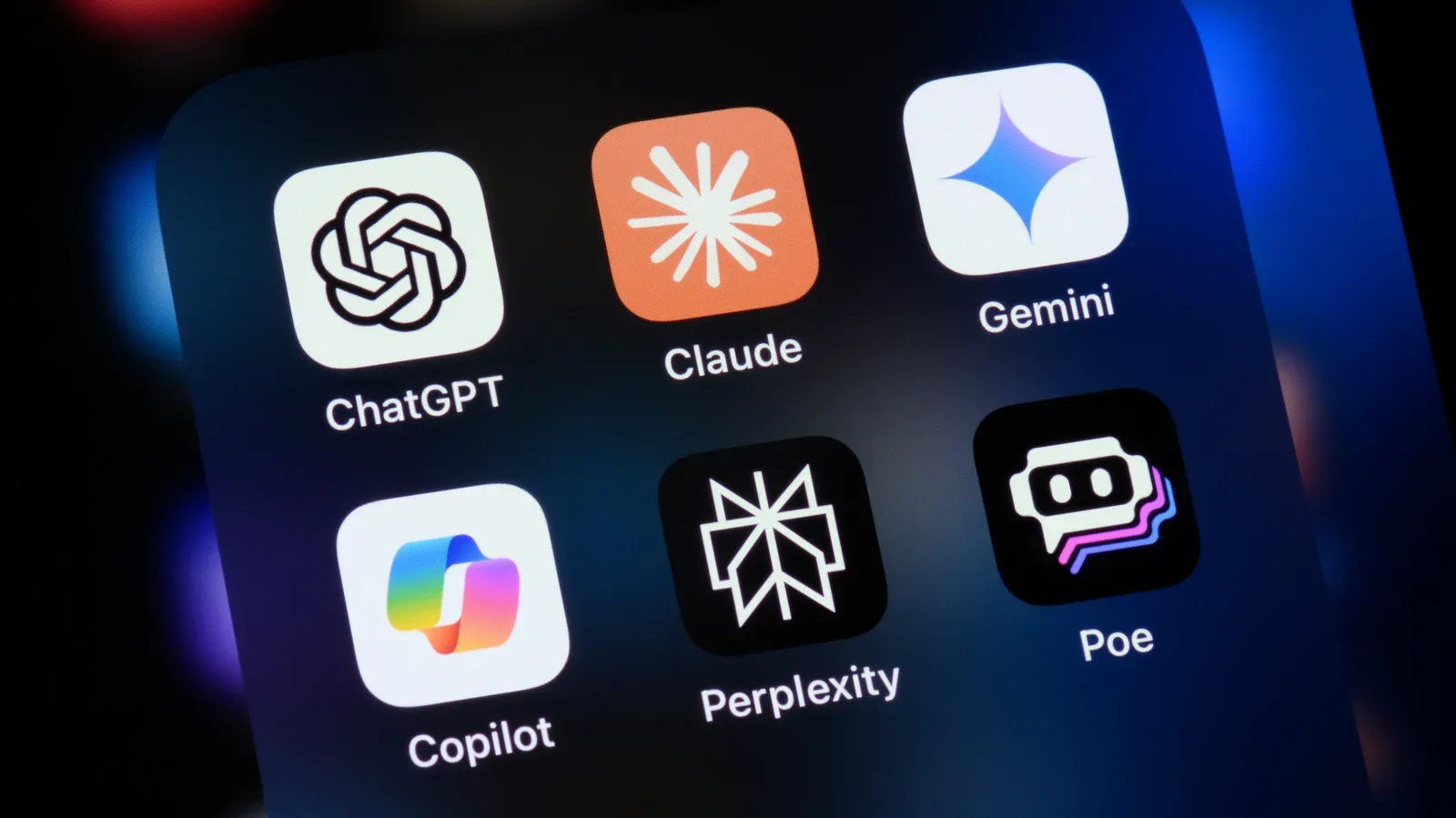
Claude’s arrival follows ChatGPT, whose iPhone app gained CarPlay support earlier in the year. The broader change is notable: CarPlay has supported outside apps for a long time, but Apple has historically been selective about the categories that can participate. That selectivity remains especially important in a vehicle, where a screen should ideally be delivering directions, music, or a very brief answer—not trying to become the star of the commute.
What Claude does in CarPlay
Claude users can talk with the assistant through CarPlay using voice. The CarPlay version opens on a hands-free conversation screen, providing options to start a new chat or return to recent chats. Once a conversation is running, the interface includes controls to mute or unmute, end a conversation, and resume it.
Visual indicators show when Claude is listening and when it is speaking. Those cues may sound like a modest design detail, but they matter in an in-car environment. A person needs to know whether the system has heard them, is processing a request, or has stopped paying attention without having to decipher a dense interface at a stoplight.
It is best understood as a voice-oriented extension of the existing Claude iOS app rather than a new automotive control layer. Claude can handle spoken questions hands-free, but it cannot operate vehicle functions or iPhone functions. It is a conversational tool on the dashboard, not a substitute for the car’s controls, Siri, or a passenger willing to press the right button.
What users cannot do—and why that boundary matters
The limitations are as important as the feature itself. Claude cannot control the vehicle, so users should not expect it to adjust climate settings, operate driving features, or interact with other car systems. It also cannot control iPhone functions through this CarPlay connection.
There is no support for third-party wake words, either. In practical terms, users must open the Claude app from the CarPlay interface before speaking with it; they cannot simply call it up with a custom voice phrase from elsewhere in the CarPlay experience.
That friction is likely intentional as much as it is technical. Apple’s CarPlay rules for chatbot integrations require a voice-control screen, use of Apple’s designated CarPlay template, and an Apple entitlement. Together, those requirements put a fairly narrow frame around what a chatbot can look like and how it can behave in the car.
A narrow frame is not necessarily a disappointment. The promise of an AI assistant in a vehicle can easily drift into an imagined future where every request is instant, ambient, and effortless. The reality here is more grounded: open an approved app, use voice, receive a response, and keep the assistant away from systems where a mistaken interpretation could be much more consequential than an awkwardly phrased answer.
CarPlay’s chatbot moment is deliberately constrained
CarPlay’s expansion to chatbot apps says something about where voice assistants are heading, but it does not signal that Apple has opened the dashboard to every kind of app or interaction. Apple has long limited CarPlay categories in an effort to reduce distraction. That principle remains visible in the requirements now applied to third-party AI apps.
Claude’s integration is therefore not an invitation to treat a car display like a full-size phone screen. Its available actions are centered on conversation: beginning a new exchange, reaching recent ones, muting, ending, and resuming. The design keeps the interaction comparatively legible and bounded.
For anyone familiar with games that confuse more menu options with better design, this approach may feel familiar. A restricted tool can sometimes be more usable because it makes its intended purpose obvious. CarPlay is not a place for sprawling chat controls, elaborate prompt composition, or a hundred toggles competing for attention. The system’s guardrails acknowledge the context before the software gets carried away with itself.
That mindset also fits the difference between a dashboard assistant and a desktop chatbot. In a car, a useful question may be short and situational. The emphasis is not on replacing a keyboard-heavy work session. It is on allowing a person to ask something aloud and hear an answer while the surrounding interface remains designed around driving.
Recent chats make the feature feel less disposable
The presence of recent-chat access is one of the more meaningful parts of the implementation. It means the CarPlay experience is not limited to one-off questions that vanish as soon as the vehicle is parked. A user can return to an earlier conversation from the dashboard interface, picking up a thread without rebuilding the context from scratch.
That continuity could make Claude in CarPlay feel more like an extension of the phone app than a separate, stripped-down novelty. Still, it should not be mistaken for unrestricted app access. The controls and presentation are shaped by CarPlay’s own requirements, and the app remains focused on voice conversation rather than broad iPhone management.
There is an obvious lesson from multiplayer etiquette here: the interface should not demand that someone abandon the main activity just to prove it exists. The unwritten rules of couch multiplayer are built around sharing attention, and the road has a much less forgiving version of the same problem. The dashboard assistant needs to be present without becoming the center of the room—or, more accurately, the cabin.
Claude and ChatGPT now share a new kind of dashboard space
With Claude now available in CarPlay and ChatGPT having added support earlier this year, iPhone users have more than one major chatbot option for voice-led in-car conversations. This does not mean the services are identical, nor does it settle which one a person may prefer. It does show that third-party AI assistants have moved beyond being strictly phone- or computer-bound tools.
For Apple, the arrangement preserves a familiar approach: permit useful external services, but put them in a carefully designed lane. The required entitlement, prescribed template, and voice-control focus give Apple a measure of oversight over an app category that could otherwise become visually noisy or behaviorally unpredictable on a dashboard.
For chatbot makers, CarPlay adds a setting with unusual constraints. An assistant must be able to communicate clearly through spoken interaction, recognize that users may need quick controls, and accept that many conventional mobile-app features do not belong in the vehicle interface. Success here is less about putting every capability in reach and more about deciding what must stay out of reach.
A small change with a clear use case
Claude’s CarPlay rollout is not a transformation of the car into a rolling AI command center. There is no third-party wake word, no vehicle control, and no iPhone control. Those absences define the product as much as the ability to ask questions does.
What is available is simpler: Claude can be opened from CarPlay, used for hands-free voice conversations, and managed with a small group of on-screen controls and visual listening or speaking cues. Recent chats can be accessed, and new conversations can be started directly from the CarPlay interface.
That makes this a modest but important addition for people who already use Claude on iPhone and want access during a drive without turning to the handset. It also marks another step in CarPlay’s gradual acceptance of third-party chatbots—provided they behave like dashboard citizens rather than trying to turn the infotainment screen into a pocket computer with cupholders.