ChatGPT is being positioned less as a standalone prompt window and more as a place where a team’s working material can live. OpenAI has outlined ChatGPT Spaces, shared hubs intended to bring colleagues, uploaded files, ChatGPT-created material and new personal AI agents called Dots into the same organized context.
The practical ambition is straightforward: work involving an AI assistant often becomes fragmented. A document may be in one location, a conversation in another, meeting outcomes elsewhere and a generated draft inside an isolated chat. Spaces are meant to give that material a common home so people and the AI can work from shared information rather than repeatedly rebuilding context.
The feature is planned for OpenAI’s Pro, Business and Enterprise plans. It will first arrive in the ChatGPT desktop app and on the web, with mobile support set to follow. That staged rollout matters for teams deciding whether this is ready to become part of their day-to-day workflow: initial use will center on desktop and browser access, not a complete cross-device experience from the outset.
What a ChatGPT Space is designed to hold
A Space is a team-oriented area where coworkers can retain files they upload alongside content generated with ChatGPT. The company says the goal is to keep both types of material organized and easier to retrieve. Dots, described as personal AI agents, can also use the shared information available in the Space.
Shared context is the important technical idea here. In AI-assisted work, context is the reference material that gives a model the details needed to answer usefully: project files, earlier drafts, notes and other relevant records. A shared workspace can reduce the need for every individual to manually attach the same material or restate background in separate conversations.
That does not automatically make every answer correct. It does, however, create a clearer potential chain between the materials a group is using and the output it requests. Teams will still need people to check facts, decisions, tone and any sensitive information before relying on AI-generated work.
Dots add another layer to the arrangement. The supplied details identify them as new personal AI agents that can access a Space’s shared information, but do not define specific roles, autonomy levels or tasks for the agents. It is safest to view the announcement as an expansion of the people-plus-ChatGPT collaboration model rather than an assurance that agents can independently run projects.
Meeting notes can flow into the same project hub
OpenAI is also preparing a meeting plugin for ChatGPT. It can capture notes, create summaries, identify action items and add those results to a Space. This is a potentially useful connection: a team could move from a meeting to a retained written record without treating the summary as a detached artifact that gets lost in an inbox or chat thread.
The company says the plugin deletes the audio it captures after notes are generated. That is a distinct claim about the recorded audio, and it should not be treated as a blanket explanation of every organization’s data-handling requirements. Teams dealing with confidential discussions, regulated records or internal policy restrictions will still need to determine whether use is appropriate and what permissions are required.
Initially, the meeting plugin is slated for the ChatGPT desktop app on macOS and for Pro and Business subscribers. Enterprise access is expected afterward. The platform and plan limits are worth noting, particularly for teams with mixed operating systems or those expecting the tool to be available throughout an organization immediately.
Action items are not the same as agreed decisions
Automatic meeting summaries can save time, but they need review. An action item is a stated or inferred task; a summary is an interpretation of the discussion. Neither necessarily captures nuance such as a condition, a dissenting view or a decision that was explicitly deferred. In a shared Space, that makes verification even more important, because a note can become part of the project material other people consult later.
A sensible operational habit is to have a meeting participant confirm the owner, deadline and wording of consequential follow-ups before they are treated as settled. The value of centralizing notes is greatest when the resulting record is reliable, not merely fast to produce.
Privacy is central to the workplace pitch
Shared project areas naturally raise questions about sensitive files. OpenAI says its Private Intelligence system is intended to help businesses use advanced AI with greater confidence that their data is protected. The announcement frames that system as a response to the sensitivity of information that may be placed in Spaces, but it does not provide implementation details in the supplied material.
That means organizations should distinguish a broad privacy commitment from the specific controls they may need. Access rights, administrator permissions, retention practices, internal classifications and approval processes remain meaningful questions whenever a system can draw from shared work content. A familiar principle in workplace security is that convenience and guardrails need to be designed together, rather than treating governance as a cleanup task after adoption.
The concern is not unique to AI collaboration. Products that centralize conversation and project content make permissions and identity checks more consequential. For a related example of how platforms are adding protective layers around digital trust, see Apple’s impersonation-risk detection and its on-device warning approach.
ChatGPT is also heading into Slack and Microsoft Teams
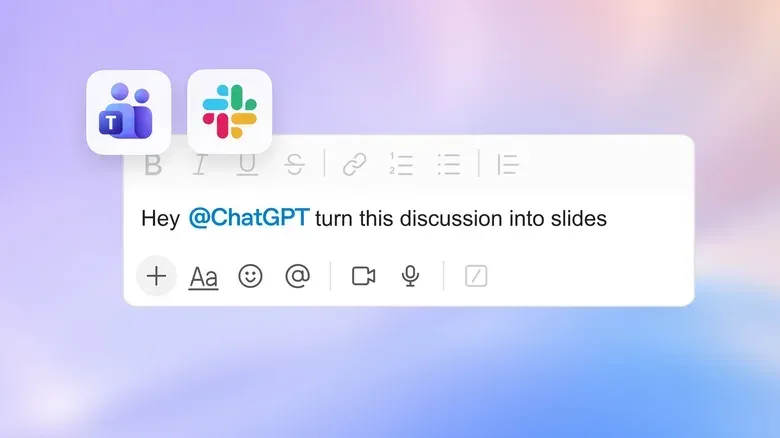
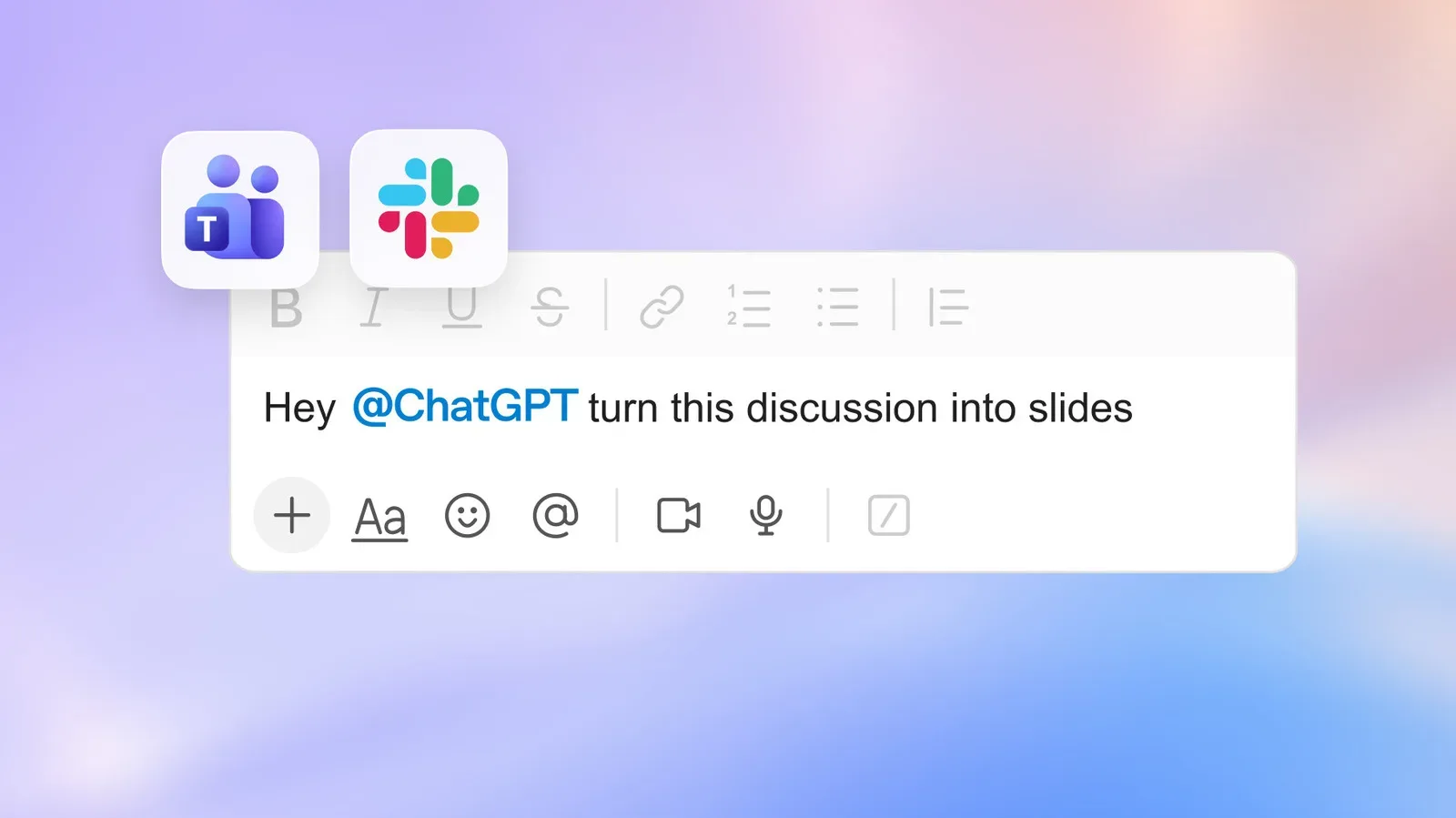
For Business and Enterprise customers, ChatGPT will be available in Slack and Microsoft Teams. Users will be able to mention @ChatGPT in channels, direct messages and threads. One stated example is creating slides from a conversation.
This is a meaningful shift in workflow design. Instead of requiring someone to leave a conversation, copy material into a separate AI interface and carry the result back, the assistant can be invoked in the discussion itself. In theory, that lowers friction for tasks such as turning a thread into a first draft, extracting themes or preparing presentation material.
The integrations can also connect ChatGPT to tools linked with Slack or Teams, provided administrators or users grant permission. That qualification is important. A connection is not described as automatic; access depends on authorization. It also puts administrators and users at the center of deciding which systems ChatGPT may draw upon.
For teams, the most practical question will be scope. A bot with access to the wrong context can produce confusing or inappropriate results even if it is working as designed. Clear norms around which channels, conversations and connected tools are suitable for AI assistance can prevent a useful convenience feature from becoming another source of accidental oversharing.
Pages and collaborative slide work broaden the office-tool push
Spaces are part of a wider set of work-focused additions. OpenAI also announced Pages, a document format in which users can generate text, charts, images and visualizations, then share the work with colleagues for feedback. This turns ChatGPT toward a more persistent drafting surface rather than limiting it to a sequence of chat responses.
Collaborative slides are expected in the coming weeks, with export support for PowerPoint and Google Slides. That export path is significant because it acknowledges that teams may use ChatGPT to create or refine material while still needing to finish, present or distribute it in established slide tools.
Shareable profiles are also on the way. These will let users show off web apps and plugins for others to inspect and use. The supplied information does not state a launch date or specify which plans will receive that feature, so those details remain open.
What this means for teams considering the tools
Together, Spaces, meeting capture, messaging integrations, Pages and slides describe a bid to place AI across the full project loop: gather context, discuss work, produce drafts, record outcomes and share deliverables. The proposed benefit is continuity. A group should not have to treat its AI outputs as disposable fragments scattered among chats and documents.
Still, the announcement describes availability in stages and across different subscription tiers. Spaces are planned for Pro, Business and Enterprise; the Slack and Teams integrations are for Business and Enterprise; and the macOS meeting plugin begins with Pro and Business before Enterprise access follows. Organizations should avoid assuming every announced element is enabled for every account on day one.
There is also a human side to the new structure. More retained context can make work easier to find, but it can also make it easier for a tentative AI draft or unreviewed meeting summary to travel farther than intended. The most productive teams will likely establish simple practices: use clearly named Spaces, limit membership to people who need the project context, review outputs before distribution and confirm consequential meeting notes.
OpenAI’s new tools point toward a workplace AI experience built around shared knowledge rather than individual chats. Whether that proves useful will depend not just on generated text or summaries, but on how carefully each team controls the information, permissions and review steps around them.