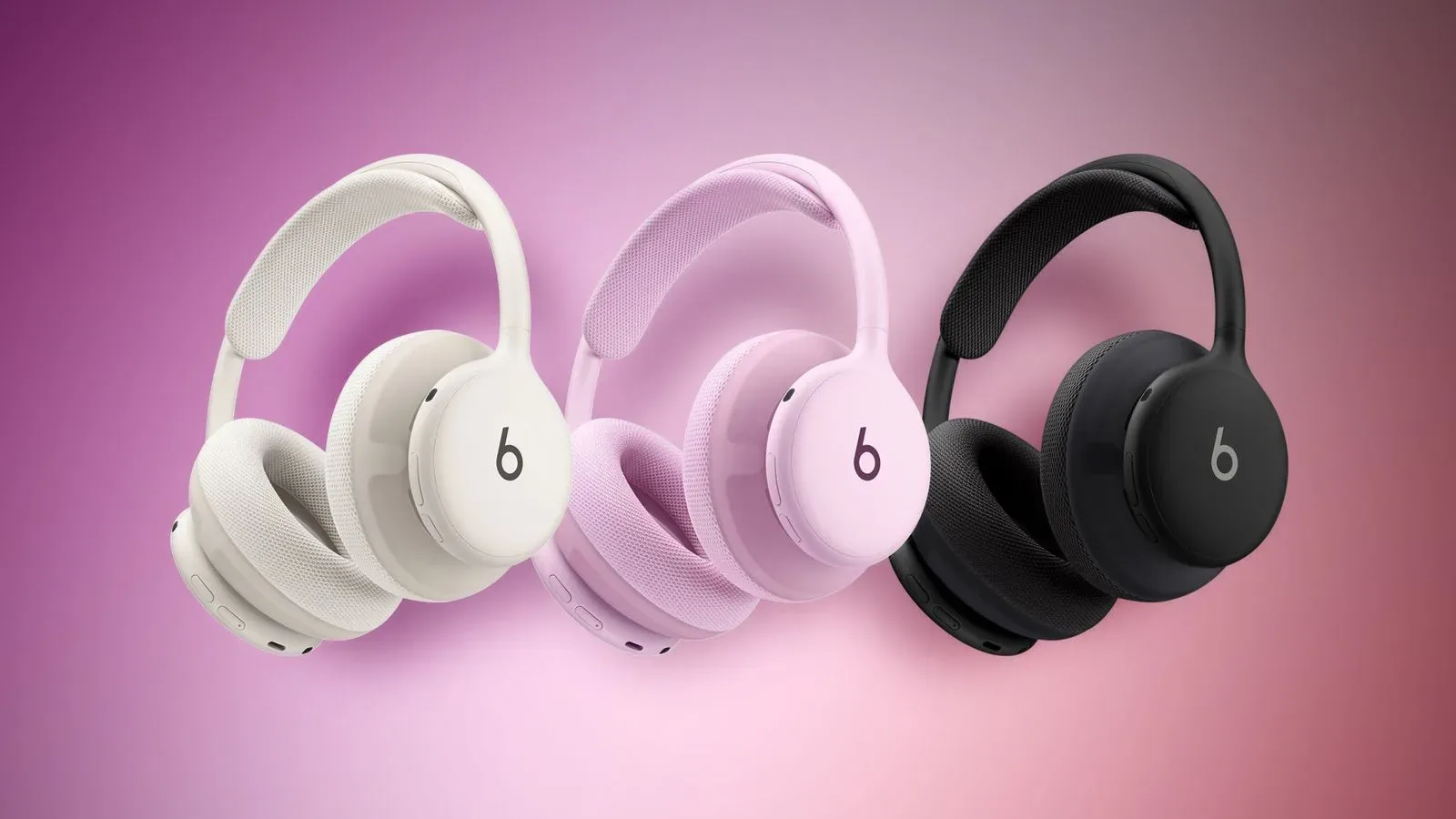
Beats 360, the newly announced over-ear headphones from Apple’s Beats brand, have already received a firmware update. The software version is now 4A262, replacing the previous 4A260 build.
That is the concrete part of the story. What the update actually changes is not yet clear: no feature list, bug-fix list, audio-tuning note, or connection-improvement claim has been provided. For customers with a pair on order, the practical takeaway is simply that a newer software version may be waiting once the headphones arrive.
It is a modest revision number, but early updates are still worth noting for a device whose core experience depends on software as well as hardware. Over-ear headphones are not merely speakers with a Bluetooth switch anymore. Their noise-control behavior, device communication, and potentially some aspects of their sound processing can be governed by onboard firmware.
What firmware means for a pair of headphones
Firmware is the low-level software installed directly on a device. Unlike an app update on a phone, it is meant to control the hardware’s underlying operation: how the headphones communicate with a connected device, respond to buttons or sensors, manage power, and run features such as active noise cancellation.
That definition does not establish that version 4A262 changes all of those things. It only explains why a small update can matter even when its version number moves by two digits. Without official notes, it would be speculation to claim a fix for sound, battery life, pairing, comfort-related settings, noise cancellation, or any other specific behavior.
The careful read is that Beats has made a new build available very soon after the product’s announcement. The company could eventually publish further detail through its support materials, but there is no confirmed changelog at present.
Known: Beats 360 firmware is now 4A262. Unknown: the changes contained in that build.
How the Beats 360 update is delivered
The update is distributed over the air, meaning it reaches the headphones wirelessly rather than through a downloaded computer file or a physical connection. On an iPhone, iPad, or Mac, the documented conditions are straightforward:
- The Beats 360 headphones need to be fully charged.
- They need to be connected to the iPhone, iPad, or Mac.
- The headphones should then be turned off while remaining within Bluetooth range of that Apple device.
Those details can feel counterintuitive, particularly the instruction to turn the headphones off. But it is the specified process, so users hoping to receive the new firmware should avoid repeatedly powering the set back on or moving out of Bluetooth range while it has been left to update.
Android owners use the dedicated Beats app for updates. The supplied information does not set out a comparable step-by-step process for the Android route, so it is best not to assume that every Apple-device instruction applies exactly the same way there. The important distinction is platform support: Beats 360 updates are not confined to Apple hardware.
A practical update checklist
- Charge the Beats 360 fully before attempting an update.
- Connect them to the device used for the update process.
- For iPhone, iPad, or Mac, turn the headphones off and keep them close enough to maintain Bluetooth range.
- For Android, open the Beats app and use its update functionality.
- Allow time for the process rather than assuming an instant visible confirmation.
There is no supplied estimate for how long installation takes, nor a stated manual “check now” control for Apple platforms. That makes patience the sensible approach. It also means owners should not treat the absence of an immediate prompt as proof that something has gone wrong.
Why early, unexplained updates deserve measured attention
There are two unhelpful extremes whenever a newly released device gets firmware almost immediately. One is to declare it evidence of a major flaw. The other is to dismiss it as totally meaningless. Neither conclusion is supported here.
Software revisions can cover a wide range of maintenance work, from small reliability changes to compatibility adjustments. Yet the current information does not identify the scope. A version bump is evidence of a newer package, not proof of what it repairs or improves.
For prospective buyers, the better mindset is practical rather than dramatic: a launch-day software revision is now part of the expected setup path. Update the headphones when the conditions are right, then use them normally. If Beats publishes release notes later, owners can connect observed benefits to documented changes instead of trying to reverse-engineer meaning from the number alone.
That restraint is especially useful with audio products. Listening impressions are personal, and variables such as fit, source material, volume, noise around the listener, and settings can shape perception. It would be easy to attribute any difference after an update to a hidden sound-quality adjustment, but there is no confirmation that 4A262 changes audio tuning at all.
The Beats 360 hardware context
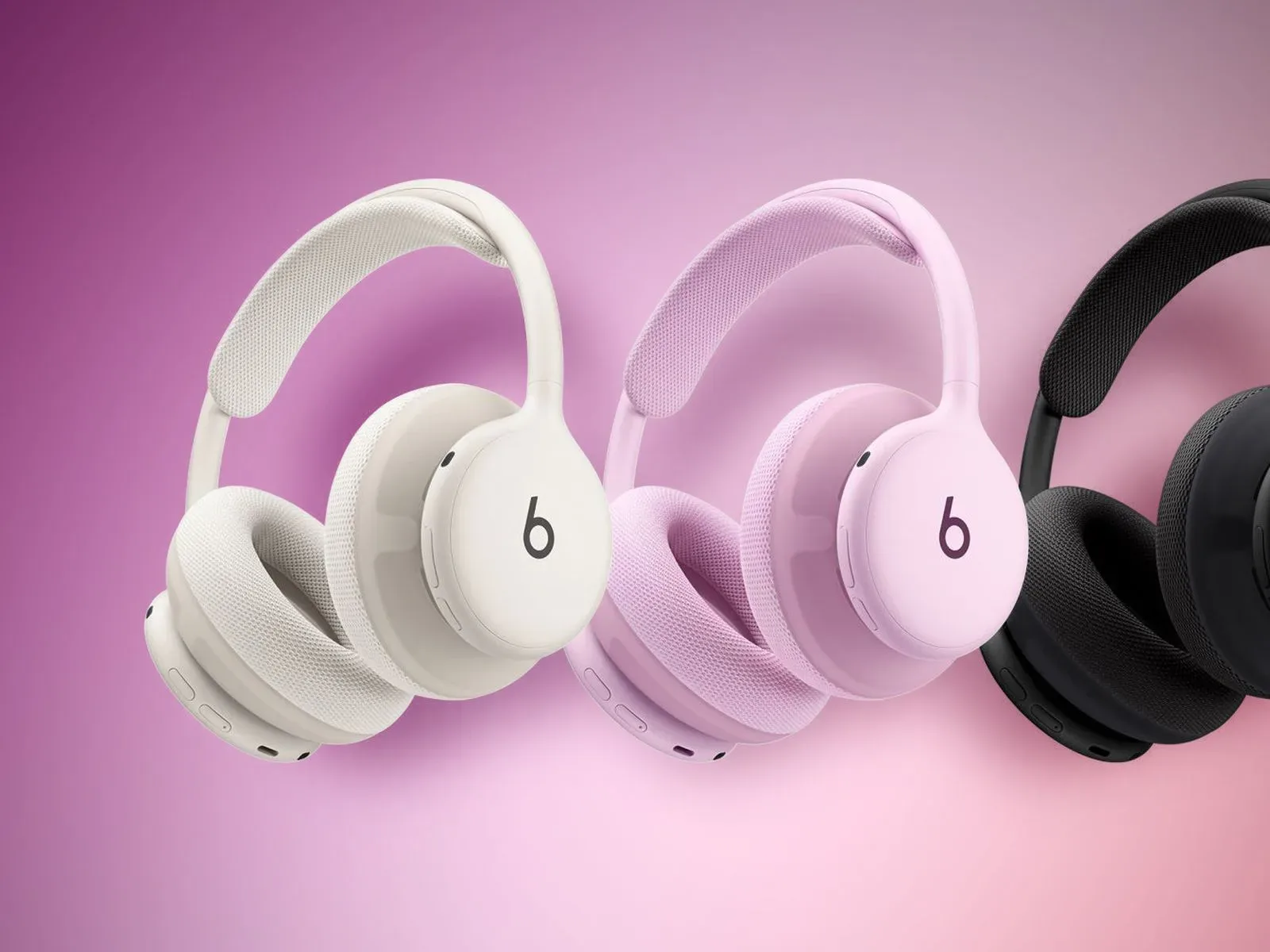
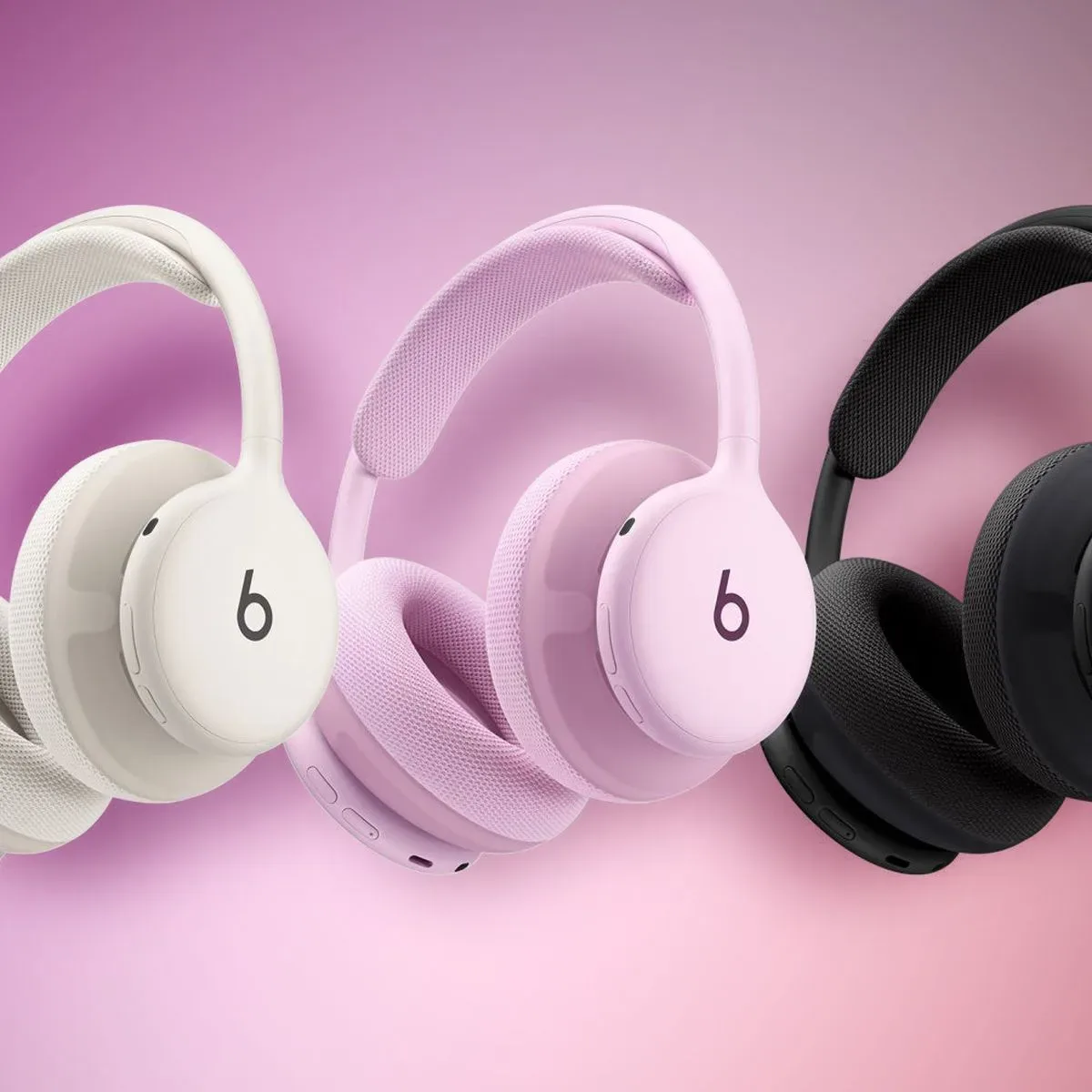
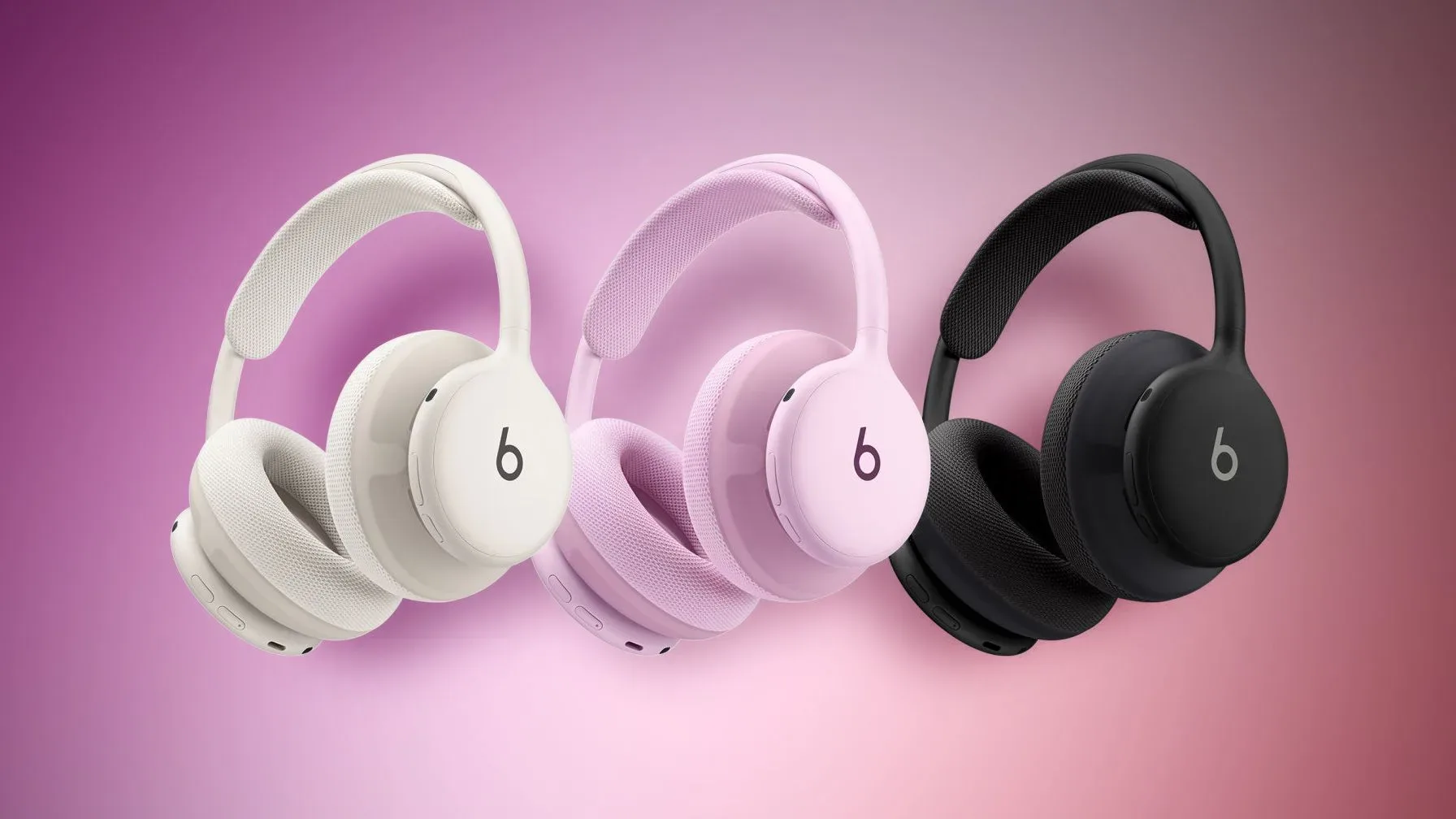
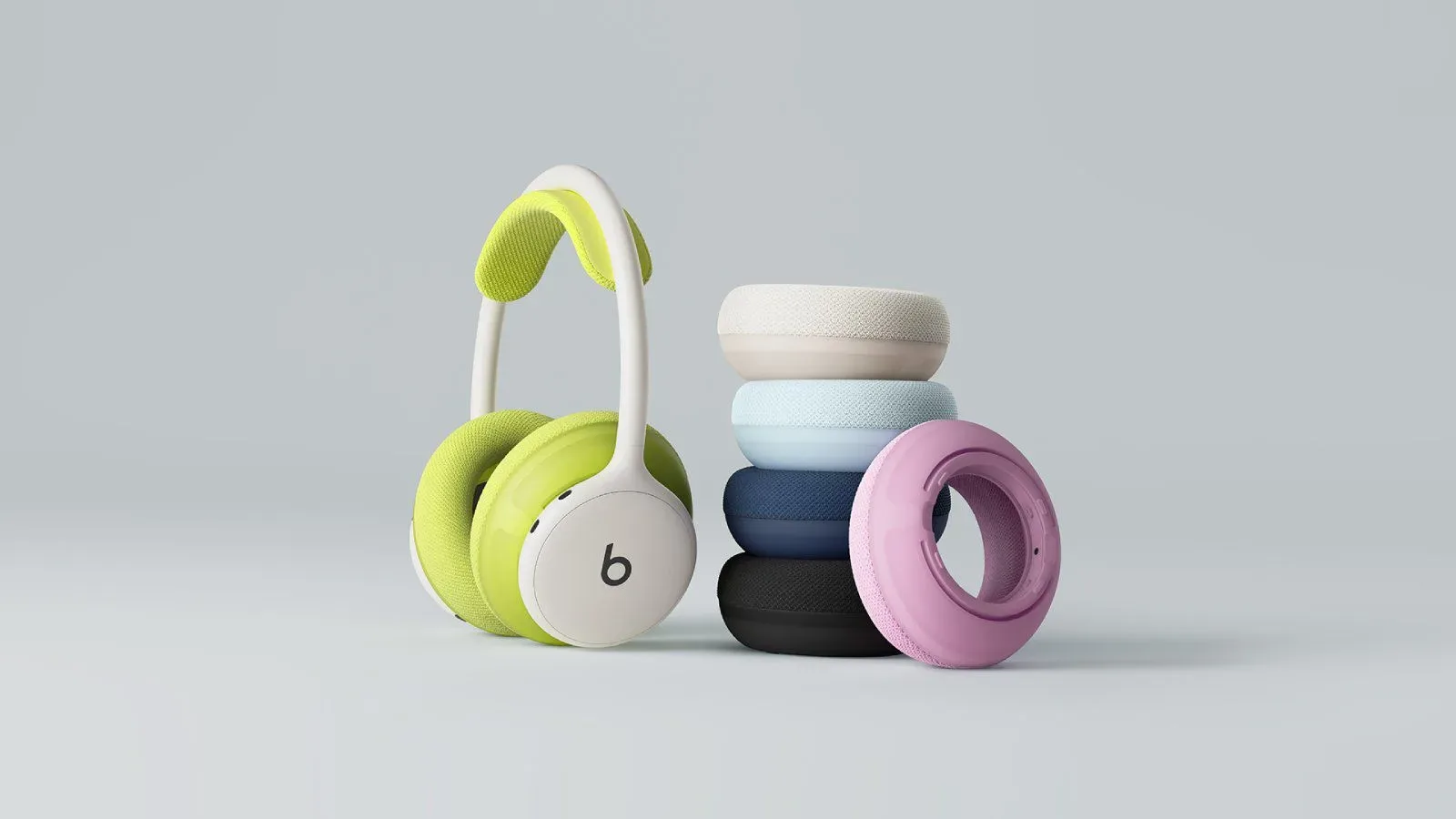
Beats 360 are an all-new over-ear design centered on comfort, active noise cancellation, and sound quality. They are offered in multiple colors and have an unusually customizable physical setup: users can change removable ear cups and headband cushions for different colors.
That customization is separate from firmware. Swapping an ear cup or cushion color is a physical personalization option; installing 4A262 is a software-maintenance step. The distinction sounds obvious, but it matters when evaluating a product pitch that combines style, comfort, and technology. One is about the look and fit of the headphones, while the other concerns the programming that helps them operate.
Active noise cancellation, often shortened to ANC, is a feature designed to reduce outside sound using electronic processing. The product’s focus on ANC helps explain why software maintenance can be relevant to the overall ownership experience, while still not proving that this particular firmware build alters ANC performance.
The headphones are priced at $349.99 and can be ordered through Apple’s website and Amazon. A new buyer should therefore expect a product that may ship with earlier software but can receive the current version over the air. That is not unusual for connected hardware; it is simply part of the handoff from boxed device to regularly maintained device.
What owners should and should not infer
Owners can reasonably infer that 4A262 is newer than 4A260 and that Apple has provided a supported path to install it on Apple and Android ecosystems. They should not infer an unannounced feature, a promised improvement, or a newly confirmed fix.
This is also a reminder that the best device-maintenance advice is often pleasantly boring. Charge the hardware, follow the prescribed platform steps, keep the connection stable, and wait for official detail when detail has not yet been published. It is less thrilling than imagining a secret bass boost or a noise-cancellation overhaul, but it is more useful.
For gamers and entertainment fans who use wireless headphones across phones, tablets, computers, and long media sessions, dependable setup matters at least as much as splashy claims. The wider consumer-tech conversation often intersects with the hardware surrounding games, as seen in this look at debate around a reported Halo development shift; in this case, however, the story remains much simpler: a fresh pair of headphones has fresh software, and its contents have not been disclosed.
Until Beats provides notes, version 4A262 is best treated as a recommended maintenance update rather than a feature announcement. Charge the Beats 360, keep them close to the relevant device, let the update complete, and save the grand conclusions for when there is something concrete to test against.
Shop the products
Check current price, model and availability at the retailer.