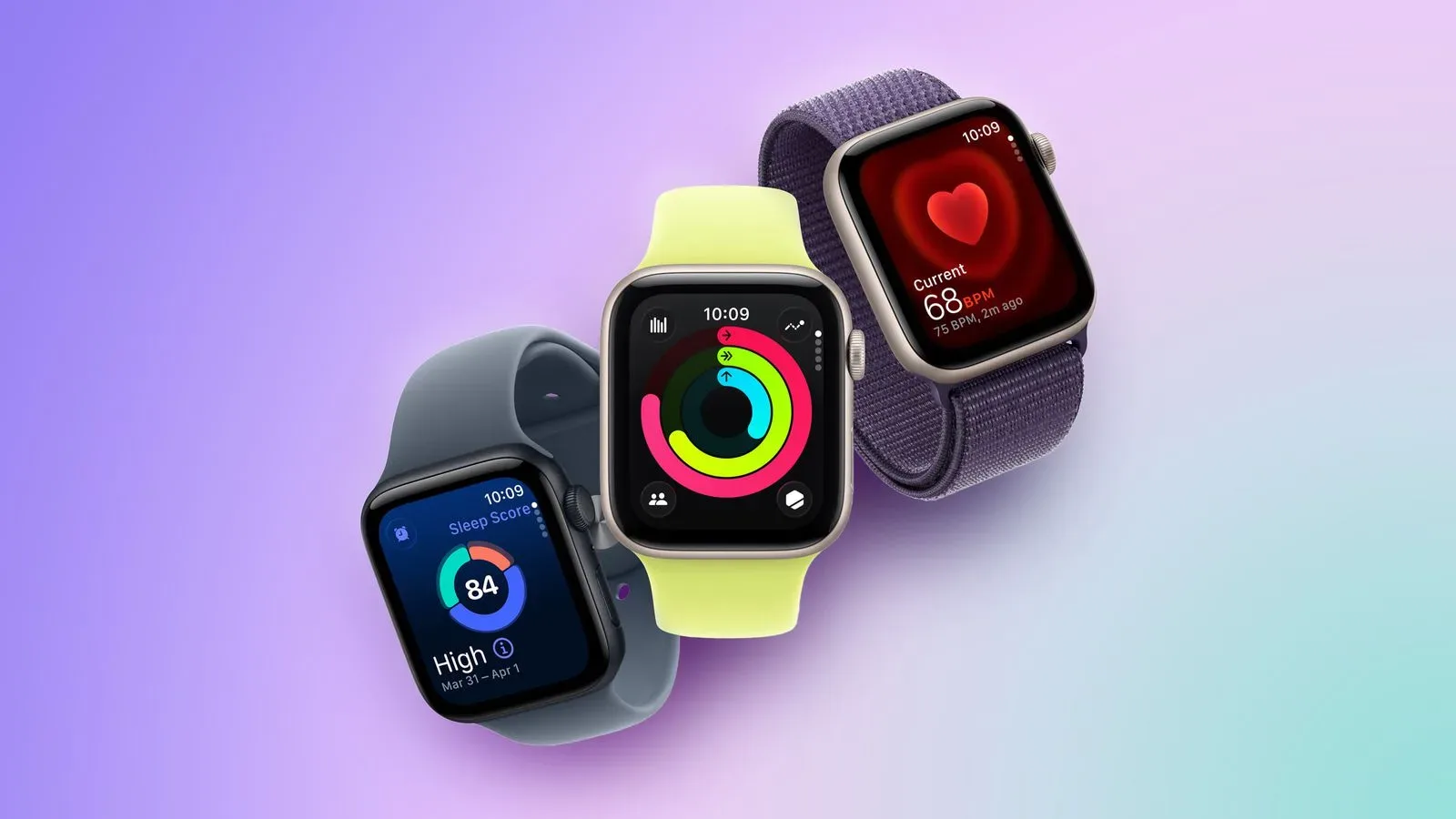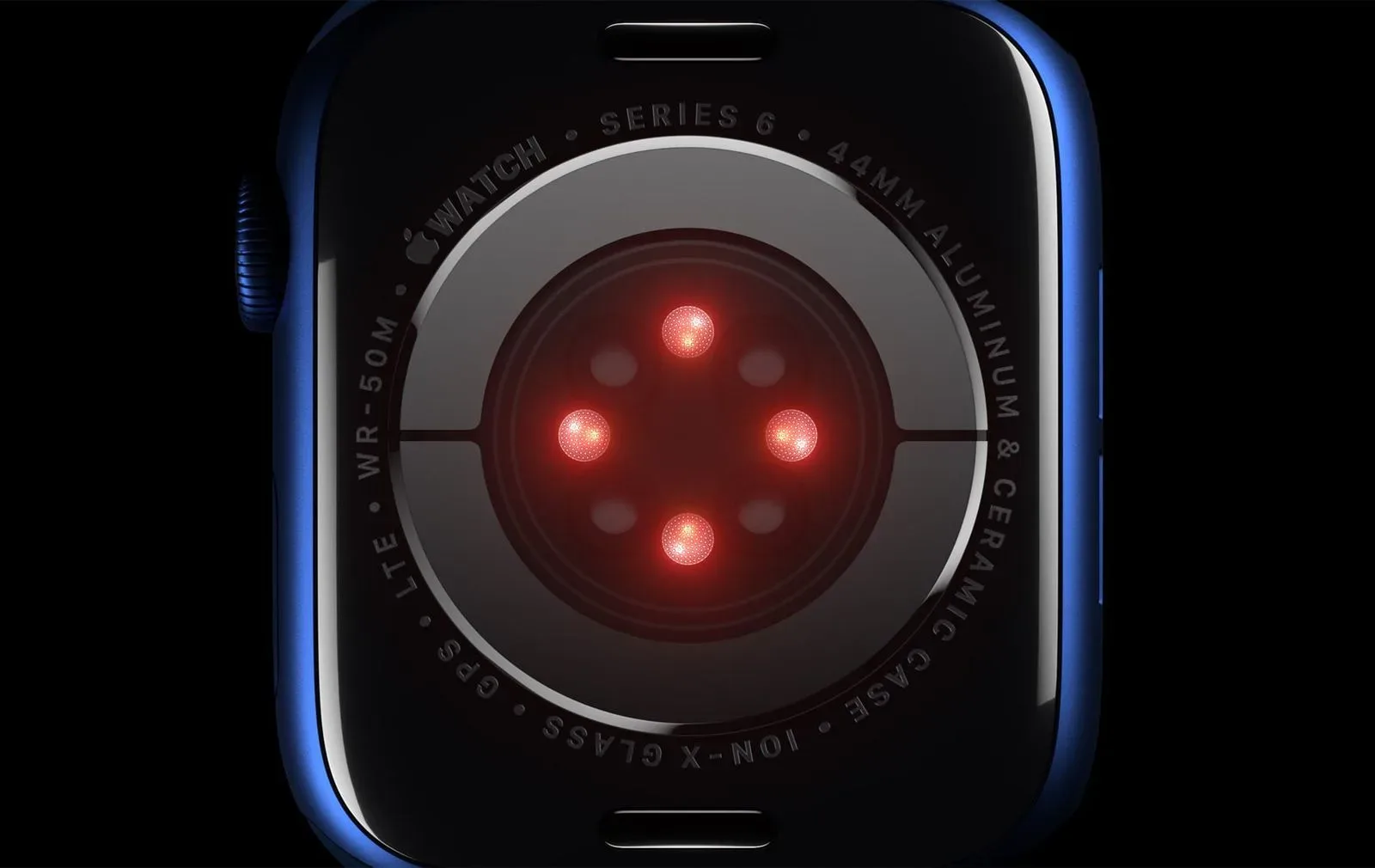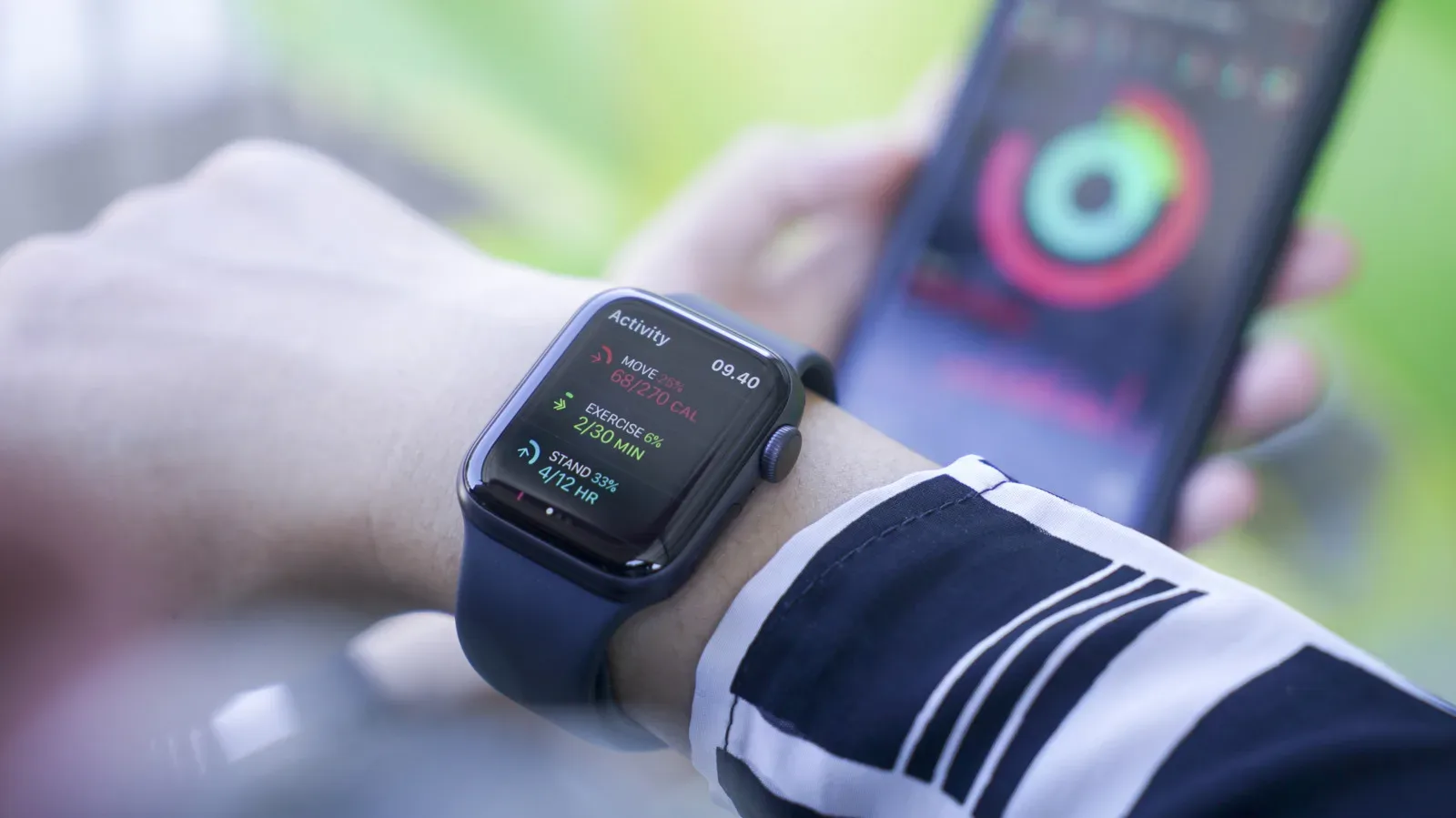
Picking an Apple Watch can sound like a decision about case finishes, bands, and how much wrist real estate feels reasonable. The more meaningful fork in the road is connectivity: GPS or GPS + Cellular. It is a practical choice about how often the iPhone gets to stay behind while the watch continues handling the essentials.
Both versions remain Apple Watches in the ways most buyers expect. They can support health monitoring, workout tracking, notifications, and the broader day-to-day functions associated with the platform. A GPS + Cellular model is not a different tier of fitness tracking or a secret deluxe edition that makes your morning walk dramatically more athletic. Its central advantage is connectivity away from the phone.
That distinction can be enormously useful for a run, a gym session, a quick errand, or any stretch where carrying a handset is inconvenient. It can also be an unnecessary expense for someone whose iPhone is nearly always in a pocket, bag, or within reach on a desk. The correct choice is less about which model is objectively “better” and more about the particular moments in which a phone feels like an unwanted party member.
What both Apple Watch versions cover
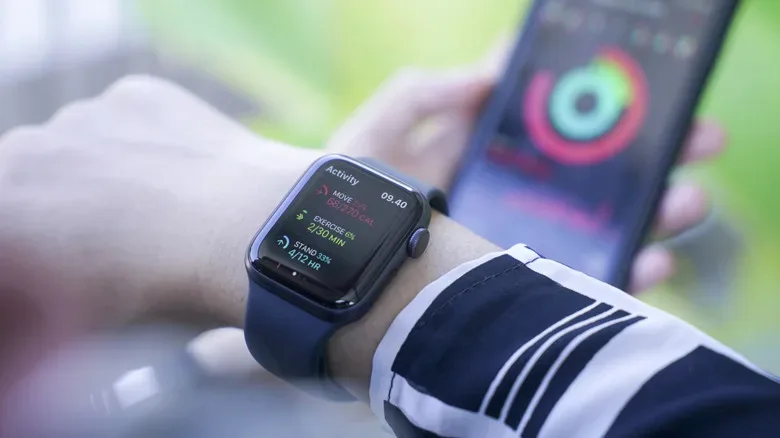
The GPS and GPS + Cellular choices retain the core Apple Watch experience. Buyers of either can use the watch for health-related features and exercise tracking, which means the cellular upgrade should not be treated as a requirement for basic activity use. If the goal is recording workouts, monitoring health information, and receiving the usual watch functionality while an iPhone is nearby, the standard GPS model already addresses that job.
The iPhone remains fundamental to the Apple Watch experience by design. An Apple Watch is not positioned as a fully independent replacement for owning an iPhone, regardless of which connectivity configuration is selected. Cellular narrows the gap during time apart from the phone; it does not erase the relationship between the two devices.
That is worth emphasizing because product labels can make “cellular” sound like a permanent escape hatch from the smartphone. In reality, it is better understood as a convenience feature for selected windows of freedom. Think of it as putting a smaller communications device on the wrist when the full-size one would be awkward—not as replacing the phone with an elegant rectangle that happens to tell time.
What GPS + Cellular changes
Cellular-capable Apple Watches first arrived with the Apple Watch Series 3. The addition gave the device a way to be more independent of the paired iPhone when needed. A cellular watch can use the phone’s SIM connection without turning setup into a complicated technical project.
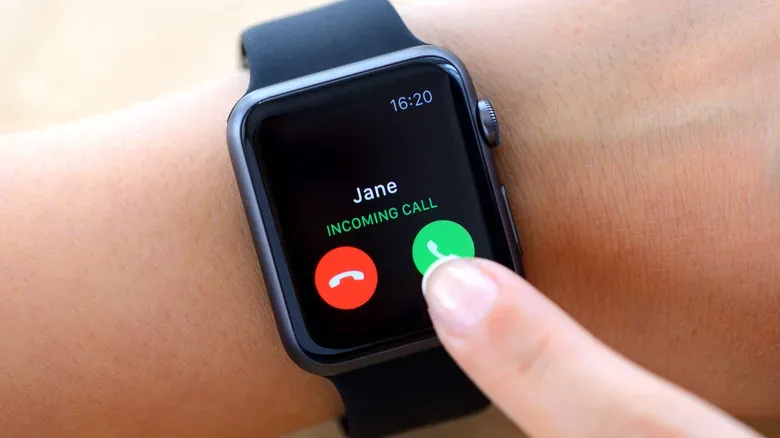
The practical outcome is straightforward. When the iPhone is not along for the trip, a GPS + Cellular Apple Watch can still handle messages, calls, notifications, and music streaming through its mobile connection. It supports 4G connectivity, while an Apple Watch Series 11 or later can use 5G. That leaves room for a lighter, less distracted outing while keeping communications close at hand.
For some people, that is the whole case. A jogger may want to leave a large phone at home. Someone running a brief local errand may prefer pockets free of hardware. A person who wants to remain reachable without constantly looking down at a larger screen may find the watch is enough for a limited period. Cellular makes those scenarios more plausible because the watch does not need the iPhone nearby for those connected tasks.
It is not difficult to see why this has appeal for people who balance exercise, commutes, family obligations, and games or entertainment in their downtime. The device can make a short break from the phone feel less like vanishing into the wilderness and more like traveling with a very small emergency communications desk. There is no need to mistake convenience for magic, though: cellular capability is about covering specific needs while away from the iPhone.
A notable option for families
A GPS + Cellular Apple Watch has another role beyond an adult’s phone-free workout. It can be set up for a child, allowing that child to use Apple Watch features without being handed an iPhone. For parents who want a way to stay in contact without opening the door to every distraction that comes with a smartphone, that is a meaningful distinction.
The appeal is easy to understand. A watch can support staying in touch while avoiding the immediate pull of a social-media-first phone experience. It is a narrower device with a clearer purpose. That does not make it a one-size-fits-all family solution, but it explains why cellular is more than a luxury upgrade in households considering a child’s first connected device.
Apple’s watch plans continue to be an area to watch in their own right. For more on the company’s next-generation wearable direction, see this look at a reportedly planned readiness app for Apple Watch Series 12 and Ultra 4.
The extra cost is real
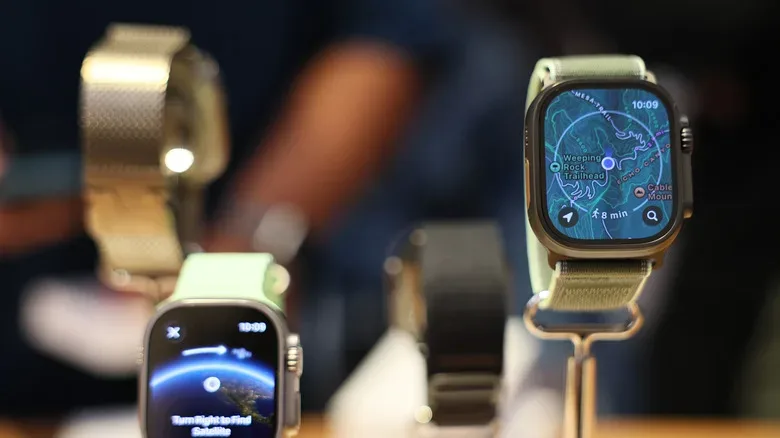
Freedom from the phone is not bundled into the base Apple Watch models for free. Choosing GPS + Cellular adds $100 to the cost of those base models. The higher-end titanium versions and Apple Watch Ultra already include cellular connectivity, so buyers looking at those models are not making the same separate upgrade decision.
There may also be an ongoing charge from a mobile carrier. That changes the calculation from a one-time hardware upgrade to a feature that can carry a recurring cost. Anyone tempted by cellular should factor in both parts: the $100 difference for a base-model upgrade and any applicable carrier fee.
This is why the feature can be either a smart purchase or dead weight. If a buyer will genuinely leave the iPhone behind several times a week and still needs calls, messages, notifications, or music, the premium has a clear purpose. If the phone is always nearby anyway, the GPS model may provide the same core Apple Watch value without paying extra for a connection that rarely gets used.
Battery is the key trade-off
The major compromise is battery life. Cellular use drains an Apple Watch battery noticeably faster, so this connection is best suited to shorter periods away from the iPhone. It is not sensible to assume the watch will sustain a full day out on cellular alone.
That reality does not make cellular a bad feature. It simply defines its intended lane. A quick run, a workout, a nearby errand, or a brief outing is different from a morning-to-night day away from the phone. The first group fits the feature well; the second puts much more pressure on the watch’s battery.
Buyers should evaluate cellular through the lens of their own routine. Consider how long phone-free trips actually last, whether music streaming is part of them, how important immediate reachability is, and whether battery anxiety would outweigh the benefit. The specification sheet can say “cellular,” but the useful question is whether that radio connection will solve a recurring problem in ordinary life.
A simple way to decide
- Choose GPS if an iPhone is almost always close by and the priority is the standard Apple Watch health and workout experience without the added $100 or possible carrier cost.
- Choose GPS + Cellular if leaving the phone behind for shorter stretches is a regular habit and calls, messages, notifications, or streaming still matter during those times.
- Consider cellular carefully for a child if the objective is a connected Apple Watch experience without providing an iPhone.
- Keep battery expectations grounded: cellular is useful for temporary independence, not a promise that the watch will comfortably last an entire day away from the phone.
- Remember the premium models: titanium Apple Watch options and Apple Watch Ultra include cellular rather than presenting it as an added base-model upgrade.
In short, GPS is the sensible default for people whose phone already accompanies them everywhere. GPS + Cellular earns its premium when the ability to step out without that phone is a repeated, valuable part of the routine. The feature’s charm is not that it turns the Apple Watch into a tiny standalone smartphone. It is that, for the right amount of time, it lets the phone stay home while the important connections do not.