Apple says it plans to make it harder to grant Full Disk Access to macOS apps without clearly understanding what that decision permits. The move is aimed at a growing class of desktop AI agents: tools designed to do more than answer prompts by working with files, messages and other information on a user’s computer.
The company has not said when the changes will arrive, nor has it detailed the new interface or security mechanisms. Its warning is nevertheless unusually direct: developers are using the permission in ways that may expose highly sensitive material without users having a full grasp of the consequences. Apple’s central point is not that every AI agent is unsafe. It is that broad operating-system access and increasingly autonomous software create a risk that deserves a more deliberate consent process.
What Full Disk Access means in practice
Full Disk Access is an elevated macOS permission. As its name implies, it can allow an application to reach far more of a Mac’s stored information than a normal app permission. Apple specifically identifies files, mail, messages and browsing history as material that may be exposed when an app receives this level of access.
That makes the permission qualitatively different from approving access to one chosen document or allowing a program to use a microphone. A user may want an AI agent to locate material across folders, summarize a set of notes, retrieve information from messages, or act on data from several places. But a broad grant can make an enormous amount of personal context available to the software in the process.
That context can also include information belonging to other people. Apple specifically notes that, for communication apps, the privacy of people corresponding with the user can be affected as well. A conversation is not solely the account holder’s data in any practical sense: it may contain another person’s messages, shared files, contact details, work information or private disclosures.
“As AI agents become increasingly capable and autonomous, the risks associated with this level of access will grow substantially,” Apple said.
Why AI agents make the permission more consequential
An AI agent is software built to take actions toward a task, rather than merely return a response in a chat window. On a desktop, that can mean searching local information and using what it finds to continue a multi-step job. The practical attraction is obvious: access to more data can let an agent attempt a wider range of tasks.
But capability and control are separate questions. Giving software broad access may enable a useful workflow, yet it also increases the amount of data available if the app behaves unexpectedly, if its instructions are misunderstood, or if the user did not appreciate the scope of the grant. Apple’s concern is focused on that gap between a permission’s technical reach and the user’s understanding of it.
The company says some developers have used Full Disk Access in ways that could put users at risk. Its concern is not restricted to a folder or two: it frames the possible exposure as extending across a system’s personal files, mail, messages and browsing history. The company characterizes the access as “extraordinary,” a notable description for a permission that agents may encourage users to enable in the name of convenience.
Desktop clients including OpenClaw, Dots and Muse have encouraged users to grant Full Disk Access so their agents can work with files, messages and other data. Apple did not identify any particular developer or product in its statement. That distinction matters. The planned safeguards are described as an operating-system-wide response to the category of risk, not a finding against a named application.
Apple has not explained exactly what will change
The proposal remains short on implementation specifics. Apple says it will introduce additional controls so that people who genuinely want an app to have Full Disk Access can only grant it through very explicit user action. It has not explained what those controls will look like, whether the existing permission screen will be redesigned, or when macOS users should expect them.
That uncertainty is important for anyone trying to plan around the change. There is no confirmed new version requirement, no announced deadline for developers and no stated list of apps that will be affected. The information available supports a narrower conclusion: Apple intends to add friction to an unusually powerful permission flow in order to make the user’s choice more informed and intentional.
In security design, friction does not simply mean inconvenience. It can mean a pause, additional explanation or a confirmation step at the point where a user is about to authorize an action with serious consequences. Apple’s language suggests that the company sees a quick or poorly understood approval as inadequate for this category of access.
Extra steps will not make Full Disk Access harmless. They can, however, make the tradeoff more visible: an agent that can see substantially more of a Mac may be able to do substantially more with it. Users should not treat a broad permission as a routine prerequisite merely because an application presents it as the quickest route to its fullest feature set.
Muse has put the issue back in view
The subject has drawn renewed attention amid reports from users that Meta’s Muse agent took unintended actions involving their data. One report described the Muse Mac app accessing messages after the user believed permission had been declined. Meta’s response was that message syncing would indicate the user had opted in.
Apple did not cite Muse, Meta or that report in its own warning. Still, the episode illustrates why access controls can be difficult for users to interpret. A person may distinguish, in their own mind, between agreeing to a feature and approving a wider category of data access. The operating system’s permission design needs to make that relationship unmistakable, especially when a program can work across communications and local files.
The uncertainty around a disputed consent flow is also a reminder that users should pay attention to what is being requested at the operating-system level, not solely to labels used inside an agent’s onboarding screens. A feature may sound narrow while relying on a broad underlying permission. Conversely, synced data can complicate a user’s understanding of where information is coming from and what setting enabled it.
Practical implications for Mac users considering an agent
Apple’s warning provides a sensible framework for evaluating any request for Full Disk Access before its promised safeguards arrive. The first question is simple: does the intended task actually require access to the whole Mac? If an agent is being used for one document, one project directory or a limited workflow, users should be cautious about treating system-wide access as an automatic requirement.
- Read the request as a data-scope decision. Full Disk Access may encompass files, mail, messages and browsing history, not just the item an agent is currently helping with.
- Separate task value from permission scope. An agent may be useful, but that does not by itself answer whether it needs access to every relevant part of the system.
- Consider other people’s information. Communications can contain material from friends, family, colleagues and other contacts who did not choose the software themselves.
- Look closely at explicit consent screens. Apple’s forthcoming changes are intended to make this approval more deliberate; users should give the same attention to existing prompts.
- Revisit permissions as needs change. A grant made for one task need not be viewed as a permanent default if the software’s use changes.
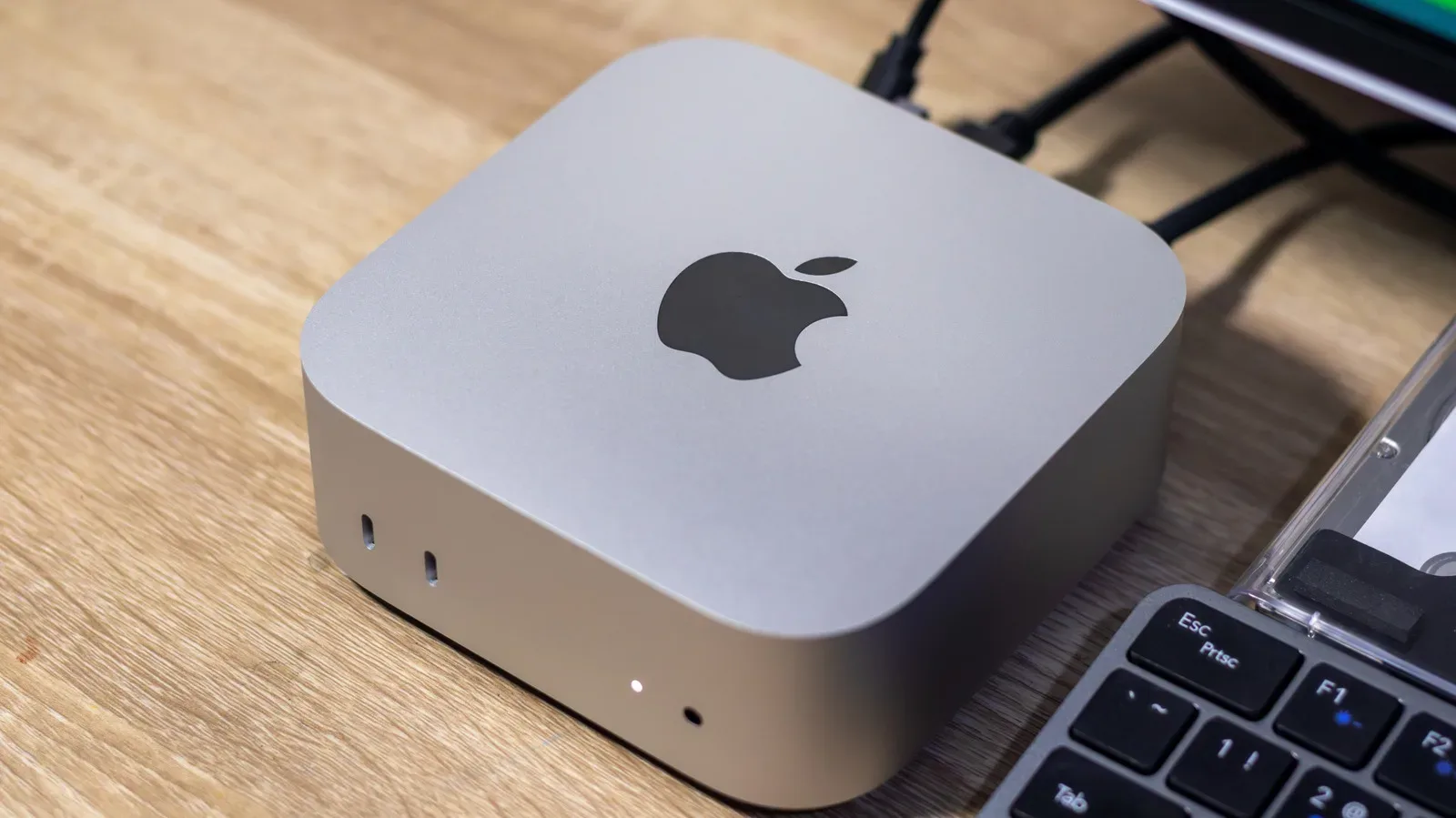
Some users have taken a more isolated approach by running agents on dedicated machines. Demand for that setup has helped fuel Mac mini shortages this year. A separate computer may reduce the amount of personally sensitive material present on the device used for agent tasks, although it does not change the fundamental importance of understanding what permissions an app receives on that machine.
A broader warning about autonomy and access
Apple’s message lands at a moment when software is increasingly marketed around its ability to act, not just assist. That shift makes permission design more important, because the relevant question is no longer only what an app can read. It is also what an agent may attempt to do after it reads it.
The company’s planned controls appear intended to preserve choice rather than eliminate it. Apple says users who genuinely wish to grant Full Disk Access will still be able to do so, but only through a more explicit action. That is a meaningful difference from a blanket prohibition. It recognizes that some workflows may require unusually broad access while insisting that the decision should be informed.
For developers, the message is equally clear: a powerful permission should not be buried in a vague setup path or presented as a trivial checkbox. For users, the immediate takeaway is to treat Full Disk Access as a major privacy decision. The benefit may be an agent with more reach. The cost may be exposure of much more of a person’s digital life than the task at hand appears to require.
The discussion also intersects with broader debates around AI-made software and accountability, including the disputes surrounding AI coding in projects such as a Banjo-Tooie fan recompilation. In Apple’s case, though, the immediate issue is more concrete: which applications can inspect the contents of a Mac, how clearly that power is disclosed, and whether a user’s approval is genuinely informed.