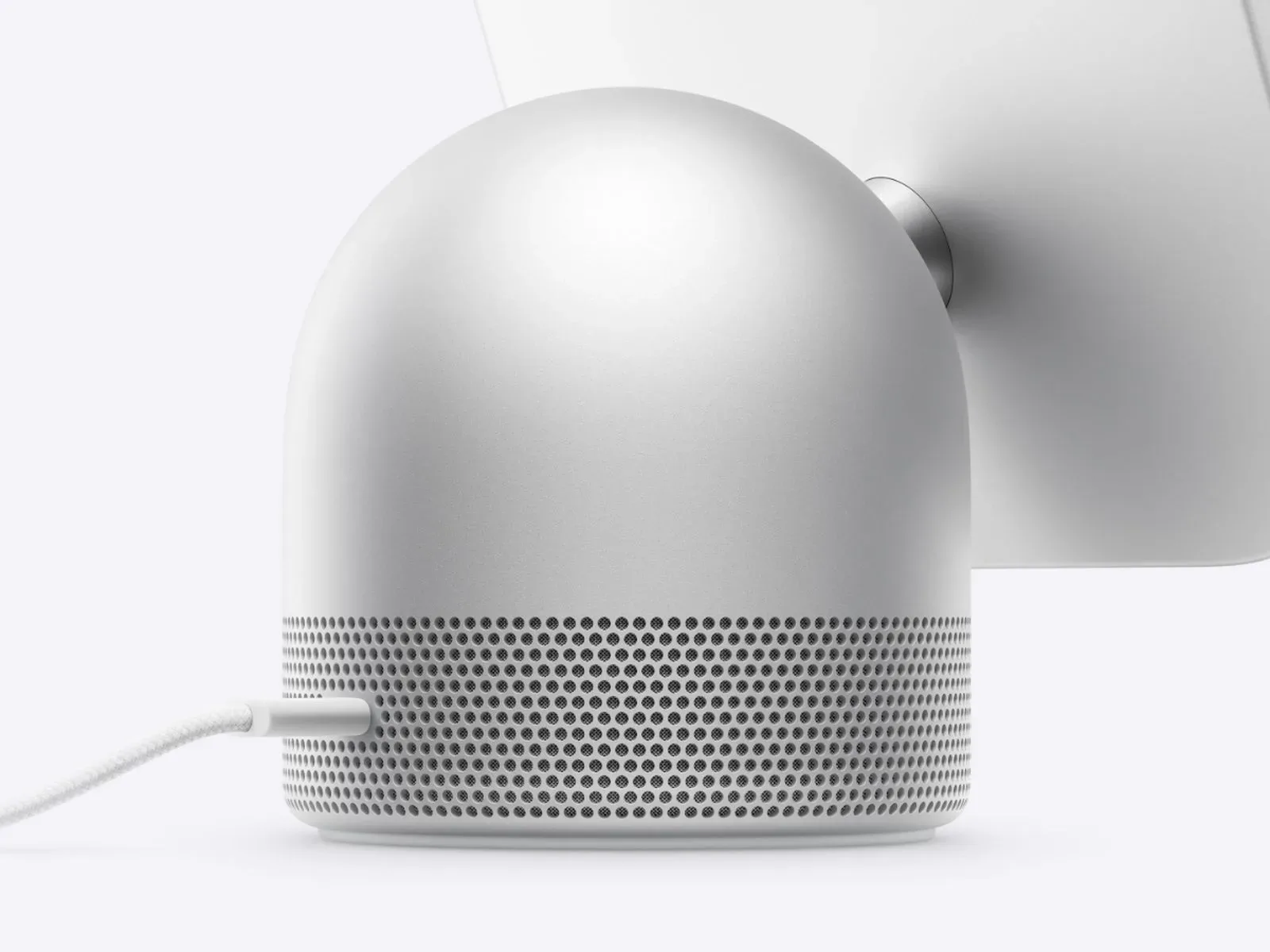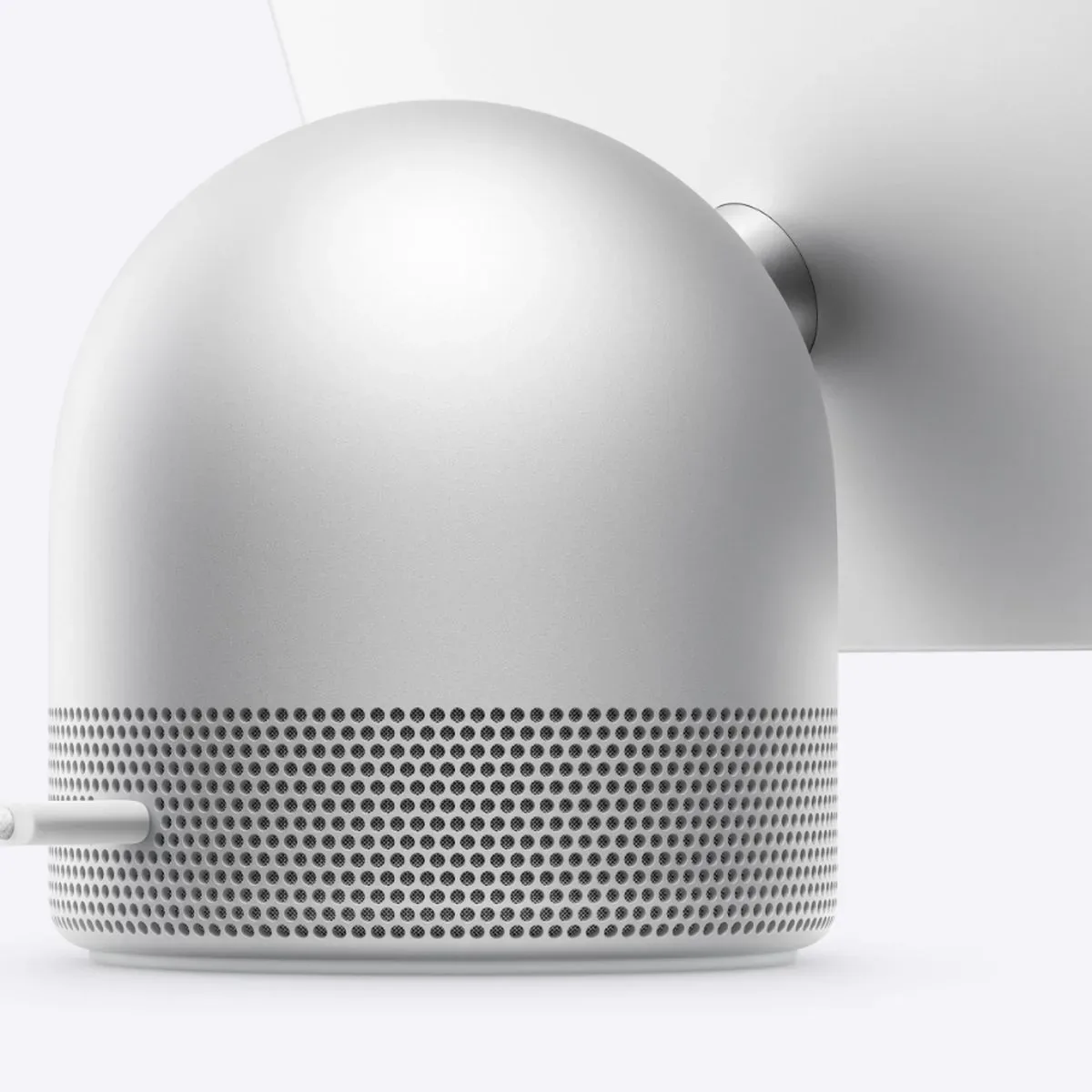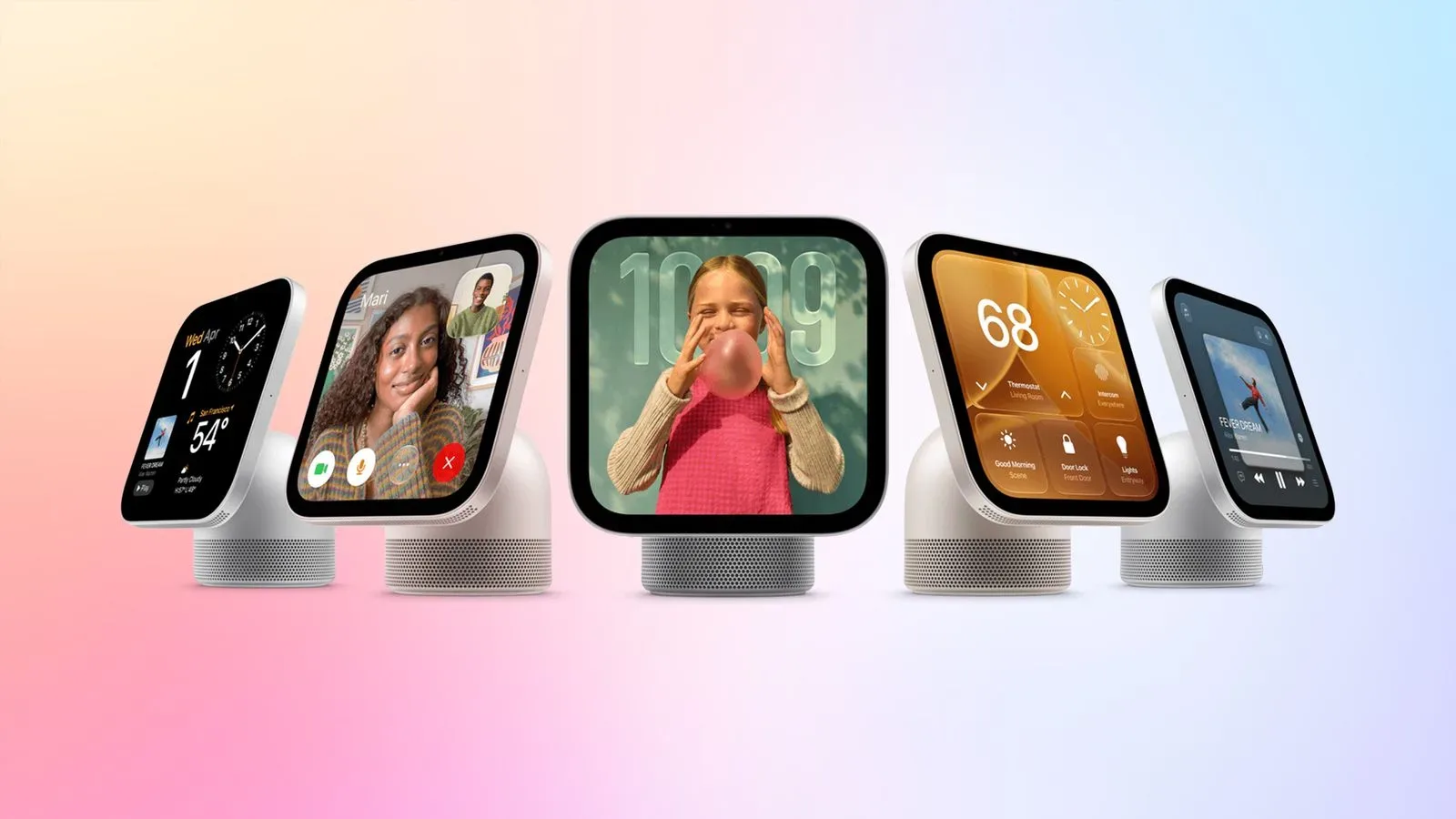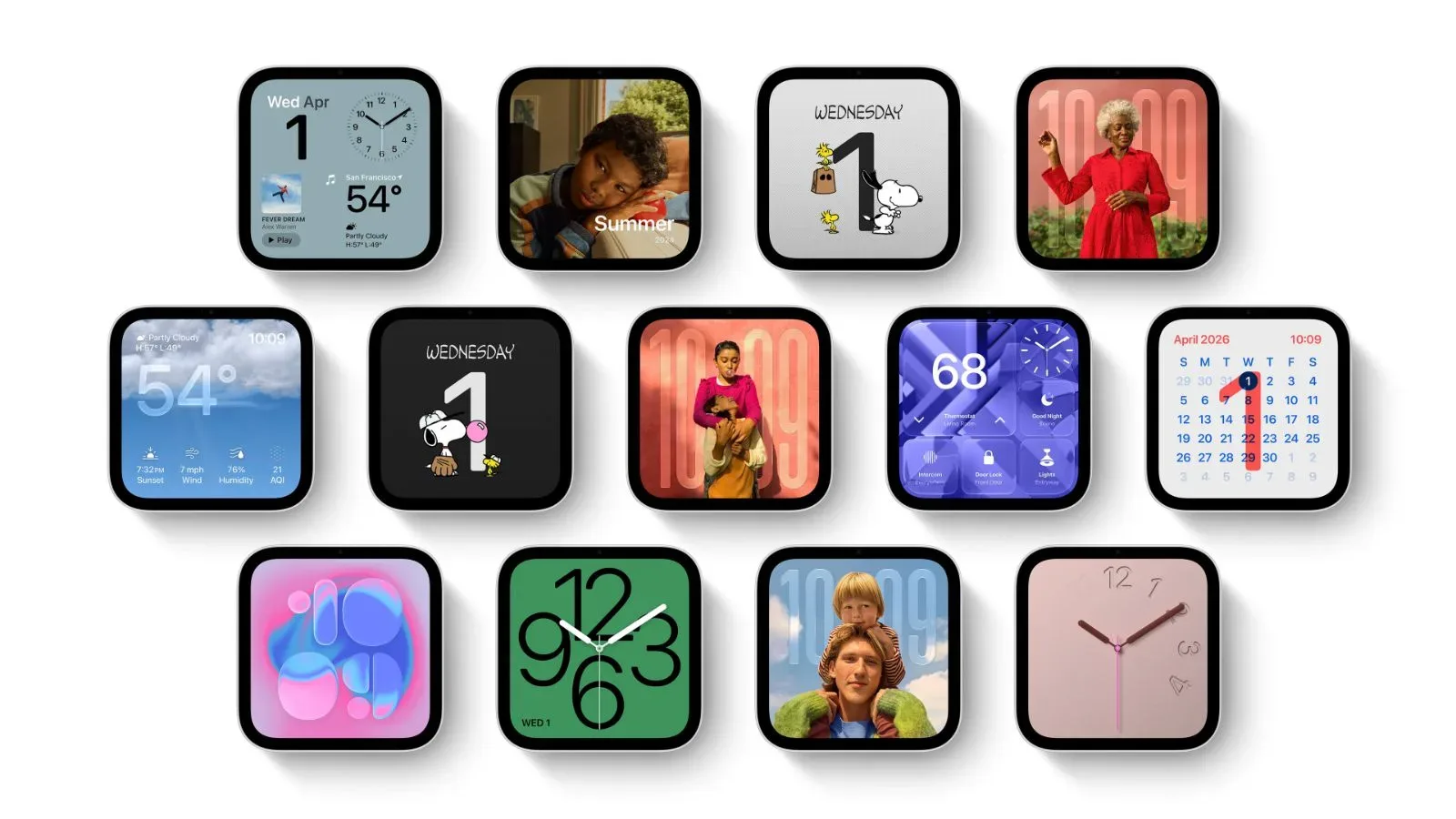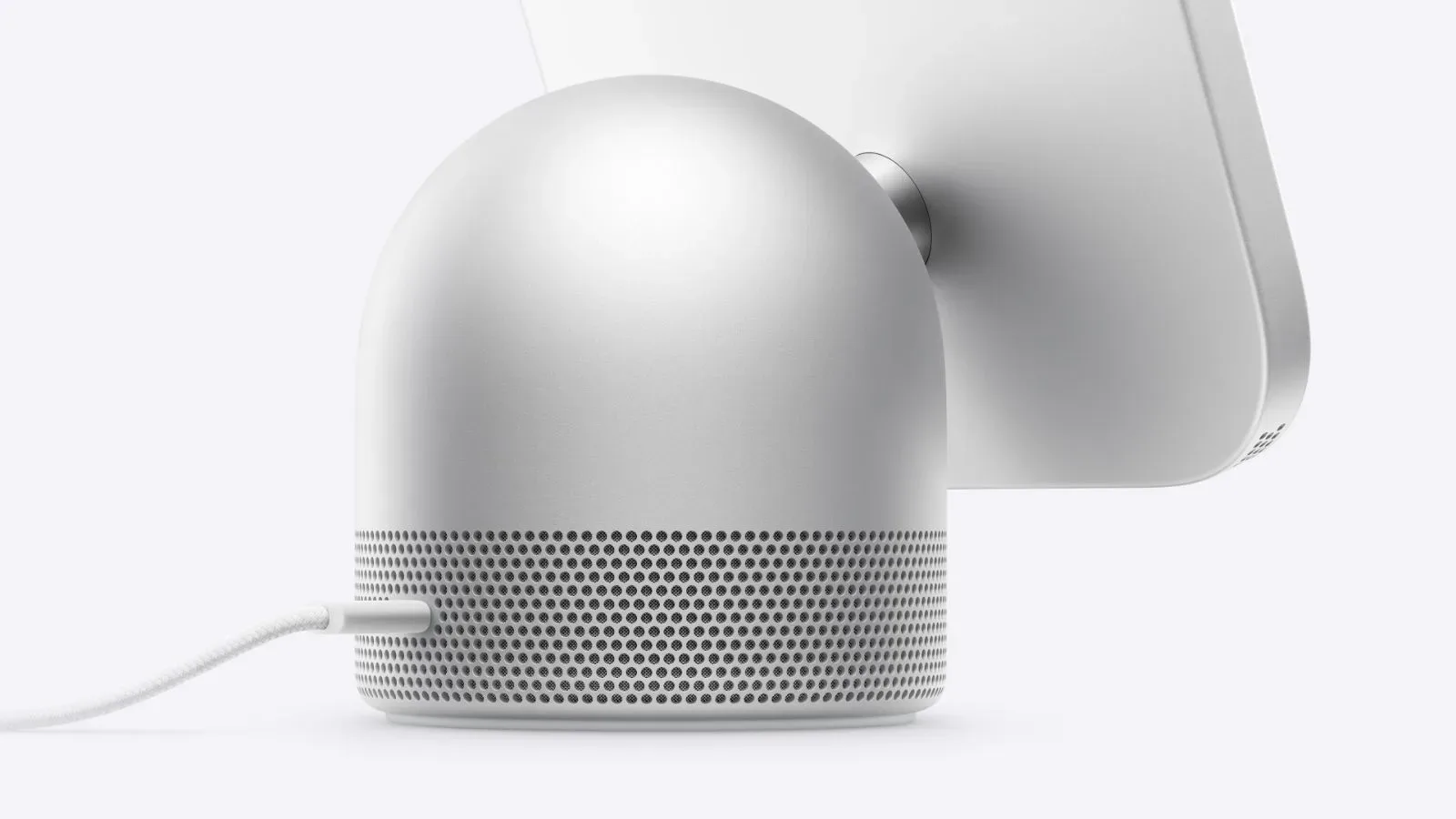
Apple’s HomeView is doing more than putting smart-home controls on a tabletop or wall. Both versions of the $299 hub include built-in temperature and humidity sensors, giving Apple’s new home setup a way to read conditions in individual rooms and pass that information to compatible thermostats.
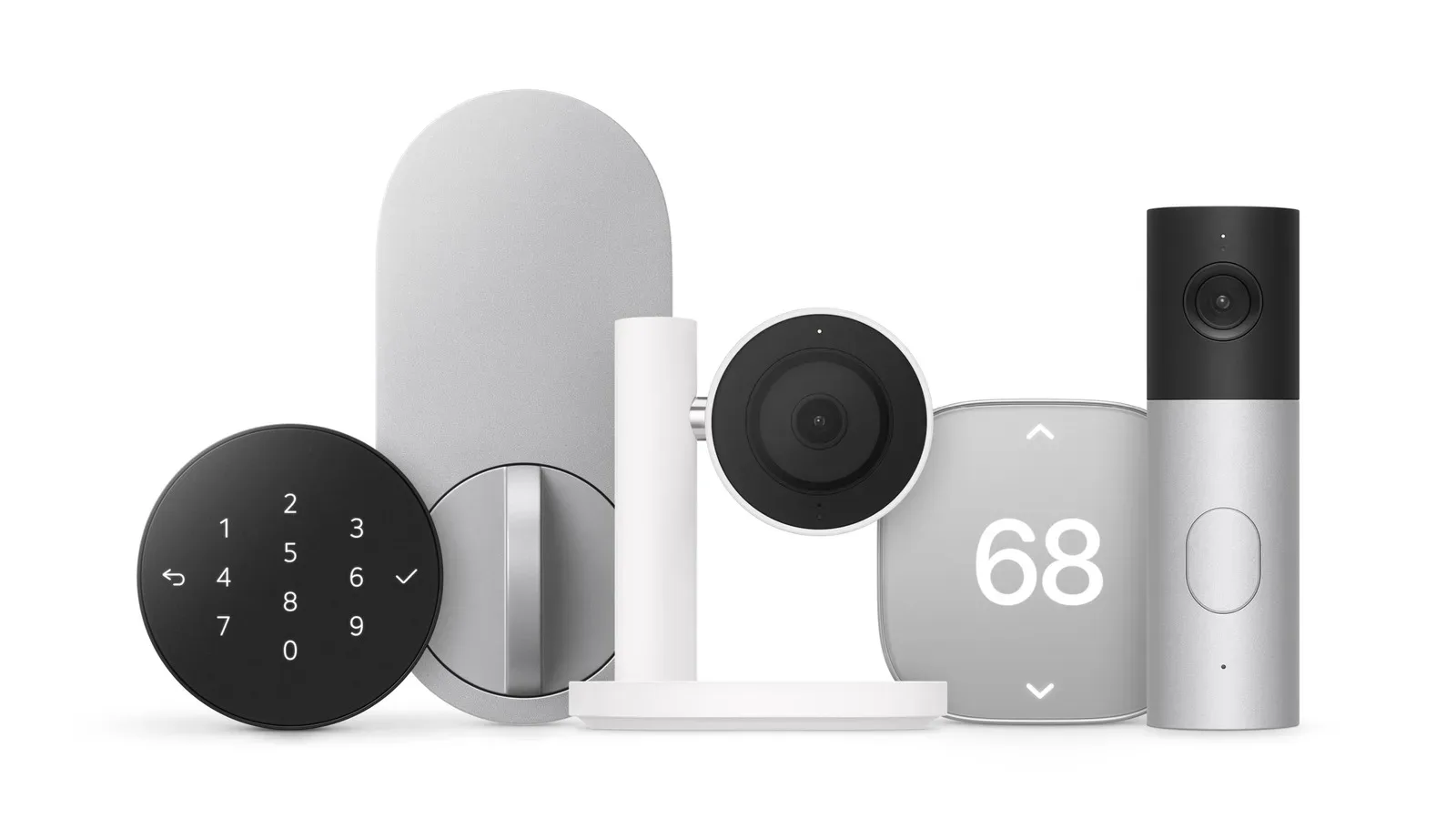
That could be the quietly useful part of HomeView’s hardware list. A thermostat generally has to make decisions from wherever it is installed, but rooms rarely behave identically. A sunny living room, a closed bedroom, and a kitchen in the middle of dinner can all feel very different at the same time. HomeView’s sensors are intended to provide another set of room readings for the LG Electronics and Schneider Electric thermostats in Apple’s Home Collection.
The feature applies to both the tabletop and wall-mounted HomeView models. Alongside the temperature and humidity hardware, Apple lists an ambient-light sensor and an accelerometer in the devices’ specifications. HomeView launches in the United States on November 13, with each model priced at $299. A previous listing had already indicated a lower preorder price; see our coverage of the Apple HomeView preorder price cut for that separate retail detail.
What HomeView is measuring
Temperature is the straightforward half of the equation: it is the measured warmth or coolness of the air around the HomeView unit. Relative humidity describes how much moisture is in the air compared with the maximum amount it could hold at that temperature. It is expressed as a percentage rather than as an absolute measure of water vapor.
Those readings can matter because a home can be technically at its target thermostat setting and still feel uncomfortable. Humidity can influence how warm or cool a room feels, while room-to-room temperature differences can make one central setting a rough compromise. HomeView is positioned as an additional sensor location, rather than a replacement for a thermostat or a dedicated room sensor.
Apple says its compatible LG and Schneider Electric thermostats can use temperature and humidity readings collected from multiple rooms. The eligible sensor pool includes HomeView, HomePod, HomePod mini, and dedicated sensors made by LG or Schneider Electric. That means a household does not appear to be limited to a single measurement point if it uses the broader Apple Home Collection setup.
The practical idea: move beyond one thermostat location
The important technical concept is multi-room sensing. Instead of relying entirely on the temperature at the thermostat’s location, the system can draw on readings from several locations. In principle, that gives an automation system a more representative view of conditions across a home.
Apple has not detailed precisely how the thermostats weigh, average, prioritize, or select readings from HomeView, HomePod products, and dedicated room sensors. That distinction is worth keeping in mind. “Multiple rooms” confirms that several sensor sources can participate, but it does not by itself describe the decision-making rules behind every heating or cooling adjustment.
For buyers, the immediate takeaway is simpler: placement may matter. A HomeView located in a regularly used room could provide information that a hallway thermostat cannot. Conversely, placing a sensor beside a heat source, in direct sun, or in another atypical spot could make its local reading less representative of the room as a whole. That is a practical implication of any room sensor, not a special claim about HomeView’s installation requirements.
The new dedicated accessories offer another option where a HomeView or HomePod is not already present. LG’s Temperature Sensor and the Schneider Home Room Sensor will each start at $39.95 in the United States. LG’s and Schneider Electric’s thermostats will each start at $199.95.
Adaptive Temperature ties readings to household routine
The LG and Schneider Electric thermostats also support Adaptive Temperature in the Home app. Apple describes this as a feature that uses on-device intelligence from an iPhone to adjust settings based on whether somebody is at home, settling down for the night, or away.
On-device intelligence means the relevant processing is performed on the iPhone rather than being framed here as a remote, cloud-based calculation. The supplied details do not spell out exactly which signals the feature uses, how quickly it reacts, or what settings it changes in each situation. What is clear is its role: Adaptive Temperature is meant to combine a home’s sensed conditions with context about occupancy or routine.
That creates two related layers of automation. The sensor network supplies environmental information—such as a room’s temperature and humidity—while Adaptive Temperature is intended to tailor settings to whether the household is present, preparing for sleep, or away. They address different questions: one is about what conditions are like; the other is about which conditions may be appropriate at a particular time.
For a smart-home buyer, that distinction helps set sensible expectations. A room sensor is useful because it gives the system another measurement. Adaptive Temperature is useful because it aims to make settings responsive to a changing household state. Neither description promises perfect comfort in every room, and Apple has not supplied details that would justify assuming an exact level of automation beyond those stated behaviors.
HomeView’s operating range and caveats
Apple provides specific boundaries for HomeView’s climate readings. Temperature and humidity sensing is optimized for indoor domestic environments with ambient temperatures of roughly 59°F to 86°F and relative humidity of roughly 30% to 70%.
“Optimized” is an important word. It indicates the conditions in which the sensing feature is designed to perform best; it should not be read as a promise that readings outside those ranges will be equally dependable. The stated range is geared toward normal indoor living conditions, not extreme heat, severe cold, or unusually damp or dry spaces.
Apple also flags two operational limitations. First, accuracy may decline if HomeView plays audio at high volume for a prolonged period. Second, the sensors need time to calibrate immediately after the device starts up, so readings do not appear right away.
The audio caveat is particularly relevant because HomeView is a hub rather than a purpose-built, isolated environmental instrument. If it is being used loudly for extended audio playback, owners should not treat that moment as the ideal time to judge its climate measurements. Apple does not provide a precise volume threshold, duration, or alternate accuracy figure, so there is no basis for putting a number on the effect.
Calibration is the process of allowing a sensor to establish reliable baseline readings after startup. The practical consequence is that a newly powered-on HomeView may not immediately offer usable temperature or humidity results. Anyone building automations around the device should account for that initial delay instead of expecting instant data at boot.
What the product lineup costs
- HomeView tabletop model: $299 in the United States; launches November 13.
- HomeView wall-mounted model: $299 in the United States; launches November 13.
- LG Temperature Sensor: starts at $39.95 in the United States.
- Schneider Home Room Sensor: starts at $39.95 in the United States.
- LG thermostat: starts at $199.95 in the United States.
- Schneider Electric thermostat: starts at $199.95 in the United States.
Those starting prices make the Home Collection a modular proposition. HomeView can contribute environmental measurements on its own, while a compatible thermostat is necessary for the newly described temperature-control arrangement. Dedicated room sensors add further coverage where it is useful, but Apple’s stated compatibility with HomeView, HomePod, and HomePod mini means a household may already have some potential sensor locations before adding standalone accessories.
Why the sensors may be more important than the spec-sheet line suggests
Temperature and humidity sensors are easy to skim past in a specifications list, especially next to familiar hardware such as an accelerometer and ambient-light sensor. In this case, though, they are part of a larger control system. Their value is not merely that HomeView can show an indoor number; it is that compatible thermostats can obtain readings from them alongside other Apple and manufacturer-made sensors.
The result is a more distributed model for home climate management. It is not a guarantee that every room will be maintained at an identical temperature, nor does Apple say that the devices eliminate the need for dedicated sensors. But it does give Apple’s Home Collection a path to understand conditions from more than the wall where a thermostat happens to live.
Prospective buyers should focus on the boundaries as much as the feature itself. HomeView’s sensing is designed for ordinary indoor ranges, needs a brief calibration period after startup, and can lose accuracy during long, loud audio sessions. Within those constraints, its built-in sensors could make HomeView a meaningful data point in a multi-room Apple smart-home setup rather than just another screen for controlling it.