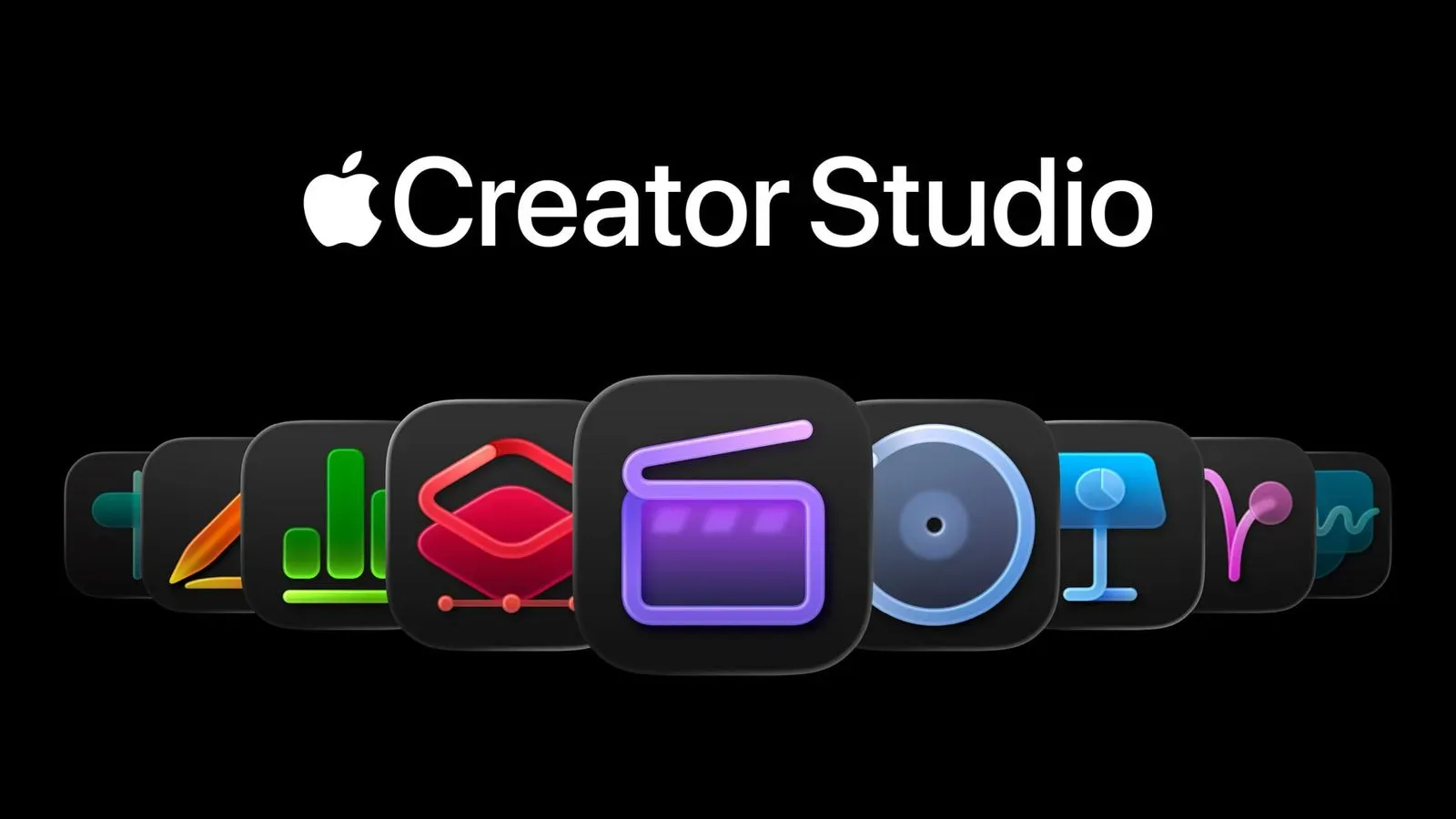
Apple’s fall Creator Studio updates are now available, bringing a connected set of new features to Final Cut Pro, Logic Pro, MainStage, Motion, Compressor, Pixelmator Pro, Pages, Keynote and Numbers. The headline is not one single new editing tool, but an expanding subscription layer that ties video, audio, image and productivity workflows together.
Creator Studio costs $12.99 per month or $129 per year. Standalone versions of the relevant apps remain available, but most of the newly introduced features are reserved for Creator Studio subscribers. That distinction matters: this is less a replacement for Apple’s individual creative apps than a new paid path for people who want the latest integrated tools.
For gaming-focused video makers, stream clip editors, podcast teams and anyone assembling media across several Apple apps, the changes could affect where time is spent in a project. Some additions aim to shorten routine technical steps. Others broaden the material available inside an app. The practical value will depend on whether a creator uses enough of the new tools to justify a recurring fee.
Final Cut Pro gains MotionVFX access and more timeline control
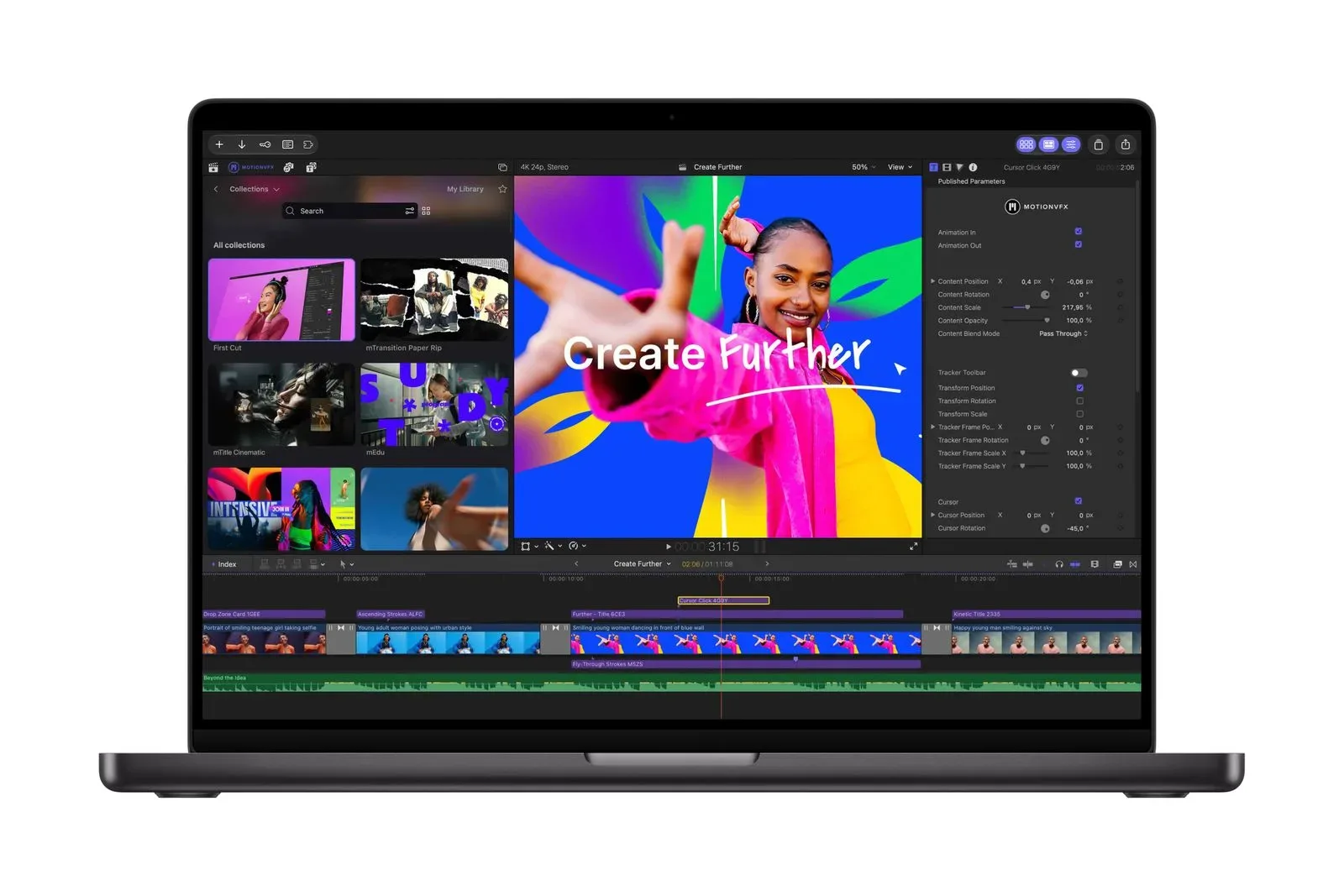
Final Cut Pro receives the largest group of additions. MotionVFX integration is now built into Apple’s video editing app, allowing access to MotionVFX templates, titles, themes, effects, layouts and other assets from within Final Cut Pro.
That can be useful for creators who regularly need a consistent visual package across uploads: title cards, segment labels, animated overlays, transitions and layouts are common parts of edited gameplay, tournament coverage and discussion programming. The significant workflow point is proximity. Instead of treating visual assets as something found and managed entirely outside the editor, the new integration places them closer to the timeline where a project is actually assembled.
Final Cut Pro also now lets timeline clips be disconnected from the primary storyline. In a non-linear editor, a timeline is the working arrangement of video, audio, graphics and effects. The primary storyline is the main organizational spine of a Final Cut project. Disconnecting clips gives editors a different way to structure material around that spine, which may be helpful when a project includes many cutaways, explanatory graphics, alternate shots or layered audio elements.
Apple has additionally introduced new keyframe easing options. A keyframe marks a point at which a setting has a defined value, such as an object’s position, scale, opacity or audio level. Easing controls how gradually or sharply the movement between those points changes. In plain terms, it can make a zoom, graphic entrance or other animation accelerate and decelerate in a more controlled way rather than moving at a constant rate throughout.
That is a technical feature, but it has clear editorial consequences. Small motion choices can affect whether a graphic feels abrupt, whether a camera-style move has a natural pace, and whether an on-screen explanation distracts from footage. The update does not automatically make a project better; it provides editors with more control over how those transitions behave.
Final Cut Pro’s Content Hub now includes royalty-free video clips. “Royalty-free” generally means the clips can be used under the applicable license without paying an ongoing royalty for each use, though creators should still understand the terms that govern any material they add to a finished work. Apple has also added a workflow for quickly adjusting images in Pixelmator Pro and automatically saving those edits back into Final Cut Pro.
That handoff may be especially valuable when a video needs cleaned-up screenshots, thumbnails, still-image callouts or other graphics that require more focused image work than a video timeline is designed to provide. The key benefit is not simply that both programs exist, but that edits can return to the video project automatically rather than being manually exported, reimported and replaced.
Logic Pro makes drum separation more granular
Logic Pro’s updated Stem Splitter can now break a drum stem into individual tracks. A stem is a grouped audio element separated from a larger mix, such as vocals, drums or instruments. Separating the drum portion further into individual tracks potentially gives an editor or producer more targeted control over the percussion contained in that stem.
The feature is relevant to projects where music needs adjustment around speech, commentary or a gameplay montage. More granular separation can make it easier to work with part of the drum content rather than treating every percussion element as one indivisible block. It remains an editing option, not a substitute for a properly prepared multitrack recording: what can be done with the result will depend on the source audio and the needs of the project.
Logic Pro also gets a Liquid Glass design and Quick Look support for audio snapshots. Quick Look is intended for previewing those snapshots, offering a faster way to inspect saved audio states without necessarily opening them into a fuller editing workflow. For repeatable sessions, checkpoints and revisions, previewing can be useful because it lets a creator compare or identify material before committing more time to detailed work.
An iPad controller option for MainStage, plus Motion and Compressor changes
MainStage now supports Sidecar for using an iPad as a multi-touch controller. Multi-touch input means the display can recognize more than one touch at a time. The update creates a more hands-on control surface option for MainStage users, with the iPad acting as an extension of the setup rather than only as a separate screen.
Motion, Apple’s motion-graphics application, can now use MotionVFX for color grading, 3D camera tracking and visual effects. Color grading is the process of shaping color and tonal qualities to establish or refine an image’s look. 3D camera tracking analyzes movement in footage so that graphical elements can be positioned in a way that follows the perspective and motion of the shot. These are tools for compositing and presentation work, potentially useful when an editor needs graphics or effects to feel connected to captured video rather than merely placed on top of it.
Compressor adds encoding support for videos recorded in Cinematic mode. Encoding is the process of converting video into a format suitable for saving, sharing or delivery. It is a crucial final-stage task because the encoding choice influences how a file is packaged for its intended destination. The newly stated support specifically concerns footage captured in Cinematic mode.
Pixelmator Pro’s AI addition focuses on filling an edited area
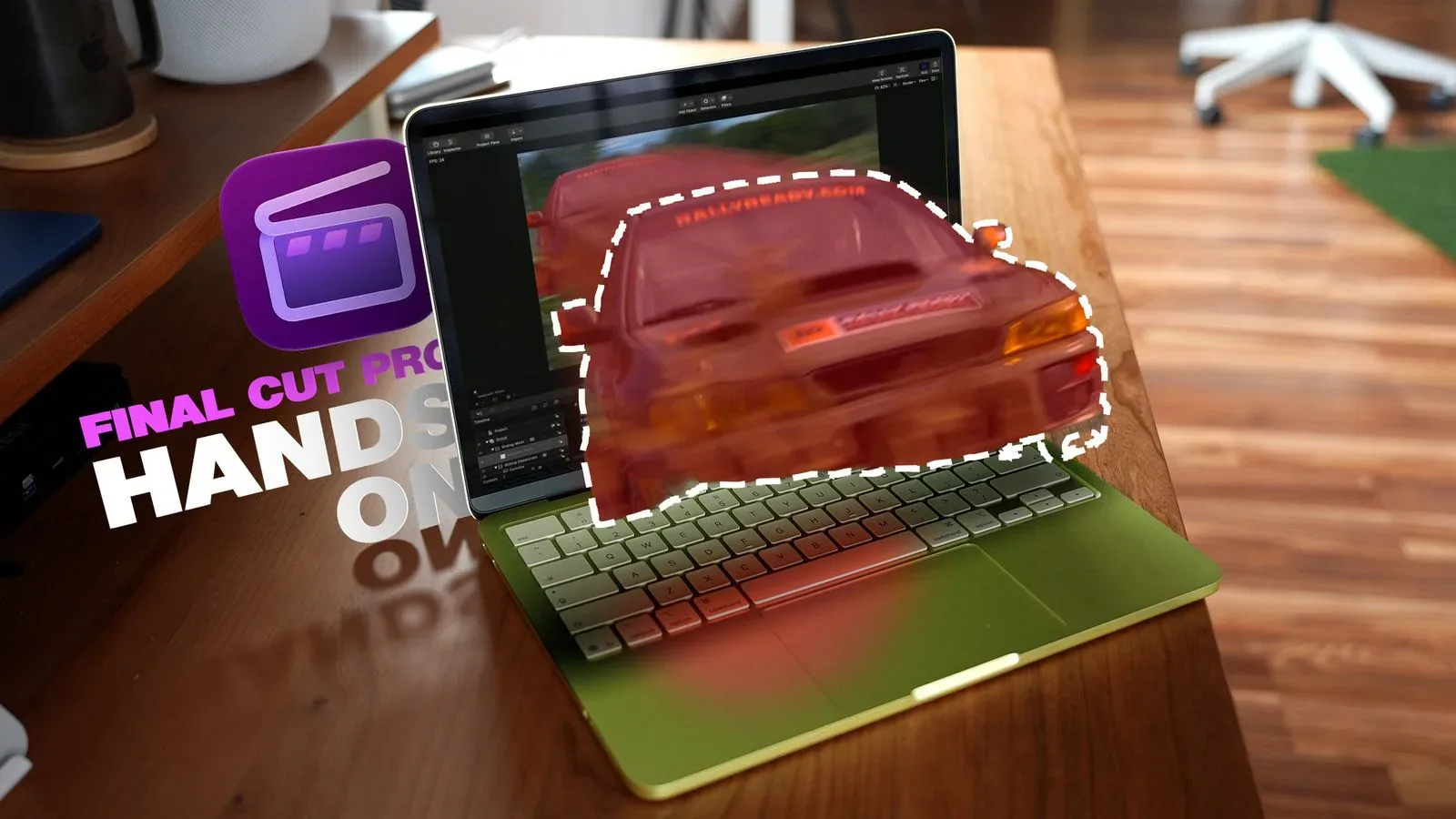
Pixelmator Pro receives Generate Fill, an AI-assisted image-editing feature designed to blend changes into surrounding content. Apple says it can match lighting, perspective and texture. The app also adds a tool that lets users circle the area they want to edit, alongside improved precision for Magnetic Selection, Free Selection and Quick Selection.
Generate Fill is aimed at a familiar image-editing challenge: changing a limited part of an image while preserving the impression that the result belongs with everything around it. Lighting refers to how bright or dark the surrounding scene appears; perspective concerns the visual relationship of objects and depth; texture describes the surface detail that can make an area look like fabric, stone, grass, metal or another material.
Its usefulness is likely to be strongest when a creator has a clear, bounded correction in mind. The tools for selecting an area are therefore as important as the generation process itself. A selection determines what part of an image an edit is supposed to affect. Improved selection precision can reduce unwanted changes to neighboring objects, edges and backgrounds.
There is still an editorial responsibility attached to AI-assisted visual work. A creator should review generated output carefully, particularly when an image is intended to document something rather than serve as a clearly designed graphic or illustrative asset. The announced feature describes how the tool aims to integrate an edit visually; it does not eliminate the need for human judgment about accuracy, intent and disclosure where appropriate.
Productivity apps join the Creator Studio feature set
Pages, Keynote and Numbers receive an Intelligent Assistant that can create and edit content and provide guidance for using in-app tools. Those three apps cover documents, presentations and spreadsheets, respectively, making the addition broader than a video or audio production update.
For a creator, these apps can sit around the production process rather than inside the finished edit: planning a video, organizing a release calendar, preparing a presentation or structuring data. The available description does not specify every capability or limit of the assistant, so it is best understood as an in-app aid for content work and tool guidance rather than as a defined replacement for the user’s own review process.
What the subscription framing means for creators
The central decision is economic as much as technical. At $12.99 monthly, Creator Studio offers a lower immediate cost but becomes $155.88 over 12 months if maintained every month. The $129 annual price is therefore $26.88 lower over a full year, assuming a subscriber expects to use the service continuously. Neither figure establishes whether it is worthwhile for a specific person; that depends on which apps and subscription-only additions actually fit their projects.
A Final Cut Pro editor who wants integrated MotionVFX material, Content Hub clips, Pixelmator Pro image round-tripping and timeline refinements may see a more concentrated value proposition than someone who only needs one isolated feature. Likewise, a Logic Pro user interested in finer drum separation may weigh that capability differently from a creator whose work never calls for music editing.
The broader pattern is a move toward linked creative workflows: a still image can be adjusted in Pixelmator Pro for use in Final Cut Pro, MotionVFX tools appear in both Final Cut Pro and Motion, and the subscription reaches from specialist media software into office-style productivity apps. That makes Creator Studio a package to evaluate as a system, not just as a collection of disconnected upgrades.
Creators covering games also face a familiar choice between speed and control. A fast template, generated image adjustment or in-app asset can remove friction, while precise timeline, selection and audio tools offer more manual control when a project needs it. For editorial video about a competitive scene—such as discussion surrounding the future of fighting games—that balance can matter: polished presentation supports clarity, but the underlying reporting and analysis remain the essential work.
Apple’s new features are live now. Existing owners of standalone apps should note the subscription boundary before assuming that an update will unlock every new addition. The meaningful question is not whether every tool sounds appealing in isolation, but whether Creator Studio’s connected video, audio, graphics and productivity features meaningfully improve an individual workflow often enough to warrant the ongoing cost.