Apple is expanding its Creator Studio apps with a November update that focuses on two things modern creators continually need: getting from an idea to a usable draft more quickly, and doing more of the fiddly technical work without hopping between separate tools. The update covers Mac, iPad and iPhone software, though several of its headline AI features have meaningful hardware, operating-system and language limitations.
The biggest additions span Final Cut Pro, Pixelmator Pro, Logic Pro, Keynote, Pages and Numbers. Video editors receive an integrated collection of MotionVFX effects and assets inside Final Cut Pro for Mac. Image editors gain a more conversational version of Generate Fill. Musicians get a beta assistant, a redesigned sound Browser and a Stem Splitter capable of separating drum parts from an existing recording. Apple’s productivity apps, meanwhile, are receiving context-aware assistants and Mac-only Model Context Protocol support for external AI agents.
That makes this a broad creative-software update rather than a single-app refresh. For gaming-adjacent creators, it potentially touches the whole familiar pipeline: assembling captured footage, polishing thumbnails or promotional images, cleaning up music and voice-related material, and producing a presentation, pitch, schedule or supporting document around the work.
Final Cut Pro folds MotionVFX assets into the editing workflow
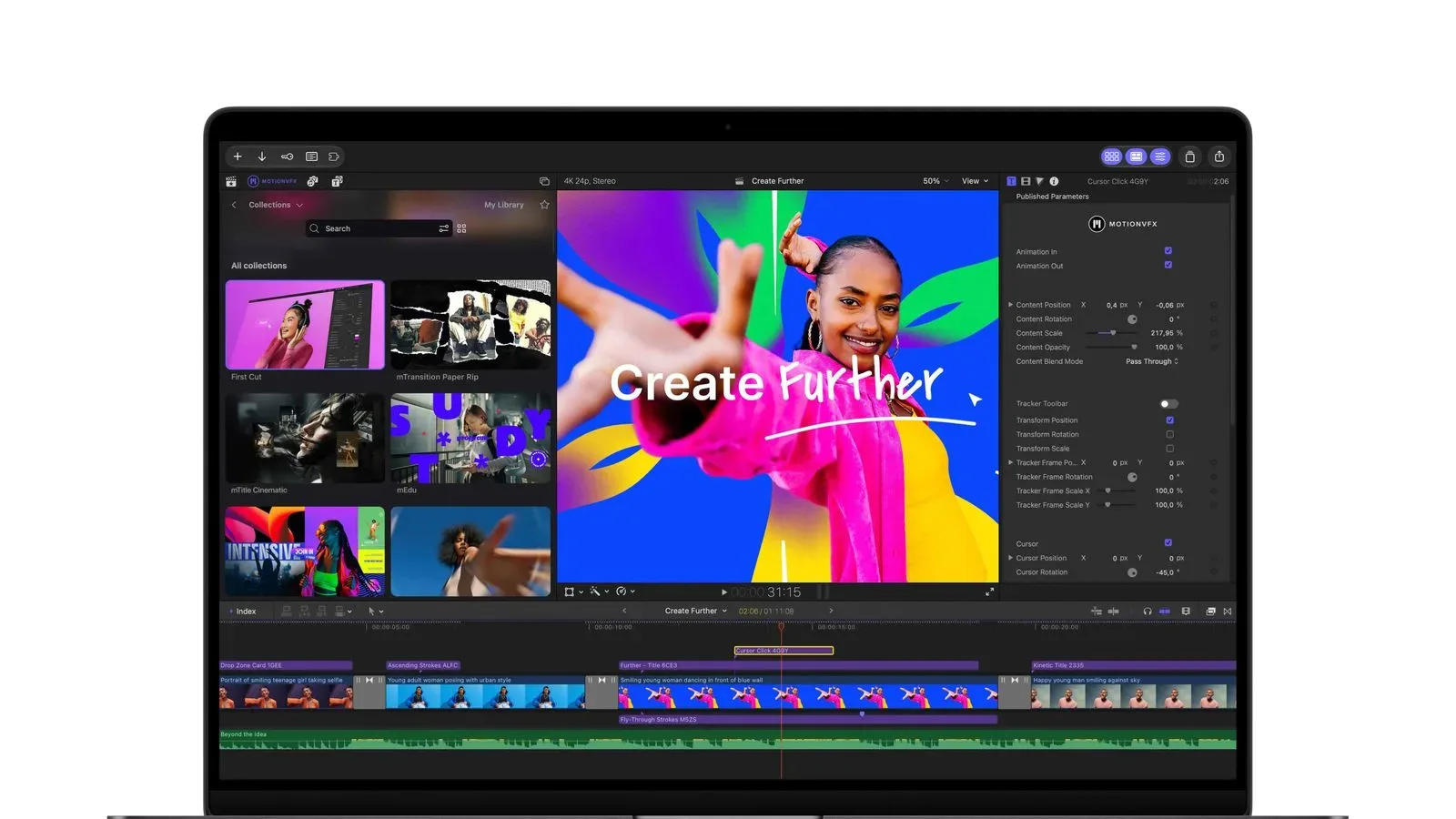
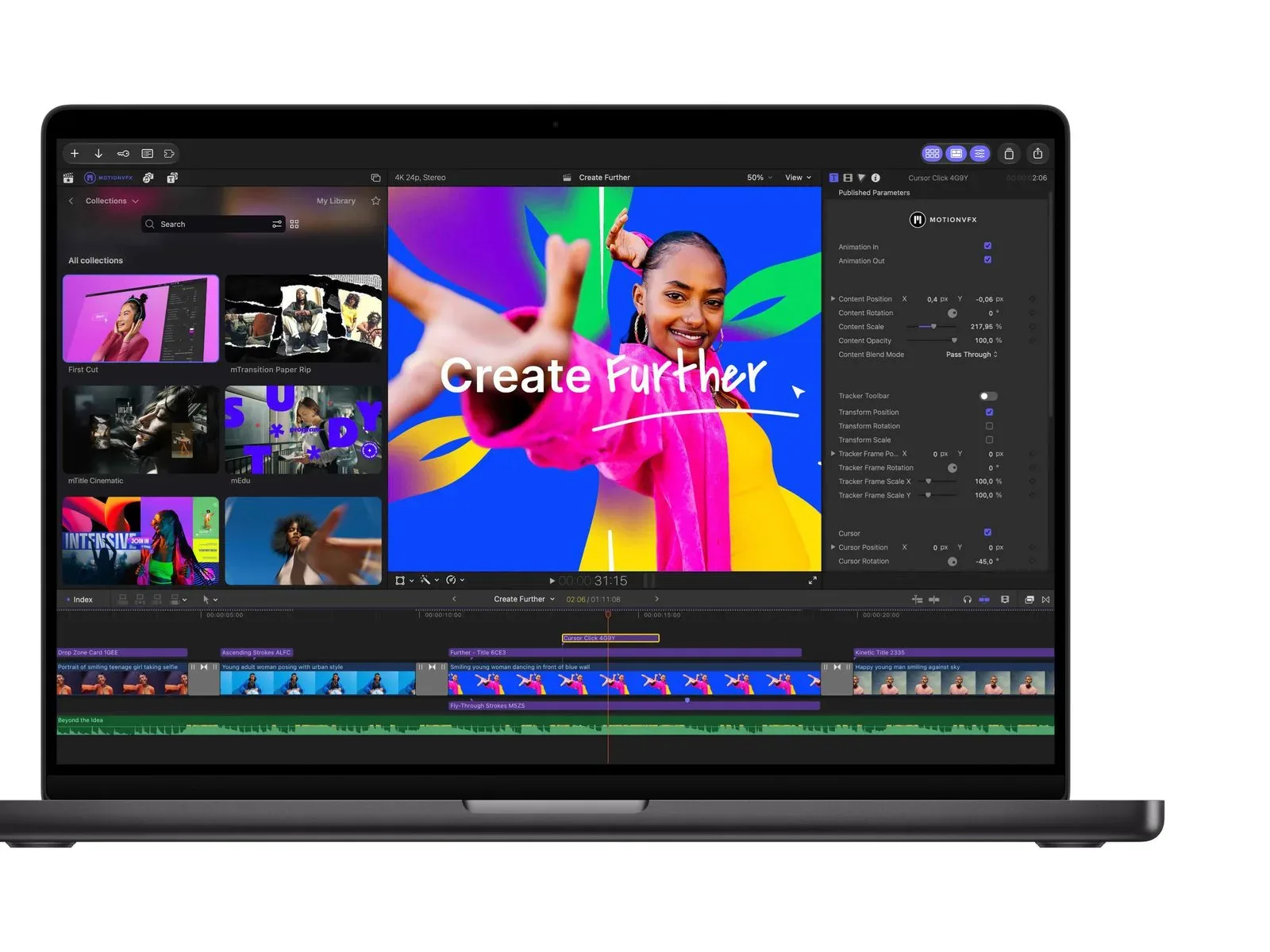
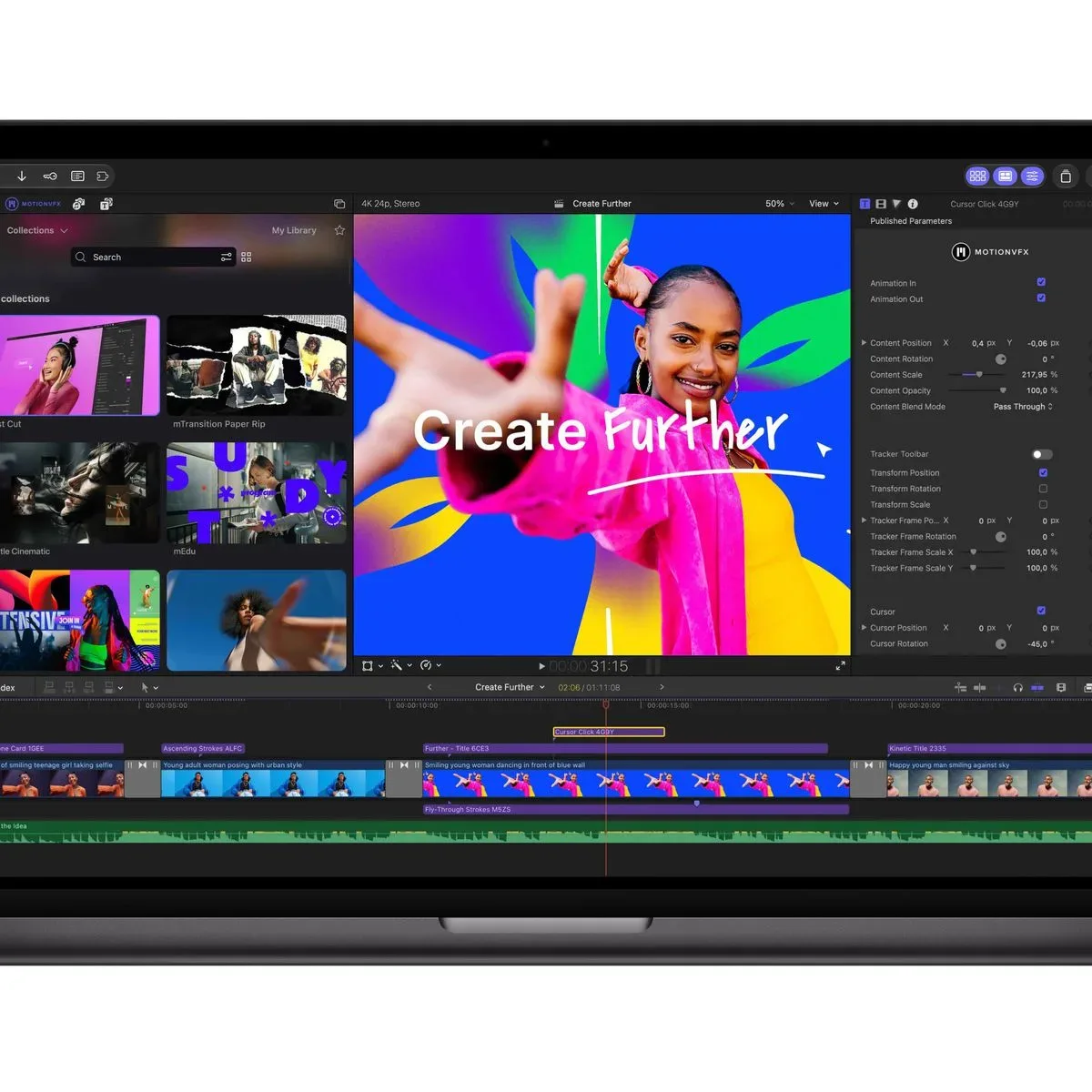
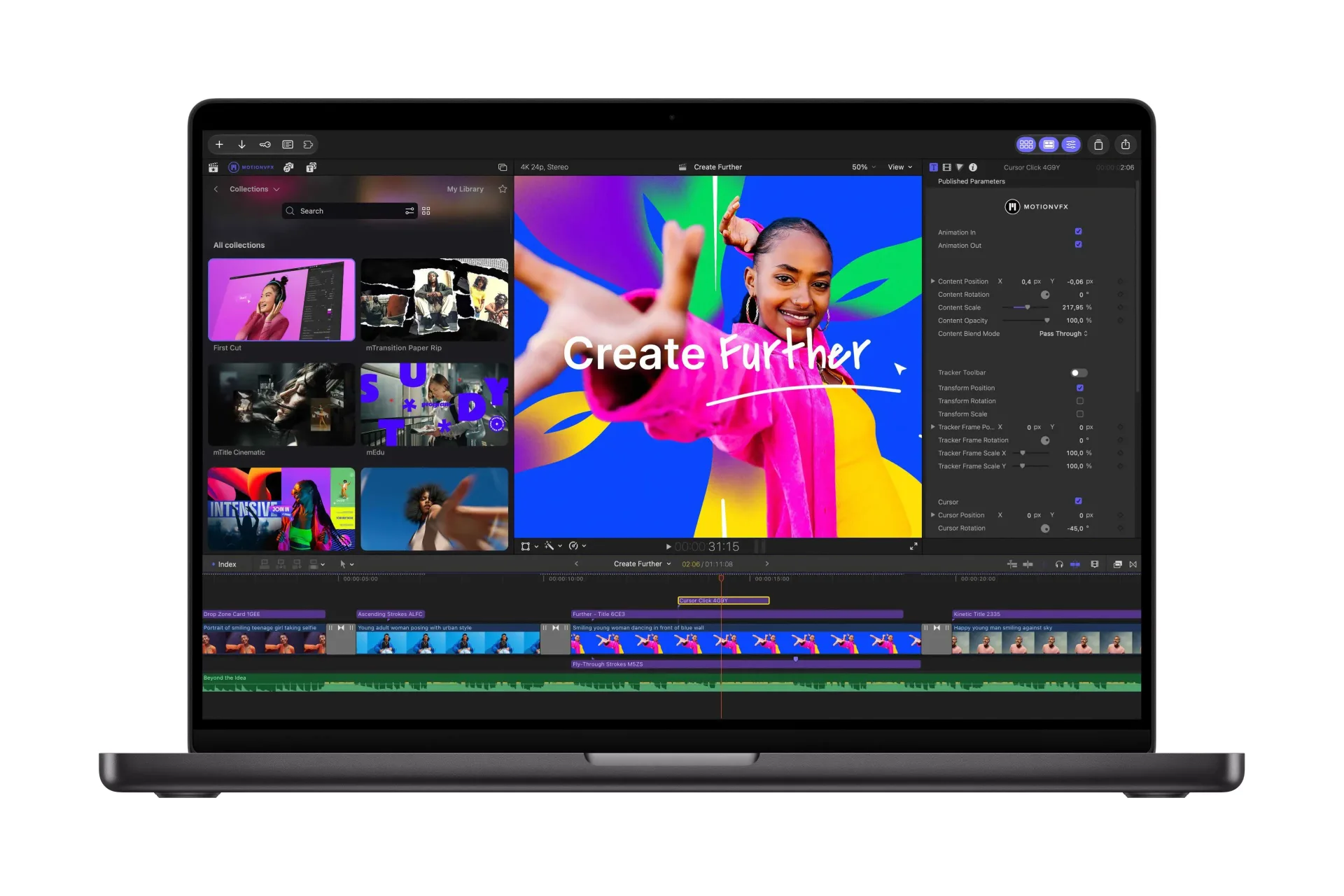
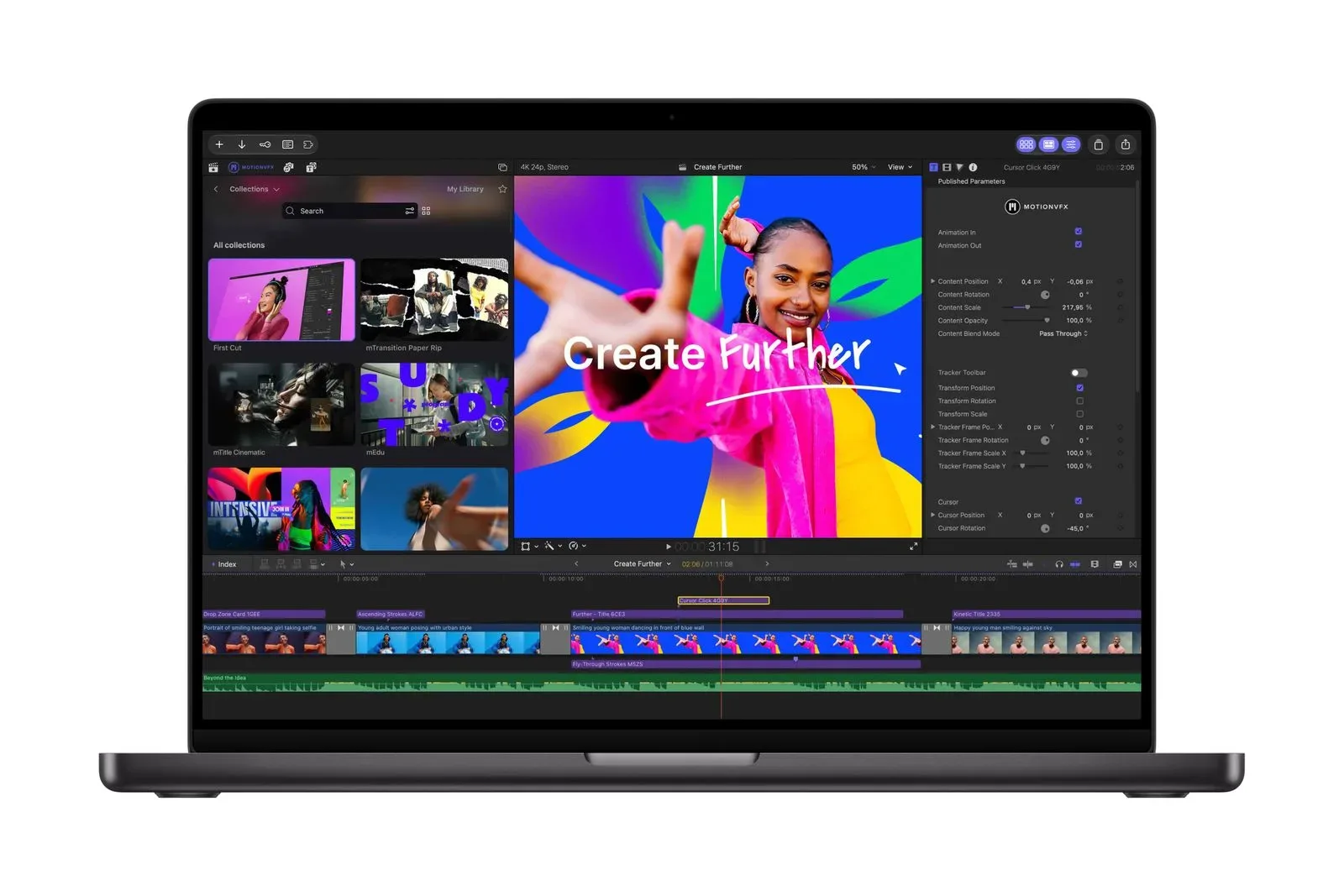
Final Cut Pro for Mac will now include built-in MotionVFX. MotionVFX had previously operated as a third-party content maker, and its integration brings thousands of effects, plug-ins, transitions, templates, titles and motion-graphics tools into Final Cut Pro.
The practical appeal is straightforward. Video editing rarely stops at trimming clips and arranging them in sequence. A creator may need animated titles for a video intro, a transition between scenes, tracking for a graphic attached to a moving object, or a grade that changes the visual character of footage. Instead of treating those as entirely separate purchases or hunting through disconnected libraries, the new integration puts a large catalog closer to the place where the edit is being built.
Apple specifically lists rotoscoping, tracking and color grading among the included tools. These terms describe different parts of post-production:
- Rotoscoping is the process of outlining or isolating a subject across footage. It can be used when an editor needs a person or object separated from its background for an effect or composite.
- Tracking follows movement in a shot, which can help keep a title, graphic or effect aligned with a moving subject.
- Color grading adjusts the visual treatment of footage, including its color and tonal feel. It is distinct from simply cutting a clip into a timeline; it is part of establishing a consistent look across an edit.
None of those terms automatically means every edit becomes effortless. They remain creative choices, and the results depend on the footage and the editor’s judgment. But putting tools and assets directly inside the application can reduce setup friction, particularly for creators who want polish without building every title or graphic from scratch.
Final Cut Pro is also gaining access to Apple’s curated Content Hub, now with video assets. That matters because an editing project can require supporting material beyond the primary footage. The announced change is narrowly described as video assets arriving in the Content Hub, so the useful takeaway is availability inside Final Cut Pro rather than an assumption about exactly which asset types are included.
The Mac is also still central to Apple’s broader creator strategy. Readers weighing Apple’s current desktop and laptop hardware direction can find related context in this look at the M6 MacBook Pro’s memory-bandwidth split.
Pixelmator Pro’s Generate Fill is becoming more direct
Pixelmator Pro’s Generate Fill is receiving a natural-language workflow. Users can select an area of an image and describe the desired alteration in words. The key detail is that the person editing still defines the region to be changed before making the request.
That selection step is important. “Generate fill” refers to a tool that creates or alters image content within a chosen part of an image. Rather than requiring a user to paint every adjustment manually, this approach combines a spatial instruction—where the alteration belongs—with a written instruction—what the alteration should attempt to do.
For creators producing visual assets around games, the attraction is obvious even without assuming a particular outcome: image adjustments can often be more iterative when the request is expressed in ordinary language. Still, it is best viewed as an editing feature, not an excuse to skip review. A user should inspect generated changes for whether they fit the image, preserve intended details and match the rest of the composition.
Logic Pro targets assistance, sound discovery and drum separation
Logic Pro’s update has three distinct parts: an intelligent assistant in beta, a redesigned sound Browser, and an enhanced Stem Splitter.
The assistant is the most visibly AI-oriented change, but Apple labels it beta. That designation matters. A beta feature is still in a testing and refinement phase, so prospective users should treat it as an evolving tool rather than a finished, universally dependable production system.
The redesigned sound Browser points to another everyday music-production concern: finding the right material efficiently. A browser is the portion of an application used to locate and navigate available sound content. Redesigning it may affect how users browse their options, but the announcement does not provide a detailed feature list for the new layout, so the clearest expectation is a reworked discovery experience rather than a promise of a particular search function.
The enhanced Stem Splitter is more concrete. It can now isolate drum parts without access to the original multitracks. A stem is an individual grouped component derived from a larger piece of audio, while multitracks are the separate original recordings or channels used in a production. Being able to isolate drums from an existing recording can be useful when those original component tracks are unavailable.
This does not change the distinction between a separated part and an original recording session. The announced capability concerns isolation from existing material, not the recovery of every production decision from a multitrack project. The practical value lies in giving musicians and editors another way to work with drum material when the original separated tracks are not at hand.
Keynote, Pages and Numbers gain contextual assistants
Apple is also adding assistants to Keynote, Pages and Numbers. The company says these assistants understand document context. In plain terms, that means the feature is designed to account for the material inside the document, presentation or spreadsheet instead of functioning solely as a blank-page prompt box.
Context awareness can be particularly relevant to projects that use several formats at once. A video plan may lead to a written outline in Pages, a schedule or budget in Numbers, and a deck in Keynote. Apple’s announcement does not spell out specific tasks the assistants will perform, so users should avoid presuming detailed capabilities that have not been described. What is confirmed is the intended ability to work with the context of the relevant app’s document.
All of those assistants are in beta and are limited to U.S. English at launch. They also require an Apple Intelligence-capable device running iOS 27, iPadOS 27 or macOS 27. In other words, owning one of the apps alone will not guarantee access. Device eligibility, the required operating-system version and the U.S.-English restriction all apply.
Model Context Protocol support comes to the Mac only
The other major AI-related addition is support for Model Context Protocol, commonly shortened to MCP, in Keynote, Pages and Numbers. Apple says MCP enables external AI agents to read, edit and automate actions in those apps.
For clarity, an AI agent in this context means external software that can perform tasks with the assistance of an AI system. The notable part is not merely that an assistant can provide text: the announced MCP support is intended to let compatible external agents interact with Apple’s productivity apps by reading content, making edits and automating actions.
That creates potential for more connected workflows, but it also calls for deliberate oversight. An external agent with the ability to read and edit a work file is more consequential than a tool that only suggests wording in a text box. Users considering such automation should be clear about what files they permit a tool to access, what actions they expect it to take, and what review they will perform before relying on its output.
MCP support is Mac-only and requires macOS 27. Apple does not state that it will be available on iPhone or iPad in this update, so creators who primarily work from those devices should not assume equivalent access.
Compatibility, timing and how the pricing works
The update is scheduled to arrive on the App Store in November. Existing Creator Studio subscribers will receive it as a free update. New subscribers can subscribe for $12.99 per month or $129 per year.
Apple is keeping one-time-purchase Mac versions available as well, and says they will receive the new features in November. The listed prices are:
- Final Cut Pro: $299.99
- Logic Pro: $199.99
- Pixelmator Pro: $49.99
- Motion: $49.99
- Compressor: $49.99
- MainStage: $29.99
The availability picture has a few important branches. Logic Pro’s assistant is Mac-only and needs macOS 27 plus an Apple Intelligence-capable Mac. Keynote, Pages and Numbers assistants work on Apple Intelligence-capable devices running iOS 27, iPadOS 27 or macOS 27, but remain beta features offered in U.S. English only. MCP also remains exclusive to the Mac and requires macOS 27.
For prospective users, the sensible first step is therefore compatibility rather than excitement alone: identify the app needed, the device being used, the required operating system, whether the device supports Apple Intelligence, and whether the U.S.-English beta limitation is acceptable. The second step is workflow: Final Cut Pro’s new asset and video-tool integration will mean more to editors, while Logic Pro’s stem separation will matter most to audio work, and document assistants or MCP will be more relevant to people building connected productivity processes.
Apple’s November Creator Studio update is broad because it does not bet everything on one automated feature. It combines asset access, established video-editing techniques, image generation controls, audio separation and document automation. The caveat is equally broad: the most AI-focused additions are beta, bounded by hardware and software requirements, and in several cases restricted to the Mac. For creators already inside Apple’s ecosystem, the update’s significance will depend less on a single headline and more on which part of the creative pipeline currently costs them the most time.