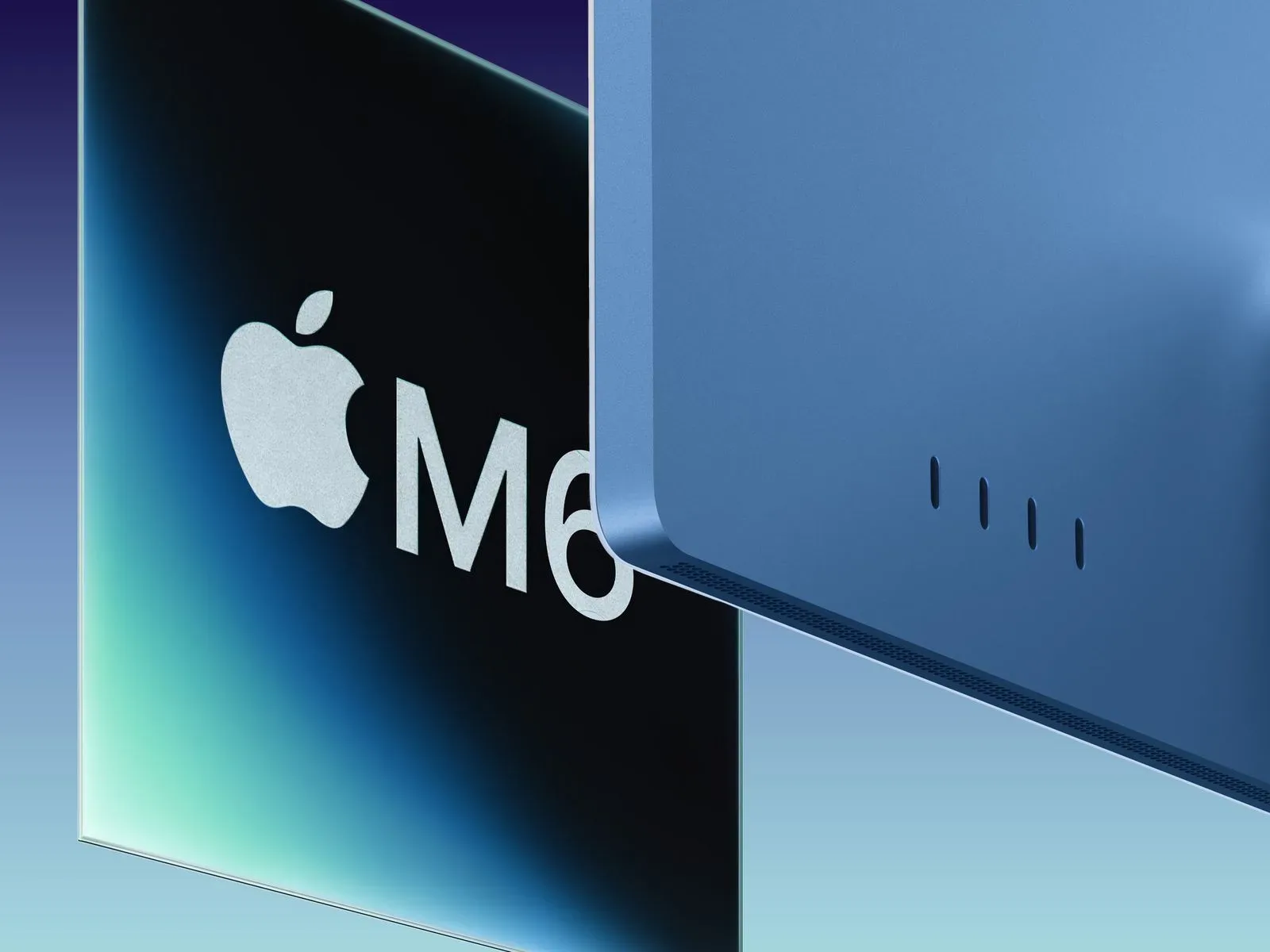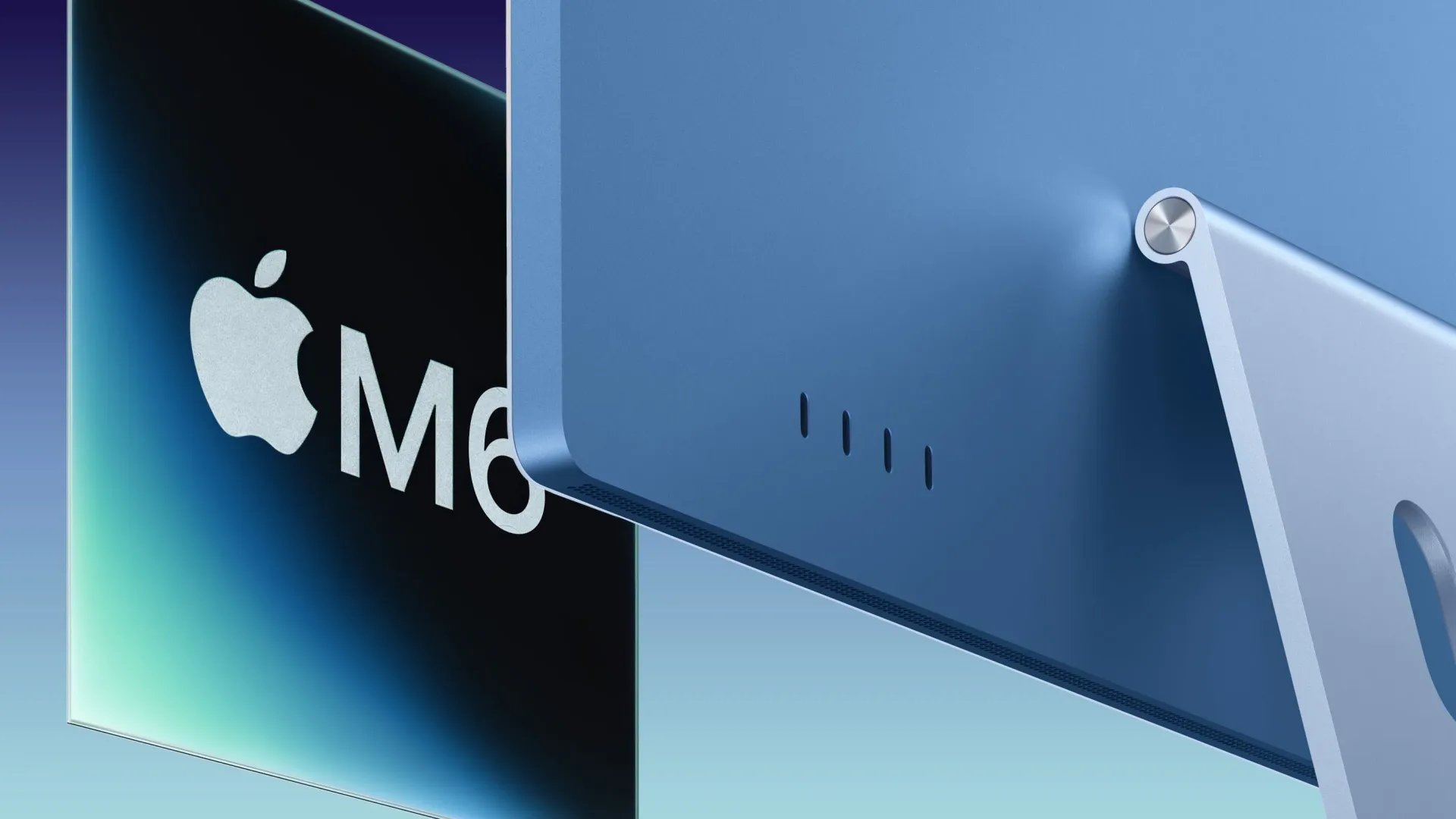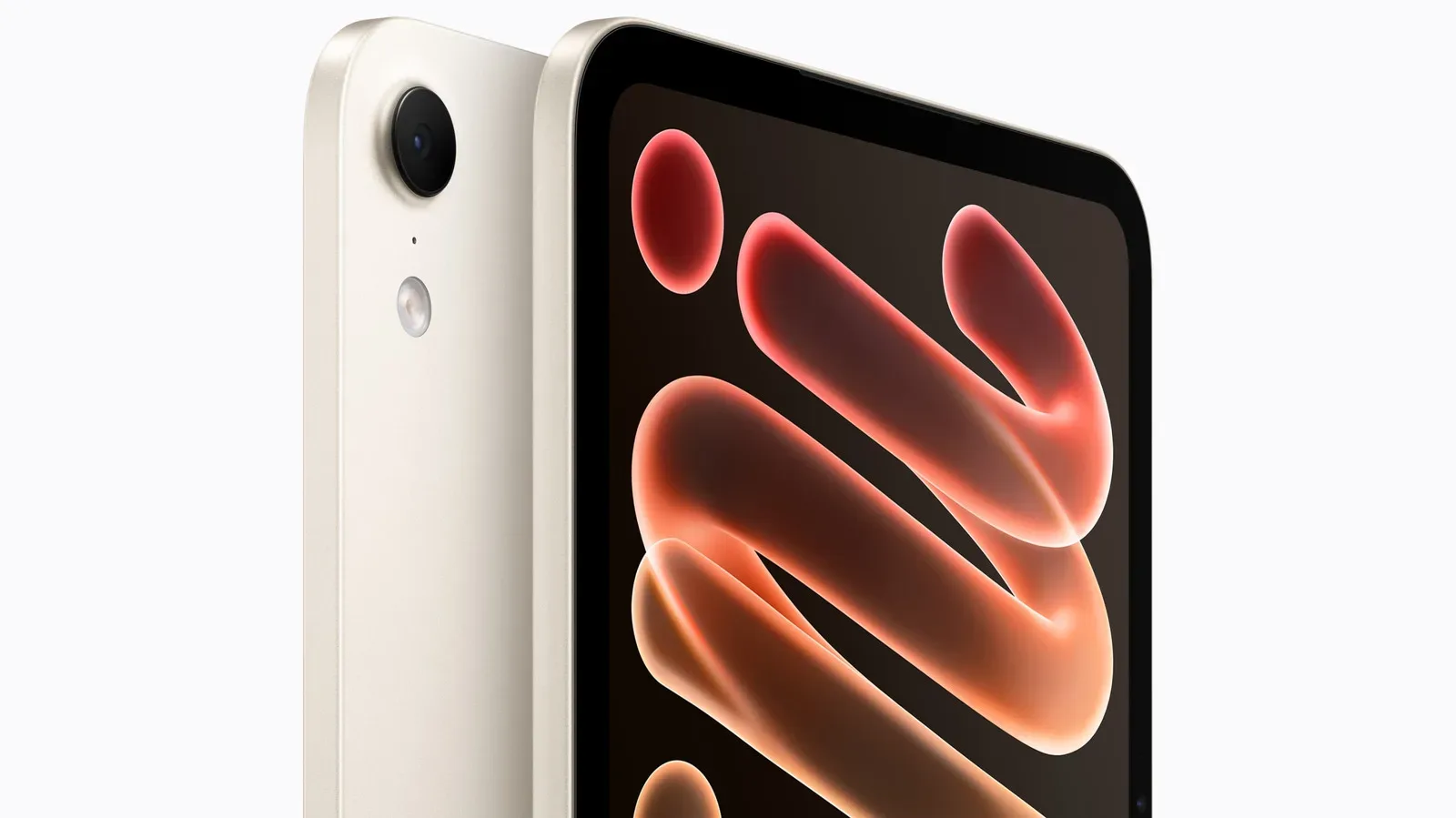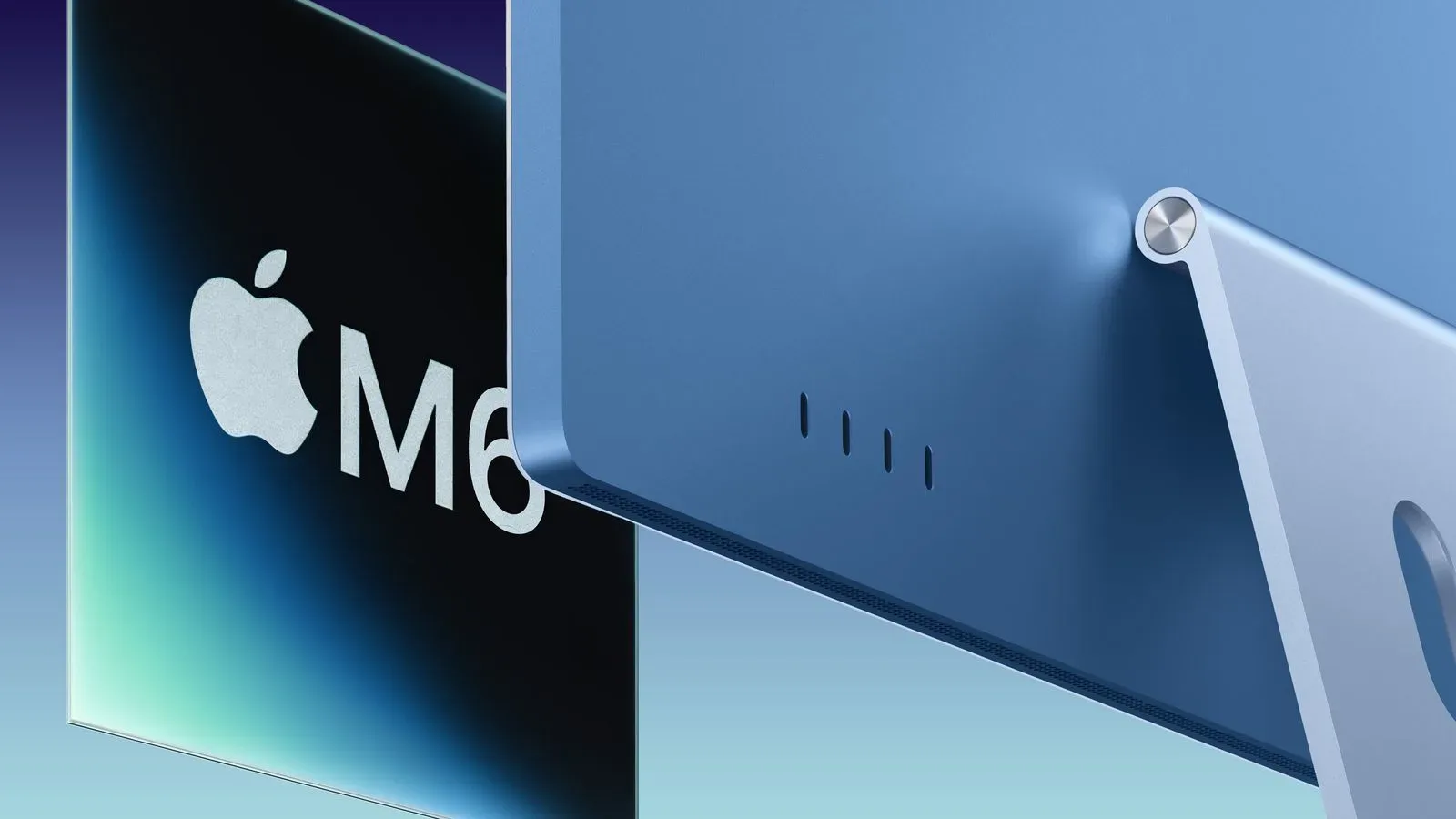
Apple has introduced a new 24-inch iMac built around its M6 chip, updating the all-in-one desktop with higher claimed processor, graphics, on-device AI and storage performance while leaving the outward design largely intact. The new machine keeps the 24-inch 4.5K Retina display, seven existing color choices, 12-megapixel Center Stage camera, six-speaker system and three-microphone array of the prior M4 generation.
For prospective buyers, that makes this an internal-platform update rather than a redesign. The meaningful changes are the M6 silicon, the accompanying N1 wireless chip with Wi-Fi 7 and Bluetooth 6 support, PCIe 5.0 storage support, and a 2.5 Gigabit Ethernet option. U.S. pricing begins at $1,499 for the lower-end configuration, the same starting price as the equivalent preceding configuration after its June increase.
Pre-orders begin Wednesday, October 28 at 10:10 a.m. Pacific Time. The iMac is scheduled to launch Friday, November 6.
M6 is the main event, not a new chassis
The physical iMac remains available in blue, green, pink, yellow, purple, orange and silver. Its 24-inch Retina panel continues to offer 4.5K resolution and up to 500 nits of brightness. The integrated camera remains a 12-megapixel Center Stage unit with Desk View support, while the computer still provides a 3.5mm headphone jack alongside its built-in speakers and microphones.
That continuity matters when interpreting the upgrade. Someone replacing an M4 iMac should not expect a different desk footprint, a different screen specification, new bundled input devices, or a revised camera system. The point is greater headroom inside the same familiar all-in-one format.
Apple says the higher-end M6 iMac can deliver around 40% faster CPU performance than the preceding M4 version, based on Geekbench results that had surfaced for the M6 in Mac mini hardware. That is a useful figure, but it should be read as an estimate for the higher-end iMac rather than a universal result for every M6 configuration and every workload. Processor performance varies with the task, the chip configuration and the software doing the work.
Apple also describes the M6 iMac as up to 12 times faster than the M1 iMac and up to 18 times faster than the final Intel-based iMac. Those longer-generation comparisons help establish how much the platform has moved since Apple’s earlier desktop transitions, but they do not mean each daily activity will shrink by those exact ratios. Opening a lightweight document, for instance, is not equivalent to a demanding compute, graphics or AI workload.
What the M6 specifications mean
The base $1,499 model includes an M6 with a 10-core CPU and 10-core GPU. The $1,699 configuration raises those counts to 12 CPU cores and 12 GPU cores. A CPU, or central processing unit, handles broad-purpose computing tasks. The GPU, or graphics processing unit, is designed to process graphics-oriented work and other massively parallel calculations. More cores are not a complete performance verdict by themselves, but the higher-end configuration has additional processing resources on both fronts.
The M6’s memory bandwidth is rated at up to 170GB/s, compared with 120GB/s on the M4. Memory bandwidth describes how quickly data can move between the chip and its memory. It is not storage capacity, and it does not turn 16GB of memory into 32GB. Instead, it is a measure of potential throughput that can matter when workloads need to move substantial amounts of data quickly.
Maximum unified memory is 32GB, and storage can be configured up to 2TB. The entry configuration starts with 16GB of RAM and 256GB of storage. RAM is the fast working memory used while applications and data are active; internal SSD capacity is the longer-term space for files, applications and the operating system. They answer different needs, so buyers weighing configurations should separate the question of how much can be kept on the iMac from how much can be worked with at once.
Dual Neural Engines put AI throughput front and center
The M6 includes what Apple calls its first dual Neural Engine: two 16-core engines rather than the single Neural Engine used in previous chips. A Neural Engine is specialized hardware intended for machine-learning and AI-related operations. “On-device AI” means that the relevant processing is performed locally on the computer rather than necessarily being sent to a remote service.
Apple says on-device AI performance can be up to five times faster than on the previous iMac. The company also says every GPU core now contains Neural Accelerators, another change intended to help AI-oriented work. Those claims sit alongside continued support for Apple Intelligence and Siri AI across the iMac range.
The practical reading is not that every app immediately becomes five times faster, nor that all AI features share the same execution path. It means the M6 has more dedicated and integrated hardware resources for applicable local AI tasks. Whether a person sees a large difference will depend on the feature being used, the application’s support and the specific configuration. The updated hardware does, however, make local AI performance one of the clearest generational themes alongside CPU, graphics and SSD throughput.
For people considering a Mac as a creative or productivity desktop, that focus also fits with the broader Mac software ecosystem’s attention to AI-assisted tools. Apple’s recent Creator Studio update for Mac, iPad and iPhone similarly put AI assistants and enhanced audio separation in focus. Hardware capability is only one part of the equation, though: a feature needs compatible software before specialized silicon can have a direct impact on a person’s workflow.
Graphics and SSD claims deserve separate attention
Apple says the M6 iMac offers up to twice the graphics performance of the previous iMac. Graphics performance covers much more than game frame rates. It can be relevant to visual effects, rendering, image work and any application that can effectively use the GPU. At the same time, the supplied specifications do not establish game-specific settings, resolutions, frame rates or compatibility. A buyer interested chiefly in gaming should not treat a broad graphics multiplier as a substitute for title-by-title requirements or performance testing.
The storage update is more specific. Apple attributes up to two times faster SSD read and write speeds to the transition from M4 to M6 and the adoption of PCIe 5.0 support. An SSD is solid-state storage, the internal drive where apps and files live. Read speeds concern retrieving data; write speeds concern saving data. PCIe is a high-speed connection standard used by components including storage devices. In simple terms, PCIe 5.0 gives the machine a faster underlying route for compatible storage operations.
That does not change the base capacity: the $1,499 model still starts at 256GB. It does mean that, within the stated claim, data can move more quickly to and from the internal SSD. Storage speed and storage size are separate buying considerations. A fast 256GB drive is still 256GB, while a larger 2TB option provides more room for local applications and files.
Networking shifts from Wi-Fi 6E to Wi-Fi 7
The iMac’s new Apple-designed N1 chip brings Wi-Fi 7 and Bluetooth 6, replacing Wi-Fi 6E and Bluetooth 5.3 support from the prior model. Wireless generations describe the connection standards supported by the computer; they do not guarantee that every network will operate at the newest standard. The benefit of Wi-Fi 7 support depends on the surrounding network equipment and setup as well as the iMac itself.
For wired connections, Apple offers a power adapter with 2.5 Gigabit Ethernet. It is a $30 upgrade for the base iMac and included with the $1,699 model. The preceding iMac power adapter offered Gigabit Ethernet, also known as 1 Gigabit. Ethernet is the wired network connection carried through the power adapter in this setup, and 2.5 Gigabit Ethernet denotes a higher connection rate than the earlier 1 Gigabit option.
That option will be most relevant to buyers whose wired network infrastructure can make use of it. It should not be confused with a promise that an internet plan, router or every network destination will run at 2.5GbE speeds. Still, its availability makes the higher-end configuration more complete for buyers who specifically want faster wired networking without an additional upgrade.
Ports, accessories and configuration differences
The lower-end M6 iMac has two Thunderbolt 4 ports, while the $1,699 version includes four. Thunderbolt 4 is a port standard used for connecting compatible peripherals and displays. The port count is therefore a material distinction between the two starting configurations, beyond the step from 10 CPU and GPU cores to 12 of each.
Both models retain the same set of included accessories: a Magic Mouse, a Magic Keyboard with Touch ID, a 143W power adapter, a power cord and a USB-C charging cable. Apple did not revise the mouse or keyboard for this release. Buyers selecting the optional nano-texture display receive a polishing cloth in the box.
The nano-texture option is the one display-related item called out beyond the retained 4.5K, 500-nit panel specification. The supplied details do not state its price or describe any change to the standard display, so it should be viewed as an optional finish rather than evidence of a new baseline screen.
Who is likely to benefit from upgrading?
The strongest case is for buyers coming from much older iMac hardware, particularly M1 or Intel-based systems, given Apple’s stated multi-generation performance comparisons. They gain the new M6 architecture, updated wireless standards, faster claimed SSD performance and the revised AI hardware in one move, while keeping the straightforward 24-inch all-in-one concept.
For an M4 iMac owner, the decision is more narrowly about workload and configuration. The enclosure, display size and brightness specification, camera, color palette, audio hardware and included Magic accessories are unchanged. The reasons to consider the new model are the potential CPU and graphics gains, the dual Neural Engine and GPU Neural Accelerators, faster internal storage, Wi-Fi 7, Bluetooth 6, and—on the higher configuration or as a base-model option—2.5 Gigabit Ethernet.
Put another way, this iMac does not ask buyers to choose between a new visual design and a faster platform. It offers the latter inside the former: a 24-inch desktop whose main update is the M6 and the supporting connectivity and storage changes around it.