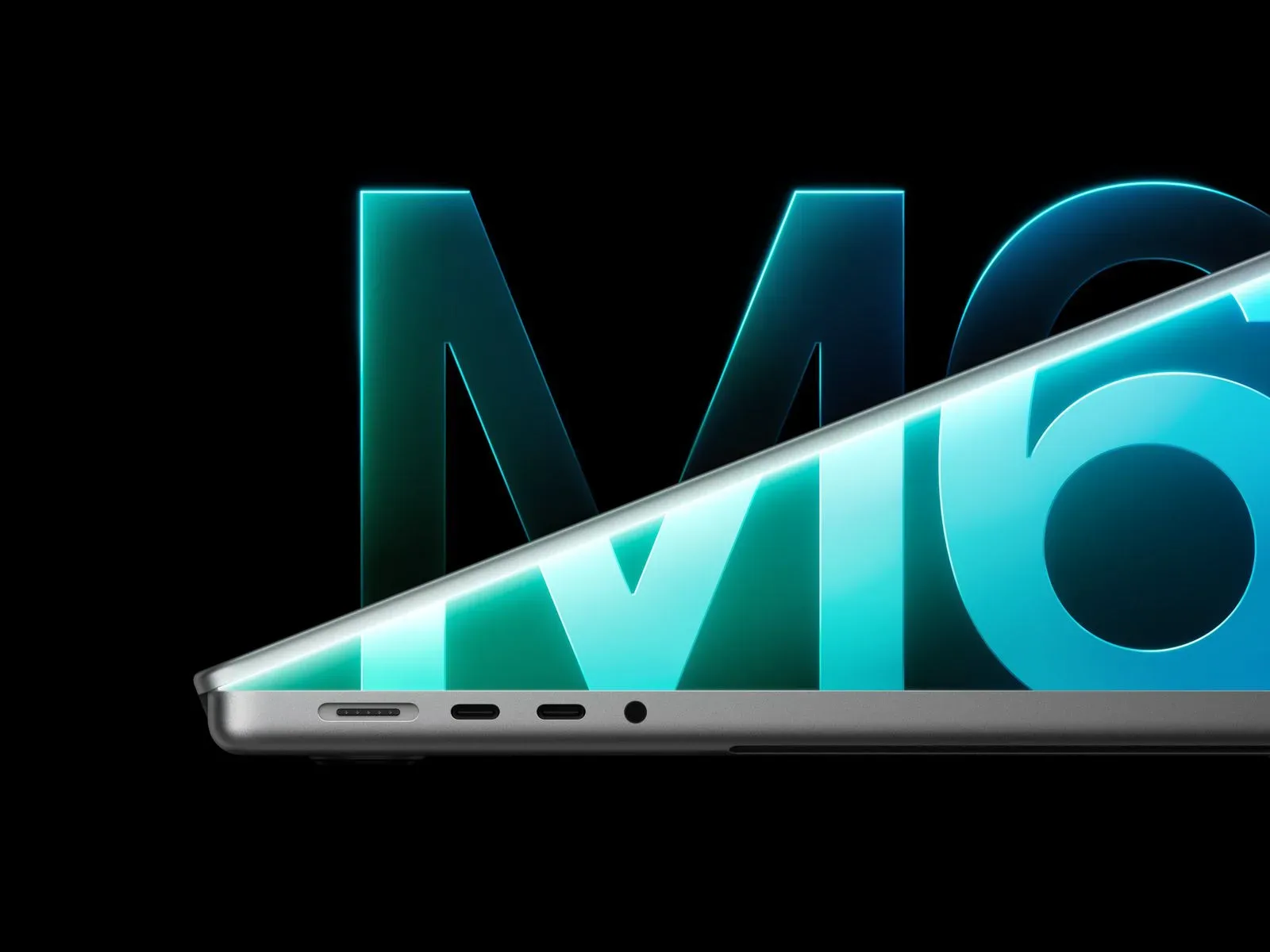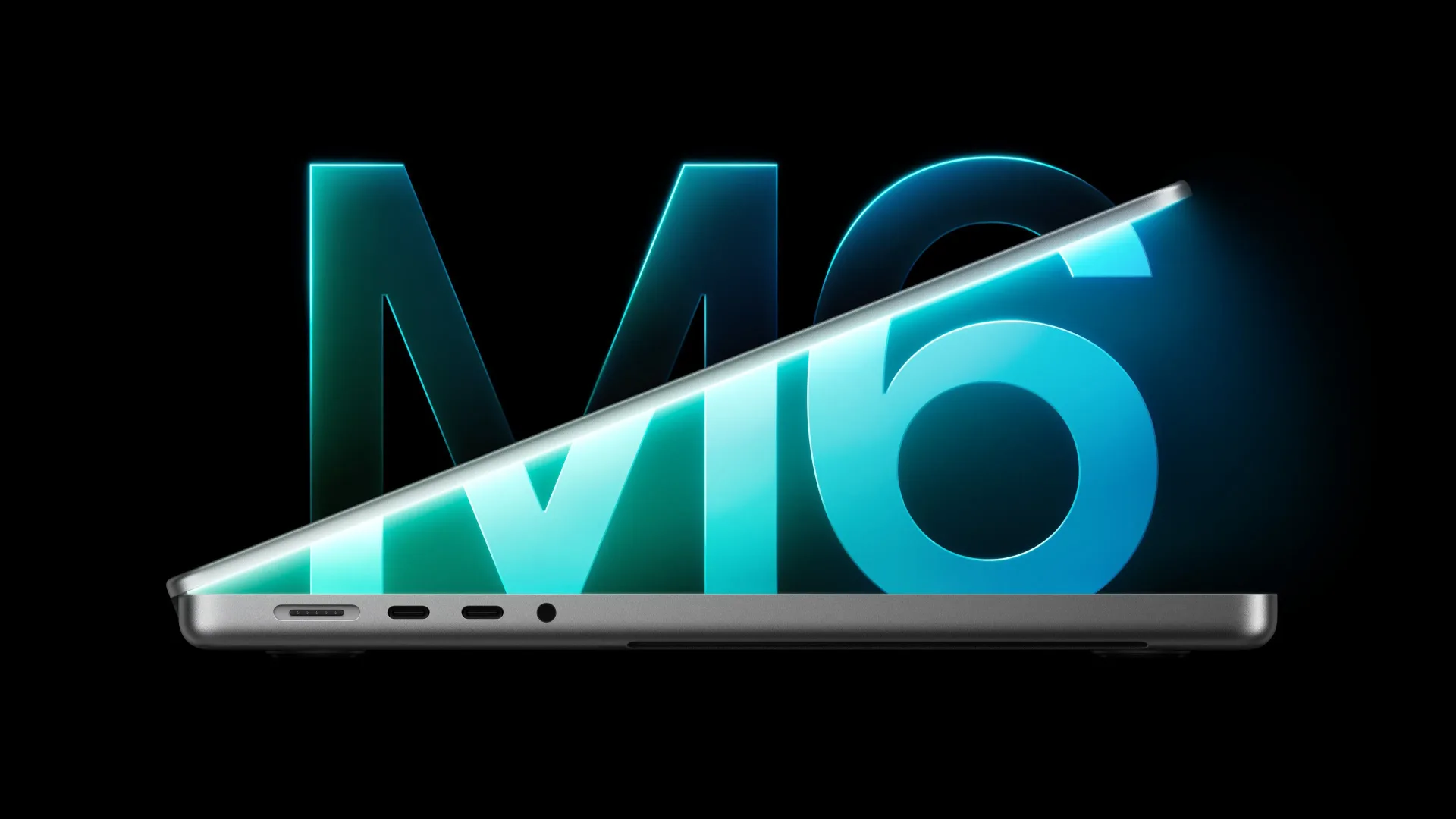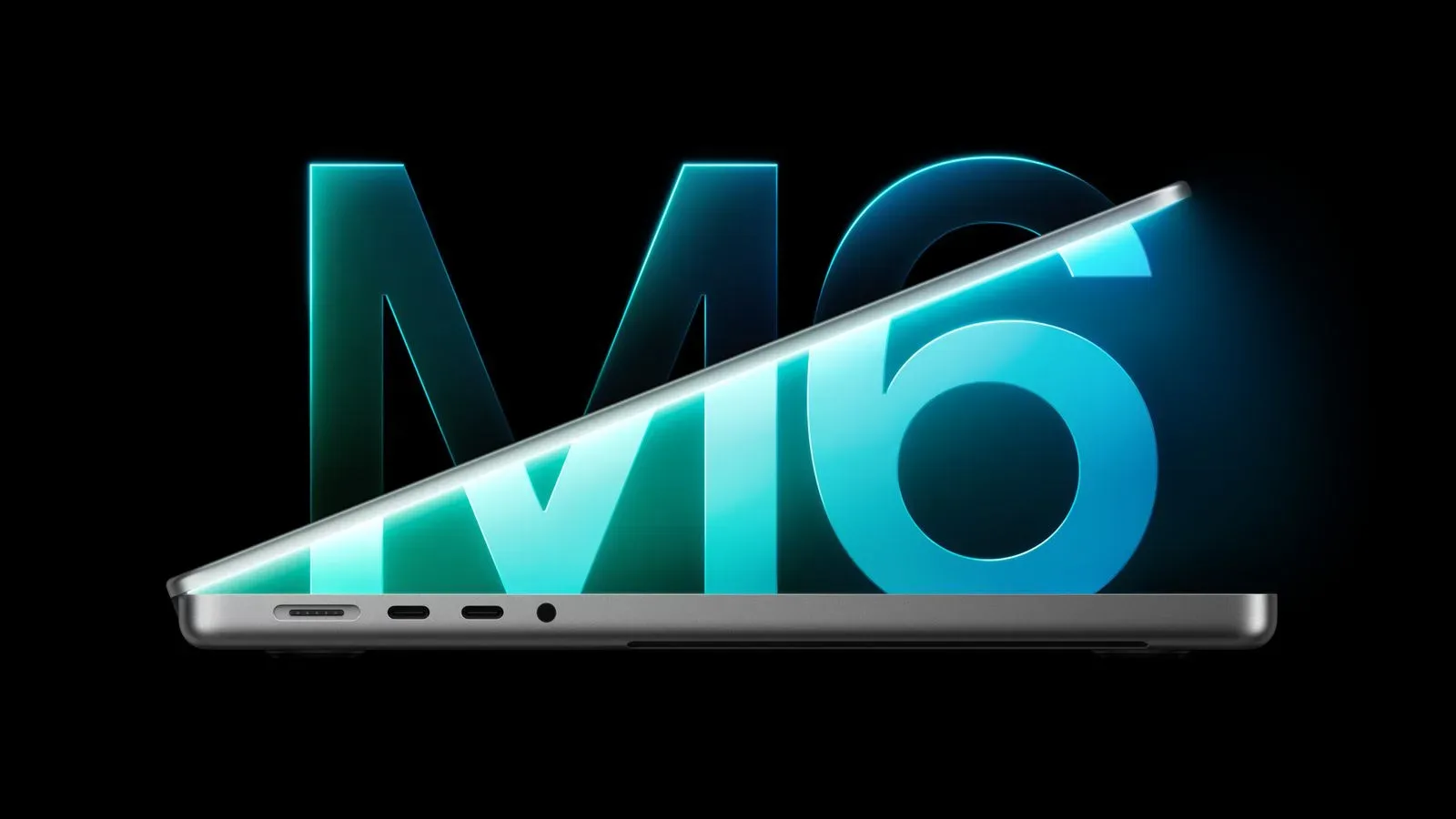
The newly announced 14-inch MacBook Pro with Apple’s M6 chip has a specification wrinkle worth catching before treating every configuration as identical: its stated peak memory bandwidth depends on the amount of unified memory selected.
Apple lists up to 170GB/s of memory bandwidth for the M6 MacBook Pro, an increase from the 153GB/s listed for the previous M5 model. But the improvement does not apply to the entry configuration. The 14-inch model with 16GB of unified memory remains rated at 153GB/s, while the 24GB and 32GB memory options receive the 170GB/s figure.
That means “M6 MacBook Pro” is not, on this specific point, a single performance specification. Buyers looking at the $1,999 starting configuration get 16GB of unified memory and 1TB of storage, but not the higher bandwidth Apple advertises for the M6 family’s larger memory tiers.
What memory bandwidth measures
Memory bandwidth is the amount of data a system can transfer between its processor and memory in a second. Here it is expressed in gigabytes per second, or GB/s. A higher figure can give the CPU, graphics hardware and other portions of the chip more room to move large sets of data without waiting on memory transfers to the same degree.
It is important not to confuse bandwidth with memory capacity. Capacity is how much data can reside in memory at once: 16GB, 24GB or 32GB in these M6 configurations. Bandwidth is the speed at which that memory can feed data to the chip. Both can matter, but they address different constraints.
For example, an application may need more capacity because its active data set is too large for 16GB. Another task may fit within 16GB but still benefit from faster movement of data. The supplied specifications do not quantify performance changes in individual applications, games, rendering workloads or AI tasks, so it would be a mistake to turn the 170GB/s number into a promised percentage gain in any one use case.
The practical takeaway is narrower and more useful: the 24GB and 32GB M6 configurations have a higher stated ceiling for memory throughput than the 16GB configuration. A purchaser deciding between memory tiers should consider both the extra capacity and that accompanying bandwidth difference.
Unified memory makes the distinction more relevant
Apple describes the MacBook Pro’s memory as unified memory. In broad terms, this means the major processing parts of the system use a shared memory pool rather than relying on entirely separate pools for each component. It is one reason bandwidth can be a meaningful specification across different kinds of work: the same shared resource serves the chip’s computing and graphics-related demands.
That does not establish that every task will be bandwidth-limited. Many programs depend more heavily on processor performance, storage access, software design, available memory capacity or other factors. Nor does it mean a 16GB M6 laptop is suddenly an inferior machine because it retains the M5-era 153GB/s rating. It means the base model’s memory-throughput spec has not moved alongside the higher-capacity M6 options.
For buyers who routinely keep many demanding applications open, work with large creative assets, or simply expect their memory needs to grow over the life of the laptop, choosing 24GB or 32GB may carry two separate benefits on paper: more headroom for active data and the higher 170GB/s bandwidth rating. Whether that merits the upgrade depends on a buyer’s workloads and budget, neither of which can be settled by the bandwidth figure alone.
The M5 comparison needs a little precision
The headline comparison is straightforward. M6 rises to 170GB/s in the 24GB and 32GB options, versus 153GB/s on the M5 model. That is a 17GB/s increase, or roughly 11% relative to 153GB/s.
Yet the base 16GB M6 configuration changes that story. It is still listed at 153GB/s—the same bandwidth specified for M5. Therefore, shoppers comparing an M5 system with a base M6 system should not assume a bandwidth improvement solely from the newer chip name. The stated uplift is tied to the larger unified-memory configurations.
This is also a good reminder to read configuration-specific technical specifications rather than relying exclusively on a product-family headline. The chip generation can identify the broad platform, but memory capacity, storage choice and other configurations can affect the final machine a customer is actually buying.
For additional context on Apple’s wider set of M6 hardware updates, see our coverage of the M6 iMac, OLED iPad mini and 14-inch MacBook Pro announcements.
How it sits below M5 Pro and M5 Max
Apple’s higher-end chip tiers remain in a notably different bandwidth class. The M5 Pro MacBook Pro is listed at 307GB/s, while the M5 Max model reaches up to 614GB/s.
Those figures place the 170GB/s M6 specification in context. It is an improvement within the standard M-series 14-inch MacBook Pro options, not a replacement for the bandwidth offered by the Pro and Max tiers. The M5 Pro’s 307GB/s is substantially higher than 170GB/s, and the M5 Max’s maximum 614GB/s is higher still.
That hierarchy is useful for interpreting Apple’s lineup without overstating what a single number can tell us. A customer whose work specifically benefits from very high throughput has higher-tier chip options with much larger published bandwidth ratings. Conversely, a buyer considering the standard M6 machine should not read its 170GB/s specification as indicating parity with those Pro or Max configurations.
Configuration and purchasing details
The 14-inch MacBook Pro with M6 starts at $1,999. Its standard configuration includes 16GB of unified memory and 1TB of storage. The available memory options extend to 32GB, while storage can be configured up to 4TB.
It will be offered in Space Black and Silver. Pre-orders open Wednesday, with launch scheduled for November 6.
Because the base machine is the 16GB version, prospective buyers should be especially alert to the distinction in the spec sheet. The starting price corresponds to the configuration with 153GB/s bandwidth. The 170GB/s figure applies only once the selection moves to 24GB or 32GB of unified memory.
What to check before choosing a model
- Memory capacity: Decide whether 16GB is sufficient for the applications and number of simultaneous tasks expected over the laptop’s useful life.
- Bandwidth tier: If the 170GB/s rating is important, select 24GB or 32GB; the 16GB option is rated at 153GB/s.
- Storage needs: The standard machine includes 1TB, while available configurations go up to 4TB.
- Chip-class expectations: The M5 Pro and M5 Max lines retain much higher listed bandwidth at 307GB/s and up to 614GB/s, respectively.
- Timing: Pre-orders begin Wednesday, ahead of the November 6 launch.
The M6 update is therefore both an advance and a qualification. Apple has increased the top listed memory bandwidth for the standard 14-inch MacBook Pro from 153GB/s to 170GB/s, but only buyers choosing 24GB or 32GB of unified memory receive that increase. For the $1,999 16GB entry model, the published bandwidth remains unchanged from M5 at 153GB/s.