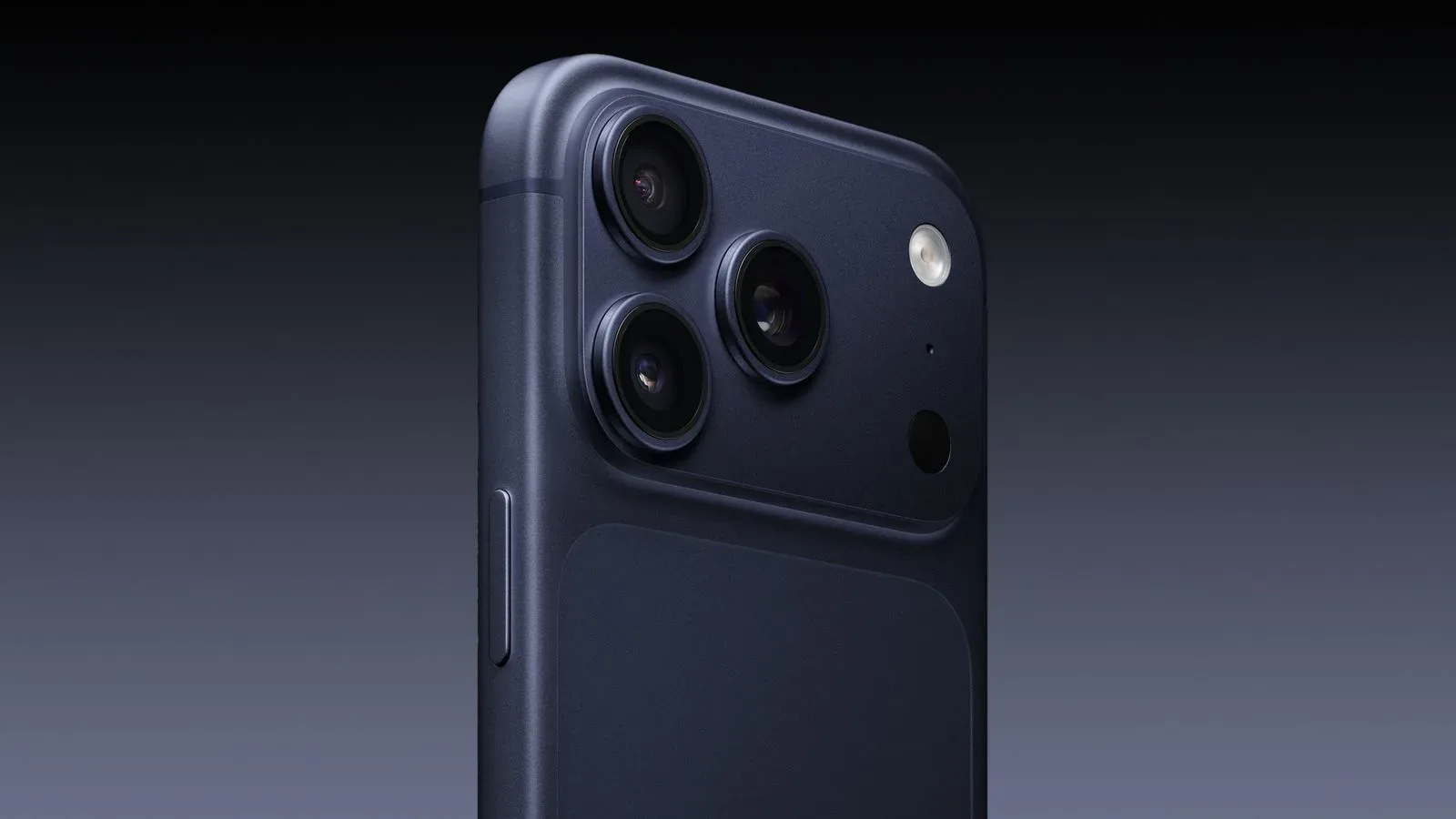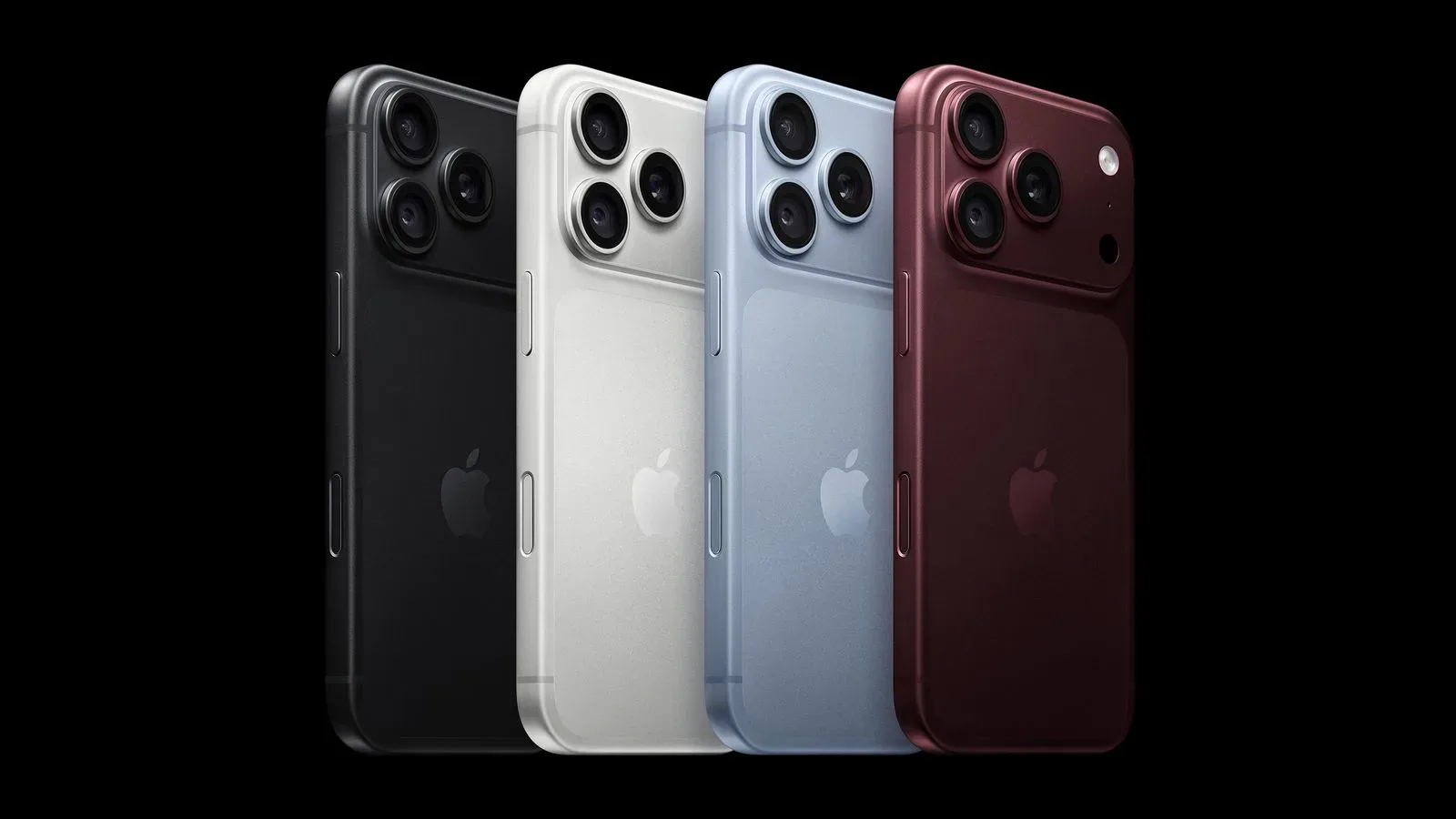
Apple’s latest creative-software update is broad, but its clearest focus is the route from an iPhone shoot to a Mac edit. Final Cut Camera for iOS gains controls intended for more deliberate video capture on iPhone 18 Pro, while Final Cut Pro, Motion and Compressor add new ways to work with that phone’s Cinematic mode footage afterward.
Elsewhere, the Apple Creator Studio package is receiving updates across Pages, Numbers, Keynote, Pixelmator Pro and Freeform. That means this is less a single-app release than a refresh of Apple’s wider pitch to people who write, design, plan, present, record and edit within its ecosystem.
The updates are available now. Apple Creator Studio costs $12.99 per month and includes creative applications including Final Cut Pro, Logic Pro and Pixelmator Pro. It also unlocks premium capabilities in the otherwise free Numbers, Pages and Keynote apps.
Final Cut Camera puts more shooting decisions in the iPhone interface
Final Cut Camera is Apple’s professional iPhone filming app, and the update introduces support for the variable aperture feature on iPhone 18 Pro. Aperture is the adjustable opening through which light enters a camera system. In practical photography and videography terms, changing aperture can affect exposure and depth of field—the amount of the image that appears acceptably sharp in front of and behind a subject.
The app now lets users adjust aperture and choose aperture-priority or shutter-priority modes. These modes shift which exposure setting receives priority:
- Aperture priority is designed for situations where the creator wants to establish an aperture choice first, leaving the system to account for exposure through shutter behavior.
- Shutter priority instead places the shutter setting at the center of the decision, useful when motion rendering is the main concern.
The distinction matters because shooting video is often a sequence of trade-offs rather than a hunt for one universally correct setting. A creator may care most about motion, light, or the visual separation between a subject and its background. Giving those choices a place in the capture app makes the iPhone workflow more direct for people who want to make them intentionally.
Apple says Final Cut Camera has been redesigned from the ground up to make professional settings easier to reach. Those controls include shutter angle, ISO and white balance. Shutter angle is a way of describing shutter behavior commonly used in motion-picture workflows. ISO refers to sensitivity in the exposure process, while white balance adjusts color rendering to suit the light in a scene. Together, these are core controls for maintaining a planned visual look rather than leaving every capture decision entirely automatic.
Exposure, focus and monitoring tools join the update
The revised app also adds customizable overlays with false color and clipping indicators for exposure. These are monitoring aids: instead of merely judging brightness by eye on a phone display, a creator can use visual indicators to identify how parts of an image are being exposed. Focus peaking has also been improved with a sensitivity control. Focus peaking highlights high-contrast edges as an aid to judging focus, and sensitivity control should give users a way to tailor how prominent that assistance appears.
There are small interface changes with practical intent, too. A tally light activates during recording, making the active-recording state easier to see. A two-finger tap clears the viewfinder so a creator can look at the shot without interface clutter.
At the more specialized end, Final Cut Camera now supports professional video scopes, clean SDI output and genlock offset. Video scopes are dedicated visual measurement tools used to inspect attributes such as image levels and color. A clean output removes on-screen interface elements from the feed. Genlock concerns synchronization between video equipment; an offset setting provides a means to adjust that timing relationship.
Not every Final Cut Camera user will need these features, and the update does not imply that every iPhone shoot requires a technical monitoring stack. But their inclusion broadens the app’s relevance for productions where an iPhone is used alongside more conventional gear and where synchronization and signal handling matter. For individual creators, the immediate benefit may simply be a clearer set of manual controls and more readable monitoring options.
Cinematic mode footage can be adjusted further on Mac
Apple has also expanded post-production support for video captured on iPhone 18 Pro with Cinematic mode effects. Final Cut Pro and Motion on Mac can now add those effects to the footage, including adjustments to focus points and depth of field from within the Final Cut Pro timeline.
Cinematic mode effects aim to create selective focus and depth-of-field treatment in video. The important workflow detail here is not merely that an effect exists, but that the update brings focus-point and depth-of-field adjustment into the editing timeline. That places the creative decision closer to the edit itself, where a user can evaluate it alongside shot order, pacing and the rest of the sequence.
Compressor, Apple’s encoding and export utility, supports converting video carrying Cinematic mode effects back into the previous Cinematic mode format. It also receives new export presets for HEVC and MPEG-4. HEVC is a video-compression format, while MPEG-4 is another widely recognized family of multimedia formats. Export presets package settings into reusable options, which can reduce repetitive setup when delivering video in a chosen format.
For creators considering the broader path from phone capture to final file, the notable point is the coordination among the apps: Final Cut Camera gains recording-side controls, Final Cut Pro and Motion gain timeline-side Cinematic mode handling, and Compressor gains related conversion and export options. Apple is presenting these as connected stages rather than isolated app features.
That connected-workflow idea also fits the company’s broader software direction. Apple recently approached family device management as an ongoing discussion rather than a one-setting solution; its creative tools are similarly becoming a larger set of interlocking choices. For more context on that other Apple software initiative, see Apple’s family Screen Time guide.
Pages, Numbers and Keynote receive creation and collaboration additions
The update is not confined to video. Pages, Numbers and Keynote receive new templates and themes, plus improved collaboration tools. Templates offer a starting structure for a document, spreadsheet or presentation; themes establish a coordinated visual treatment. Neither replaces the content work, but both can lower the effort required to begin with an organized layout.
Keynote now supports intelligent slide generation. The supplied details do not specify the exact workflow or output behavior, so the practical takeaway is limited to the feature’s stated purpose: it is intended to help generate slides.
Numbers gains trigonometry, statistics and logic functions for handling more complex spreadsheet problems. Functions are built-in formulas that turn a spreadsheet into more than a grid of manually entered values. Trigonometric functions are used for mathematical relationships involving angles; statistics functions support quantitative analysis; logic functions evaluate conditions. Their arrival gives Numbers users a wider set of tools for structured calculations without moving those tasks to another application.
Pages for Mac receives Screen View, which optimizes content for reading and writing. That is a distinct emphasis from fixed-page presentation: Screen View is meant to make the on-screen writing and reading experience more comfortable and functional within the app.
Pixelmator Pro adds templates and more precise iPad masking
Pixelmator Pro gets new template collections on Mac and iPad aimed at launching ideas, businesses or products. A new Podcasts category includes cover-artwork choices. These additions are about entry points: they give prospective designers a structured canvas for common creative needs rather than requiring every project to start from a blank document.
On iPad, Pixelmator Pro also adopts Select and Mask from the Mac app. Selection and masking are image-editing fundamentals. A selection identifies the portion of an image to affect, while a mask controls where an adjustment or edit is visible without necessarily deleting the rest of the image. More precise refinement tools can be particularly useful when a subject has complex edges or when a creator wants to isolate part of a composition while preserving flexibility for later changes.
The addition is notable because it brings a Mac-app capability to the iPad version rather than treating the tablet solely as a lightweight companion. It is still important to separate the confirmed feature from assumptions: Apple has said Select and Mask enables precise mask and selection refinements; no further performance or workflow claims are established here.
Freeform leans into organization, handwriting and shared spatial work
Freeform gains automatic Dark Mode support for boards, folders for organization and Writing Tools support. Folders answer a straightforward organizational need as boards accumulate. Automatic Dark Mode support allows board presentation to follow that visual mode without an extra manual step.
Writing Tools uses Apple Intelligence to rewrite, proofread and summarize handwritten notes in Freeform. The handwritten-note aspect is the significant detail. Rather than limiting these functions to typed text, Apple is extending the stated capabilities to notes made by hand. Rewrite, proofread and summarize describe different tasks: altering phrasing, checking writing, and condensing material, respectively.
For visionOS 27, Freeform on Apple Vision Pro lets users pull multiple items from a board into their space. Multiple users can also view 3D models together as a group. The update points toward Freeform being used not just for a two-dimensional planning board but also for shared viewing of spatial objects. The confirmed capability is group viewing of 3D models; it does not establish a wider set of collaborative editing behaviors beyond what has been described.
What the update means for Creator Studio subscribers
Creator Studio’s $12.99 monthly subscription now covers a larger set of newly updated workflows, from recording iPhone video and editing its Cinematic mode effects to creating presentation material, spreadsheet formulas, visual assets and shared boards. The breadth makes the package easier to understand as a suite: it is not only for video editors, nor only for graphic artists.
The strongest practical theme is control at each stage. Final Cut Camera offers more capture controls and monitoring. Final Cut Pro and Motion offer post-capture adjustments for supported Cinematic mode footage. Compressor adds delivery options. Pixelmator Pro emphasizes editable selections and masks. Numbers expands its calculation toolkit, while Freeform offers organization and AI-assisted work on handwriting.
That does not erase the need to choose the right tool for a particular project, and several of the headline camera features are specifically tied to iPhone 18 Pro. Still, the updates make Apple’s creative applications feel more deliberately connected. The phone can be a production camera, the Mac can be the place where focus and depth are refined in an edit, and the surrounding apps can handle planning, graphics, presentation and collaboration around the project.