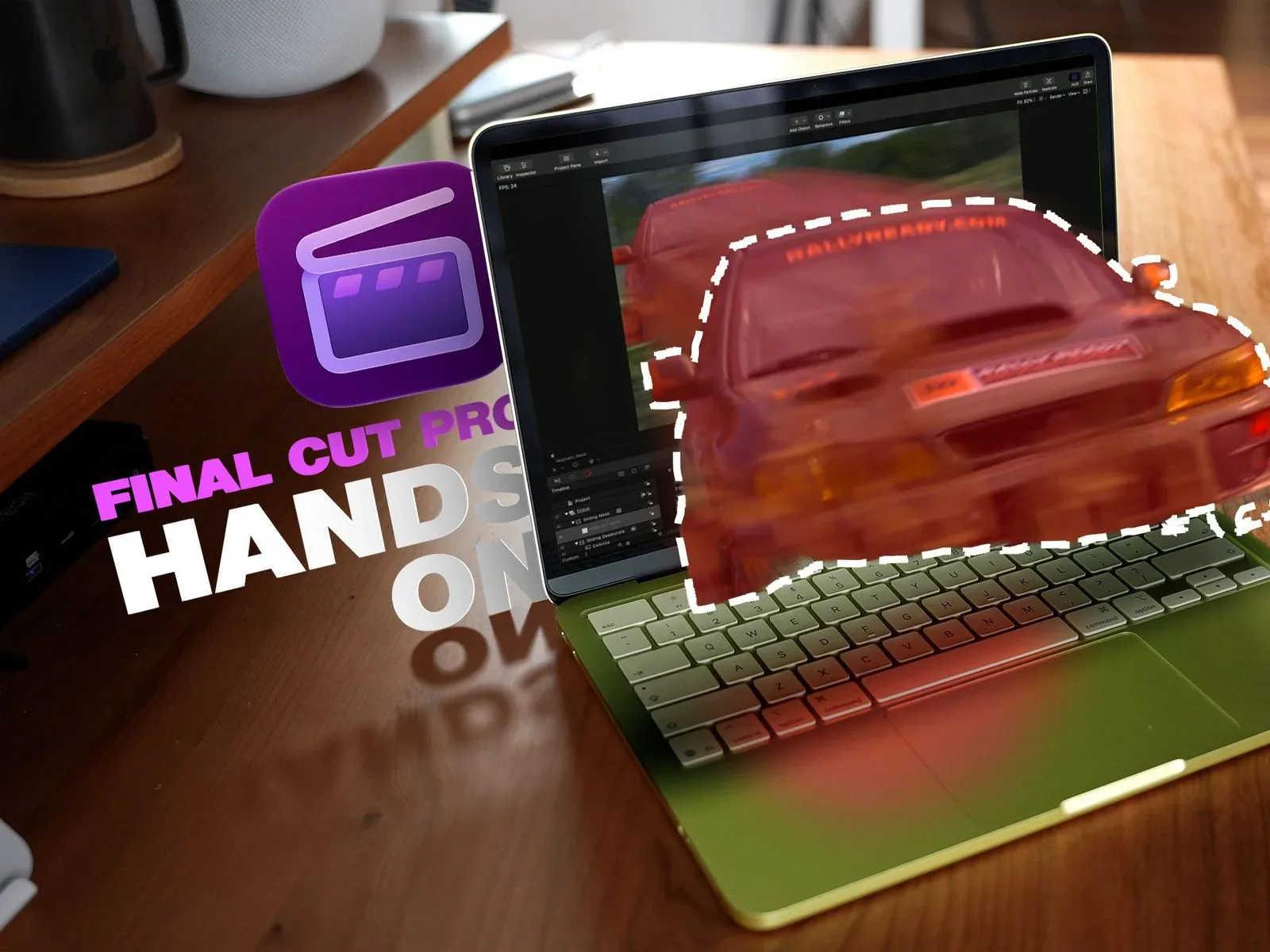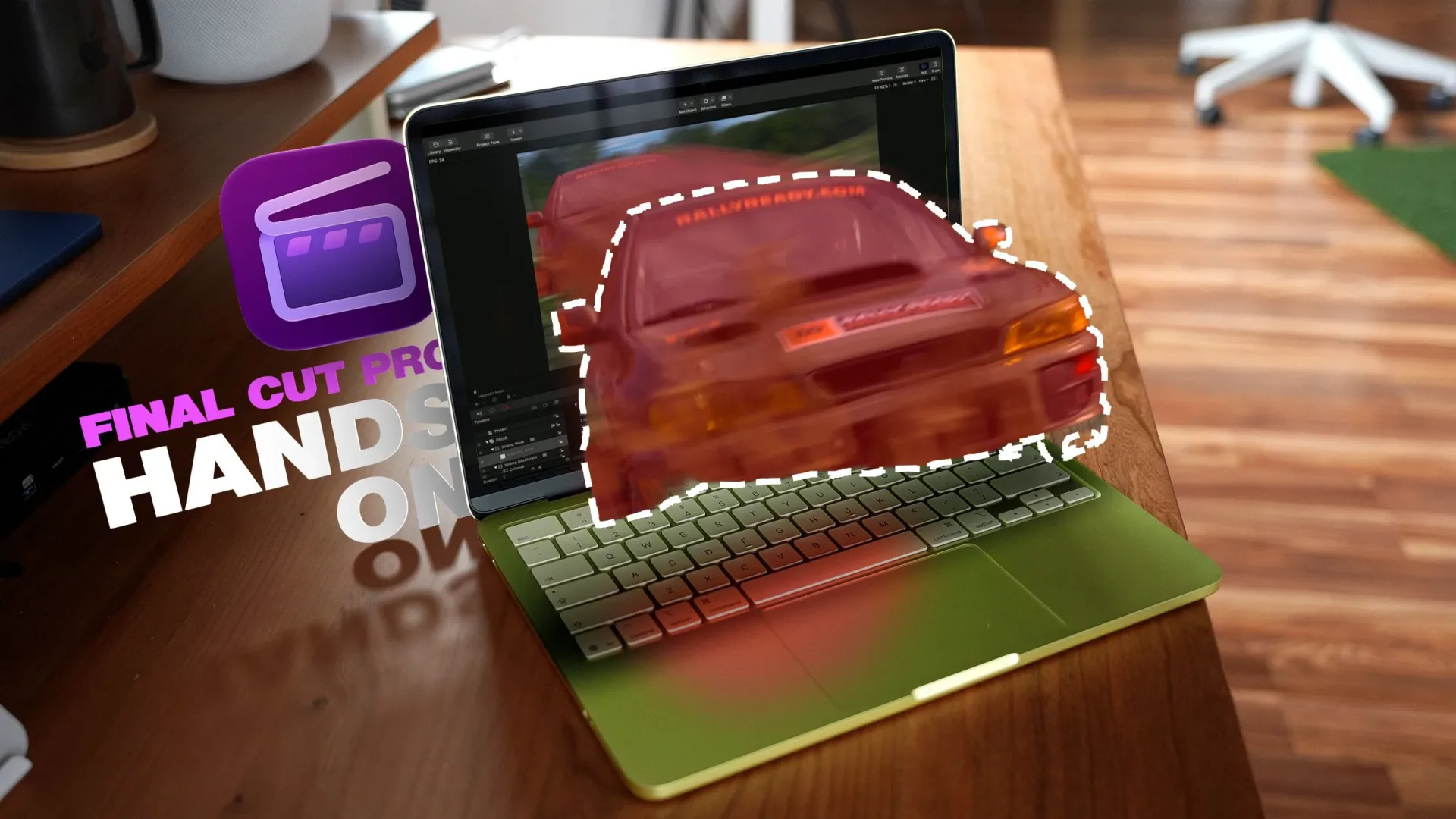
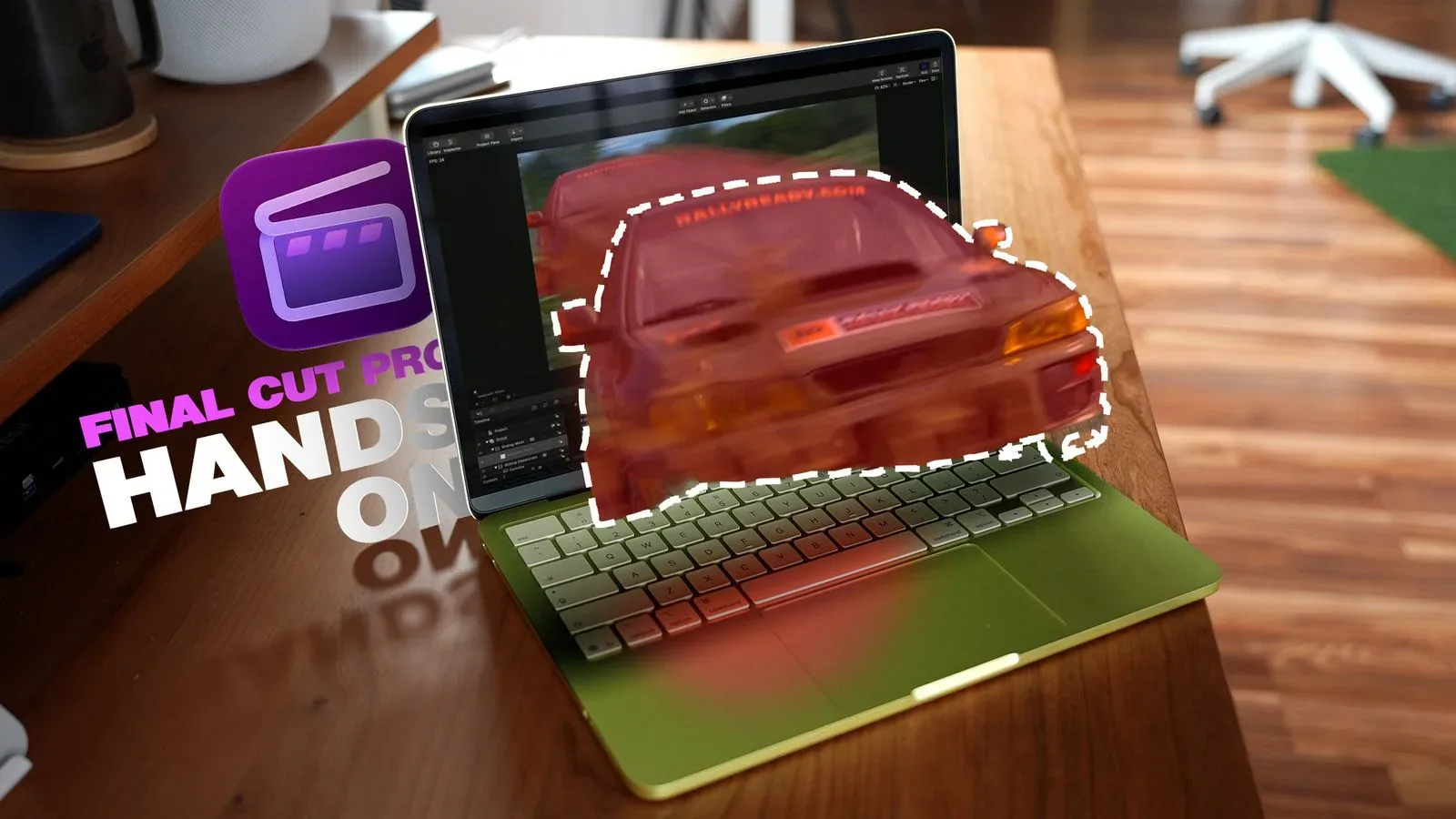
Final Cut Pro is getting a substantial creator-tool expansion built around MotionVFX, the motion-graphics company Apple acquired earlier this year. The integration brings MotionVFX’s library into Apple’s video-editing software, adding templates, titles, themes, effects, layouts and transitions intended for creator workflows.
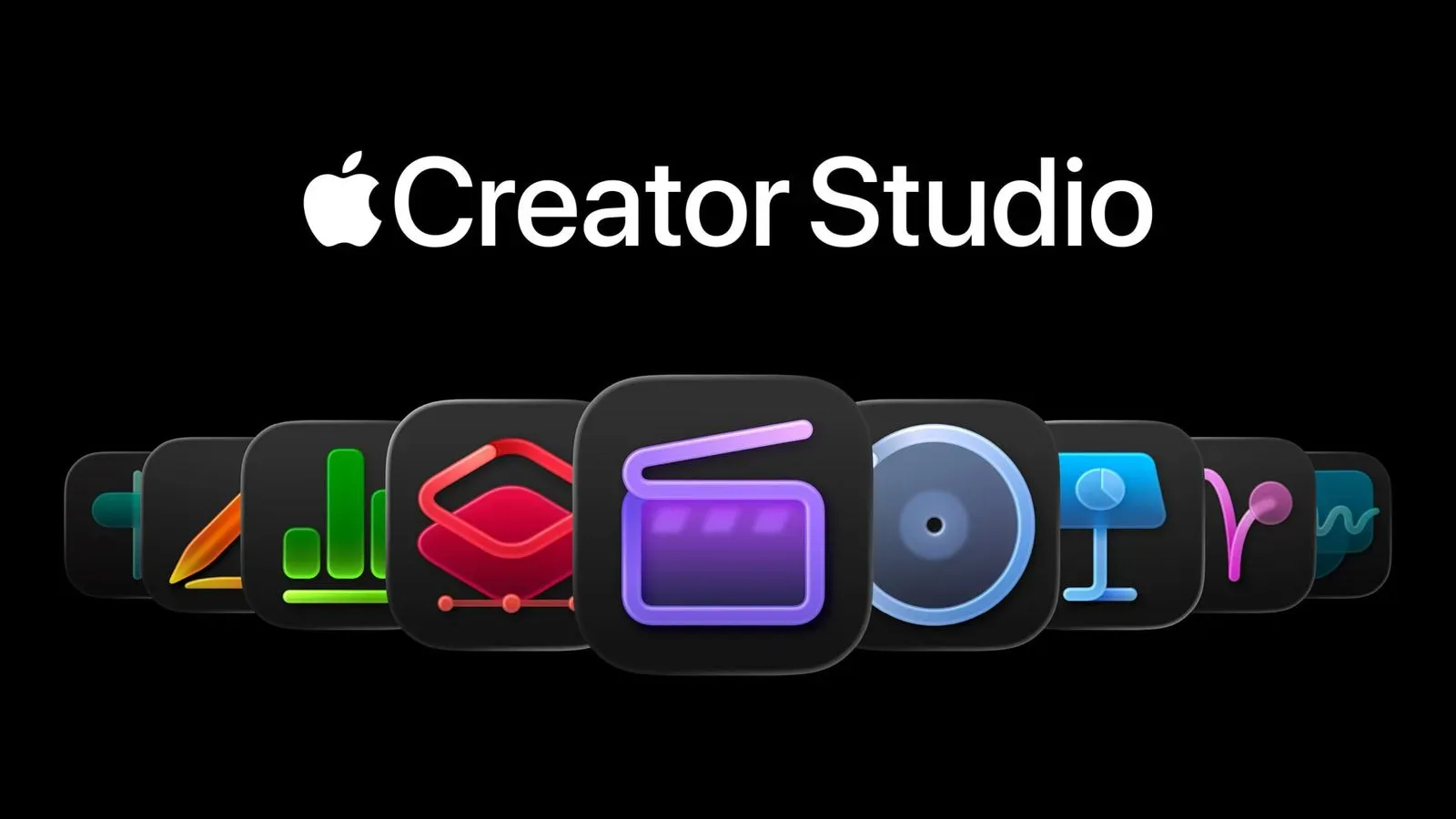
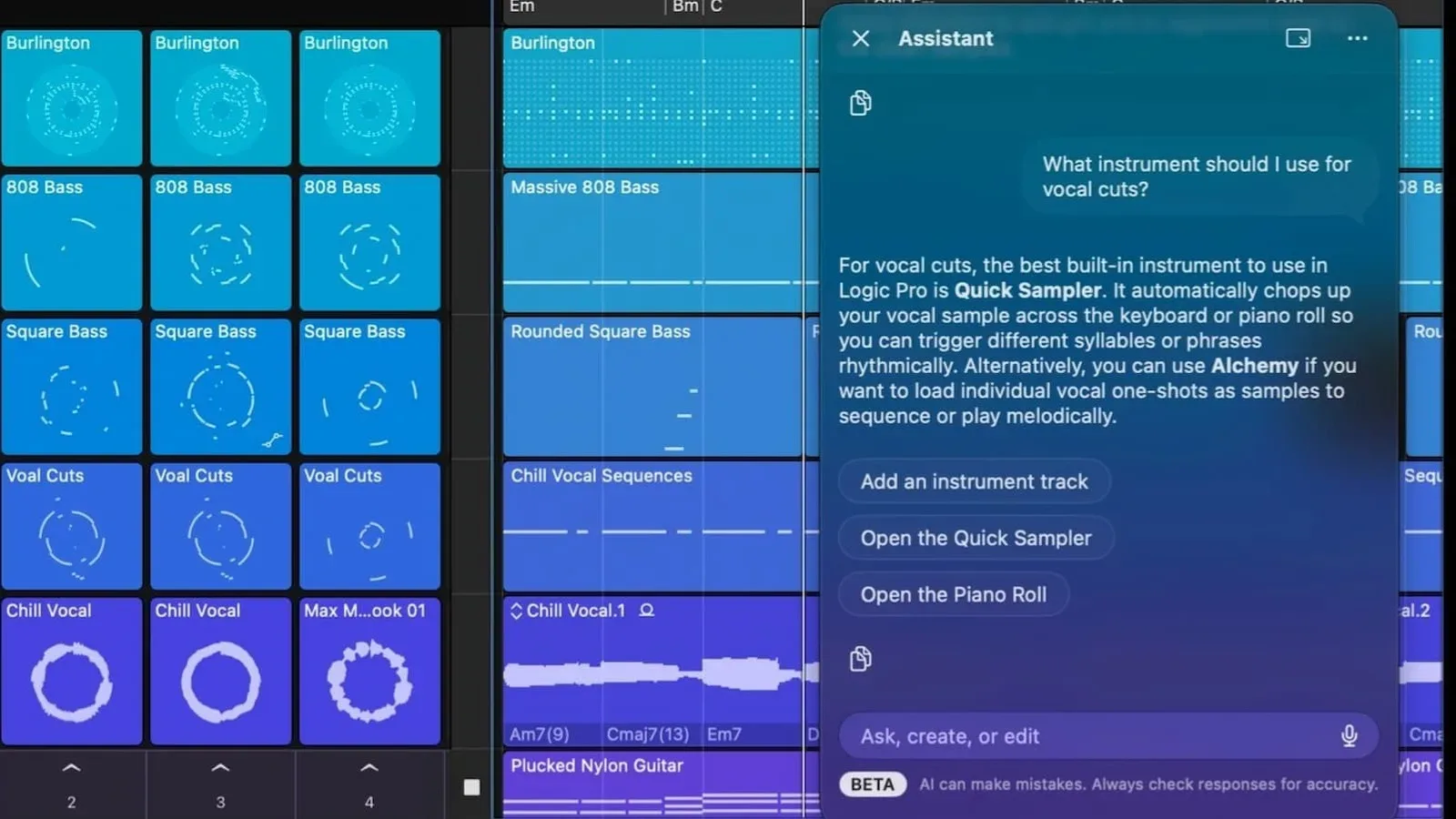
There is an important catch for existing Final Cut Pro users: these additions are part of the Creator Studio version of the app. They are not included with the one-time-purchase edition of Final Cut Pro. Creator Studio costs $12.99 per month and also includes Final Cut Pro, Logic Pro, Pixelmator Pro, Motion and Compressor, along with special features in Pages, Keynote and Numbers.
The update’s release has been delayed by an Apple outage, though it is expected shortly. Once it arrives, the changes will matter less as a routine menu of new effects and more as a sign of how Apple is packaging its creative software: a connected set of applications, assets and workflow features centered on a subscription.
MotionVFX becomes part of the Final Cut Pro toolset
MotionVFX is now integrated into Final Cut Pro following Apple’s purchase of the company. Its library covers several pieces of a finished video that creators frequently need to build or source: title treatments, reusable templates, themes, visual effects, layouts and transitions.
Those categories serve different jobs in an edit. A title is on-screen text, such as a segment heading, a name caption or an opening card. A transition controls the visual change between two shots. A layout arranges multiple visual elements on screen, while a template is a pre-built design that can be adapted with new text, media or settings. Themes and effects can shape a project’s overall visual presentation or change the appearance of particular clips.
For a creator producing frequent videos, the attraction is not merely that those items exist. It is that a library can reduce the amount of repetitive setup required when each upload needs an introduction, a lower-third identifier, a split-screen arrangement or a recognizable visual format. The new integration therefore places more of that material within Final Cut Pro rather than treating motion graphics as a separate detour in the workflow.
That does not mean a template replaces editorial choices. A transition can make a cut feel smoother, but it cannot determine whether two shots belong together. A title design can make information clearer, but it cannot decide what information deserves to be on screen. The practical value is speed and consistency for work that has already been planned—not a substitute for footage selection, timing and structure.
A new Content Hub adds stock assets inside the workflow
Final Cut Pro is also adding a Content Hub with access to stock video, photographs, graphics and backgrounds. These are distinct asset types, and their usefulness depends on the kind of sequence being assembled.
- Stock video can provide supporting footage when a project needs a visual reference beyond its primary clips.
- Photos can support a point on screen, function as part of a montage or provide a still image within a timeline.
- Graphics can be used for visual information, design elements or presentation material.
- Backgrounds can sit behind text, layouts or other composited elements.
Bringing those materials together in a Content Hub can make the editing process more continuous. Instead of considering an edit finished until a missing visual sends the creator elsewhere, users will have an in-app destination for finding supporting material. The significance is workflow-oriented: the editor, graphics library and related asset discovery are moving closer together.
There is a useful boundary to keep in mind. Access to stock assets may broaden a project’s visual options, but it does not automatically make the use of an asset appropriate for every story or every format. Editors still need to decide whether a visual accurately communicates the point being made and whether its style matches the surrounding footage. A polished stock clip can be distracting if it does not belong in the edit.
Text-described image generation and Pixelmator Pro handoff
The update also allows creators to generate images in Final Cut Pro using text descriptions and then edit those images. That capability addresses a common production need: an editor sometimes needs a custom visual while already working inside a timeline, whether for a graphic concept, a background or another project element.
The described image is not locked in place after generation. Final Cut Pro users can edit it, and any image in a Final Cut Pro project can be opened in Pixelmator Pro for editing before being returned to Final Cut Pro. This back-and-forth is often called round-tripping: moving an item from one application to another for specialized work, then returning it to the original project.
In this case, Final Cut Pro remains the place where the video is assembled, while Pixelmator Pro is available for image-specific adjustment. The handoff matters because a video sequence may involve static visual elements that need more attention than an editor wants to give them inside the timeline alone. A creator can send an image out for revision, then bring it back to the project after the edit is complete.
The broader benefit is continuity. Apple’s Creator Studio bundle includes both applications, and the workflow ties them together directly. For subscribers already using Final Cut Pro and Pixelmator Pro, that may reduce the friction of moving between video and image work. For users of the perpetual Final Cut Pro edition, however, the new connection is part of a feature set they will not receive through their one-time-purchase app.
More control over motion and timeline placement
Alongside the library and asset additions, Apple is adding easing options for more precise animation control. Easing describes how an animated property accelerates or slows as it moves from one state to another. Rather than having an element move at a constant rate from start to finish, easing can make its movement begin gradually, end gradually or vary in other controlled ways.
That may sound like a small technical option, but it has a visible effect. Text, graphics and other animated elements can feel abrupt when their motion starts and stops instantly. More precise easing options give an editor more ability to shape that timing. The new feature is therefore about the character of movement, not simply whether something can move on screen.
Final Cut Pro is also gaining a timeline command that detaches a clip from the primary storyline so it can be repositioned freely without affecting B-roll, titles and audio. In a video-editing timeline, the primary storyline is the central sequence around which an edit is organized. B-roll is supplementary footage used to support or cover the main material. Titles and audio may be connected to the timing and placement of that main sequence.
The new detach command is designed to give editors a way to move a clip more freely while keeping those surrounding elements undisturbed. That is a targeted organizational tool, but it can be meaningful in complex edits. Shifting a central clip can create a chain of unwanted adjustments if related material moves with it. A command specifically intended to avoid affecting B-roll, titles and audio gives the editor greater control over what changes—and what stays put.
What the subscription distinction means
The crucial practical detail is eligibility. Creator Studio subscribers receive the MotionVFX integration, Content Hub, image-generation and image-editing workflow, easing additions and new detach command. The one-time-purchase version of Final Cut Pro does not receive these new additions.
Creator Studio is priced at $12.99 monthly and bundles a wide group of creative applications: Final Cut Pro for video editing, Logic Pro for audio production, Pixelmator Pro for image editing, Motion, Compressor, plus special features in Pages, Keynote and Numbers. The package is positioned around creators who want multiple tools available together rather than a single standalone editor.
For a person evaluating the update, the immediate question is therefore not just which feature seems most useful. It is whether those features fit the subscription model. Someone who needs recurring access to video editing, image work, audio work and Apple’s other listed creative tools may view the bundle as a unified production setup. Someone who prefers Final Cut Pro as a one-time purchase should understand that the new features are not part of that version.
This distinction also changes how the MotionVFX acquisition is felt by users. The result is not simply a broader Final Cut Pro library available across every edition. It is a Creator Studio benefit. That makes the update both a product expansion and a clear division between Final Cut Pro’s subscription-backed workflow and its separately sold perpetual version.
Why this matters for video creators
The combined update is aimed at the points where video work often branches into other tasks: finding a supporting visual, creating an image from a description, refining that image, adding motion graphics, adjusting animation timing and reorganizing a crowded timeline. Apple is putting tools for each of those moments closer to the main edit.
For game-focused creators in particular, the general appeal is easy to understand without assuming one fixed use case. Videos built around gameplay, commentary, news, guides or highlights may need explanatory titles, visual layouts, background material and supporting graphics as well as clean timeline management. The new toolkit does not determine the quality of a video, but it can change how many separate steps are required to assemble its visual layer.
It also reinforces Apple’s growing emphasis on an ecosystem rather than isolated applications. Final Cut Pro can now lead into Pixelmator Pro for image adjustments, while Creator Studio places both beside Logic Pro, Motion and Compressor. That approach is worth watching in the wider technology business, including Apple’s hardware and software decisions discussed in our Apple HomeView repairability coverage.
For now, users should separate the feature list from release timing. The update was delayed by an Apple outage and is expected shortly. When it becomes available, Creator Studio subscribers will be the group receiving its new MotionVFX content, Content Hub, text-described image workflow, Pixelmator Pro integration and editing controls. Owners of the one-time-purchase Final Cut Pro version will not get those additions.