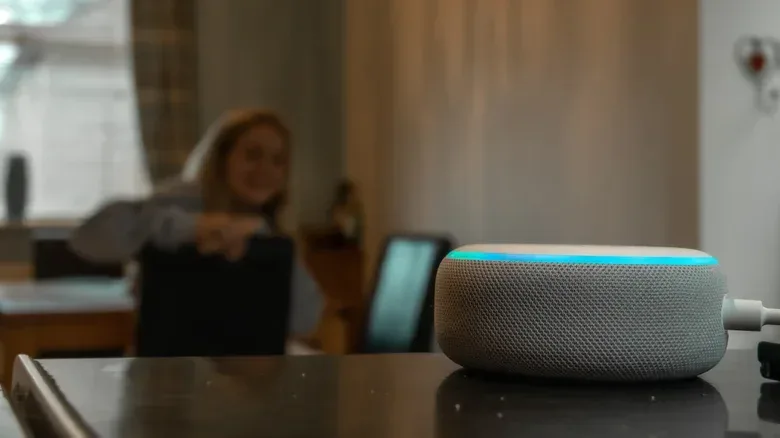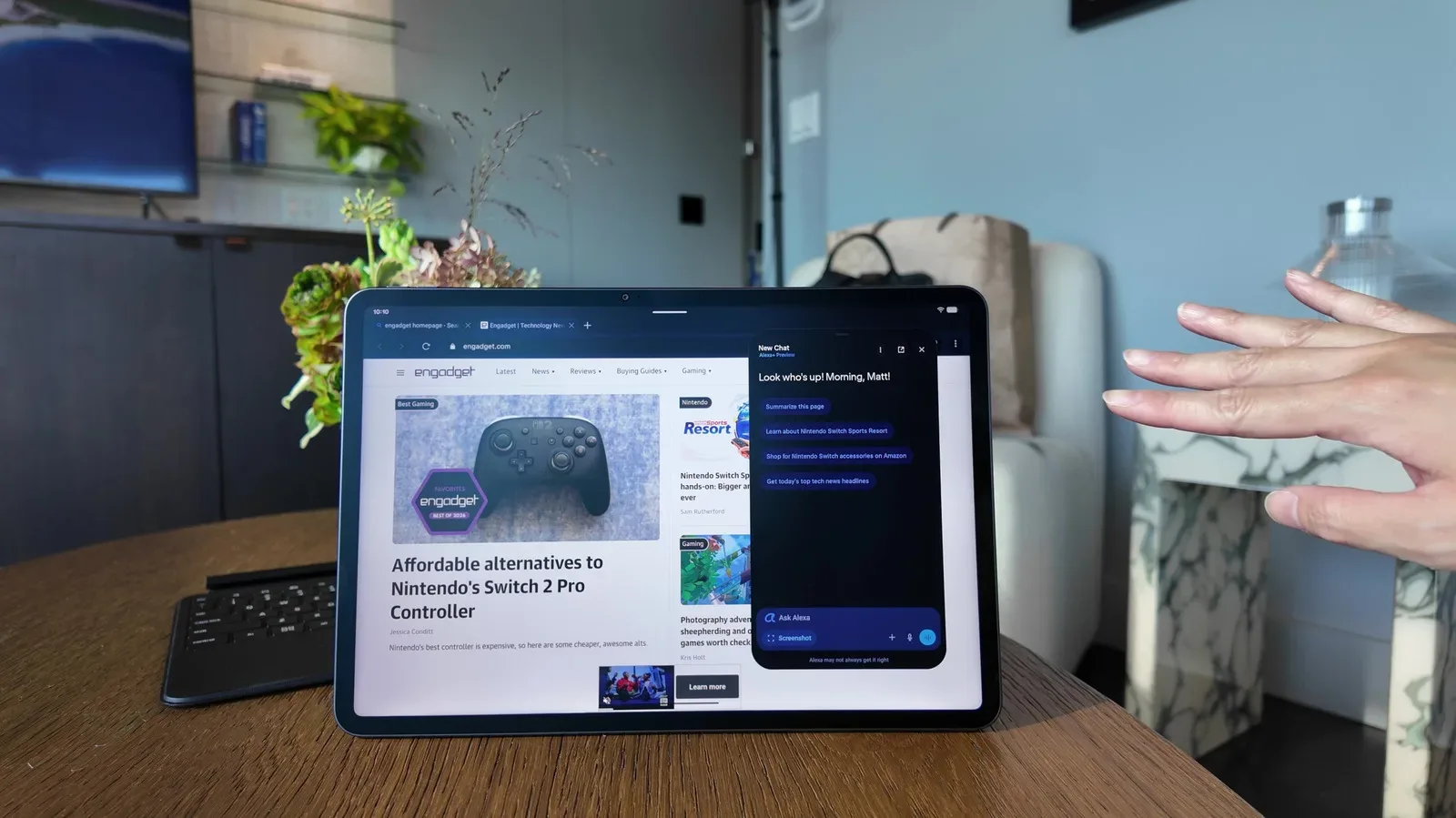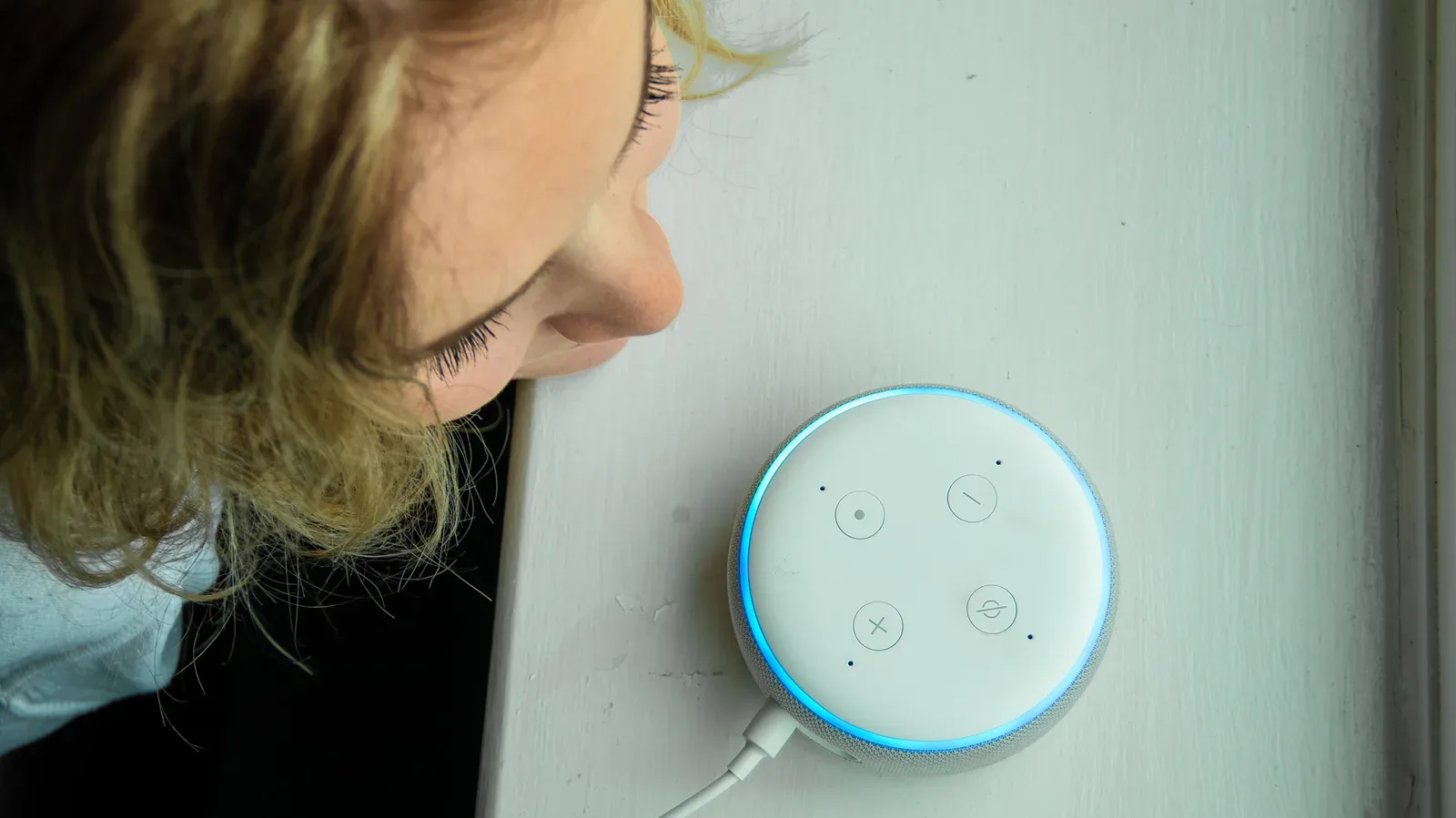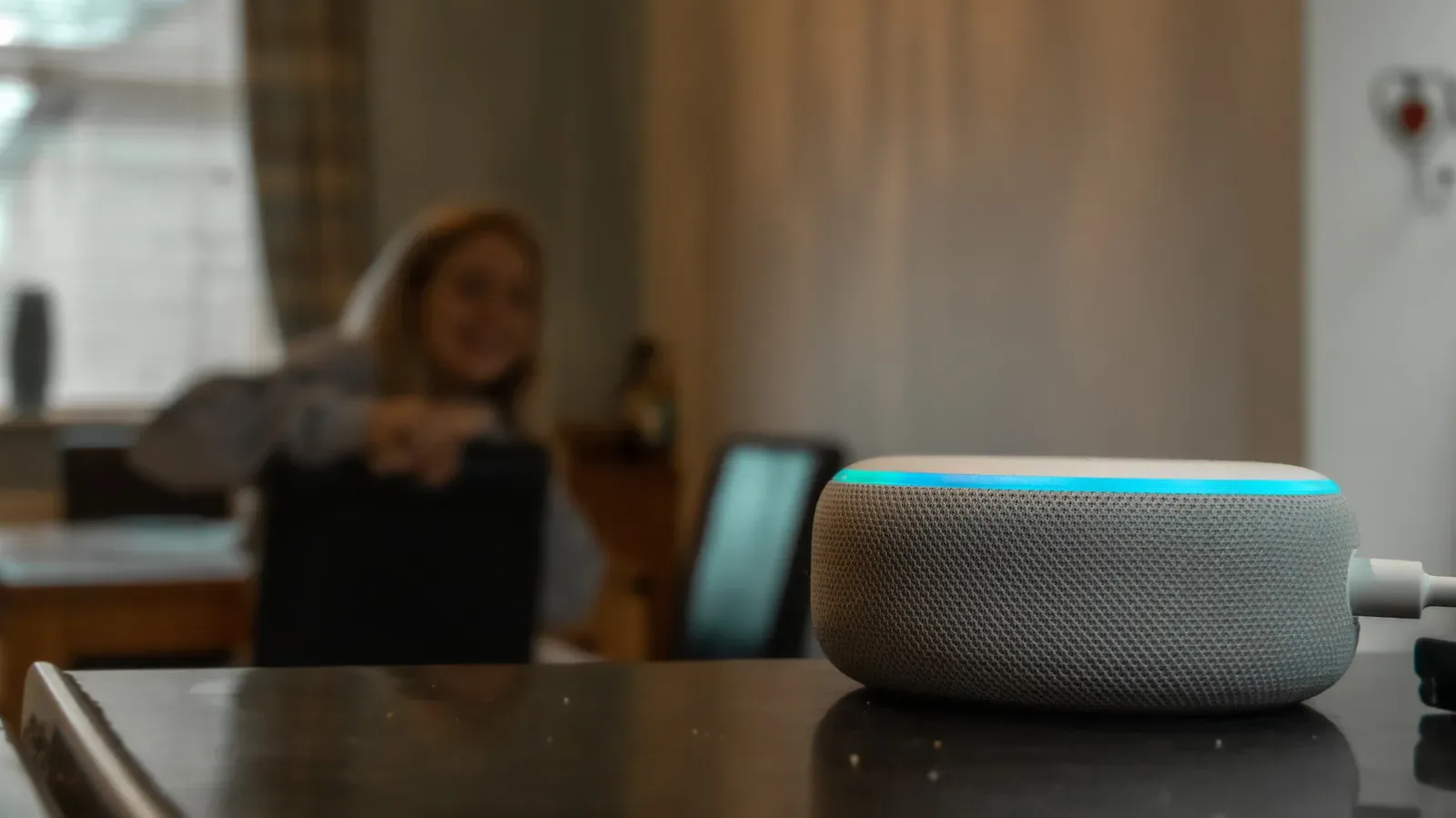
For a smart speaker, display, tablet, or other Alexa-equipped device to answer a spoken request, it has to be ready to recognize that a request is being made. That basic requirement produces the phrase that makes many people uneasy: Alexa is “always listening.” The more useful answer is that it is continuously waiting for a particular sound pattern, then switches into a more active mode after it believes it has heard its wake word.
That distinction matters, but it should not be used to wave away privacy concerns. A device that is designed to detect speech-related audio in a home is still a device with a microphone operating in that space. Understanding what it is meant to detect, when recordings are created, and where people can change data-retention choices is more productive than treating “always listening” as either a harmless myth or proof that every room conversation is being transcribed.
Alexa’s footprint also makes the question a practical one rather than a niche technical debate. More than 600 million Alexa-enabled devices have been purchased worldwide since the platform launched. That is not the same thing as 600 million active users or 600 million devices currently in homes, but it illustrates the scale at which households may be making decisions about microphones, cloud data, and smart-home histories. Amazon’s newer Alexa-related products and the continued rollout of Alexa+ make those choices increasingly relevant.
What Alexa is doing before you say the wake word
Amazon’s description is that Alexa does not listen word-for-word to all nearby conversation during its standby state. Instead, the device listens for acoustic patterns associated with its configured wake word. An acoustic pattern is a recognizable arrangement of sounds, not a complete written transcript of a conversation. Think of noticing your name in a noisy room without being able to recount every sentence around you: the specific familiar sound can stand out even when the full discussion does not.
In this framing, the wake word is the trigger. Until the device detects that trigger, it is waiting for a match. Once it recognizes the wake word, it moves into active listening so it can capture the request that follows, produce an answer, and send audio to the cloud. The claim is therefore not that the microphone is physically dormant until someone speaks; it cannot be dormant if it is to react hands-free. The claim is that continuous standby detection is different from continuously recording and uploading verbatim speech.
That is why both of these statements can be substantially true at once:
- An Alexa device must monitor audio at some level to hear a wake word.
- It is not intended to make a cloud recording of every spoken word in the room before that wake word is detected.
The difference is technical but meaningful. Wake-word detection is the preliminary recognition step that allows a voice assistant to know it has been addressed. Active listening, in this context, is the period after that detection when the device processes the spoken request. Cloud recording refers to audio being sent to Amazon’s systems rather than merely being evaluated for the wake-word pattern on the device.
For someone primarily concerned about routine conversation being stored, the question is not simply whether the device “hears” sound. It is whether the device was activated, whether an interaction was recorded, how long that interaction is retained, and whether other connected services have their own copies or histories. Those are separate layers of the privacy picture.
Why the wording can feel unsatisfying
“Always listening” is often shorthand for a broader worry: a microphone-equipped assistant is present in a private area and is built to respond to speech. Saying that its standby behavior is limited to wake-word pattern matching explains the intended operation, but it does not eliminate the reason some people prefer stricter controls.
Voice assistance also involves a trade-off that cannot be completely designed away. If Alexa were not ready to detect a wake word, users would need another way to activate it before issuing every command. Conversely, the convenience of calling out across a room means accepting the presence of an enabled microphone while the feature is available. Amazon’s approach, as described, aims to minimize retained audio by limiting recordings to direct interactions with the assistant. Whether that balance is comfortable is a household decision, not a technical obligation.
This is especially important in homes that use Alexa as part of a larger smart-home setup. The assistant may be used for questions, timers, entertainment, appliances, and other connected tasks. The more frequently voice control is used, the more valuable voice personalization may be—and the more important it becomes to review what data is being kept. The general tension is similar to that around AI assistants on other consumer devices: new functionality can be useful, while the controls and limitations deserve close reading. For related context on voice-assistant changes in Apple’s ecosystem, see our look at iOS 27’s CarPlay and Siri AI situation.
The strongest control: mute the microphone
If the goal is to stop Alexa from detecting a wake word altogether for a while, the clearest option is to mute the microphone. On most Amazon Echo devices, the physical control is on the top of the unit and is marked with a microphone icon crossed by a slash. After it is pressed, the Echo displays a red light indicating that the microphone is muted.
This is a straightforward, physical-state solution: while the microphone is muted, there is no need to debate whether the device might misinterpret nearby speech as a wake word, because it cannot listen for the wake word in the first place. It does come with an obvious usability cost. Alexa cannot respond to voice commands until the microphone is turned back on.
That trade-off may be reasonable in situations where a room is being used for a sensitive conversation, when guests prefer not to be around an enabled smart speaker, or simply when voice control is not needed. It is also worth remembering that muting is not the same as deleting previously retained data. It controls future microphone use; it does not rewrite what has already been saved under an account’s existing settings.
How to review voice-recording retention
People who want Alexa’s hands-free features but do not want recordings retained indefinitely can review settings in the Alexa app. The relevant path is:
- Open the Alexa app.
- Tap the three-line menu and choose Alexa Privacy.
- Select Manage Your Alexa Data.
- Open Voice Recordings and Transcripts.
That section offers four retention choices for voice recordings and transcripts: retain them for three months, retain them for 18 months, keep them until manually deleted, or do not retain them at all. These options change the amount of historical voice data Amazon keeps, and they provide a useful reminder that privacy is not a single on/off setting. A user may be comfortable with the assistant operating normally while preferring a short retention window; another may choose no retention; another may value a longer history.
The same Alexa data area can also be used to manage other kinds of data, including smart-home device history and detected-sounds history. These are not interchangeable categories. Voice recordings and transcripts concern spoken Alexa interactions. Smart-home history concerns activity involving connected home devices. Detected-sounds history relates to sounds the system is configured to recognize. Reviewing each category individually is more reliable than assuming a voice-recording choice automatically governs every other form of Alexa-related history.
Voice deletion is useful, with important limits
Some devices also allow deletion by voice. Where available, commands can include asking Alexa to delete what was said that day or to delete the entire voice history. This can be convenient for people who want an occasional cleanup without opening the app.
There are two important qualifications. First, voice deletion is not available on devices running Alexa+ or Amazon Kids. Second, deletion choices discussed here apply to Amazon’s cloud data. They do not necessarily reach every business involved in a connected setup.
Third-party devices are the privacy boundary many people miss
Alexa often operates alongside products from other companies, such as robotic vacuums and smart TVs. If an Alexa interaction involves those products, deleting history from Amazon’s cloud does not necessarily mean those third parties lose any data they hold. This is not a reason to assume every connected device retains the same information; it is a reason not to treat one account-level deletion setting as a universal erase button.
Practically, an Alexa privacy review should include the services and devices attached to the account, not just the Echo speaker itself. The useful question is: which company operates this device or service, and which company’s history is being changed by this setting? Amazon’s Alexa controls govern Amazon’s data handling. A television maker, vacuum maker, or another connected-device provider may have separate settings and separate retained history.
Personalization is the cost of reducing retention
Choosing to delete voice recordings, or choosing not to retain them, may reduce Alexa’s ability to personalize responses. The stated reason is that the service cannot maintain a voice profile for the user in the same way. A voice profile is the information Alexa uses to distinguish or tailor responses to an individual voice. People who care more about minimizing retained audio than individualized behavior may find that trade-off easy. Others may decide the convenience is worth keeping some history.
Neither preference is inherently wrong. The key is that privacy settings have functional consequences, and those consequences should be selected intentionally rather than discovered later. A household can also mix approaches: keep voice operation enabled, choose a limited retention period, periodically review smart-home and detected-sound histories, and use the physical mute button whenever the assistant is not wanted.
Alexa’s standby wake-word monitoring is not the same as a device making a comprehensive, continuous transcript of the room. But it is still a microphone-enabled feature built around responding to speech. The most sensible approach is to use the controls that match the level of access you are prepared to grant: mute the hardware for the strongest immediate boundary, set recording retention in the app, understand that voice deletion has product-specific limits, and check the policies of third-party devices connected to Alexa.