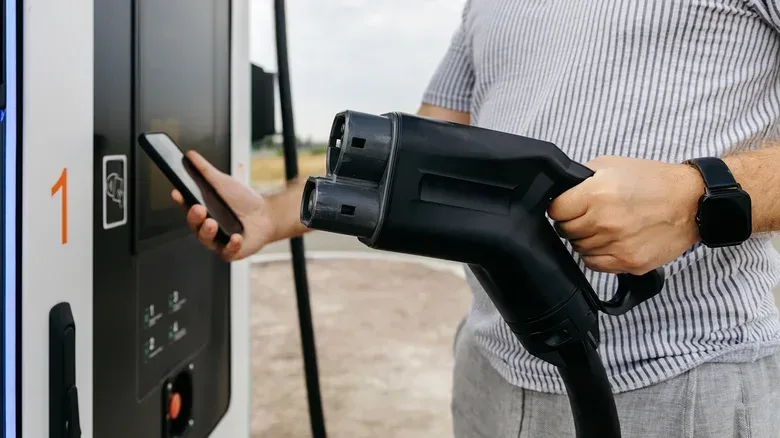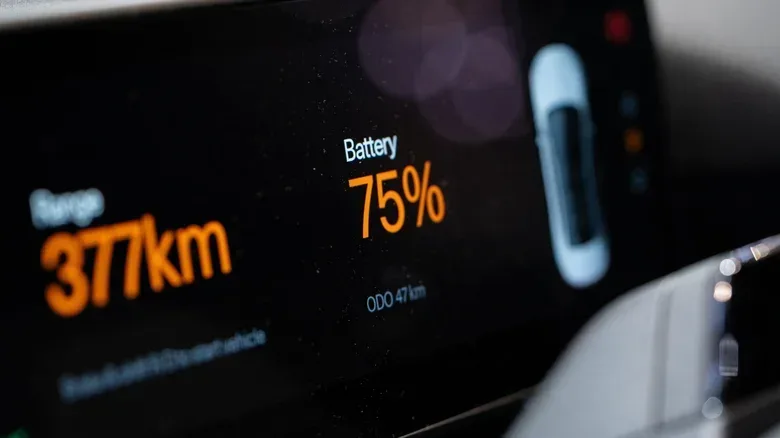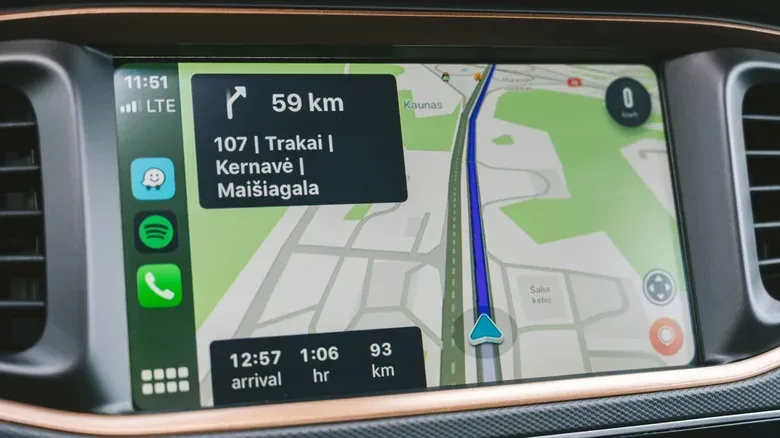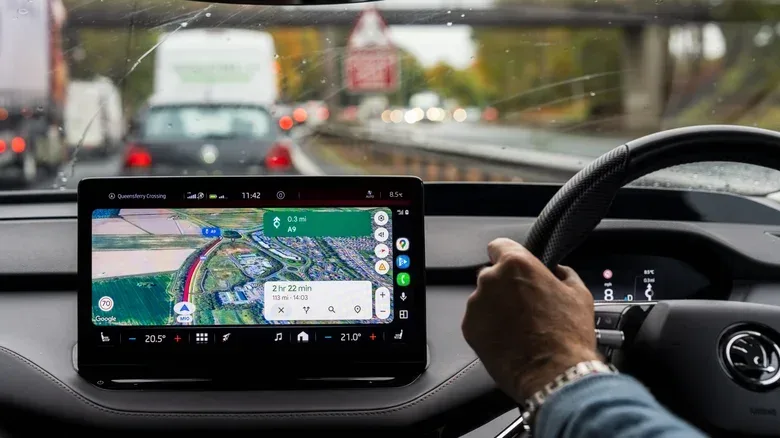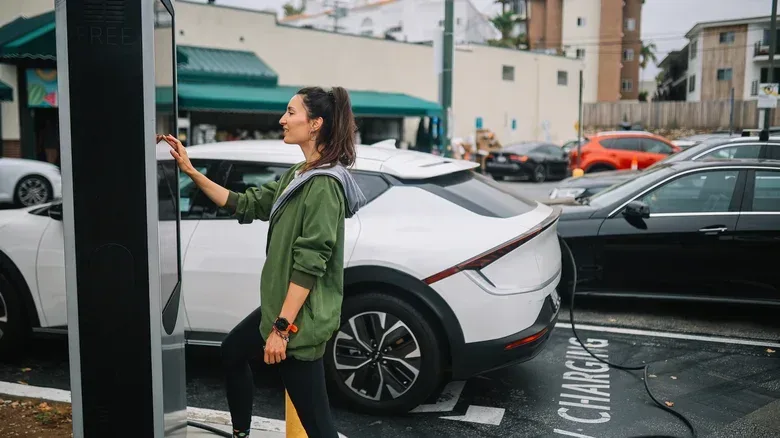
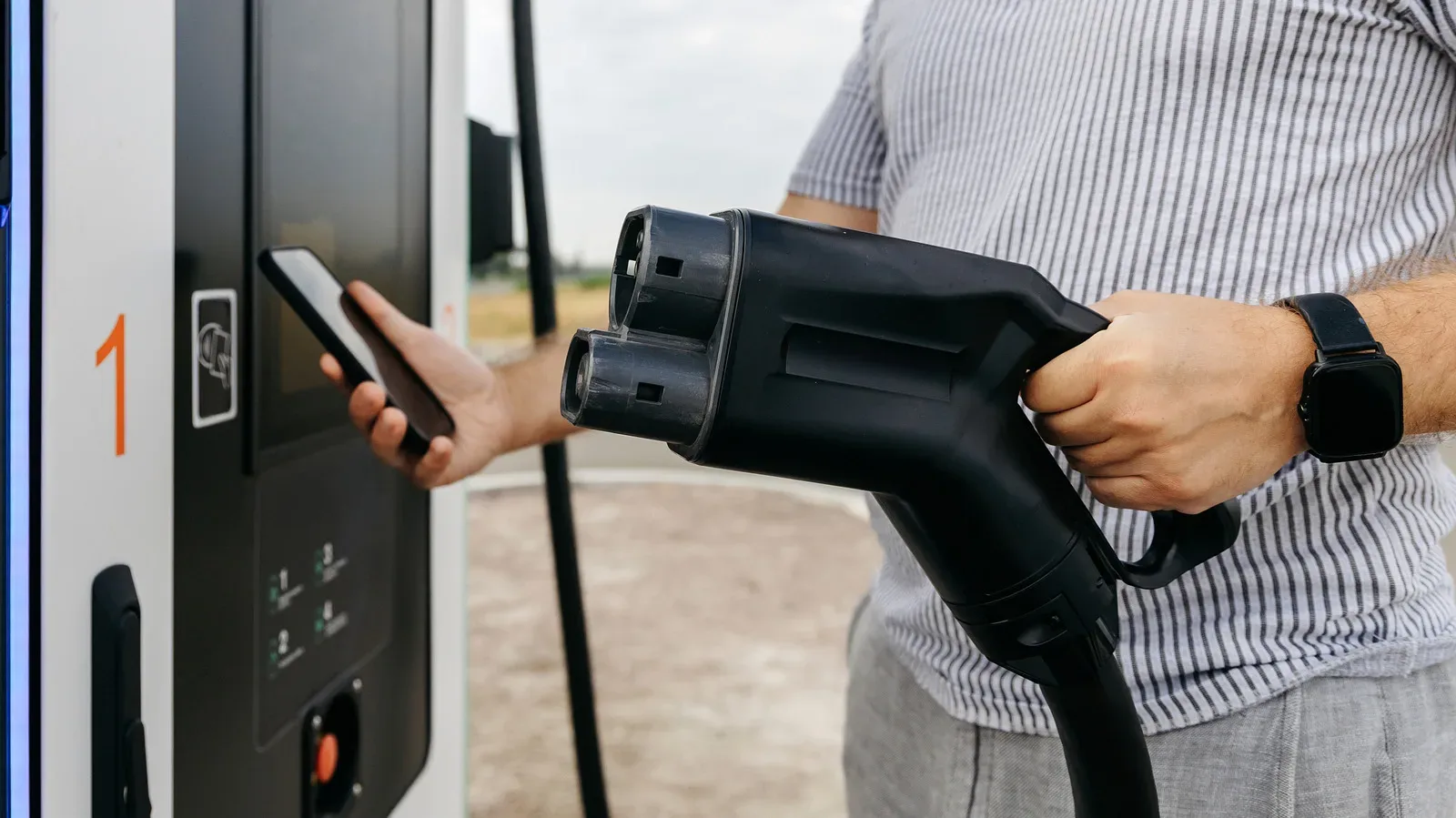
Electric-vehicle routing is navigation with an extra, decidedly less optional resource bar: battery charge. On a longer drive, the destination is only part of the problem. A useful route must also account for where the car can charge, whether the connector is compatible and how much energy should remain when the driver gets there.
Apple Maps and Google Maps offer tools intended to make that process less manual through CarPlay and Android Auto. Their setups are not interchangeable, though, and neither system works identically in every EV. Compatibility depends on the car, the phone connection and the specific navigation software in use.
The practical goal is straightforward: enter a destination, tell the app enough about the vehicle and current charge, then let it suggest charging stops and estimate the battery remaining at arrival. That is a valuable planning layer, not a guarantee. Weather, traffic conditions, driving conditions and the vehicle’s condition can all change real-world consumption.
First, understand what EV routing actually does
EV routing is route planning that incorporates charging into the journey. Rather than simply finding the shortest or fastest route, the navigation app can recommend places to recharge along the way, estimate energy use and show a predicted state of charge at the end of a leg or at the final destination.
This is different from a basic search for nearby chargers. A charger search answers, “What is around me?” EV routing tries to answer, “Which charging stop makes sense for this trip, given this car and its battery?” It can also reduce the need to manually add each stop to a route.
There are limits to what the software knows. Some functions require the car to share vehicle data with the map platform. In other cases, the app works from a selected make, model, year, trim and a battery percentage entered by the driver. Those are meaningful distinctions: a route can still be useful without direct live data, but its estimate should be treated with appropriate caution.
For a lighter, virtual form of long-haul route management, Euro Truck Simulator 2’s recent player milestone is a reminder that planning a drive has long been part of the appeal of transport-focused games. In an EV, however, route planning has immediate consequences: a wrong assumption about reachable charging can turn an ordinary trip into a stressful one.
Compatibility comes before setup
The presence of CarPlay or Android Auto by itself does not mean every EV-routing feature will work. Before relying on a route’s charging recommendations, confirm what the car supports and whether the manufacturer requires its own app to connect vehicle information to the map service.
Related coverage includes How to Set Up EV Routing With CarPlay and Android Auto.
Apple Maps EV routing is supported by Ford’s Mustang Mach-E and F-150 Lightning. Toyota EVs from model year 2023 onward in the United States also support Apple Maps EV routing. Depending on the car, Apple’s connection can be handled directly in CarPlay, through an installed manufacturer app or via a manufacturer-specific setup process.
Google expanded Android Auto charging recommendations to more than 350 U.S. EV models in March 2026. That broader model support is helpful, but drivers should still check their own vehicle and connector details before assuming the system can make fully informed recommendations.
Android Auto is not the same as Google built into the car
It is easy to blur these together, but they are separate setups. Android Auto places phone apps on the vehicle display. Google Maps in that arrangement is running from the phone connection. A vehicle with Google Maps built in, by contrast, runs the mapping software through its own infotainment system and has access to the car’s battery data.
That difference matters because direct access to vehicle data can inform charging and range estimates. It also explains why two cars that both display Google Maps may not behave the same way when asked to plan an EV trip.
Set up Apple Maps EV routing in CarPlay
Apple Maps has multiple connection paths because manufacturers do not all expose EV information in the same manner. The right one is the one supported by the car.
Method 1: connect directly through CarPlay
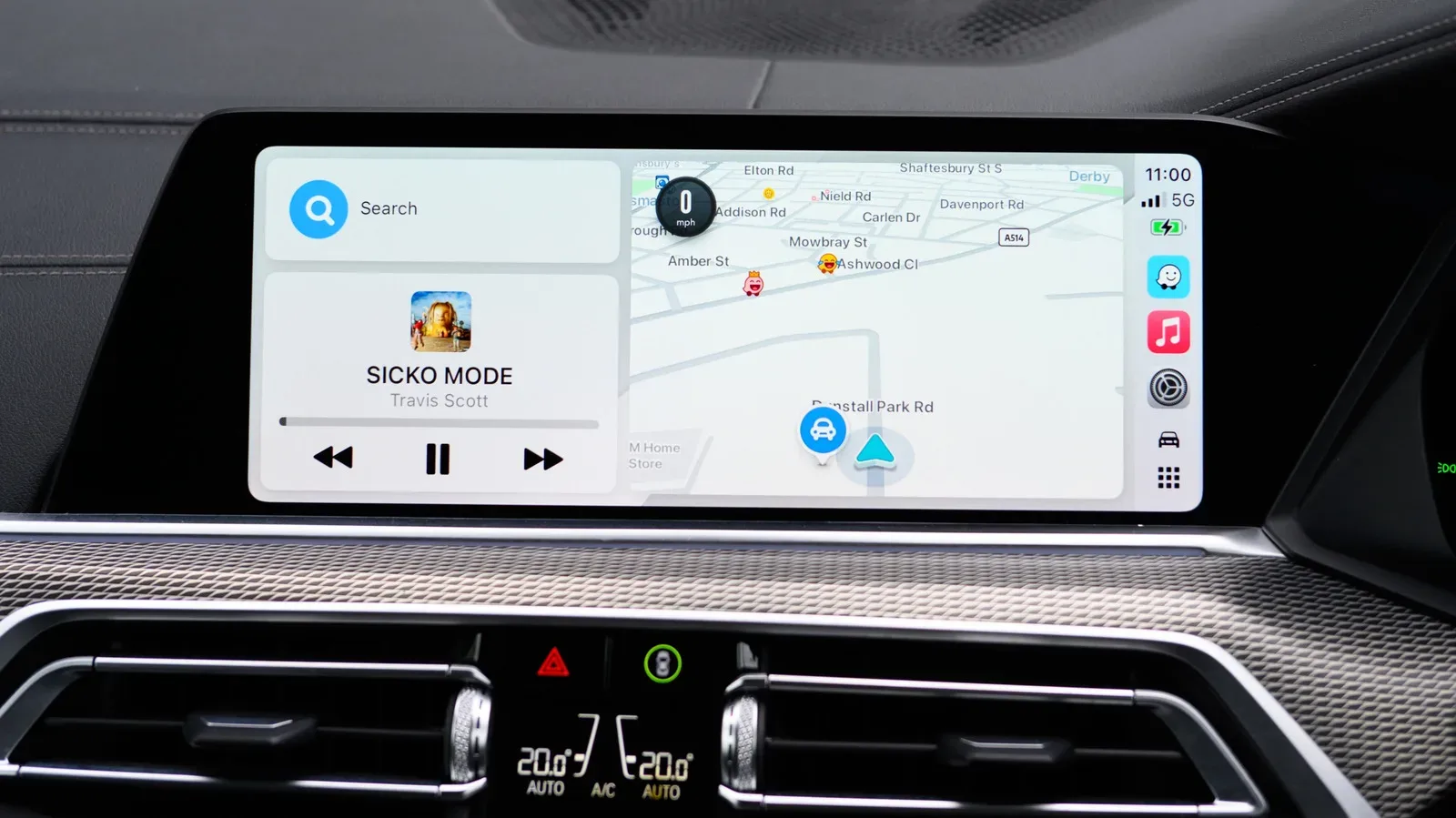
For vehicles that do not require a separate manufacturer app, start while parked. Connect the iPhone to CarPlay, open Apple Maps and search for the final destination. Once the available routes appear, tap Connect above that route list. This is the most direct route to enabling the EV connection where it is supported.
Method 2: use the vehicle manufacturer’s app
If the car requires a companion app, download it from the App Store and complete its setup first. In Apple Maps, tap the profile picture, then navigate to Vehicles > Connect Your Electric Vehicles. Follow the displayed instructions to link the car.
This stage may also offer an option to choose a preferred charging network. That preference is worth reviewing rather than accepting blindly. A preferred network only helps if the stations are suitable for the car and the driver has any required equipment.
Method 3: follow the manufacturer’s own Apple Maps connection flow
Some brands place the connection inside their own app. Toyota’s process, for example, begins with Find > Apple Maps EV Routing. After accepting the terms, select Connect Vehicle to Apple Maps and complete any additional prompts.
Once connected, Toyota drivers can track battery level through the app, receive suitable charging-stop recommendations and, in some situations, see live charger availability. If the battery is getting low, Apple Maps can direct the driver toward the nearest compatible charger.
Check network and adapter requirements
Network preferences are not merely cosmetic. Ford recommends Tesla Superchargers as the preferred network for certain Mustang owners, and Apple Maps can prioritize them. But access depends on having the appropriate fast-charging adapter. A route that looks sensible in software may not be usable if the required physical connection is absent.
Practical takeaway: before setting a charging network as preferred, verify that the vehicle can use it and that the necessary adapter is available. A preference cannot overcome a connector mismatch.
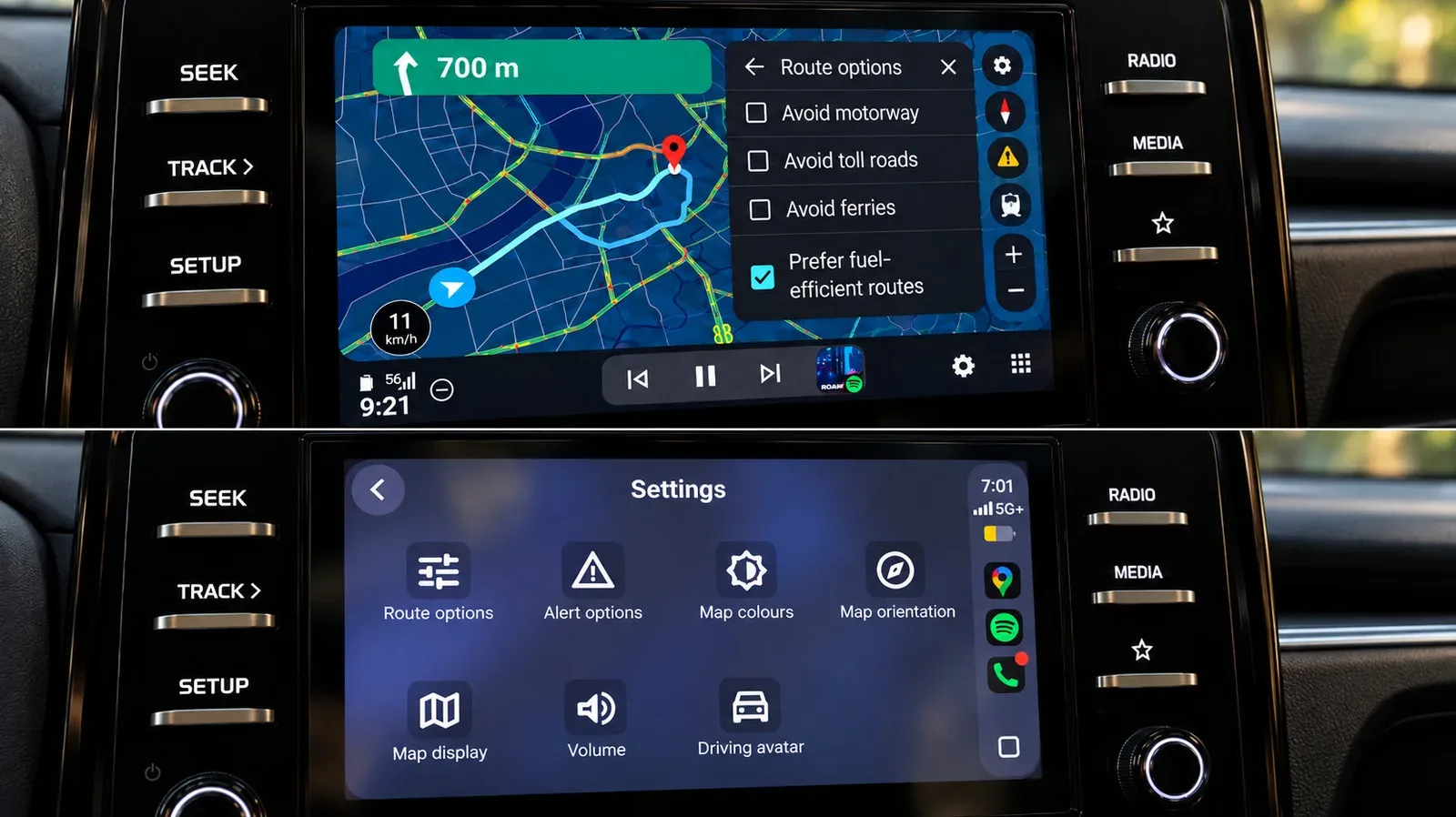
Set up Google Maps EV routing in Android Auto
Google’s method starts with an up-to-date phone app and a correctly defined vehicle profile. Battery estimates require Google Maps version 25.44 or later.
- Open Google Maps on the phone and tap the profile icon.
- Go to Settings > Your vehicles.
- Select Electric as the engine type.
- Tap Add vehicle and select the make, model, year and trim.
- Review the entries under Your plugs. Edit them if needed, then save the profile.
The plug check is especially important. It tells Google Maps which charging connections should be relevant to the car. If the profile is wrong, a technically reachable station may still be unusable.
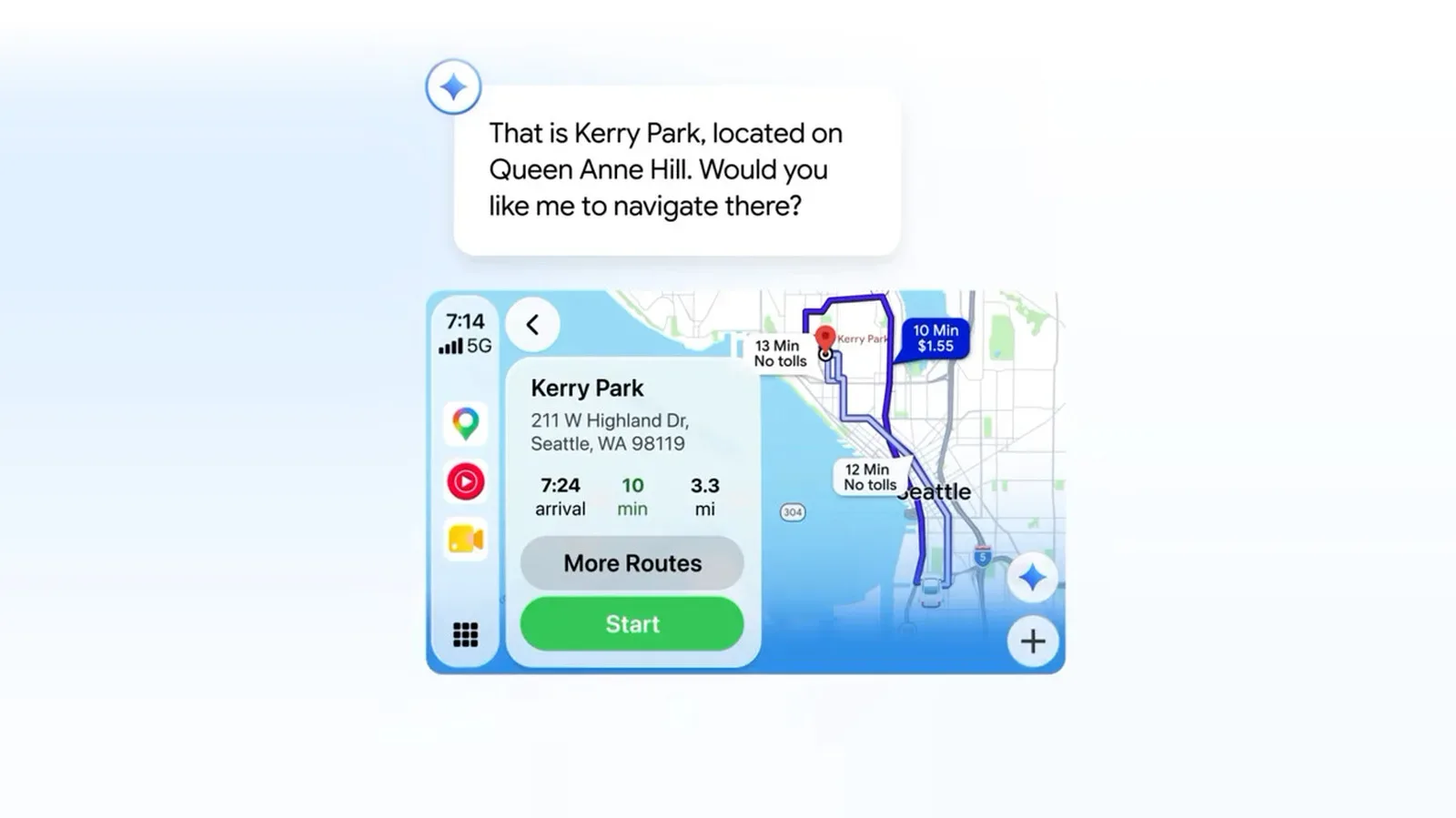
Next, connect the phone to Android Auto and confirm the vehicle details when prompted. Start a trip in Google Maps. The car display should show estimated battery consumption and an Add charging option. Select it, enter the starting battery percentage and confirm the information.
Google Maps can then add charging stops and show a predicted battery percentage at arrival. Drivers can alter the suggested stops and select a preferred minimum arrival charge. That last control is useful because “arriving” and “arriving comfortably” are not necessarily the same thing. A driver who wants more margin at the destination can set a higher target rather than treating the app’s default suggestion as the only sensible choice.
Predicted battery charge is an estimate, not a promise
A battery prediction is a calculated expectation based on available information. It should guide decisions, but it should not be followed with the same confidence as a fuel gauge reading. Conditions encountered during the drive can change the outcome.
Weather, live driving conditions and the condition of the vehicle may all affect energy use. In practical terms, that means drivers should monitor the actual charge level throughout the trip and preserve a buffer between stops. The safer question is not simply whether the route reaches the next charger, but whether it still works if consumption turns out higher than expected.
- Confirm the selected vehicle, trim and plugs before departure.
- Enter the starting battery percentage carefully when the system asks for it.
- Review each proposed charging stop rather than assuming every recommendation is convenient or suitable.
- Use a preferred arrival battery level that leaves a meaningful margin for the next leg.
- Keep watching the vehicle’s real battery level as conditions change.
This does not make routing less useful. It clarifies its role: the app is a planning tool that needs the driver’s judgment, especially on trips where chargers are not plentiful.
ABRP is another EV-focused planning option
A Better Routeplanner, commonly called ABRP, is an alternative built around EV-specific trip planning. Drivers can enter the vehicle model and a destination, then receive a route with charging stops.
ABRP can appear on the dashboard through CarPlay or Android Auto with an ABRP Premium subscription. On Android Auto, it can also support live battery information in some vehicles, provided the user grants the app the Car information permission in its settings. There is no equivalent live-battery option for CarPlay users in the described setup.
The platform distinction is worth noting for anyone comparing route estimates across devices. The availability of live vehicle information can change how directly an app can respond to the battery’s current state.
You can still find compatible chargers without full EV routing
Full route planning is convenient, but it is not the only way to locate a charge point. After setting up a vehicle profile in Google Maps, search for charging stations and use Your plugs as the EV plug filter. This narrows results to stations that match the configured connections.
That approach puts more responsibility on the driver. The map may show compatible chargers, but the driver must decide whether the current battery level is sufficient to reach one. It is best suited to cases where a nearby top-up is needed or where the driver wants to choose stops manually.
EV routing is most valuable on journeys with several charging decisions. It can organize a trip around vehicle compatibility, estimated consumption and preferred arrival charge rather than leaving every stop to ad hoc searches. But a well-configured profile, a checked connector list and some charge held in reserve remain the essentials behind every recommendation.