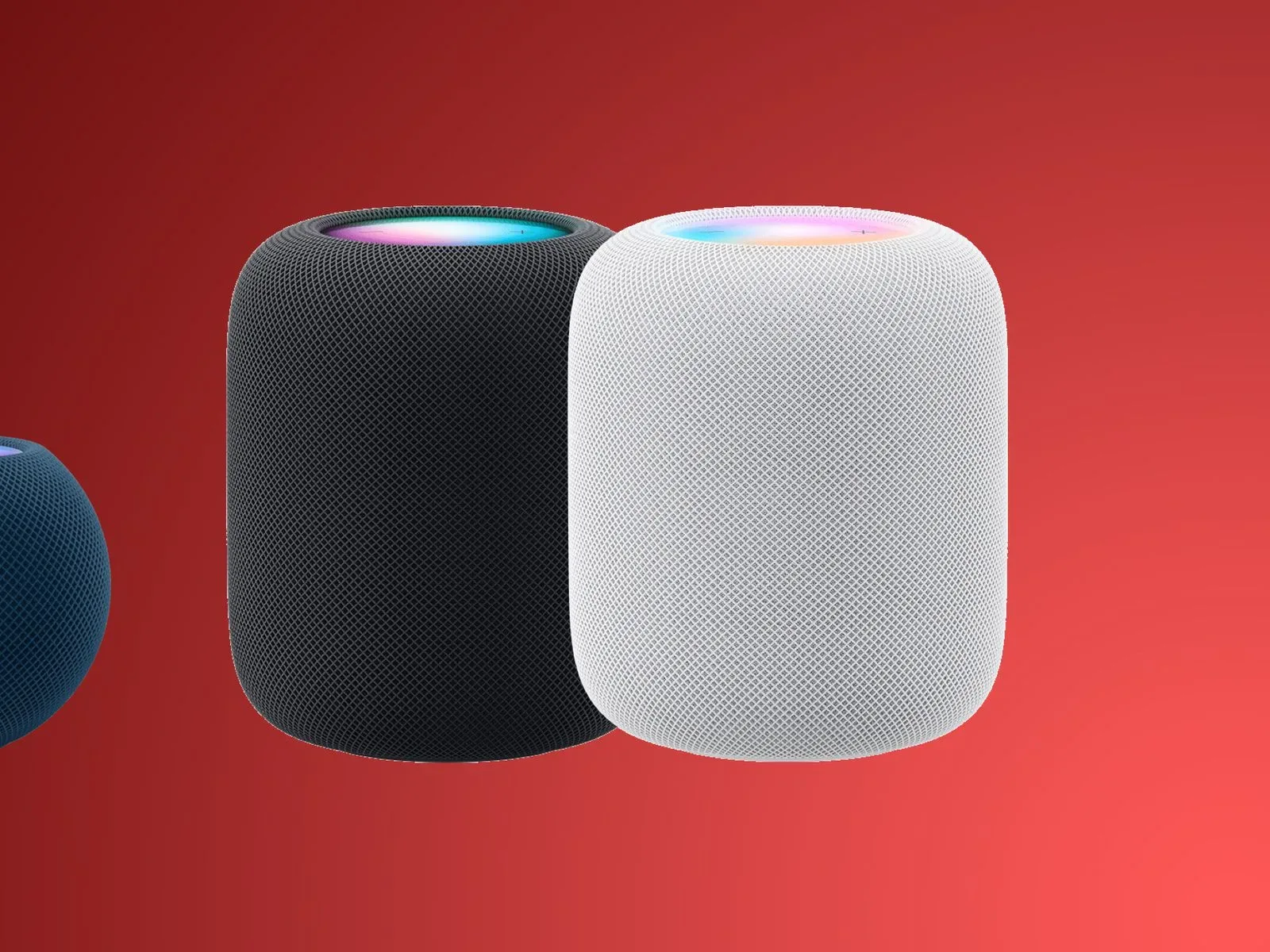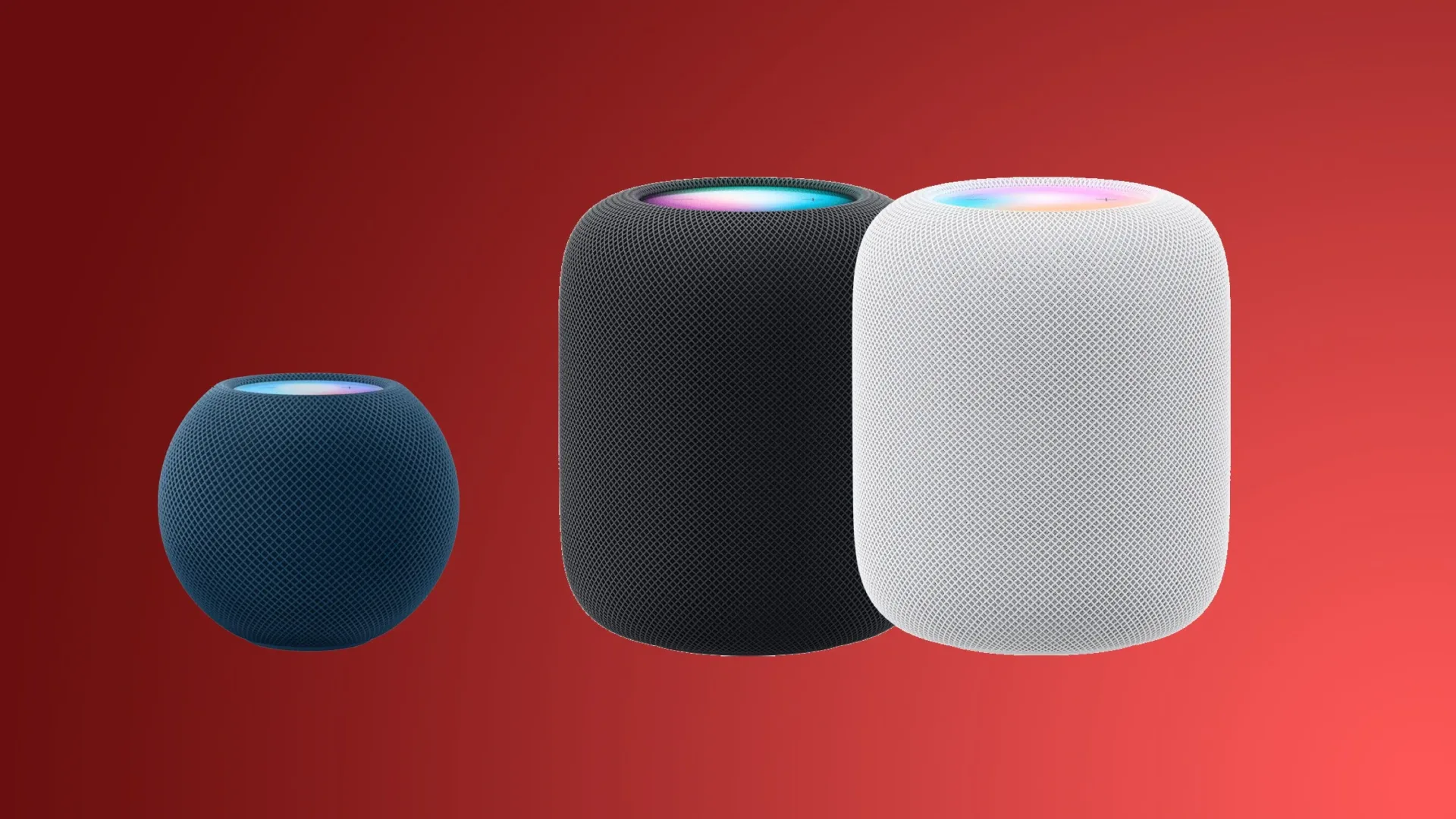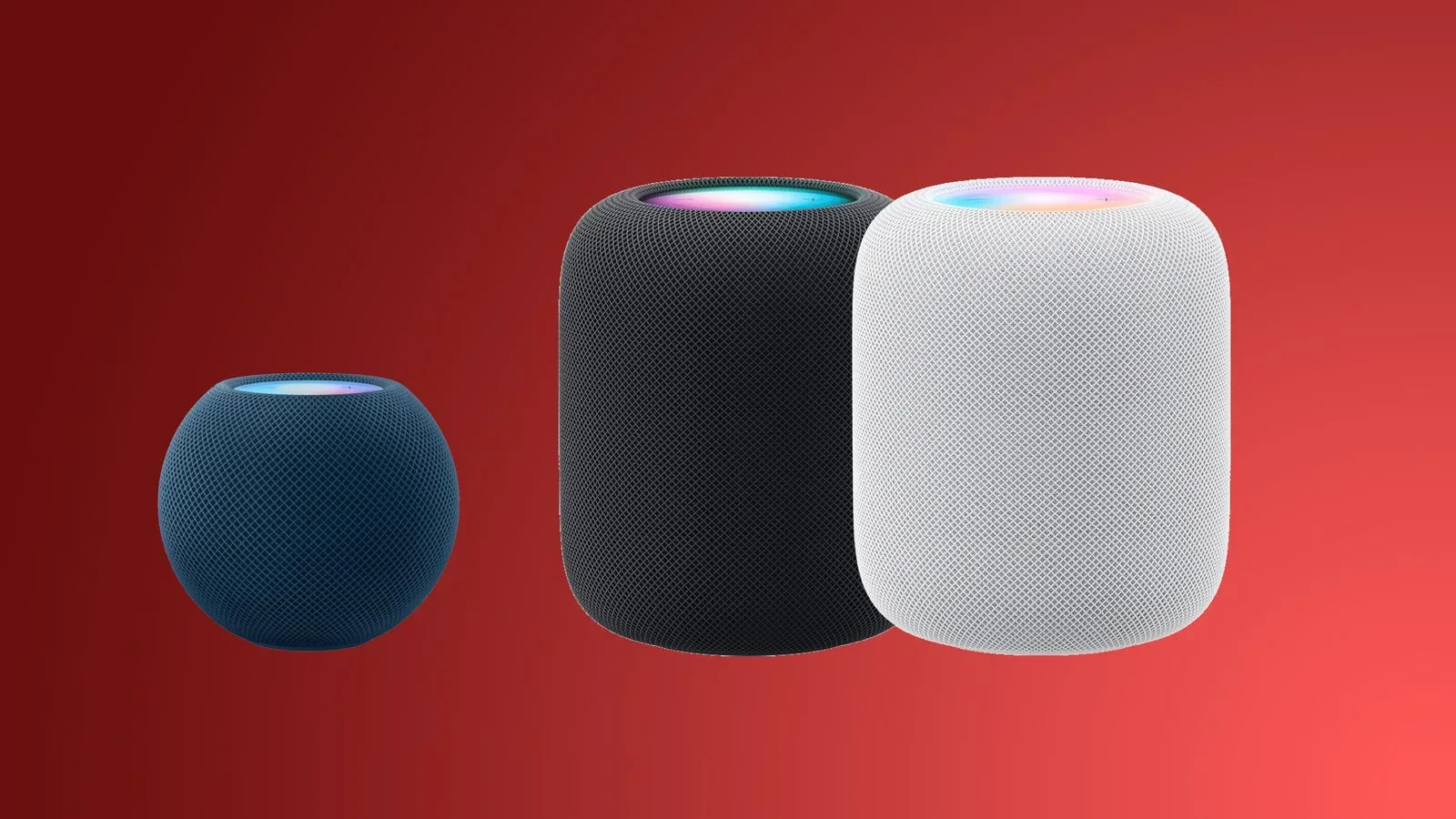
Apple has released HomePod Software 27 for both the HomePod and HomePod mini, bringing an Apple Music feature built around uninterrupted listening alongside claimed AirPlay performance improvements. The update arrived September 14, 2026, at the same time as iOS 27, iPadOS 27, and macOS Golden Gate.
The headline addition is AutoMix support in Apple Music. Rather than treating every track change as a hard stop followed by a fresh start, AutoMix is designed to blend songs into one another in a DJ-style sequence. Apple says the feature uses time stretching and beatmatching to create continuous playback.
For a speaker that is frequently asked to handle a room’s music without anyone standing near a screen, that is a practical shift in emphasis. The update is not framed as a giant reinvention of the HomePod experience. It is a focused release aimed at making music sessions feel more fluid, while also improving the connection path used when people send audio to a speaker from another Apple device.
AutoMix brings continuous Apple Music playback to HomePod
AutoMix is available through Apple Music with HomePod Software 27. Its stated purpose is to manage transitions between songs more smoothly, with techniques associated with DJ mixing: adjusting timing through time stretching and matching beats as one track gives way to the next.
That description matters because it draws a distinction between merely putting songs in a queue and actively shaping how the end of one track meets the beginning of another. Continuous playback can make a difference for playlists, parties, workouts, background music, or any situation where repeated silence between tracks undercuts the mood. The HomePod’s role in that setup is straightforward: it becomes a destination for the Apple Music session rather than just a speaker waiting for the next individual command.
Apple has not provided additional detail here on which playlists, genres, tracks, regions, account types, or listening modes may affect AutoMix behavior. It also has not outlined user controls or settings specific to the HomePod implementation. What is confirmed is narrower but useful: HomePod and HomePod mini owners running Software 27 can use AutoMix when listening through Apple Music.
The feature’s arrival also gives HomePod owners a music-focused reason to take the update beyond routine maintenance. Software releases for smart speakers can often be invisible when everything is functioning normally. A transition feature is immediately noticeable in the right listening session, even if its best outcome is simply that listeners stop thinking about transitions altogether.
AirPlay is promised to feel quicker and more responsive
HomePod Software 27 also includes improved AirPlay performance. Apple says connections should be faster and more responsive when sharing music from an iPhone, iPad, or Mac to a HomePod.
AirPlay sits at the center of the Apple-device-to-speaker workflow. A person may start with music on an iPhone, choose a HomePod as the playback destination, and expect the handoff to happen without an awkward delay. The same is true of an iPad or Mac used to send music across the home. Faster, more responsive connections address that basic expectation rather than adding an entirely separate feature to learn.
Apple’s description does not attach measurements to the improvement, so there is no stated latency figure, connection-time comparison, or list of specific AirPlay scenarios that have changed. It would be premature to turn “improved performance” into a promise about every network configuration or use case. Still, the update explicitly targets the responsiveness of sharing music from iPhone, iPad, and Mac, which makes AirPlay a central part of the release rather than a footnote.
The timing also makes the broader platform update cycle relevant. Apple released new operating systems across its devices on the same day, including updates for iPhone, iPad, and Mac—the three device families named in the HomePod AirPlay notes. Apple TV 4K also received an update with AirPlay changes; readers tracking that side of the living-room setup can see the related details in our coverage of tvOS 27’s AirPlay improvements and other Apple TV 4K changes.
Bug fixes and security updates are part of the package
Alongside AutoMix and AirPlay work, HomePod Software 27 contains bug fixes and security updates. Apple has not specified the individual bugs or security items in the release description supplied with the update announcement.
That absence of detail does not make these parts of the release unimportant. A HomePod is intended to remain connected within a household’s device setup, so maintenance updates are part of keeping its software current. Owners interested mainly in the new music feature still receive those fixes as part of the same Software 27 installation.
As always with a concise update summary, users should avoid assuming that an unlisted issue is definitely fixed or that any particular connectivity problem will be resolved. The confirmed wording is simply that bug fixes and security updates are included. Apple has not identified further technical changes in this release.
How to install HomePod Software 27
HomePod Software 27 can be installed using the Home app on an iPhone, iPad, or Mac. The route is:
- Open the Home app.
- Select the More button.
- Choose Home Settings.
- Select Software Update.
- Install the available HomePod software update.
For households that have automatic updates enabled, no manual trip through those menus should be necessary: Apple says HomePod Software 27 will install automatically. That means the update path differs depending on how the HomePod’s update preferences are set, but both the original HomePod and HomePod mini are included in the release.
It is worth separating the devices and services named in this update from details Apple has not provided. The supported speaker models are HomePod and HomePod mini. AutoMix is identified as an Apple Music feature. The AirPlay improvements specifically cover sharing music from iPhone, iPad, or Mac. The release notes do not describe a new HomePod hardware model, a separate purchase, or any newly announced feature outside those areas.
A small update aimed at the moments between songs
HomePod Software 27’s most distinctive change is not a new voice command or a visual redesign. It is the effort to make the space between songs less conspicuous. AutoMix uses time stretching and beatmatching to carry playback onward, while AirPlay changes are meant to reduce friction before music reaches the speaker in the first place.
That pairing gives the update a clear throughline. One part concerns getting audio from an iPhone, iPad, or Mac to the HomePod more promptly. The other concerns keeping Apple Music moving once the playlist is underway. Add the included bug fixes and security updates, and Software 27 is a compact release with a practical focus on the everyday music experience.
Owners who rely on automatic updates may find the changes arrive without much ceremony. Those who prefer manual control can check the Home app’s Software Update area. Either way, the notable new capability is now part of the software picture for HomePod and HomePod mini: Apple Music AutoMix, built to turn a sequence of songs into a more continuous mix.