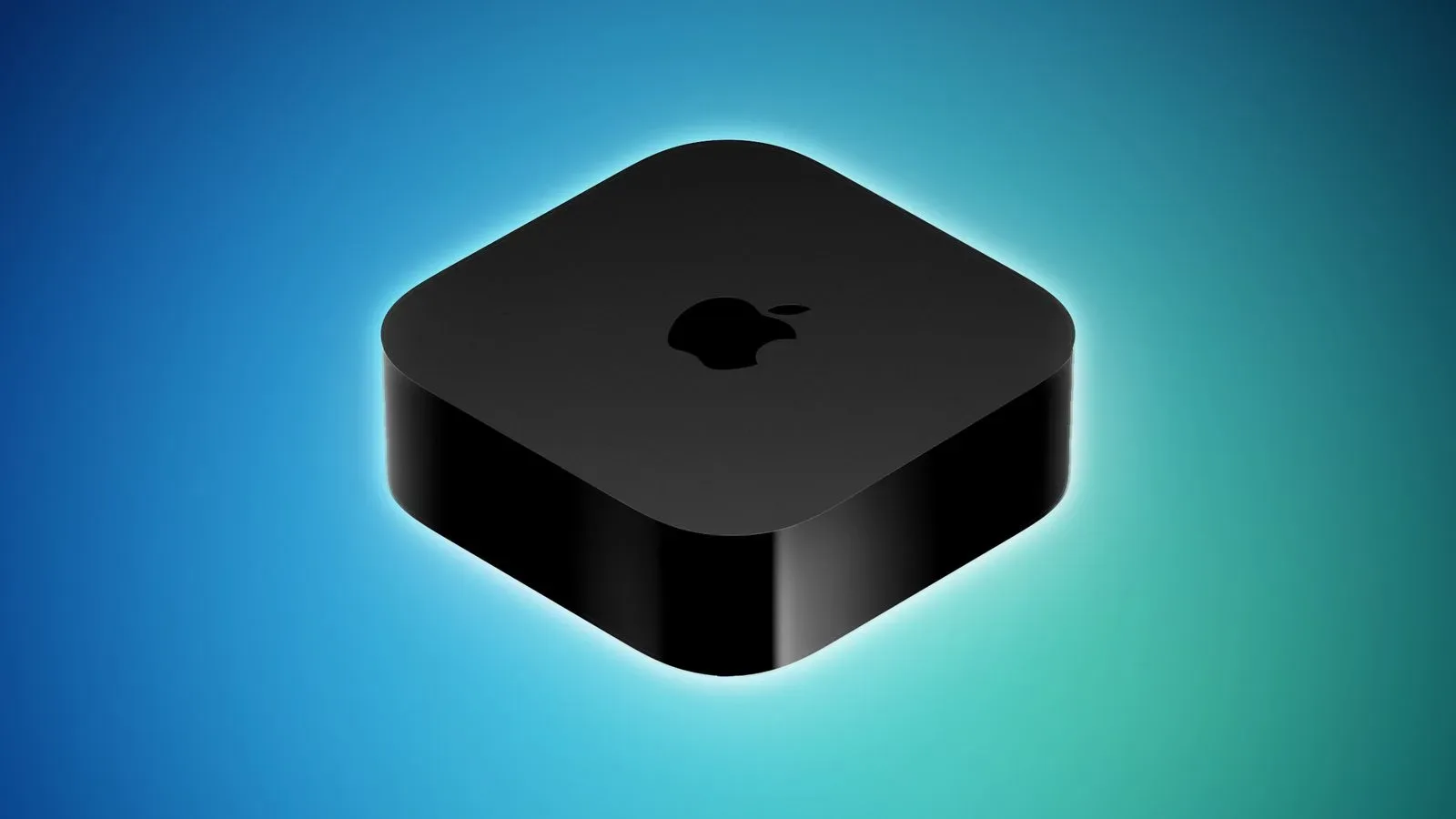
Apple has released tvOS 27, the latest software update for compatible Apple TV 4K hardware, following several months of beta testing. The update is free, and it focuses on the kind of living-room refinements that do not necessarily demand a new remote-control muscle memory: a refreshed Podcasts app, more flexible text and subtitle presentation, a more responsive Control Center, plus speed improvements for AirPlay, application launches, and interface animation.
For people who use an Apple TV as a streaming box, an audio hub, or the device that gets asked to display somebody else’s phone photos at family gatherings, the headline is fairly straightforward. tvOS 27 is intended to make routine navigation and media playback feel more polished while offering more control over readability. There is, however, a firm compatibility cutoff: the update supports the second-generation and third-generation Apple TV 4K, while the Apple TV HD and the original first-generation Apple TV 4K are not supported.
How to install tvOS 27
Owners of a supported Apple TV 4K can manually look for tvOS 27 through the device’s Settings app. The path is:
- Open Settings on Apple TV.
- Select System.
- Choose Software Update.
- Install tvOS 27 if it is presented as available.
Apple TV units configured to install software automatically should receive the update without requiring that manual trip through Settings. That is convenient for households that prefer the box beneath the television to remain as close as possible to an appliance: turn it on, pick an app, and do not schedule an evening around operating-system upkeep.
As with any platform update, it is sensible to verify the model before setting expectations around the new features. “Apple TV 4K” has covered multiple generations, and tvOS 27’s support list does not extend to every device that has ever worn that name. The specific supported hardware is the second-generation Apple TV 4K and the third-generation Apple TV 4K.
The compatibility line: 4K models move forward, older boxes stay put
The largest practical detail in this release may be the hardware boundary. tvOS 27 drops support for two older products:
- Apple TV HD
- First-generation Apple TV 4K
That means those devices will not receive tvOS 27’s redesigned Podcasts experience, its larger-text and customizable-subtitle options, or the stated responsiveness enhancements. A device continuing on an older operating-system version is not automatically useless, of course; it simply does not gain this particular release’s features.
For collectors and longtime Apple hardware owners, the distinction is also a reminder that model names can hide meaningful generational differences. The Apple TV HD and the first Apple TV 4K may look familiar in a media cabinet, but they now sit outside the active tvOS 27 upgrade path. Anyone troubleshooting why a Software Update screen does not offer the new version should start with that fact, rather than repeatedly asking the little black box to discover a software release it is not eligible to receive.
A redesigned Podcasts app for the big screen
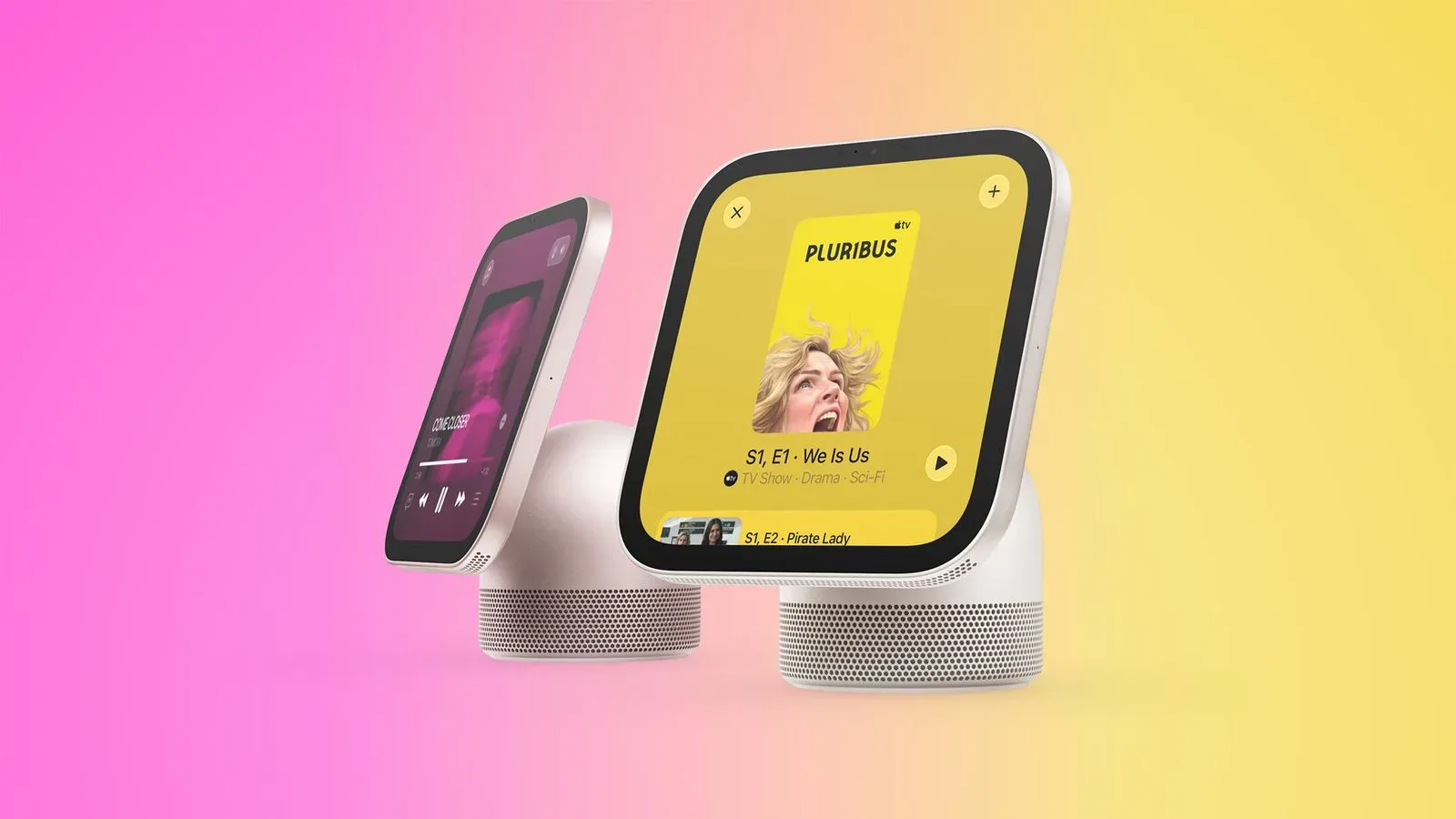
Among the visible feature changes, tvOS 27 includes a redesigned Podcasts app. Podcasts are a natural fit for television platforms even when the screen itself is not the center of attention: episodes can play through a home theater while users browse, cook, work, or simply avoid staring into the middle distance during a long monologue about vintage controller plastics.
The release identifies the app redesign but does not spell out every change to its layout or workflow. The safe expectation, then, is a newly designed Apple TV Podcasts experience rather than a promise of a particular discovery tool, queue behavior, visual treatment, or exclusive function. Users interested in the specifics should explore the app after updating instead of assuming that a redesign necessarily alters every part of their listening routine.
Its inclusion nevertheless gives tvOS 27 a clear media-focused identity. Apple TV’s main job is presentation: getting video, music, and spoken-word content onto the largest convenient display and through the preferred speakers. Improving a built-in listening app speaks directly to that role, without turning a system release into a pile of features users may never encounter.
More control over text and subtitles
tvOS 27 adds options for larger text and customizable subtitles. On a television, readability is not a cosmetic concern. Seating distance, screen size, room lighting, a program’s color grading, and individual visual needs all affect whether menus and captions are comfortable to follow. An option that looks minor on a specification list can matter every day when the user is several feet from the display instead of holding it in hand.
Larger text can make system information easier to parse from the couch. Customizable subtitles can help viewers tailor caption presentation to what works best in their environment. The release does not enumerate every available customization setting, so it would be premature to claim particular font, color, background, placement, or language controls. What is confirmed is that tvOS 27 expands subtitle personalization and provides a larger-text option.
These changes also make sense alongside the broader direction of current Apple software releases. The company’s other version 27 platforms are receiving wide-ranging updates too, including the changes covered in the iOS 27 and iPadOS 27 rollout. tvOS 27 is more narrowly focused in the details available here, but readability and quick access remain relevant wherever an interface meets a user.
Control Center and performance improvements
Apple says the Control Center is more responsive in tvOS 27. Control Center is the place where speed is especially valuable because it exists for immediate adjustments rather than extended browsing. When someone reaches for a setting mid-stream, the ideal experience is that the panel appears promptly and responds without making the room wait for the interface to catch up.
The update also brings several performance-oriented claims:
- AirPlay to Apple TV from another Apple device is faster.
- Apps open more quickly.
- Animations are smoother.
Those are useful quality-of-life upgrades, though they should be read with appropriate precision. The available details do not provide measured loading times, animation-frame data, comparisons between individual Apple TV generations, or a list of applications expected to see the biggest change. “Faster” and “smoother” describe the intended behavior; they do not establish a numerical benchmark for every home network, television setup, or app library.
AirPlay is particularly notable because it connects Apple TV to the wider Apple-device ecosystem. Sharing media from another Apple device to the television is often an inherently spontaneous action. Faster handoff means less of the awkward pause between “you need to see this” and the moment it actually appears on the screen. Quicker app launches similarly address one of the least glamorous but most frequent parts of streaming-box use: waiting for a service to open.
Smoother animations are subtle by design. They are not supposed to be the evening’s entertainment. But interface motion shapes the perceived coherence of a system, especially on a device navigated entirely through menus, tiles, overlays, and transitions. If tvOS 27 delivers a more fluid path through those everyday interactions, that refinement will be encountered repeatedly rather than only in a hidden settings page.
What tvOS 27 means for Apple TV owners
tvOS 27 is a free update built around usability rather than a radical reinvention of Apple TV. Its main additions—Podcasts redesign, bigger text, customizable subtitles, a more responsive Control Center, faster AirPlay, quicker app openings, and smoother animation—are each tied to ordinary living-room use. The release appears designed to reduce little points of friction rather than demand that users learn an entirely different television interface.
The decisive first question is compatibility. Owners of a second- or third-generation Apple TV 4K can update through Settings > System > Software Update, or wait for automatic updates if that setting is enabled. Owners of an Apple TV HD or a first-generation Apple TV 4K will remain on their existing supported software track, because tvOS 27 does not support those models.
For eligible hardware, the update is now available. For everyone else, it is also an unusually clear example of why the exact Apple TV generation matters: in the streaming world, the box may be small, but its software future is not.